Prompt Templates and Variables: Write Once, Reuse Every Week
Turn a prompt you like into a reusable template: separate the fixed look from variables, name placeholders well, test values, and keep versions tidy.
Visual AI Club7 min de leitura
Este guia está escrito em inglês.
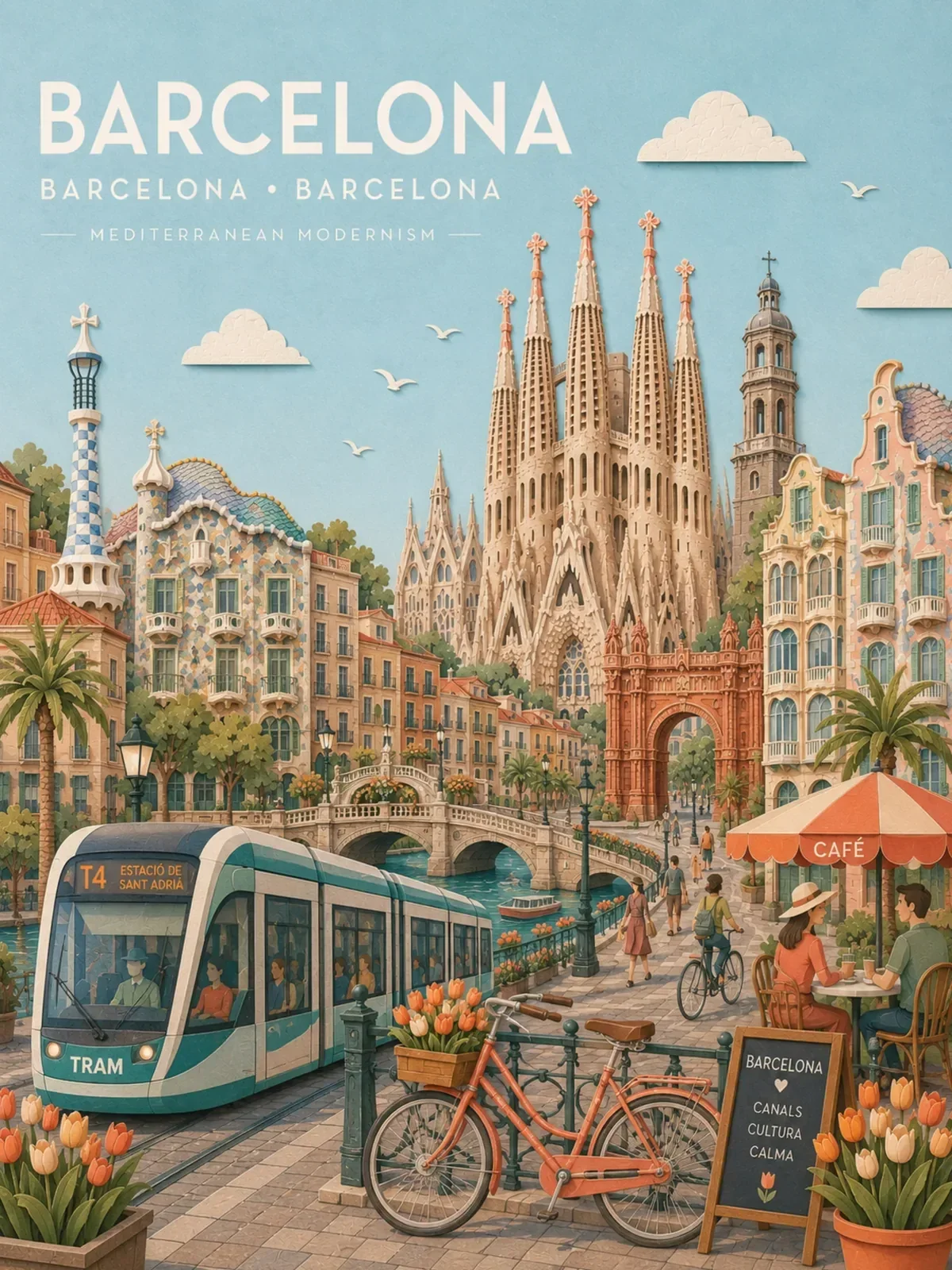
If you make the same kind of image every week, such as a product shot, a city poster or a portrait style for your feed, you should not be writing that prompt from scratch each time. A template separates the parts that define your look from the parts that change, so you can swap a city, a color or a product in seconds and still get a series that belongs together.
This guide shows you how to split a prompt into fixed and variable parts, how to name variables so they get filled in correctly, and how to test a template before you trust it.
The recipe and the ingredients
Every repeatable prompt has two kinds of text. The recipe is what makes the series recognizable: the medium, the lighting setup, the camera angle, the palette, the format. The ingredients are what changes from image to image: the subject, the place, an accent color, a line of text.
A template keeps the recipe word for word and marks each ingredient with a placeholder. Many prompts on this site use double curly braces for that, like {{City Name}} or {{Accent Color}}. The braces are just a convention for humans; you replace them with real values before you paste the prompt into the image tool.
A {{Drink}} in a clear glass on a pale oak table, shot from a 45-degree angle. Soft window light from the left, a gentle shadow falling to the right. Plain {{Wall Color}} wall behind, slightly out of focus. Vertical 4:5 realistic product photo, no text.
An iced matcha latte in a clear glass on a pale oak table, shot from a 45-degree angle. Soft window light from the left, a gentle shadow falling to the right. Plain sage-green wall behind, slightly out of focus. Vertical 4:5 realistic product photo, no text.
Run that template with five drinks and five wall colors and the images will sit together on a feed, because the light, angle, table and format never moved. That consistency is the whole point.
How many variables a template should have
There is a real trade-off here, and two prompts in this library sit at opposite ends of it.
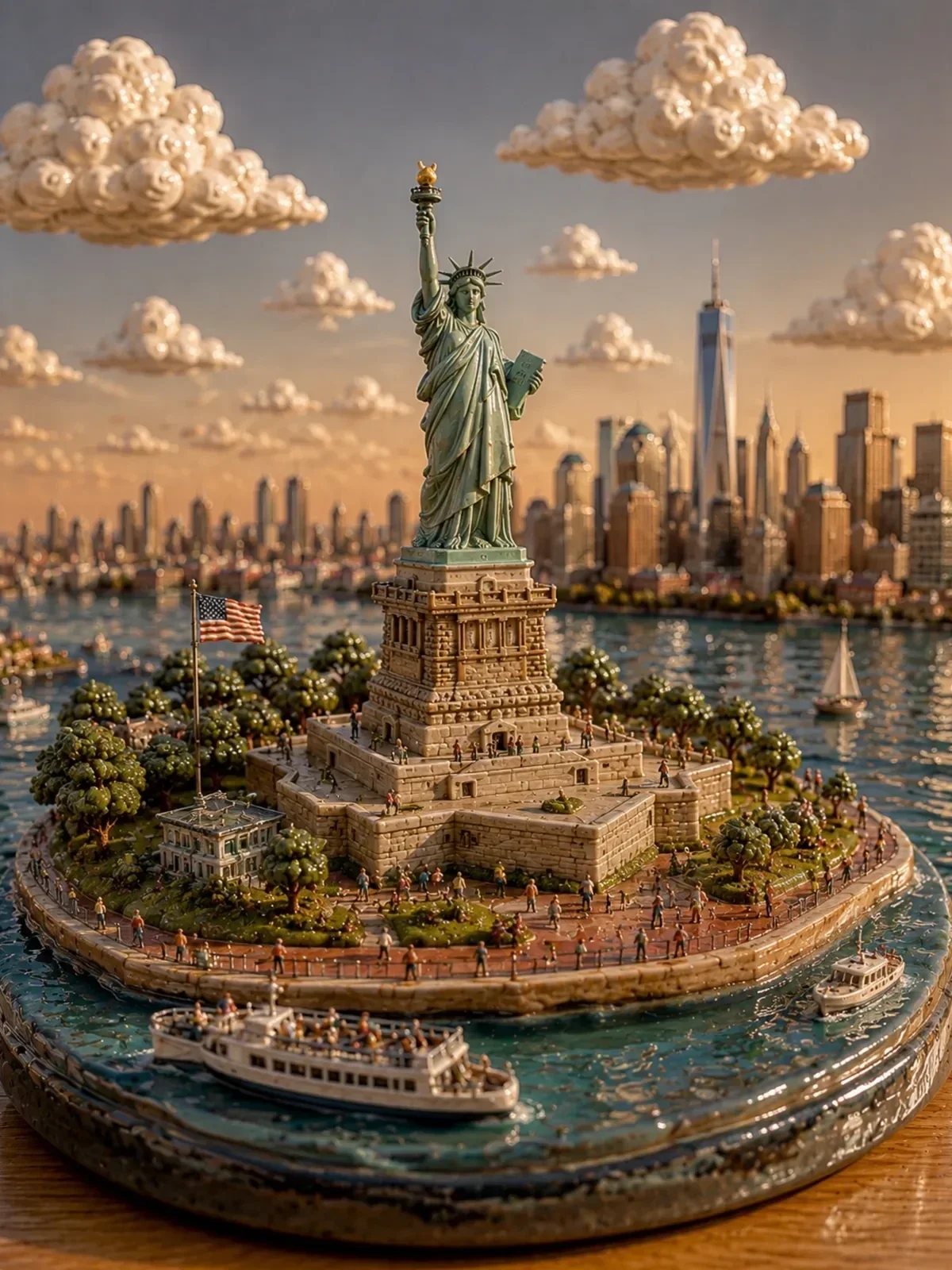

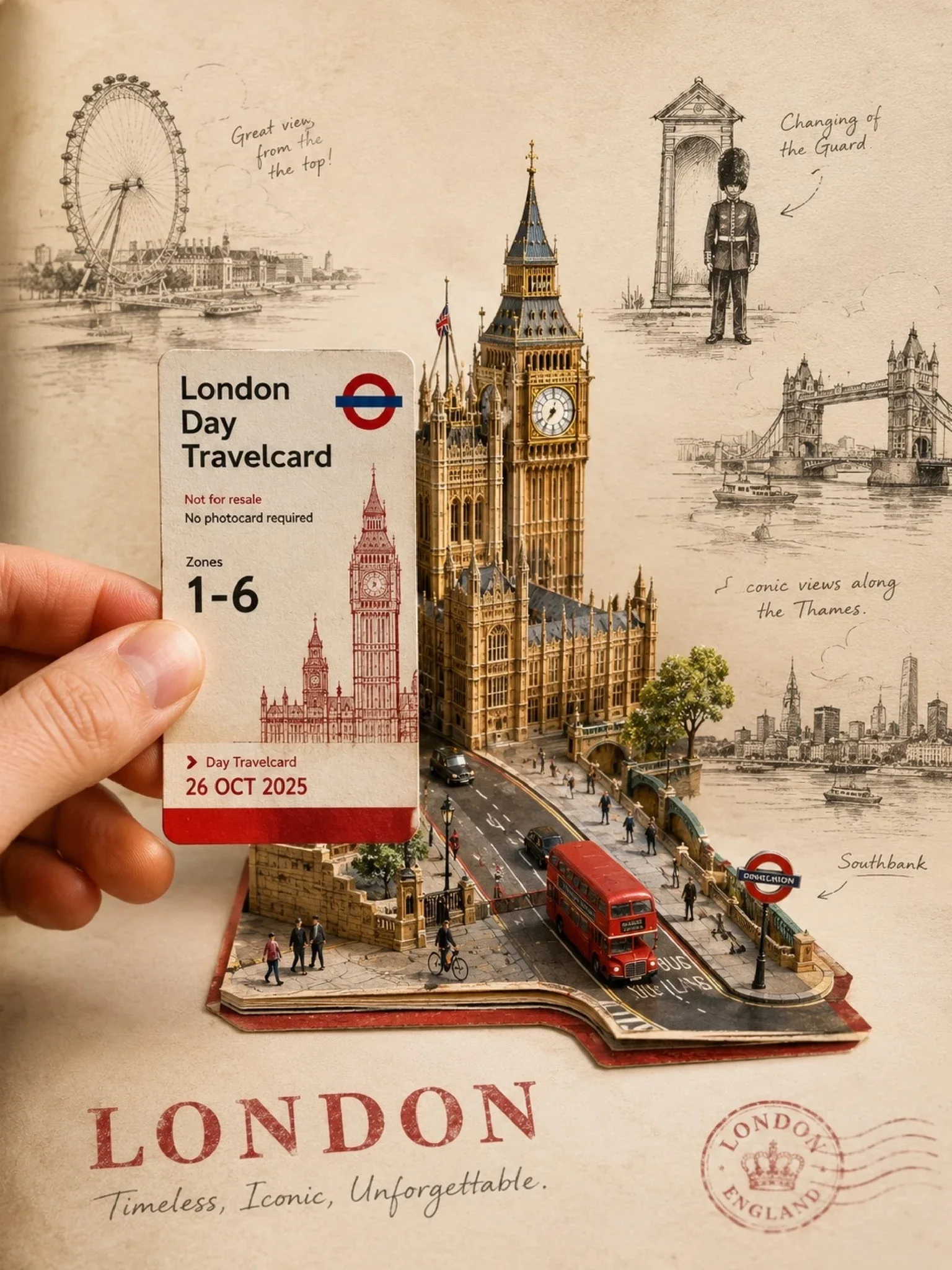
The diorama prompt has a single variable: the landmark. Everything else, from the materials to the tiny travelers, is fixed. The result is a series that looks like one collection, and filling it in takes three seconds. The pastel paper-collage city poster goes the other way, with a dozen variables covering the landmarks, vehicles, architecture, streetscape and an accent color. You get far more control over each city, but every extra field is another decision, and another chance for two values to clash.
- One or two variables: best for a strict series where sameness is the goal, such as a weekly feature or a set of product cards.
- Three to five variables: the practical middle. Enough freedom to make each image specific, few enough to fill in quickly.
- Six or more: worth it for complex, information-rich designs like travel posters, where accuracy about a place matters more than speed.
Start with fewer than you think you need. You can promote a fixed phrase to a variable later, once you notice you keep editing it by hand.
Name variables so they get filled in correctly
A template is only reusable if future you, or a teammate, knows what to type into each slot. Vague names produce vague values, and vague values produce generic images.
- Describe the content, not the slot.
{{Primary Landmark}}is better than{{Thing 1}}. - Hint at the size of the answer.
{{Hero Landmark, one building}}stops someone from typing a list of five monuments. - Give a default. Note a value that is known to work, so the template runs even when nobody is feeling creative.
- List allowed values when the look depends on them. A lighting variable with three tested options is safer than a free-text field.
| Variable | Tested values | Notes |
|---|---|---|
| {{Drink}} | iced matcha latte, espresso tonic, hot chocolate with foam | One drink, described with its visible features |
| {{Wall Color}} | sage green, terracotta, pale blue, warm gray | Muted tones only; saturated walls fight the drink |
| {{Light}} | soft morning window light, late-afternoon warm sun | Default: soft morning window light |
| {{Prop}} | a folded linen napkin, a small bowl of sugar cubes, none | Optional; keep to one prop |
Write the fixed part so it survives any value
The recipe has to work with every value someone might reasonably enter. That is harder than it sounds, because the first version of a template is usually written around the first image you made with it.
Remove hidden assumptions
If your city template says “the river in the foreground”, it breaks for every city without a river. If your portrait template says “her hair blowing in the wind”, it does not fit everyone. Either turn the assumption into a variable or rewrite it in general terms: “a local waterfront, park or square in the foreground”.
Keep the grammar intact
Read the template aloud with a short value and a long one in each slot. “A {{Drink}} in a clear glass” reads oddly with “espresso” and a mismatched article. Small grammar breaks rarely ruin an image, but they make it easier for the model to misread which word belongs to which object.
Constrain variables that touch the recipe
If the recipe fixes a soft pastel palette, an accent color variable set to “neon green” will fight it. Either limit the allowed values or describe the variable in relation to the recipe: “{{Accent Color}}, used sparingly, softened to a pastel tone”.
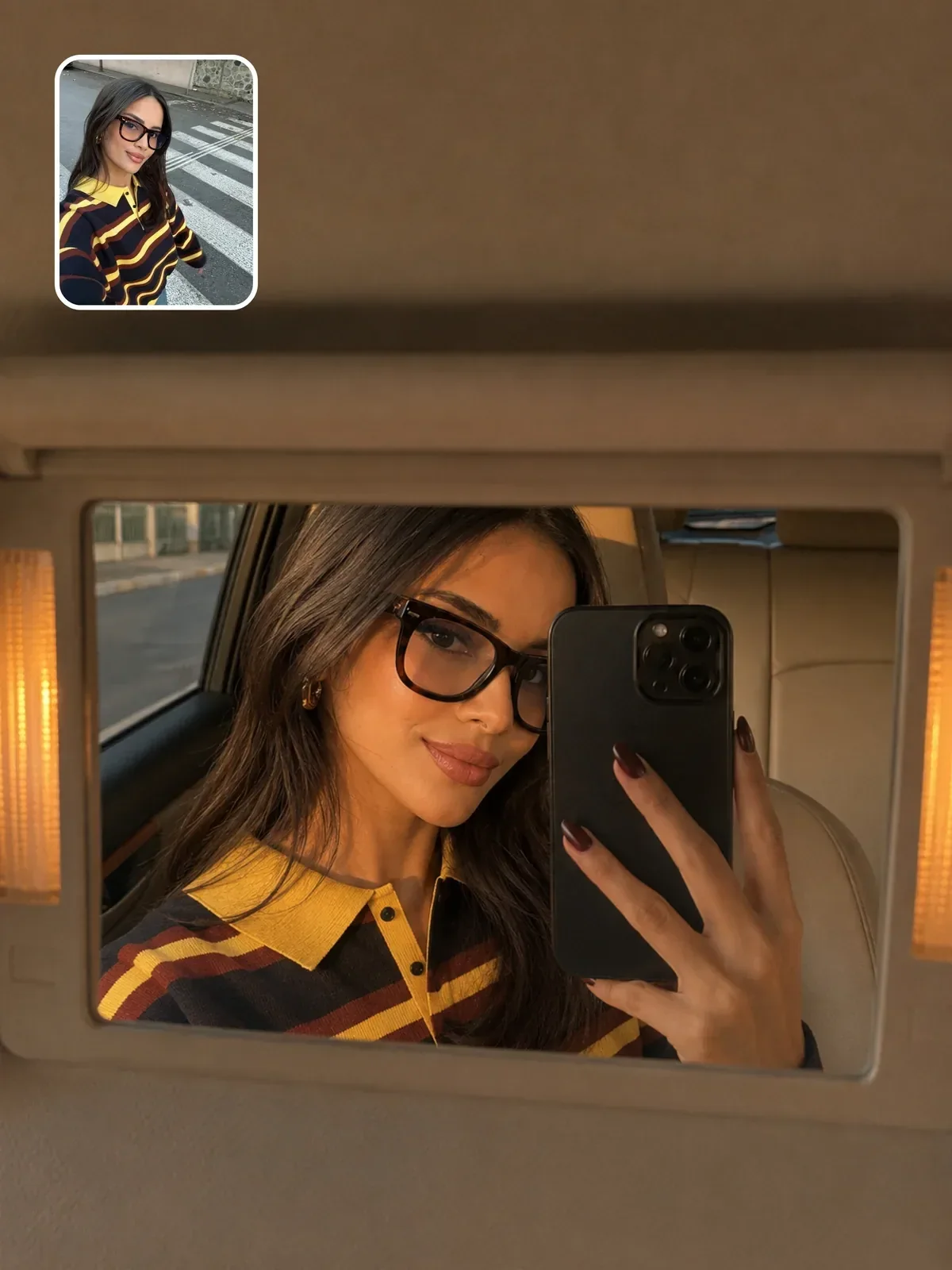
That prompt makes its knobs explicit: sunglasses color, phone color, interior color, lighting and mood. The identity lock and the vanity-mirror composition stay fixed, which is exactly the split you want. Small styling choices vary; the structure of the image never does.
Templates that start from a photo
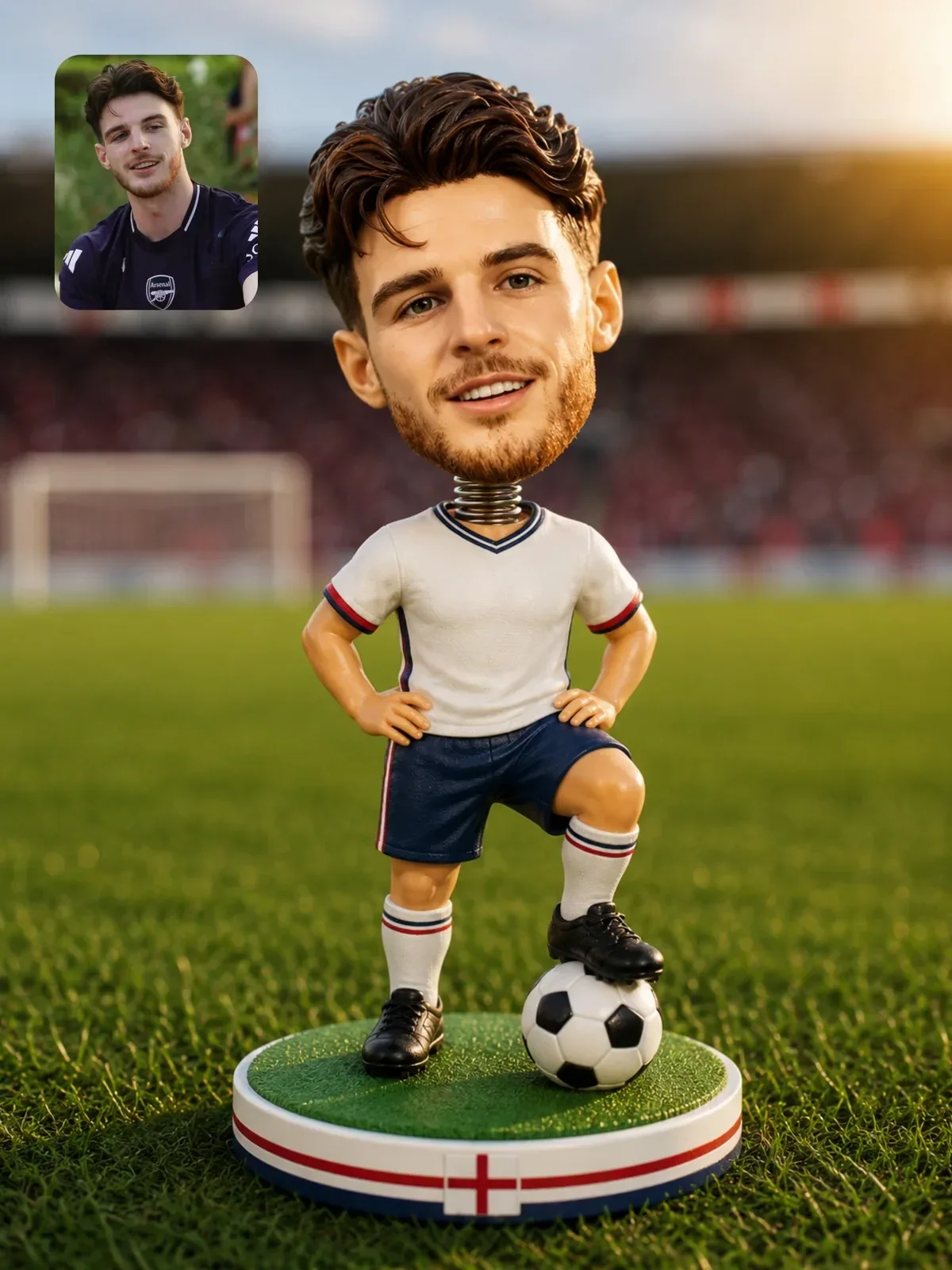
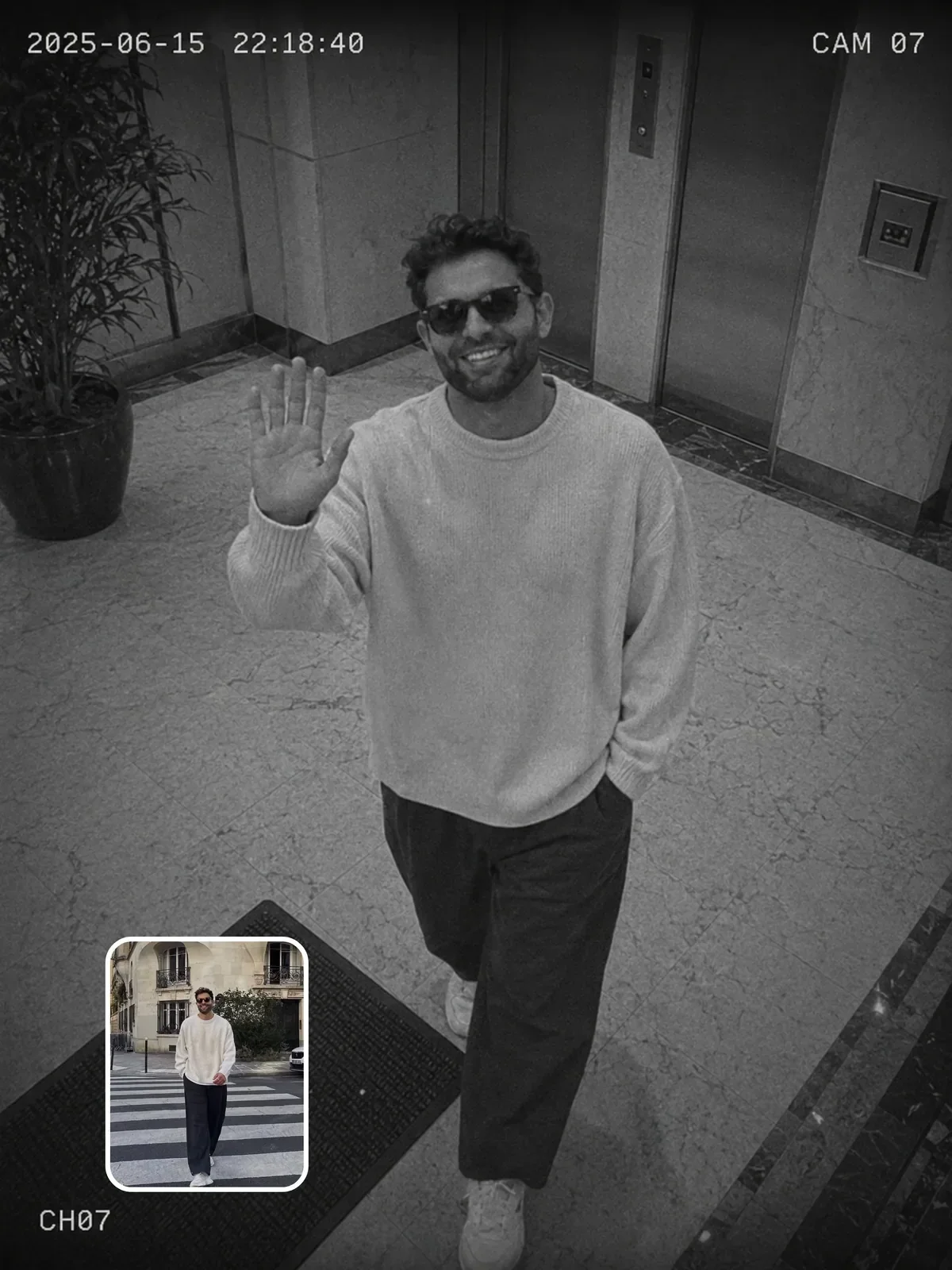
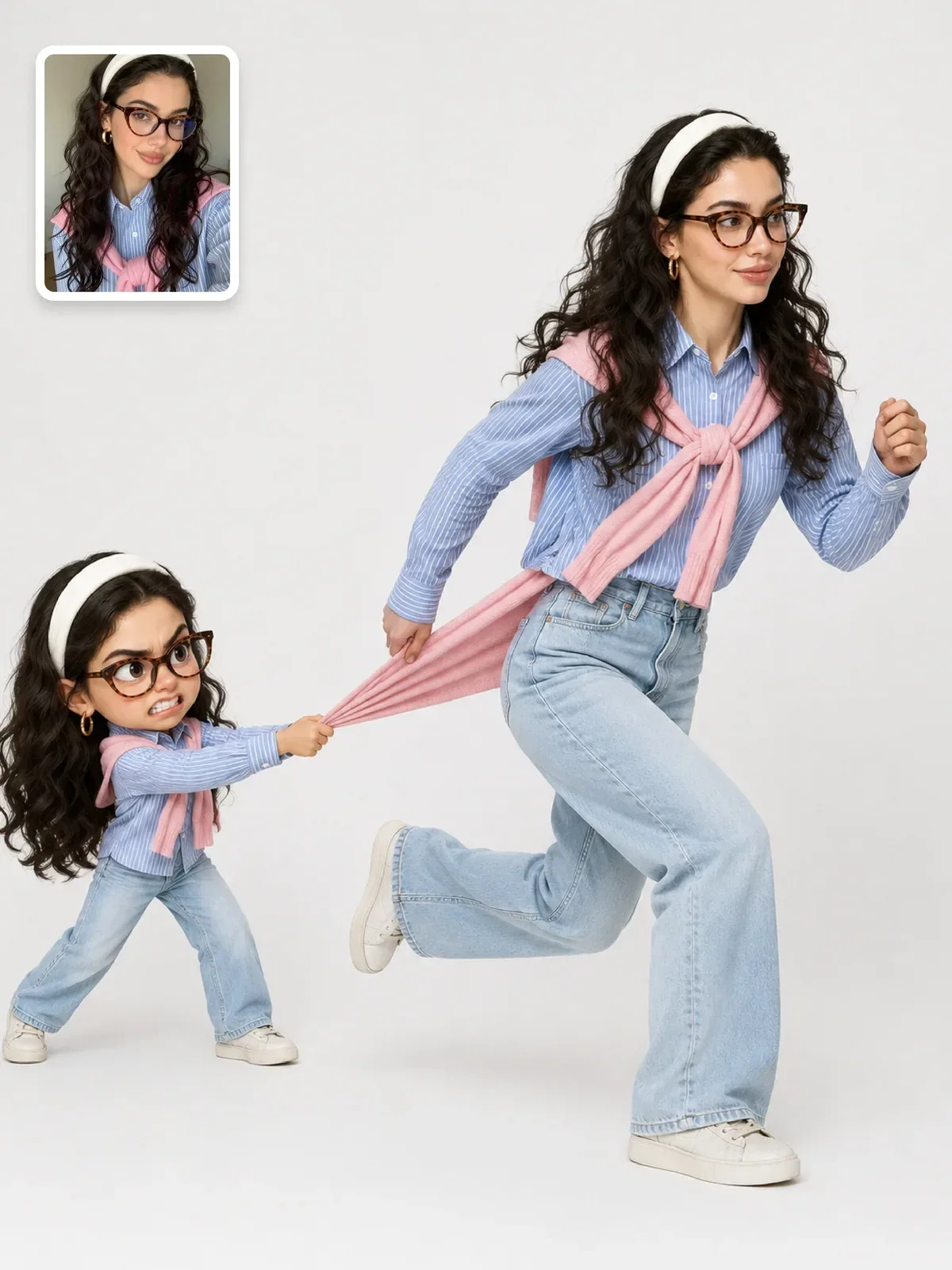
When a template transforms an uploaded photo, the uploaded image is effectively the main variable, and that changes what belongs in the recipe. The identity lock, the format and the instructions about what to preserve must be fixed text, written once and never edited casually. If those lines change between runs, your series will drift in likeness as well as style.
Put the variables for this kind of template in the scene, not the person: the location, the time of day, an outfit color, a prop. Avoid variables that describe the person’s face or body at all. The reference photo already carries that information, and a text slot like “{{Hair Color}}” invites someone to change a feature the lock is supposed to protect. The guide on keeping a person recognizable explains which features to lock.
One more rule for photo templates: note in the record what kind of reference photo works. “Front-facing, waist-up, even daylight” saves the next person a round of failed generations.
Test a template before you rely on it
A template that works for one value has been tried, not tested. Run a small matrix: change one variable at a time across three very different values while every other variable stays at its default.
- Fill every variable with its default and generate. This is your baseline.
- Change the first variable to an easy value, a typical value and an extreme value. Generate each.
- Return that variable to its default and repeat with the next variable.
- Note any value that breaks the look, and either rule it out or adjust the recipe so it works.
Extreme values are where templates fail. A city template should be tried with a megacity and a small coastal village; a product template with something tall and something flat. The same discipline is described in iterate like a photographer.
Generate at least two images per test value before you judge. One image tells you what can happen; two or three tell you what usually happens.
Store templates with their history
Keep each template as a small record rather than a loose snippet. Include the template text, the variable list with defaults and tested values, two or three example outputs, and a short change log such as “v3: moved the light sentence before the background, shadows now consistent”. When a result suddenly gets worse, the log tells you what you changed.
How to organize your personal prompt library covers storage in more depth, and planning a week of Instagram content shows a template in use across a full posting schedule.
Build your first template in twenty minutes
- Pick a prompt that already gave you an image you liked.
- Underline every phrase you would change for the next image. Those are your candidate variables.
- Keep at most four. Turn the rest back into fixed recipe text.
- Replace each with a descriptive placeholder and write a default value next to it.
- Read the template with a short and a long value in each slot and fix any assumptions or grammar breaks.
- Run the one-variable test matrix and record which values worked.
- Save it with a version number. Next week, you fill in the blanks instead of starting over.