Midjourney or ChatGPT Images? Picking the Right Tool for the Job
When to use Midjourney and when to use ChatGPT's image generation: how each reads a prompt, which jobs suit each tool, and how to combine them in one workflow.
Visual AI Club7 мин чтения
Этот гайд написан на английском.
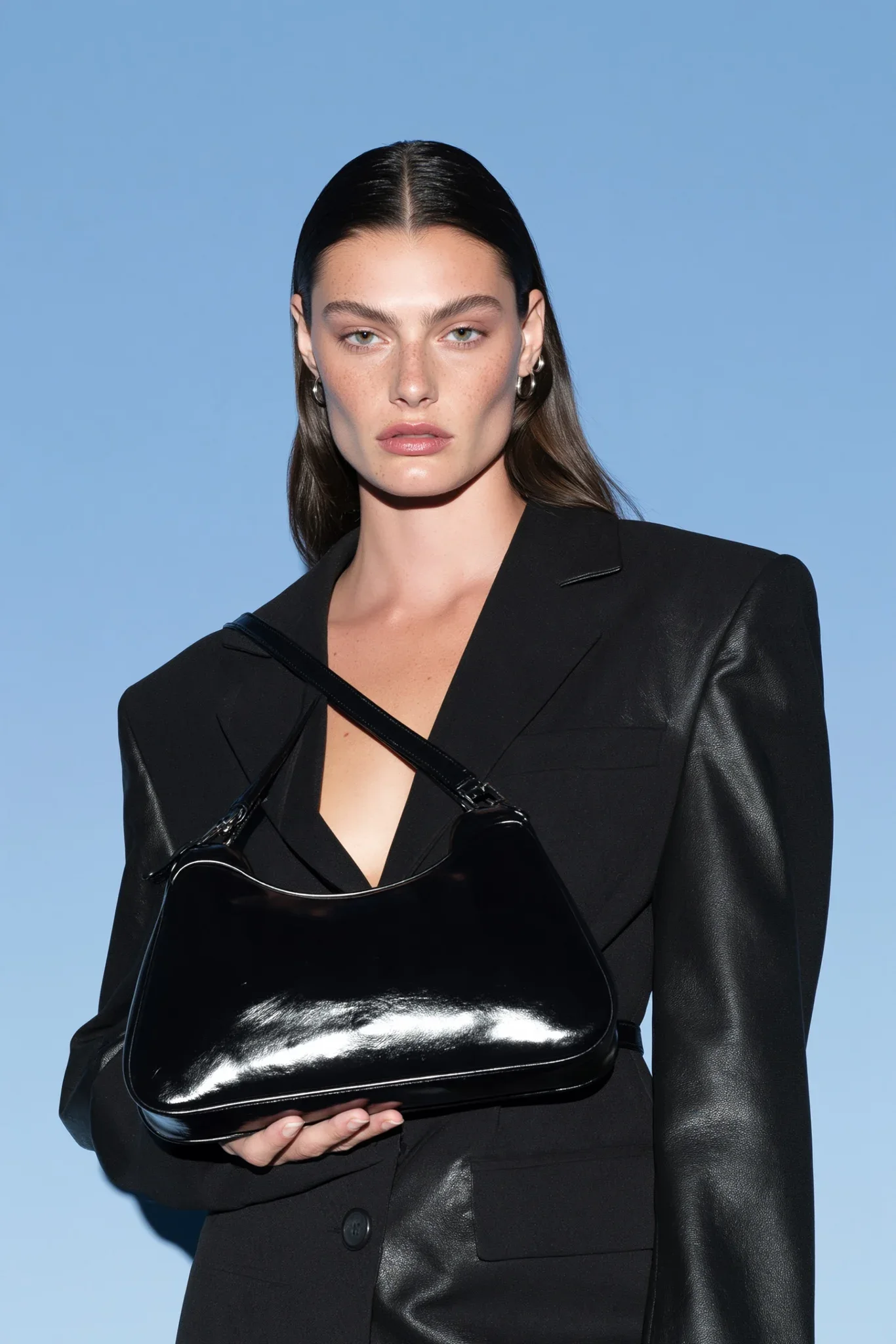
Midjourney and ChatGPT's image generation can both make a beautiful picture, but they get there differently, and that difference decides which one you should open for a given job. This guide shows you how each tool reads your words, which tasks suit each one, and how to write the same brief for both.
Two different ways of listening
The quickest way to understand the split is to look at how you talk to each tool.
ChatGPT: a conversation with an assistant
ChatGPT's image generation sits inside a chat. You can write in full sentences, upload a photo, ask for a change, and then ask for another change on top of that. The model treats your prompt more like a brief from a client: it tries to follow every instruction, in order, including layout, exact text and small details.
That makes it strong at obedience. If you say the mug is on the left, the plant on the right and the sign reads "OPEN", you usually get exactly that. It also means long, structured prompts with sections (format, identity, lighting, background) work well, which is why many prompts in our library are written that way.
Midjourney: a style engine with a strong eye
Midjourney has a recognizable aesthetic of its own. Even a short, loose prompt comes back with rich light, confident color and a polished finish. You typically get several variations per prompt and steer by picking, varying and refining the one you like.
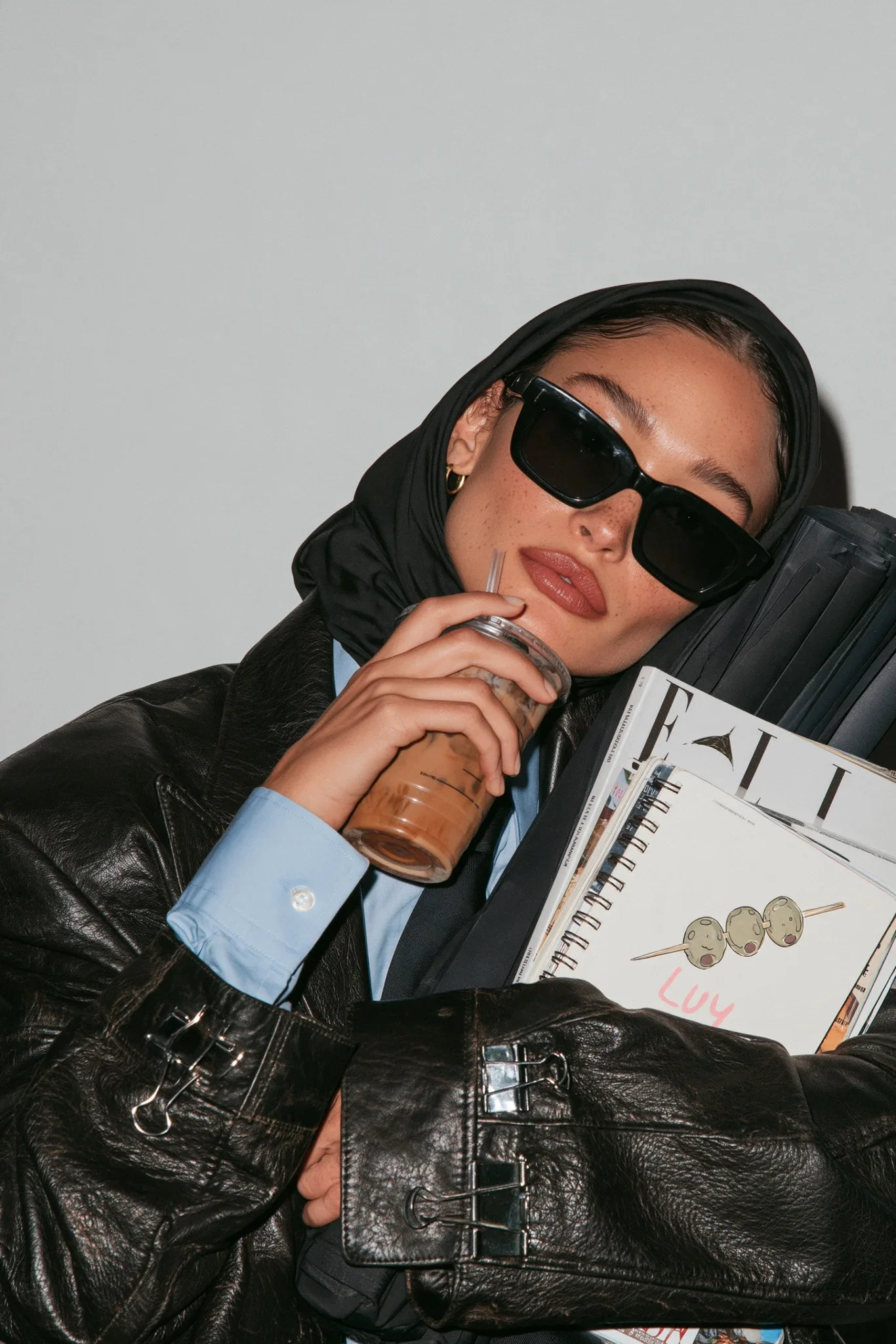
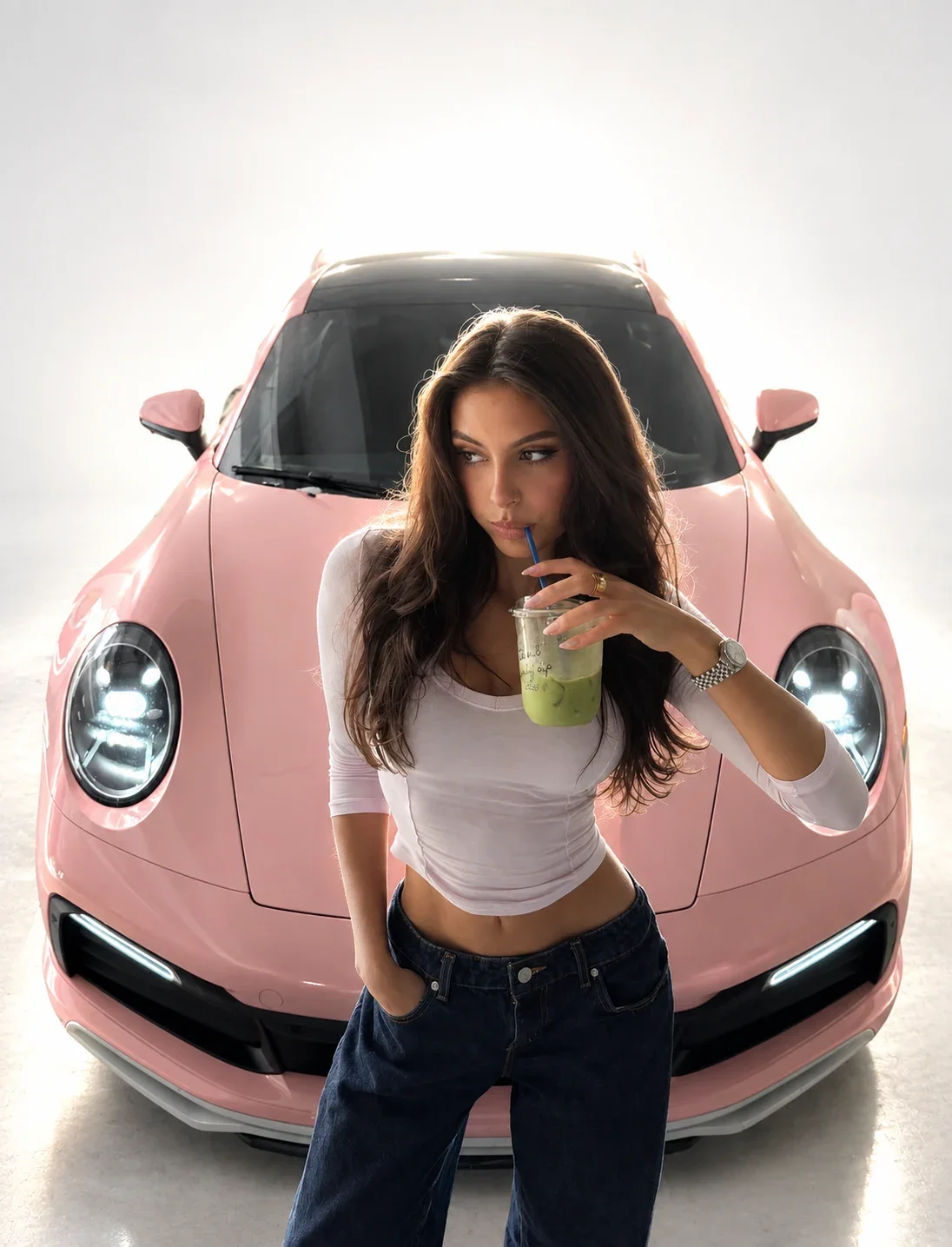
It responds well to compact, descriptive phrases and to parameters written at the end of the prompt, such as --ar for aspect ratio, --stylize for how strongly its own taste is applied, and --chaos for how different the variations are from each other. Look at the blue background editorial portrait prompt: a single sentence of description, then a row of parameters doing a lot of the work.
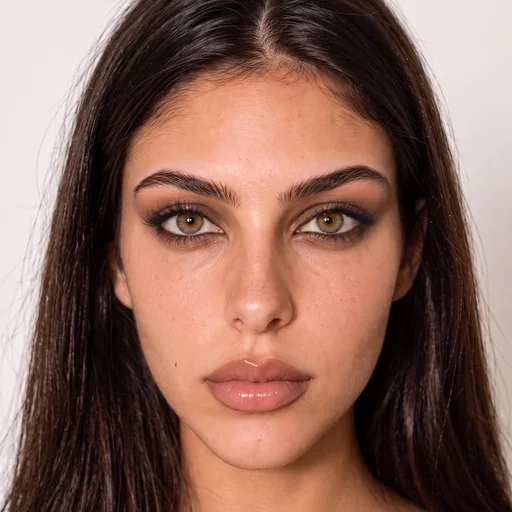
Which tool for which job
This is how we split the work in practice. It's not a ranking; both tools change often, and your own tests matter more than any table. Treat it as a starting point.
| Job | Usually reach for | Why |
|---|---|---|
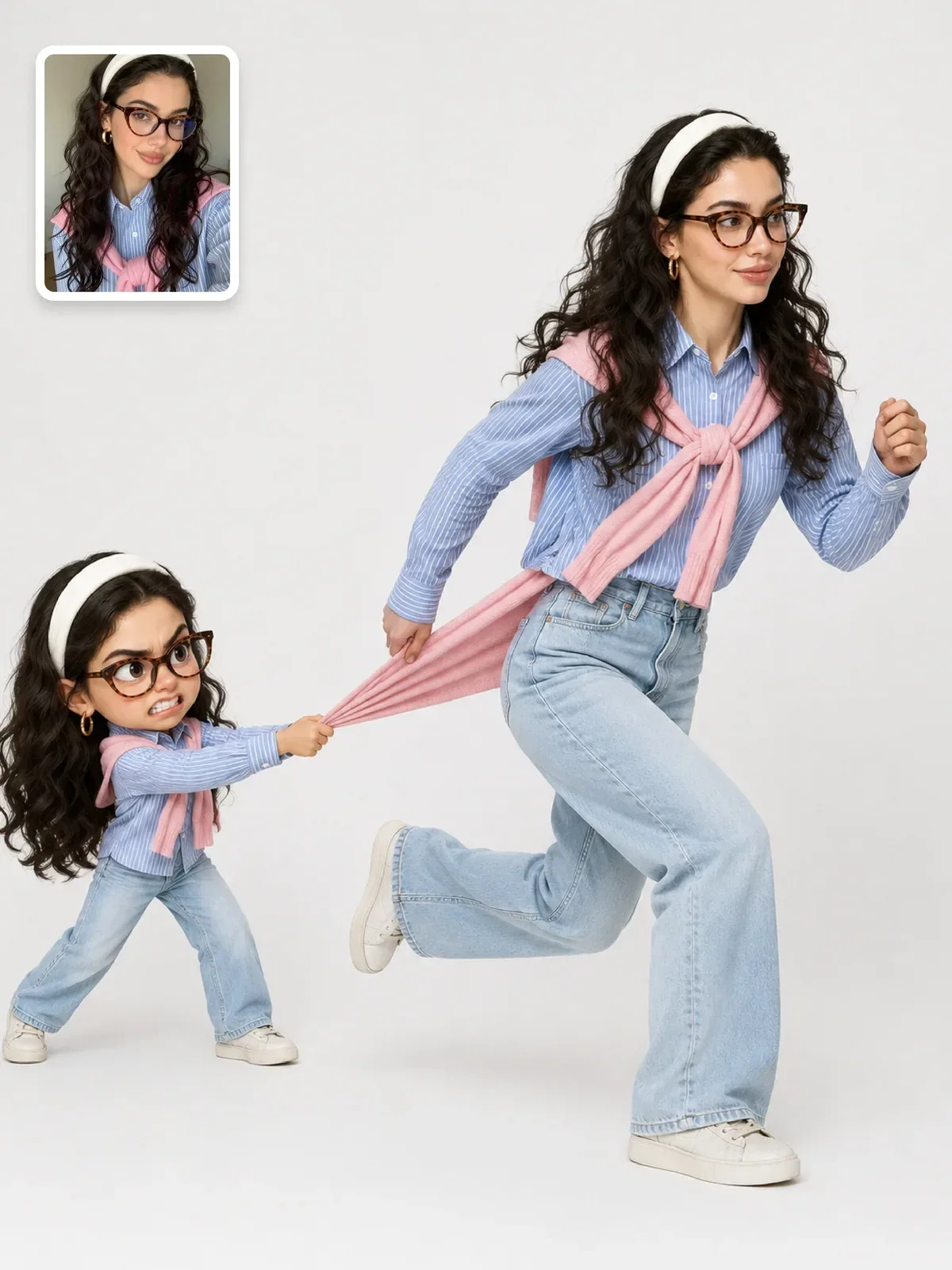
| Editing your own photo while keeping the person recognizable | ChatGPT | upload, describe the change, refine in conversation |
| Posters, covers and anything with exact words | ChatGPT | follows quoted text and layout instructions closely |
| Precise product or layout briefs | ChatGPT | respects placement, counts and named details |
| Mood boards and visual exploration | Midjourney | strong default aesthetic, many variations quickly |
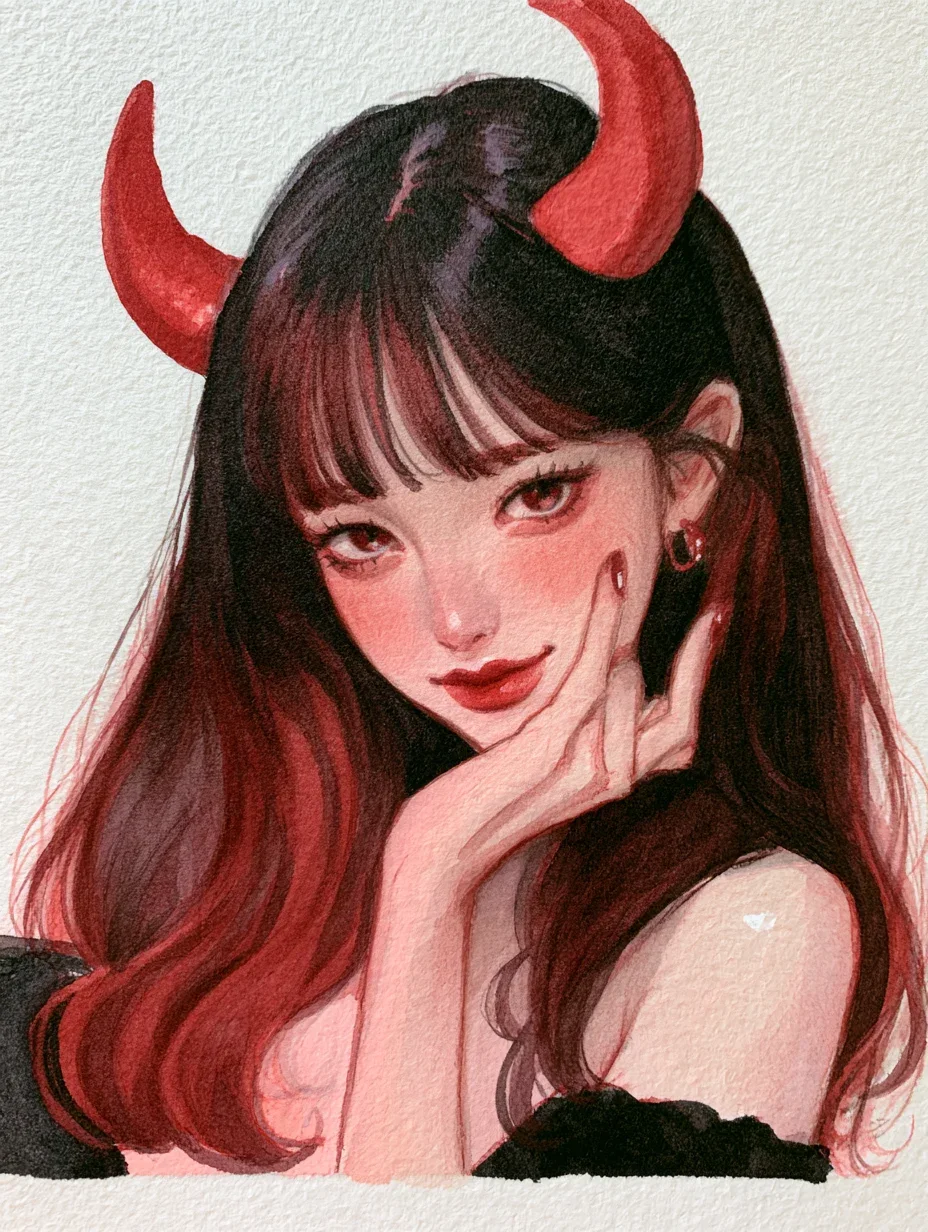
| Painterly illustration and textured art | Midjourney | rich surface texture and color with short prompts |
| Fashion and editorial concepts | Either | Midjourney for look, ChatGPT for a specific person or outfit |
| A series of images in one consistent style | Either | reference images in Midjourney, one long chat thread in ChatGPT |
When you can't decide, ask yourself one question: do I already know exactly what I want, or am I looking for ideas? A precise picture in your head favors ChatGPT. An open search for a look favors Midjourney.
Notice that the table is about jobs, not about quality. Both tools can produce a frame you'd happily print. The question is how much steering each one needs to reach your frame, and if you can repeat it next week with a different subject. A tool that gets you 90 percent of the way on the first try but resists the last 10 percent is the wrong tool for a client brief, and often the right one for a mood board.
The same brief written for each tool
A good way to feel the difference is to write one idea twice. Here is a simple brief: a ceramicist in her studio, warm afternoon light, calm mood, room for a title.
A photo of a ceramicist in her mid-thirties shaping a bowl on a pottery wheel in a small sunlit studio. Warm afternoon light from a window on the left, dust visible in the beam. Shelves of unglazed pots behind her, slightly out of focus. Vertical 4:5 frame, subject in the lower two thirds, clean wall space in the top third for a title. Natural skin texture, no text in the image.
ceramicist shaping a bowl on a pottery wheel, small sunlit studio, warm window light, dust in the light beam, shelves of raw clay pots, quiet documentary photograph, soft film tones --ar 4:5
The ChatGPT version reads like instructions to a photographer: positions, framing, what to avoid. The Midjourney version reads like a caption for a great photo, followed by a parameter for the frame. Both are good prompts. Swap them, though, and each gets worse: the caption style leaves ChatGPT guessing about layout, and the long instruction style buries Midjourney's attention under sentences it doesn't need.
If you want a refresher on the parts every good prompt shares, read how to write image prompts first; this guide only covers what changes between tools.
Where each one tends to struggle
Common ChatGPT frustrations
- A safe, slightly generic look when the prompt is short. ChatGPT needs you to describe light, lens and texture; it adds less taste on its own.
- Drift across many edits in one conversation. After several rounds, faces and details can slowly change. Restate what must stay identical in every edit.
- Over-smooth skin and overly perfect scenes unless you ask for natural texture and small imperfections.
Common Midjourney frustrations
- Exact instructions get treated as suggestions. Counts, left-right placement and specific text are less reliable.
- The house style can overpower your idea. Everything looks gorgeous, and a little alike. Lowering stylization or using a raw style mode helps when you want a plainer, more literal result.
- Matching a specific real person from a single photo is harder than in a photo-editing workflow. That is a feature as much as a limit; only work with photos of people who agreed to it.
Iterating: rerolling versus editing
The two tools also reward different revision habits, and mixing them up wastes a lot of time.
In Midjourney, a disappointing result is usually a reason to generate again or to vary a frame you like. Small wording changes can shift the whole image, so it pays to change one phrase at a time and compare grids side by side. Keep a note of the exact prompt and parameters behind each keeper; a look you can't reproduce is hard to build a series on.
In ChatGPT, a disappointing result is usually a reason to give an instruction rather than start over. Say what to keep and what to change: Keep the person, pose and background exactly the same. Make the window light warmer and lower, and remove the plant on the right. One change per message is slower than it sounds but faster in the end, because you always know which instruction caused which difference.
Either way, the photographer's rule holds: change one variable, look, then decide. The one-variable-at-a-time guide walks through that habit step by step.
Using both in one workflow
You don't have to pick a side. Many creators use both tools in sequence, each for the part it does best.
- Explore in Midjourney. Run a loose prompt with higher variety and collect three or four frames whose mood, palette or lighting you like.
- Name what you like. Look at your favorite and describe it in words: the light direction, the color palette, the lens feel, the texture. That description is the real output of this step.
- Build in ChatGPT. Write a structured prompt using that description plus your exact requirements: the person in your photo, the product, the text, the layout.
- Refine in conversation. Fix one thing per message in ChatGPT, restating what must not change.
The middle step is the one people skip. Copying an image across tools only gets you so far; translating it into vocabulary you control lasts. The guides on lighting vocabulary and color grading give you the words to describe what you see.


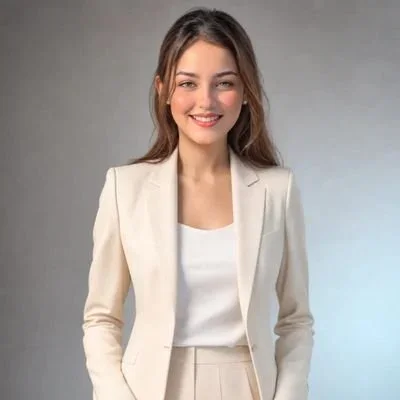
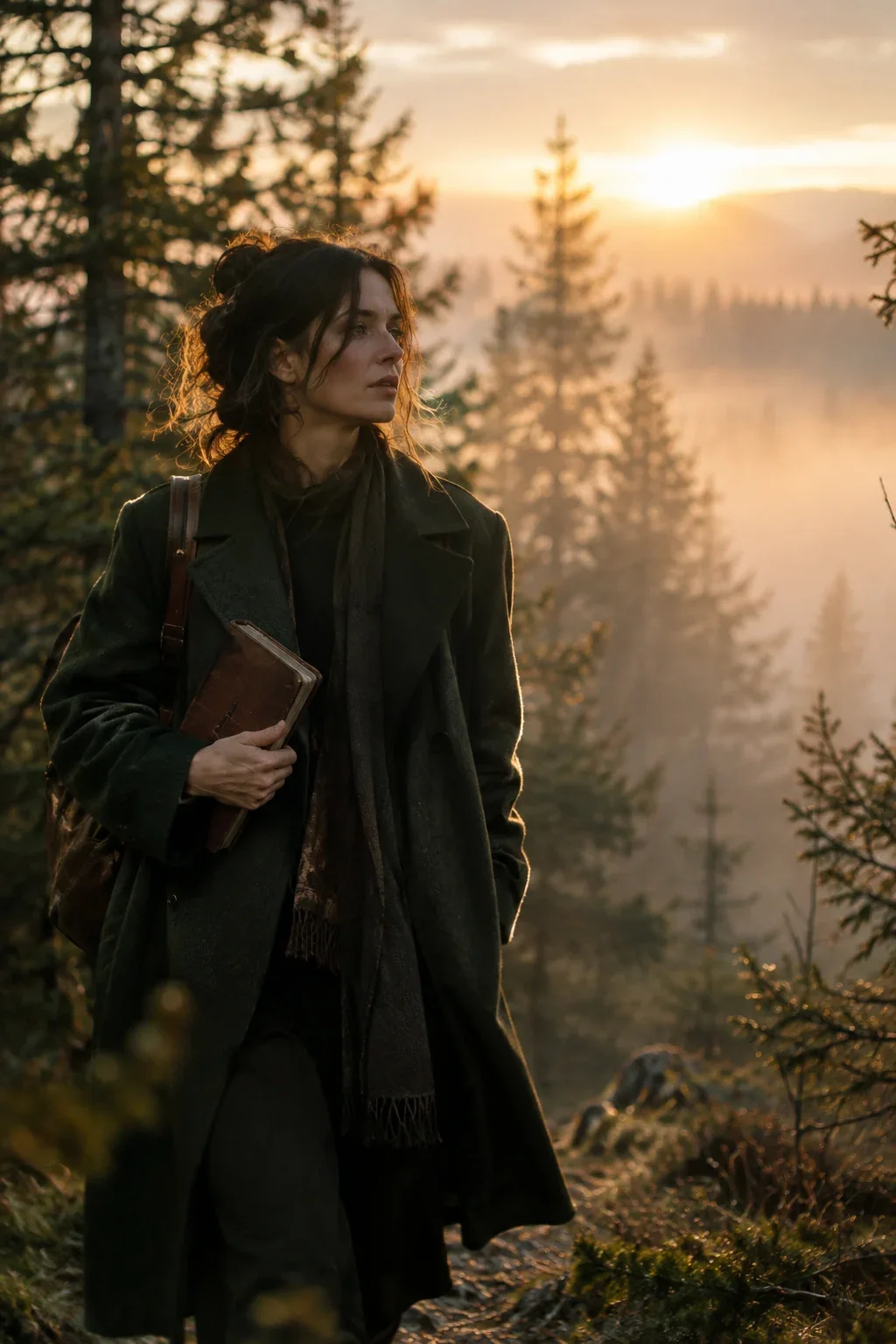
The cinematic studio portrait prompt is a good example of the ChatGPT end of this workflow: separate blocks for format, identity and lighting, each one explicit.
A note on photos of real people
Both tools can work from reference images, and that brings a responsibility no matter which tool you choose. Use your own photos, or photos of people who said yes. Don't use either tool to imitate a real person, a public figure or a celebrity, and say so when an image you share was made or edited with AI. The responsible AI images guide covers consent and disclosure in more depth.
Run your own side-by-side test
Ten minutes and one idea will tell you more than any comparison article, this one included.
- Choose a subject you shoot often: your product, your pet, your street, your style of portrait.
- Write it once as a caption with parameters for Midjourney and once as a structured brief for ChatGPT.
- Generate both and score each on three things: does it match the brief, does it look good, and how many changes would it need.
- Note which tool won each score. After three or four subjects you will have a split that fits your own work.