Planning a Week of Instagram Content With AI Images
Plan seven days of Instagram posts in one sitting: content pillars, a weekly grid, a reusable house style, batch generation and honest AI labeling.
Visual AI Club7 мин чтения
Этот гайд написан на английском.

Making one AI image is quick. Making seven that look like they belong to the same account, say something useful and go up on time is a planning problem. This guide gives you a two-hour weekly routine: decide what to say, sketch the week on a grid, write one house style, generate in a single batch, then finish and schedule.
Decide what the account is for before you make anything
AI tools remove the bottleneck of producing images, which exposes the real bottleneck: knowing what to post. Without a plan you end up posting whatever looked cool that day, and the feed reads as random. Content pillars fix this. They are the three or four recurring topics your account always comes back to.
- A teaching pillar: something your audience can learn or try. For a home cook: one technique a week.
- A behind-the-scenes pillar: your process, your space, your mistakes. This is where real photos matter most.
- A showcase pillar: finished work, products or results.
- A community pillar: questions, replies, reposts and things your followers made.
AI images fit some pillars better than others. They are excellent for illustrated tips, concept visuals, seasonal themes and stylized portraits of yourself. They are a poor substitute for the behind-the-scenes pillar, because the whole point of that content is that it really happened. Keep that pillar for your camera.
Sketch the week on one grid
Before writing a single prompt, fill in a simple table for the week. Seven rows, a few columns. It takes ten minutes, and it is the step most people skip. Here is an example for a small ceramics studio that posts once a day.
| Day | Pillar | Format | Image idea | Source |
|---|---|---|---|---|
| Mon | Teaching | Carousel, 4:5 | Five glaze mistakes, one illustrated slide each | AI illustration |
| Tue | Behind the scenes | Story, 9:16 | Kiln opening, unedited | Phone video |
| Wed | Showcase | Single post, 4:5 | New mug set on a breakfast table | Real photo, AI background test |
| Thu | Community | Story poll, 9:16 | Which glaze color next? | AI color swatches |
| Fri | Teaching | Single post, 4:5 | How to center clay, diagram style | AI illustration |
| Sat | Showcase | Reel cover, 9:16 | Stylized portrait of the potter at the wheel | AI from own selfie |
| Sun | Community | Single post, 4:5 | Customer photos repost, with permission | Real photos |
Notice the mix. Roughly half the week uses AI images, and the other half uses real photos or video. That balance keeps the account human and gives the AI images a clear role: explaining, illustrating, setting mood. It also means a bad generation day does not leave you with nothing to post.
Write the image idea as a sentence a stranger could picture. Glaze mistakes is a topic; five slides, each showing one cracked or dripping glaze on a white mug is an image idea.
Write one house style and reuse it all week
The fastest way to make a feed look planned is visual consistency: the same palette, the same kind of light, the same rendering style. With AI images, consistency comes from repeating the same description in every prompt. Write a short house style block once and paste it at the end of every prompt for the week.
Style: soft natural daylight from the left, warm neutral palette of cream, terracotta and sage green, matte textures, gentle film grain, calm and uncluttered, plenty of empty space at the top of the frame.
Keep it to two or three sentences. A long style block competes with the subject of each image, and the model starts ignoring parts of it. If you need help structuring reusable prompt parts, the guide on prompt templates and variables shows how to separate the fixed parts from the parts that change.
Pick formats before you generate
Decide the aspect ratio for each slot in advance and put it in the prompt. Feed posts work well at 4:5 vertical, which takes up more of the screen than a square; stories and reel covers are 9:16. Generating at the wrong ratio and cropping later usually cuts off heads or text space. Aspect ratios for AI images covers the details.
Generate in one focused batch
Set aside one block of time, ideally an hour, and generate everything for the week. Batching keeps your eye calibrated: you will notice a slide that is too dark or a palette that drifted, because you are comparing images made in the same session.
- Open your grid and work row by row, top to bottom.
- For each AI slot, write a subject sentence, add the format, then paste the house style block.
- Generate two or three variations, pick one, and move on. Perfection on Monday's image steals time from Friday's.
- Save each chosen image into a folder named by date and pillar, for example
2026-11-03_teaching_glaze-mistakes-1.png. - When all slots are filled, lay the images out in a grid preview to see how they look next to each other.
When a slot will not come out right
Give each slot a limit of about ten minutes. If the image still is not working, the problem is usually the idea, not the wording: the scene is too complicated, or it depends on readable text or a precise diagram that image models handle poorly. Simplify the idea, swap the slot for a real photo, or move it to next week. A plan with one gap is better than a session lost to a single stubborn image.
A nice picture about coffee for Instagram.
Overhead view of a handmade sage-green ceramic mug of black coffee on a linen napkin, a small spoon and two sugar cubes beside it. Vertical 4:5. Style: soft natural daylight from the left, warm neutral palette of cream, terracotta and sage green, matte textures, gentle film grain, calm and uncluttered, plenty of empty space at the top of the frame.
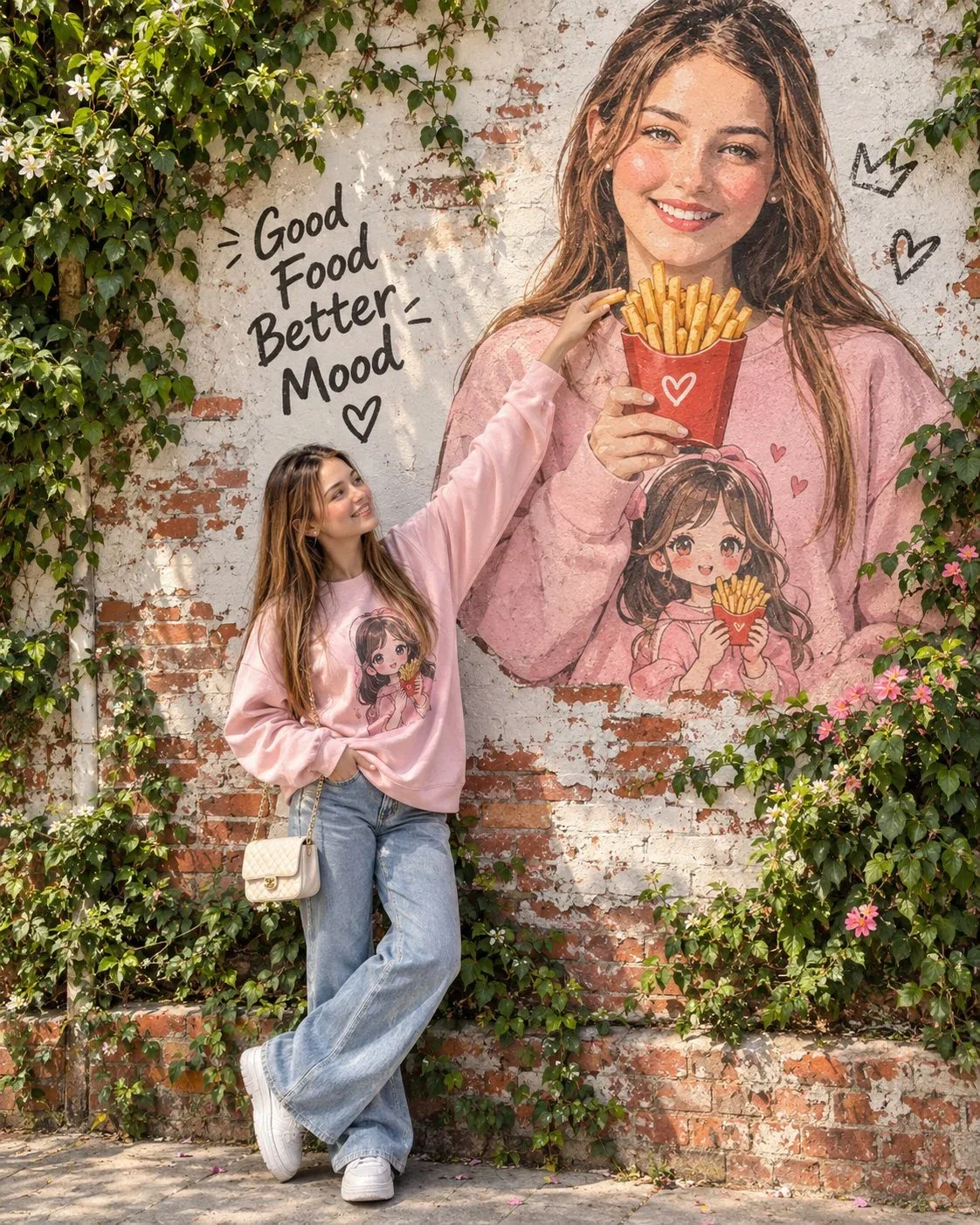
Prompts in the Visual AI Club library can save time here, especially for stylized portraits of yourself. Rooftop lifestyle doodle editorial and Lifestyle portrait both work from your own uploaded photo, and both have a recognizable look that can become a recurring series rather than a one-off.

Check the grid, not just the post
Followers judge a profile by the three-column grid they see when they tap your name. Before scheduling, look at the week's images together, as they will appear side by side. A few patterns help the grid feel deliberate.
- Alternate close and wide. A detail shot next to a full scene gives the eye a rhythm.
- Alternate busy and quiet. A dense illustrated slide next to a calm, mostly empty image keeps the grid from feeling noisy.
- Watch the brightness. Two very dark images side by side create a hole in the grid. Move one or brighten it.
- Repeat a color. If one accent color, like terracotta, appears in most posts, the grid looks planned even when subjects differ.
Captions, labels and the human part
Write captions yourself, or at least edit them heavily. An AI caption tends to sound like every other AI caption, and your followers came for your voice. A short, specific caption that tells them why you made the post and what to try works better than a paragraph of generic enthusiasm.
Be open about AI images. Instagram and other platforms offer AI labels for some content and have their own rules on when to use them; follow the platform's current guidance, and when in doubt, add a short line in the caption such as illustration made with AI. If an image shows another person, even stylized, make sure they agreed. The guide on using AI images responsibly covers consent and disclosure in more detail.

Plan carousels as their own mini project
Carousels take more planning than single images, because the slides need to read in order and look like one piece. If your week includes one, budget extra time for it, and follow the sequencing approach in building Instagram carousels with AI.
Your Sunday routine
Here is the whole process as a repeatable routine. The first week takes longer; by the third, most people finish in under two hours.
- 15 minutes: Review last week. Which posts got saves, shares or replies? Note one thing to repeat.
- 10 minutes: Fill in the weekly grid with pillar, format, image idea and source.
- 5 minutes: Reread your house style block. Adjust it only if the season or campaign changed.
- 60 minutes: Generate all AI images in one batch and save them by date.
- 10 minutes: Preview the grid and swap or fix anything that breaks the rhythm.
- 20 minutes: Write captions in your own words, add AI labels where they apply, and schedule.
Keep a running list of image ideas on your phone during the week. When Sunday comes, you are choosing from twenty ideas instead of staring at an empty grid.