Editing Your Own Photos With ChatGPT: Keep the Person, Change the World
Swap backgrounds, relight and restyle your own photos with ChatGPT while the person stays the same. Match light direction, color and camera height.
Visual AI Club7 Min. Lesezeit
Dieser Ratgeber ist auf Englisch geschrieben.
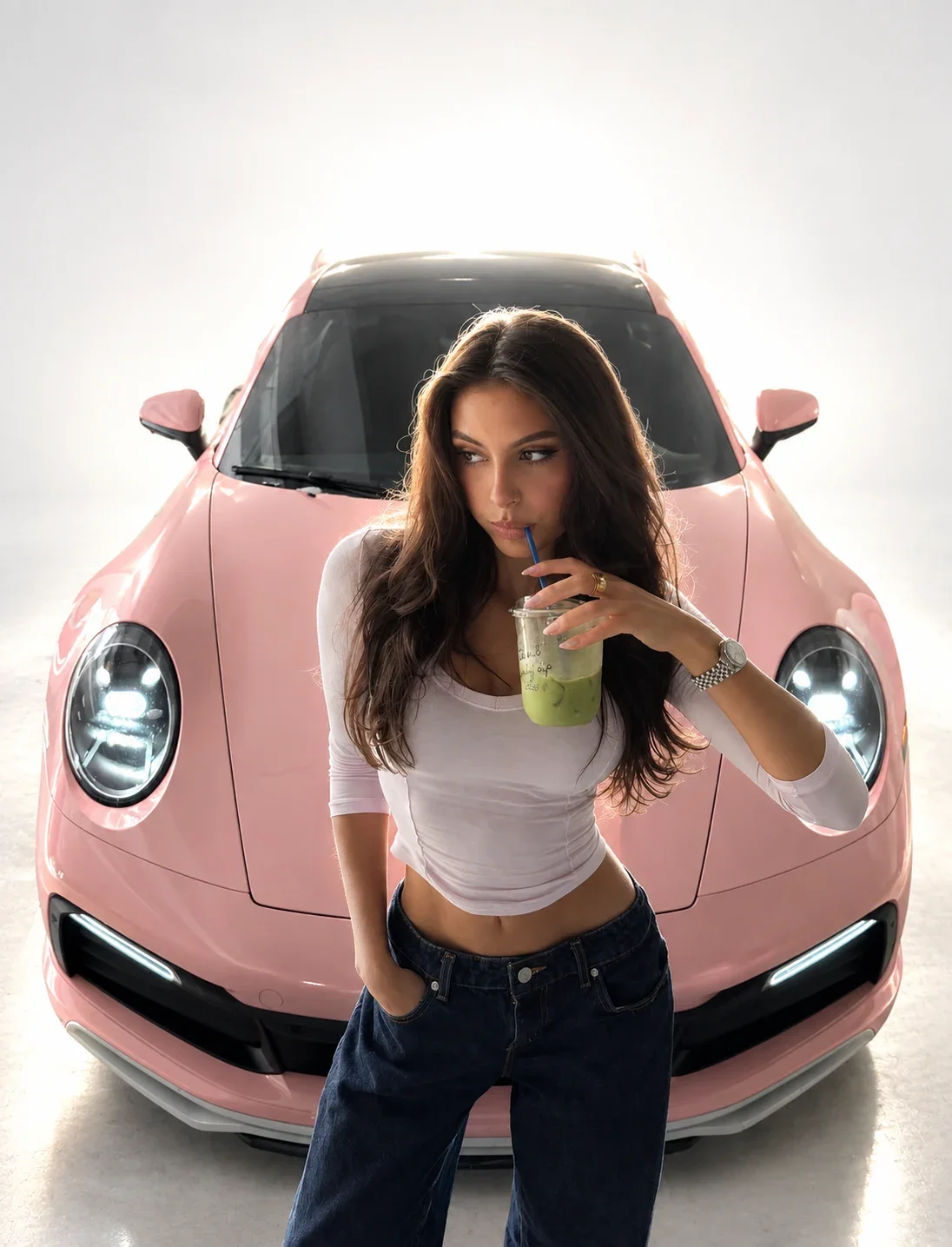
The edits that convince are the ones that change the world around a person and leave the person alone. In this guide you will learn to swap a background, relight a scene and restyle a whole photo with ChatGPT while the face, body and pose stay yours, and to make the new surroundings agree with the light that was already falling on you.
Start with a photo that can survive the edit
Every edit is limited by its source. The model can invent a new sky, but it cannot recover a face that was blurry, tiny or hidden in the original. Spend two minutes choosing well and you save twenty minutes of corrections.
- Sharp focus on the face. Zoom in on the eyes. If the eyelashes are mush, pick another photo.
- Soft, even light. Shade or a bright overcast day is ideal. Strong patterned shadows, like sun through leaves, get baked into the skin.
- A natural lens distance. Photos taken from a couple of meters away, or with a phone’s 2x or 3x lens, keep facial proportions true. Arm’s-length wide-angle selfies exaggerate the nose and shrink the ears.
- No beauty filters. The model will treat smoothed skin and enlarged eyes as your real face.
- The whole subject if the whole subject matters. If you want a full-length result, upload a full-length photo; otherwise the model has to guess your shoes and posture.
Use photos of yourself, or of people who have said yes to this specific use. An edited photo of a friend posted without asking can feel like a breach even when the result is flattering.
Decide what is locked and what is free
Before writing anything, sort the photo into three zones: the person, the things touching the person, and the world. Then say in the prompt which zones are locked. Edits drift when the model has to guess where your request ends.
| Edit | Keep locked | Allow to change |
|---|---|---|
| Background swap | Face, hair, body, pose, clothing, the light on the person | Everything behind the person, the horizon, the sky |
| Relight | Identity, pose, clothing, the layout of the scene | Light direction, softness, color and contrast |
| Outfit change | Face, hair, pose, background, light | Clothing and accessories only |
| Full restyle | Composition, pose, number of people, recognizable features | Medium, materials, textures, color palette |
Write the lock first, then the change. “Keep my face, hair, pose and outfit exactly as in the photo. Replace only the background with…” is far more reliable than a beautiful description of a new location followed by an afterthought about keeping the person.
Be literal about the middle zone. Clothing, glasses, jewelry, a bag on the shoulder and anything in the hands are easy for the model to “improve” without being asked. If an earring or a watch matters, name it in the lock. If you are changing the outfit, name what the new clothes are made of and how they fit, and say that the face and hairline must stay exactly as they are; outfit edits are where likeness most often slips, as the guide on keeping a person recognizable explains.
Keep each edit to one zone where you can. A background swap and an outfit change in the same request double the chance that something you cared about moves. Do them as two follow-ups in the same chat, using the routine in the ChatGPT image generation guide.
Make the new light agree with the old light
Pasted-looking edits nearly always fail on light. Your eye knows where the light in a scene comes from, and when the person and the background disagree, the image feels wrong even if you cannot say why. Check four things in your original photo before you describe the new world.
Direction
Look at the shadow beside the nose and under the chin. If the brighter side of your face is on the left, the new background’s sun, window or lamp must also be on the left. Write it into the prompt: “sunlight from the left, matching the light on her face”.
Color temperature
A photo taken under indoor bulbs, around 2,700 to 3,200K, has warm orange skin tones. Drop that person into a cool blue twilight scene and they will glow like a cutout. Either choose a background with similar warmth, such as a lamplit street or golden-hour park, or ask the model to relight the person to match the new scene.
Hardness
Direct flash and midday sun make crisp shadows; overcast light makes soft ones. A softly lit face against a harsh sunlit beach looks composited. Match the quality, or say which one should change.
Contact and bounce
People cast shadows on the ground where they stand, and surroundings bounce color onto skin: green from grass, warm orange from a brick wall. Asking for “a natural contact shadow under the feet and subtle color reflected from the surroundings” makes the person sit in the scene instead of floating on it.
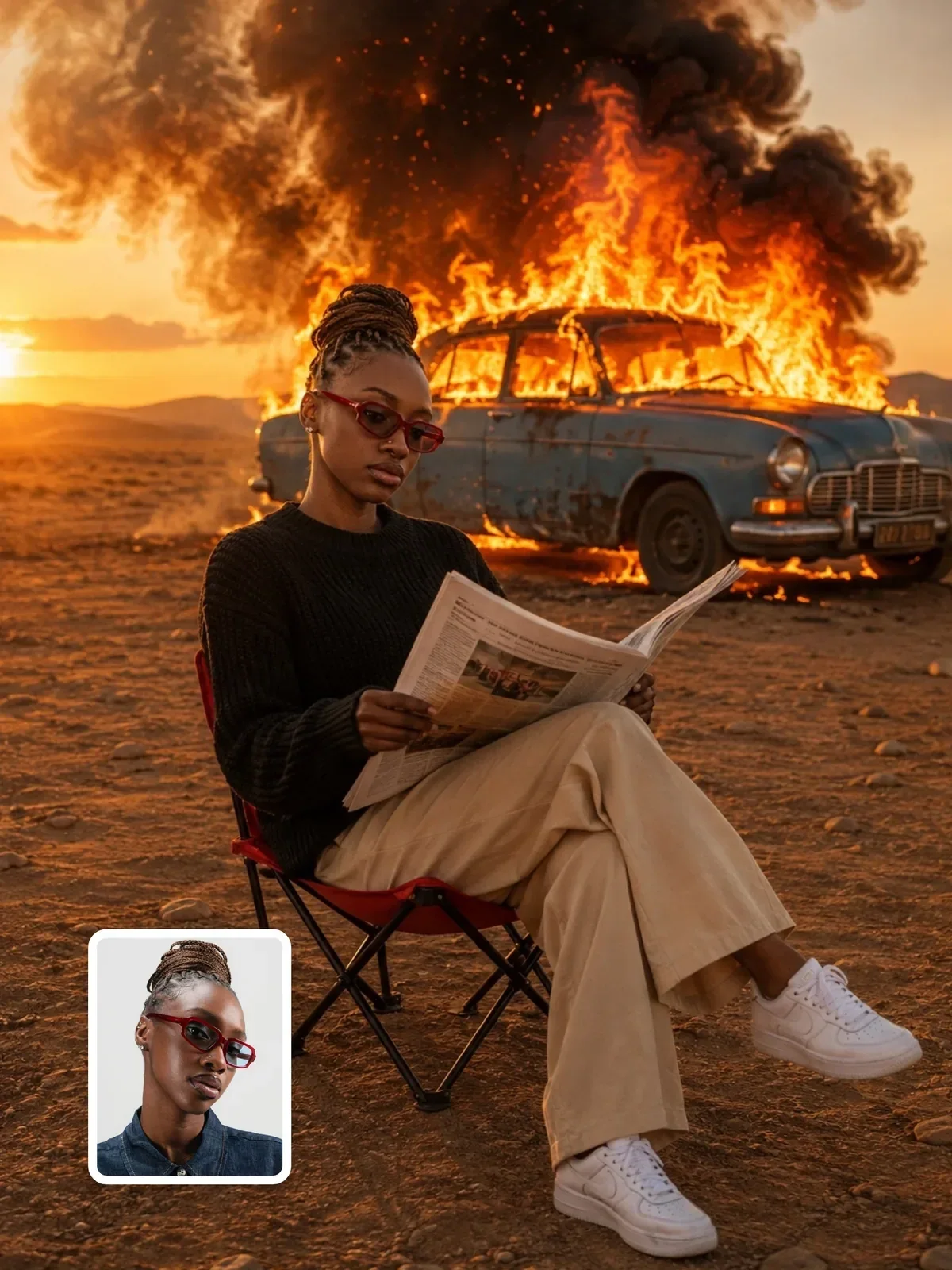
Put me on a beach in Greece at sunset.
Keep my face, hair, pose and white shirt exactly as in the photo. Replace only the background with a quiet whitewashed terrace above the sea in late afternoon. The sun is low on the left, matching the light already on my face, with warm light on my left cheek and a soft shadow on the right. Add a natural shadow on the terrace floor where I stand.
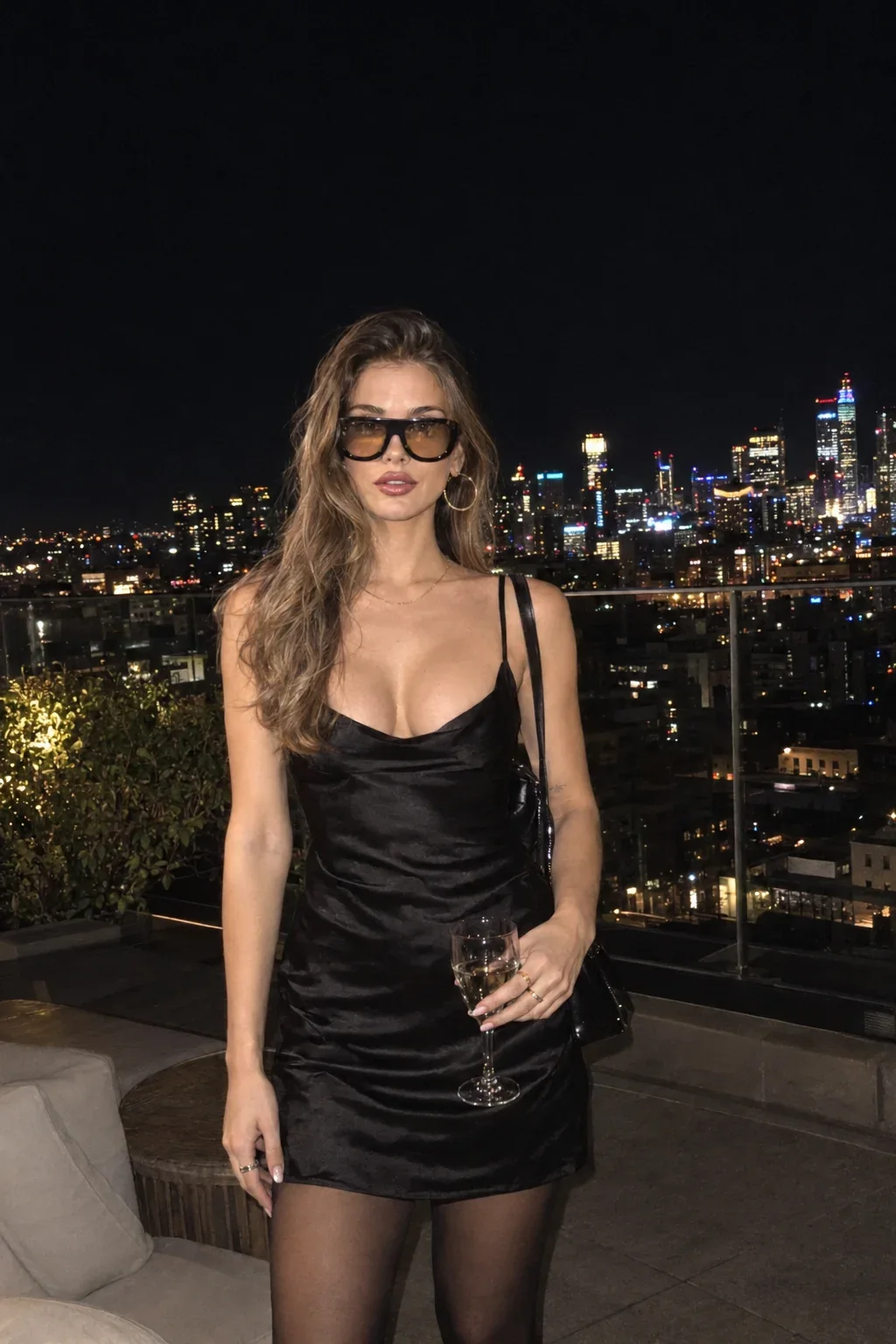
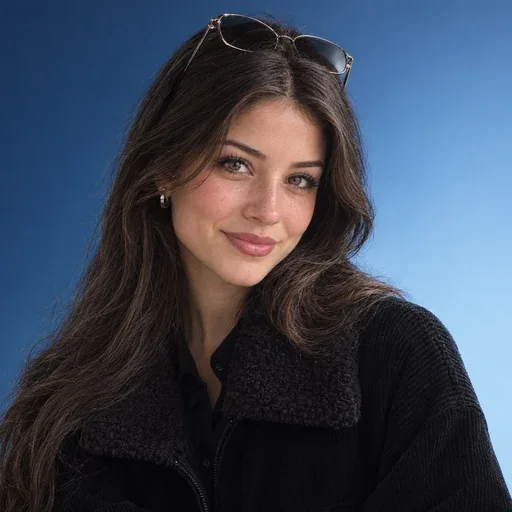
That prompt solves the light problem with a choice: a direct on-camera flash lights the subject, which is exactly how such a photo would be taken on a rooftop at night, and the city lights become out-of-focus bokeh behind her. The light on the person and the light in the world tell the same story.
Keep the camera where it was
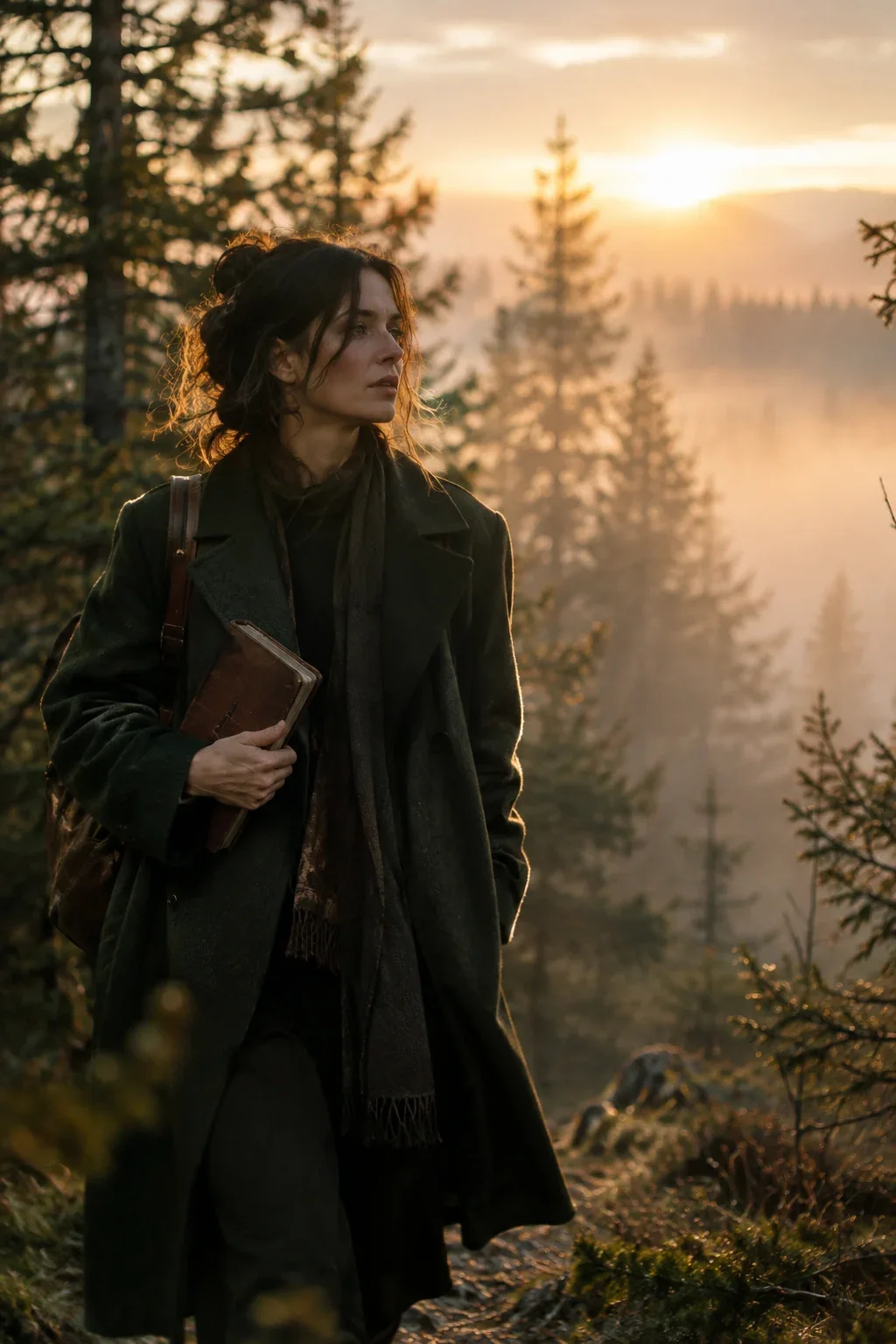
Every photo has a camera height, and the horizon in the background sits at that height. If your photo was taken from waist level looking slightly up, a new background seen from a drone above will never fit. Describe the camera in the background request: “seen from the same low, waist-height viewpoint as the original photo”.
Lens matters too. A tight portrait from a long lens has a soft, compressed background; a wide shot has a sharp, deep one. If your original background was blurred, ask for the new one to be blurred to the same degree, or the person will look cut out with scissors. The guide to depth of field and bokeh explains why.
Relighting without moving anything
Sometimes the location is fine and only the light is dull. A relight edit keeps every object in place and changes how light falls on it. Describe the new source the way a photographer would set it up: where it is, how big it is, what color it is.
Keep the person, pose, clothing, background and framing unchanged. Relight the scene as if a single large softbox is placed to the right of the camera at head height, slightly above eye level. Neutral daylight color. Gentle shadow on the left side of the face, darker background. Keep natural skin texture; do not smooth the skin.
The last sentence matters. Relighting invites the model to re-render the face, and re-rendering invites beautification. Saying “keep natural skin texture” protects the likeness. Look at the cinematic white studio prompt for a polished example of a relight plus background change in one step.
Restyling the whole photo
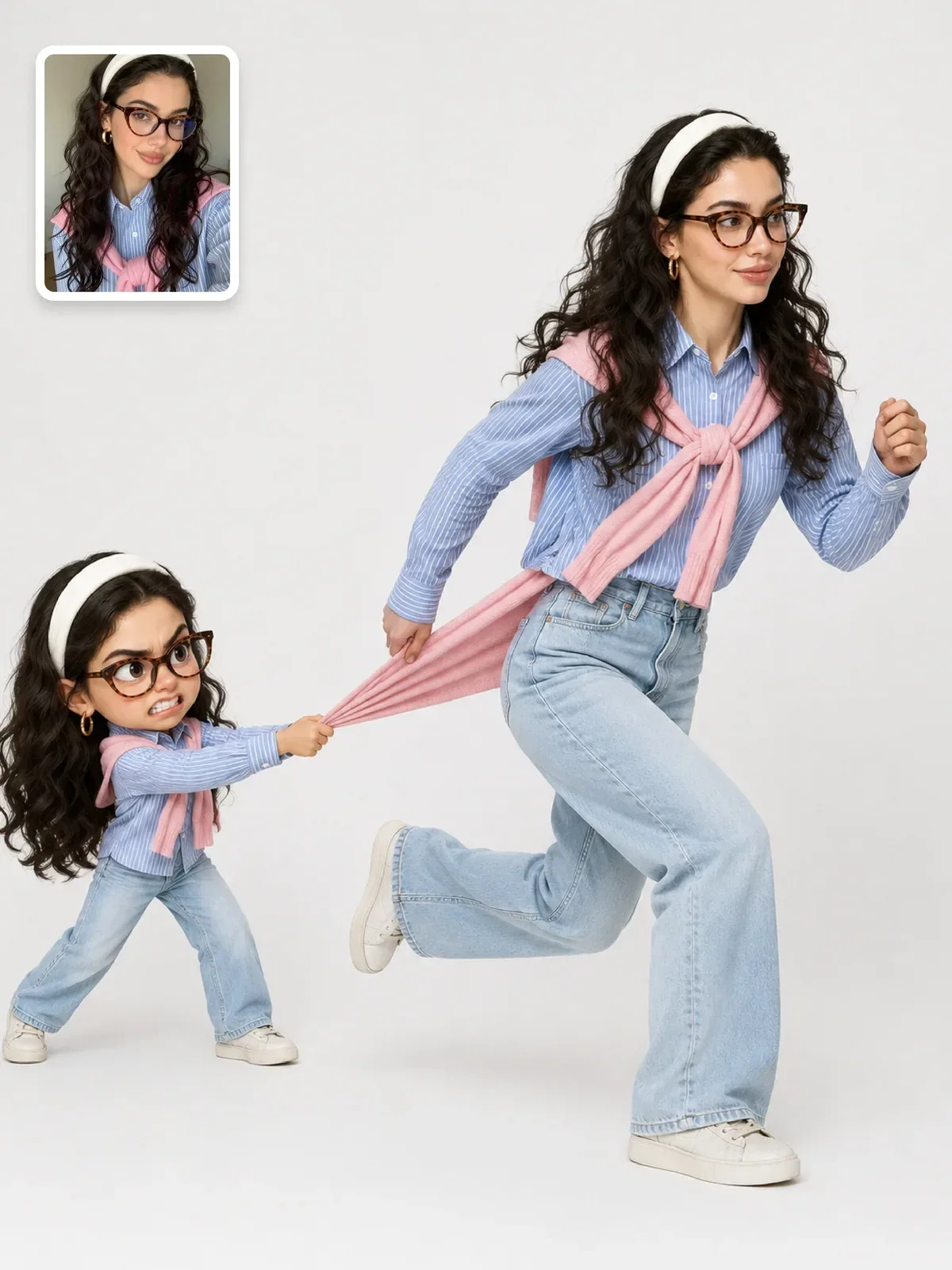
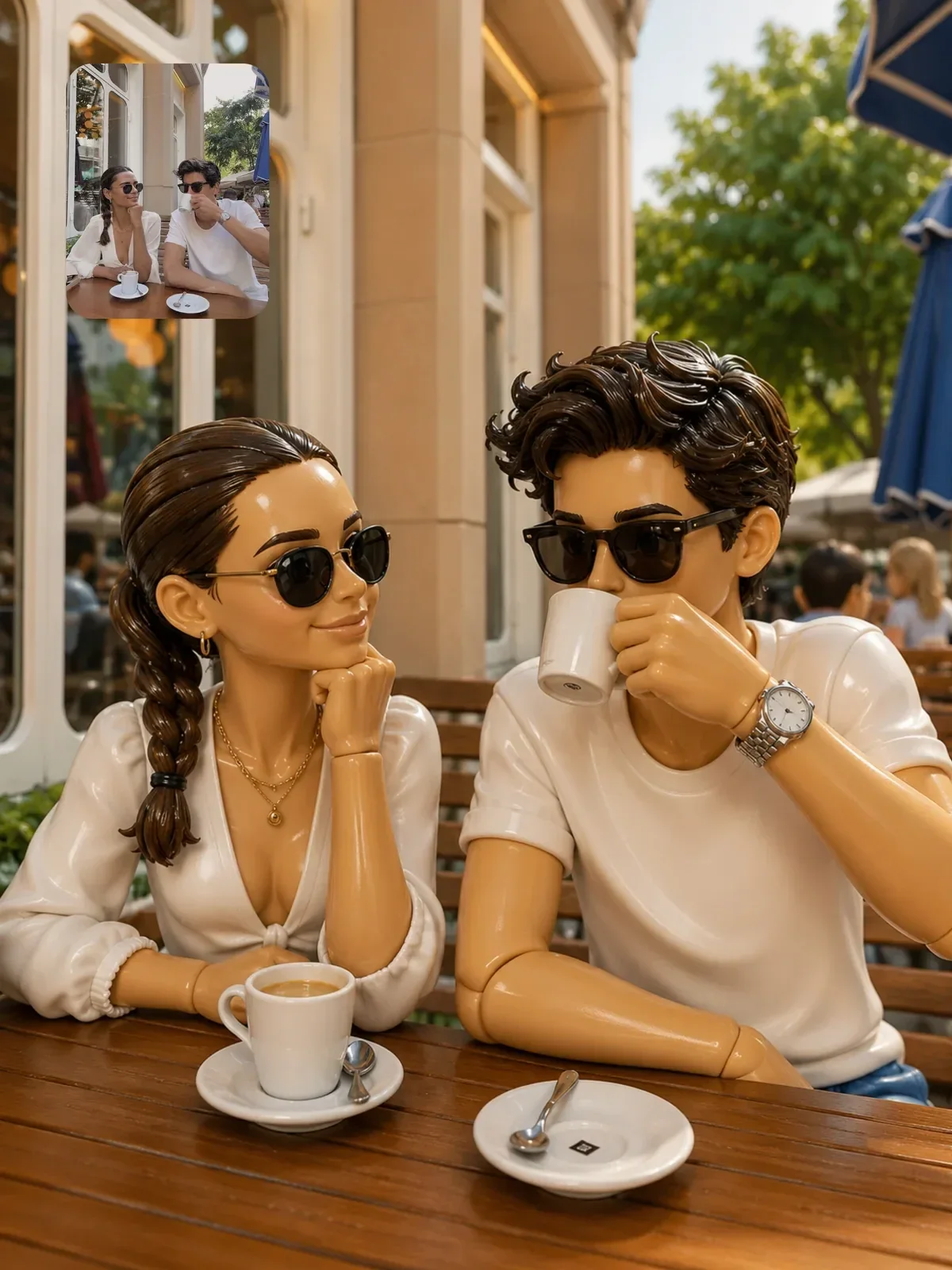
A full restyle turns the entire photo into a new medium: clay, toy plastic, painting. Here the lock is the composition rather than the pixels. You want the same people in the same places, at the same angle, but made of something else.
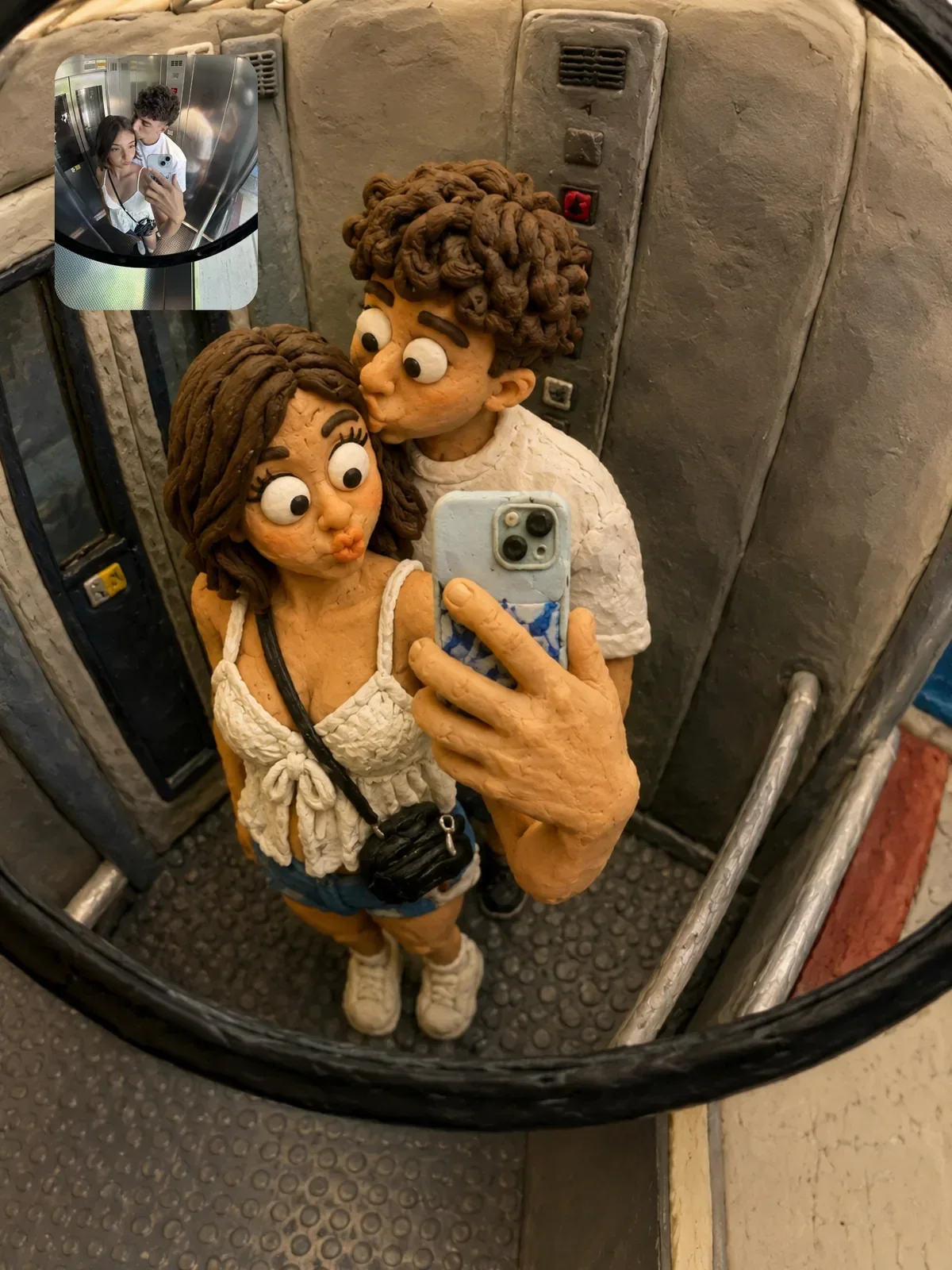

That prompt spends a whole section on preserving the composition, crop, camera distance and layout before it describes the clay. That order is deliberate: the more radical the style change, the more you need to anchor the structure, or the model will happily recompose the scene into its own idea of a claymation set.
For restyles, mention any signature detail of the person by name, such as round glasses, a fringe or a striped scarf. In strong styles those details carry the likeness when the face itself is simplified.
Three edits to practice on one photo
Pick one well-lit photo of yourself and run these three edits in separate chats so each one starts clean:
- Background swap: lock yourself, describe a new place with light coming from the same side as in your photo, and ask for a contact shadow.
- Relight: lock everything and change only the light to a single warm lamp from one side at night.
- Restyle: keep the composition and turn the whole scene into a handmade material, such as felt, paper or clay.
Lay the three results next to the original at the same size. For each, ask: is the face still clearly the same person, does the light make sense, and does the camera height match? If one fails, fix only that one thing in a follow-up. If you plan to share edits that include other people, show them first and say the image was edited with AI; the guide to using AI images responsibly covers disclosure in more detail.