The Anatomy of a Great Image Prompt: Subject, Scene, Style, Light, Camera
Break any image prompt into five layers: subject, scene, style, light and camera. Learn what each layer controls and how to fix layers that contradict.
Visual AI Club7 min de lectura
Esta guía está escrita en inglés.

Any image you admire can be described in five layers: what is in it, where it is, what kind of picture it is, how it is lit, and where the camera stands. Once you can see those layers, you can write them, and you can tell which one failed when a result looks wrong. This guide takes each layer apart and shows what happens when two of them disagree.
Think of the layers as departments on a photo shoot. Casting and wardrobe handle the subject, the location scout handles the scene, the art director sets the style, the gaffer lights it and the camera operator frames it. If one department does not show up, the model fills the job with a default.
| Layer | What it controls | Typical words | If you leave it out |
|---|---|---|---|
| Subject | Who or what, action, expression, wardrobe | “an elderly fisherman mending a net, squinting” | A generic figure in a neutral pose |
| Scene | Place, time, weather, props, depth | “on a stone harbor wall at dawn, gulls overhead” | A vague or plain background |
| Style | Medium, era, rendering, texture | “35mm film photograph”, “gouache illustration” | Glossy, slightly digital realism |
| Light | Direction, quality, color, contrast | “low side light from the left, warm, long shadows” | Flat, even, front light |
| Camera | Angle, distance, lens, focus, frame shape | “low angle, waist-up, 35mm, vertical 4:5” | Eye-level medium shot, centered |
Subject: a few concrete attributes, not a paragraph of praise
The subject is the anchor for everything else, so describe it with physical facts. Three to five attributes usually do more than ten: age range, one clothing item with its material and color, what the hands are doing, the expression. Past a certain point, extra attributes start to blend together or get dropped, and the ones you cared about compete with ones you did not.
Write poses and expressions as verbs. “Leans against the doorframe and glances over her shoulder” gives the model a body position and a head turn. “Confident pose” gives it a cliché.
A stylish man, cool and confident, wearing nice clothes.
A man in his forties in a rust-colored corduroy jacket, sleeves pushed up, holding a paper cup of coffee in both hands and laughing at something off camera.
Counts matter too. One subject is easy. Two people interacting is manageable if you say who is where and what each is doing. A crowd of distinct characters is where models start merging faces and swapping clothing, so give each person one sentence of their own.
Scene: a place with a time and a reason to be there
A location on its own is a stage set. Add a time of day and a little weather and it becomes a moment. “A bus stop” is generic; “a bus stop on a wet November evening, the shelter light flickering, puddles reflecting red brake lights” has mood built in, and the light layer is already half written.
Pick two or three props that tell a story and interact with light. Wet pavement reflects, fog scatters, steam catches backlight, glass throws highlights. Also say what is in front of the subject and what is behind: foreground, subject, background is how photographers build depth, and models respond to it the same way.
If the scene keeps stealing attention from your subject, cut the props in half and add “simple, uncluttered background” or move the scene description after the subject.
Style: name the medium before the mood
Medium words are the heaviest words in a prompt because they change every pixel. “Watercolor” brings paper texture, soft pigment edges and the white of the paper doing the work of highlights. “Clay stop-motion” brings thumbprints, rounded forms and miniature-set lighting. “Flat vector illustration” removes texture and gradients altogether.
Mood words such as “nostalgic” or “whimsical” are weaker; they nudge rather than decide. Era words sit in between and work well when specific: “a late-1970s magazine photograph” suggests warm film color, slight softness and period styling all at once.
When you want a recognizable look, describe its qualities rather than borrowing a name. “Chunky toy-brick figures with glossy plastic and printed faces” tells the model what to render and keeps the result your own.
Light: direction, quality and color
Light is where most prompts are thinnest and where the biggest gains hide. Describe it with three choices.
- Direction. Front light flattens a face. Side light at roughly 45 to 90 degrees shows shape and texture. Backlight outlines the subject with a rim and can glow through hair. Top light, like noon sun, puts shadows in the eye sockets.
- Quality. A light source that is small relative to the subject, such as bare sun or a bare bulb, makes hard shadows with crisp edges. A large source, such as an overcast sky or a big window, makes soft shadows that fade gradually.
- Color. Candlelight sits around 1,900K and looks deep orange. Household tungsten bulbs are around 2,700 to 3,200K. Midday daylight is around 5,500K and reads as neutral. Open shade and overcast skies run cooler, often 6,500K or higher, which is why shadows on a sunny day look blue.
You do not need Kelvin numbers in every prompt. “Warm tungsten lamp light” and “cool blue dusk light” are enough for the model. Knowing the scale simply helps you avoid combinations that never occur in real life. The lighting vocabulary guide and studio lighting setups go deeper.
Camera: where the viewer stands
The camera layer sets the relationship between viewer and subject. A low angle makes the subject loom; a high angle makes them small. Distance decides how much story the frame holds: a close-up is about emotion, a full-length shot is about posture and place.
Lens length controls perspective because it controls how far away you stand. A 24mm lens used close up stretches whatever is nearest, which is why wide-angle selfies make noses look larger. A 50mm feels close to natural vision. An 85mm or 135mm lens, used from farther back, compresses the scene so the background seems to sit right behind the subject. Aperture controls depth of field: f/1.8 isolates the subject, f/8 keeps a street sharp from front to back.
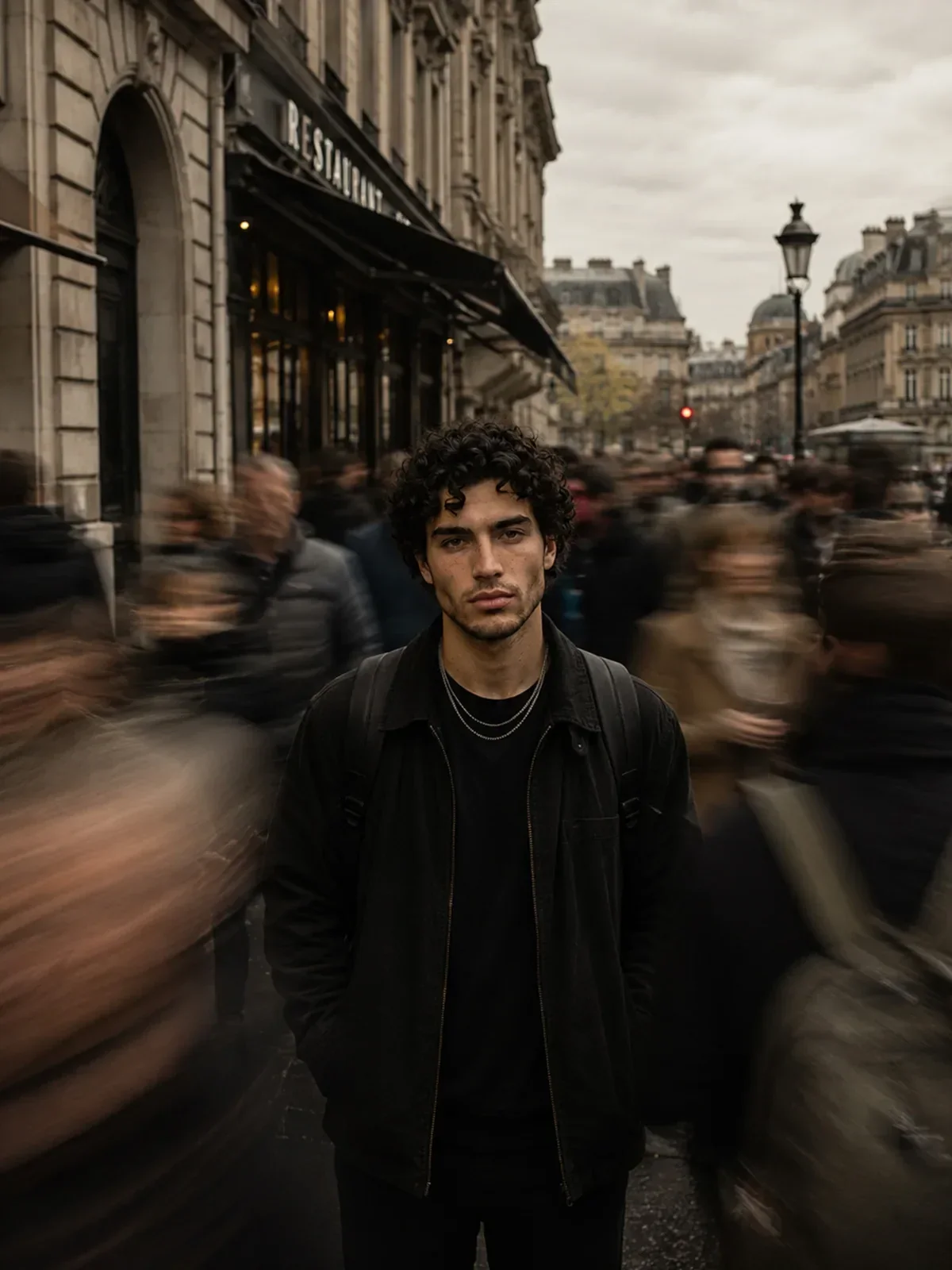

In that prompt the camera layer is the idea of the image: a 50mm lens, a moderate aperture and a slow shutter turn a crowded platform into motion around one still person. Remove the camera sentence and you lose the picture. The focal length guide and camera angles guide cover these choices in more depth.
When layers disagree
Most muddy results come from two layers pulling in opposite directions. The model tries to satisfy both and lands in between. Watch for these pairings:
- Medium versus camera: “watercolor painting, 85mm f/1.4 bokeh, photorealistic 8k”. Pick one medium. A watercolor can have a soft background, but describe it in painting terms: “loosely washed background”.
- Light versus mood: “harsh noon sun” with “soft dreamy glow”. Either move the time to late afternoon or accept crisp shadows.
- Framing versus subject: “extreme close-up of her face” with a long description of shoes. The shoes will either be ignored or the framing will widen.
- Scene versus format: a sprawling cityscape in a tall 9:16 frame with a full-length figure. Something has to shrink. Decide which.
If you really want a hybrid, name the hybrid explicitly. “A real photograph with hand-drawn white ink doodles drawn over it” is a clear instruction. “Photo, doodle, illustration, realistic” is a coin toss.
Building one prompt layer by layer
Here is the same idea assembled one layer at a time, so you can see what each addition contributes.
A teenage girl in a yellow raincoat holds a paper boat in both hands, looking down at it.
She crouches at the edge of a rain-filled street gutter in a quiet residential street just after a storm.
Realistic color photograph with gentle film grain.
The sun breaks through behind her, backlighting the raincoat and making the wet asphalt shine; her face is in soft open shade.
Low angle from just above the water, 35mm lens, the paper boat sharp in the foreground and the street falling out of focus. Vertical 4:5.
Read together, those five lines are a complete brief. Each layer could be swapped independently: change the style line to “gouache illustration” and the rest still makes sense. That independence is what makes a prompt easy to revise.
Many prompts on this site use labeled blocks such as FORMAT LOCK, IDENTITY LOCK and LIGHTING. It is the same anatomy written as headings, which makes long prompts easier to scan and edit.
Exercise: fill the five-line grid
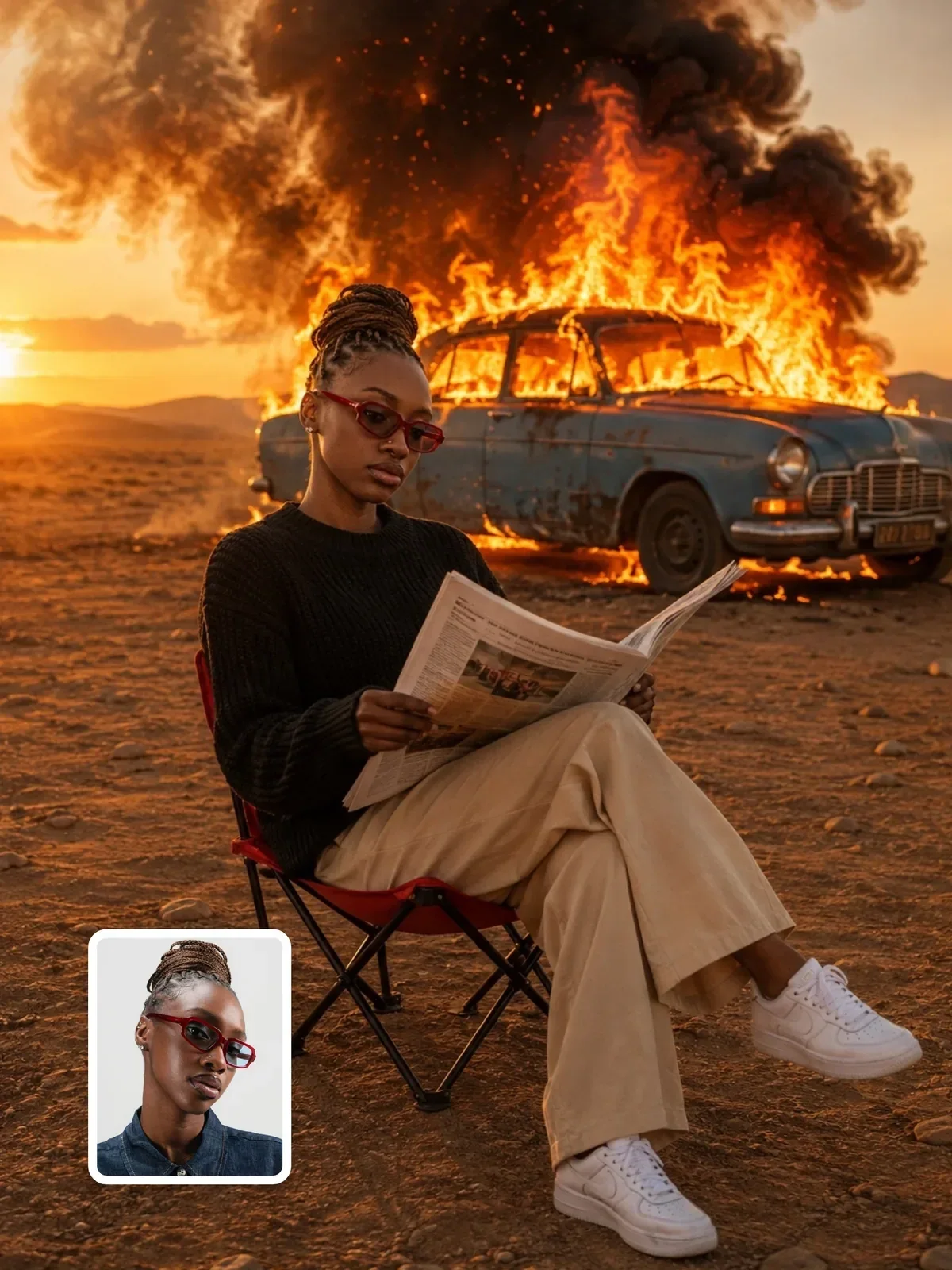
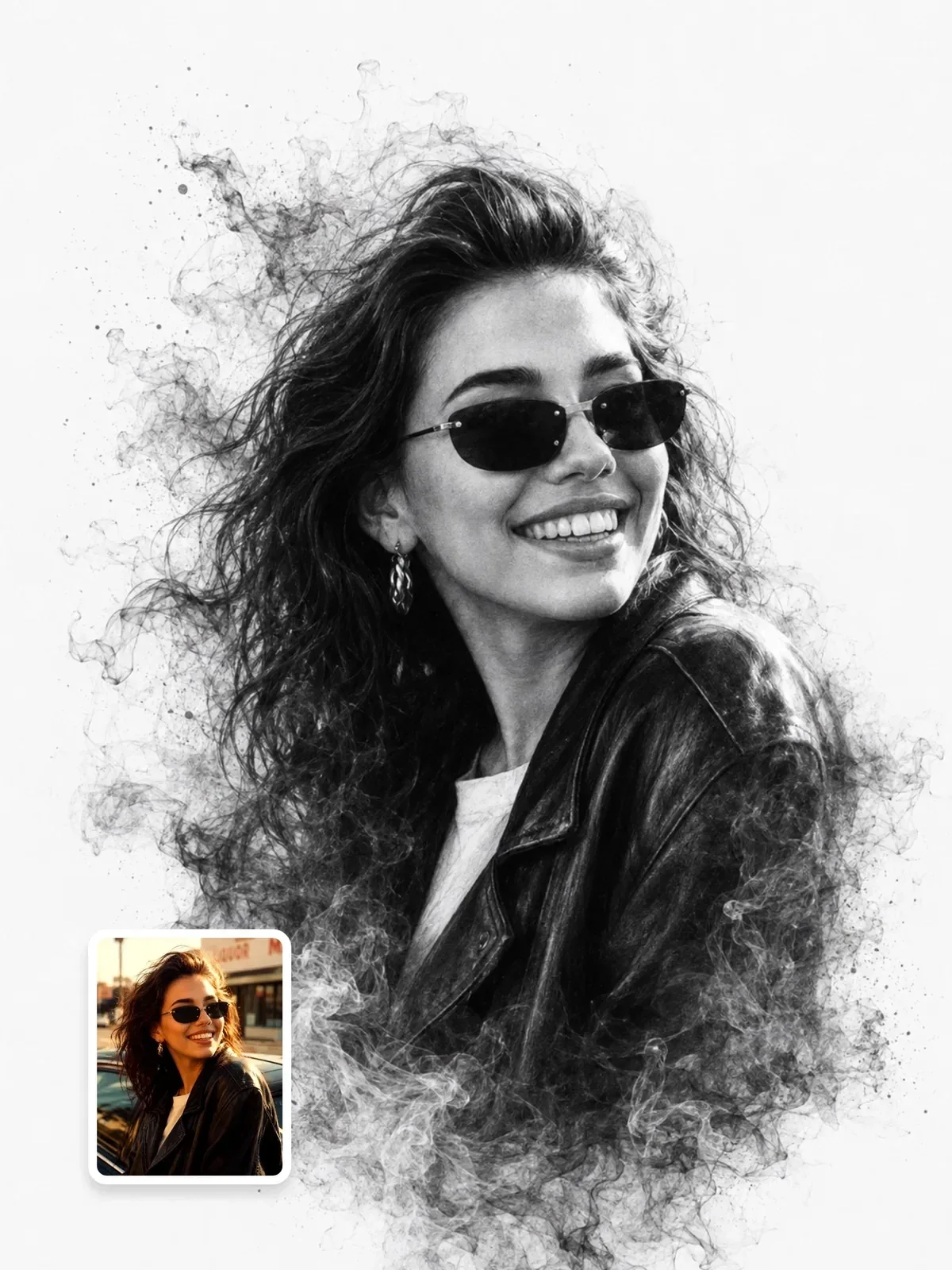
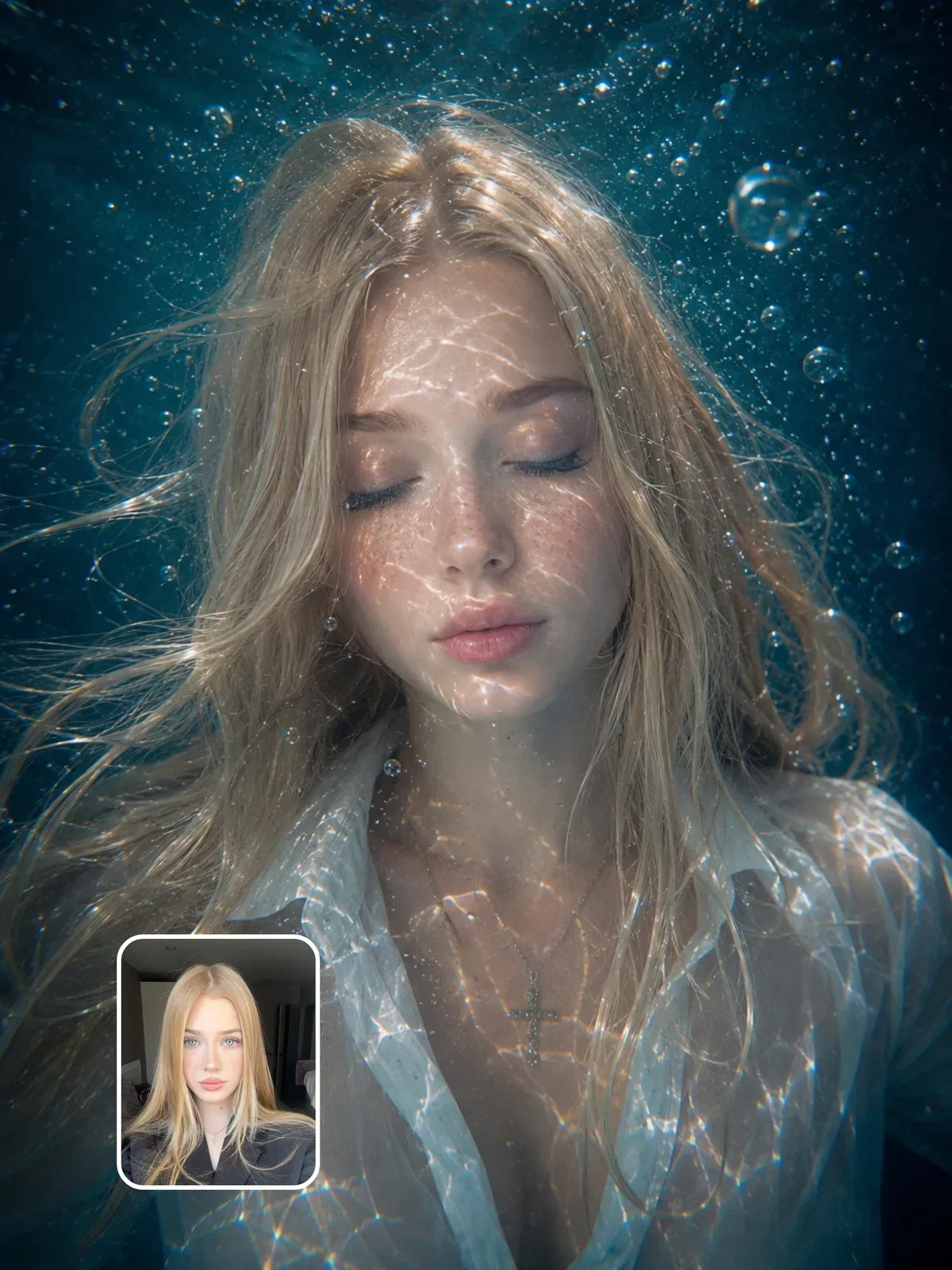
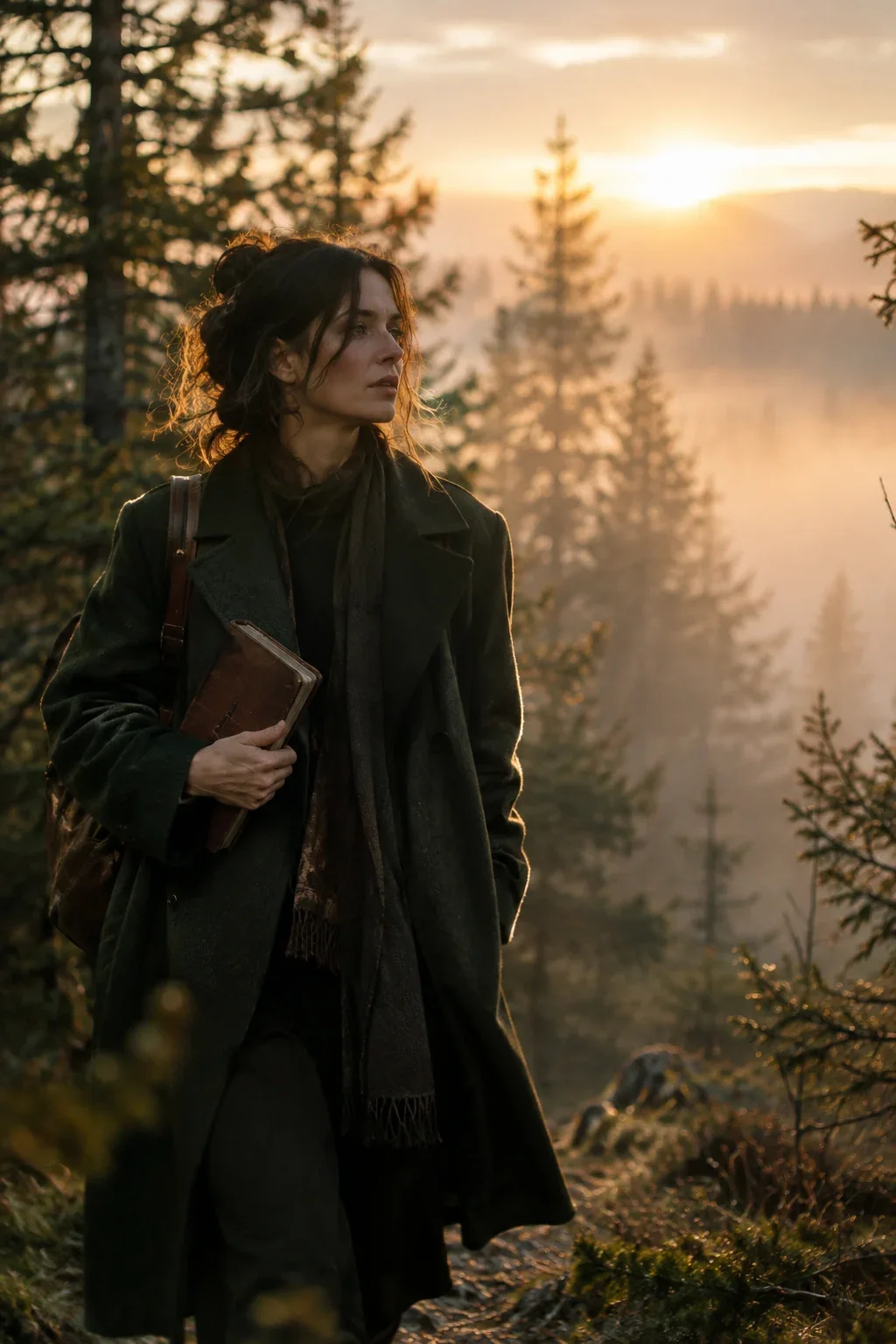
- Find an image you like, either one of your own photos or a result such as this cinematic editorial scene.
- Write one line for each layer: subject, scene, style, light, camera. Be literal; describe only what you can see.
- Notice which line was hardest to fill. That is the layer you usually leave to chance.
- Assemble the five lines into a prompt and generate. Compare the result to the original.
- Change only the light line and generate again. Then change only the camera line. Note which change altered the image more.
Do this with three different images and the five layers will become automatic. For the plain-language basics underneath all of this, see how to write image prompts.