From Still to Motion: An Image-to-Video Workflow
A five-stage image-to-video workflow: design a still that is ready to move, write only the motion, use references safely and judge clips like an editor.
Visual AI Club7 min de lectura
Esta guía está escrita en inglés.
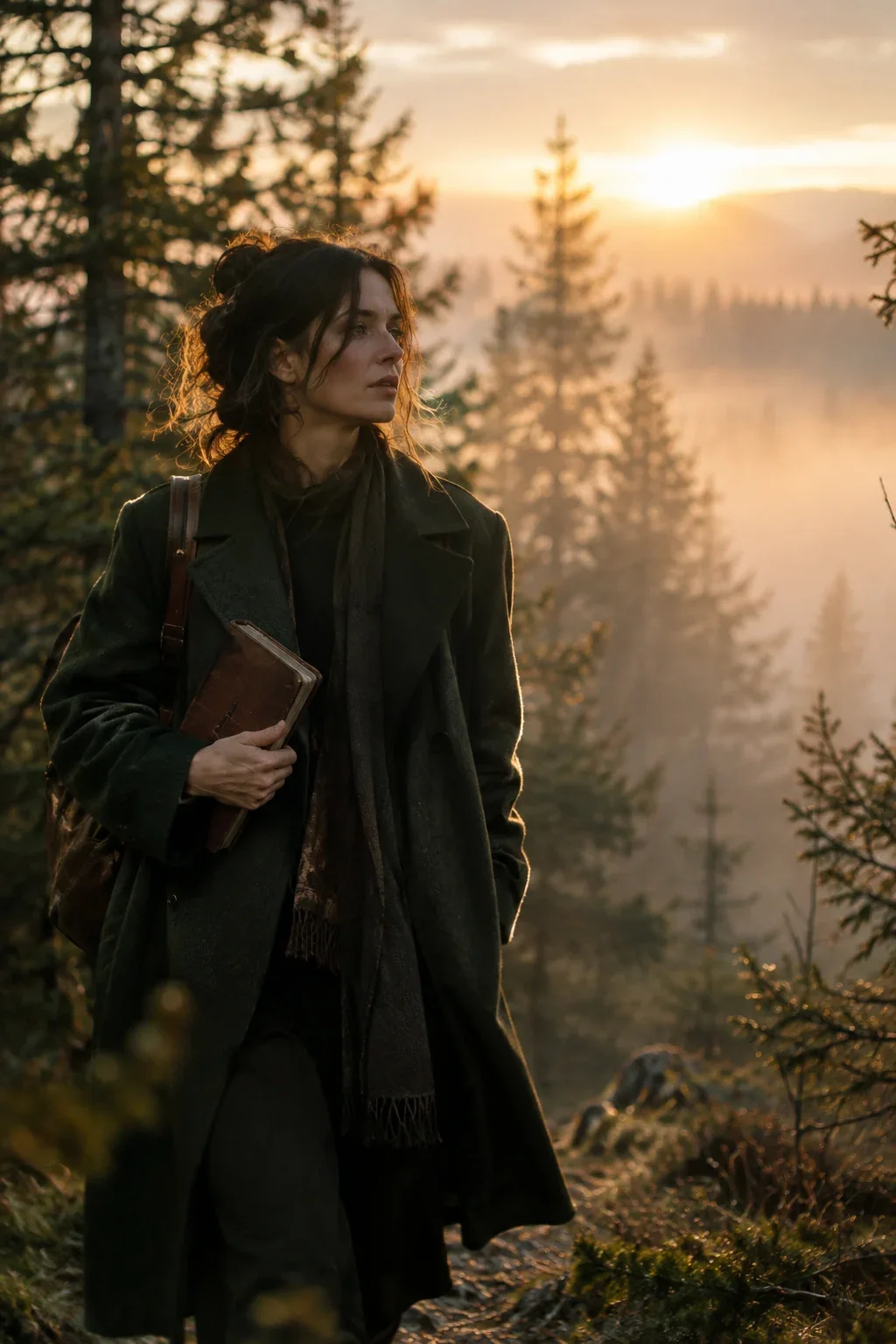
Starting a video from a still image gives you control that text alone cannot: you approve the face, the light and the composition before a single frame moves. This guide walks through a five-stage workflow, from designing a still that is ready for motion to judging the clips that come back, so your first frame is a decision rather than a gamble.
Why start from a still at all
Text-to-video asks the model to decide everything at once: who the person is, what they wear, where the light comes from, how the frame is composed and how all of it moves. When one of those goes wrong you regenerate the whole clip, and the parts that were right change too.
Splitting the job in two makes each half easier. Image generation is quicker to iterate, so you can test ten looks in the time one video takes. Once the still is right, the video prompt only has to describe change. And the same approved still can start several clips, which is the simplest way to keep a short sequence consistent.
Stage 1: Design the still for motion
A beautiful still can be a poor first frame. A photographer composes for one moment; you are composing for the moment just before something happens. Run every candidate image through this checklist before you animate it.
- Room to move. Leave space in the direction the subject will walk, turn or look. A face pressed against the frame edge has nowhere to go.
- Nothing important cut off. If hands, feet or a prop will move, keep them fully inside the frame. Whatever enters from outside must be invented, and invented hands are where clips fail first.
- A starting pose, not a peak pose. Choose the instant before the action: about to turn, about to stand. A frozen mid-jump forces the model to guess the physics of the rest of the jump.
- No baked-in motion blur, heavy flares or text. They look great in a still and smear into noise once things move.
- The final aspect ratio. Generate the still at 9:16 or 16:9 to match the video instead of cropping later. The aspect ratio guide covers which to choose.
- A clear light source. When the image shows where light comes from, the model keeps shadows consistent as people and camera move.
Look for three depth layers in your still: something near, the subject, and a background that recedes. A camera push or drift needs layers to travel through. A subject against a flat wall gives the model nothing to create parallax with, so even a good move looks like a zoom.
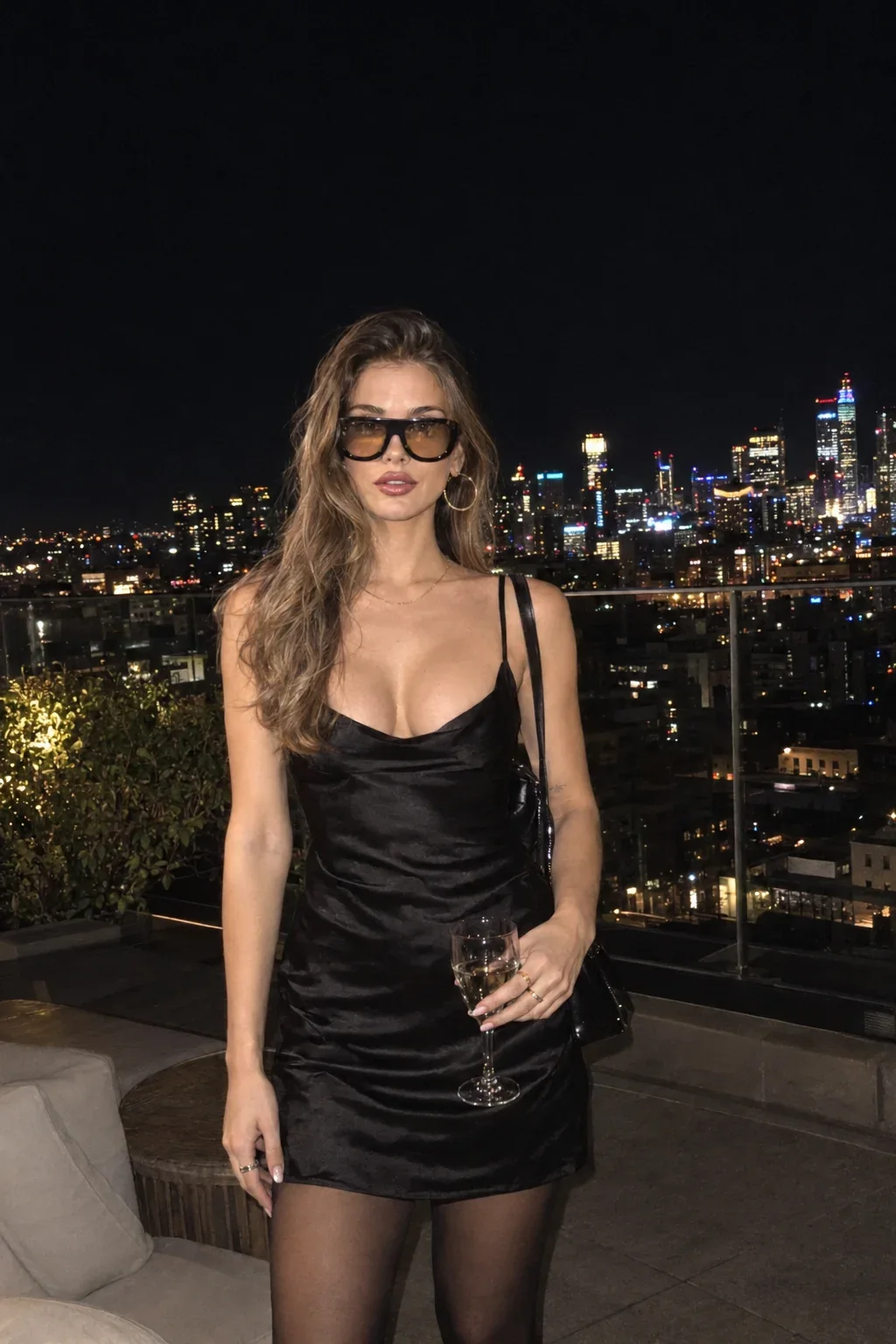
A rooftop portrait like Rooftop with a city view is a good candidate for this reason: the subject sits in front of a city that falls away behind her, so even a gentle sideways drift separates the layers and the shot feels filmed rather than animated.
Stage 2: Decide what the image locks and what the prompt adds
The most common image-to-video mistake is re-describing the picture. The model can already see it. Worse, any mismatch between your words and the pixels, say you write "red coat" and the coat is camel, creates a conflict the model resolves by drifting halfway between the two.
| Already in the image | Belongs in the prompt |
|---|---|
| Face, hair, clothing | What the person does, in order |
| Location and props | How the camera moves and where it stops |
| Palette and light direction | What changes over time: wind, steam, a lamp switching on |
| Framing of the first frame | Duration, pacing and sound |
A young woman with long dark hair in a green coat stands in a misty forest holding a journal, golden light, cinematic, 50mm lens.
She closes the journal slowly, looks up toward the light between the trees and exhales. Mist drifts left to right. Slow push-in from medium shot to close-up over six seconds. Her face, coat and the forest stay exactly as in the image.
Stage 3: Write the motion in beats
For a clip of five to ten seconds, plan two or three beats and give each a time range. Specific verbs matter: "turns her head toward the window" is something a model can perform; "moves" or "reacts" is not. Describe what you would see, not what the character feels.
- Primary action: the one thing the subject does.
- Secondary motion: hair, fabric, steam, leaves, reflections. This is what makes a still feel alive even when the main action is small.
- Camera: one move with a start and an end, or a locked-off frame. The camera movements guide has the vocabulary.
- Ending state: where everything is in the last frame. You need this if the clip will connect to another one.
Be modest with the amount of motion. The further the last frame travels from the first, the more the model must invent and the more identity can slip. A small, well-described action usually beats an ambitious one.
Three levels of motion to choose from
- Living still: the subject barely moves, but the world does. Steam rises from a cup, curtains breathe, the subject blinks and shifts weight. Safest for faces and ideal for loops.
- Small action: one clear gesture such as closing a book, turning to the window or lifting a cup. Most portraits animate well at this level.
- Full action: walking out of frame, standing up, a big camera move. Use it when the still was designed for it, and expect to generate more takes.
Decide the level before you write. It keeps the prompt honest about what the still can support, and it tells you how many takes to budget for.
Stage 4: When the still is a reference, not the first frame
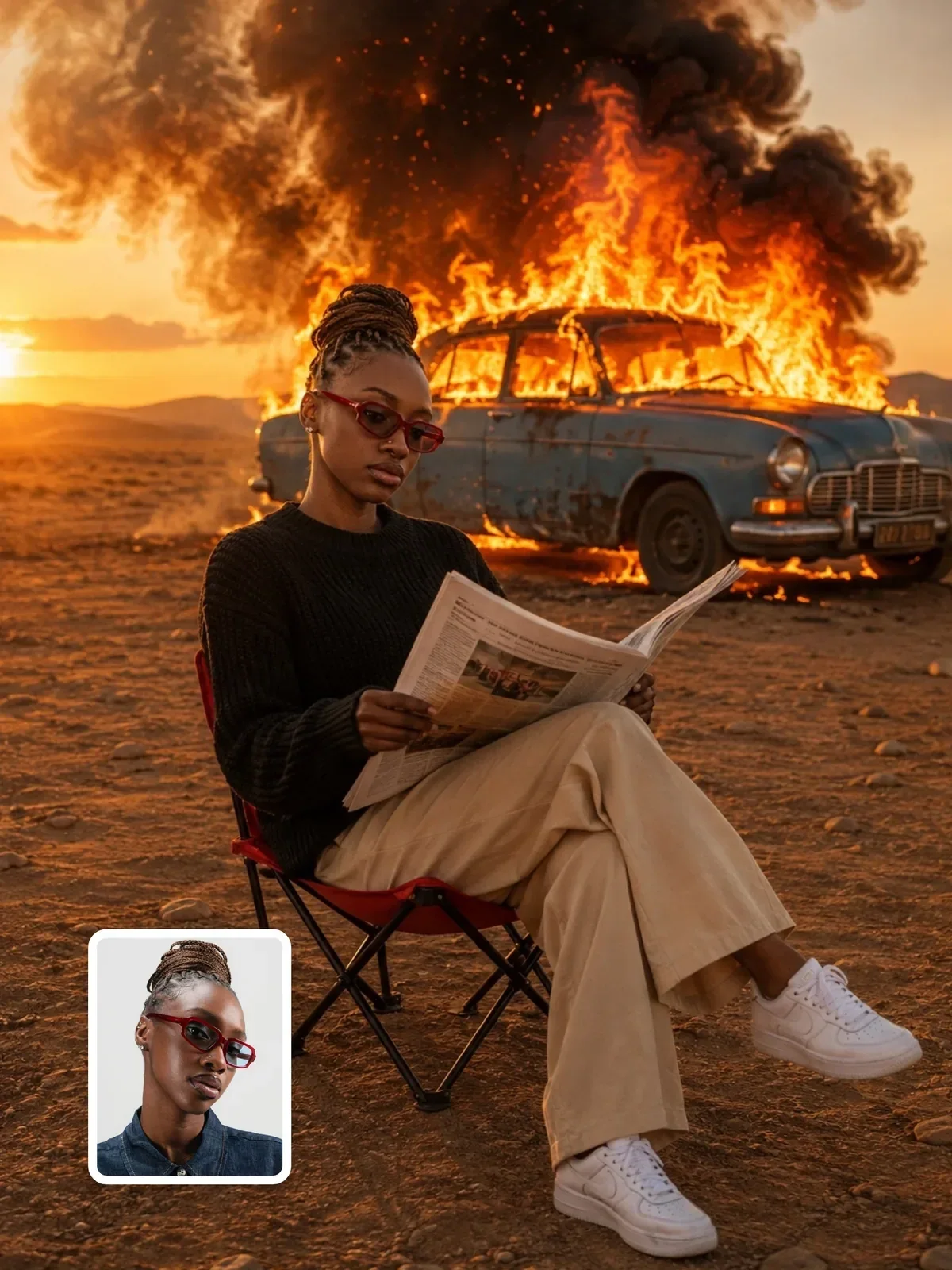
Some workflows use an image as a reference for identity rather than as frame one. The model keeps the person but builds a new scene, new clothes and new light around them. In that case you must say which properties to take from the image and which to ignore, or the model will copy the background and outfit too.
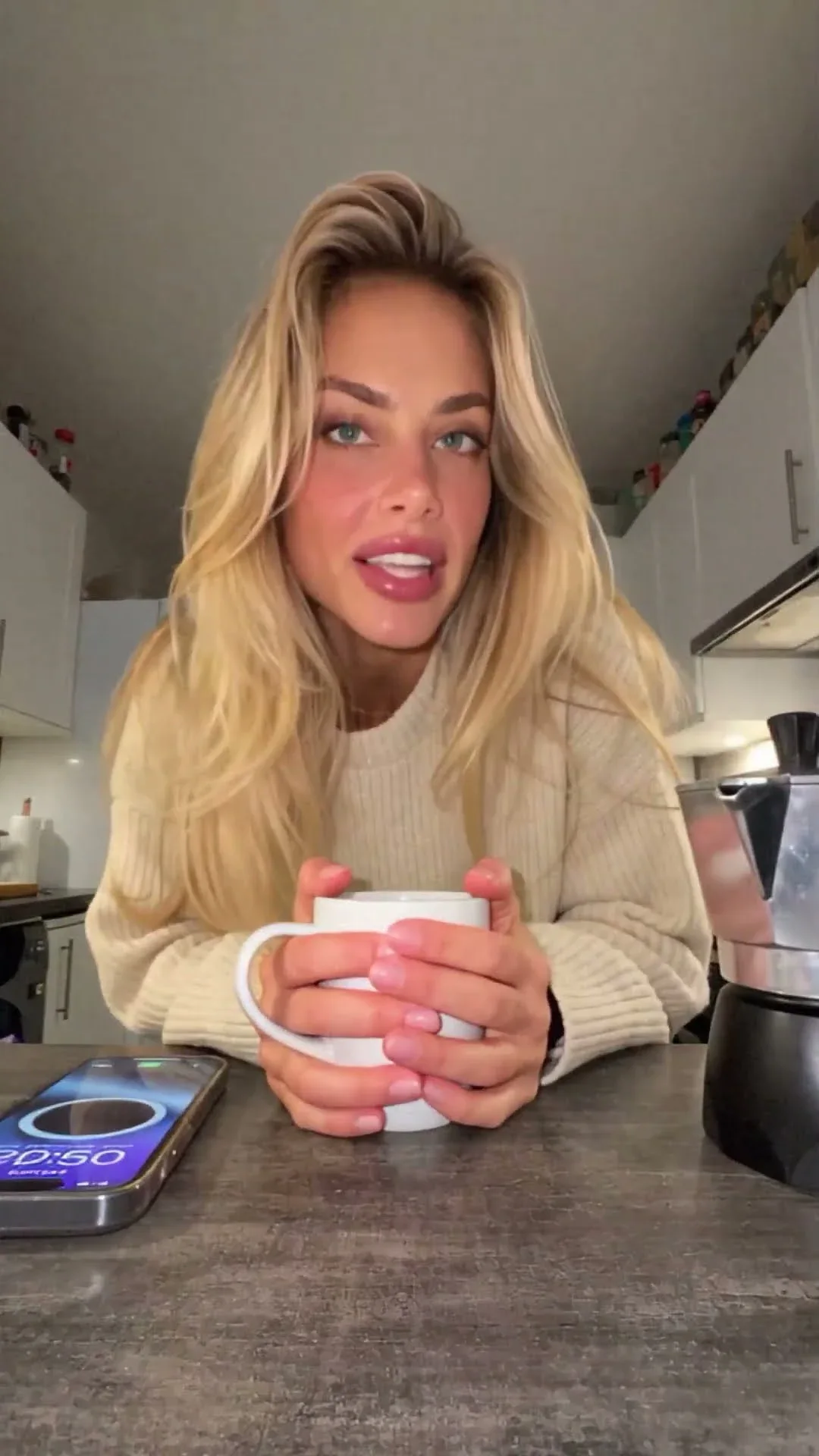

The AI Influencer VLOG prompt shows the pattern: it takes face, hairstyle, skin tone and proportions from the image and explicitly excludes its clothing, background and lighting. Write a line like that whenever a reference image should contribute only one thing.
Use your own face, or a person who has agreed to be animated, and never a stranger or a public figure. For more on keeping a likeness stable through changes, see how to keep a person recognizable.
Stage 5: Generate in small batches and judge like an editor
Generate two to four clips per prompt, then judge them against a fixed list instead of an overall impression. Overall impressions are flattered by the first second, which is the part copied most directly from your still.
- Does the face still match at the final frame?
- Do hands and fingers keep their count and shape during the action?
- Do straight lines in the background stay straight?
- Is the physics right: fabric falls, feet stay planted, nothing slides?
- Did the camera do the one move you asked for, and stop?
- Did anything appear from nowhere or vanish?
Scrub to the last frame first. Identity drift and melting hands build up over time, so the end of the clip tells you within seconds whether the rest is worth watching.
When a clip fails, change one thing and regenerate, as described in iterate one variable at a time. If the face drifts, reduce the action or the camera travel. If the background warps, slow the camera. If the action is ignored, move it earlier in the prompt and simplify the verb.
Chaining clips into a short sequence
Once one clip works, its last frame can become the first frame of the next. Most video editors can export a single frame as an image; use that rather than a fresh generation so the light, wardrobe and position carry over exactly.
- Export the final frame of the approved clip at full resolution.
- Write the next motion prompt, beginning from what is visible in that frame.
- Keep the time of day, weather and color words identical between prompts.
- Cut the clips together on an action, a turn or a step, so small mismatches hide inside the movement.
Try it today: take one still you already like and write three motion prompts for it. The first uses only secondary motion, the second adds one small action, the third adds a single camera move. Compare the three and you will learn how much motion your model can carry before the image starts to fall apart.