Paper Cutout Illustration: Layers, Shadows and Texture
Prompt paper cutout art that looks handmade: plan layers, light the edges, choose card stock colors and textures, and turn your own photos into papercraft.
Visual AI Club7 min de lectura
Esta guía está escrita en inglés.
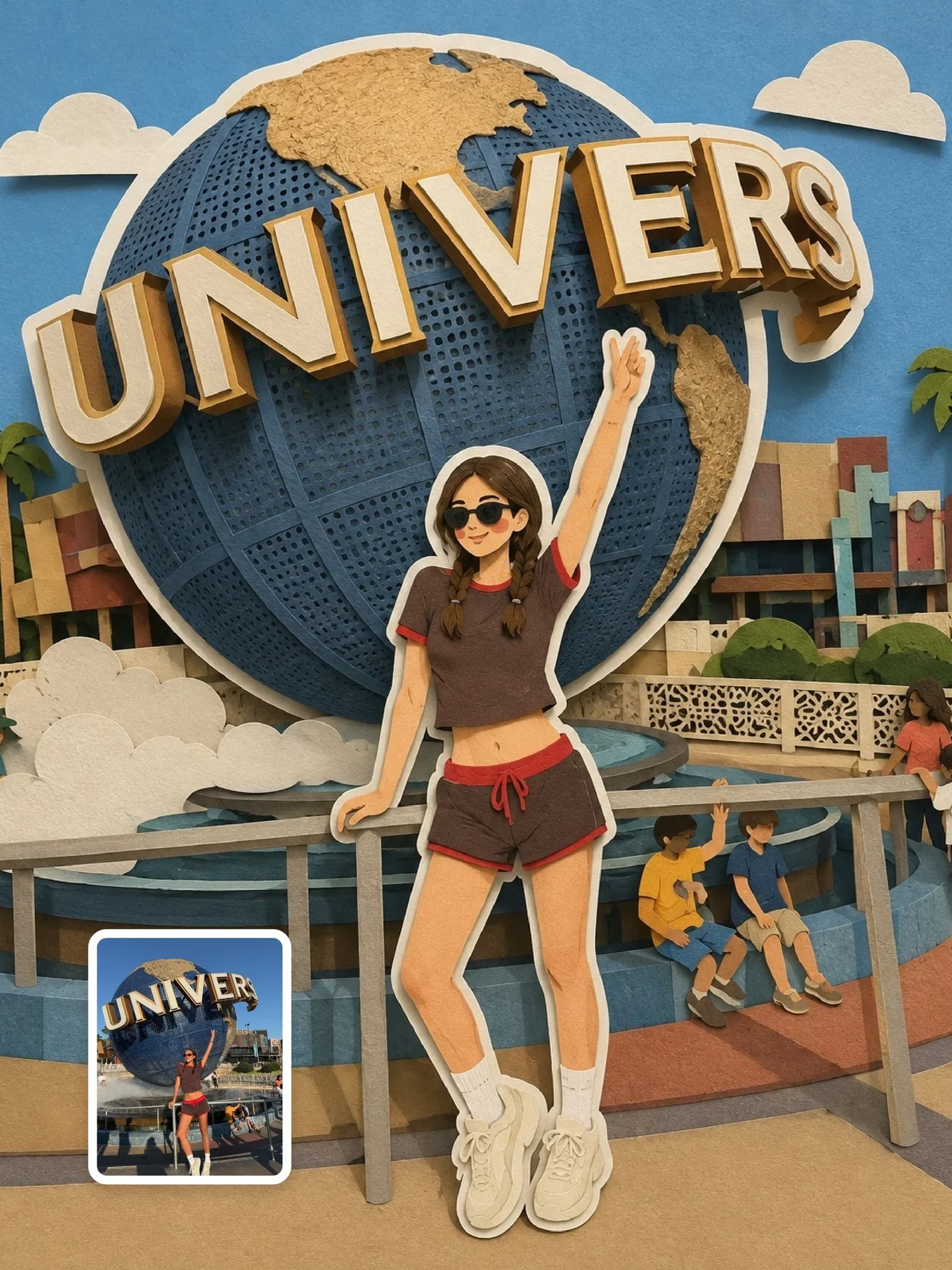
A paper cutout image convinces the eye for one reason: it looks like it could be sitting on your desk. You will learn to prompt the physical evidence of paper, meaning stacked layers, the shadows between them, cut edges and fiber texture, so your results look crafted rather than like flat vector art with a paper filter.
What makes paper read as paper
Look closely at a real cut-paper piece and you will notice that the drawing is almost secondary. What you actually see is light. Each sheet sits a few millimeters above the one below, so it casts a thin shadow along its lower edge. The cut edge itself catches light as a fine pale line, because paper has thickness. The surface is not perfectly smooth; it has a soft, fibrous texture that shows when light skims across it.
Image models know the word paper, but without these cues they often produce clean digital shapes with a subtle texture overlay. That reads as a flat illustration. Your prompt has to describe the scene as a physical object that was built and then photographed.
- Layer separation: distinct sheets stacked at different heights.
- Cast shadows: soft shadows under each layer, consistent in direction.
- Edge thickness: visible white or pale core along cut edges.
- Material texture: card stock fibers, slight tooth, maybe a deckled edge.
- Limited palette: a set of solid colored sheets, not gradients.
Pick a paper style before you write
Paper art is a family of techniques, and each needs slightly different words. Mixing them in one prompt tends to produce muddled results, so decide first which one you are after.
| Style | What it looks like | Key prompt cues |
|---|---|---|
| Layered shadow box | Deep scene built from 5 to 10 stacked layers, strong depth | stacked paper layers, shadow box diorama, soft shadows between layers, photographed at a slight angle |
| Flat cut-paper collage | Bold shapes glued flat on one sheet, almost graphic | flat cut paper shapes, glued collage, minimal shadow, visible scissor edges |
| Torn paper collage | Soft, irregular edges with fiber fringes | hand-torn paper edges, white fibrous borders, layered collage |
| Soft papercraft characters | Rounded cute figures, storybook feel | rounded paper shapes, dot eyes, blush cheeks, papercraft diorama |
| Paper plus paint | Cut shapes combined with watercolor washes | watercolor painted paper, cut-paper accents, handmade editorial |
The flat collage tradition goes back to modernist artists who cut painted paper into bold shapes. You can reference that spirit with words like bold hand-cut gouache paper shapes without naming anyone, and the model will understand the direction.
Plan the layers like a set builder
Before you write a single style word, sketch the scene in depth order. A paper artist works from back to front: the sky first, then distant hills, then the middle ground, then the subject, then a framing foreground. Writing the scene in that order gives the model a clear stacking plan.
Paper cutout illustration of a lighthouse by the sea at sunset.
Layered paper cutout diorama of a lighthouse by the sea at sunset. Back layer: peach sky with a pale yellow paper sun. Next: two layers of dusty blue waves. Middle: a white and red striped lighthouse on dark rocks. Front: tall grass silhouettes cut from deep green card. Soft shadows between every layer, light from the upper left.
Five to seven layers is a comfortable range. Fewer than four and the depth looks shallow; more than ten and the model starts merging layers or inventing extra shapes. Keep each layer to one color or one simple pattern, as you would if you were cutting it from a single sheet.
Leave a strong foreground layer at the edges of the frame, like branches, grass or clouds. It creates the classic window effect of a shadow box and makes the depth obvious at a glance.
Light it so the edges show
Lighting is where most paper prompts quietly fail. Flat frontal light removes the shadows between layers, and the work collapses into a flat graphic. A single soft light placed to the side and slightly above, around 30 to 45 degrees from the surface, does the opposite: every layer throws a shadow and every cut edge catches a highlight.
- Direction:
soft light from the upper leftkeeps shadows consistent and readable. - Hardness: soft shadows feel gentle and storybook; harder, more defined shadows feel graphic and modern.
- Shadow depth:
shadows suggest 3 to 5 mm between layersgives subtle depth; a deep shadow box can go further. - Backlight option: placing light behind thin paper makes it glow, like a lantern or a window at night.
Camera angle adds to this. A straight-on, top-down view looks most like a flat poster. Tilting the camera about 15 to 30 degrees reveals the stack and makes the piece feel like an object on a table. Choose straight-on for posters and typography; choose an angle when the craft itself is the point.
Color and texture of the sheets
Real card stock comes in solid colors, and paper artists choose a small set before cutting. A limited palette of four to six colors looks deliberate and handmade. A rainbow of gradients looks digital. Describe the colors as materials: cream card stock, terracotta paper, sage green sheet, navy construction paper.
Texture words should be specific too. Smooth matte card stock gives a clean, modern feel. Cold-press watercolor paper with visible tooth gives warmth and grain. Kraft paper adds a brown, recycled character. Handmade paper with fibers and flecks feels artisanal. The paper watercolor prompt combines painted texture with paper edges, a good reference for the paper-plus-paint direction.
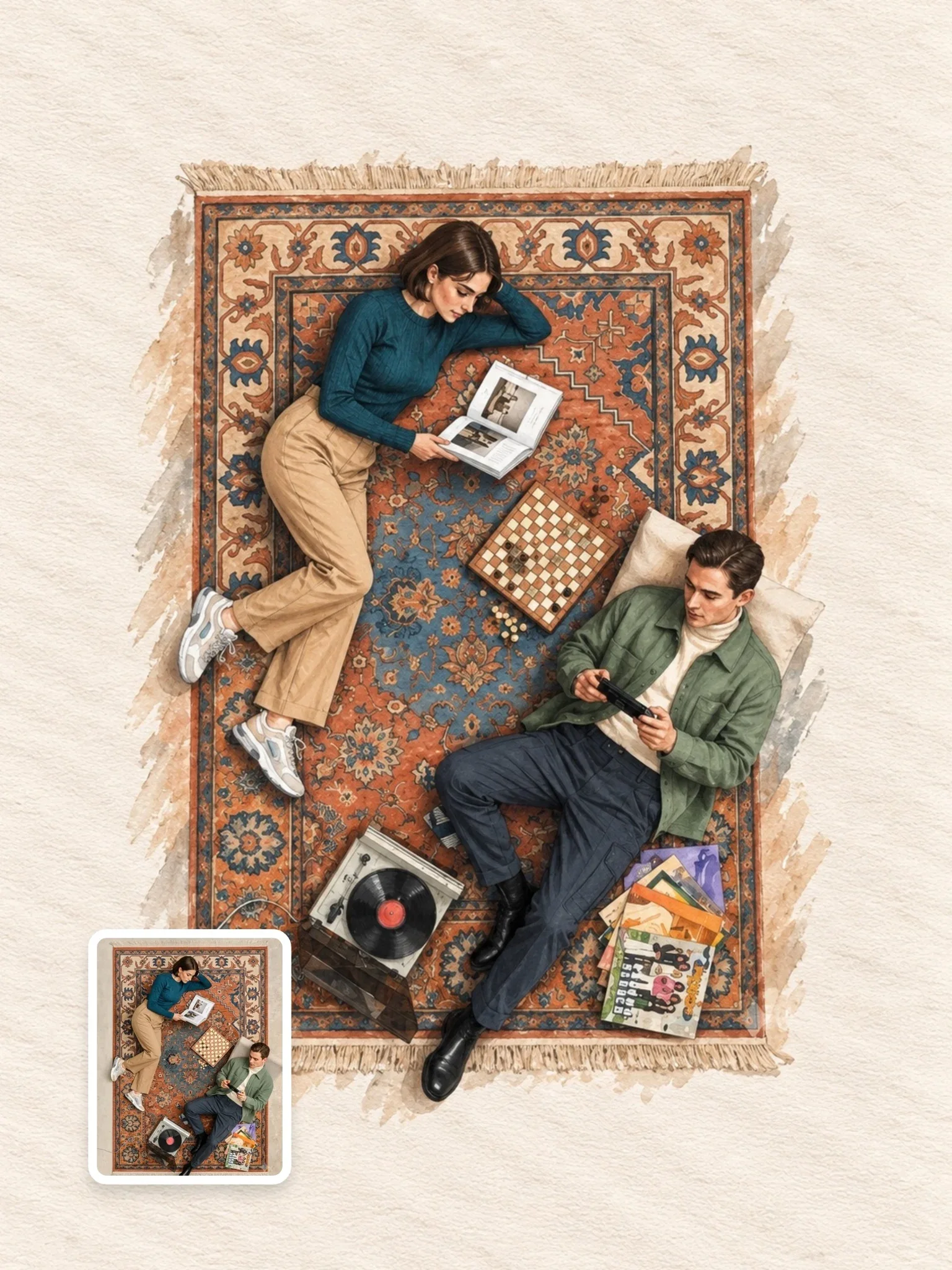

Warm off-white backgrounds look like real paper; pure white often looks like an empty digital canvas. Write warm off-white paper background instead of white background.
Turning your own photo into paper
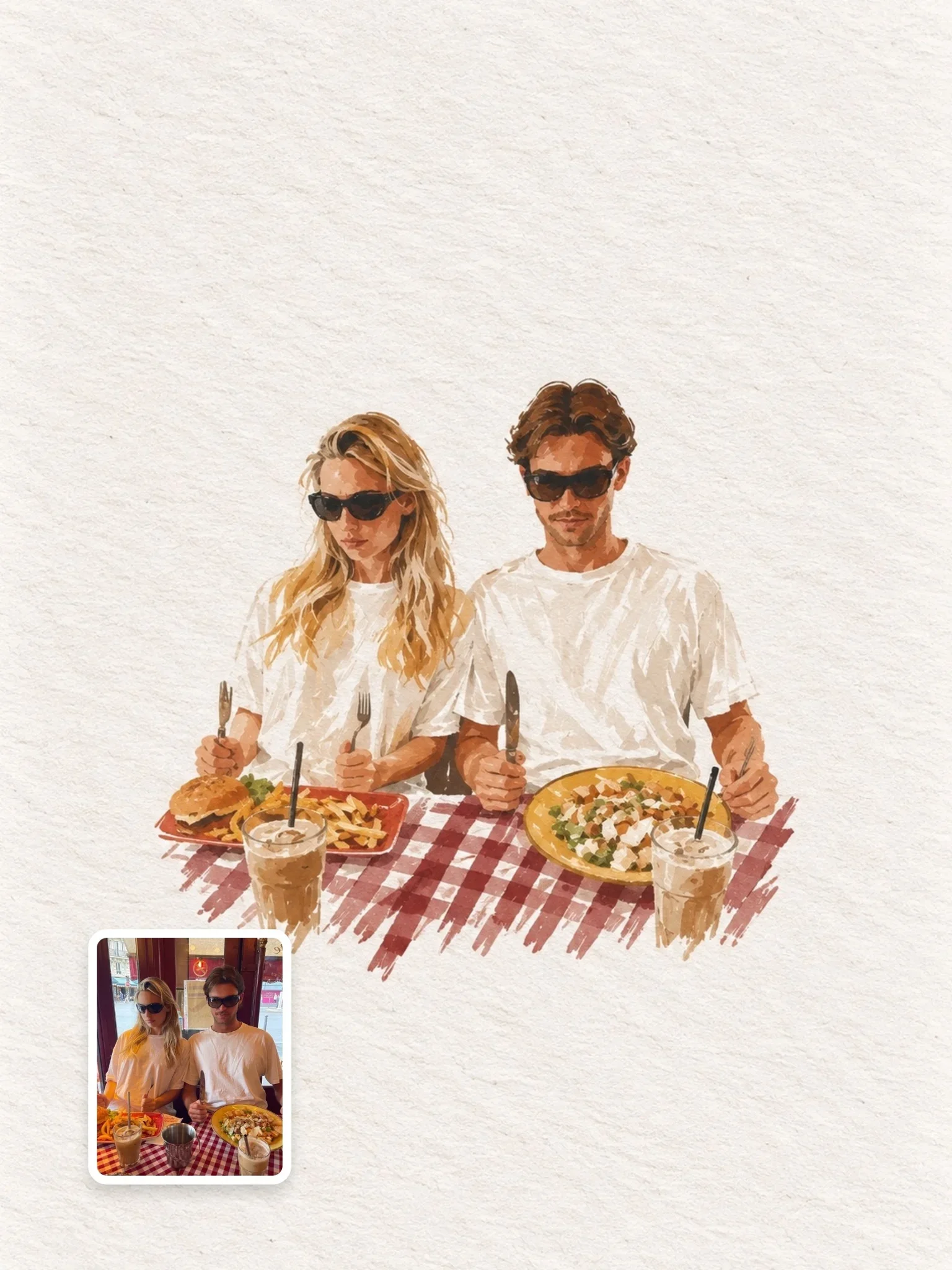
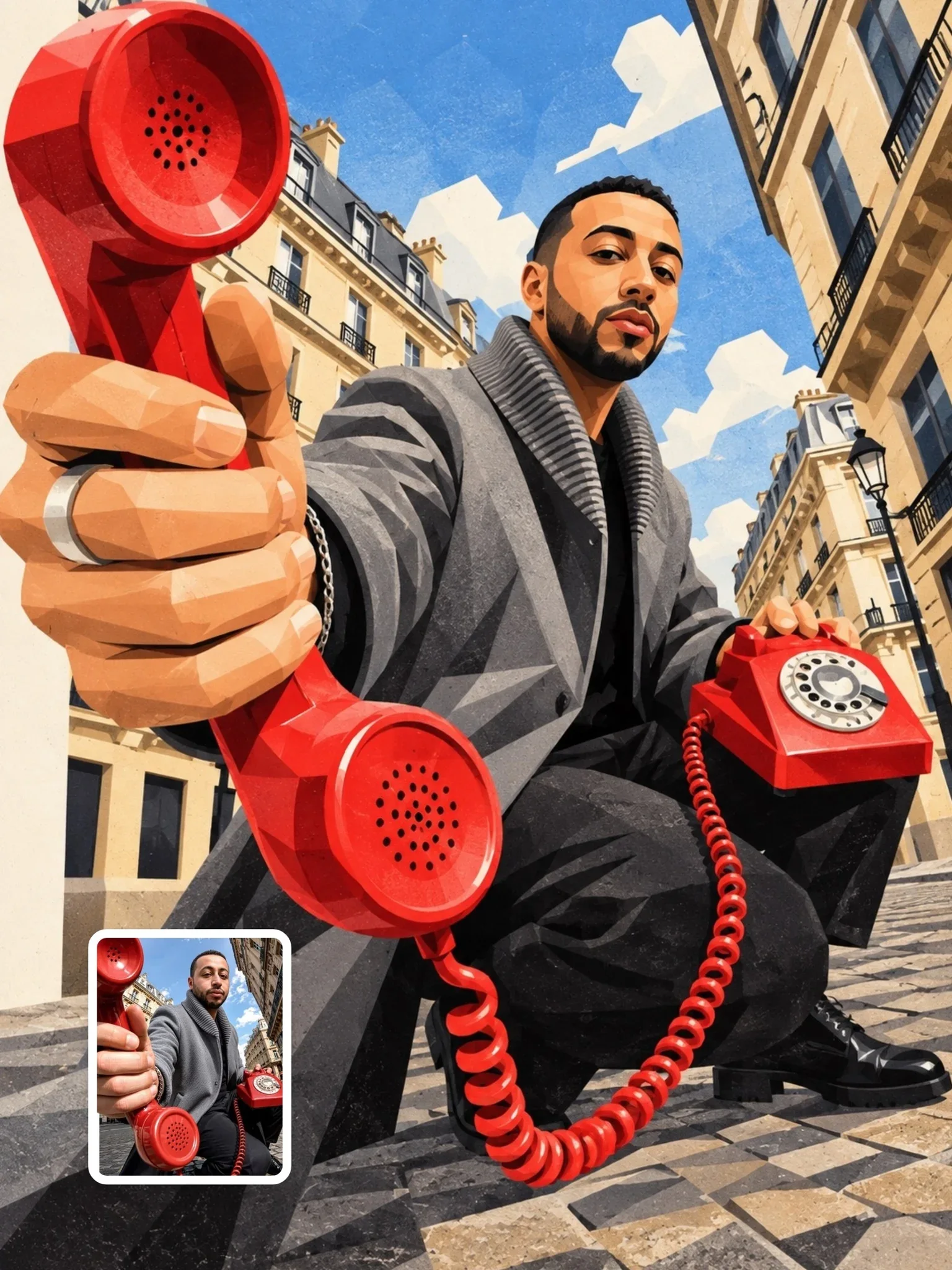
When you transform a photo of yourself, a friend or a pet into papercraft, the challenge is to simplify without losing the person. Paper cannot hold fine detail, so features must be reduced to a few shapes: hair as one or two cut pieces, the outfit as blocks of color, the face with minimal marks. What keeps the likeness is silhouette, hairstyle, clothing colors and pose.
The paper cutout illustration prompt handles this by locking the original composition, pose and recognizable features while rebuilding the scene from stacked, rounded paper layers. The minimalist handmade paper illustration goes the other way: it shrinks the subject to a small figure in a large field of negative space, which is very forgiving of simplification.
- Start from a clear photo with a simple background and an obvious pose.
- Tell the model what to keep: pose, hairstyle, outfit colors, accessories, framing.
- Tell it what to simplify: facial detail, fabric folds, background clutter.
- Specify the paper style and the layer count, then the light direction.
- Check the result for likeness at thumbnail size, the way people will first see it.
Use only photos you took or have permission to use. For deeper advice on preserving likeness through a style change, read keeping a person recognizable.
Mixing paper with a real photograph
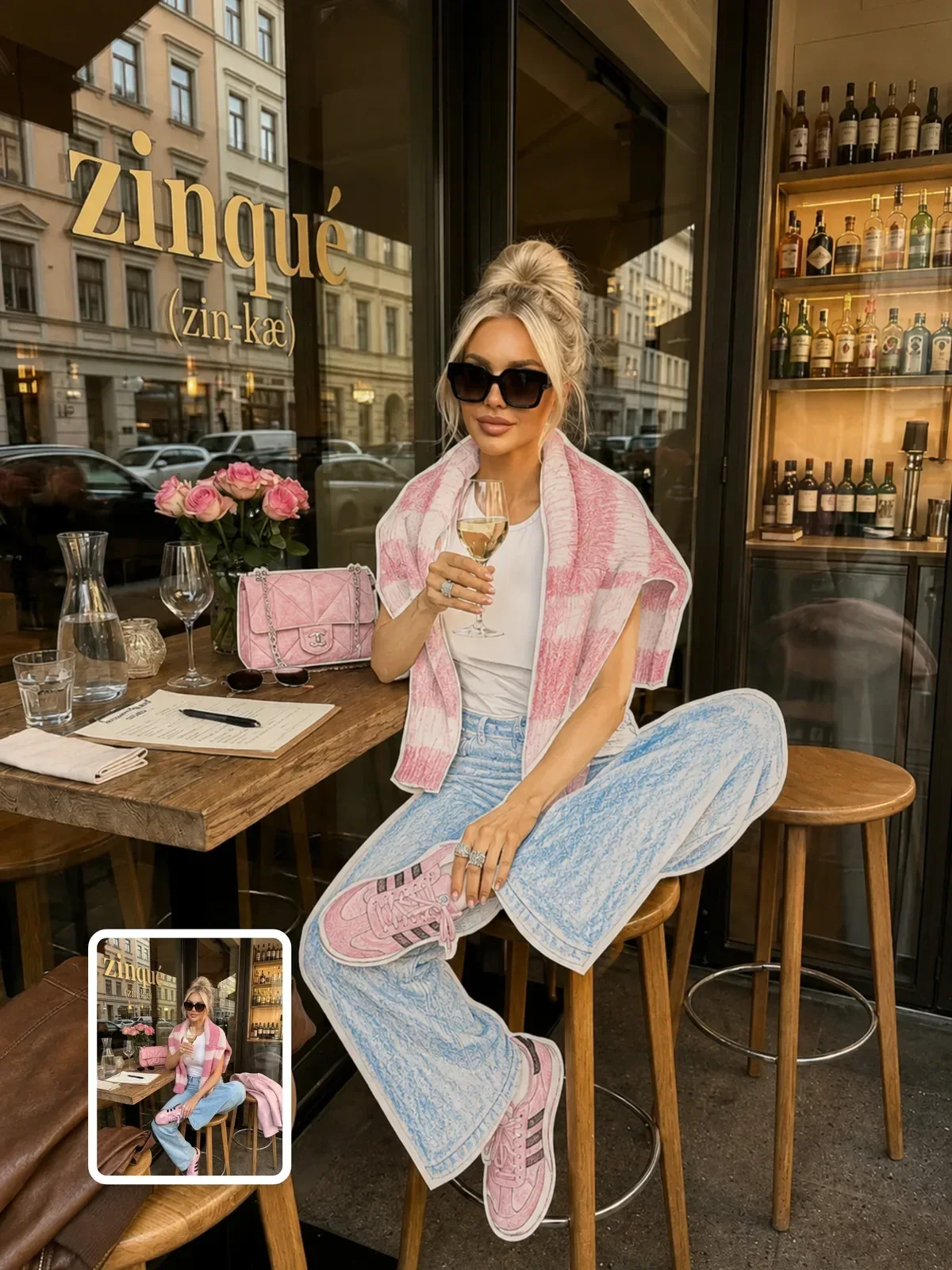
A newer variation keeps the photograph completely real and replaces just one element with paper. The paper-cutout outfit fashion editorial does this with clothing: the person, skin and setting stay photographic while the outfit becomes layered cut paper. The trick is to make the paper respond to the real light in the photo, so its shadows match the direction of the sun or the window.
Write the lock clearly: what stays untouched, which single element becomes paper, and that the paper must follow the photo's existing light. Without that last instruction, the paper element often gets its own studio lighting and looks pasted on.
A layer plan you can reuse
Here is a short exercise. Pick a place you love and write it as a five-layer stack, one line per layer from back to front, each with one paper color. Then add one line for light and one for camera angle.
- Layer 1, background: sky or wall, one color.
- Layer 2, far distance: hills, skyline or horizon.
- Layer 3, middle: the main landmark or setting.
- Layer 4, subject: person, animal or object.
- Layer 5, foreground frame: leaves, clouds, grass or curtains.
- Light: soft from the upper left, visible shadows between layers.
- Camera: straight-on for a poster, 20 degrees tilted for a diorama.
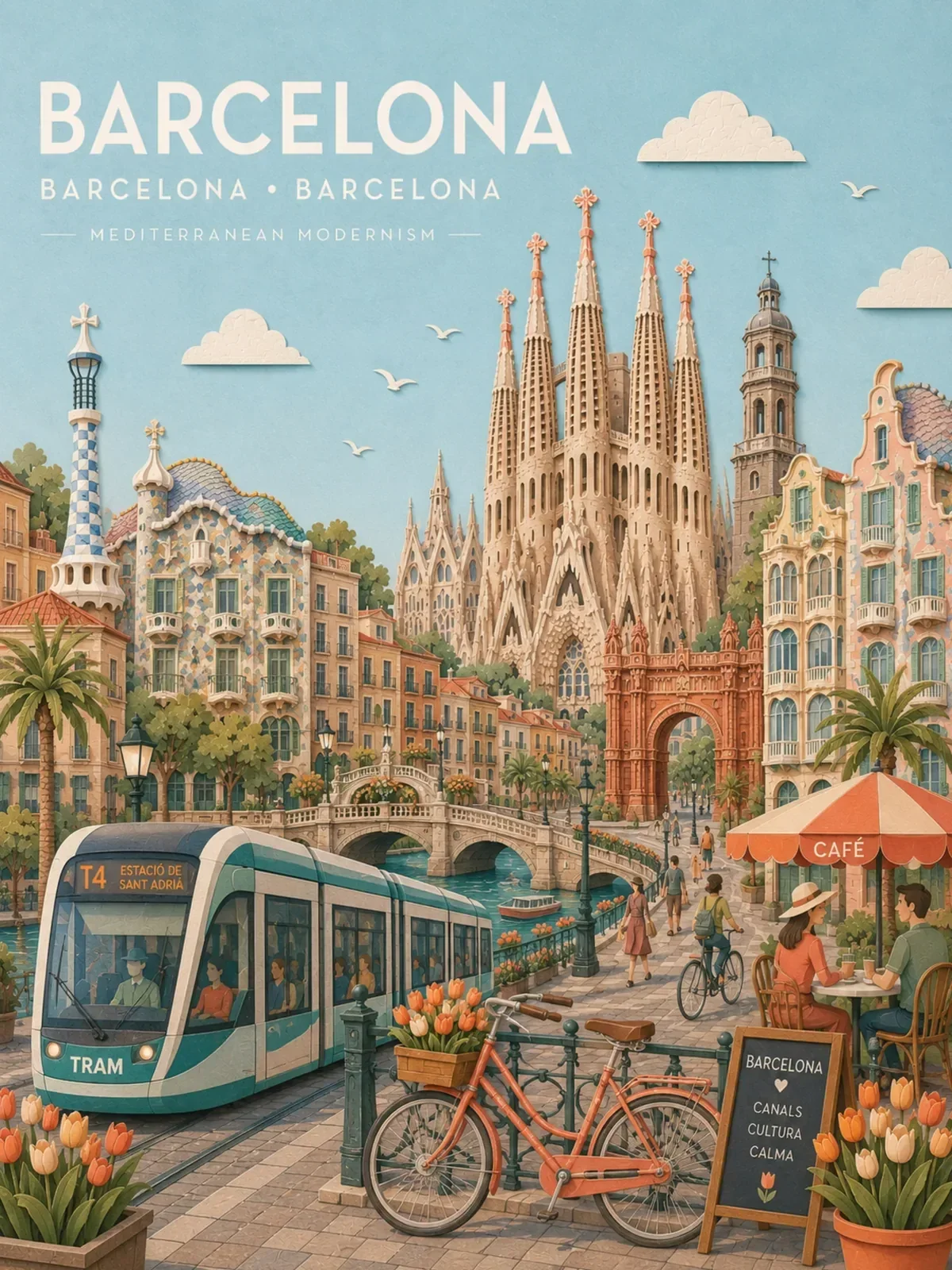
Generate it once straight-on and once tilted. The tilted version will show you instantly whether the model built real layers or a flat picture, and that tells you what to describe more clearly next time. If you plan to use it as a poster, the guide on travel posters shows how to add a title area without breaking the paper illusion.