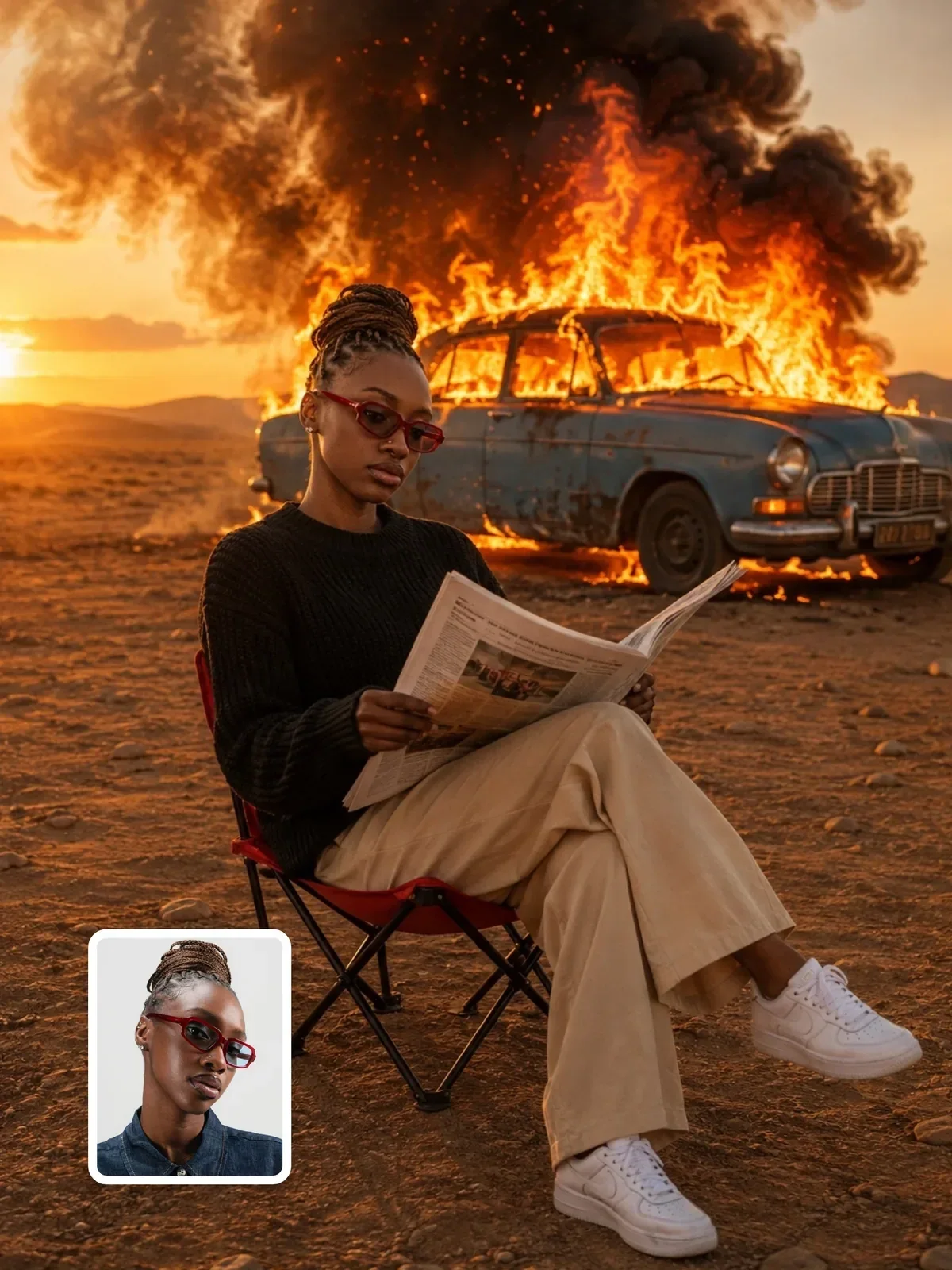
Color Grading in Prompts: Describe a Palette Like a Colorist
Describe color like a colorist: contrast, white balance, shadows, midtones and highlights, limited palettes, and why AI images keep turning teal and orange.
Visual AI Club7분 분량
이 가이드는 영어로 작성되었습니다.
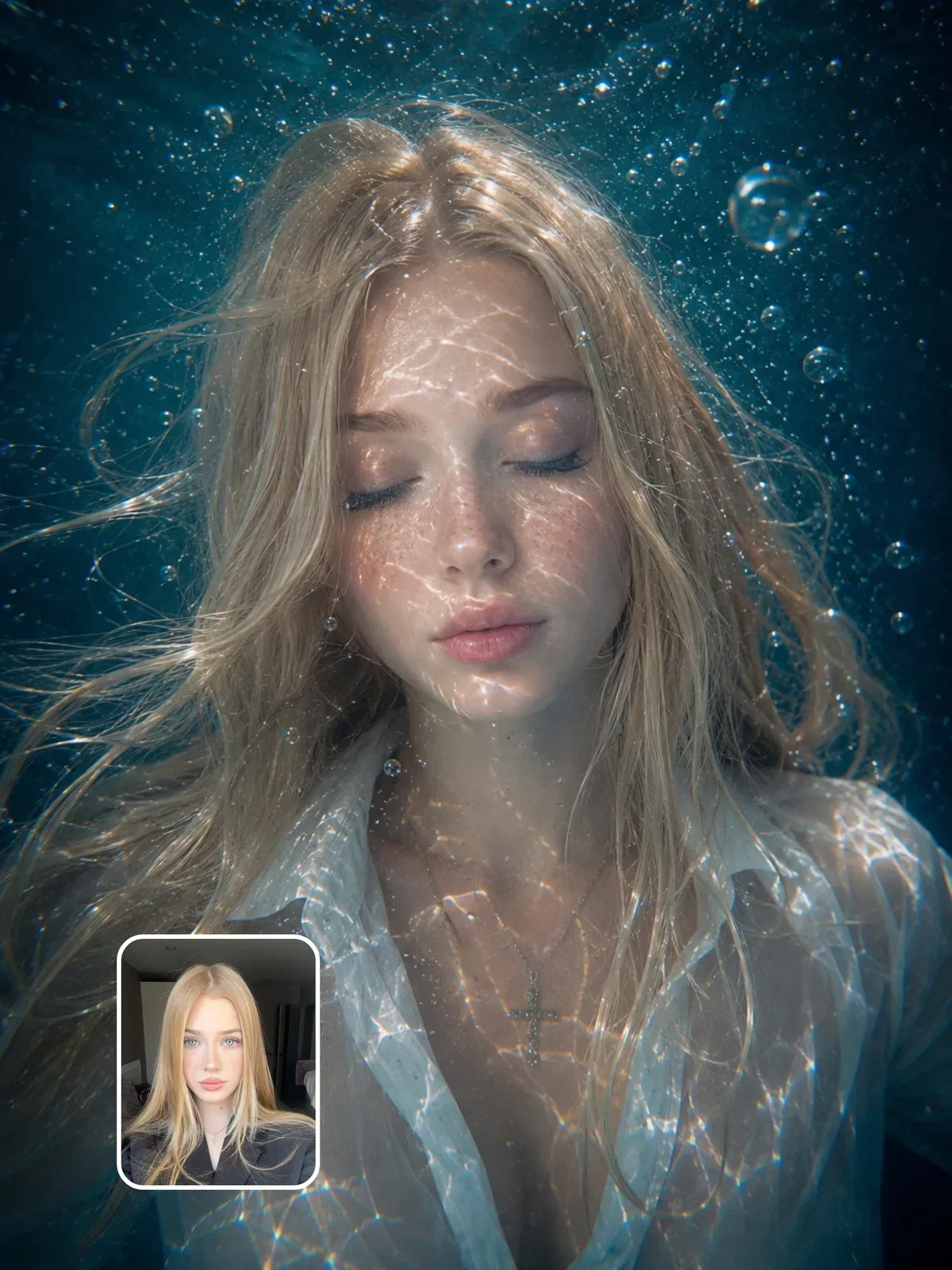
Colorists rarely use the word "cinematic." They talk about where the blacks sit, which way the shadows lean, how much color the midtones carry and how the highlights roll off. That vocabulary is what separates a grade you chose from the generic AI default of teal shadows, orange skin and crushed blacks. Learn to describe those four things and you can ask for any look, not just the one the model reaches for first.
What a colorist actually adjusts
Grading is the final pass on color and tone after an image is shot. Done on film or in software, the controls come down to a short list:
- White balance. The overall warm-cool shift (temperature) and green-magenta shift (tint). Neutral white balance makes a white shirt look white; warm makes it cream; cool makes it bluish.
- Contrast. The distance between the darkest and brightest tones. High contrast feels punchy and graphic; low contrast feels soft, hazy or nostalgic.
- Black point and white point. Whether the darkest tones are true black (crushed) or lifted to a dark gray, and whether highlights reach pure white or stop short. Lifted blacks are a big part of the faded film look.
- Saturation. How intense colors are, overall or for specific hues. Professional grades often desaturate some colors and leave others alone.
- Color in each tonal range. Shadows, midtones and highlights can each be tinted separately. This is where most of a grade's personality comes from.
You don't need software vocabulary in a prompt. You need the same concepts in plain words: lifted, slightly blue blacks, warm creamy highlights, muted greens.
The three-zone method
The most useful habit you can build is describing shadows, midtones and highlights separately. Each zone carries different information. Shadows set the mood, midtones carry skin and most of the subject, and highlights decide whether the image feels clean, warm or harsh.
Street portrait at dusk, cinematic color grading, moody.
Street portrait at dusk. Grade: shadows lifted slightly and tinted deep blue-green, midtones natural with true-to-life skin, highlights warm amber from the shop lights. Low saturation overall except the red of her scarf. Gentle contrast, no pure black.
The second prompt gives the model one instruction per zone, plus a single exception. That exception, one color allowed to stay saturated, is a classic colorist move: it guides the eye straight to the subject.
Write the grade as a separate line beginning with Grade: or Color:. Keeping it apart from the scene description makes it easy to swap grades later without touching anything else, and it stops color words from leaking into objects (a "blue mood" turning someone's jacket blue).
Why teal and orange keeps showing up
Teal and orange became the signature of blockbuster grading for a reason. Human skin, across all skin tones, sits in the orange range of the color wheel. Teal is roughly its complement, directly opposite. Push the shadows and background toward teal and the skin naturally stands out, because complementary colors make each other look more intense.
Image models have seen enormous numbers of graded film stills and posters, so they connect words like "cinematic" and "film" with that pairing. Used gently, it still works well. Used by default, it makes every image look like the same trailer.
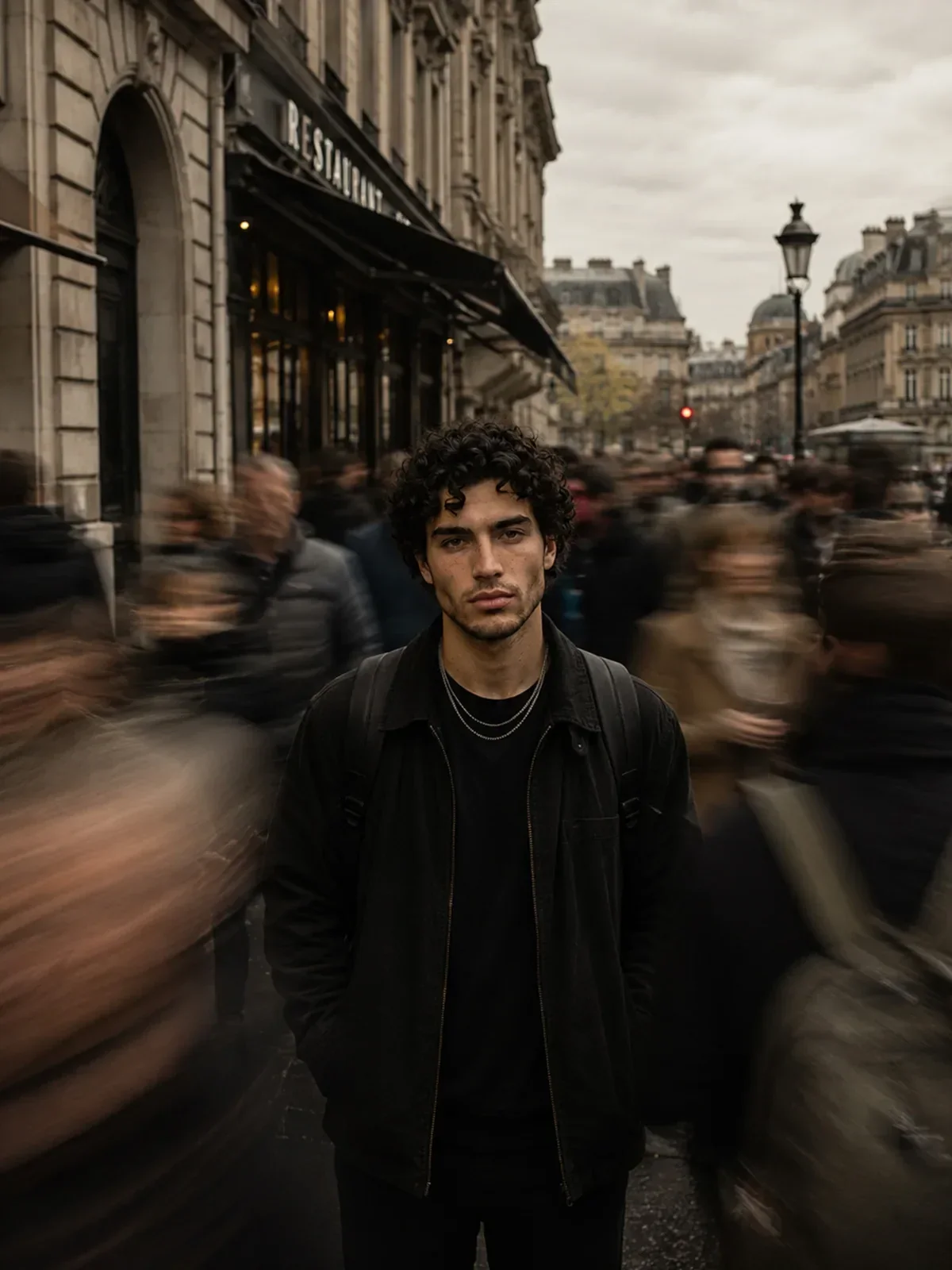

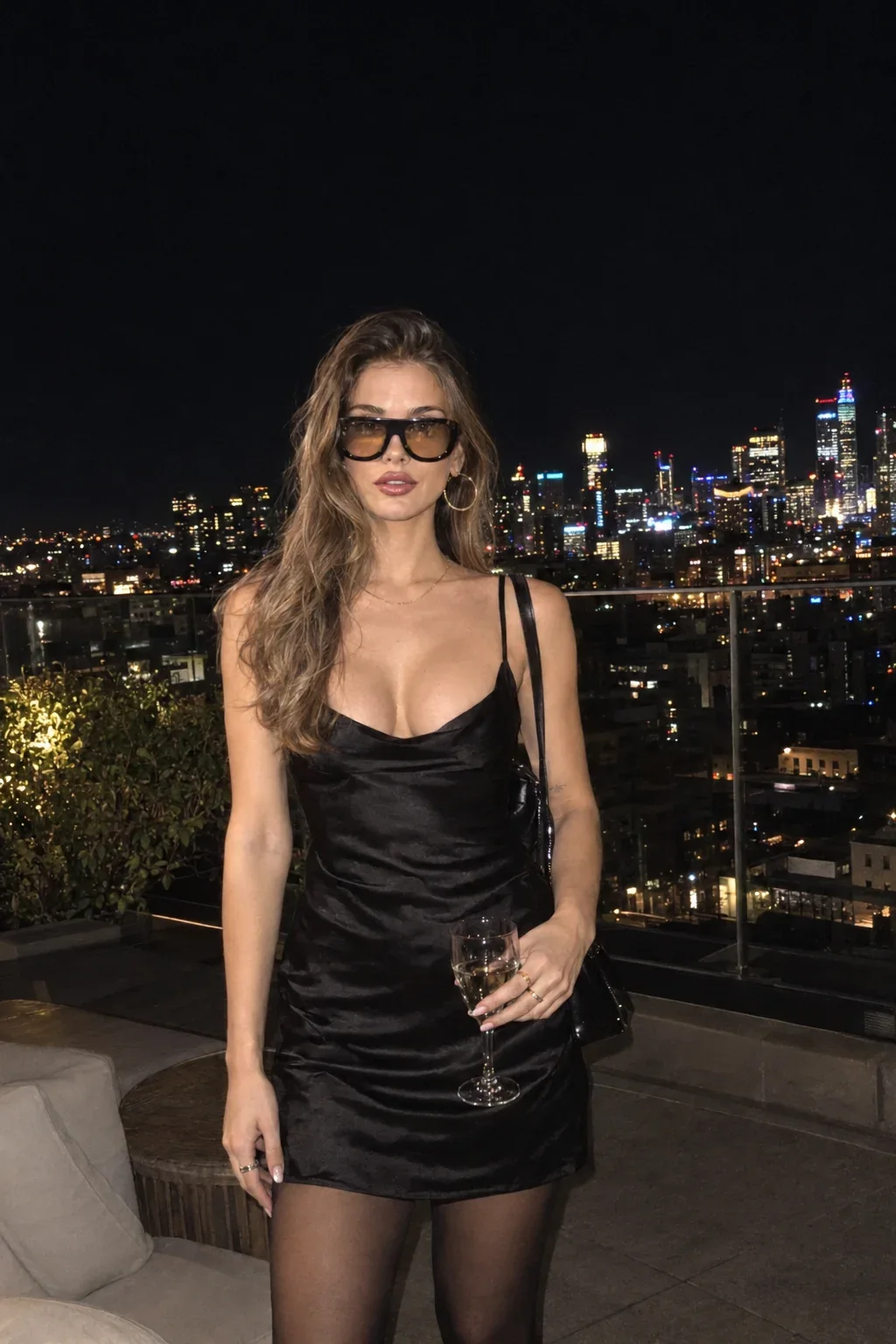
The slow-shutter commuter portrait shows the restrained version: a cool, teal-leaning city grade that stays believable because the skin is kept natural.
To avoid it, name a different grade, and if needed add a plain constraint: neutral color, no teal and orange grading. Replacing "cinematic" with a description of light and color also helps; the lighting vocabulary guide gives you the words.
Colored light or colored grade?
Before you write a grade, decide whether the color you want comes from the light or from the grade. They look different, and models treat them differently.
Colored light is physical. A red neon sign makes one side of a face red, leaves the other side lit by whatever else is in the room, and throws red onto the nearby wall but not the far one. It has direction and falloff. A grade is global. It tints every shadow in the image, or every highlight, regardless of where the light came from.
Real images usually have both, and the most believable results keep them consistent. If the scene is lit by warm tungsten lamps, a warm grade feels natural and a cold grade fights it. If you want a cool image of a warm room, keep the lamps warm and cool only the shadows, as a colorist would. Describe light color in the lighting line (warm practical lamps, cool window light) and tonal color in the grade line, and the model has a clear plan for each. The golden hour guide covers how light color shifts with time of day.
A palette is decided before the grade
Colorists can only shift the colors that are in front of the camera. On a film set, production designers and stylists choose those colors first: wardrobe, walls, props. In a prompt, you play both roles, and the palette of the scene matters more than any grading phrase.
Pick a small set of colors and say where they appear. Three main colors plus one accent is a reliable structure:
Palette limited to sage green, warm sand and off-white, with a single accent of rust orange. The walls are sage, the linen is off-white, the floor is sand-colored wood, and the only rust is a ceramic vase on the table.
Color relationships give you a shortcut for choosing:
- Monochromatic: shades of one hue. Calm and elegant, as in an all-blue underwater image.
- Analogous: neighbors on the color wheel, like yellow, orange and red. Warm, harmonious, autumnal.
- Complementary: opposites, like blue and orange or green and magenta. High energy, strong separation.
- Neutral plus accent: mostly grays, beiges or blacks with one strong color. Editorial and minimal.
Hex codes can help pin down a brand color, but models treat them as approximate. Always pair a hex code with a name: deep forest green (#1F3D2B) works better than the code alone.
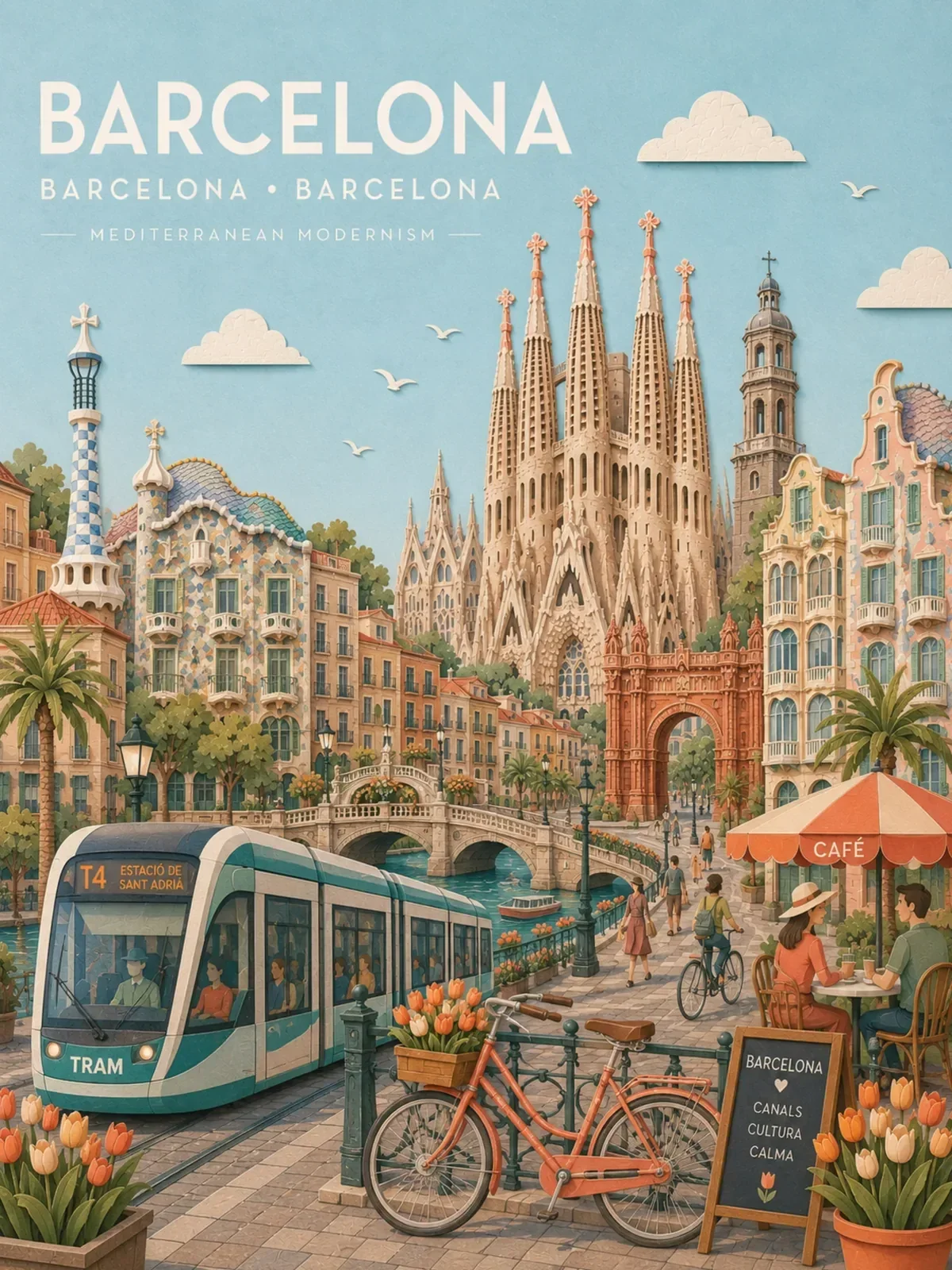
Palettes matter just as much outside photography. Illustration, paper-cut and 3D styles have no real camera or film to grade, so the palette is the grade. Pastel travel posters like the pastel paper-collage city poster work because every element sits inside one soft, limited range of colors.
Ready-made grades, described properly
Here are some familiar looks, broken into the zones a colorist would use. Copy the description rather than the name; the name alone means different things to different models.
| Look | Shadows | Highlights | Contrast and saturation |
|---|---|---|---|
| Warm nostalgic | lifted, brown-orange | soft, creamy yellow | low contrast, gentle saturation |
| Cool Nordic | blue-gray, slightly lifted | clean white, cool | medium contrast, muted, greens desaturated |
| Bleach bypass | dense, near black | bright, slightly silver | high contrast, very low saturation |
| Pastel daylight | light, never dark | bright, airy | very low contrast, soft candy colors |
| Neon night | deep blue or violet | saturated magenta and cyan | high contrast, strong saturation in lights only |
| Earthy documentary | neutral brown | natural, slightly warm | medium contrast, colors slightly muted |
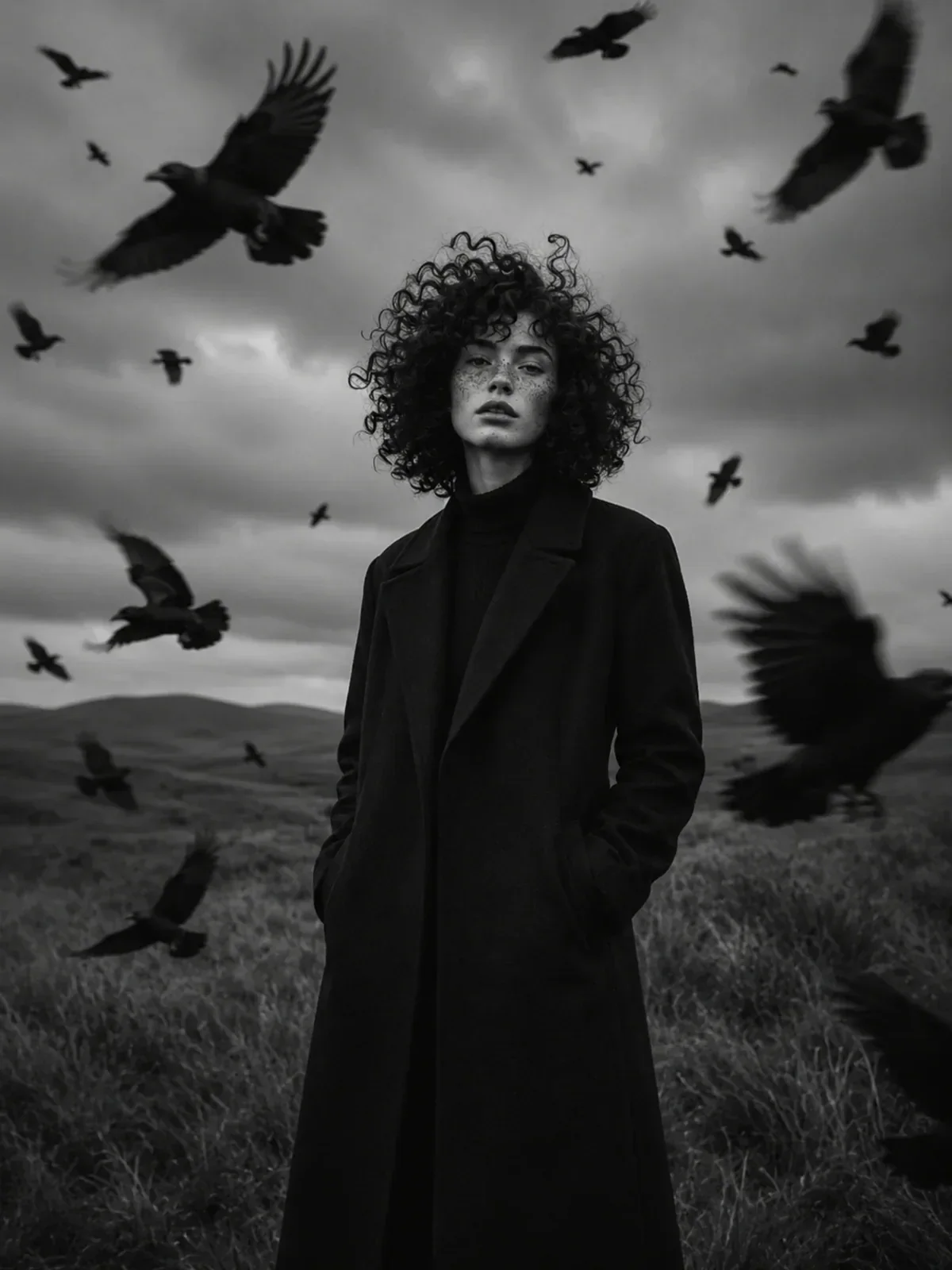
Bleach bypass is named after a real film-lab process in which the bleaching step is skipped, leaving silver in the image; that is where its gritty, desaturated look comes from. Older stock looks such as faded prints and grain belong in the film looks guide, and if you'd rather remove color entirely, see black and white portraits.
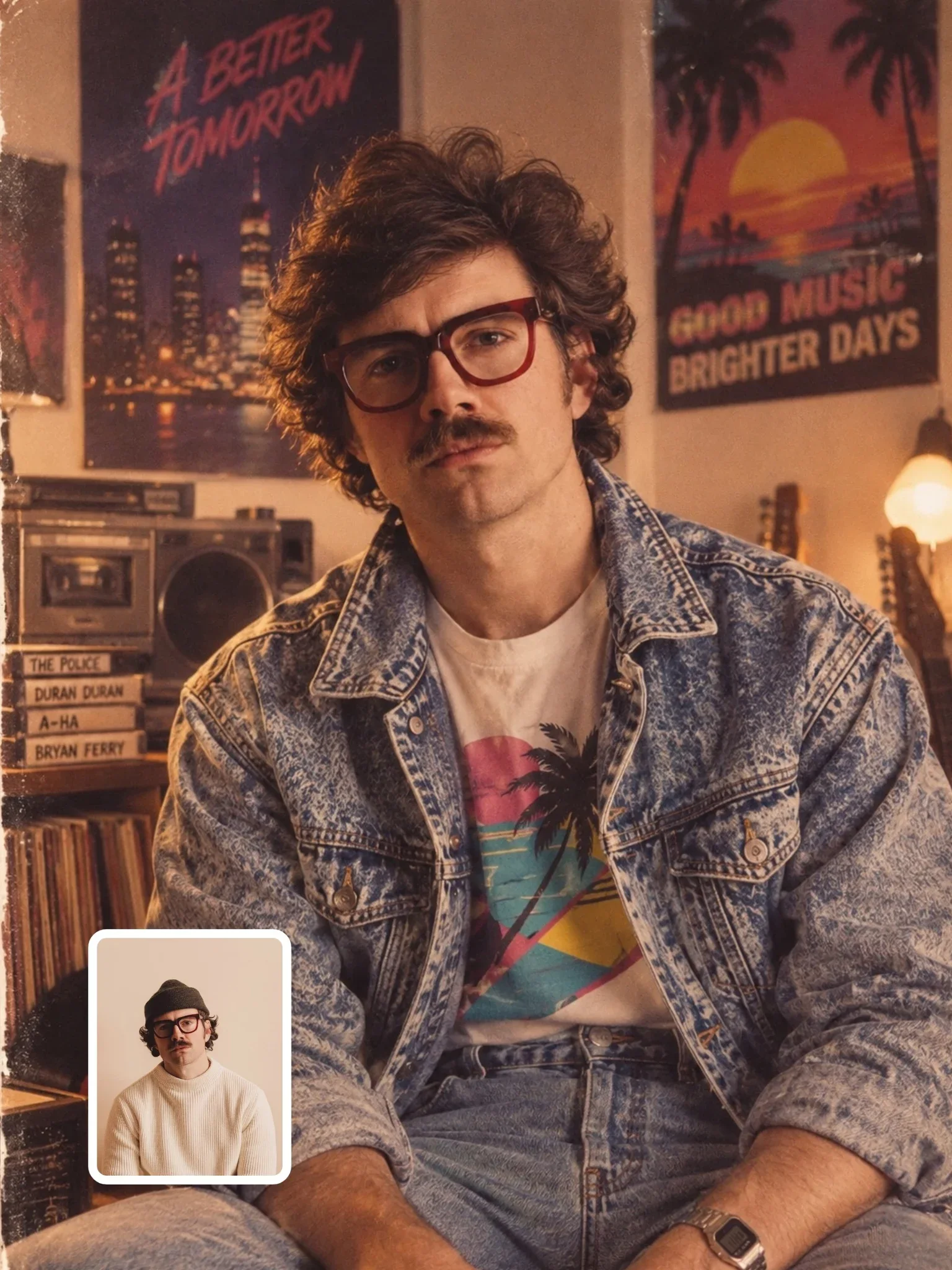
Era looks are mostly grading. The 1985 retro portrait gets much of its period feel from warm, slightly faded color, not from the clothes alone.
Protect skin and whites
Strong grades break in two places first: skin and anything that should be white. Green-tinted skin looks ill, and a strongly blue shirt in a cool grade reads as a different shirt. Colorists isolate skin tones and keep them close to natural even in extreme grades, and you can ask for the same thing.
Skin tones kept natural and true to the reference.Whites stay neutral white; only shadows are tinted.The grade affects the environment, not the person's real coloring.
This matters even more when you work from a real photo of yourself or someone else. Heavy grading should never change a person's skin tone; that's both a quality problem and a respect problem.
Grade one image three ways
Take a prompt you already like and add a separate grade line. Generate three versions with only that line changed:
Grade: warm nostalgic, lifted brown shadows, creamy highlights, low contrast.Grade: cool and muted, blue-gray shadows, desaturated greens, clean whites.Grade: neutral, true-to-life color, medium contrast, no teal and orange.
Compare the three with the skin and whites in mind first, then the mood. Keep the grade lines that worked in a note; over time they become your personal set of looks, as reusable as the prompt templates you build for subjects and scenes.