Group and Couple Photos With AI: Keeping Everyone Recognizable
Why faces drift when AI transforms couple and group photos, and how to choose the source, write a left-to-right roster and fix one person at a time.
Visual AI Club7분 분량
이 가이드는 영어로 작성되었습니다.
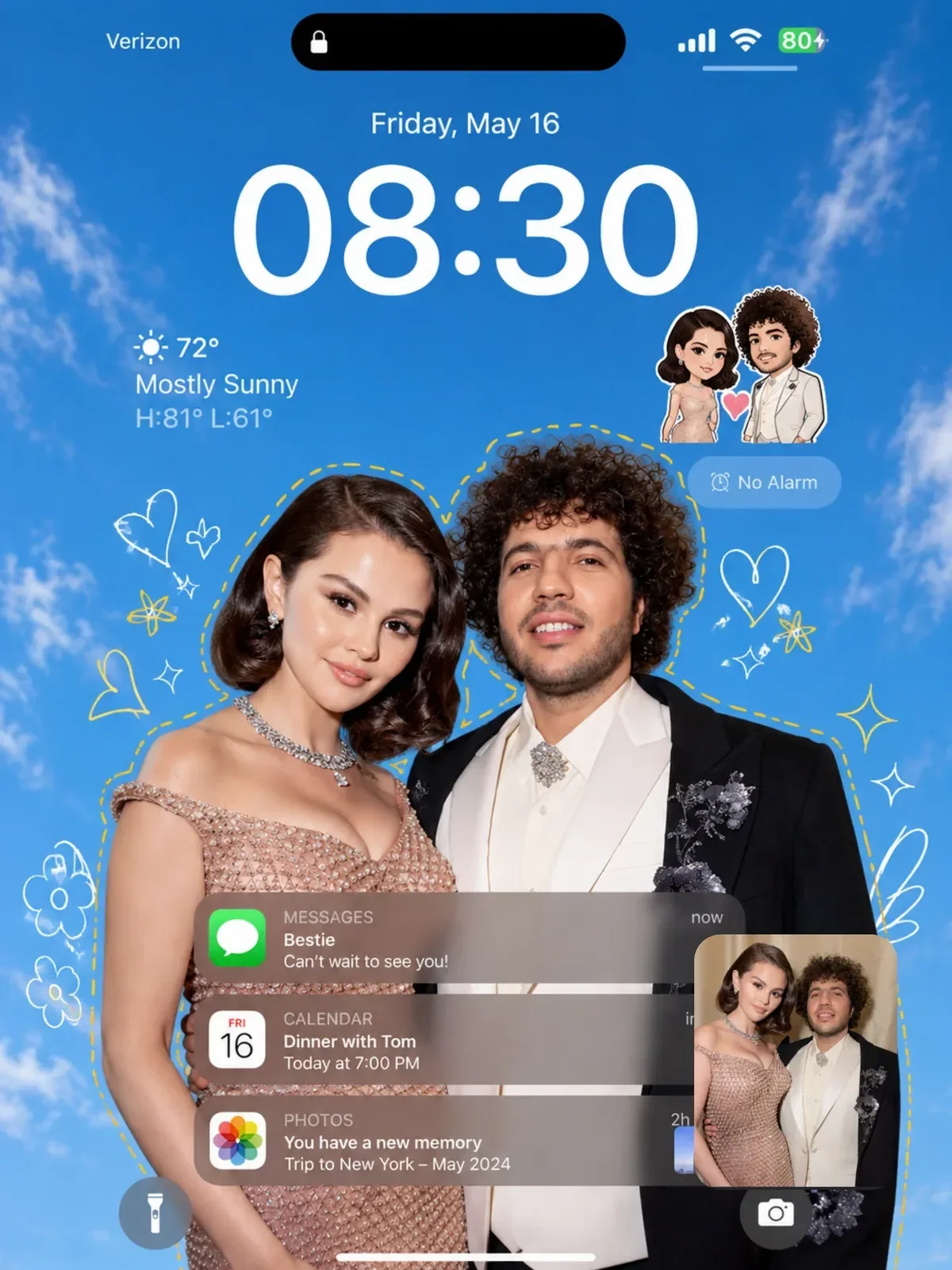
You upload a photo of you and your partner, ask for a cinematic street-style version, and get back two attractive strangers who look a bit like cousins of you both. With three or four people it gets worse: faces blend, someone gains a twin, someone disappears. This guide explains why that happens and gives you a method that keeps each person recognizable, from picking the source photo to checking the final faces one by one.
Why faces drift more when there are more of them
Recognition lives in small details: the exact distance between the eyes, the shape of the nostrils, how one eyebrow sits higher than the other. In a solo selfie, a face can fill a third of the frame and the model has plenty of pixels to read those details. In a group photo of five people, each face might be a small patch in a large image, and much of what made it unique simply is not in the file.
When information is missing, the model fills it with what is typical. That is why group transformations often come back with faces that are smoother, more symmetrical and more similar to each other than the real people. A second effect is blending: features from one person bleed into the person standing next to them, especially when they have similar hair or clothing, because the model has no strong signal telling it which details belong to whom.
- Fewer pixels per face means more guessing and more averaging.
- Similar-looking people standing close together are more likely to swap or merge features.
- Big style changes such as 3D toy, anime or claymation give the model more room to reinterpret, so identity anchors matter even more.
- Vague prompts that say the couple or everyone leave the model to decide how many people there are and how they relate.
Choose a source photo that gives every face a fair chance
You can fix a lot with words, but you cannot add information that the photo does not contain. Spending two minutes choosing a better source saves twenty minutes of regenerating.
- Faces large and sharp. Zoom into each face on your screen. If you cannot clearly see the eyelids and the edge of the lips, the model cannot either. Pick a photo taken closer, or crop tighter.
- Everyone facing roughly toward the camera. Profiles and turned heads hide half the features. A slight three-quarter angle is fine; a back of the head is not.
- Even light. Open shade or a bright overcast day gives faces soft, even light. Harsh midday sun creates deep eye shadows that hide eye shape.
- No overlaps. Heads tilted together on a shoulder look sweet but merge into one shape. A small gap between faces helps the model separate people.
- Original resolution. A photo forwarded through a messaging app has often been compressed. Ask for the original file.
For couple shots, a photo taken with the camera at about eye level and roughly 1.5 to 2 meters away tends to work well: close enough for detailed faces, far enough to avoid the wide-angle distortion that stretches noses and foreheads in arm's-length selfies.
Write a roster: who is where, and what makes them them
The single most effective technique for groups is a roster: a short, numbered description of each person in order from left to right, with the features that make them recognizable. It gives the model a separate slot for each person, which reduces blending, and it fixes the count.
Turn this photo of my family into a cozy holiday portrait. Keep everyone looking like themselves.
Exactly four people, keep their positions from left to right. 1: man in his sixties, gray beard, rectangular glasses, broad forehead. 2: woman in her sixties, short silver curly hair, small mole above the left lip. 3: woman in her thirties, long straight black hair with a center part, wide smile, gap between front teeth. 4: boy about eight, buzz cut, ears that stick out slightly. Keep each face, age, skin tone and expression from the photo. Change only the setting: a warm living room with a lit fireplace behind them.
Notice what goes into each line. Age, hair and one or two distinctive features, the very things a model tends to smooth away. Mention quirks honestly; a tooth gap or prominent ears is what makes a person look like themselves. Avoid adjectives like handsome or beautiful, which pull everyone toward a generic ideal.
Lock count and relationships
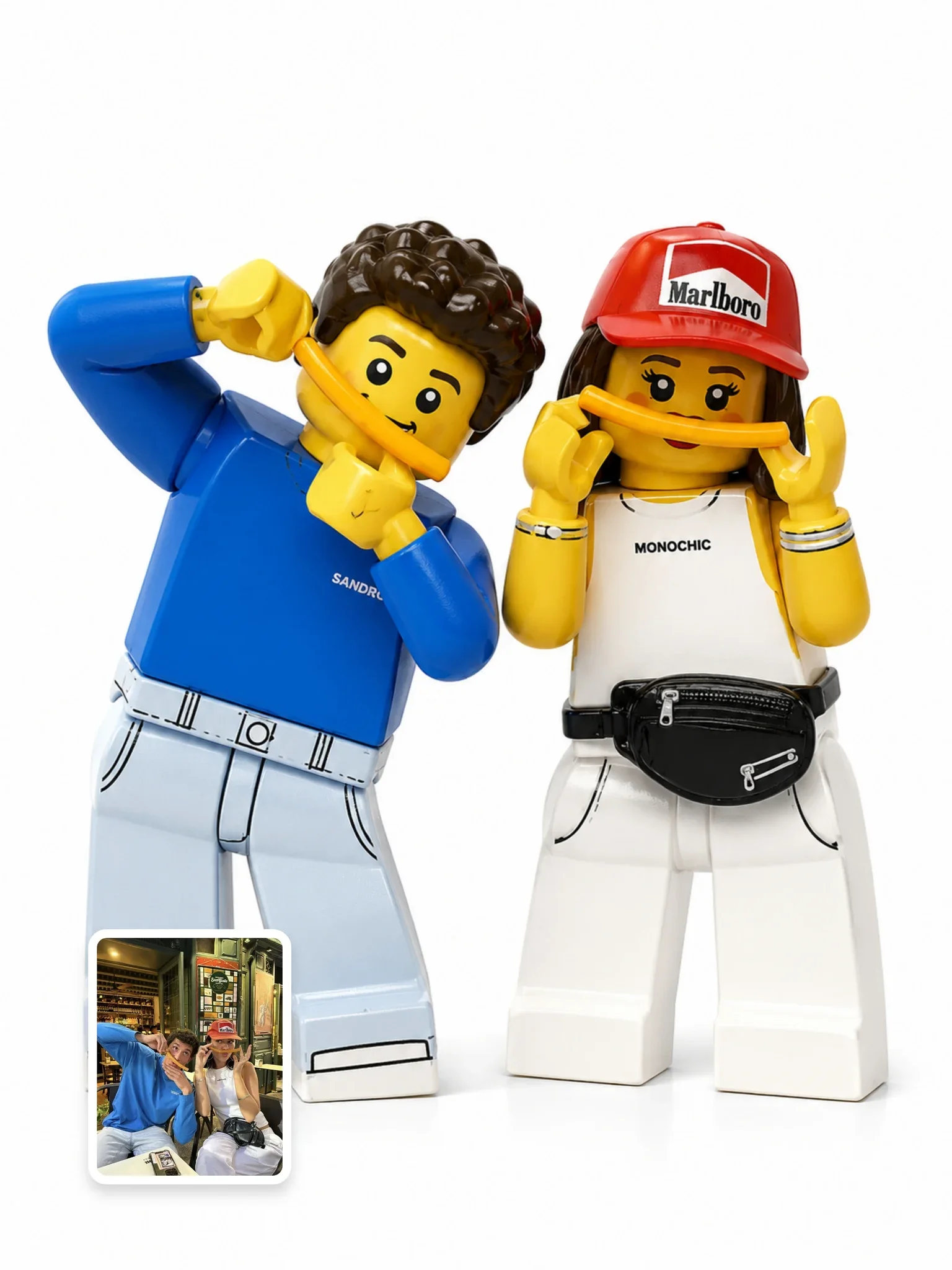
State the number of people explicitly, and say it is exact. Then describe the relationships the photo shows: who has an arm around whom, who is holding the child's hand, who is taller. Relative height is part of identity; a model often makes a couple the same height or makes a teenager look like an adult. The library's Everyone as LEGO minifigures prompt is a good example of a person-count lock and relative-height instruction built into a transformation.

Match the style change to the group size
Some styles keep identity better than others, and the difference grows with each person you add. A useful rule is to make the transformation gentler as the group gets bigger.
| Group size | Safer choices | Riskier choices |
|---|---|---|
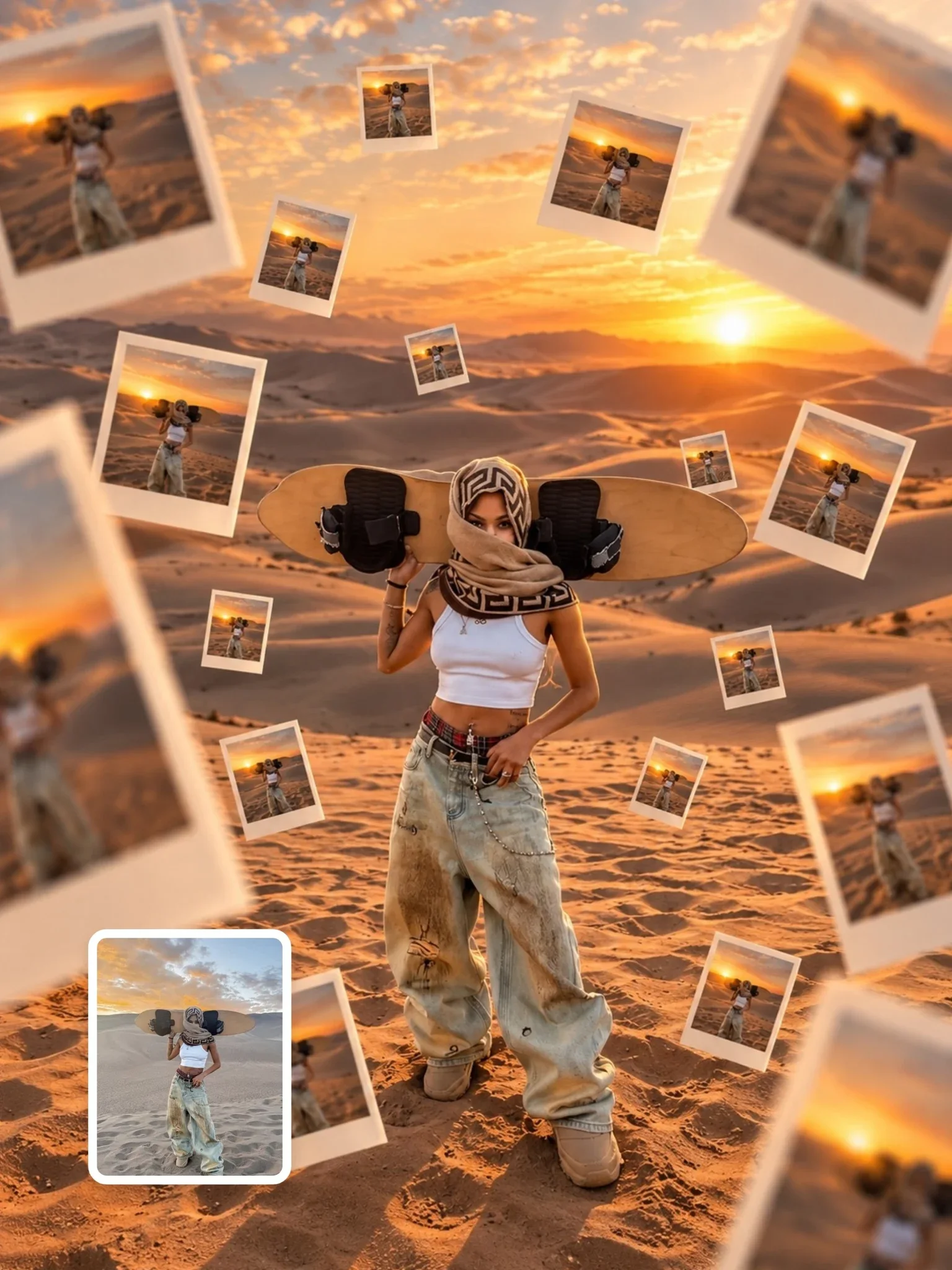
| Couple | New location, new lighting, editorial or street-style photo, wallpaper formats | Heavy caricature, very small figurines |
| Three to four | Background and lighting change, painterly or film looks | Full 3D character redesign, anime with big eyes |
| Five or more | Lighting, color grading and background only | Any style that redraws faces from scratch |
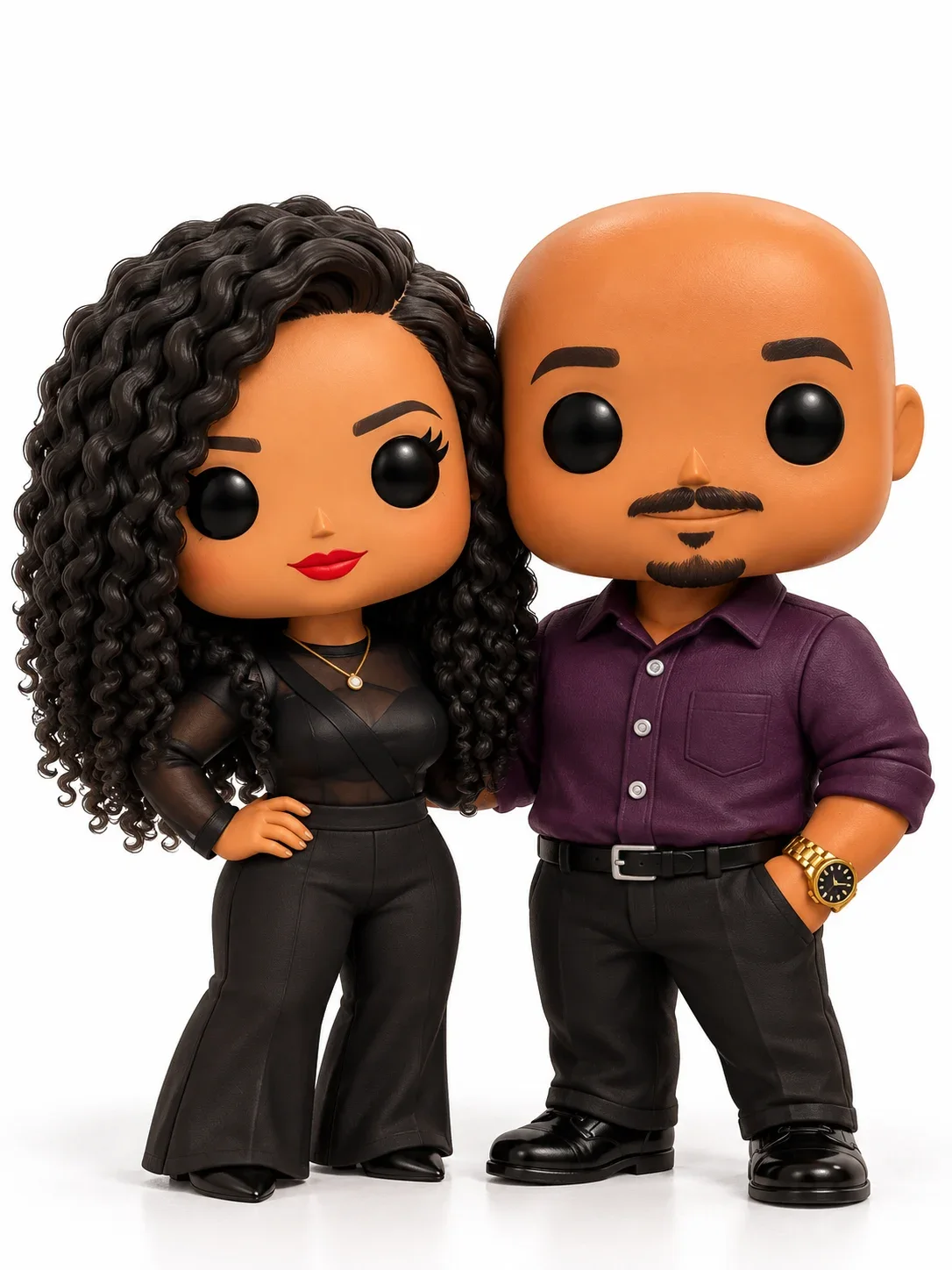
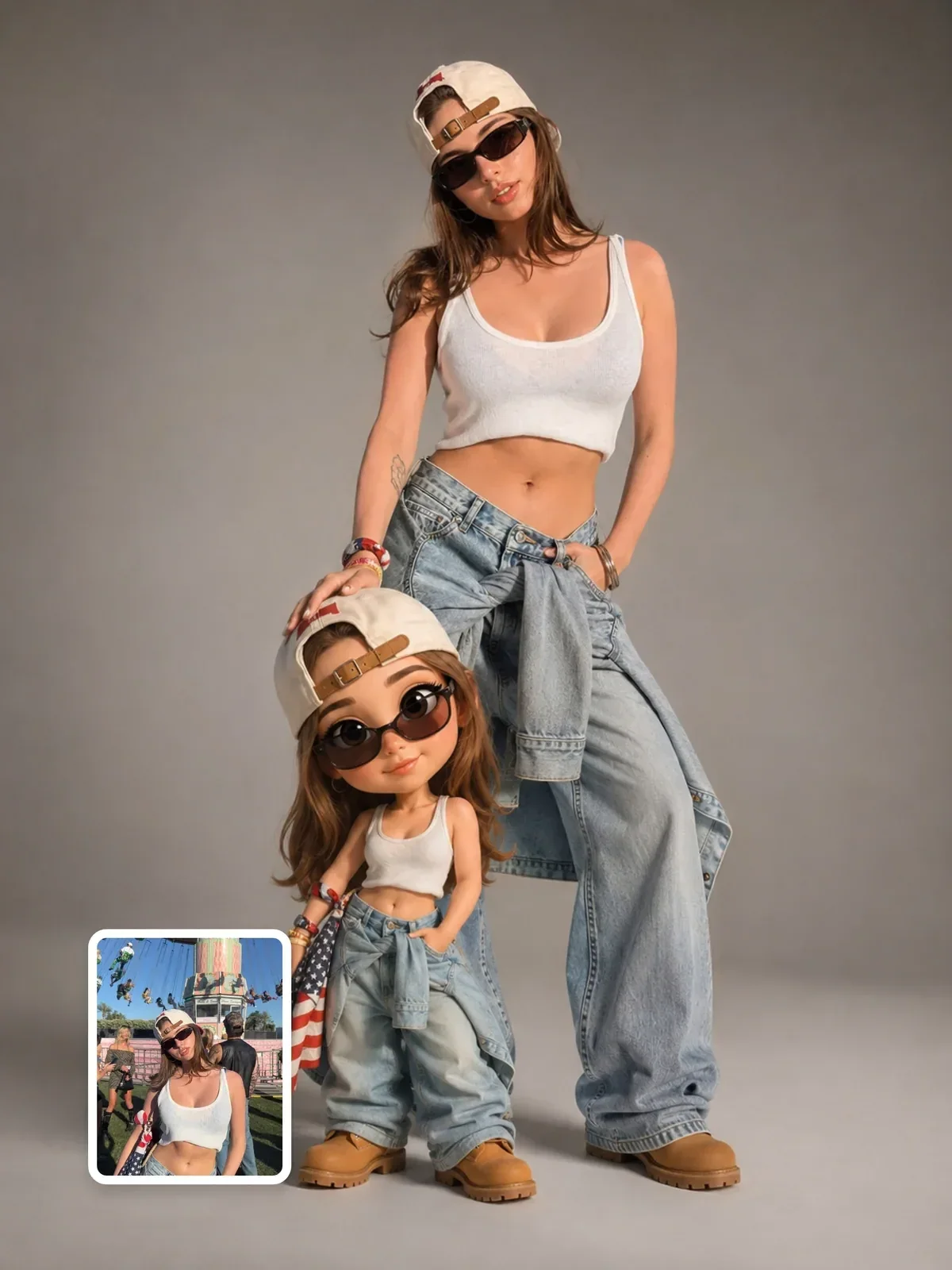
Toy and figurine styles are a special case. Everyone expects a toy to simplify the face, so recognition comes from hair, clothing, glasses and height rather than facial detail. That makes them surprisingly forgiving for groups, as long as the roster nails those outer features. Photoreal edits are the opposite: every face must hold up to close inspection.
Check every face separately
Groups fool the eye. At a glance, a family portrait with four pleasant faces looks fine, and you only notice later that your mother now has your sister's nose. Check each person on their own, side by side with the original.
- Crop each face from the original and from the result, and view them next to each other at the same size.
- Ask: would this person recognize themselves instantly? Would their best friend?
- Check age first. Older people losing wrinkles and children looking older are the most common errors.
- Check the features you listed in the roster: the mole, the tooth gap, the glasses shape.
- Count hands and check that each hand belongs to someone. Extra hands appear often in group edits.
Fix one person at a time
When one face is wrong, resist the urge to regenerate the whole image. A full rerun changes everyone, including the three people who were already right. Instead, ask for a targeted edit: keep the image exactly as it is, and correct only person 2 so that her face matches the woman second from the left in the original photo, including the mole above her lip.
If one person keeps drifting no matter what, there are two practical fallbacks. Crop that person from a different photo where their face is larger and attach it as an extra reference, naming it clearly in the prompt. Or generate the scene with everyone, then use an editor to bring that person's face back from a better attempt. Either way, small targeted fixes protect the work you have already approved. The broader techniques in how to keep a person recognizable apply here too.
Ask everyone first
A group photo contains several people's faces, and each of them gets a say. Before you transform it, and certainly before you post it, ask the people in it. Some will love seeing themselves as toy figures; others will not want a stylized version of their face online at all. For children, ask the parents. The guide on using AI images responsibly covers consent and disclosure in more depth.
A ten-minute couple test
Try this with a photo of you and someone who has agreed to take part. It shows you how much the roster and the source photo matter.
- Pick a photo where both faces are large, sharp and lit evenly.
- Run a simple prompt with no roster, asking for a new background, and save the result.
- Write a two-line roster with age, hair and one distinctive feature for each person, and run the same request again.
- Compare both results face by face against the original.
- Show both versions to the other person and ask which one looks more like them.