Monochrome Vector and Line Art Portraits
Turn a portrait into bold black-and-white vector art or clean line art: how faces reduce to shapes, how light builds them, and how to get a true vector file.
Visual AI Club7분 분량
이 가이드는 영어로 작성되었습니다.
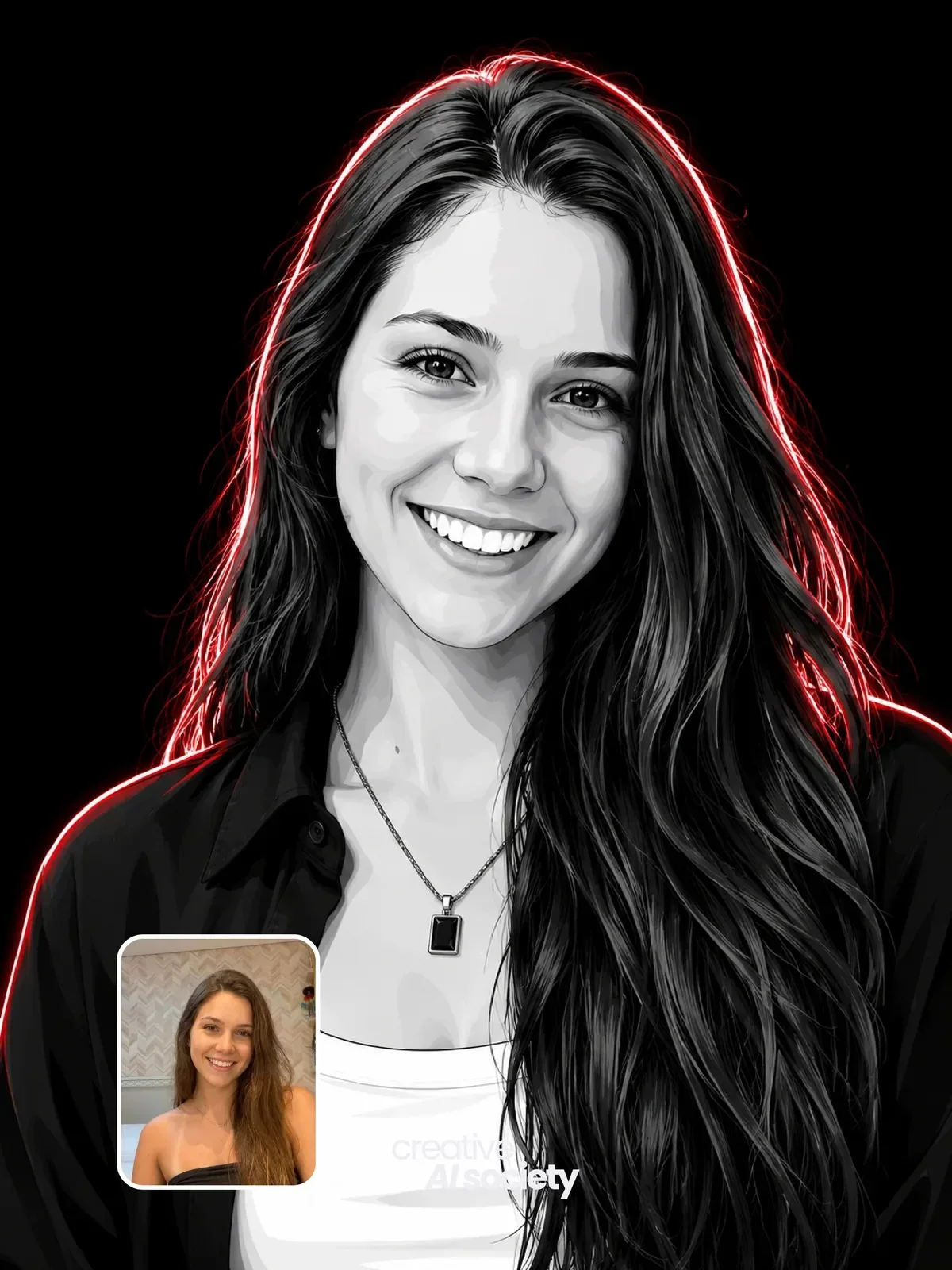
Here is the core skill, in one sentence: a monochrome portrait works when the shadows themselves have a recognizable shape. Below you will learn how to light or choose a photo so those shapes exist, which words separate vector, stencil and line art, and how to turn the model's image into a scalable file for print.
Three looks that get confused
People use vector, line art and ink drawing as if they meant the same thing. For image models they trigger quite different results, so pick the right one first.
| Look | What it is made of | Feels like |
|---|---|---|
| High-contrast vector | Solid black and white shapes, sometimes one gray, crisp smooth edges | Posters, stencils, screen prints, merch |
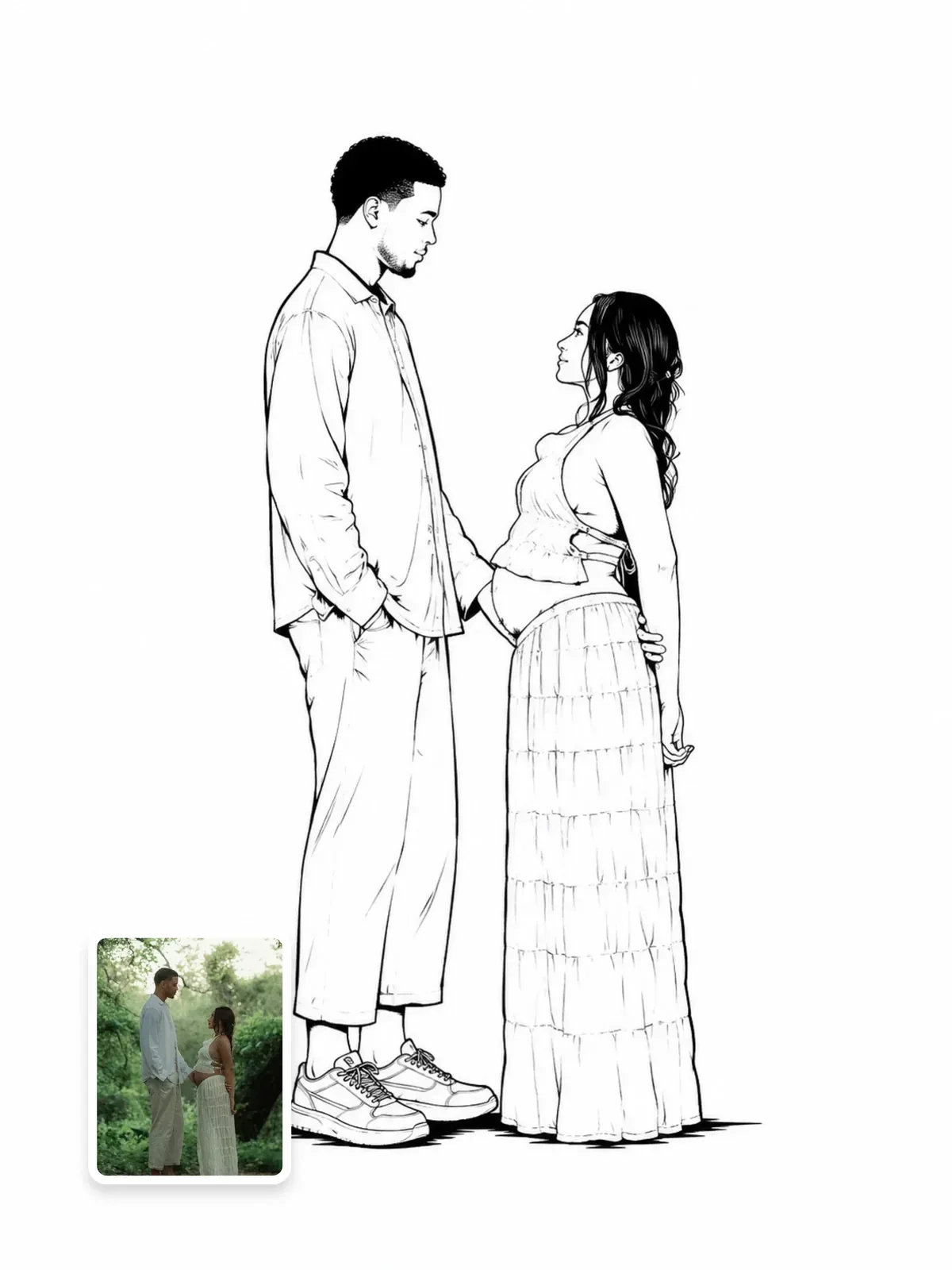
| Line art | Lines only, little or no fill, even or varying stroke weight | Tattoo flash, coloring pages, minimal logos |
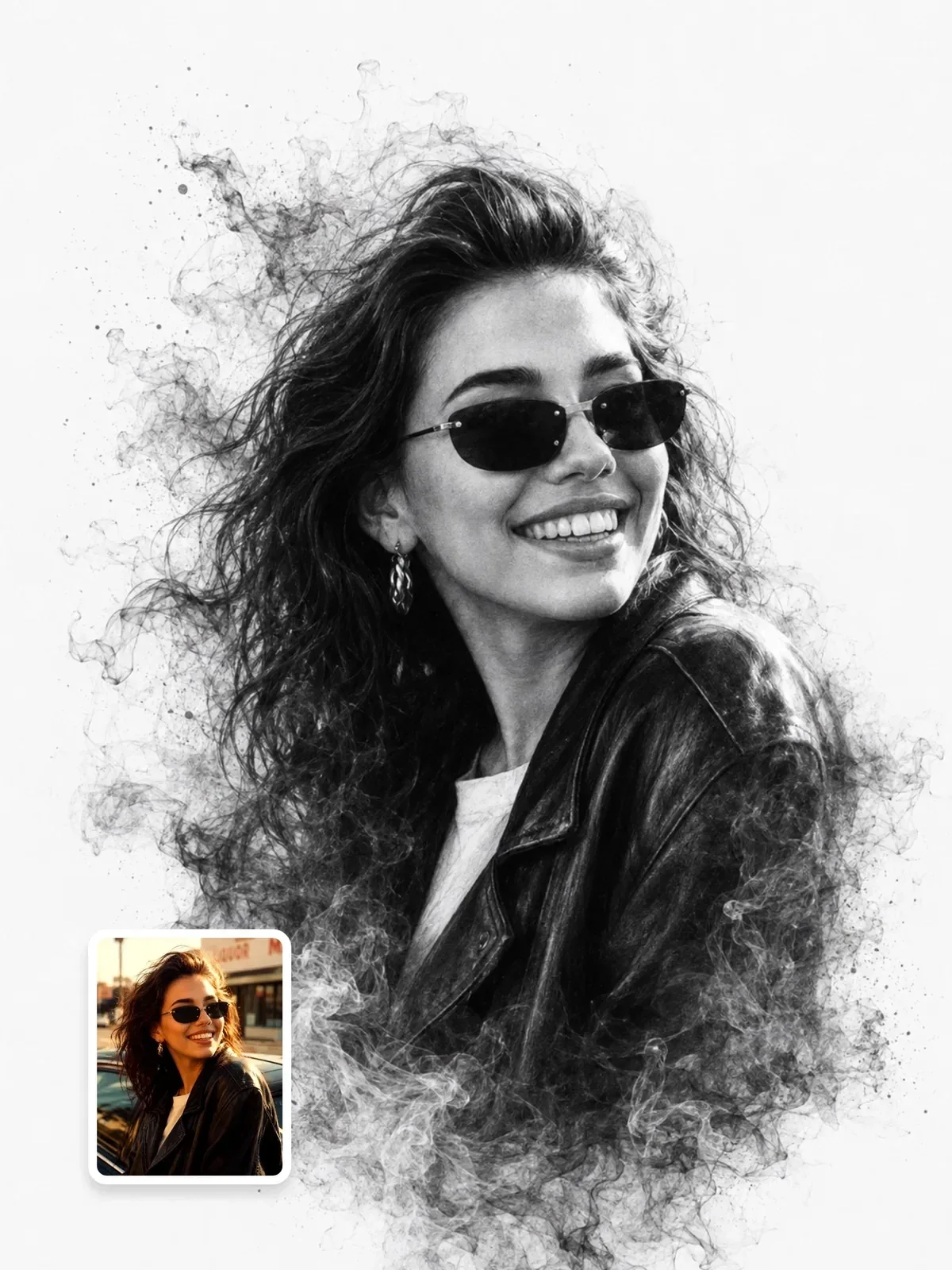
| Ink drawing | Lines plus hatching or brush texture, visible hand | Sketchbooks, comics, editorial pages |
The word vector technically describes a file format: shapes stored as mathematical paths instead of pixels. Image models always produce pixels, but they have learned what vector artwork looks like, with flat fills, smooth curves and no texture. Use the word for the look, and see the last section for getting an actual vector file.
How a face becomes two tones
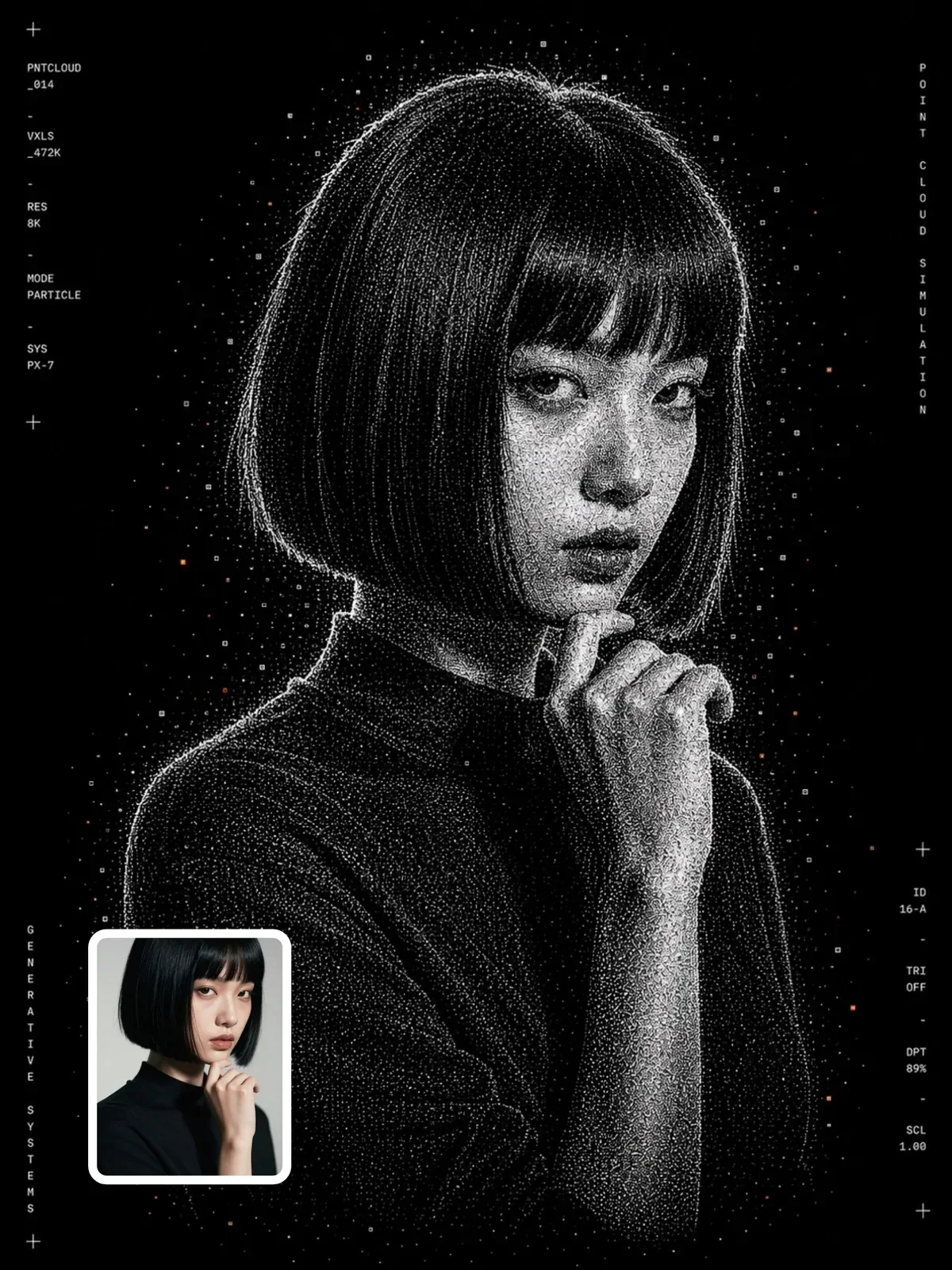
Imagine a black-and-white photo where every pixel is forced to pure black or pure white at a single cut-off brightness. Graphic designers call that a threshold. Some faces survive it beautifully; others turn into a white blob with two dots. The difference is not the face, it is the light.
Flat front light, like a phone flash or an overcast day, lights the whole face evenly, so there is nothing for the threshold to grab. Side light creates large, connected shadow shapes: one side of the nose, the eye socket, under the cheekbone, along the jaw. Those shapes are what carry likeness in two tones.
Skin tone affects where the cut-off should fall. On deeper skin tones, a fixed threshold can merge the whole face into black and lose the features, while on very fair skin it can wash everything out. Ask the model to keep the eyes, nose and mouth readable and to place the white shapes on the highlights: forehead, cheekbone, bridge of the nose, lower lip. Describing highlights instead of shadows is the most reliable way to keep a two-tone face clear for every skin tone.
Lighting that reduces well
- Side light at around 45 to 90 degrees: strong shadow on one half of the face. The classic choice for stencil portraits.
- Rembrandt light: a small triangle of light on the shadow cheek. Gives a recognizable, painterly two-tone shape.
- Hard light from a bare bulb or direct sun: clean shadow edges that turn into clean vector edges.
- A dark or plain background: the silhouette separates cleanly.
If you are transforming your own photo, take a new one for this. Stand beside a window with no other lights on and turn your face slightly toward it. That single change often matters more than any prompt wording. Lighting patterns like Rembrandt are explained in studio lighting setups.
Squint at your source photo until the details disappear. If you can still tell who it is from the big light and dark masses, it will make a strong two-tone portrait.
Prompting the vector portrait
Say how many tones you want. Pure black and white is the boldest. Adding one mid-gray gives the face more volume and is easier to keep recognizable. More than three tones starts to look like a posterized photo instead of a design.
Make my photo into black and white vector art.
High-contrast monochrome vector portrait from the uploaded photo, shoulders up. Only solid black and pure white, no gray, no gradients, no texture. Strong side light from the left, shadows merged into large clean shapes along the nose, eye socket and jaw. Smooth curved edges, poster style, plain white background.
Also say what must survive simplification: the hairline, eyebrow shape, glasses, beard edge. The eyes are especially fragile; a single small white catchlight in each eye keeps them alive. For identity across strong styles, see how to keep a person recognizable.
Framing matters more in two tones than in color. A tight head-and-shoulders crop in a 4:5 or square frame gives the face enough size for the shadow shapes to read. A full-body figure in two tones turns the face into a few specks, so if you want the whole figure, accept that it becomes a silhouette and let the pose carry the likeness. Leave a margin of plain background around the head; hair touching the frame edge often turns into a heavy black block.

Prompting line art
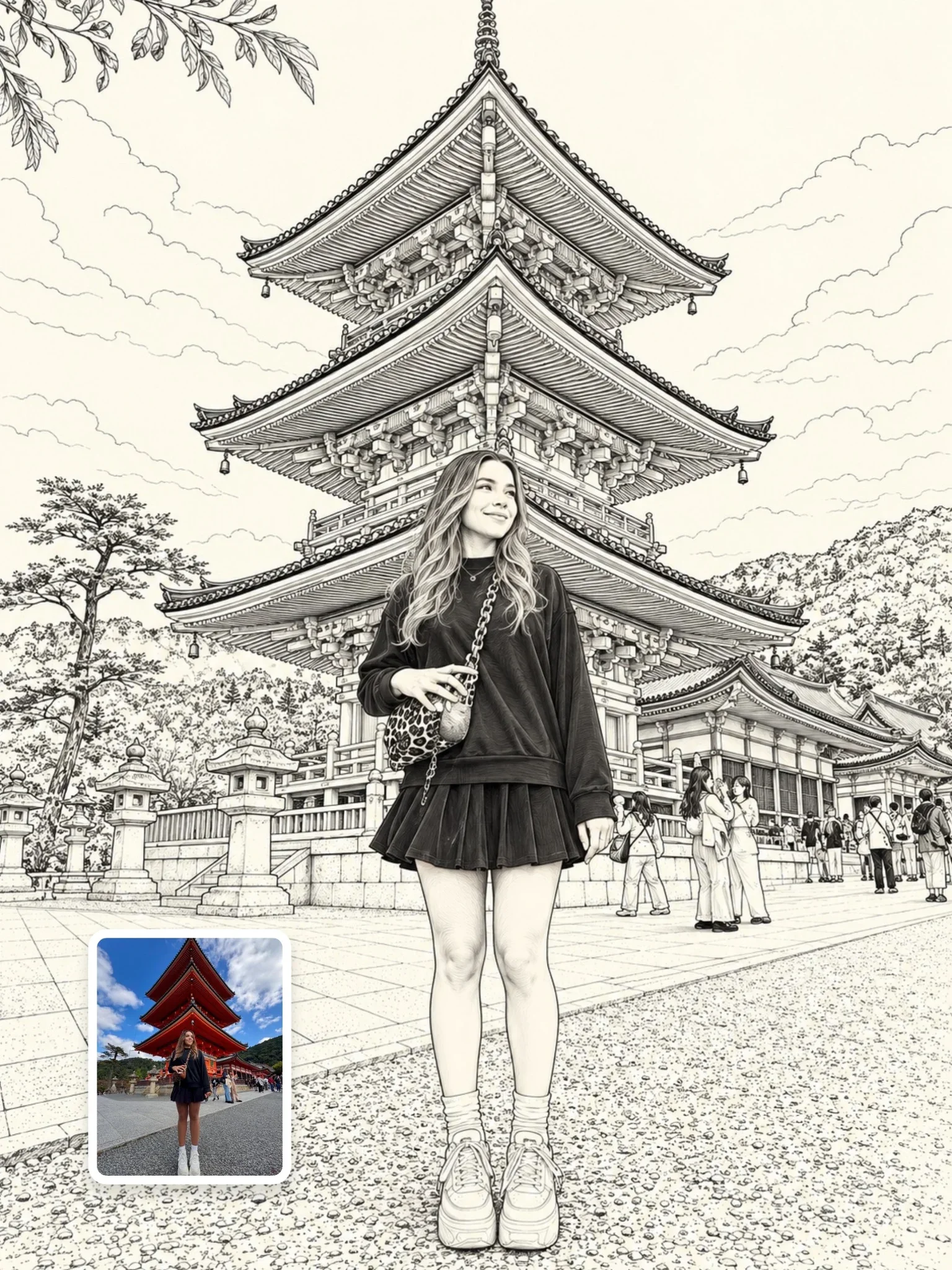
Line art throws away the shadows and keeps the edges, so the decisions are about the line itself.
Line weight
A uniform weight, like a technical pen, looks modern and calm. A varying weight, thick in the shadows and thin in the light, looks more like a brush or nib and gives volume without any fill. Illustrators often thicken the outer contour and keep inner lines thin, which makes the figure pop off the page.
How many lines
Minimal line art suggests features with very few strokes; a nose may be one curve. Detailed line art draws hair strands and fabric folds. Say which you want, for example: no more than about thirty strokes, or: fine detailed contour lines on hair and clothing.
Single continuous line
The one-line drawing, where the pen never lifts, is a popular style. Models can imitate it but rarely keep the line truly unbroken. Ask for a single continuous line that loops through the features, and accept that you may need to clean it up afterward.
Line art for coloring pages
If you want a coloring page, every area must be a closed shape so it can be filled. Ask for clean closed outlines, medium uniform line weight, no shading, no solid black areas, and plenty of white space inside each shape. Thick lines are easier for children to color inside; thin lines suit detailed adult coloring books.
Adding one color or a background shape
Strict monochrome is striking, but a single flat accent can make the portrait feel designed rather than filtered. Screen printers often do this: a black portrait printed over a block of one bright color slightly out of register, so the color shape peeks out on one side.
In a prompt, keep the face in black and white and describe the accent as a separate shape: a solid red circle behind the head, a yellow rectangle offset to the right. Keep the accent out of the face itself, or the model may start tinting the skin and lose the clean two-tone look.
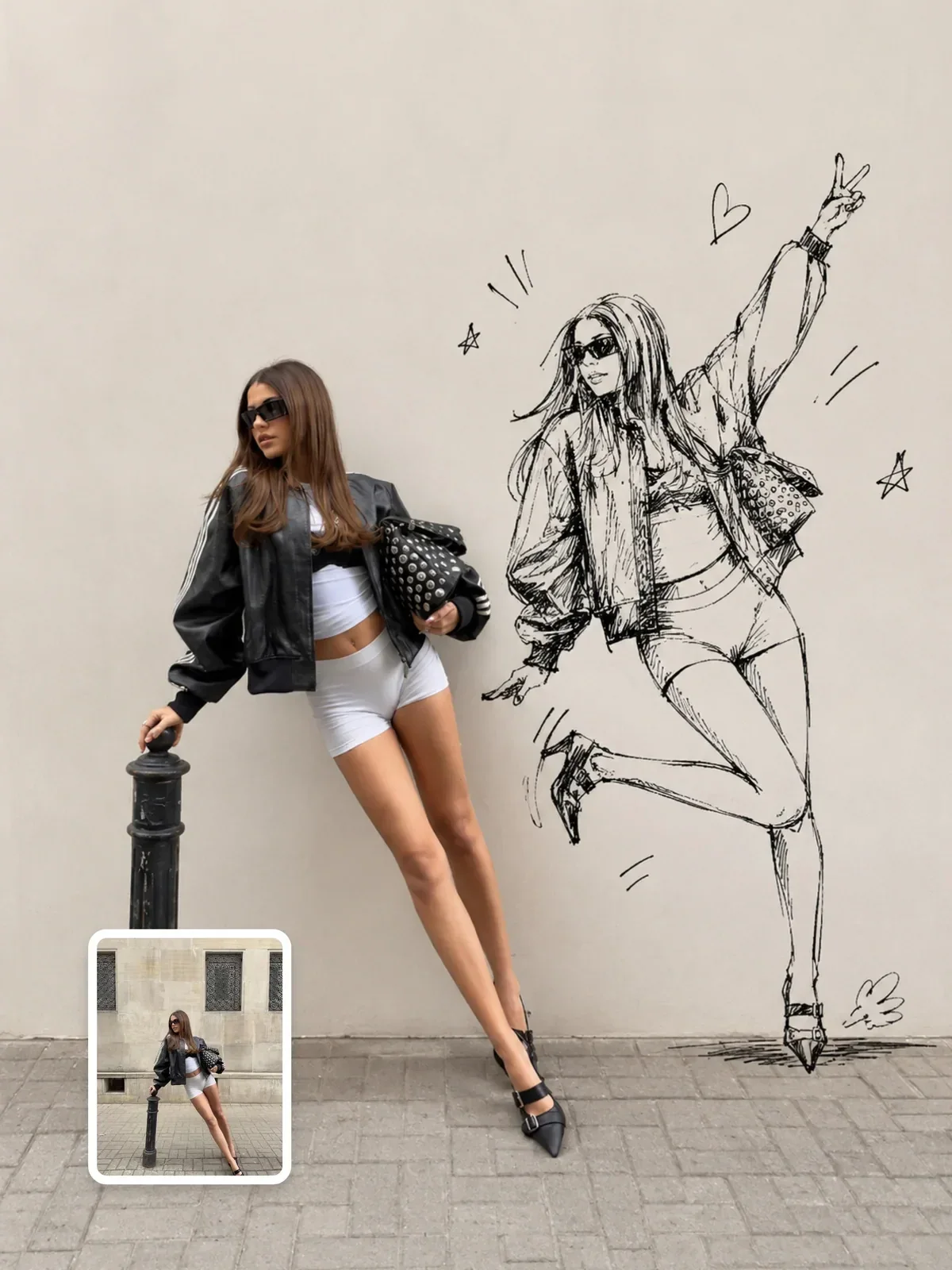
Common problems
- Gray creeping in: models default to shading. Repeat the limit in two ways: only black and white, no gray tones.
- Paper texture or grain: say flat digital fill, no texture, clean background.
- Face loses likeness: add one mid-gray tone, or choose a source photo with stronger side light.
- Too many tiny shapes: ask for large simplified shapes and merged shadows.
- Hair turns into a solid helmet: ask for a few white highlight streaks that follow the hair direction.
- Eyes look dead or blank: ask for a small white catchlight in each eye.
- Edges look jagged when zoomed: ask for smooth curved vector-style edges, then smooth further when tracing.
Getting a real vector file
If you want to print the portrait large, cut it from vinyl or engrave it, you need actual vector paths. Since the model gives you pixels, trace the image afterward. Adobe Illustrator has Image Trace, and the free program Inkscape has Trace Bitmap; both convert a black-and-white image into editable shapes.
- Generate at the highest size available and keep the background plain white.
- If any gray crept in, boost the contrast in a photo editor so the image is truly two-tone.
- Trace with a black-and-white or two-color mode and keep the path count modest; too many points makes edges wobbly.
- Zoom in on the eyes and lips and smooth any jagged nodes by hand.
- Export as SVG or PDF for printing.
This is also why clean, flat prompts matter: textured or noisy images trace into thousands of tiny fragments, while bold flat shapes trace into a handful of clean paths.
Check the result before printing it big. Print a small test on ordinary paper or view it at the final size on screen. Thin white gaps between black shapes can close up in print, and tiny islands of black can look like dust. Merge or remove them in the vector file and the portrait will hold up at any size.
A quick two-tone test
Take two selfies a minute apart: one facing a window, one with the window at your side. Run both through the same vector prompt. Compare which one still looks like you. In almost every case the side-lit photo wins, and once you have seen that, you will start choosing source photos by their shadows. For more on tonal portraits in general, read black and white portraits.