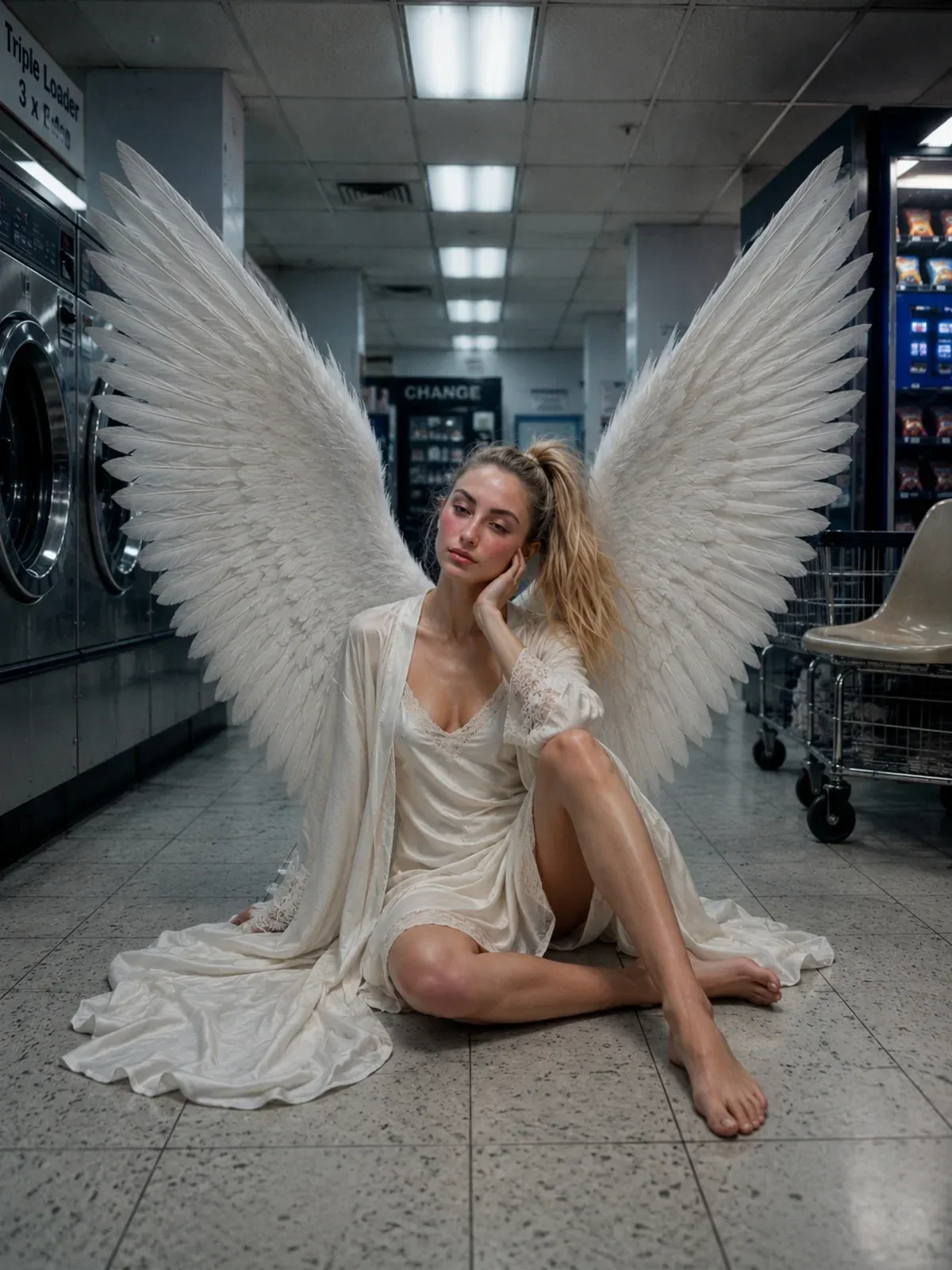
Slow Shutter and Motion Blur: Prompting Movement in a Still Image
Prompt motion blur that looks photographed: shutter speeds, panning, light trails, flash with drag and how to keep your subject sharp while the world moves.
Visual AI Club7분 분량
이 가이드는 영어로 작성되었습니다.
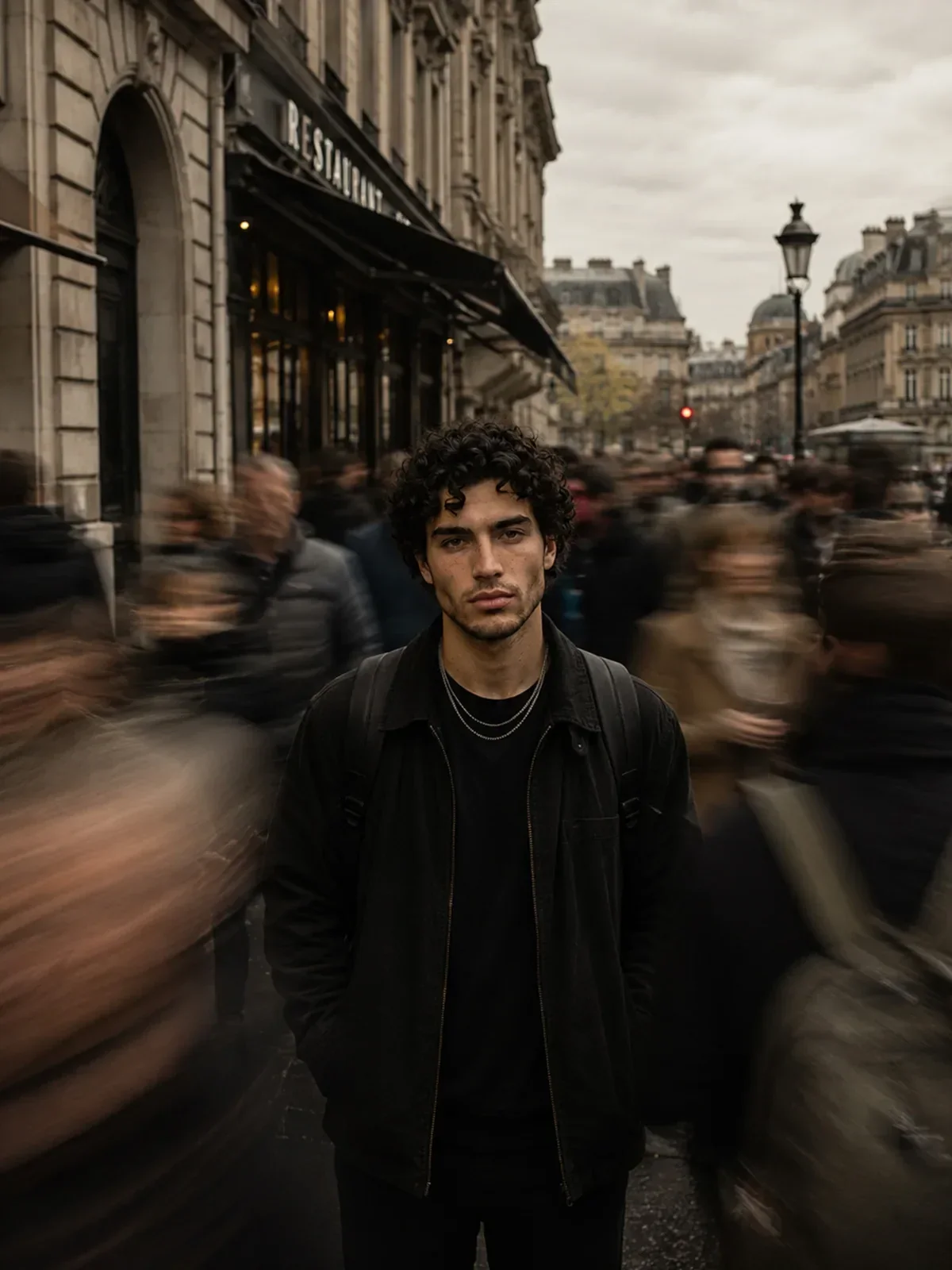
A still subject surrounded by streaking commuters, a cyclist sharp against a smeared street, tail lights drawn into red ribbons: these pictures feel alive because time leaked into them. Here you will learn how a photographer creates each of those effects with the shutter, and how to describe them so an image model blurs the right things in the right direction.
Why plain motion blur prompts fail
Ask for motion blur and the model has to guess three things you did not say: what is moving, what is still, and which way the movement goes. Its usual guess is to soften everything a little, which looks like a focusing mistake rather than a deliberate long exposure.
A camera never blurs at random. During the time the shutter is open, anything that moves across the frame smears along its path, and anything that holds still stays sharp. If the camera itself moves, the whole frame smears, except whatever the camera is tracking. Every motion blur prompt should therefore answer the same questions a photographer asks before pressing the button.
- What stays sharp? Usually the subject, sometimes the background.
- What moves, and in which direction? Left to right, toward the camera, rotating, falling.
- Is the camera fixed or moving? A tripod and a panning camera produce opposite results.
- How long is the exposure? A fraction of a second and several seconds look nothing alike.
Shutter speeds and what they look like
Shutter speed numbers are real vocabulary that image models have seen in countless photo captions. They also force you to think about how much movement you want. As a rough guide for a person walking across the frame at a normal pace:
| Shutter speed | Typical result | Prompt it for |
|---|---|---|
| 1/1000 s | Everything frozen, even splashing water | Sports peaks, jumps, crisp action |
| 1/125 s | Walkers frozen, fast hands slightly soft | Normal street and portrait work |
| 1/30 s | Walking legs and swinging arms start to smear | Subtle life in a street scene |
| 1/8 to 1/2 s | People become ghostly streaks, still subjects stay crisp | Crowd and commuter portraits on a tripod |
| 2 to 10 s | Car lights turn into continuous trails, water turns silky | Night roads, waterfalls, city traffic |
| 30 s and longer | Clouds smear, choppy sea turns to mist, moving people vanish | Minimal seascapes and empty city squares |
Long exposures in daylight need a neutral density filter to cut the light. Adding ND filter, long exposure, tripod to a daytime prompt makes silky water in bright sun believable instead of contradictory.
Still subject, moving world
This is the classic crowd portrait: the camera sits on a tripod, the subject stands perfectly still, and the people around them flow past at around 1/4 of a second. The contrast between one sharp person and a river of blurred strangers is what gives the image its feeling of isolation.
The slow-shutter commuter crowd portrait is built exactly this way. It states the lens, the aperture, the shutter technique and, crucially, that the subject is perfectly sharp while commuters blur around him. Read its structure before writing your own variation.

Woman standing in a busy train station, motion blur, cinematic.
Woman standing completely still in the middle of a busy train station concourse, tripod shot at 1/4 second. She is tack sharp; commuters walking left and right around her dissolve into soft horizontal streaks. Overcast light from a glass roof, 35mm lens, f/8.
Notice f/8 in the second version. A slow shutter often pairs with a smaller aperture to keep the exposure balanced, and that also means the background stays readable. If you ask for f/1.4 bokeh and a long exposure at once, you are mixing two ideas that photographers rarely combine; depth of field and bokeh explains the aperture side of that trade.
Panning: sharp subject, streaked background
Panning flips the logic. The photographer swings the camera to follow a moving subject, usually at 1/15 to 1/60 of a second. Because the camera tracks the subject, it stays relatively sharp, while the static background smears into horizontal lines in the opposite direction of travel. It is the standard way to show speed in cycling, motorsport and running photography.
Panning photograph of a cyclist racing along a seaside road, camera tracking the rider at 1/30 second. The cyclist and bike are sharp, the wheels spin into blurred discs, and the railings and houses behind streak into clean horizontal lines. Late afternoon side light.
Small details sell a pan. Wheels should blur even when the frame is sharp, because they rotate. Arms and legs pumping may show slight softness, because they move relative to the body. If everything on the rider is perfectly frozen, the image reads as a sticker pasted on a blurred photo.
Light trails and night streets
At night, a long exposure only records what is bright. Car headlights and tail lights draw continuous lines along the road, while the dark cars themselves barely register. That is why a long exposure of a busy road can look empty except for ribbons of white and red.
- Direction matters: traffic coming toward the camera leaves white headlight trails, traffic going away leaves red tail light trails.
- Height matters: buses and trucks draw higher lines than cars, giving trails layers.
- Turns curve: trails follow the road, so a roundabout or a bend gives elegant arcs.
- Blue hour helps: shooting just after sunset keeps some detail in the sky while the trails glow.
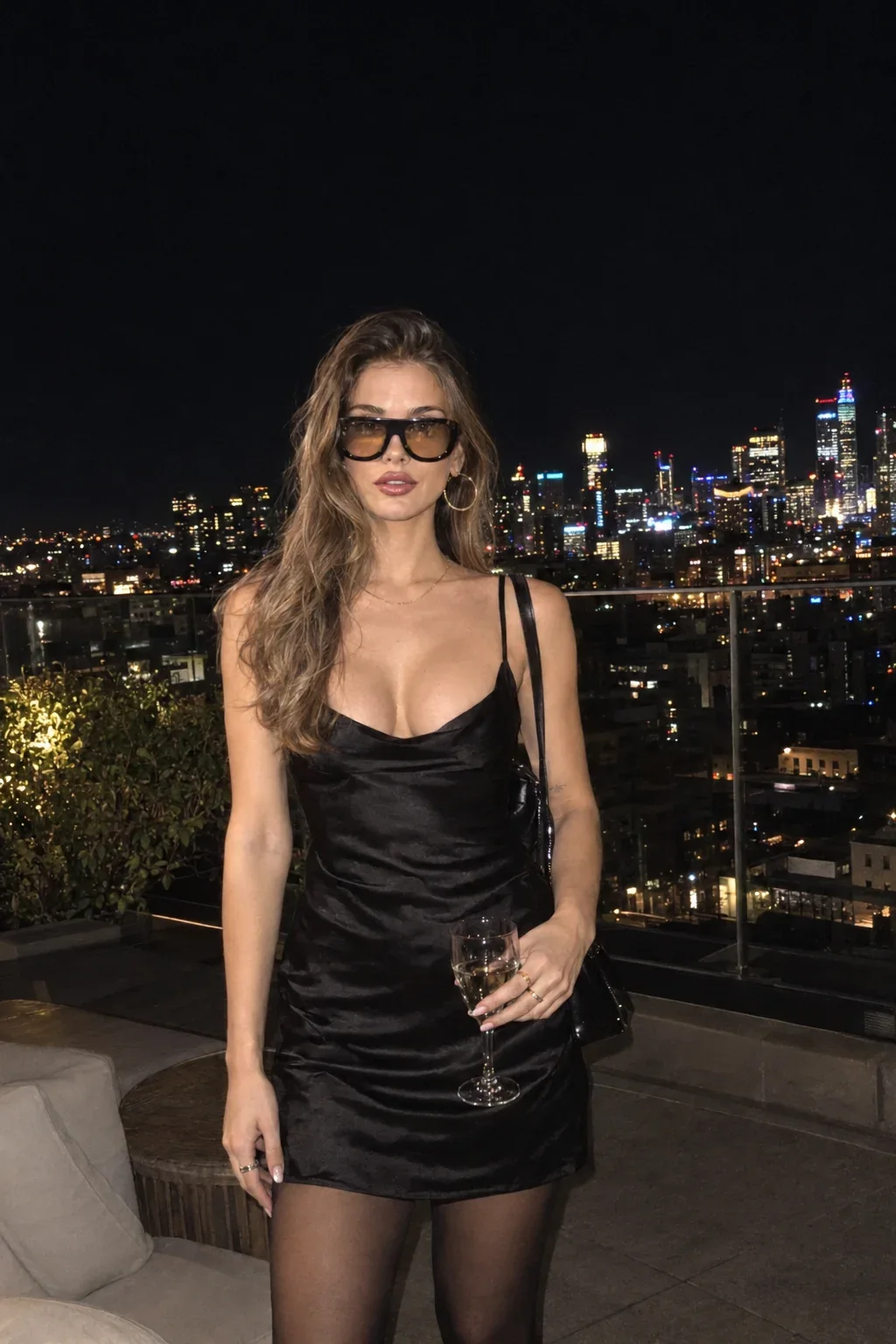
A portrait at night can mix both worlds. Picture the setup behind the rooftop with a city view and imagine a longer exposure: the person lit softly and still, the traffic far below reduced to light trails. Ask for that combination explicitly; the model will not infer it from the word night.
Creative blur: dragged flash and moving the camera
Flash with a slow shutter
Event and fashion photographers often combine a burst of flash with a slow shutter, a technique called dragging the shutter. The flash freezes the subject in a crisp instant, and the open shutter keeps recording ambient light, so moving lights and background smear around that frozen moment. With rear-curtain sync, the flash fires at the end of the exposure, which places the blur trail behind the movement rather than in front of it.
Party portrait of friends dancing at an outdoor evening market, on-camera flash with a 1/4 second dragged shutter and rear-curtain sync. Faces frozen and bright, colored string lights streaking in swirls behind them, slight ghosting trailing their raised arms.
This look is energetic and slightly chaotic, which suits nightlife, concerts and celebrations. It is a poor fit for calm portraits. If you want the person fully clean, keep the flash and shorten the drag to around 1/15 second.
Intentional camera movement and zoom bursts
Some photographers move the camera on purpose during the exposure to turn a scene into strokes of color. A vertical sweep through a birch forest gives painterly lines of white trunks. Turning the zoom ring during a half-second exposure creates a zoom burst, with streaks radiating from the center.
These effects work in prompts when you name both the movement and the subject that suits it. Tall, repeating, vertical subjects suit vertical sweeps. A single bright subject in the center suits a zoom burst. Abstract results are the goal here, so let go of the need for a sharp face.
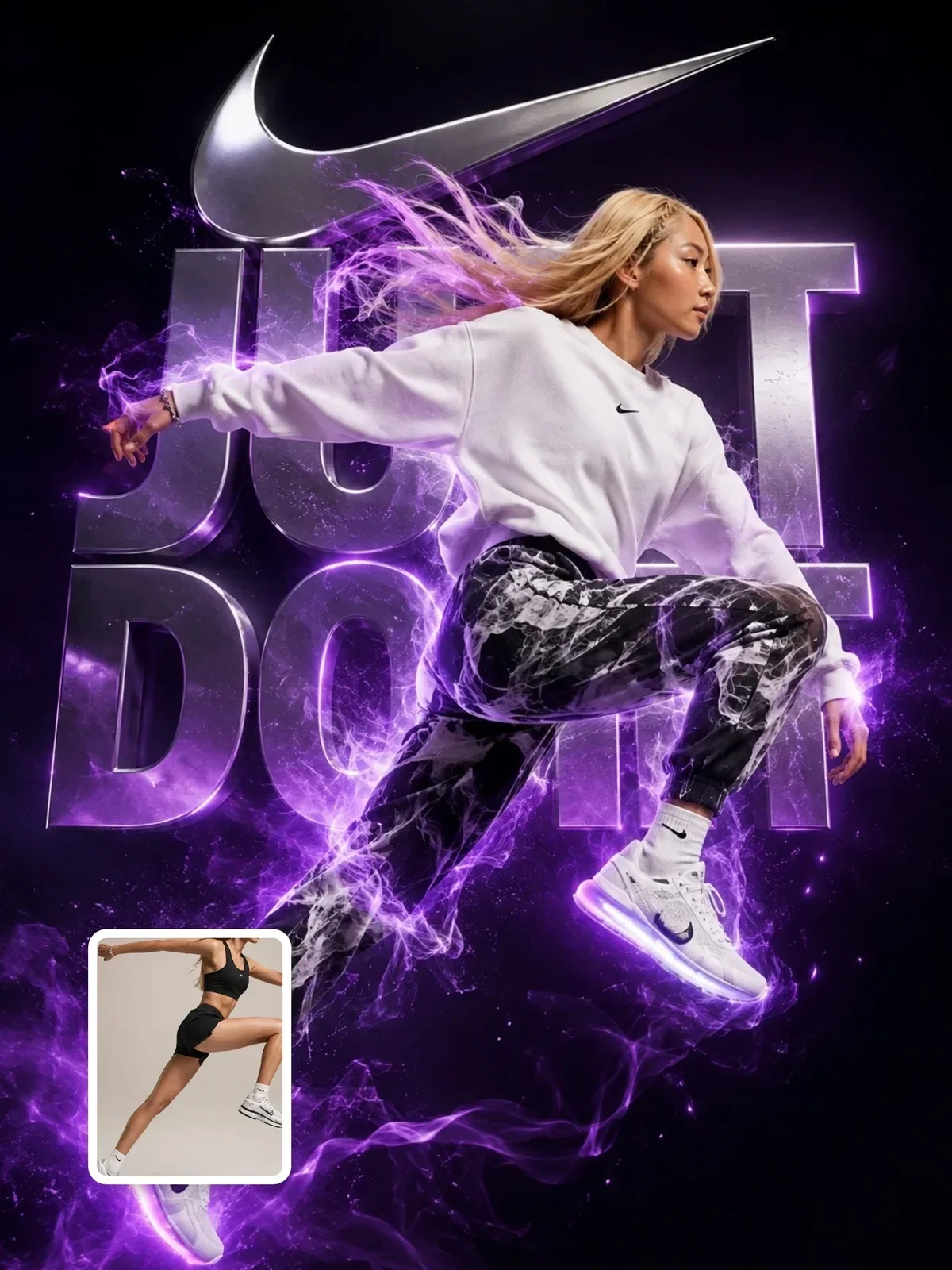
For sports energy without losing the athlete, keep the person frozen and blur only the environment, as in the sports fashion campaign. Full intentional camera movement on a person usually looks like an accident.
From still blur to video
Motion blur in a still image is a picture of time. In a video it behaves differently, because each frame normally uses a short exposure, often around half the frame interval. A slow-shutter still that you later animate can look strange if the blur streaks stay frozen while the subject moves. When you plan to turn an image into a clip, keep the source frame crisp and describe the motion in the video prompt instead; from still to motion covers that handoff.
Checklist before you generate
- I named the sharp element and the moving element separately.
- I gave the direction of movement: left to right, toward the camera, spinning.
- I stated whether the camera is on a tripod, panning or moving freely.
- I chose a shutter speed that matches the amount of blur I want.
- My aperture and light make sense with that shutter speed.
- I added at least one small physical detail, like spinning wheels or a trailing arm.
Try one scene three ways: tripod crowd at 1/4 second, panning at 1/30 second, and flash with a dragged shutter. Comparing them will teach you more about how the model reads time than any single perfect result.