
Visual AI Club
발견하기
홈둘러보기Community가이드
코스
Learn AI Academy
플랫폼
ChatGPTSeedanceMidjourneyHFHiggsfield
카테고리
이미지영상
더 보기
소개문의하기
프롬프트 올리기
로그인
로그인가입하기클럽 가입하기
블랙 프라이데이종료까지0 00:00:00Pro 33% 할인. $9 대신 월 $6.월 $9 대신 $6, 100 크레딧.종료까지0 00:00:00Pro 시작
Visual AI Club Telegram 채널에 참여하세요새 프롬프트, Claude 스킬, 새 소식을 올라오는 즉시 받아 보세요. 무료이고 계정도 필요 없어요.Telegram에서 참여하기

정말 통하는 프롬프트를 위한 커뮤니티예요. 복사하고, 만들고, 모아 보세요.

Visual AI Club과 함께 AI를 배워 보세요. Learn AI Academy의 AI 이미지·영상 강의와 계속 늘어나는 검증된 프롬프트 라이브러리가 기다리고 있어요.

발견하기
  • 둘러보기
  • 인기
  • 최신
  • 컬렉션
  • 가이드
  • Learn AI Academy
클럽
  • 소개
  • 요금제
  • 가이드라인
  • 브랜드 홍보하기
  • 프롬프트 올리기
  • 문의하기
법적 고지
  • 이용약관
  • 개인정보 처리방침
  • 환불
  • 둘러보기
  • 인기
  • 최신
  • 컬렉션
  • 가이드
  • Learn AI Academy
  • 소개
  • 요금제
  • 가이드라인
  • 브랜드 홍보하기
  • 프롬프트 올리기
  • 문의하기
  • 이용약관
  • 개인정보 처리방침
  • 환불
© 2026 Visual AI Club. 프롬프트의 권리는 각 작성자에게 있어요.
이용약관개인정보 처리방침환불개인정보 및 쿠키 설정
EnglishTürkçePortuguêsEspañolDeutschFrançaisРусский한국어
  • English
  • Türkçe
  • Português
  • Español
  • Deutsch
  • Français
  • Русский
  • 한국어
홈둘러보기공유로그인
홈ChatGPT이미지
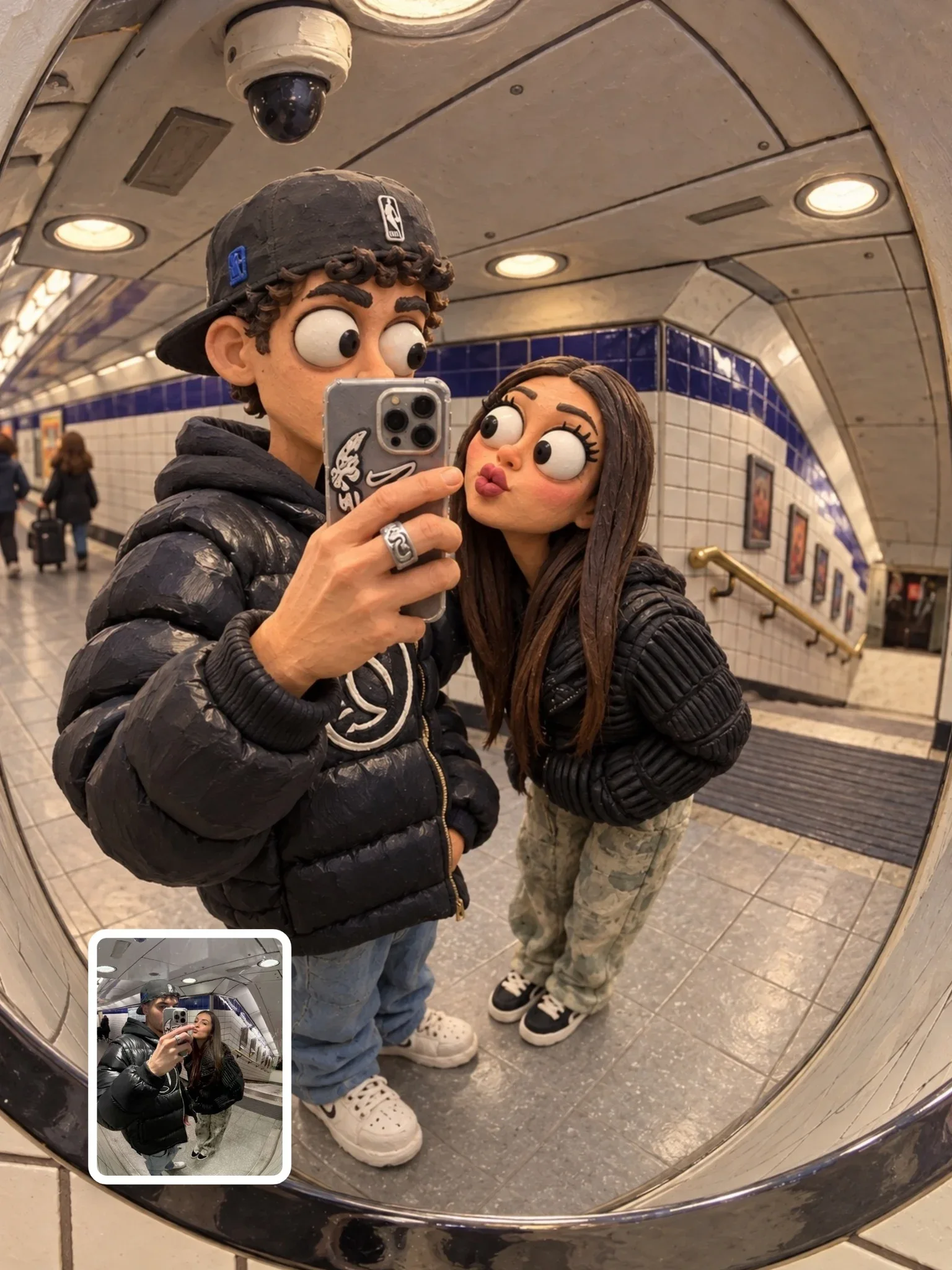
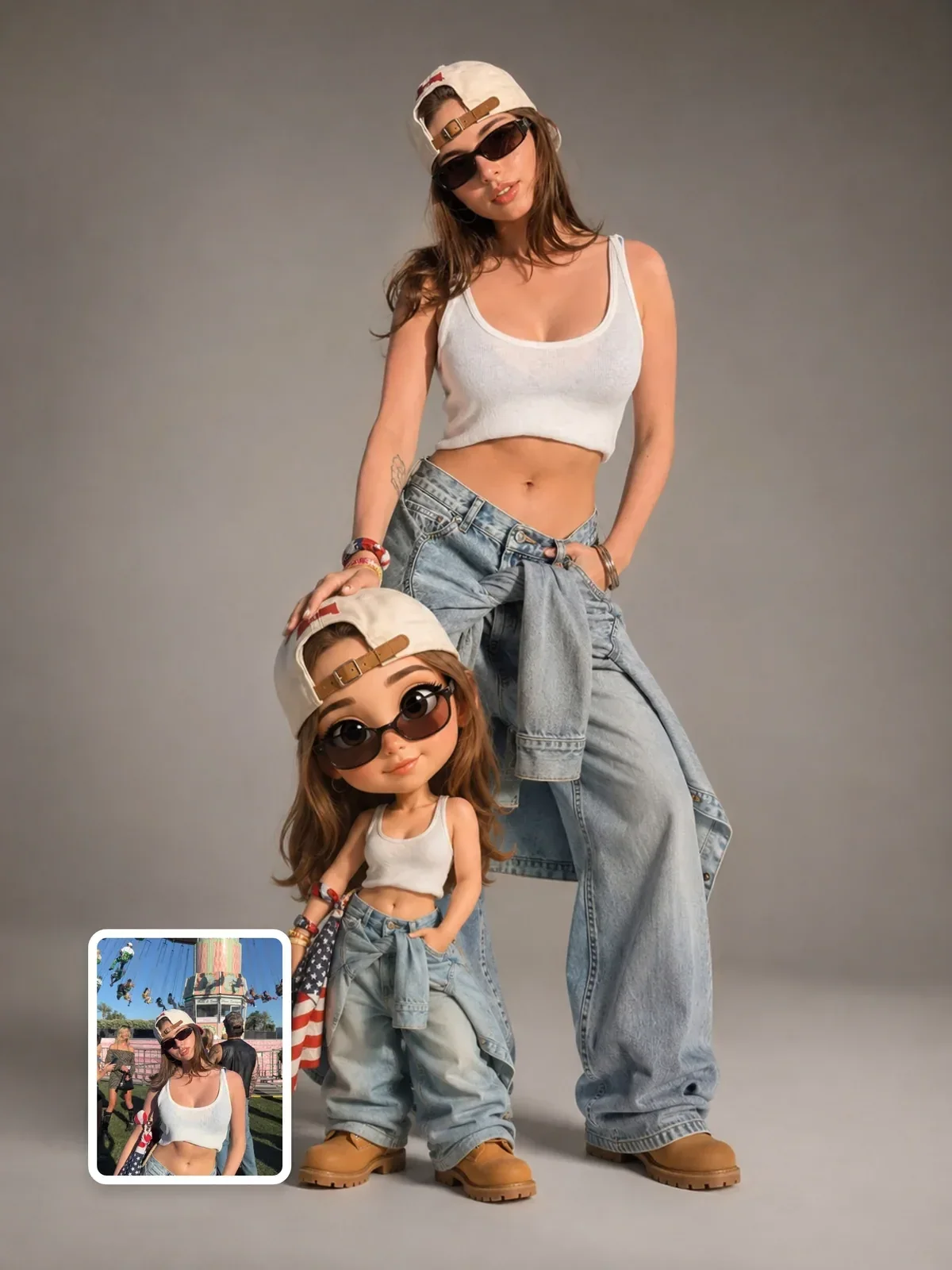
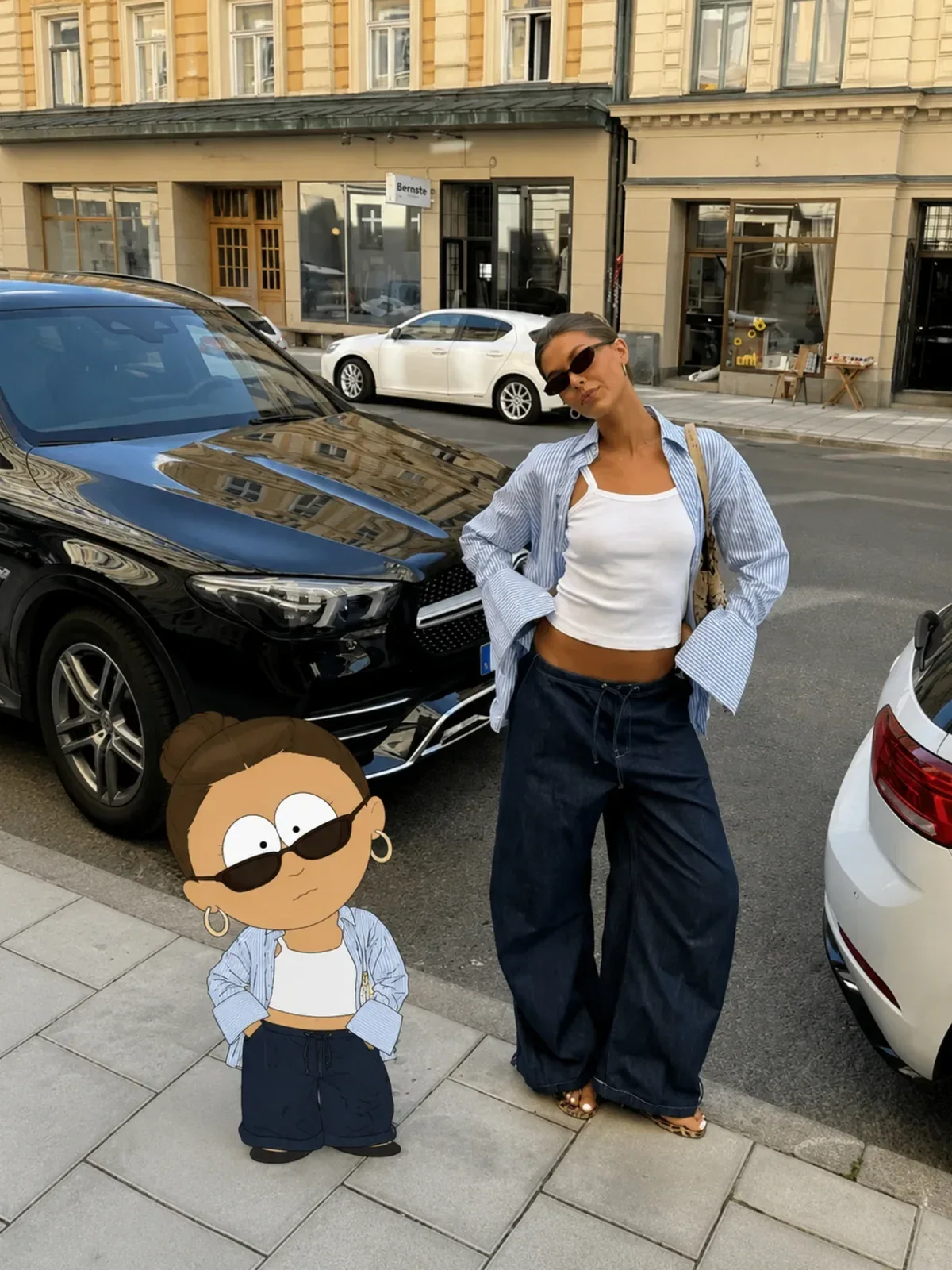
South Park character in your photo, made with ChatGPT — example 1
1 / 3
스폰서커뮤니티 가입하기
ChatGPT이미지

South Park character in your photo

Visual AI ClubvisualaiclubSkool 멤버팔로워 1610명

블랙 프라이데이종료까지0 00:00:00

Pro$6$9/월Premium$12$18/월
프롬프트ChatGPT 열기
South Park character in your photo
Visual AI Club이 작성하고 테스트한 ChatGPT 이미지 프롬프트예요.
아래 버튼으로 전체 프롬프트를 복사해 ChatGPT에 붙여 넣으세요.
아래 가이드에서 각 부분과 바꿀 수 있는 점을 설명해요.
+23줄 더 · 복사하면 전체 내용이 복사돼요
3
45
태그
#cartoon#혼합 기법#유머#south-park

프롬프트 가이드

South Park character in your photo

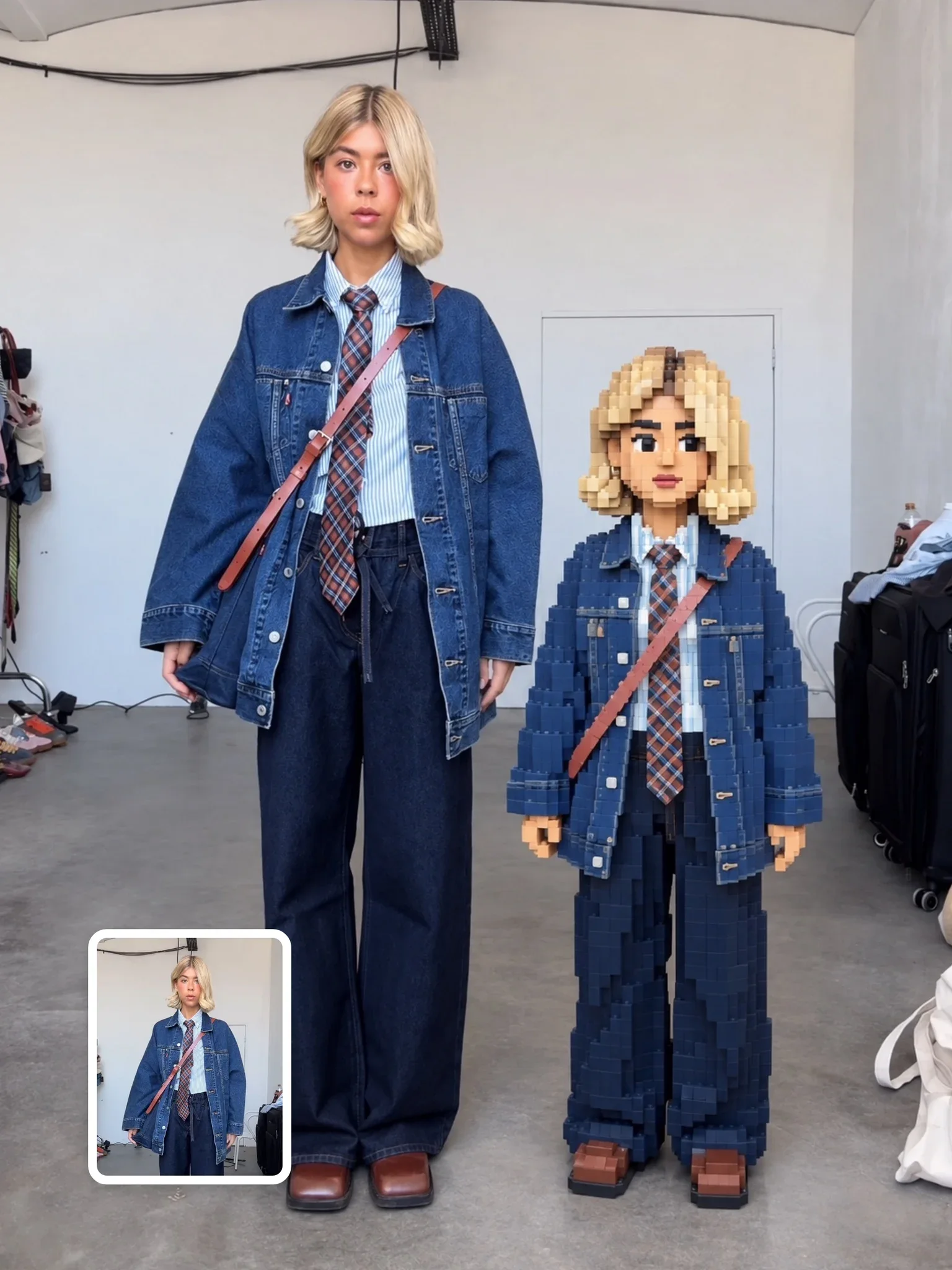
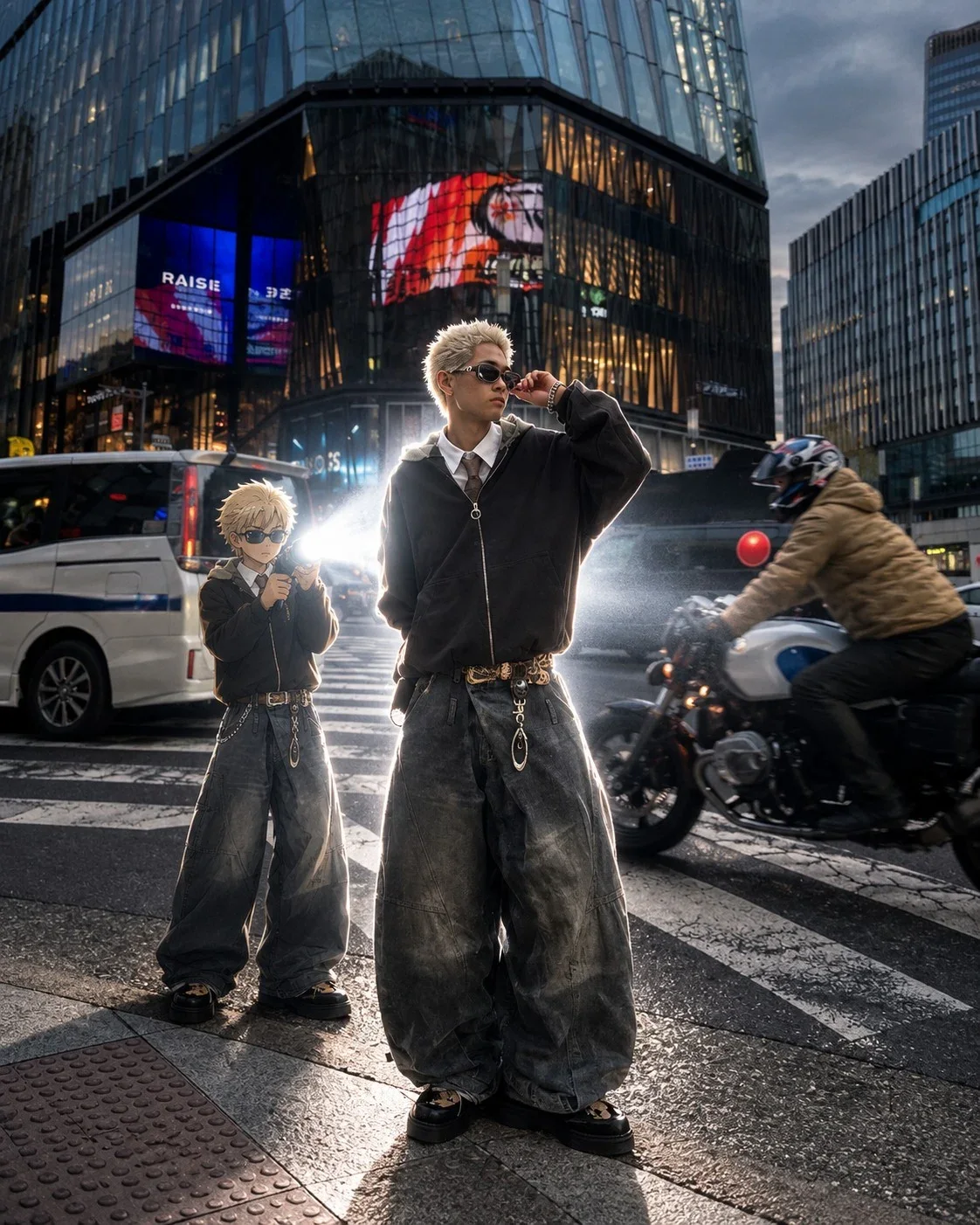
Instead of replacing you, this prompt adds a flat paper-cutout cartoon version of you next to yourself in the original photo. The real you stays untouched, and a short companion with an enormous head, tiny stubby limbs and flat color blocks copies your pose and outfit right beside you.

Visual AI Club 팀 · 가이드 작성 방식

준비물

도구
ChatGPT
입력
Your own full-body or knee-up photo with open space beside you
잘 맞는 사진
A distinct outfit color and a recognizable hairstyle silhouette
결과
Your untouched photo plus a flat paper-cutout cartoon twin beside you

단계

  1. 1

    Leave floor space next to you

    The cutout figure needs open pavement or floor on one side, and a tight face crop leaves it nowhere to stand.

  2. 2

    Hold something worth copying

    A coffee, phone or skateboard in your hand gets mirrored in the cartoon pose and gives the pair more charm.

  3. 3

    Measure the twin against your body

    It should be about 70 percent head and reach roughly your waist or chest, with flat color and no outlines.

이럴 때

이렇게 하세요

이럴 때

  • The figure has soft shading like a 3D toy

    Send a short follow-up: flat color blocks, no shading.

  • The cartoon replaced you

    Restate that the original person stays exactly where they are and the figure is added beside them.

  • Black outlines appeared

    Mention again that this cutout style has no outlines at all.

  • A group photo got confusing

    Name which person should get the companion, or ask for one cutout per person and try a few times.

원한다면

The twin in front of you

place the cutout figure slightly in front of the person, at chest height

원한다면

More paper texture

a faint felt texture on the cartoon's clothing only

자세한 가이드

01A companion, not a conversion

Most cartoon prompts swap the person out. This one is built around keeping the photograph exactly as it is: same light, same background, same framing. The scene-preservation block forbids cropping and redesign, and the composition block bans split-screens and comparison posters.

The cutout version is placed where there is free space near you, standing beside, slightly in front of, or slightly behind. That is why the source photo needs room. A tight face crop leaves nowhere to put the little figure.

02Numbers that keep the proportions right
  • About 70% head: larger than standard show proportions, on purpose. The body is barely more than a support for the head.
  • About 50 to 60% of your height: the figure reaches roughly your waist or chest, which reads well in a full-body or knee-up photo.
  • Flat color only: no gradients, shading, highlights or outlines. Even black strokes are ruled out, which is unusual and what gives the authentic cutout look.
  • Texture only on clothes: a faint felt or paper feel is allowed on clothing, never on skin.
03Photos that leave space for your twin
  • Full-body or knee-up shots with open floor or pavement on one side.
  • Clear outfits with distinct colors, since clothing color is one of the few traits carried over.
  • A recognizable hairstyle silhouette, which matters more here than facial detail.
  • Anything you are holding, like a coffee, phone or skateboard, gets copied into the cartoon pose and adds charm.
04When the cartoon goes off-model

The most common slip is shading creeping back in, with rounded cheeks and soft shadows that make the figure look like a 3D toy. Repeat flat color blocks, no shading in a short follow-up.

If the model replaces you instead of adding the figure, restate that the original person stays exactly where they are. If it adds black outlines, mention again that the style has none. Each of these is easier to fix with a short correction than by rewriting the whole prompt.

자주 묻는 질문

Can I do this with a group photo?

The prompt is written for one person. With a group, name which person should get the companion, or ask for one cutout per person and expect to try a few times.

Is this official artwork from the show?

No. The show is used only as a style reference for a personal fan edit, and the result is not affiliated with its creators.

Whose photo can I use?

Your own, or a photo of a friend who is happy to be cartooned. Avoid using pictures of people without their consent.
ChatGPT 프롬프트 더 보기이미지 프롬프트가이드
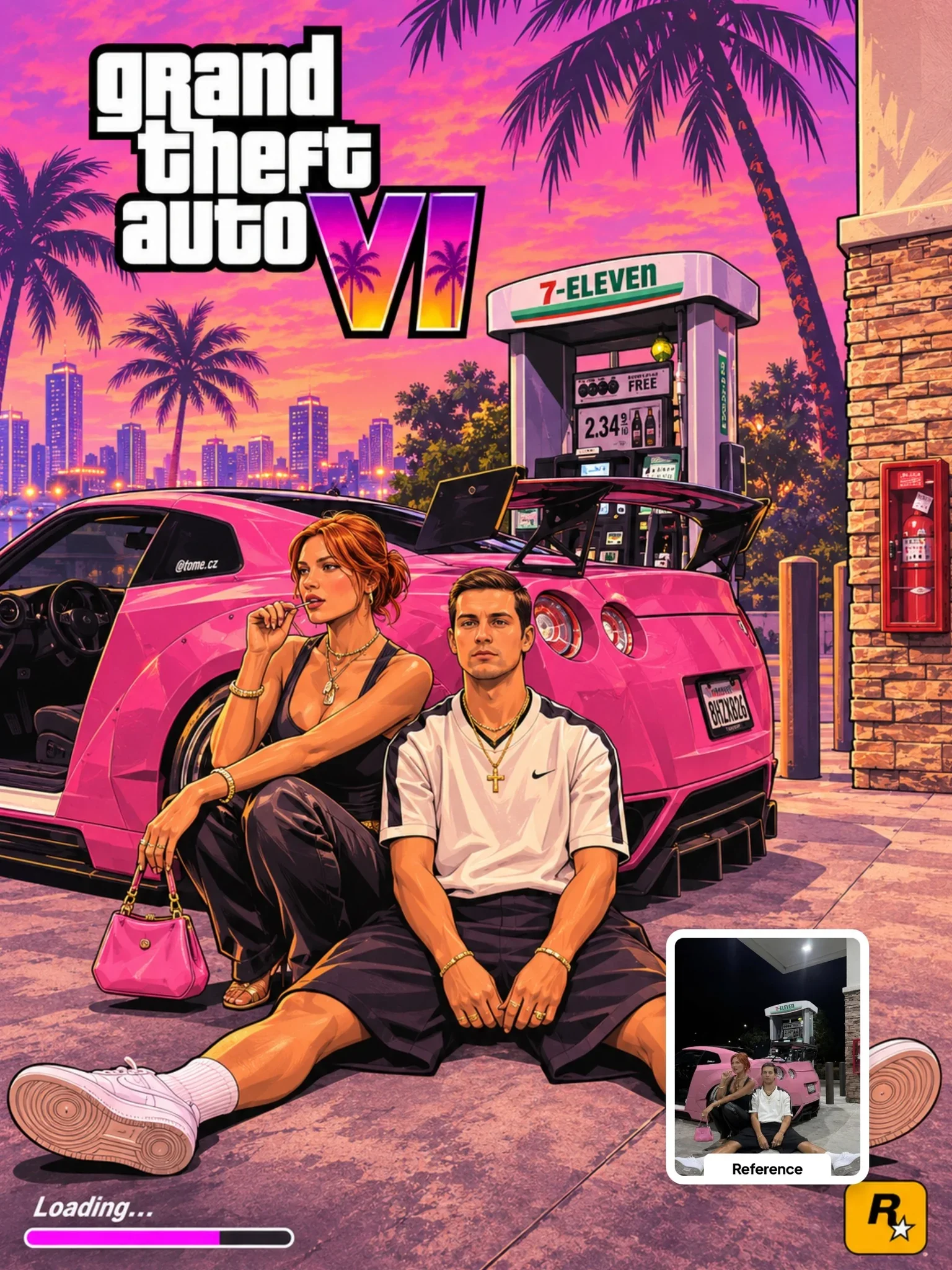
GTA VI Artwork Prompt다음 프롬프트 · ChatGPTGTA VI Artwork Prompt열기
visualaiclub의 다른 프롬프트

모두 보기
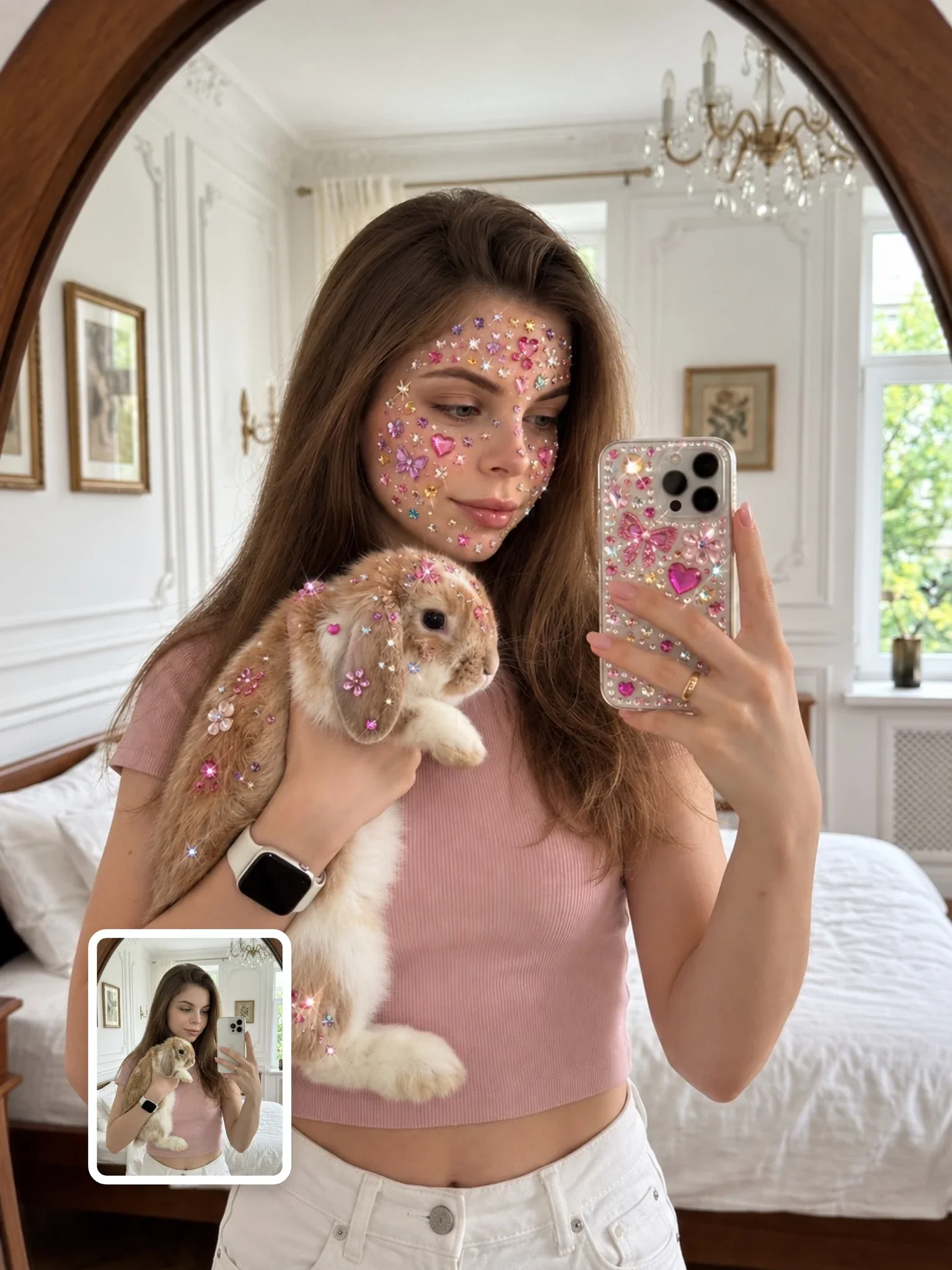
보석 스티커 페이스 아트 프롬프트, ChatGPT 프롬프트 결과
ChatGPT이미지
11
Visual AI ClubvisualaiclubSkool 멤버

보석 스티커 페이스 아트 프롬프트

5
보석 스티커 페이스 아트 프롬프트: Visual AI Club의 ChatGPT 이미지 프롬프트. 한 번에 복사하고 가이드에서 작동 방식을 알아보세요.
여행 포스터 프롬프트, ChatGPT 프롬프트 결과
ChatGPT이미지
9
Visual AI ClubvisualaiclubSkool 멤버

여행 포스터 프롬프트

7
여행 포스터 프롬프트: Visual AI Club의 ChatGPT 이미지 프롬프트. 한 번에 복사하고 가이드에서 작동 방식을 알아보세요.
픽셀 브릭 효과 프롬프트, ChatGPT 프롬프트 결과
ChatGPT이미지
12
Visual AI ClubvisualaiclubSkool 멤버

픽셀 브릭 효과 프롬프트

5
픽셀 브릭 효과 프롬프트: Visual AI Club의 ChatGPT 이미지 프롬프트. 한 번에 복사하고 가이드에서 작동 방식을 알아보세요.
사진 복원 프롬프트, ChatGPT 프롬프트 결과
ChatGPT이미지
10
Visual AI ClubvisualaiclubSkool 멤버

사진 복원 프롬프트

11
사진 복원 프롬프트: Visual AI Club의 ChatGPT 이미지 프롬프트. 한 번에 복사하고 가이드에서 작동 방식을 알아보세요.
골든아워 추억 콜라주, ChatGPT 프롬프트 결과
ChatGPT이미지
12
Visual AI ClubvisualaiclubSkool 멤버

골든아워 추억 콜라주

85
골든아워 추억 콜라주: Visual AI Club의 ChatGPT 이미지 프롬프트. 한 번에 복사하고 가이드에서 작동 방식을 알아보세요.
야생동물 다큐멘터리 Seedance 2.5, Seedance 프롬프트 결과
Seedance영상
영상
Visual AI ClubvisualaiclubSkool 멤버

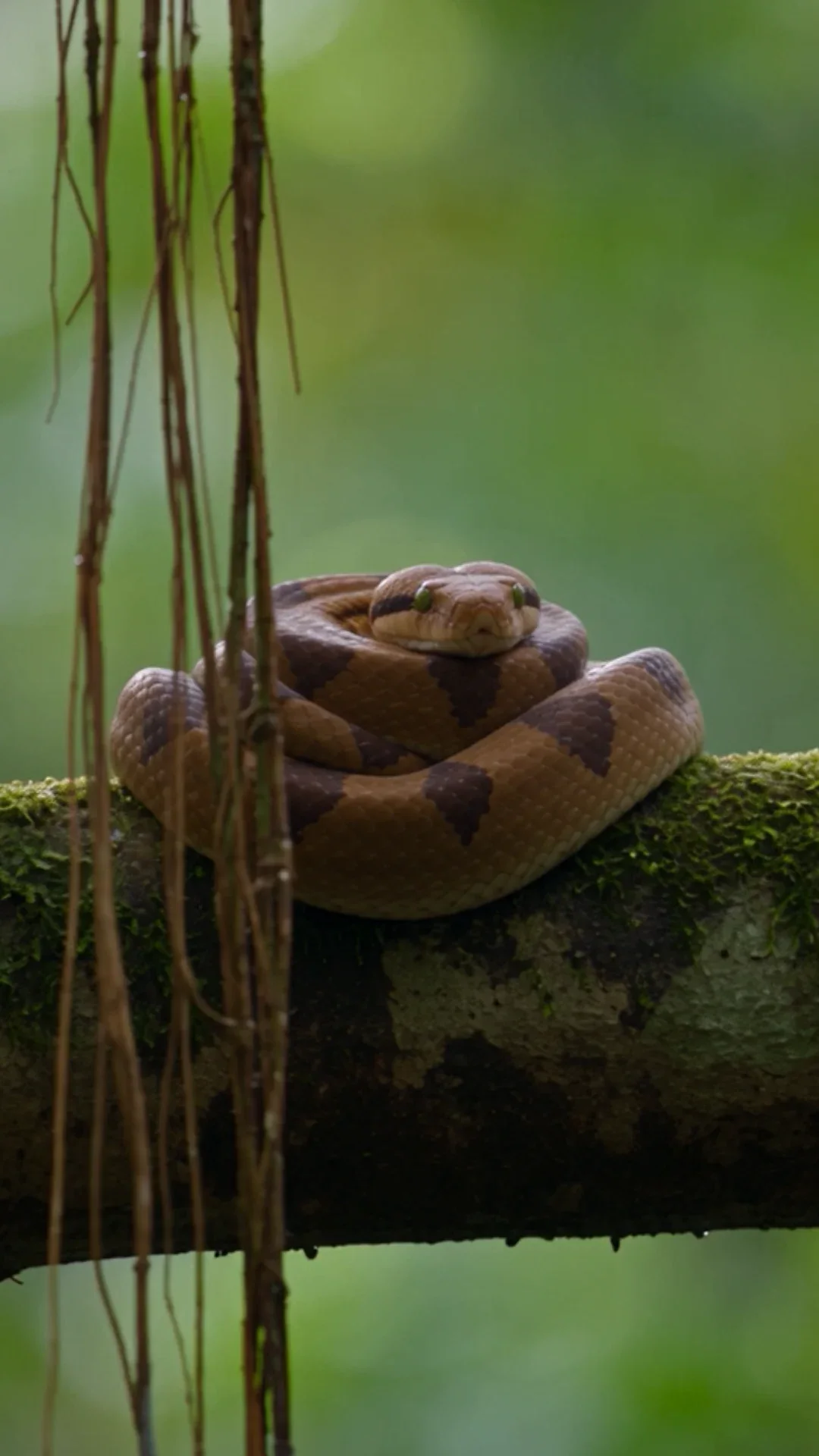
야생동물 다큐멘터리 Seedance 2.5

4
야생동물 다큐멘터리 Seedance 2.5: Visual AI Club의 Seedance 영상 프롬프트. 한 번에 복사하고 가이드에서 작동 방식을 알아보세요.
비행기에서 점프하기, Seedance 프롬프트 결과
Seedance영상
영상
Visual AI ClubvisualaiclubSkool 멤버

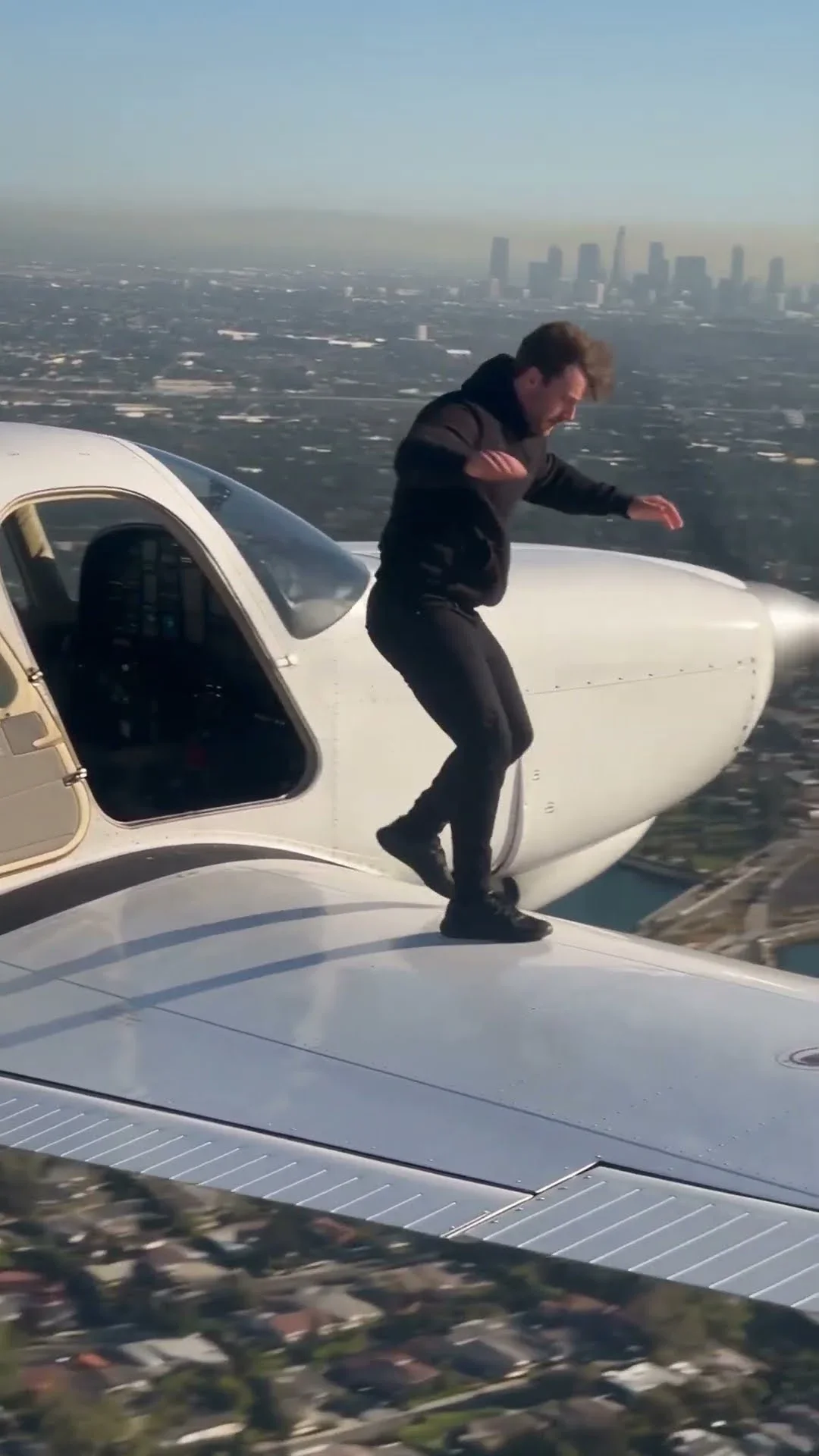
비행기에서 점프하기

70
비행기에서 점프하기: Visual AI Club의 Seedance 영상 프롬프트. 한 번에 복사하고 가이드에서 작동 방식을 알아보세요.
시네마틱 애니메이션 장면, Seedance 프롬프트 결과
Seedance영상
영상
Visual AI ClubvisualaiclubSkool 멤버

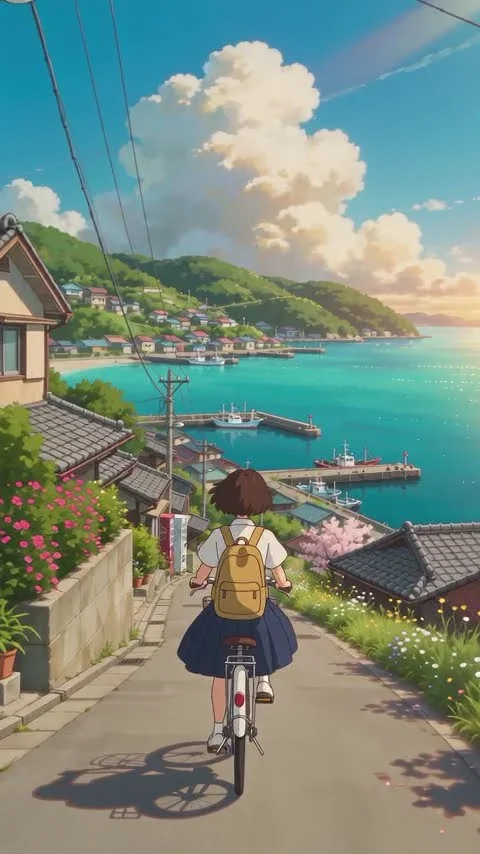
시네마틱 애니메이션 장면

41
시네마틱 애니메이션 장면: Visual AI Club의 Seedance 영상 프롬프트. 한 번에 복사하고 가이드에서 작동 방식을 알아보세요.
애니메이션 장면 Seedance 2.5, Seedance 프롬프트 결과
Seedance영상
영상
Visual AI ClubvisualaiclubSkool 멤버

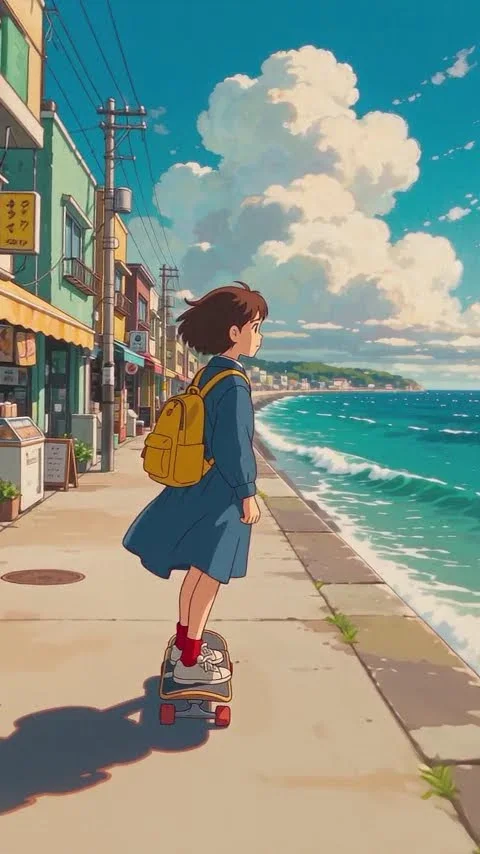
애니메이션 장면 Seedance 2.5

89
애니메이션 장면 Seedance 2.5: Visual AI Club의 Seedance 영상 프롬프트. 한 번에 복사하고 가이드에서 작동 방식을 알아보세요.
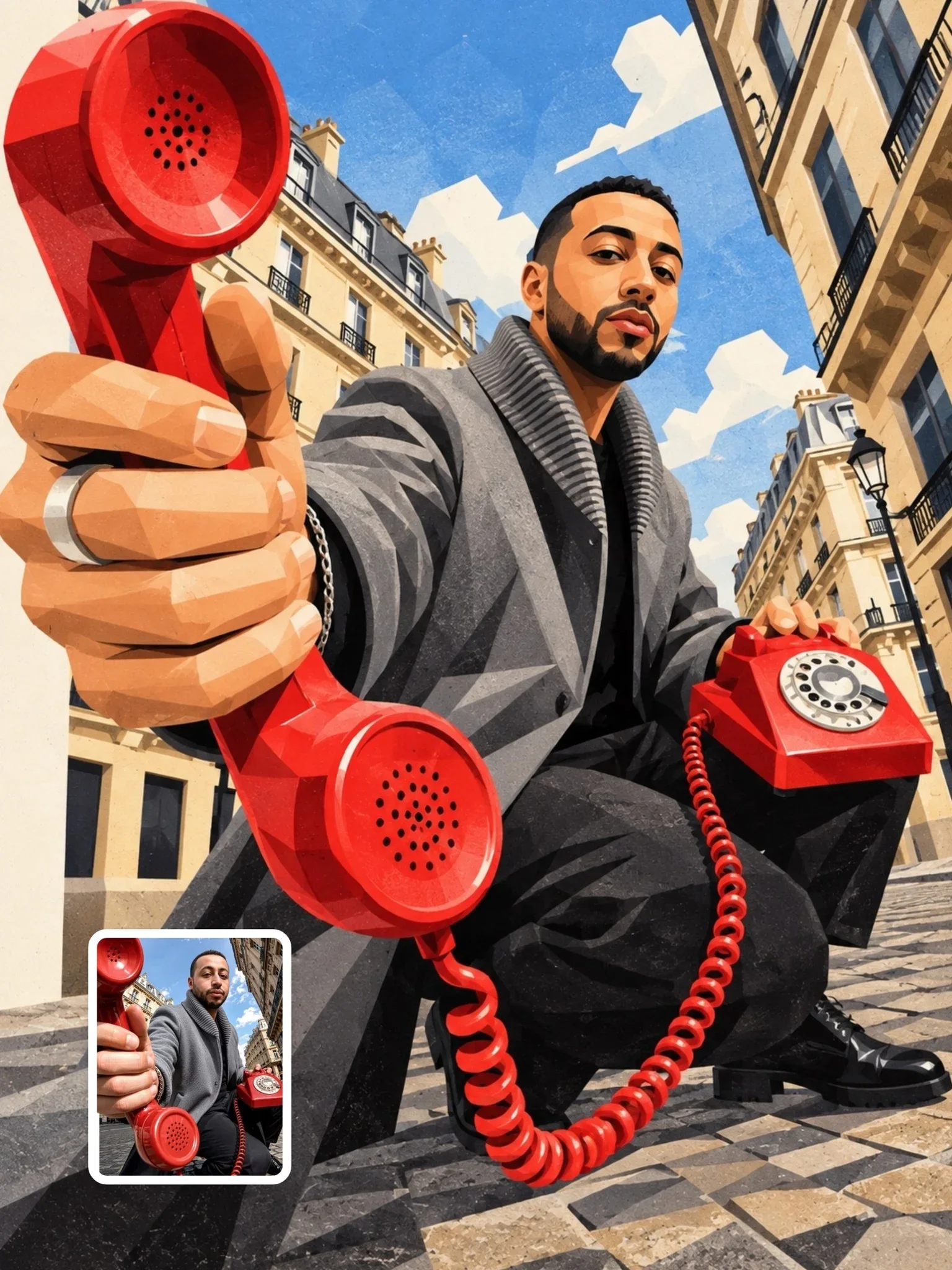
부조리 플라스티신 프롬프트, ChatGPT 프롬프트 결과
ChatGPT이미지
12
Visual AI ClubvisualaiclubSkool 멤버

부조리 플라스티신 프롬프트

460
부조리 플라스티신 프롬프트: Visual AI Club의 ChatGPT 이미지 프롬프트. 한 번에 복사하고 가이드에서 작동 방식을 알아보세요.
모던 페이퍼 포스터, ChatGPT 프롬프트 결과
ChatGPT이미지
12
Visual AI ClubvisualaiclubSkool 멤버

모던 페이퍼 포스터

227
모던 페이퍼 포스터: Visual AI Club의 ChatGPT 이미지 프롬프트. 한 번에 복사하고 가이드에서 작동 방식을 알아보세요.
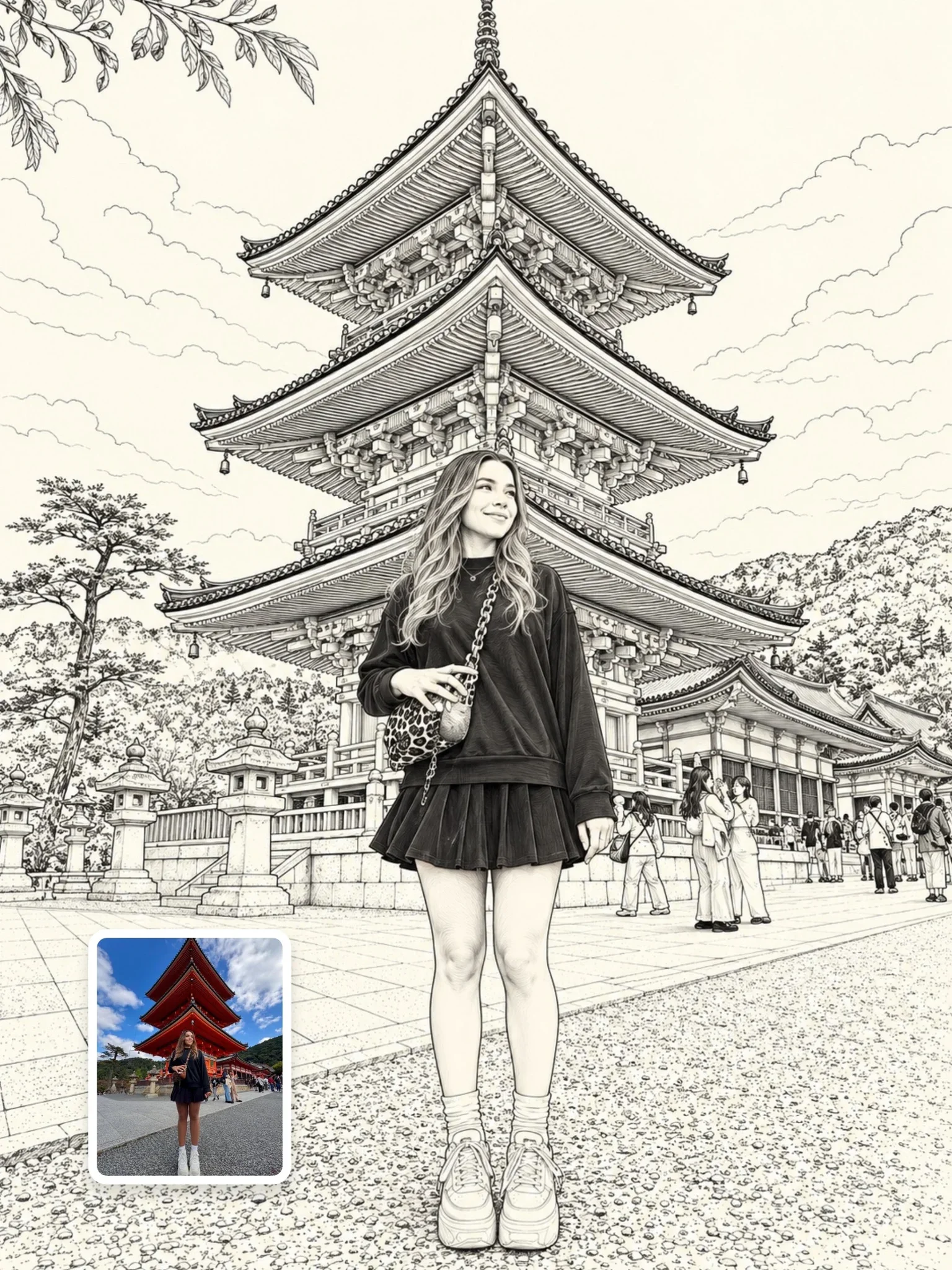
흑백 스케치 프롬프트, ChatGPT 프롬프트 결과
ChatGPT이미지
에디터 추천10
Visual AI ClubvisualaiclubSkool 멤버

흑백 스케치 프롬프트

151
흑백 스케치 프롬프트: Visual AI Club의 ChatGPT 이미지 프롬프트. 한 번에 복사하고 가이드에서 작동 방식을 알아보세요.
모두 보기 →

관련 프롬프트

모두 보기
GTA VI Artwork Prompt, ChatGPT 프롬프트 결과
ChatGPT이미지
9
samadosamadoSkool 멤버

GTA VI Artwork Prompt

86
GTA VI Artwork Prompt: Visual AI Club의 ChatGPT 이미지 프롬프트. 한 번에 복사하고 가이드에서 작동 방식을 알아보세요.
Pocket Chibi Prompt, ChatGPT 프롬프트 결과
ChatGPT이미지
NEW9
samadosamadoSkool 멤버

Pocket Chibi Prompt

11
Pocket Chibi Prompt: Visual AI Club의 ChatGPT 이미지 프롬프트. 한 번에 복사하고 가이드에서 작동 방식을 알아보세요.
큰 머리 손그림 카툰, ChatGPT 프롬프트 결과
ChatGPT이미지
12
Visual AI ClubvisualaiclubSkool 멤버

큰 머리 손그림 카툰

650
큰 머리 손그림 카툰: Visual AI Club의 ChatGPT 이미지 프롬프트. 한 번에 복사하고 가이드에서 작동 방식을 알아보세요.
GTA Concept Style, ChatGPT 프롬프트 결과
ChatGPT이미지
9
LuxnotluxSkool 멤버

GTA Concept Style

97
GTA Concept Style: Visual AI Club의 ChatGPT 이미지 프롬프트. 한 번에 복사하고 가이드에서 작동 방식을 알아보세요.
Cities In Ink Prompt, ChatGPT 프롬프트 결과
ChatGPT이미지
NEW9
samadosamadoSkool 멤버

Cities In Ink Prompt

5
Cities In Ink Prompt: Visual AI Club의 ChatGPT 이미지 프롬프트. 한 번에 복사하고 가이드에서 작동 방식을 알아보세요.
부조리 플라스티신 프롬프트, ChatGPT 프롬프트 결과
ChatGPT이미지
12
Visual AI ClubvisualaiclubSkool 멤버

부조리 플라스티신 프롬프트

460
부조리 플라스티신 프롬프트: Visual AI Club의 ChatGPT 이미지 프롬프트. 한 번에 복사하고 가이드에서 작동 방식을 알아보세요.
실제 나와 픽사 미니 나의 스튜디오 초상화, ChatGPT 프롬프트 결과
ChatGPT이미지
11
Visual AI ClubvisualaiclubSkool 멤버

실제 나와 픽사 미니 나의 스튜디오 초상화

1.3k
실제 나와 픽사 미니 나의 스튜디오 초상화: Visual AI Club의 ChatGPT 이미지 프롬프트. 한 번에 복사하고 가이드에서 작동 방식을 알아보세요.
아르데코 여행 포스터, ChatGPT 프롬프트 결과
ChatGPT이미지
8
Visual AI ClubvisualaiclubSkool 멤버

아르데코 여행 포스터

256
아르데코 여행 포스터: Visual AI Club의 ChatGPT 이미지 프롬프트. 한 번에 복사하고 가이드에서 작동 방식을 알아보세요.
종이 수채화 프롬프트, ChatGPT 프롬프트 결과
ChatGPT이미지
9
Visual AI ClubvisualaiclubSkool 멤버

종이 수채화 프롬프트

349
종이 수채화 프롬프트: Visual AI Club의 ChatGPT 이미지 프롬프트. 한 번에 복사하고 가이드에서 작동 방식을 알아보세요.
치비 플래시백, ChatGPT 프롬프트 결과
ChatGPT이미지
8
LuxnotluxSkool 멤버

치비 플래시백

109
치비 플래시백: Visual AI Club의 ChatGPT 이미지 프롬프트. 한 번에 복사하고 가이드에서 작동 방식을 알아보세요.
모던 페이퍼 포스터, ChatGPT 프롬프트 결과
ChatGPT이미지
12
Visual AI ClubvisualaiclubSkool 멤버

모던 페이퍼 포스터

227
모던 페이퍼 포스터: Visual AI Club의 ChatGPT 이미지 프롬프트. 한 번에 복사하고 가이드에서 작동 방식을 알아보세요.
두들 스티커 일러스트, ChatGPT 프롬프트 결과
ChatGPT이미지
에디터 추천12
Visual AI ClubvisualaiclubSkool 멤버

두들 스티커 일러스트

474
두들 스티커 일러스트: Visual AI Club의 ChatGPT 이미지 프롬프트. 한 번에 복사하고 가이드에서 작동 방식을 알아보세요.
모두 보기 →

Learn AI Academy

Visual AI Club과 함께 AI 배우기

통하는 프롬프트를 복사하고, 왜 통하는지 배워 보세요. Learn AI Academy에서는 AI 이미지와 AI 영상 제작을 단계별로 가르쳐요: 프롬프트 작성, 빛과 카메라, 일관된 캐릭터, 제품 사진, 그리고 Seedance로 단편 영화 연출까지.

  • AI 이미지 생성 배우기
  • AI 영상 배우기
  • 프롬프트 작성 배우기
  • 크리에이터를 위한 AI 교육
Learn AI Academy 열기