Anime Scenes With AI Video: Framing, Motion and Mood
Prompt AI video that looks hand-drawn: anime shot types, what to animate and what to hold, painted light and weather, and negative lists that stop 3D drift.
Visual AI Club6 min de leitura
Este guia está escrito em inglês.
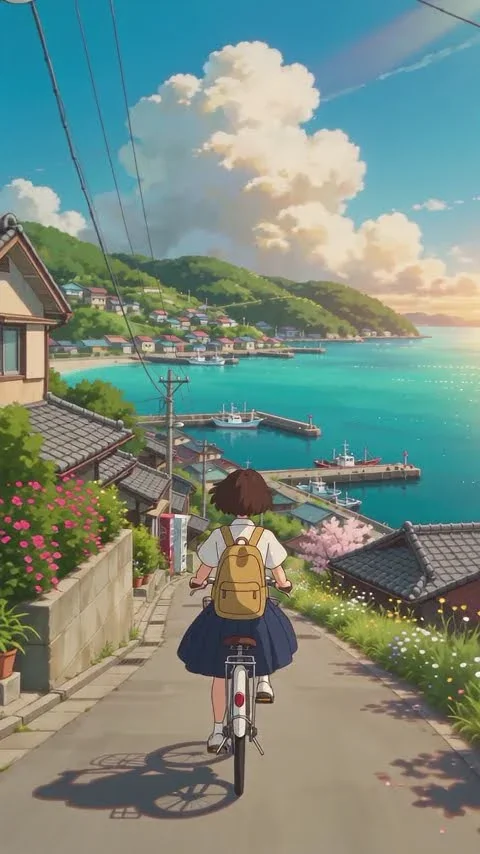
Anime has its own camera grammar, its own rhythm of movement and its own way of painting light, and a video model reproduces it only when you describe those things directly. You will learn how to frame anime shots, what to animate and what to hold still, and the wording that keeps a result hand-drawn instead of sliding into glossy 3D.
Why AI anime often looks like 3D
Traditional anime is drawn, and drawings are expensive. Television productions often animate characters on twos or threes, meaning a new drawing every second or third frame of 24, so 12 or 8 drawings per second. Movement has a slightly stepped quality, poses are held, and the energy goes into a few strong key moments.
Video models, by contrast, love perfectly smooth in-between motion, soft volumetric shading and a camera that floats freely in three dimensions. Those are the fingerprints of 3D animation. Left alone, a model asked for anime will often give you a clean CG render with anime-shaped eyes.
You push back with two kinds of words. Positive style words describe the medium: hand-drawn 2D animation, crisp line art, flat cel shading with one shadow tone, hand-painted backgrounds. Negative words name what to avoid: photorealism, 3D CGI, plastic shading. The negative list is often the stronger lever, so it gets its own section below.
Anime girl walking in a city at sunset, beautiful, cinematic, 4K.
Hand-drawn 2D anime, crisp line art and flat cel shading. A girl in a navy school blazer walks along a riverside path at sunset, hand-painted background of low houses and power lines, warm orange sky. Not 3D, not photorealistic.
Framing like an anime director
Anime directors use a recognizable set of shots, many of them about place and atmosphere rather than the character. Borrowing them is the quickest way to make a clip feel like a scene from a series instead of a moving illustration.
- Big-sky establishing shot: horizon low in the frame, towering cumulus clouds filling the top two-thirds, the town small beneath them.
- Pillow shot: an empty, quiet image between moments of action, such as a vending machine at dusk, power lines against the sky or a railway crossing. It sets mood and gives the viewer a breath.
- Low angle against the sky: the camera near the ground looking up at a character, with nothing behind them but blue.
- Tracking from behind: following a character on a bicycle, skateboard or platform, the world streaming past on both sides.
- Detail close-up: eyes, hands on a railing, a shoelace being tied. Anime often gives emotion to objects and hands rather than faces.
- Window and backlight: a character by a window with light flooding in and dust motes in the beam.
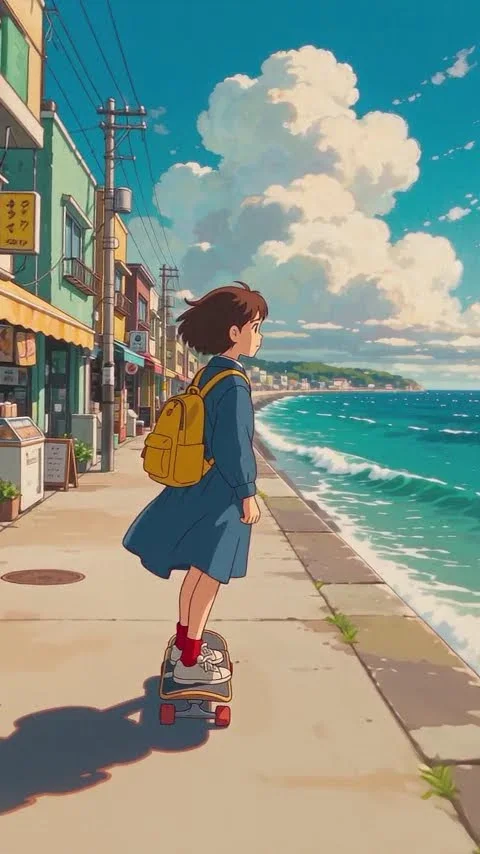

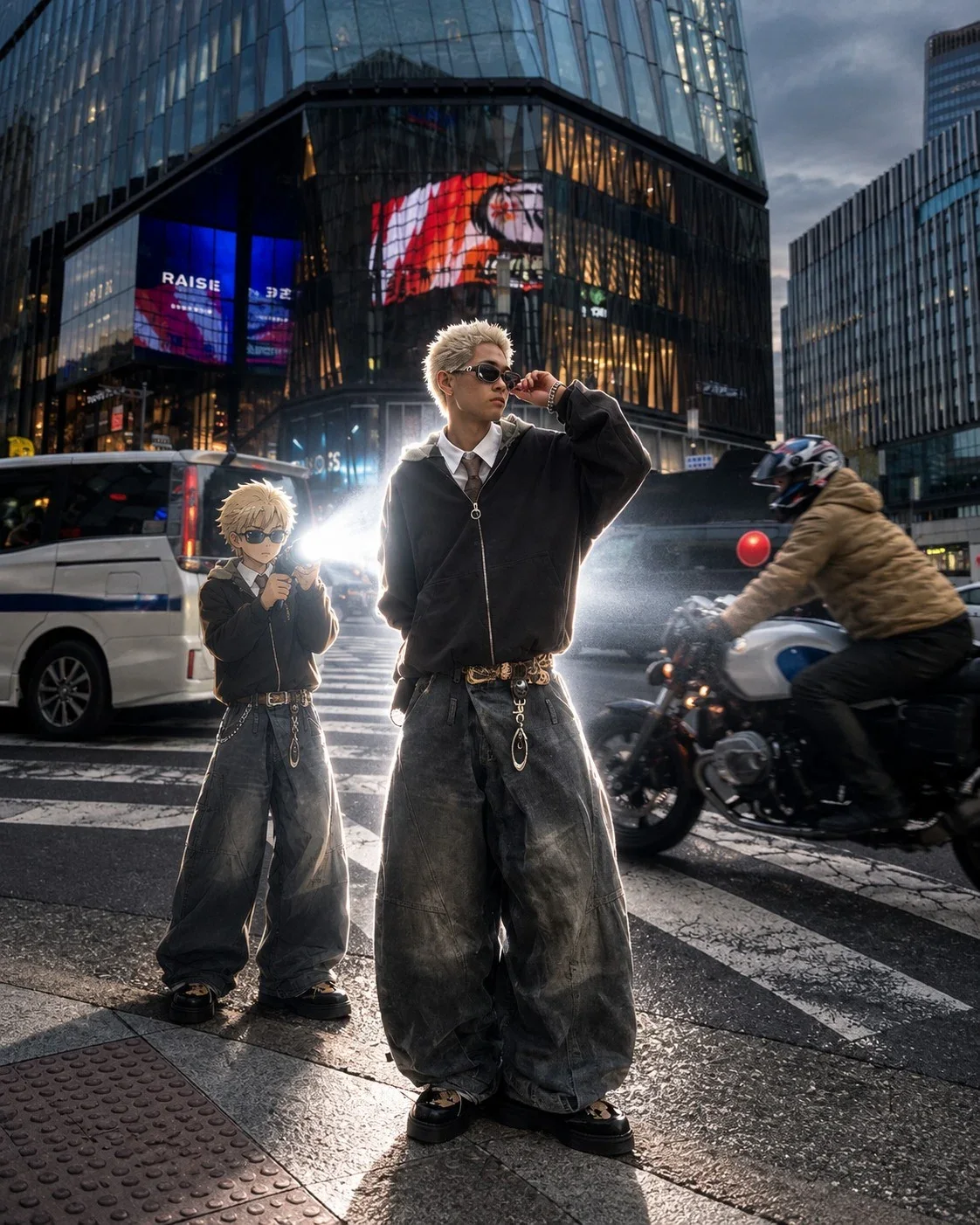
Anime Scene Seedance 2.5 combines two of these: a tracking shot from behind and a seafront setting that opens up on one side, so the character carries the movement while the painted city and sea carry the mood.
Decide what moves and what holds
The secret of good anime motion is restraint. Backgrounds are paintings, so buildings, signs and distant hills should not wobble or breathe. Life comes from a handful of elements that move clearly and continuously. Split your prompt into a description and a separate motion section, so the model knows which is which.
| Animate | Keep stable |
|---|---|
| Hair, skirt and scarf in the wind | Building outlines and rooftops |
| Clouds drifting slowly | Signs, windows and street furniture |
| Water, waves and reflections | The bicycle frame, skateboard or any vehicle |
| Patches of sunlight through leaves | Character outfit, colors and accessories |
| Distant pedestrians, a passing train | The horizon line |
Both anime prompts on this site use this split. Cinematic Anime Scene lists bicycle movement, fluttering hair and skirt, swaying branches and drifting clouds in its motion section, then insists that character design, bicycle and environment geometry stay consistent for the whole shot.
Parallax is how anime fakes depth: foreground, midground and background layers slide past at different speeds, as if painted on separate sheets of glass. Ask for it directly with "layered parallax between foreground, street and distant hills" and the flat paintings suddenly feel deep.
Camera moves that belong in anime
In hand-drawn animation the camera historically could not fly around a scene, because the background is a flat painting. Instead it slid across the artwork, moved closer to it, or shook it. Those limitations became the style, and they are worth respecting in a prompt.
- Slow pan across a wide painted background, often used to open a scene on a town or a sky.
- Slow push toward a held drawing, for example creeping closer to a character staring out of a train window.
- Tracking alongside or behind a moving character, with layered parallax doing the depth work.
- Short camera shake on an impact, a slammed door or a train rushing past.
- A tilt up from the character to the sky, a classic way to end a scene.
Avoid full orbits and swooping drone moves around a character. To circle a subject, the model has to treat the painted world as solid geometry, and that is exactly the moment the image tips into 3D. If you want more dynamic movement, keep the camera simple and let the character, the wind and the water supply the energy. The camera movements guide explains each of these moves in more detail.
Paint the mood with light and weather
Anime backgrounds are lit like paintings, with bold, simplified color and very deliberate weather. Choose one mood per clip and describe it with concrete visual cues rather than adjectives.
| Mood | Light and sky | Small moving details |
|---|---|---|
| Summer nostalgia | Deep blue sky, bright white cumulus, hard sun, long shadows | Sparkles on water, cicada-season stillness, heat haze |
| Evening melancholy | Orange to violet gradient, backlit silhouettes, a soft lens flare | Streetlights flickering on, birds crossing the sky |
| Rainy city | Gray sky, wet asphalt reflecting signs, cool blue tones | Ripples in puddles, umbrella drips, wipers on a passing bus |
| Winter quiet | Pale low sun, blue shadows on snow | Breath vapor, slowly falling flakes |
Keep the color temperature consistent within the clip. If the opening is warm afternoon gold, a cool blue shadow appearing halfway through reads as a mistake rather than a mood change.
Start from a key frame you designed
For a recurring character, design a still first and animate it, following the image-to-video workflow. You get to approve the face, the outfit and the palette before spending time on motion.
Keep the design simple and give it two or three strong color accents, such as a yellow backpack and red socks. Bold, distinct colors act as anchors the model can track from frame to frame, so the character stays recognizable even when it is small or moving fast. Fine patterns and many small accessories do the opposite. The consistent character guide goes deeper on this.
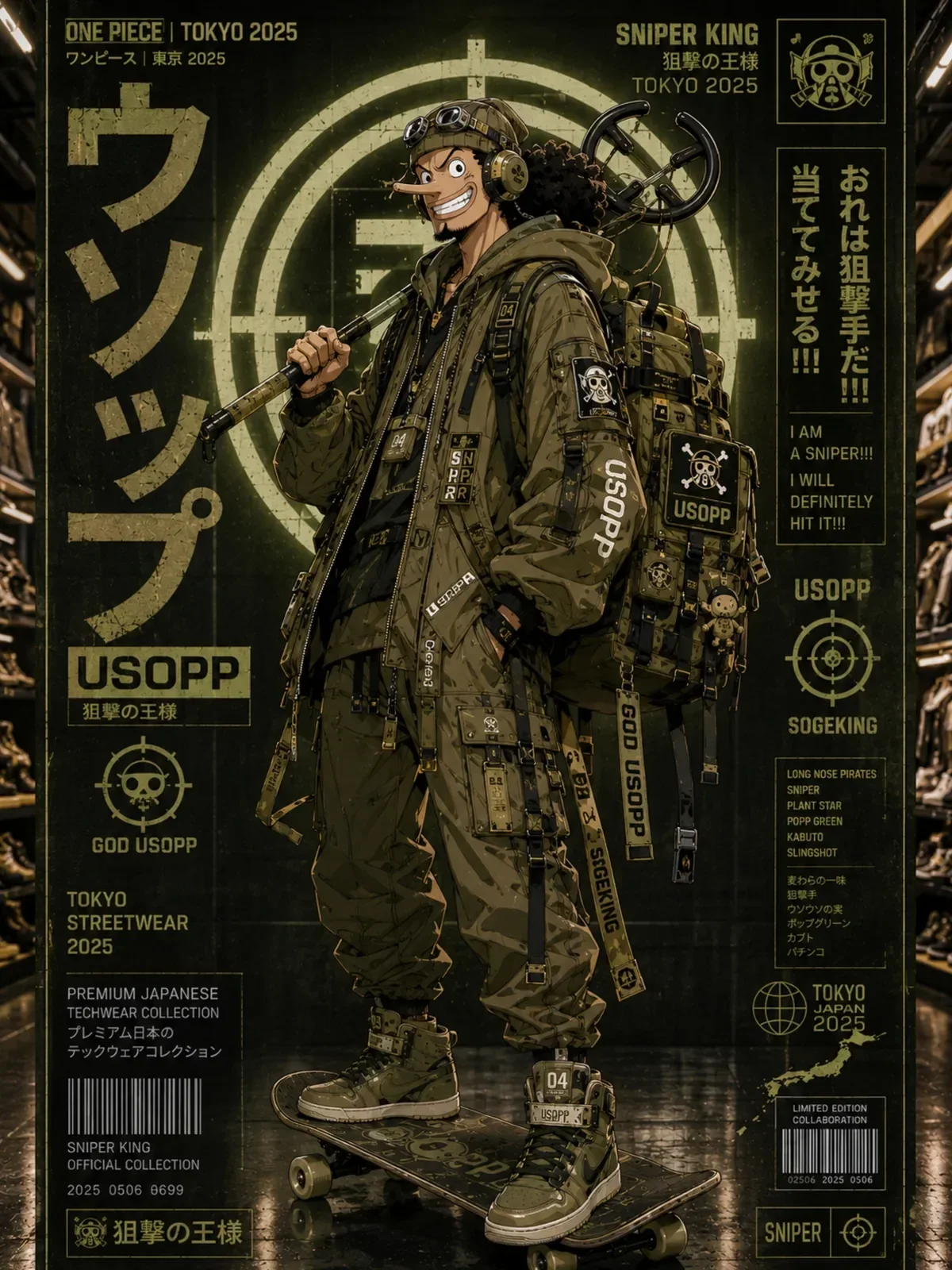
Describe the style generically, for example "1990s hand-painted TV anime" or "theatrical anime film with painted skies", rather than naming a studio, and invent your own characters instead of recreating existing ones.
Negative lists that protect the style
End every anime video prompt with a short list of what must not happen. It catches the most common drifts before they appear.
- Style drift: photorealism, 3D CGI, plastic or glossy shading, realistic skin texture
- Anatomy: distorted hands, extra limbs, changing eye shape
- Continuity: changing clothes, changing hairstyle, backpack or props appearing and disappearing
- Background: warped or melting buildings, bending power lines, flickering
- Artifacts: random text, garbled signs, oversaturated neon
Exercise: a three-shot anime sequence
Build a twelve-second sequence from three short clips that share one palette and one time of day.
- A four-second pillow shot: an empty street corner with a vending machine and power lines, clouds drifting, no people.
- A five-second tracking shot: your character cycles past the same corner, filmed from behind, hair and jacket moving in the wind.
- A three-second close-up: the character stops and looks up at the sky, one held pose, only hair and clouds moving.
Copy the light and color sentence word for word into all three prompts. When you cut them together, the shared palette is what will make three separate generations feel like one scene from the same episode.
When you review the three clips, pause on a frame from each and look only at the edges of shapes. Clean, confident outlines and flat areas of color mean the style held. Soft gradients across faces, glossy highlights on hair or textured skin mean the model drifted toward 3D, and the negative list needs strengthening for that shot.