How to Create a Consistent AI Character Across Many Images
Keep one AI character looking the same across dozens of images: a written character bible, an anchor image, reference sheets, and a routine for catching drift.
Visual AI Club7 min de leitura
Este guia está escrito em inglês.
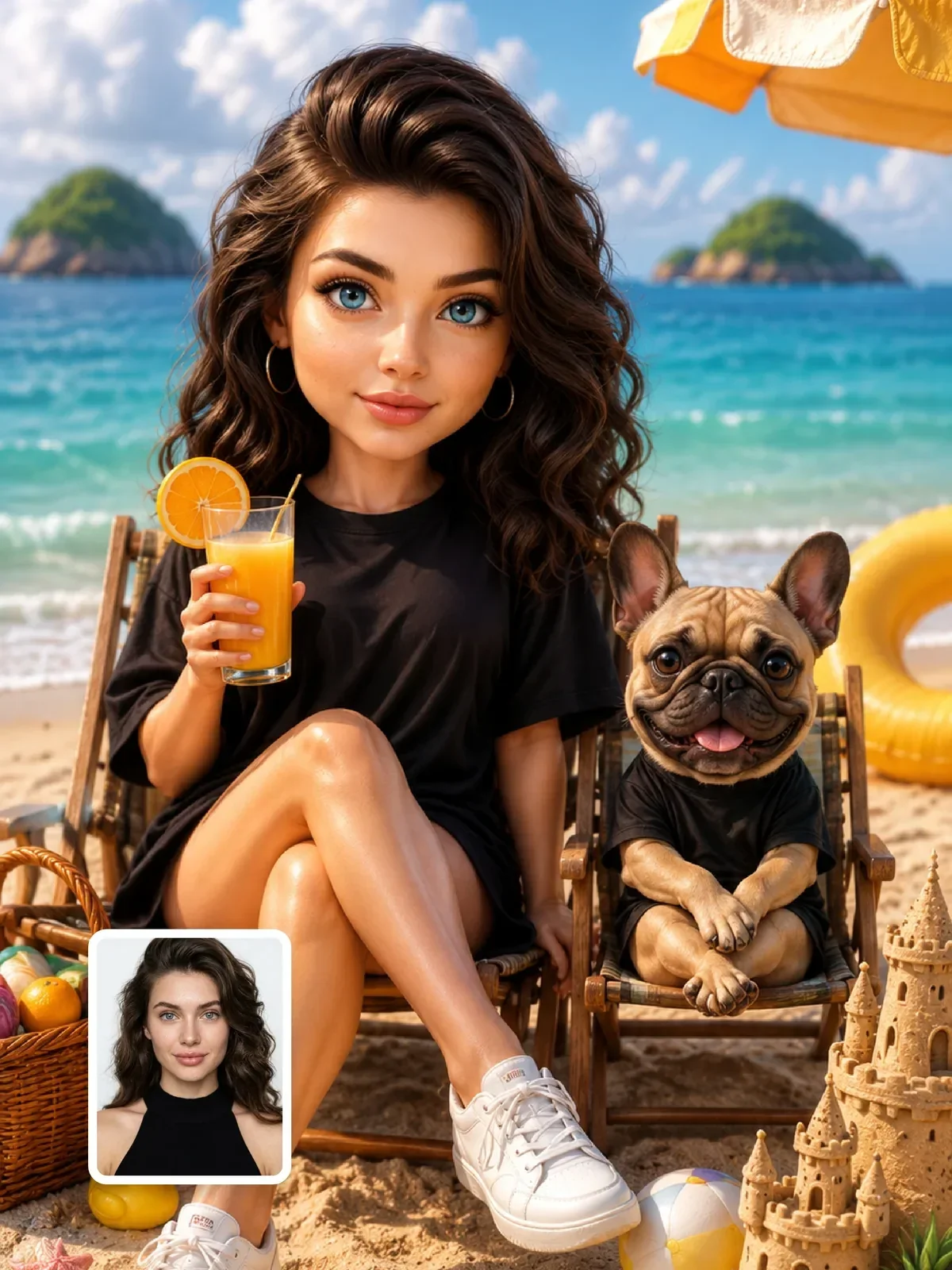
Making one great image of a character is easy. Making the twentieth image where she still has the same jaw, the same freckles and the same scar on her left eyebrow is the real work. This guide gives you a repeatable system: a written character bible, one anchor image, a reference sheet, and a short checklist for spotting drift before it spreads.
Why characters drift
Every generation starts fresh. When you write a woman with brown hair and green eyes, the model picks one of countless faces that fit those words, and next time it picks another. Words narrow the possibilities, but they never pin down a single face.
Two things fight drift. First, more specific, more unusual traits: a gap between the front teeth narrows the field far more than a nice smile. Second, images: a reference picture carries information that words cannot, such as exact proportions and the shape of the nose. The workflow below uses both, every time.
Step 1: write a character bible
Animation studios keep a model sheet for each character so that dozens of artists draw them the same way. Yours can be a short text note. Split it into traits that never change and traits that may change from image to image.
| Locked (never changes) | Flexible (changes per image) |
|---|---|
| Age range, face shape, skin tone | Outfit, unless it is a signature costume |
| Eye color and shape, eyebrow shape | Location and time of day |
| Hair color, length, texture, parting side | Hairstyle variations within the same cut |
| Distinctive marks: freckles, a mole, a scar, with their side | Expression and pose |
| Body type and height impression | Camera angle and framing |
| One signature item: round glasses, a silver ear cuff | Props and activities |
Write the locked traits as one compact block, around 40 to 70 words, in the same order every time. That block gets pasted unchanged into every prompt. The order matters because models give more weight to what comes early and to what is repeated consistently.
Mara, a woman in her late twenties with an oval face, warm olive skin, almond-shaped hazel eyes, thick straight dark eyebrows, shoulder-length wavy black hair parted on the left, a small mole above the right corner of her lip, light freckles across her nose, and thin round gold glasses.
Always say which side a mark is on, and check it in every result. Models often mirror faces, and a mole that jumps from left to right is the most common drift you will miss.
Step 2: create one anchor image
Generate your character in the simplest possible setting: head and shoulders, neutral expression, plain gray background, soft even light, looking straight at the camera. You are not making art yet; you are making an ID photo. Generate several and pick the one that best matches your bible.
Plain light matters. Strong colored light or dramatic shadows get baked into the face, and every future image will inherit them. A soft frontal key with gentle fill shows the true skin tone and face shape, which is what you want to carry forward.
Save the anchor at full size with a clear file name, and keep it together with your text bible in one folder. You will return to it more often than to any other file. If you work on several characters, give each one its own folder, so you never attach the wrong face by accident.
Step 3: build a reference sheet
From the anchor, generate a turnaround: the same character from the front, three-quarter view and profile, plus a full-body shot and three or four expressions. Many artists put these on one sheet on a white background. Ask for the sheet in a single image, which helps the model keep the views consistent with each other.
- Front and three-quarter show face proportions and are your most used references.
- Profile fixes the nose and chin line, which drift a lot in side views.
- Full body fixes height impression and build.
- Expressions show how the face moves when smiling or frowning without becoming someone else.
Check every view against the bible and regenerate any that drift. A flaw on the reference sheet will copy itself into every image you make from it.
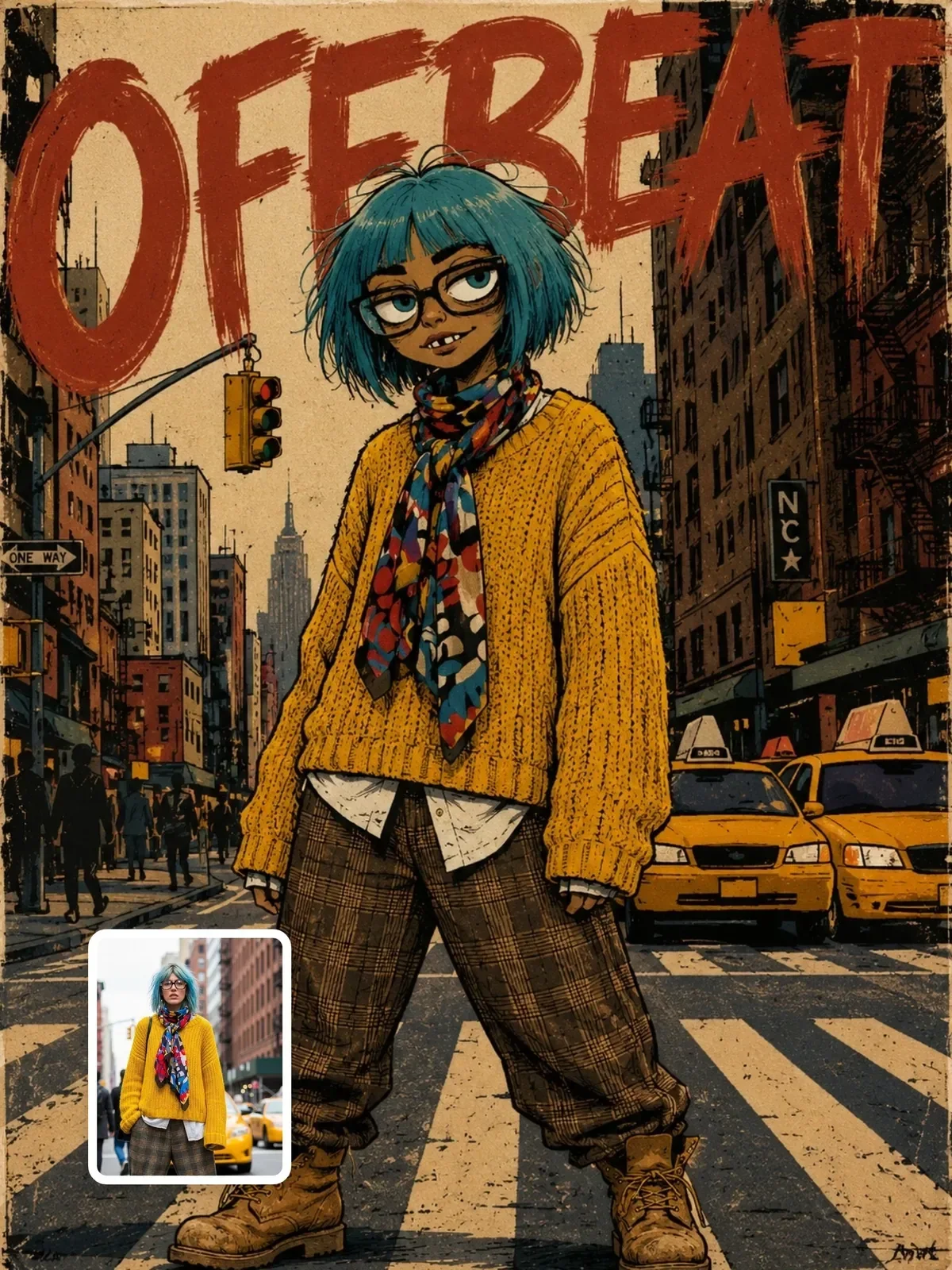

Step 4: generate scenes from references
Now every new image uses three ingredients: the reference image, the locked text block, and one scene sentence. Only the scene sentence changes.
- Attach the anchor image or the most similar view from the reference sheet.
- Paste the locked block exactly as written.
- Add one scene sentence: outfit, place, action, light.
- Add a short instruction to keep the face and marks identical to the reference.
She is sitting at a window table in a small bakery on a rainy morning, wearing a mustard knit sweater, holding a cup with both hands and laughing at something off camera, soft gray daylight from the window.
In ChatGPT you can upload the reference in each request, and continuing in the same conversation helps it keep track. Midjourney and other tools offer their own options for character and style references; the names and settings differ between tools and versions, so check the current documentation for yours. The principle is identical everywhere: show, then tell.
To make the scene sentence easy to swap, store the whole thing as a template with variables, as explained in prompt templates and variables.
Outfits and signature costumes
Clothing is the second thing viewers use to recognize a character, after the face. If your character has a signature look, such as a yellow raincoat or a particular jacket, describe it in the same exact words every time and add it to the locked block. If outfits should change, keep at least one constant: a color, a piece of jewelry, a bag. That small anchor makes a series feel like one person even when the face is seen from far away.
Be careful with complex patterns and logos. A plaid shirt or a printed graphic will be redrawn differently in every image. Plain fabrics in a consistent color are much more stable.
Step 5: catch drift early
Drift is gradual. If you use image 7 as the reference for image 8, and image 8 for image 9, small changes add up until the character is someone else. Always go back to the original anchor or reference sheet, never to the latest image.
Put each new image beside the anchor and run through a quick check.
- Hairline and parting side.
- Eye shape and the distance between the eyes.
- Nose width and tip shape.
- Marks and their side.
- Signature item present and correct.
- Apparent age: models often make characters younger and smoother over time.
If one detail is wrong, fix only that detail in the next attempt instead of rewriting the prompt. The method is described in iterate one variable at a time.
Keep the rejected images too, in a separate folder. Looking back at them shows you which scenes or lighting conditions make your character drift, for example profile views at night or very wide shots. Over time you learn where to be extra careful, and when to attach a closer reference view before you generate.
What makes some characters easier to keep
Stylized characters, such as 2D illustrations, 3D cartoon characters and mascots, are easier to keep consistent than photorealistic people. Their identity sits in big shapes and colors, which models reproduce reliably, while a realistic face depends on tiny proportions.
For realistic characters, choose a design with strong, simple identifiers: a distinctive hairstyle, a signature color, glasses, a recognizable silhouette. Avoid designs whose only distinctive feature is being attractive; those blend into the model's average face fastest. Mascots are an extreme case of this principle, and designing a brand mascot shows how to build one from a sketch to a full character sheet.
Keep your character honest
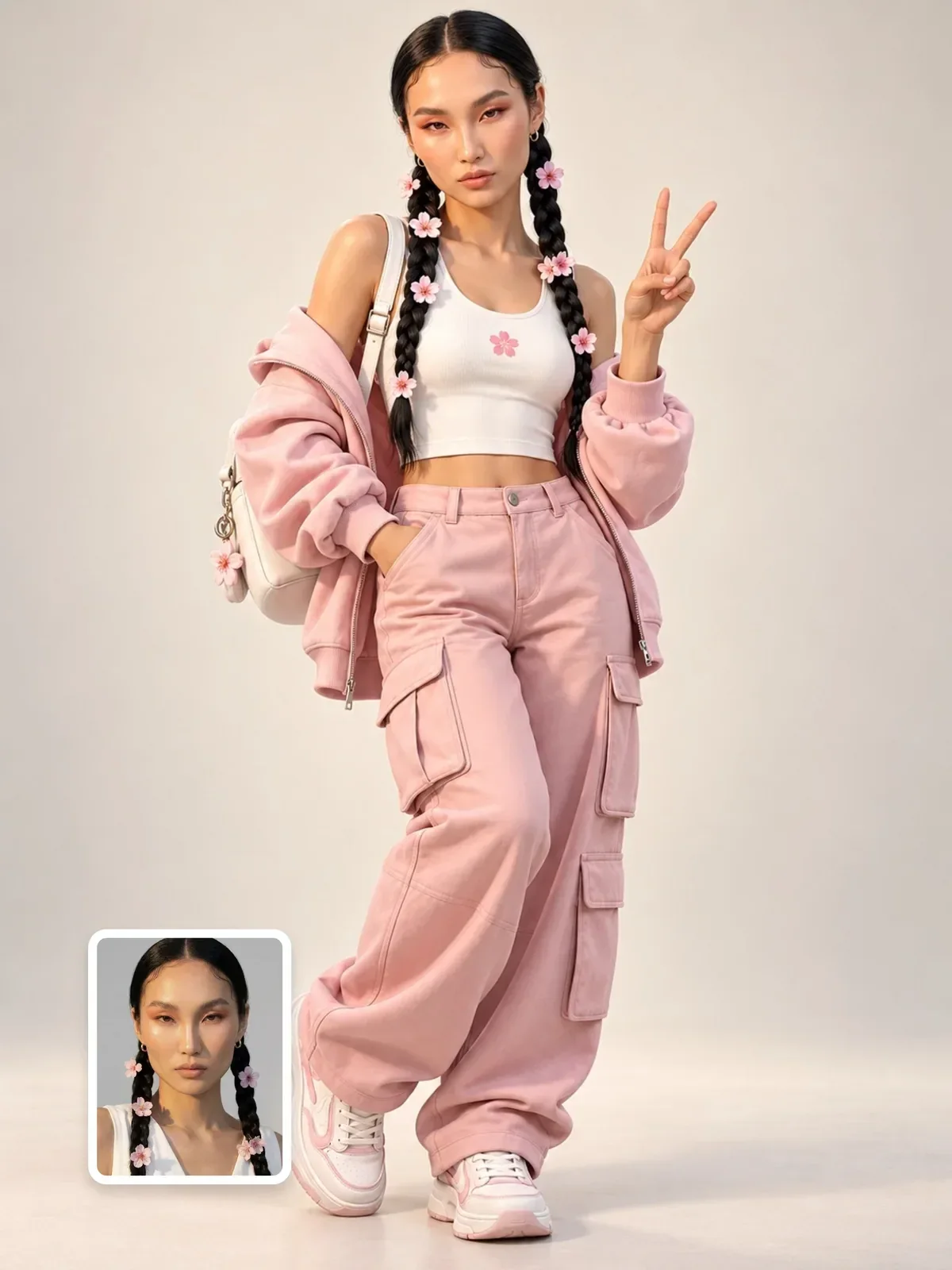
An invented character should be invented. Do not build one from a real person's photos without their permission, and do not design one to look like a celebrity or public figure. If the character posts on social media, say clearly in the bio and captions that it is AI-generated. Audiences are generally fine with fictional characters; problems come from hiding it.
If your character is based on yourself, the workflow is the same, but your real photos are the anchor; the guide on better AI portraits from your own selfie covers how to take good ones.
Your five-image test
Before committing to a character, stress-test it with five scenes that push different variables: a close-up in harsh sunlight, a full-body shot in a different outfit, a profile view, a big laugh, and a night scene with colored light. Lay all five next to the anchor. If you would recognize the character in every one, your bible and references are ready for real work.