Designing a Brand Mascot With AI, From Sketch to Character Sheet
Take a brand mascot from a written brief through rough AI sketches, silhouette tests and expressions to a character sheet a designer can redraw and use.
Visual AI Club7 min de leitura
Este guia está escrito em inglês.
A good mascot can be recognized as a black shape the size of a thumbnail, and it behaves the same way on a sticker, a loading screen and a billboard. Here you will run a five-phase process with an image model: write the brief, explore loose sketches, test silhouettes, lock the design, and produce a character sheet a human designer can redraw. Expect to spend most of your time in the early phases, not the final render.
Phase 1: Write a brief the model cannot misread
Most weak mascots come from a weak brief, not a weak prompt. If you ask for a friendly mascot for a tech company, you will get the average of every friendly tech mascot the model has seen: a round blue robot with big eyes. Decide the character's job and personality before you open any tool.
- Three personality words, with one tension. Curious, calm and slightly clumsy is more useful than friendly, fun and modern, because the clumsy part gives the character something to do.
- One reason it belongs to your brand. A bakery mascot made from a sourdough starter jar has a story. A generic chef does not.
- Where it will live. List the smallest and largest uses: a 32-pixel app icon, an embroidered patch, a shop window. Small uses demand bold, simple shapes.
- What it must never be. Too close to a competitor's mascot, too young for a finance brand, or too cute for a hardware store. Write the limits down.
Avoid naming an existing mascot or studio character as the reference. You will get something derivative that you cannot comfortably trademark or defend. Describe qualities instead: soft rounded shapes, limited palette, big readable eyes.
Phase 2: Explore wide with rough sketches
Early on you want variety, not polish. Polished 3D renders are seductive: shiny materials and nice lighting hide a weak design. Ask for loose flat sketches instead, several concepts in one image, so you judge shape and idea, not rendering quality.
Create a cute 3D mascot for my coffee roastery, high quality, Pixar style.
A sheet of six rough concept sketches for a coffee roastery mascot, black marker on white paper, flat, no shading. Each concept is a different idea: a coffee bean with tiny legs, a small owl wearing a roaster's apron, a steaming cup with a face, a sleepy fox holding a bag of beans, a round kettle character, a sparrow carrying a single bean. Simple, bold shapes, clearly separated on the page.
Six genuinely different ideas teach you more than six versions of one. Run this two or three times with different animals, objects or metaphors, and pin the results side by side. Then pick two concepts that fit your three personality words, and drop the rest without regret.
Ask other people early
Show the rough sheet to a few customers or friends without explaining anything. Ask what each character is like and which one they would remember tomorrow. If nobody reads your sleepy fox as calm and curious, the design is not communicating, however much you like it.
Phase 3: Test the silhouette and the small sizes
Animation and game studios have long checked characters by filling them in solid black. If you can still tell who it is and what it is doing, the shape works. This matters even more for a brand, because mascots appear as tiny icons, embroidered patches and single-color prints where all interior detail disappears.
Show the owl mascot concept as a solid black silhouette on a white background, front view, then the same silhouette three more times at decreasing sizes. No interior detail, no outlines, only the filled shape.
- Distinctive outline: ears, a tuft, a tail, an apron string or an oversized hat that sticks out of the silhouette.
- Readable at icon size: shrink the image to about the size of your thumbnail on screen. If it becomes a blob, simplify.
- Asymmetry with purpose: one raised eyebrow, a scarf blowing to one side or a tilted head gives personality even in black.
- One or two signature features: decide what people will draw when they doodle your mascot from memory, and make it big.
This is also the phase to fix proportions. A large head relative to the body, around one third or more of the total height, reads as friendly and young; longer limbs and a smaller head read as capable and mature. Decide which fits your brand, not which looks cutest in isolation.
Phase 4: Lock the design in words
Once you have one approved concept, write a design specification that you will paste into every later prompt. Image models do not remember your mascot between sessions, so consistency comes from repeating the same precise description, plus the approved image as a reference whenever your tool accepts one.
Mascot spec: Bram, a small round owl. Body is a soft egg shape, head and body merged, about as wide as tall. Feathers in warm caramel (#C68B59) with a cream belly (#F3E3C8). Large round eyes with dark brown irises and one white highlight each. Short orange beak (#E07A2E). Wears a small dark green roaster's apron (#2F4A3A) tied at the back with the ties always visible. Two tufts on the head, the left one slightly bent.
Hex codes do not guarantee exact color in a generated image, but they anchor the model closer than words like warm brown, and they give your designer a palette to finalize later. Concrete quirks such as the bent left tuft are anchors too: the more specific, the less the character drifts. The guide on creating a consistent AI character goes deeper on keeping a design stable across many images.

Phase 5: Build the character sheet
A character sheet is the document everyone works from: the illustrator who redraws the mascot as clean vector art, the agency making stickers, the person animating a loading spinner. Generate it in parts rather than one giant image, because a sheet with twenty poses tends to drift from panel to panel.
Turnaround
Ask for the mascot standing in a neutral pose, shown front, three-quarter, side and back, all at the same scale, on a plain light background with a thin horizontal line at the feet. The shared baseline helps you check that proportions match between views. Look closely at the back view, because that is where models invent details that contradict the front, like an apron that suddenly has no ties.
Expressions
Next, a grid of six head-and-shoulders expressions: happy, surprised, thinking, sleepy, proud and a little embarrassed. Choose emotions your brand will actually use. A support page needs sorry and thinking; a celebration email needs proud and delighted. Keep the camera angle identical across the grid so only the face changes.
Poses and props
Finally, four or five action poses tied to real uses: waving for a welcome screen, holding a coffee bag for packaging, pointing for a call to action, sleeping for an empty state. For each, state what the mascot holds and where the viewer's eye should go.
- Generate each part with the same spec block and the approved front view attached as a reference.
- Compare every panel against the spec: colors, tuft, apron ties, eye highlights.
- Regenerate only the panels that drift, using the same prompt with a single correction.
- Assemble the approved panels into one sheet in a layout tool and add the hex palette and a short personality note.
Hand-off: from AI concept to owned artwork
Treat the AI images as a strong art direction package, not as the final logo files. Generated images are raster, they rarely hold perfectly consistent across uses, and they cannot be scaled to a billboard without loss. A designer redrawing the mascot as vector artwork gives you clean files, and it gives you a design that a person actually authored, which matters if you plan to register it as a trademark in your market; check local rules with someone qualified.
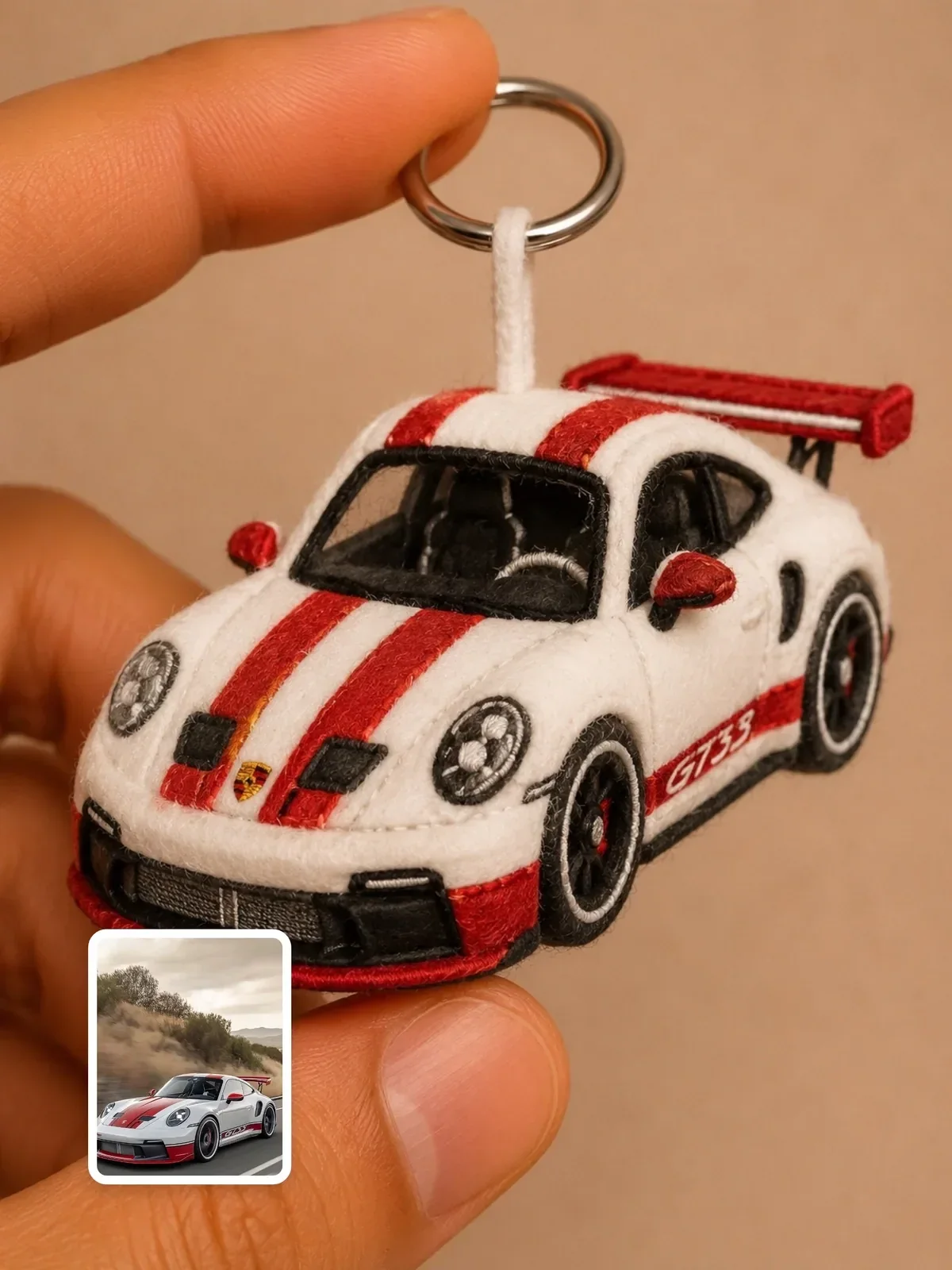
If you want collectible or merchandise versions later, prompts like Plush keychain character and Pixar-style 3D chibi character show how a finished character translates into soft toys and 3D figures. Run those on your own approved mascot, never on someone else's character.
A one-week mascot plan
Spread the work out. Fresh eyes on day three catch problems that looked charming on day one.
- Day 1: Write the brief with three personality words, uses and limits.
- Day 2: Generate three sheets of six rough concepts each; shortlist two.
- Day 3: Show the shortlist to five people; run silhouette and icon-size tests.
- Day 4: Write the design spec with hex colors and quirks; generate the turnaround.
- Day 5: Generate expressions and four use-case poses; fix drifting panels.
- Day 6: Assemble the character sheet with palette and personality notes.
- Day 7: Brief a designer for vector redraws, starting with the icon and the main pose.