Sound, Ambience and Dialogue in AI Video Prompts
Describe AI video sound in layers: room tone, ambience, timed effects and short dialogue that fits the clip, plus why writing no music changes the result.
Visual AI Club7 мин чтения
Этот гайд написан на английском.
A video model that generates audio will fill every silence with something, and if you leave it to choose, that something is often a generic music bed. In this guide you will learn to describe a soundtrack in layers, place sounds at exact moments, and write short dialogue that lands on the right face with believable lip movement.
Build the soundtrack in layers
Film sound is not recorded in one go. It is assembled from layers, each with its own job, and a prompt works better when you think the same way. Instead of one vague phrase such as "realistic sound", give each layer its own short line.
| Layer | What it is | How to prompt it |
|---|---|---|
| Room tone | The near-silence of a specific space | "very quiet kitchen room tone, the low hum of a fridge" |
| Ambience | The continuous background of a place | "distant traffic, a tram bell, light rain on awnings" |
| Spot effects | Sounds caused by actions on screen | "footsteps on gravel", "a lighter flicks at 15s" |
| Dialogue | Words spoken by someone in the scene | Speaker, language, delivery and the exact line in quotes |
| Music | Score or a song | "no music", or a short note on mood and instruments |
Write them from the bottom up. Decide on music first (usually none), then ambience, then the two or three effects that matter, then dialogue. Room tone sounds trivial, but it is the layer that makes silence feel like a real place instead of a muted video.
Why you should write "no music" out loud
So much of the footage video models learn from carries background music that some models add it by default. Generated score tends to flatten realism, it fights with any track you add later, and it can make a tense scene feel like an advert. If you do not want it, say so plainly and more than once: "No music, no background score, only natural sound."
That does not mean a scene can never contain music. Sound designers separate diegetic sound, which has a source inside the scene, from non-diegetic sound such as score, which the characters cannot hear. A street musician, a radio on a shelf or a phone speaker are diegetic, and they can stay even when score is banned.
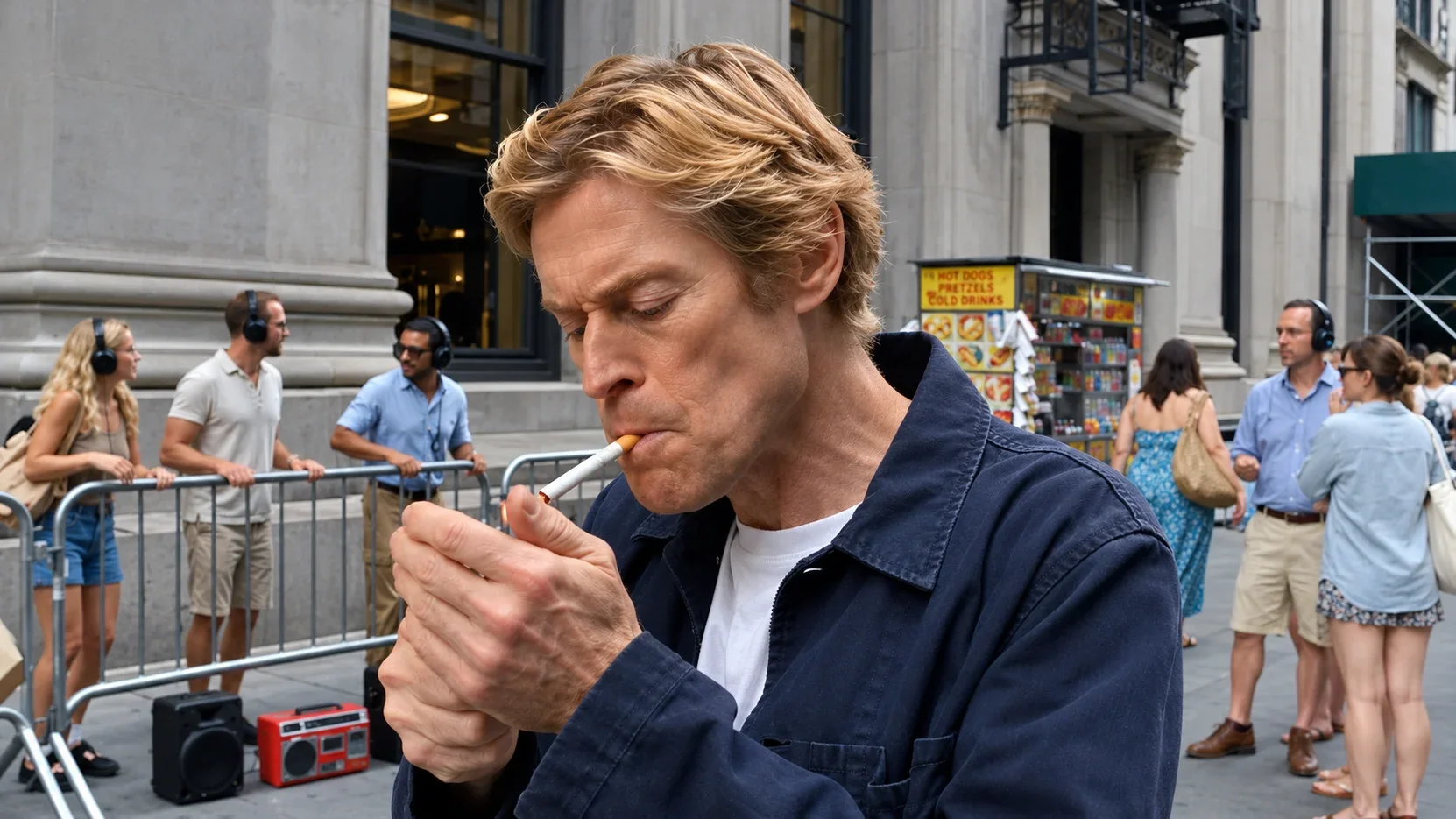

Blender and Claude Skill by VAIC shows the idea well: no added score, but a portable speaker on one side of the street plays a muffled track that grows and fades as the camera passes. The music becomes part of the world, and its changing volume quietly tells you where the camera is.
Put sounds on the timeline
Sounds sync best when they are tied to a visible cause and a time. "At 15s a lighter flicks" gives the model an anchor; the flame and the click arrive together because you described them together. Off-screen sounds can also motivate action: a doorbell at 9 seconds, and the character turns toward it half a second later.
Keep it to one or two key effects per clip. Ten precisely timed sounds in eight seconds is a recipe for the model to drop most of them, and a real soundtrack does not feature everything anyway.
Sounds of a busy city at night.
Ambience: a narrow street at dusk, distant scooters, plates clinking in a café. Footsteps on wet stone throughout. At 4s a metal shutter rattles down and she glances toward it. No music.
Write dialogue that fits the seconds you have
Relaxed conversational English runs at roughly 150 words a minute, about two and a half words per second. A four-second window comfortably holds eight to ten words, and that is before you leave a breath on either side. Most dialogue problems in AI video come from lines that are simply too long for their slot.
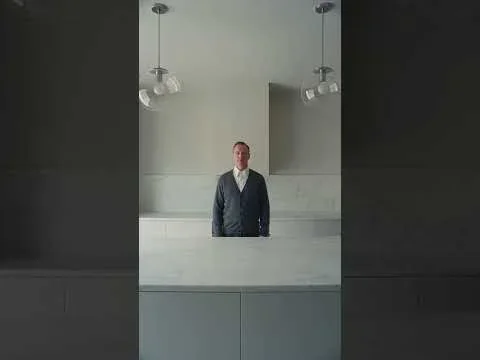
Short lines also play better. How about dinner...? gives its character three words in an eight-second shot. The silence around the line is what makes it unsettling, and the model has all the time it needs for clean lip sync.
- Put the exact words in quotation marks and name who says them.
- Give one speaker per time range; overlapping speech confuses lip sync.
- State the language and the delivery: "in English, sleepy and dry", "slow, low and measured."
- Keep the speaker's face visible and the mouth unobstructed while they talk. A cup, a hand or a profile turned away invites sync errors.
- Mark when the line starts, and roughly when it should finish.
- Add "no subtitles" unless you want words burned into the picture.
Make the line sound spoken, not written
People rarely talk in complete, tidy sentences. Use contractions, fragments and the odd false start: "Okay. That's… bigger than I thought." sounds like a person; "This building is much larger than I had expected" sounds like a caption read aloud. Avoid exposition that explains what the viewer can already see, and avoid names and numbers unless they matter, since they are easy to mispronounce.
Dialogue: "Hello everyone, today I am visiting the beautiful old harbor and I am going to show you the boats."
Dialogue (woman, English, a little out of breath, amused): "Okay, look at this. Every boat's a different color."
Read every line aloud with a stopwatch running. If you cannot say it comfortably inside its time range, the model cannot either, and it will rush the delivery or cut the line short.
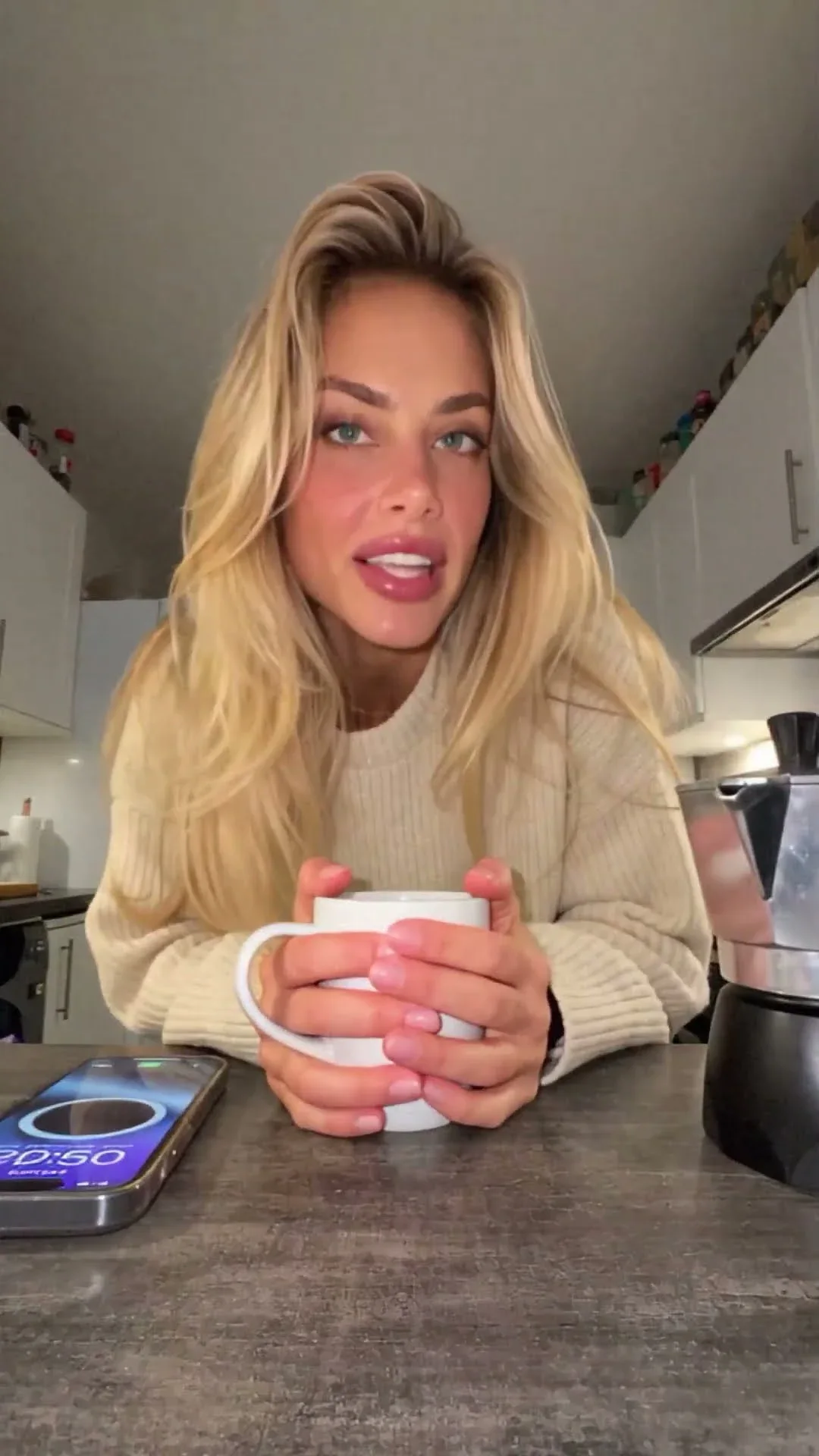
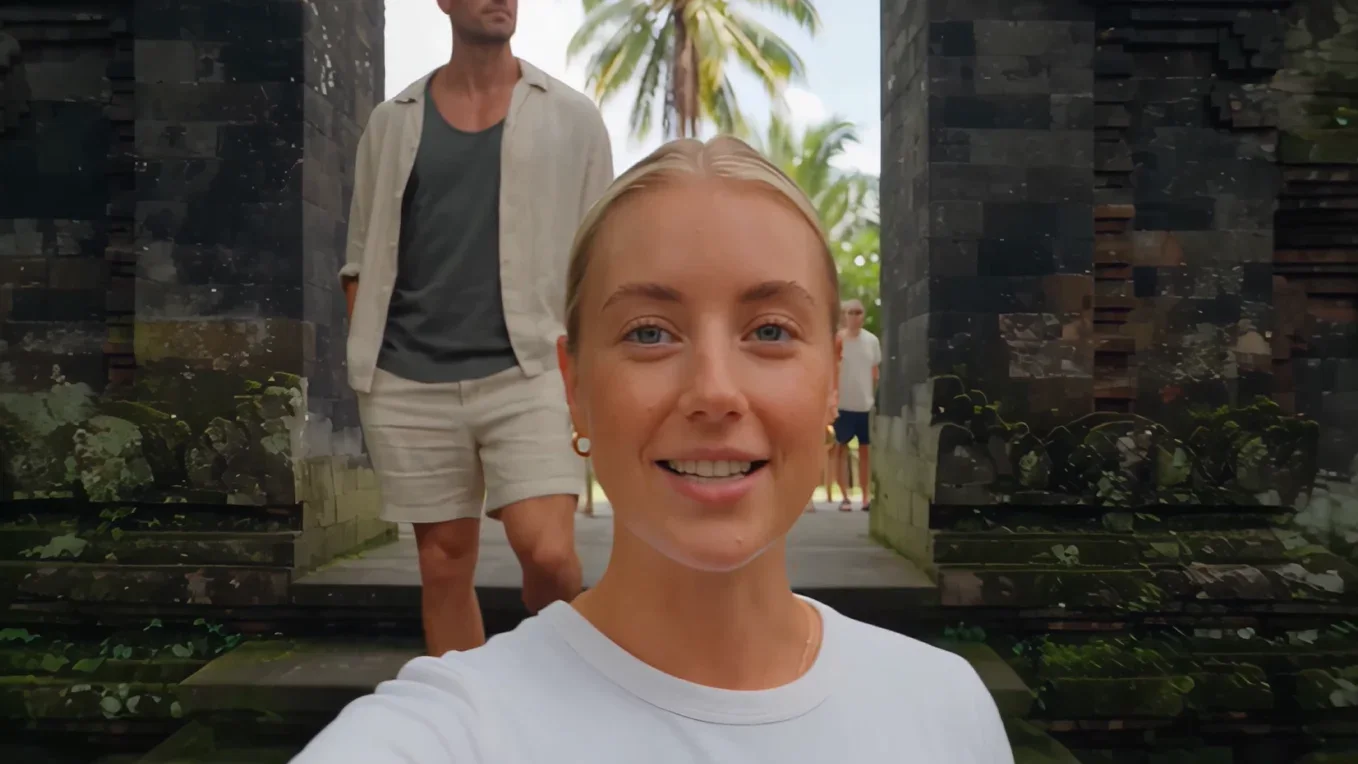
The AI Influencer VLOG prompt gives each segment one short spoken line with a delivery note, and keeps the phone pointed at the speaker's face while she talks. That is the pattern to borrow for any talking clip.
Describe a voice without copying one
Describe a voice by its qualities, never by naming a real actor, singer or public figure. Imitating a specific person's voice is impersonation, and it is also unnecessary, because a few plain words get you a long way:
- Pitch: low, deep, light, bright
- Pace: unhurried, clipped, breathless, measured
- Texture: husky, clear, soft, gravelly, slightly nasal
- Energy: half-awake, warm, flat, excited, whispered
- Age and accent in general terms: "a man in his sixties", "a light Scottish accent"
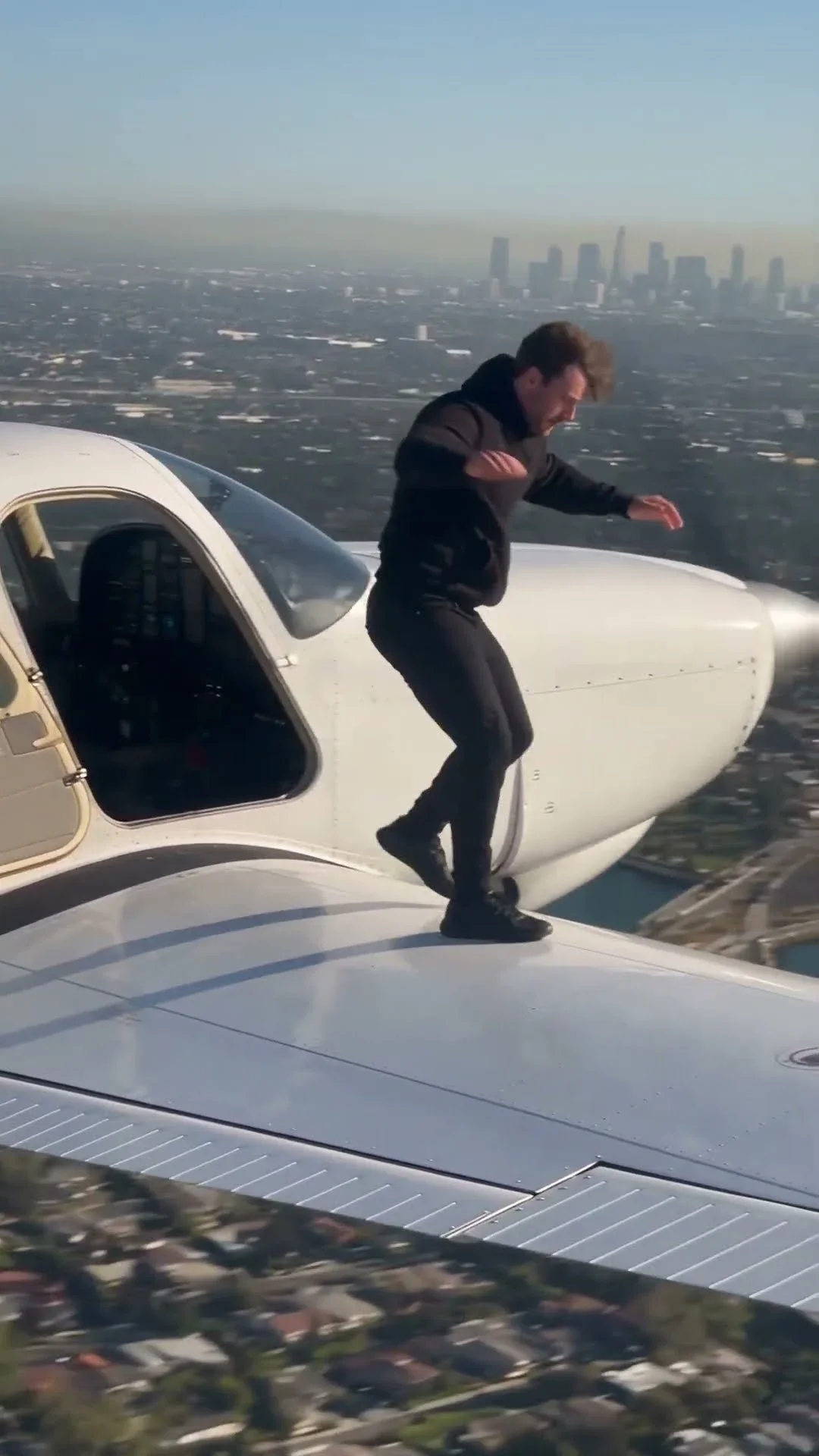
Unscripted reactions count as dialogue too. In Jumping in Aircraft, the off-screen phone operator whispers and then shouts in disbelief at precise moments. Those reactions do as much as the visuals to sell the clip as something caught by accident.
Ambience that places the viewer
Specific beats generic every time. "Nature sounds" gives you a stock forest; "wind through dry grass, one distant crow, insects close to the microphone" gives you a particular field on a particular afternoon. Think about microphone perspective as well. A close microphone hears breath and fabric; a distant one hears mostly the room or the landscape.
Match the sound to the camera you are pretending to use. A phone vlog has wind buffeting the microphone and handling noise when the grip shifts; the travel vlog guide leans on exactly that. A wildlife film is usually ambience and action sounds only, with no score, as in Wildlife Documentary Seedance 2.5.
Silence is a sound choice too
A beat of near-silence before an important moment makes that moment louder. Write it in: "from 5s to 6s the street noise drops away to faint room tone, then the door bell rings." Contrast in volume does the same work as contrast in light, and it costs nothing but a sentence in the prompt.
Finish the mix in your editor
Treat generated audio as a strong draft. In your editor, lift the dialogue, dip the ambience slightly underneath it, and match loudness between clips so a cut does not jump in volume. If you add music, use a track you have the rights to rather than asking a model to imitate a well-known song.
Then listen twice, once on a phone speaker and once on headphones. The phone tells you whether dialogue is intelligible; headphones reveal clicks, hiss and abrupt cuts in ambience.
When you cut between two generated clips, the ambience usually changes abruptly at the cut even if the pictures match. Overlap the audio of the two clips by half a second and crossfade it, or lay one continuous ambience track under the whole sequence. Editors call that continuous layer an ambience bed, and it is the quickest way to make separate generations feel like one scene.
Here is a short exercise. Take one simple scene, such as a person pouring tea by a window, and write three audio versions: room tone only, ambience plus one timed effect, and a single four-word line of dialogue. Generate all three with the same visual prompt. You will hear how much of a scene's mood, and even its story, the soundtrack decides.