AI Product Photography: Packshots, Lifestyle Scenes and Flat Lays
Plan and prompt the three core product shots with AI: clean packshots, lifestyle scenes and flat lays, while keeping your real product accurate and honest.
Visual AI Club8 Min. Lesezeit
Dieser Ratgeber ist auf Englisch geschrieben.
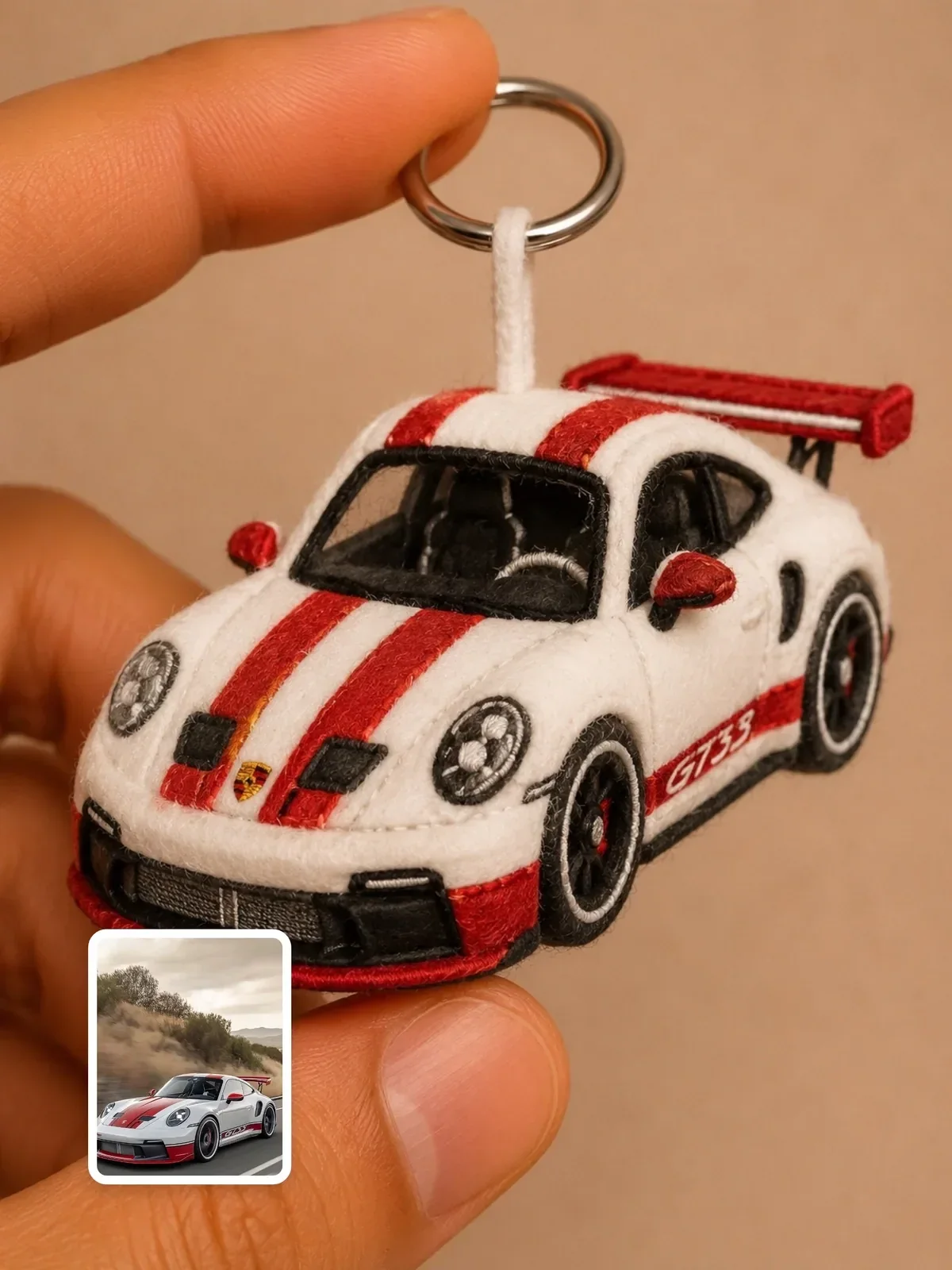
Most product pages need the same three pictures: the product alone on a clean background, the product in use, and the product arranged with things that tell a story. By the end of this guide you will know how to prompt each of those shots, which photographic settings to borrow, and how to stop an image model from quietly redesigning the thing you actually sell.
The rule that comes before any prompt: the product must stay true
A customer who buys from a picture expects to receive what the picture showed. Image models are good at mood and light, and careless with facts: they round off corners, change the number of buttons, invent a cap that does not exist and turn your label into confident gibberish. In product work, those are not style choices; they are misrepresentations.
So work from a real photo of your real product whenever you can. Shoot it yourself on a plain table near a window, upload that photo, and ask the model to change the setting while keeping the object. Treat a fully generated product, with no reference, as a concept sketch for internal planning, not as a listing image.
- Photograph the product straight on and at a 45-degree angle, in soft daylight, filling most of the frame. These two views cover most packshot and lifestyle needs.
- List its facts in writing: exact colors, materials, finish (matte, satin, gloss), number of parts, where the logo sits. You will paste these into every prompt.
- Plan to put the real label back in afterwards. Small print, ingredient lists and logos are where models fail most. Generate the scene, then place your actual label artwork in a design tool.
Packshots: clean, even and boring on purpose
A packshot shows the product isolated on a plain background, usually white or light gray, so it can sit on any web page. Its job is clarity, and it borrows from a very specific studio setup. Knowing that setup lets you describe it in a few precise words instead of a paragraph of adjectives.
- Background: a seamless white sweep, a curved sheet with no visible horizon line. Ask for a seamless white background with soft natural falloff.
- Light: one large softbox overhead and slightly in front, plus white fill cards at the sides. Large sources relative to the product make shadows soft and reflections broad and smooth.
- Lens: product photographers often use a 90 to 105 mm macro lens. The longer focal length flattens perspective, so a bottle does not bulge at the center the way it would with a wide phone lens.
- Aperture: f/8 to f/11 keeps the whole product sharp from front to back. Asking for shallow depth of field on a packshot makes edges go soft, which looks wrong on a store page.
- Shadow: a soft contact shadow directly under the product grounds it. A floating product with no shadow reads as a cutout.
Professional product photo of my candle, high quality, studio.
Packshot of the uploaded amber glass candle jar with a matte black lid. Keep its exact shape, proportions and label position. Seamless white background, large overhead softbox, white fill on both sides, soft contact shadow, shot with a 100mm macro lens at f/11, everything sharp. Square 1:1 frame with the jar centered and generous space around it.
The second prompt reads like a note to a studio assistant, which is the point. The model has seen many images that match that description, so you get the look of real commercial work instead of a vague glamour shot. If the white looks gray, ask for the background to be brighter than the product, as a high-key studio would expose it. For a study of high-key light on people, Cinematic White Studio shows the same idea applied to portraits.
Reflective and transparent products
Glass, chrome and glossy plastic do not show the light itself; they show reflections of whatever surrounds them. That is why studio photographers place long strip softboxes beside a bottle: the reflection becomes a clean vertical highlight that describes the shape. Write it the same way: two tall strip lights on either side creating clean vertical highlights along the glass. For clear liquids, a light placed behind the product, shining through it, makes the liquid glow instead of turning murky.
Lifestyle scenes: show the product in a life
A lifestyle image answers the question a packshot cannot: what does this look like in my home, in my hand, on my desk? It needs a setting, a sense of scale, and often a person or a pair of hands. The product should still be the clearest thing in the frame.
- Choose one moment, not a mood board. Morning coffee on a kitchen counter is a moment. Cozy, warm, aspirational is a mood and gives the model nothing concrete to build.
- Give the light a source and a time. Low morning sun through a window on the left, around 4000 K, is warmer than overcast daylight at roughly 6500 K. Naming the source keeps shadows consistent with the scene.
- Show scale. Hands are the best ruler there is. A mug held in two hands, or a ring on a finger, tells the viewer the size instantly.
- Use shallow depth of field here. Unlike a packshot, a lifestyle image benefits from a 50 mm or 85 mm look at f/2 to f/2.8, so the background falls into soft blur and the product stays sharp.
- Keep props in the product's world. A ceramic mug belongs with linen, wood and a folded newspaper, not with a random bouquet the model added to fill space.
Lifestyle photo: the uploaded ceramic mug, unchanged in shape, glaze and color, held in two hands on a light oak kitchen counter. Morning sun from a window on the left, warm side light, gentle steam. Shot at 50mm, f/2.8, background softly blurred with a linen towel and a small plant. Vertical 4:5 frame.
Hands are where image models still slip. Check finger count, nail shape and whether the grip makes physical sense. If the hands look wrong, try a scene where the product rests on a surface and a hand only reaches toward it.
Flat lays: design from directly above
A flat lay is photographed from straight overhead, at 90 degrees to the surface, so every object reads as a clean shape. It is closer to graphic design than to photography, and it works well for kits, skincare sets, stationery and anything that comes with parts.
| Choice | What to write | Why it matters |
|---|---|---|
| Angle | Shot from directly overhead, perfectly top-down | Any tilt brings back perspective and breaks the graphic look |
| Surface | Matte terracotta paper, pale linen, raw concrete | The surface sets the palette and must not compete with the product |
| Arrangement | Hero product centered, three supporting items around it | Odd numbers of props tend to feel more natural than pairs |
| Spacing | Even gaps, nothing touching the frame edge | Crowded flat lays look like clutter instead of design |
| Light | Soft, even daylight with short, soft shadows | Hard shadows from above can hide small objects |
Flat lays are also where you can use color theory deliberately. Pick a surface in the product's complementary or neighboring color, and limit props to two or three tones. If you want to talk about palettes like a colorist, the guide on color grading in prompts gives you the vocabulary.
Toys, collectibles and packaging as a reference
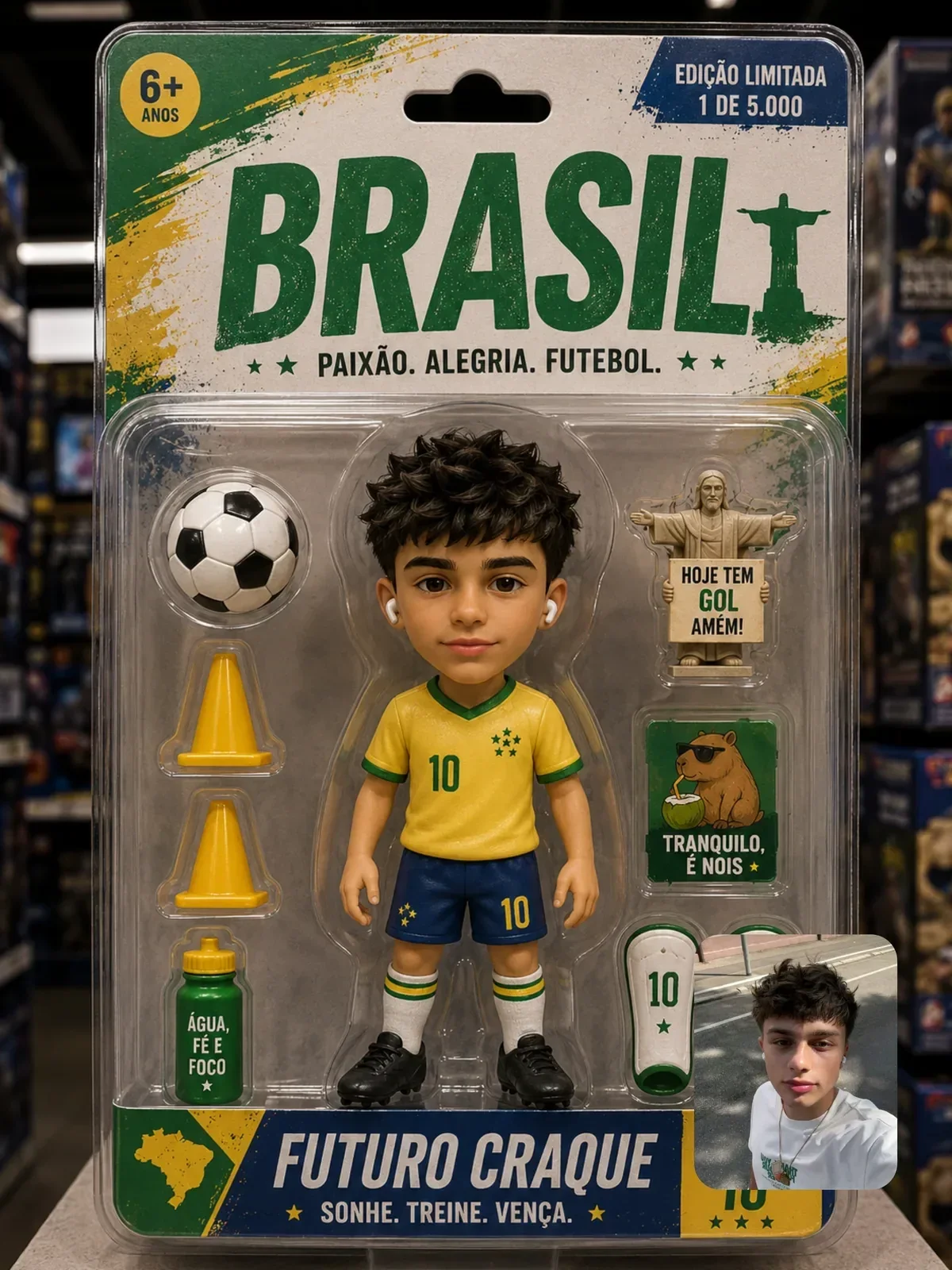
Some of the most useful product-photo lessons in the Visual AI Club library come from toy and collectible prompts, because they are built around a product sitting in a believable shot. Look at how they lock the format, describe macro detail like stitching and plastic seams, and keep a human hand in frame for scale.

Soccer player toy in blister pack is a good study in packaging: card backing, a clear plastic bubble with highlights, printed text areas. Use it as a reference for how to describe packaging layers, not as a design to copy. If you sell physical products, the art on your box should be your own, and look-alike packaging that borrows another brand's identity is a fast way into trouble.
Building a consistent product set
A store page with five images in five different lighting styles looks like five different shops. Decide on a short house style once and reuse it, the same way a brand photographer would keep the same light setup for a whole catalog.
- Write a style block of two or three sentences covering background, light direction, color temperature and lens. Paste it unchanged into every prompt. The guide on prompt templates and variables shows how to structure this.
- Keep the aspect ratio fixed per placement: 1:1 for most marketplace grids, 4:5 for social feeds. Aspect ratios for AI images explains the trade-offs.
- Change one thing at a time when a result is close but not right. If you rewrite the whole prompt, you lose the parts that already worked.
Before you publish: a product image checklist
Run through this list with your real product sitting next to the screen. If an answer is no, fix it or reshoot the reference; do not hope nobody will notice.
- Is the shape, size and number of parts exactly what the customer will receive?
- Do the colors match the real product under daylight, not just under the model's flattering light?
- Is all text, including the logo and label, your real artwork placed in an editor rather than generated letters?
- Do hands, reflections and shadows make physical sense?
- Does the image avoid props or settings that imply the product includes things it does not?
- Do all images in the set share the same background, light direction and aspect ratio?
Shoot one quick phone photo of the product in the same window light you asked the model for. Putting that photo beside the AI image is the fastest way to spot color drift and invented details.