Aspect Ratios for AI Images: 1:1, 4:5, 9:16, 16:9 and When to Use Each
How 1:1, 4:5, 9:16 and 16:9 change what an image model draws, which ratio suits feeds, stories, wallpapers and banners, and how to ask for each one.
Visual AI Club7 Min. Lesezeit
Dieser Ratgeber ist auf Englisch geschrieben.
The shape of the frame decides what fits inside it, so choosing an aspect ratio is a composition decision, not a cropping chore. This guide explains the four ratios you will use most, how each one changes what an image model draws, and how to plan an image for the place it will actually be seen.
Why the model composes differently for each shape
An aspect ratio is simply width to height. A 1:1 frame is square; 4:5 is slightly taller than wide; 9:16 is a tall phone screen; 16:9 is a wide TV or laptop screen. The same ratio can come at many pixel sizes: 1080×1350 and 2160×2700 are both 4:5.
Image models do not draw a picture and then crop it. They compose for the canvas they are given. A tall canvas suggests a standing figure, a tower, a waterfall. A wide canvas suggests a horizon, a street, two people facing each other. Ask for a portrait in 16:9 and you will often get a person standing to one side of a large environment; ask for the same portrait in 9:16 and the person fills the frame from head to toe.
That is why cropping later is costly. Cut a square image down to 9:16 and you throw away about 44 percent of its width. Cut a 16:9 image down to 9:16 and you keep less than a third of the width. Whatever was composed around the edges, including the second person or the landmark you asked for, is gone.
| Ratio | Shape | Common size in pixels | Typical uses | What it favors |
|---|---|---|---|---|
| 1:1 | Square | 1080×1080 | Feed posts, profile pictures, product grids | Single centered subjects, symmetry, objects |
| 4:5 | Slightly tall | 1080×1350 | Portrait posts in social feeds | Head-to-waist portraits, products with breathing room |
| 9:16 | Tall | 1080×1920 | Stories, Reels, Shorts, phone wallpapers | Full-length figures, vertical scenes, layered depth |
| 16:9 | Wide | 1920×1080 | Video, thumbnails, presentations, web headers | Landscapes, two-person scenes, cinematic framing |
1:1, the square: calm and centered
A square has no dominant direction, so it feels stable. Centered subjects and symmetrical arrangements look natural in it, which is why product shots, flat lays, icons and avatars so often use it. A single object on a plain background is the square’s best case.
The square becomes awkward with tall subjects. A standing person in a 1:1 frame ends up small, with empty space on both sides. If you must use a square for a person, frame from the chest or waist up, or add movement with a diagonal: a figure leaning into the frame, a road running corner to corner.
A single ripe peach on a pale blue linen cloth, seen from directly above, centered, soft daylight from the top of the frame. Square 1:1 composition with even margins on all sides.
4:5, the feed portrait: more face, less wasted space
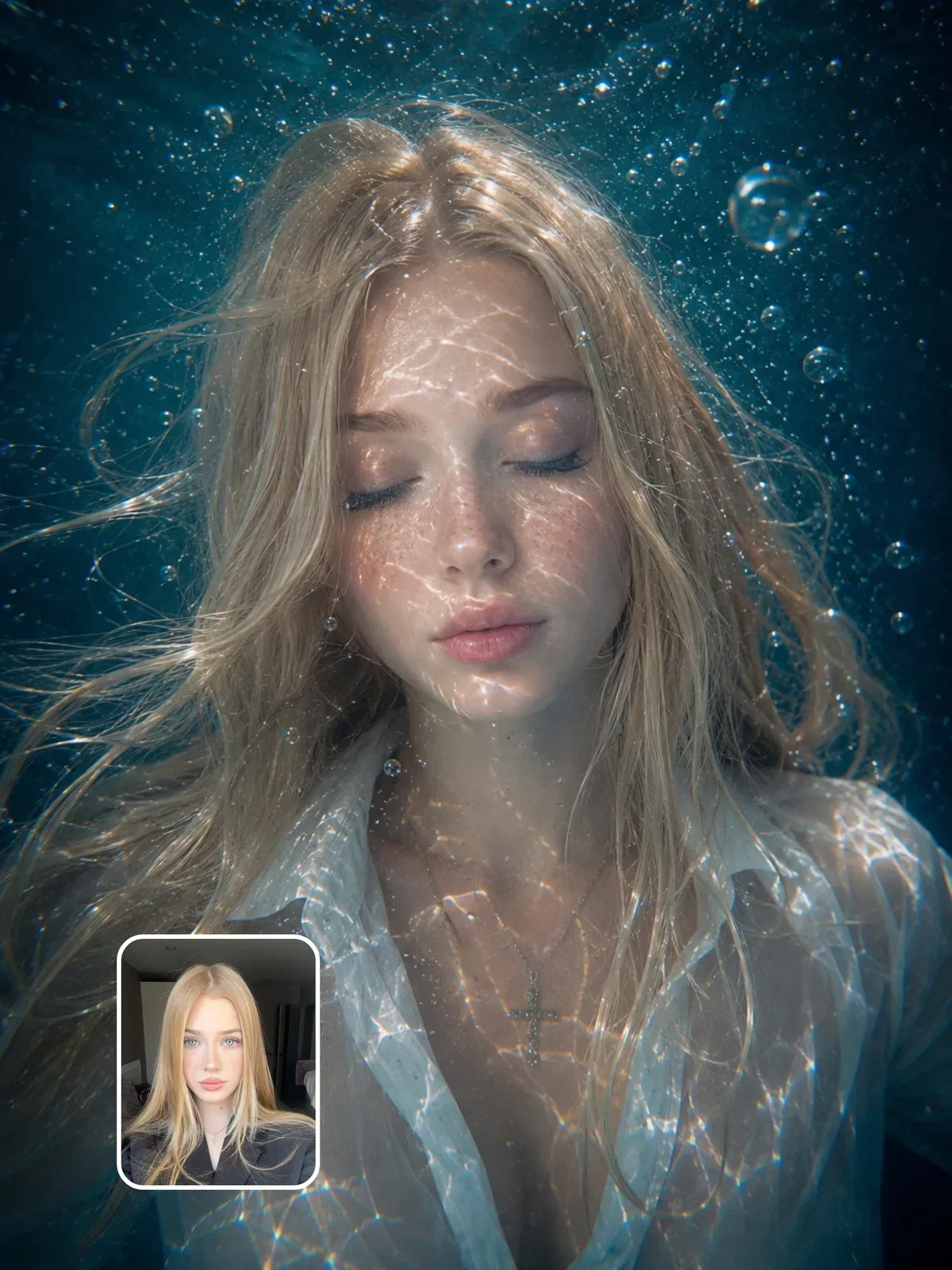
4:5 has long been the tallest shape that popular social feeds show uncropped for a regular image post, so it claims more screen space than a square as people scroll. It suits head-and-shoulders and waist-up portraits especially well, the territory of a classic 85mm portrait lens.
Keep the subject near the center and avoid putting anything important in the top and bottom edges. Profile grids and previews often show a tighter crop than the post itself, and a face placed high in the frame can lose its forehead in the thumbnail.
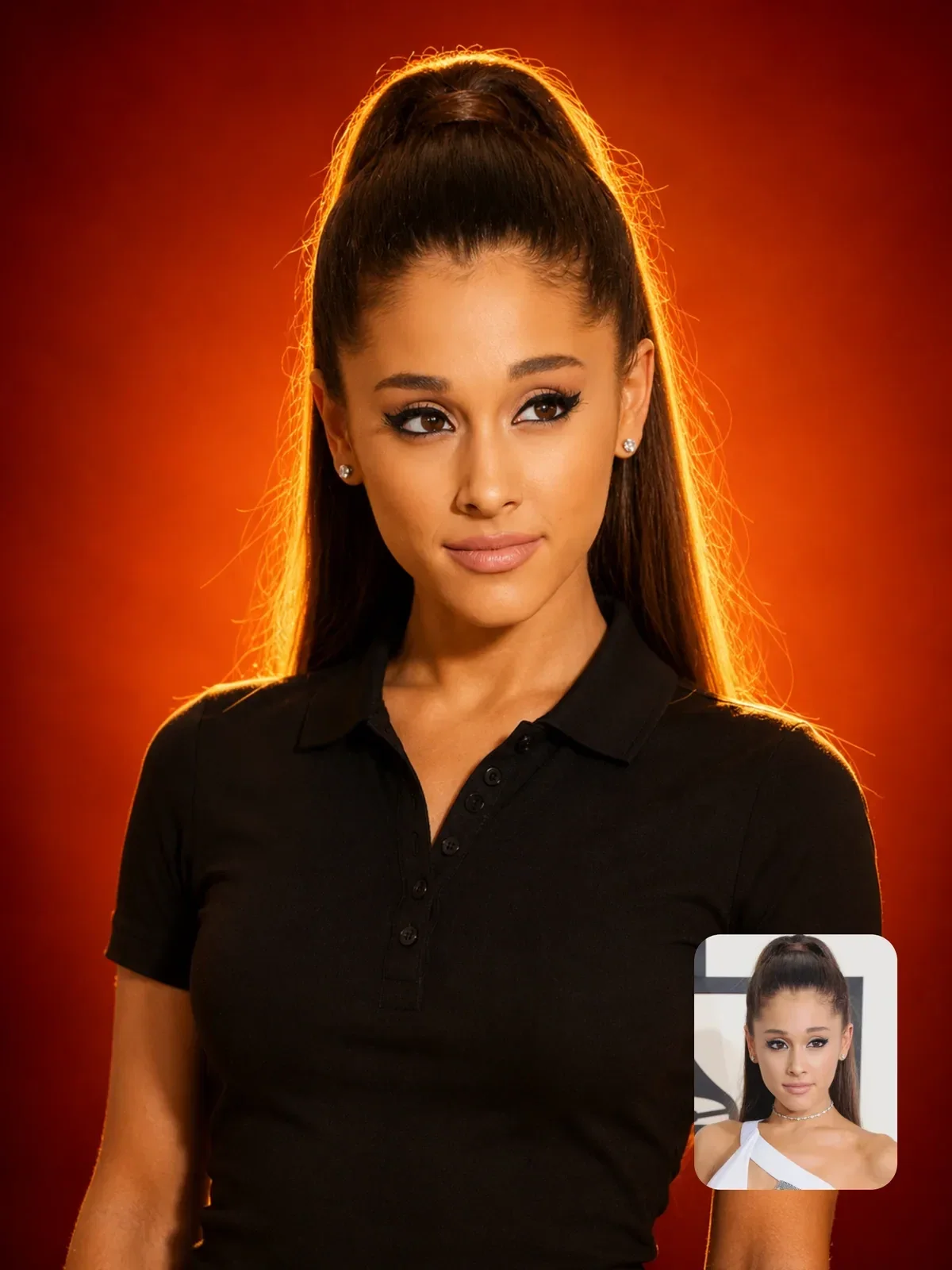

That prompt pairs a 4:5 frame with a waist-up, centered portrait and a plain gradient backdrop. The shape, the framing and the background all point the same way, which is why it reads instantly in a feed.
9:16, full-screen vertical: plan for the overlays
9:16 fills a phone screen, which makes it the shape for Stories, Reels, Shorts and wallpapers. It is perfect for full-length fashion images, tall architecture and scenes with depth stacked from front to back: a foreground object, the subject in the middle, a background far behind.
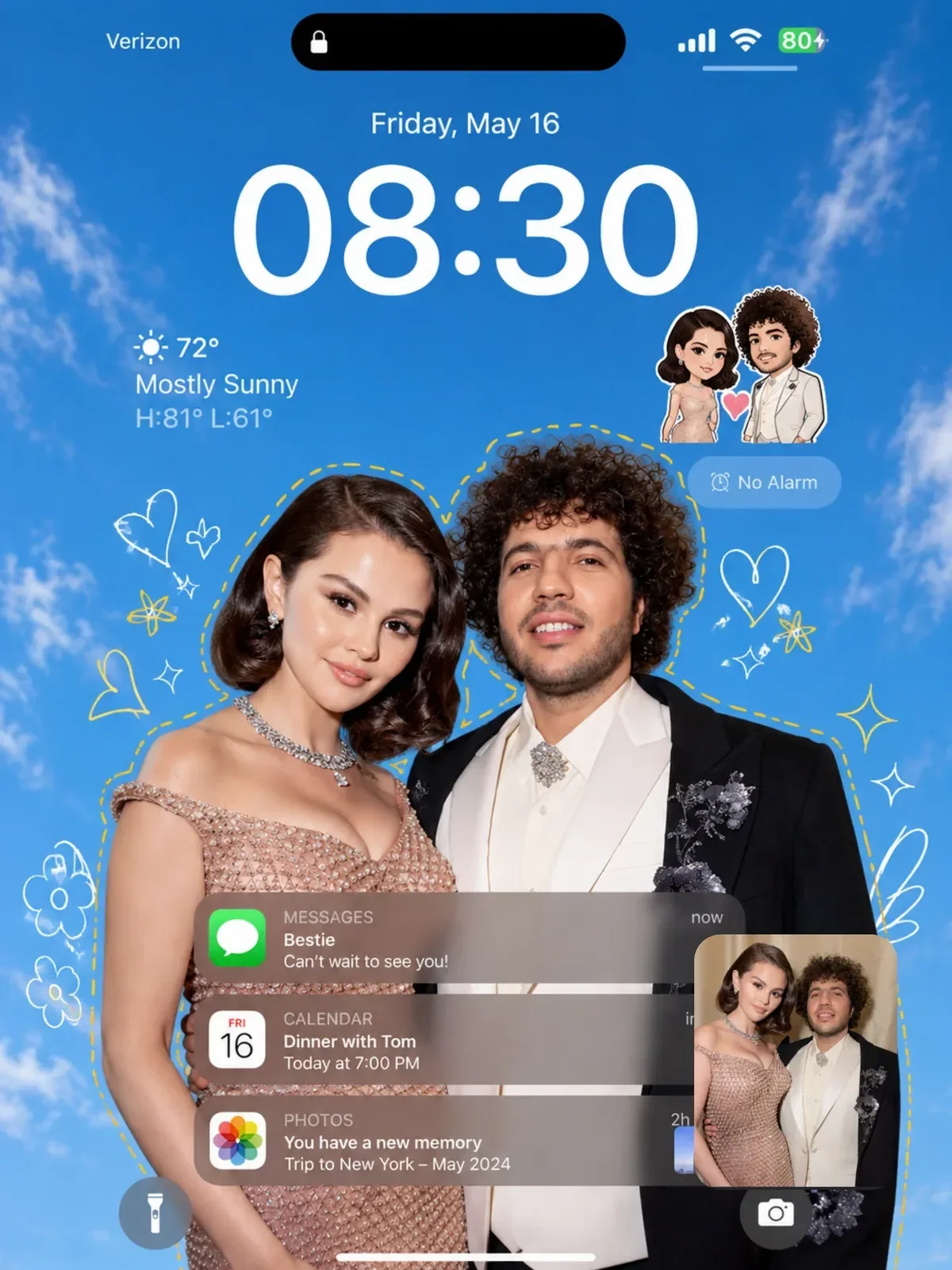
The catch is that the screen is never empty. Apps place usernames, captions, buttons and progress bars over the top and bottom of vertical content, and often down the right side. Lock screens put a large clock across the upper part. Keep faces and any text in the middle band of the frame and treat the outer edges as decoration.
- For a full-length figure: “full body, head to shoes, small margin above the head and below the feet”.
- For a close portrait with text above: “face in the lower-middle of the frame, plain sky filling the upper third”.
- For a wallpaper: “subject in the lower half, simple background in the upper half where the clock will sit”.
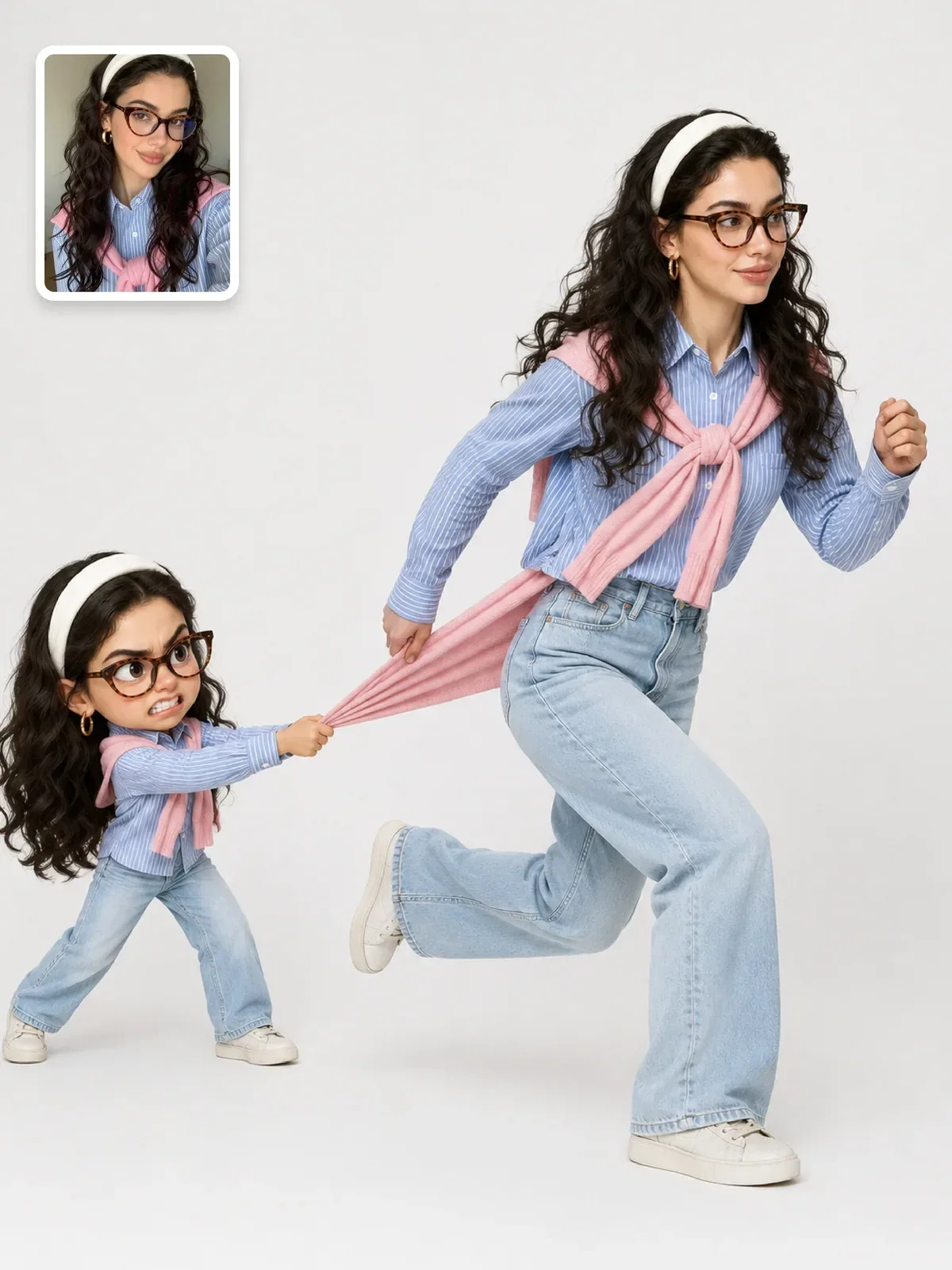
Vertical video has its own rhythm, and vertical AI video for Reels and TikTok goes into hooks and pacing. For still images, the couple street-style lock screen prompt is a good example of a composition designed around a phone screen from the start.
16:9, the wide frame: room for a story
A wide frame has space for context. It can hold two people in conversation, a person and the landscape that dwarfs them, or a subject on one third of the frame with a clean area on the other two thirds for a headline. That last use is why so many thumbnails and banners are composed off-center.
Wide frames pair naturally with wider lens descriptions, around 24 to 35mm, which show more environment. If you want an extra-wide cinematic feel, you can describe a letterboxed frame, but most uses of AI images, from slides to thumbnails, expect true 16:9.
A lone hiker in a red jacket stands on the left third of the frame on a rocky ridge, looking across a valley filled with low cloud. Wide 16:9 landscape composition, the right two thirds open sky and mountains, 28mm lens feel, early morning light.
The ratios in between
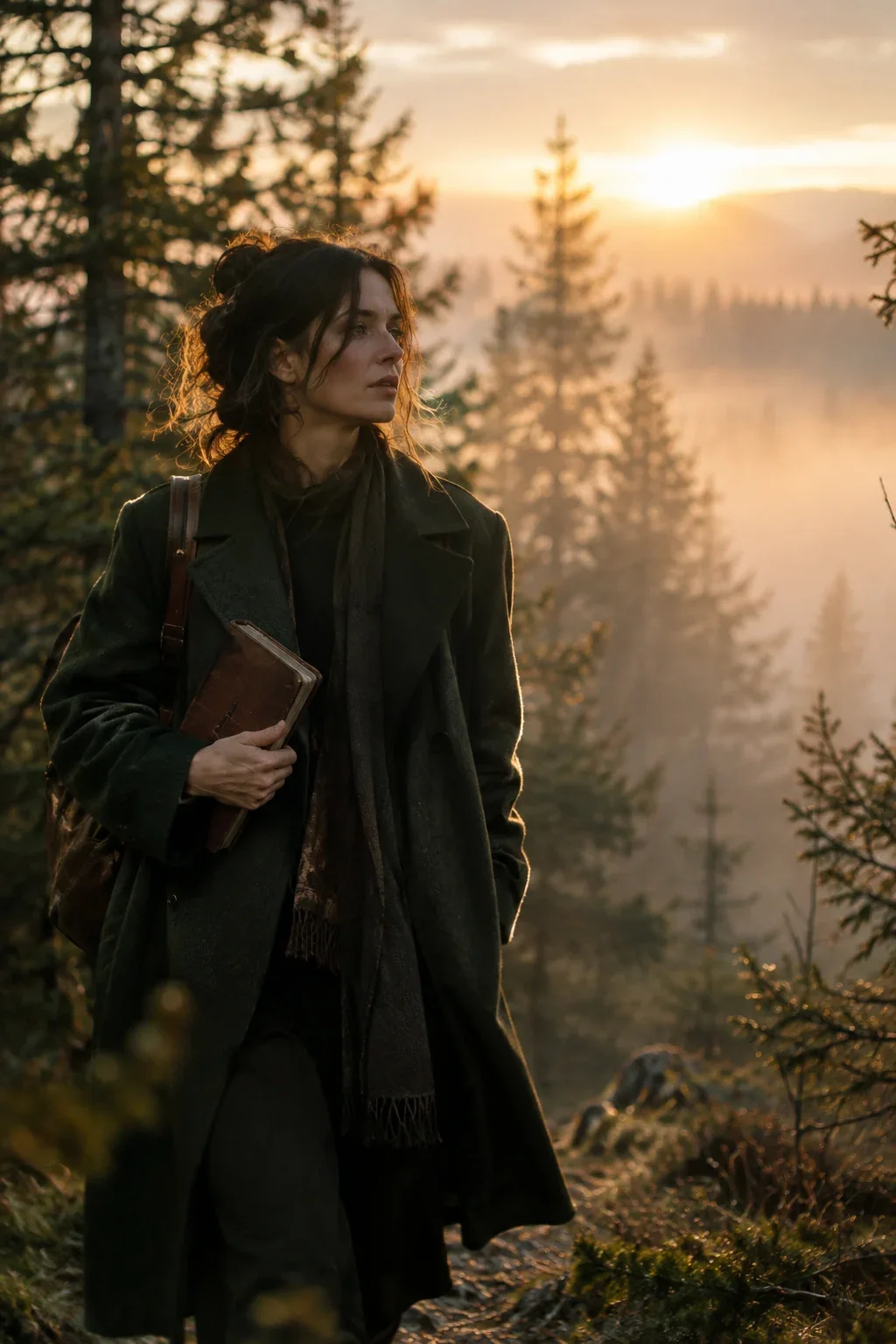
Print and posters often use 2:3 or 3:4, both slightly squarer than a phone screen. 3:2 is the native shape of many full-frame cameras and feels like a classic photograph when used horizontally. Many prompts in this library use vertical 3:4 because it prints well and sits comfortably in a feed.
How to ask for a ratio and get it
In ChatGPT, write the format in words near the top of the prompt, such as “Vertical 4:5 composition”, and do not mention another ratio anywhere else. Image tools typically generate at a limited set of sizes, so check what came back; if it is close but not exact, a small crop is fine as long as nothing important sits at the edges. In Midjourney, the --ar parameter sets the ratio directly, for example --ar 4:5.
Back the ratio up with framing words that make sense for it. “Vertical 9:16” plus “waist-up portrait” leaves a big empty area above the head that the model will fill with something. “Vertical 9:16” plus “full body, head to shoes” uses the shape.
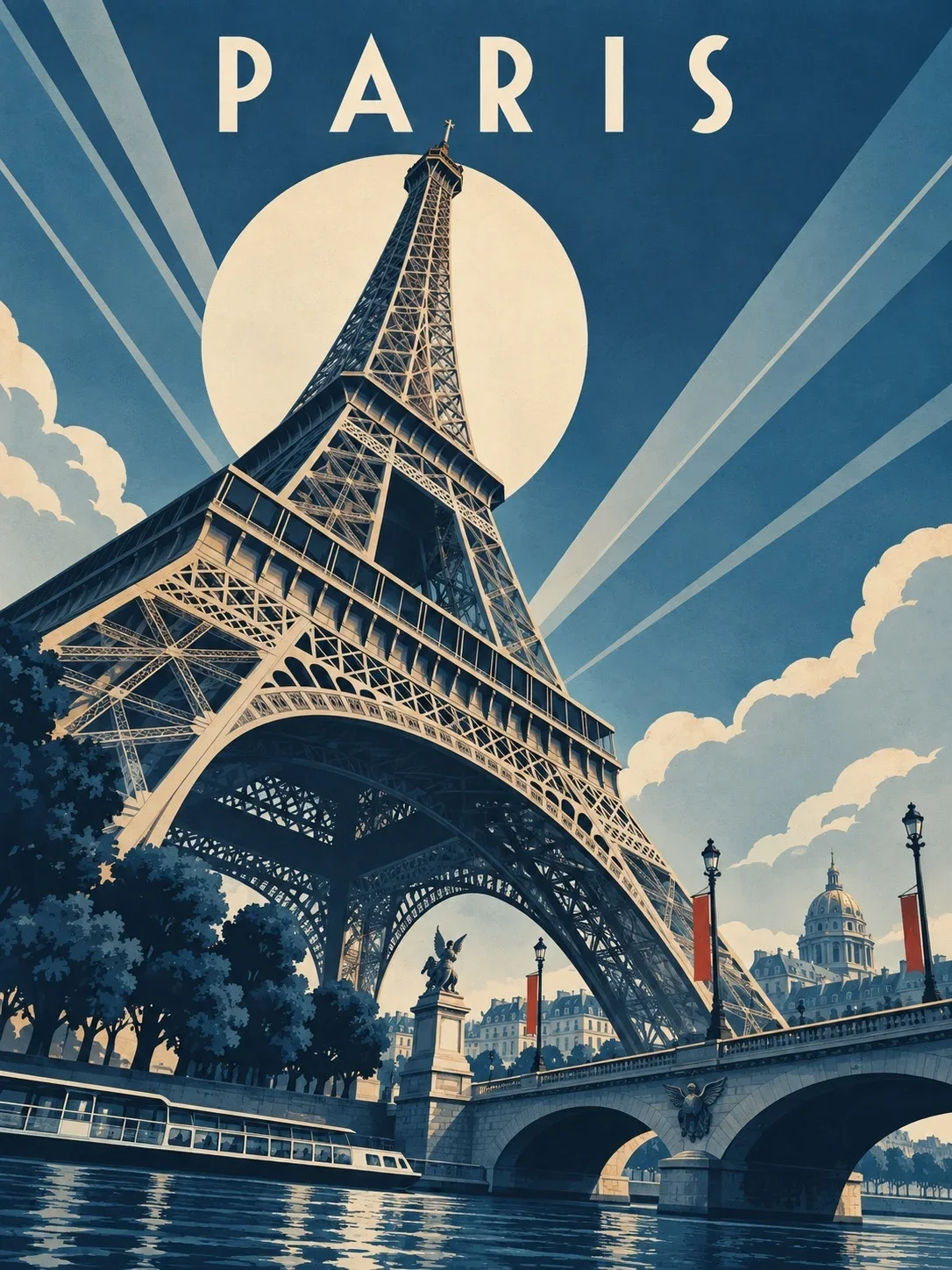
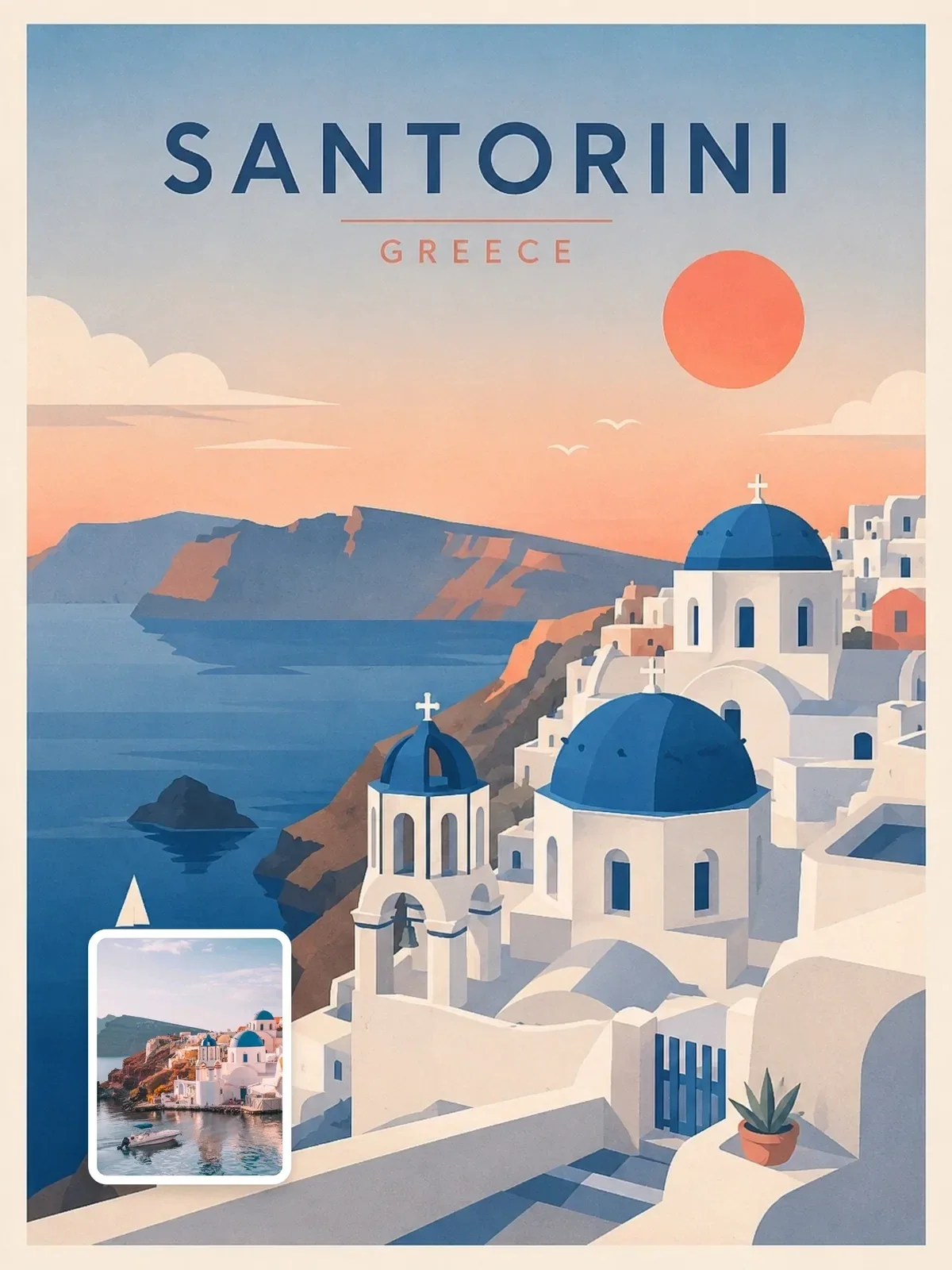
That poster prompt goes one step further: alongside the 3:4 frame it reserves the upper third for sky, a sun disc and the city name, and sets a diagonal from lower left to upper right. The ratio becomes a layout, not just a size. The guide on composition for AI images explores this kind of planning.
If the model keeps returning the wrong orientation, put the format line first and add the framing that only fits that shape, such as “full body, head to shoes” for vertical or “wide landscape with the subject on the left third” for horizontal.
When one image has to serve several places
Often the same picture needs to appear as a feed post, a Story and a website banner. You have two honest options.
Generate once, crop many times. Generate in the tallest shape you need and compose with the subject in the center, small in the frame, surrounded by simple background. Every crop then has something to keep. This works for simple, centered subjects and fails for scenes where the relationship between elements matters.
Generate separately for each shape. Reuse the same prompt and change only the ratio and the framing words. The images will not be identical, but each one is composed for its frame, and the shared light, palette and style keep them related. For anything people will look at closely, this is usually the better result. The same thinking applies to multi-slide posts, covered in building Instagram carousels.
Exercise: one scene, four frames
- Write one scene: a person, a place, a light. For example, a cyclist at a seaside promenade in late-afternoon sun.
- Generate it four times, changing only the ratio and the framing words: 1:1 waist-up, 4:5 waist-up, 9:16 full body, 16:9 with the cyclist on the left third.
- Lay the results side by side. Note what the model added or removed for each shape.
- Pick the version that suits where you will publish, then save the prompt with its ratio in your prompt library.
Ten minutes of this teaches you more about framing than any table. You will start choosing the ratio first, before you describe the scene, because you will see how much of the picture it decides.