Getting Clean Text and Lettering in AI Images
How to get correctly spelled, well-placed text in AI images: quote the exact words, describe the type, give it a surface, and fix errors in an edit pass.
Visual AI Club7 min de lectura
Esta guía está escrita en inglés.
By the end of this guide you will be able to put a headline, a sign or a name into an AI image and have it come out spelled correctly, sitting where you want it, and styled like real typography. You will also know when to stop fighting the model and set the words yourself.
Why image models stumble on letters
Image models don't type words one letter at a time the way you do. They learn what text looks like from enormous numbers of pictures (signs, posters, packaging, book covers) and then paint shapes that resemble letters. Current tools, including ChatGPT's image generation, are far better at this than the early generators were, but the mechanism still explains the failures you see: a doubled letter, a missing vowel, two characters melting into one.
Two things make the job harder: length and competition. Every extra word is another chance for a slip, and every other instruction in the prompt (wardrobe, lighting, background props) competes for the model's attention. A six-word headline buried in a busy prompt fails more often than the same six words in a prompt built around them.
Size matters too. When letters are only a few pixels tall, the model has too little room to draw distinct shapes, so fine print, labels on distant objects and long captions turn into texture. That isn't something you can prompt away. It is a resolution limit, and the fix is to make the text bigger or add it later.
Quote the exact words, and only those words
The most effective habit is simple: put the text in quotation marks and say what it is. A poster with the headline "SUMMER IN LISBON" hands the model an exact string to reproduce. A poster about summer in Lisbon invites it to write its own copy, and invented copy is where gibberish comes from.
A cozy coffee shop sign with the name of the café on it, hand-painted.
A hand-painted wooden sign above a café door. The sign reads exactly "BEAN THERE" in cream capital letters on dark green. No other text anywhere in the image.
Look at the last sentence. Models like to fill empty surfaces with extra words: menu boards, street signs, logos on mugs. Each of those is a fresh chance for nonsense to appear. Saying no other text, or the only text in the image is…, keeps the frame clean and puts all the model's effort on the words you care about.
- Keep headlines to one to five words. Two short lines beat one long line.
- Use capitals for display text. Capital letters have simpler, more distinct shapes and stay readable when stylized.
- If a phrase must break onto two lines, say where:
"GOOD" on the first line, "MORNING" on the second. - Avoid made-up words and odd spellings unless you need them. Common words come out right far more often than invented ones.
If one word keeps coming out wrong, add a separate sentence that spells it: The word is spelled S-A-L-T-W-A-T-E-R. Keep the quoted version as the actual text to render. The letter-by-letter hint often stops a dropped or doubled letter.
Describe the type like a designer would
"Nice font" means nothing to a model. Describe the letterforms instead: serif or sans serif, weight, width, case, and the era or object the lettering belongs to. Those are visual properties the model has seen labeled many times, so it can match them.
| Description | What you get | Good for |
|---|---|---|
| bold condensed sans serif, all caps | tall, tightly spaced poster letters | event posters, sports, headlines |
| high-contrast serif | thin and thick strokes like a fashion masthead | editorial covers, premium products |
| geometric Art Deco capitals | circles, straight lines, stepped details | 1920s–30s travel posters |
| hand-lettered brush script | flowing, connected strokes | café signs, cards, labels |
| rounded bubbly letters | soft, inflated shapes | kids' content, sticker or balloon text |
| stencil lettering | letters with bridges cut through them | crates, workshop signs, utility labels |
| typewriter monospace | evenly spaced letters with uneven ink | notes, letters, documentary looks |
A description travels better than a font name. Some tools recognize famous typefaces and some don't, and a name tells the model nothing about weight or case. Bold condensed sans serif in white works everywhere.
Add color and contrast in the same sentence. Light letters on a dark field, or dark on light, read clearly; mid-gray on a busy photo does not. If the background is complex, ask for a solid band or panel behind the words.
Give the text a place, a size and a surface
Text that floats nowhere in particular tends to collide with faces and objects. Tell the model where the words live and how much of the frame they take.
- Position: in the top third, centered along the bottom edge, aligned left on the left side.
- Size: large and spanning about two thirds of the width, or small like a caption.
- Space: reserve it.
Leave the upper third as clean open sky for the titlegives the lettering a calm background. The composition guide covers negative space in more detail. - Surface: printed on paper, painted on brick, embroidered on a cap, etched into glass, bent from neon tubing.
The surface does a lot of hidden work. Neon glows and throws colored light onto the wall behind it. Painted letters pick up the brick texture. A word on a curved mug wraps around the curve. When you name the surface, the model draws lettering that belongs to the scene, with the right perspective and lighting, instead of a flat sticker pasted on top.

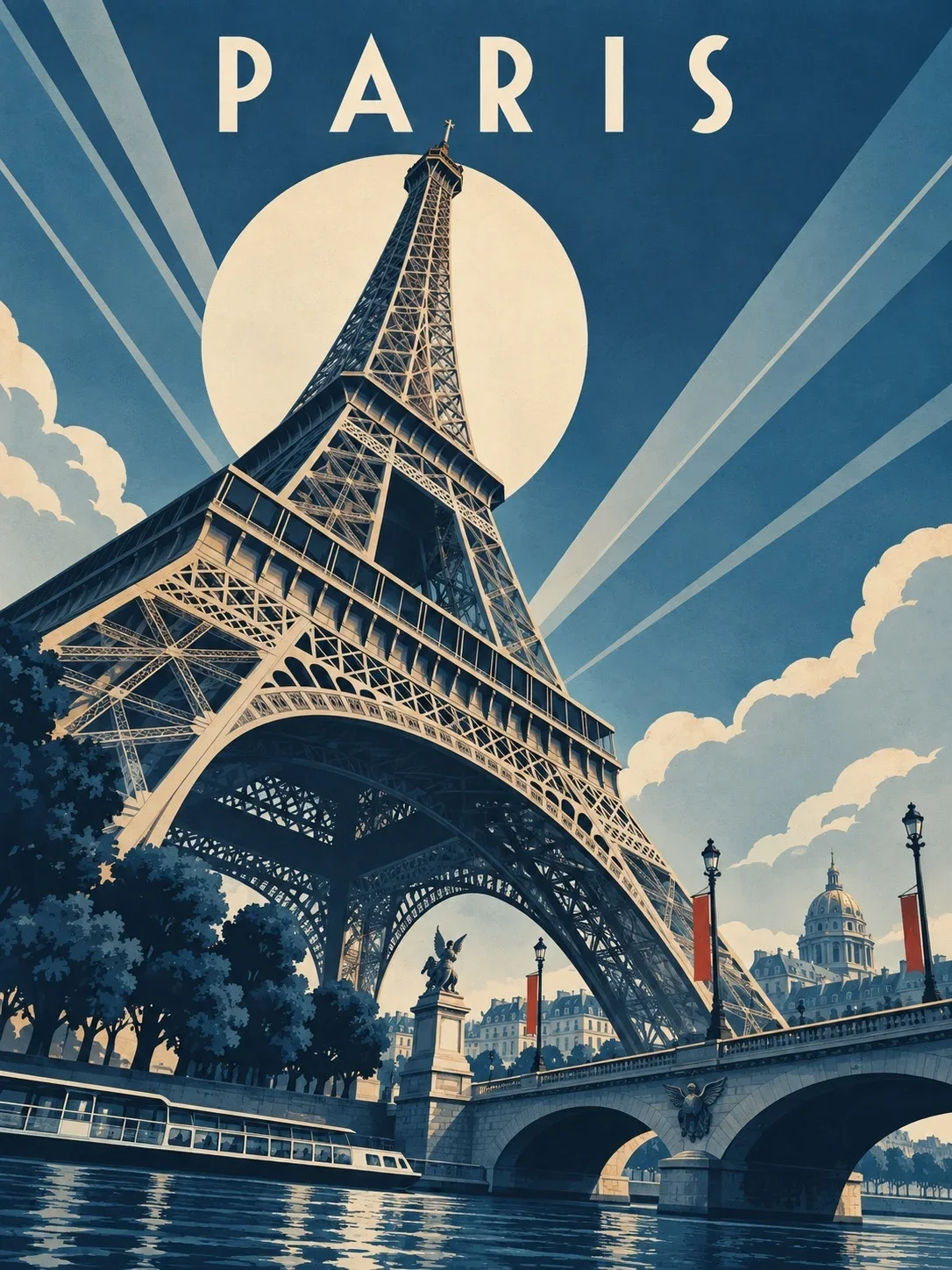
The Art Deco travel poster prompt is a good study in this: it reserves the upper area for open sky and the city name, so the title never has to compete with the landmark.
Make the letters out of things
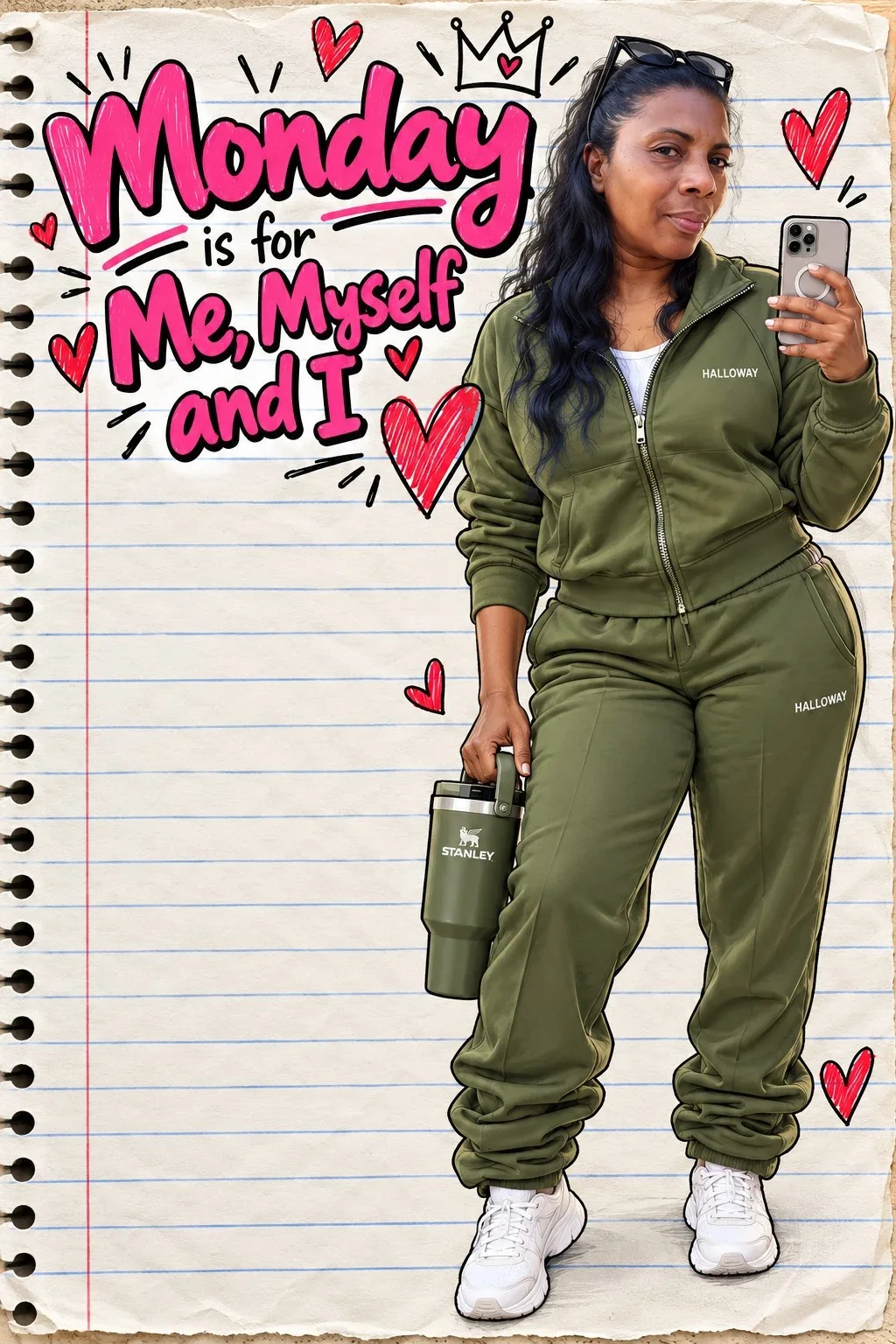
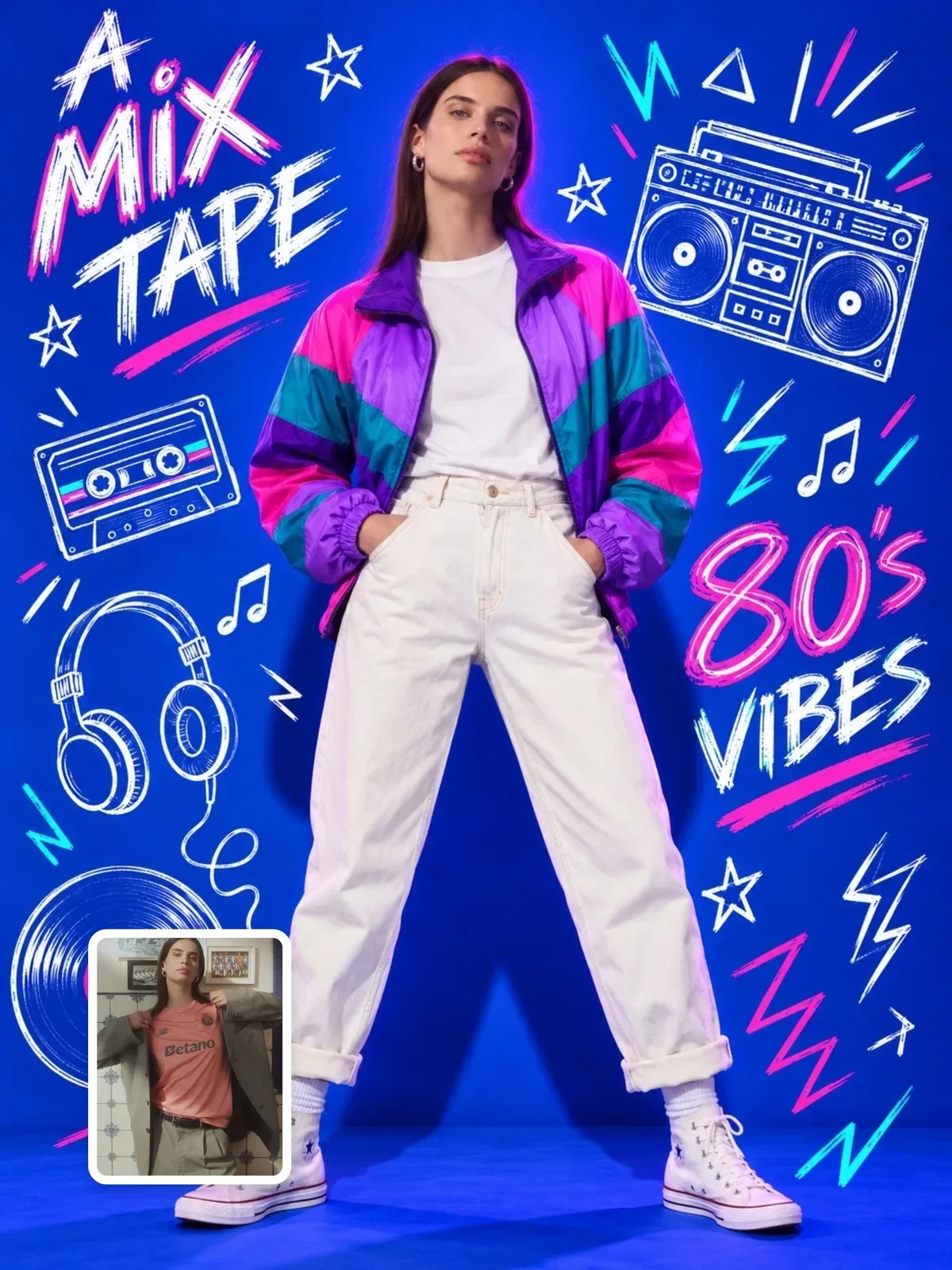
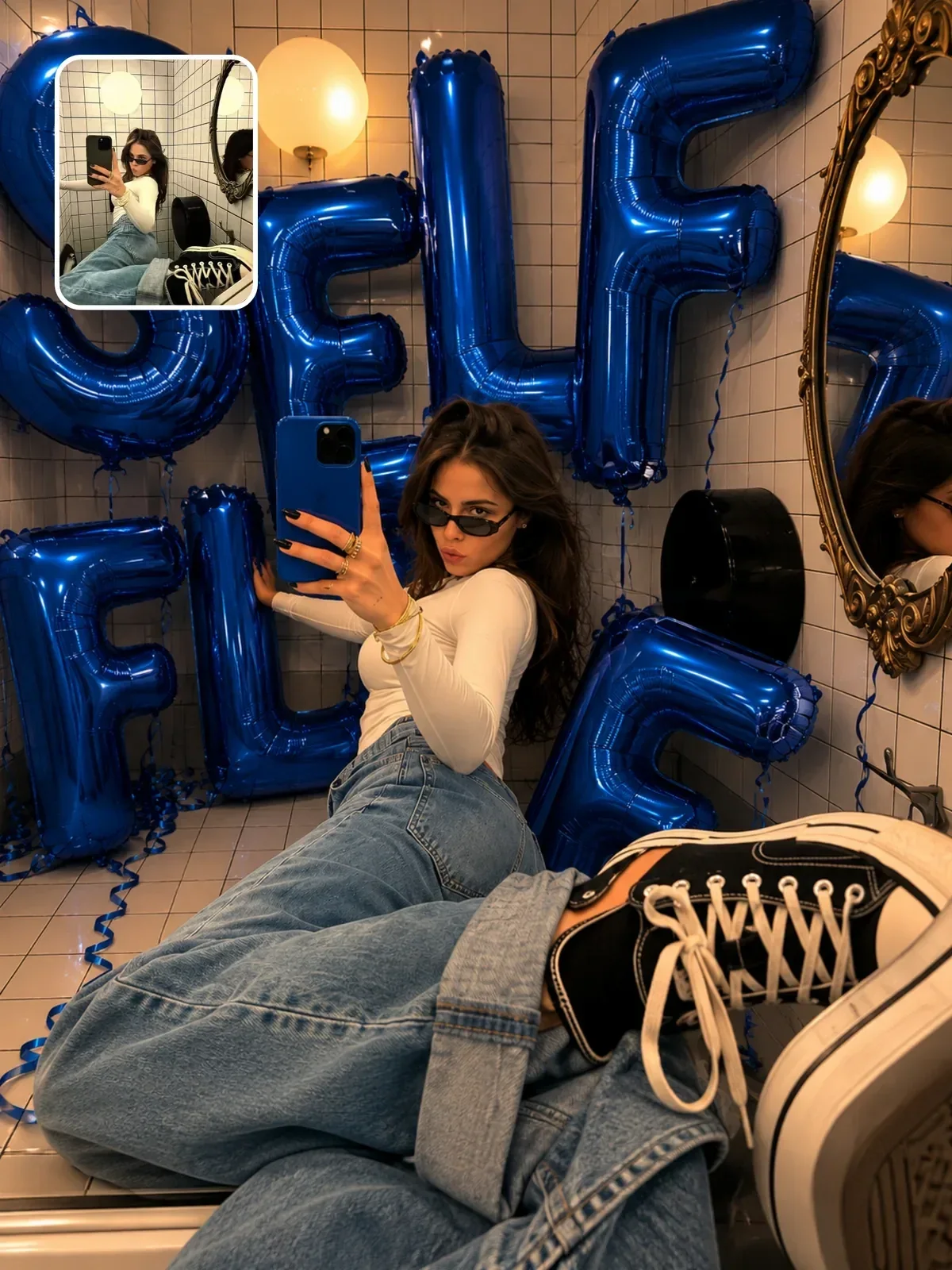
One of the most dependable ways to get readable words is to build them from objects: foil balloons, neon tubes, chalk, cut paper, cookie dough, flower petals. Objects have a clear physical structure, and the model treats each letter as a thing standing in the scene rather than as delicate typography.
A mirror selfie in a bright apartment. Behind the person, metallic silver foil balloons spell "HELLO 30", each letter about knee height, floating in a slightly uneven row.
The balloon lettering mirror selfie is built on this idea, with the word kept as a setting you can swap. Keep object lettering short. The longer the word, the harder it is for the model to keep every letter the same size, in order and in one clean row.
Posters and covers with several lines of text
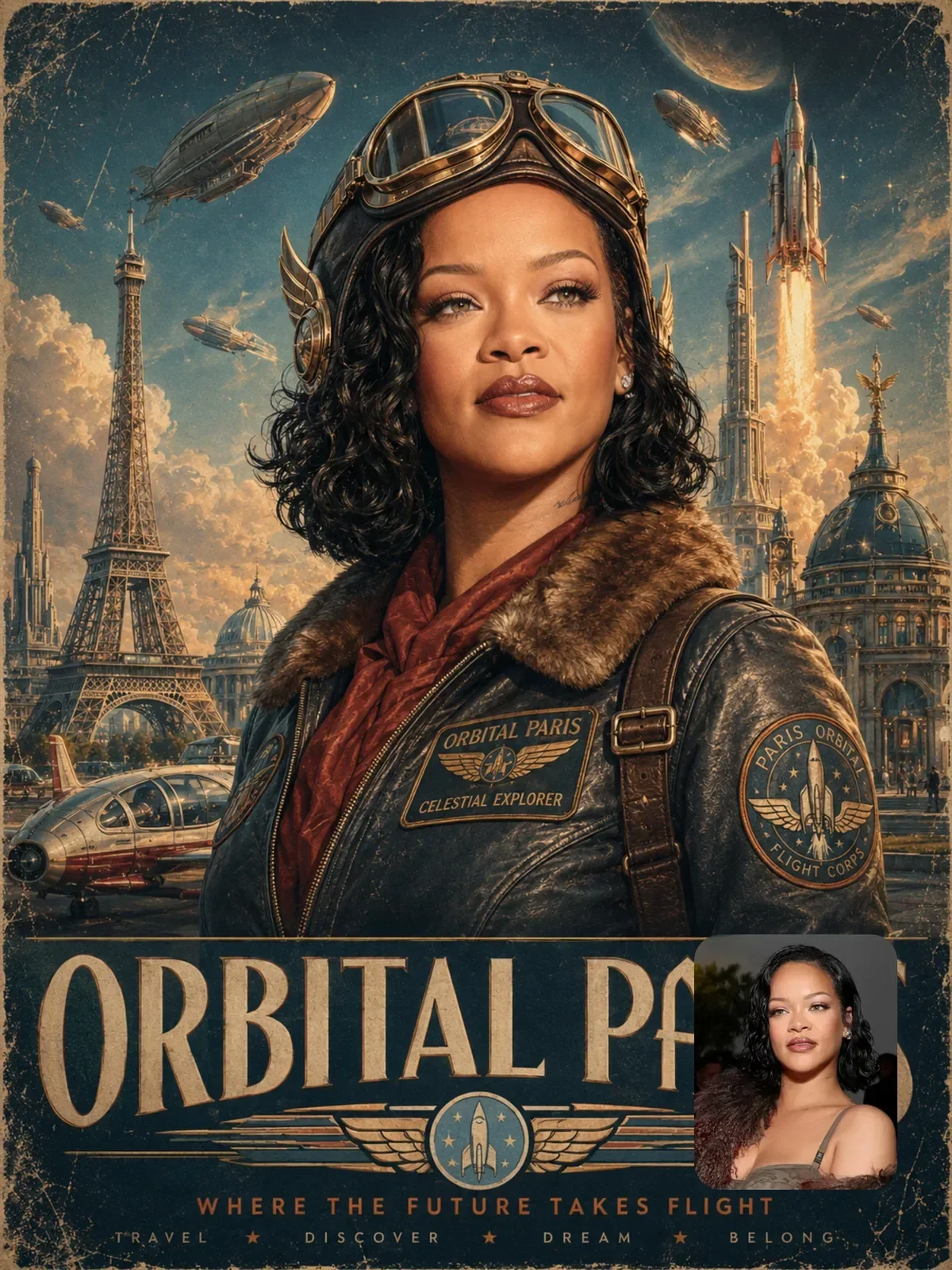
Covers and posters often need a title, a subtitle and a small detail line. Treat them as a hierarchy and list them in order, each with its own position and style, so nothing gets swapped.
- Title: "NORTHERN LIGHTS" in large white condensed capitals across the top.
- Subtitle: "A winter field guide" in smaller italic serif directly under the title.
- Detail line: "ISSUE 04" in small capitals in the bottom right corner.
Three text elements is a sensible ceiling for one generation. Past that, models start trading words between positions or repeating a line. If your design needs a paragraph, a price list or an address, generate the image with clean empty space and set the small type in a design tool. Professional designers do exactly that with photography.
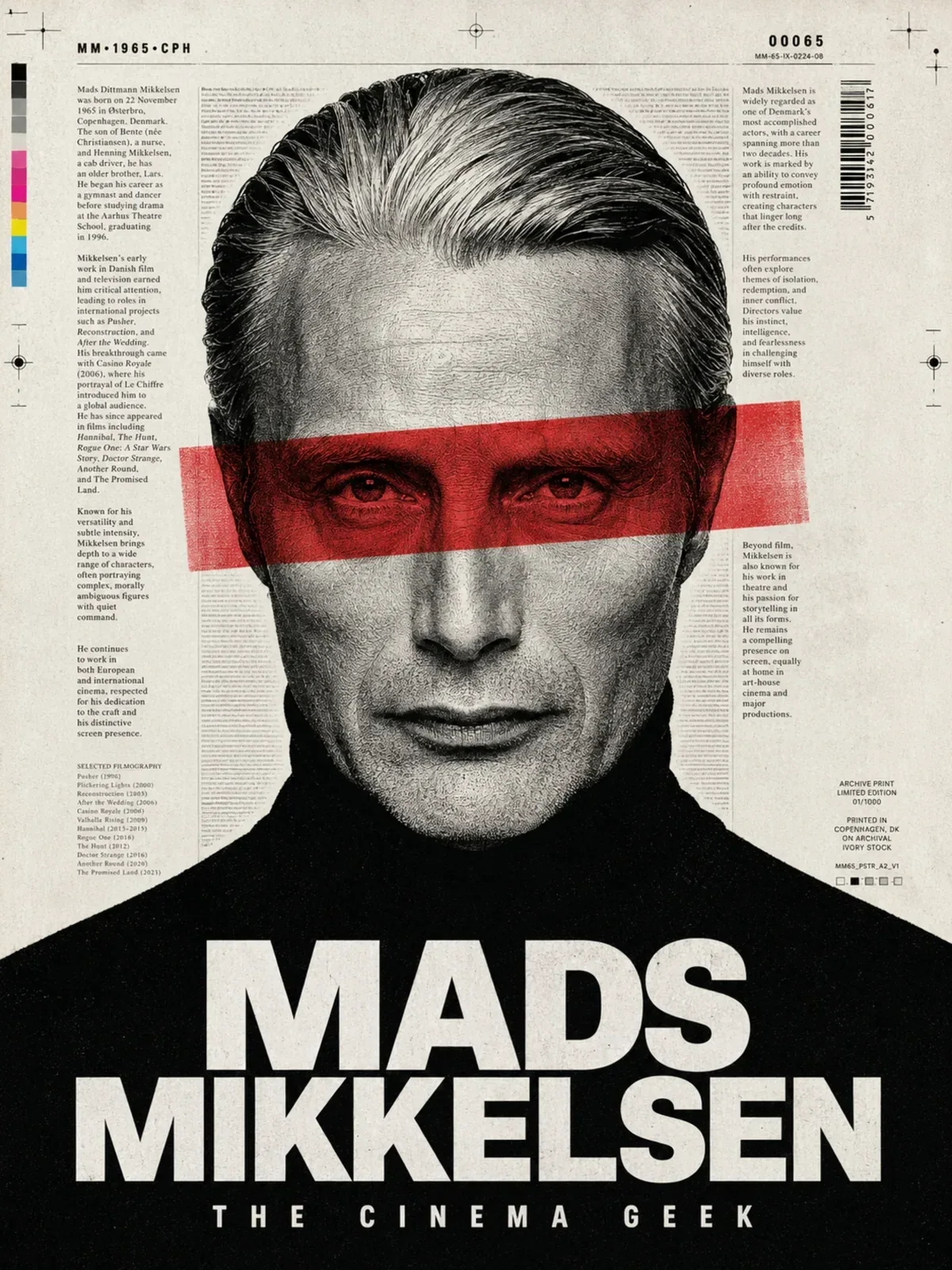
The mixed-media magazine poster prompt shows the restrained version of this layout: one bold title at the bottom, a portrait above it, nothing else competing.
Checking and fixing the result
Always zoom in before you publish. AI lettering can look perfect as a thumbnail and be wrong at full size: an R missing its leg, an extra bar in an E, an S facing the wrong way.
- Read every word out loud, letter by letter. Your eye autocorrects; your voice doesn't.
- If one word is wrong, ask for an edit that touches only that word:
Keep everything identical. Change only the sign so it reads exactly "BEAN THERE". - If it is still wrong after two attempts, remove it:
Remove all lettering from the sign and leave the painted board blank.Then add the words yourself. - Scan the background for accidental text: book spines, license plates, shop signs, screens. Blank them or remove them.
When you already know you will add text afterward, ask for the empty surface in the image: a blank cream label on the jar or an empty white banner held between two poles. The lighting and perspective will then match where your type goes.
For more cleanup techniques, read what to leave out of a prompt and the list of common AI image mistakes.
A ten-minute lettering test
Pick one short phrase you would really use, such as a shop name or an event title, and run these four prompts back to back. Compare spelling, placement and how natural each one looks.
- The phrase in quotes on a plain poster, with
no other text. - The same phrase with a type description: weight, width, case and color.
- The same phrase on a physical surface in a scene: neon, chalk, embroidery or paint.
- The same scene with an empty surface, ready for you to add the lettering yourself.
Keep whichever version gave you correct letters with the least effort, and save that wording as your own template. Next time, start from it instead of from a blank prompt.