What to Leave Out: Constraints and Negative Instructions in Prompts
Why “no X” sometimes adds X to an AI image, how to rewrite negatives as positive descriptions, and when short explicit bans and locks work best.
Visual AI Club7분 분량
이 가이드는 영어로 작성되었습니다.
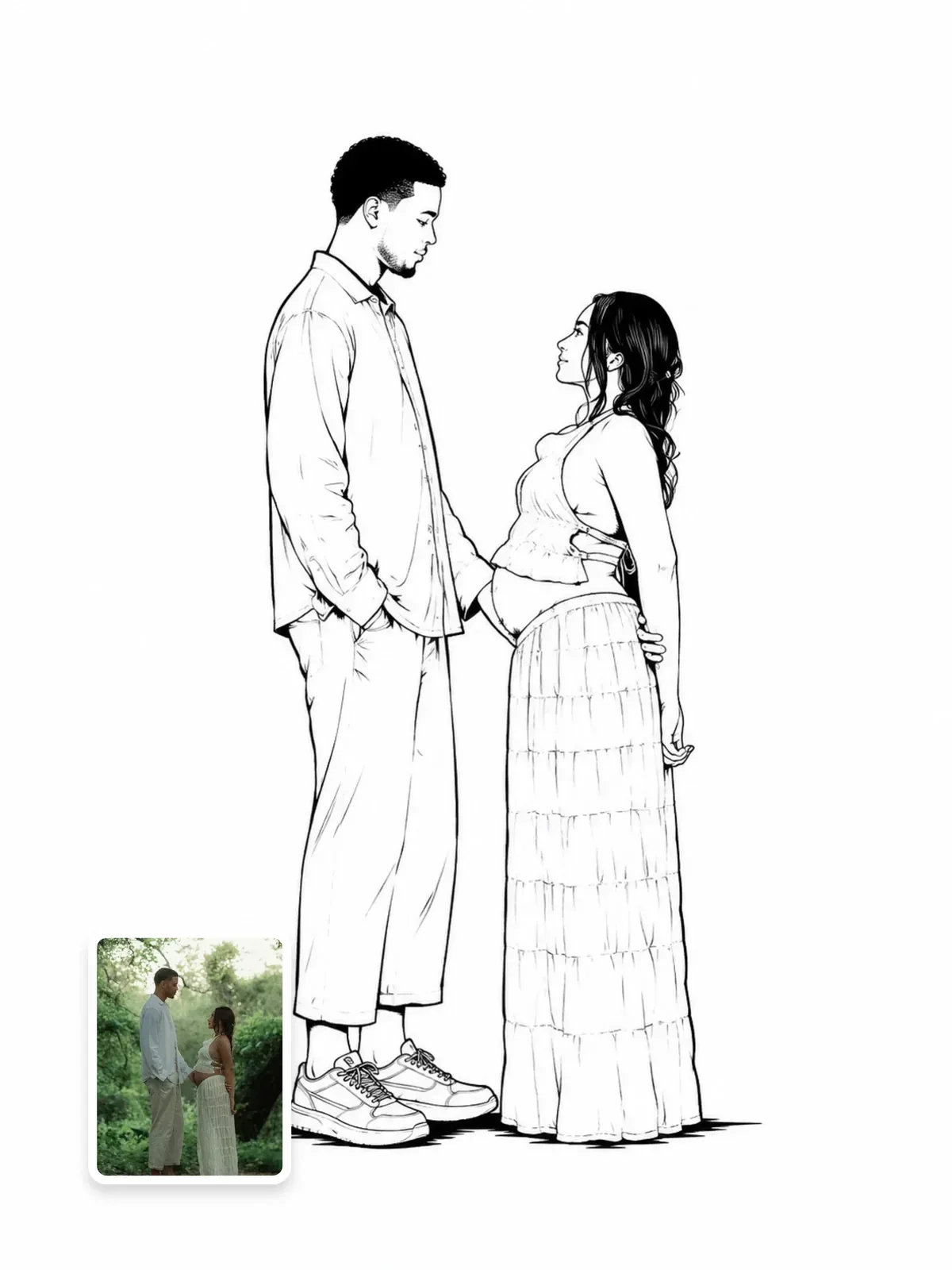
A good prompt rules things out as carefully as it asks for things. But saying “no” to an image model is trickier than it looks: naming the thing you do not want can be exactly what puts it in the picture. This guide shows you how to write constraints that hold, using positive descriptions, short bans and locks, and how to tell which one a situation needs.
Why “no elephants” can give you an elephant
An image model builds a picture from the concepts your words activate. When you write “a living room with no elephant”, the word elephant is now part of the request. Older and simpler systems often treated the “no” as noise and drew the elephant anyway. Language-based models, including ChatGPT’s image generation, follow explicit negatives much better, but the effect has not vanished. A concept you mention gets attention, and attention leaks.
The risk is highest when the unwanted thing is vivid, visual and mentioned early, and when it is the only concrete noun in the sentence. “No people” in a street scene is a common example: the word “people” is the most specific thing in that clause.
The fix is to describe what should be there instead. A picture is made of things that exist, so tell the model what exists.
A beach at sunset with no people, no buildings, no boats and no clutter.
An empty, untouched beach at sunset: smooth wet sand, low waves and a clean, unbroken horizon line under an orange sky.
The second version contains no banned objects at all, and “empty, untouched” and “unbroken horizon” describe the absence as a visible quality.
Rewrite negatives as positive descriptions
Most negative instructions are a shortcut for a positive quality. Spell out the quality and the negative becomes unnecessary.
| Instead of | Write | Why it works |
|---|---|---|
| no blur | sharp from foreground to background, small aperture around f/8 | Describes the depth of field you want |
| not cartoonish | realistic photograph, natural skin texture, real fabric folds | Gives the model a medium to commit to |
| no clutter | a bare white tabletop with one ceramic bowl and lots of empty space | Names the only objects allowed |
| no harsh shadows | soft light from a large window, gentle shadow edges | Describes a light source that cannot make hard shadows |
| don’t make it dark | bright, evenly lit, pale walls and white curtains | Bright objects carry brightness into the scene |
| no crowds | a quiet side street at 6 a.m., shutters still closed | A time and a state that imply emptiness |
The last row shows a useful trick: choose a situation in which the unwanted thing would naturally be absent. Early morning empties streets, a closed museum has no visitors, a studio backdrop has no furniture. The model already knows what those situations look like.
Negatives that define a style
There is one family of negatives worth keeping in the main description: the ones that define a medium by what it lacks. Flat vector illustration has no gradients and no texture. A line drawing has no shading fills. A true black-and-white photo has no color at all, not even a faint warm tint. Here the absence is the style, and saying it sharpens the result: “flat shapes in three solid colors, no gradients, no texture”.
Pair these with a positive anchor so the model has something to build. “Black ink lines on white paper, no shading” is stronger than “no shading” alone, because it says what fills the space the shading would have used.
When an explicit ban is the right tool
Some things are added by habit, without you asking: watermarks, signatures, captions, logos on clothing, decorative borders, an extra person in the background, stickers on a product. For these default additions, a short ban works well, because there is no natural positive description of “nothing written anywhere”.
- Keep the list short and concrete: “No text, no logos, no watermark, no border.”
- Group the bans in one line, at the end of the prompt, after the image is fully described.
- Ban specific things, not vague qualities. “No lens flare” is clear; “nothing weird” is not.
- Only ban what you have actually seen appear or what is likely in this kind of image.
Midjourney has a dedicated --no parameter for this job, which keeps unwanted concepts out of the main description. In ChatGPT, the equivalent is a short plain sentence at the end. The guide to Midjourney versus ChatGPT images covers other differences between the two.
If a banned element keeps appearing in ChatGPT after you asked to remove it, the earlier messages may still be pulling it back. Start a new chat and write the prompt without mentioning it at all.
Locks: constraints that name what must stay
When you edit or transform a photo, the most important constraint is not a ban but a lock: a list of what must not change. Locks are positive by nature. “Keep the exact pose, camera angle and framing” names real things that exist in the image, which is why they hold better than a vague “don’t change too much”.
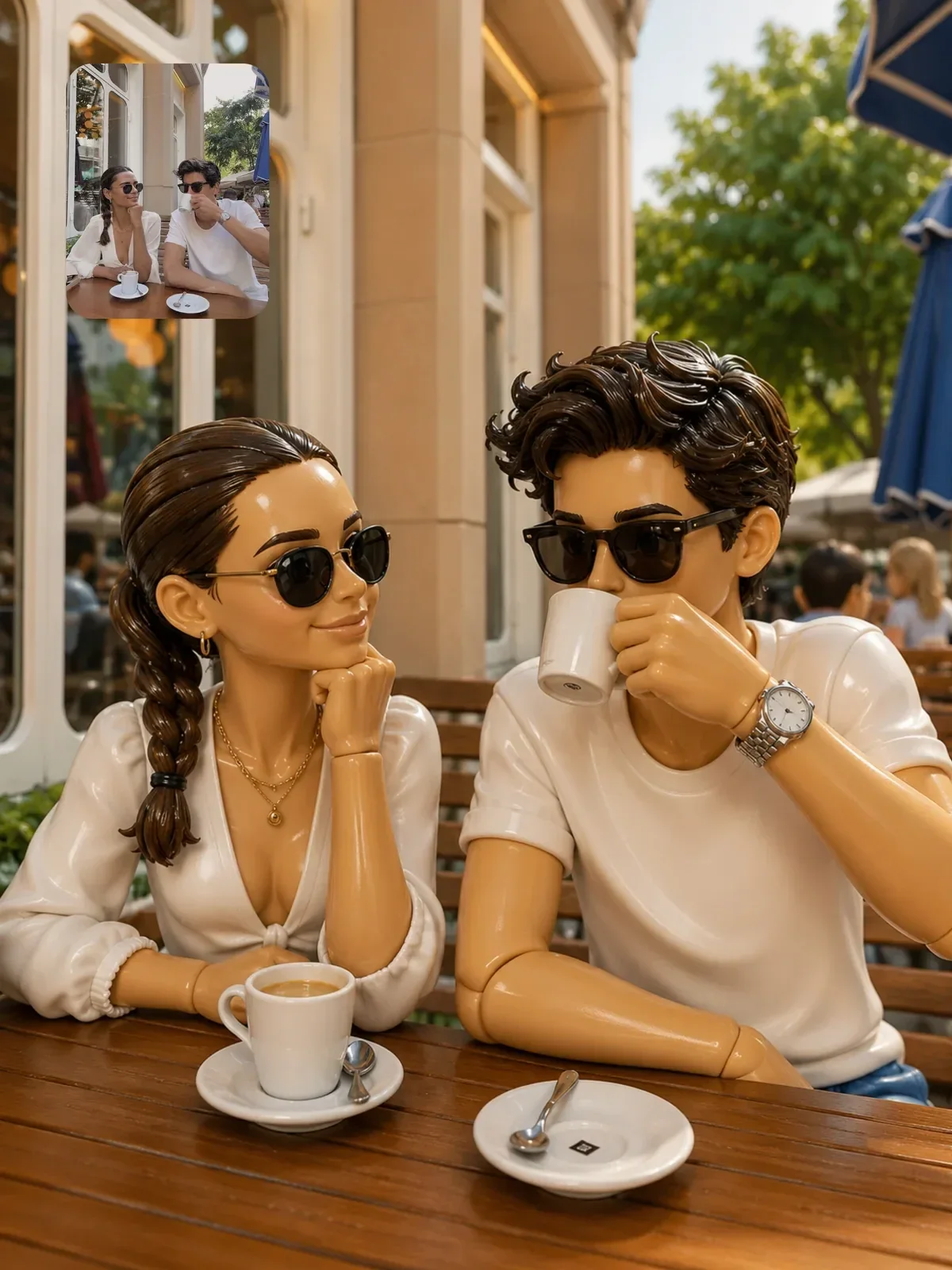
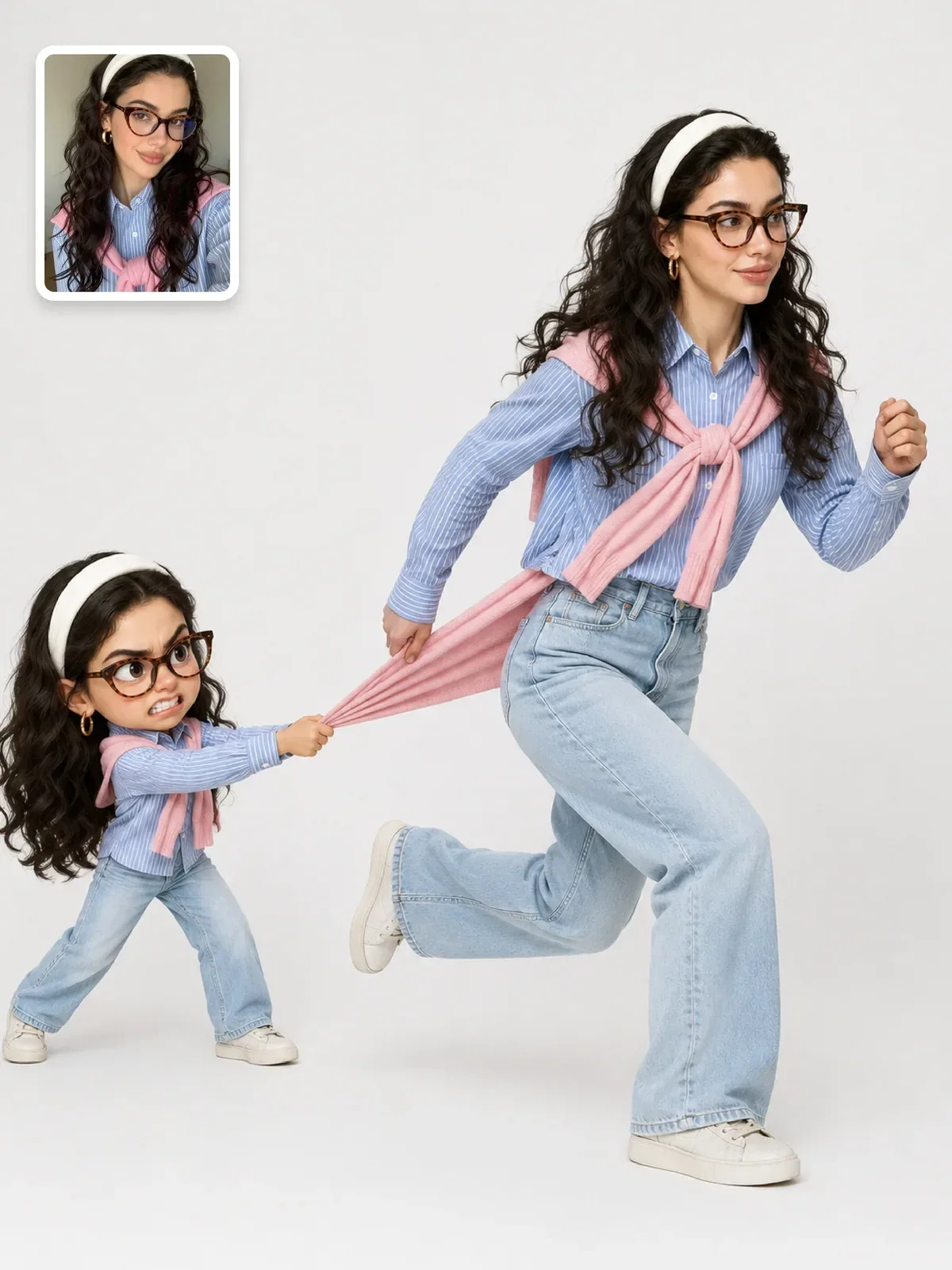
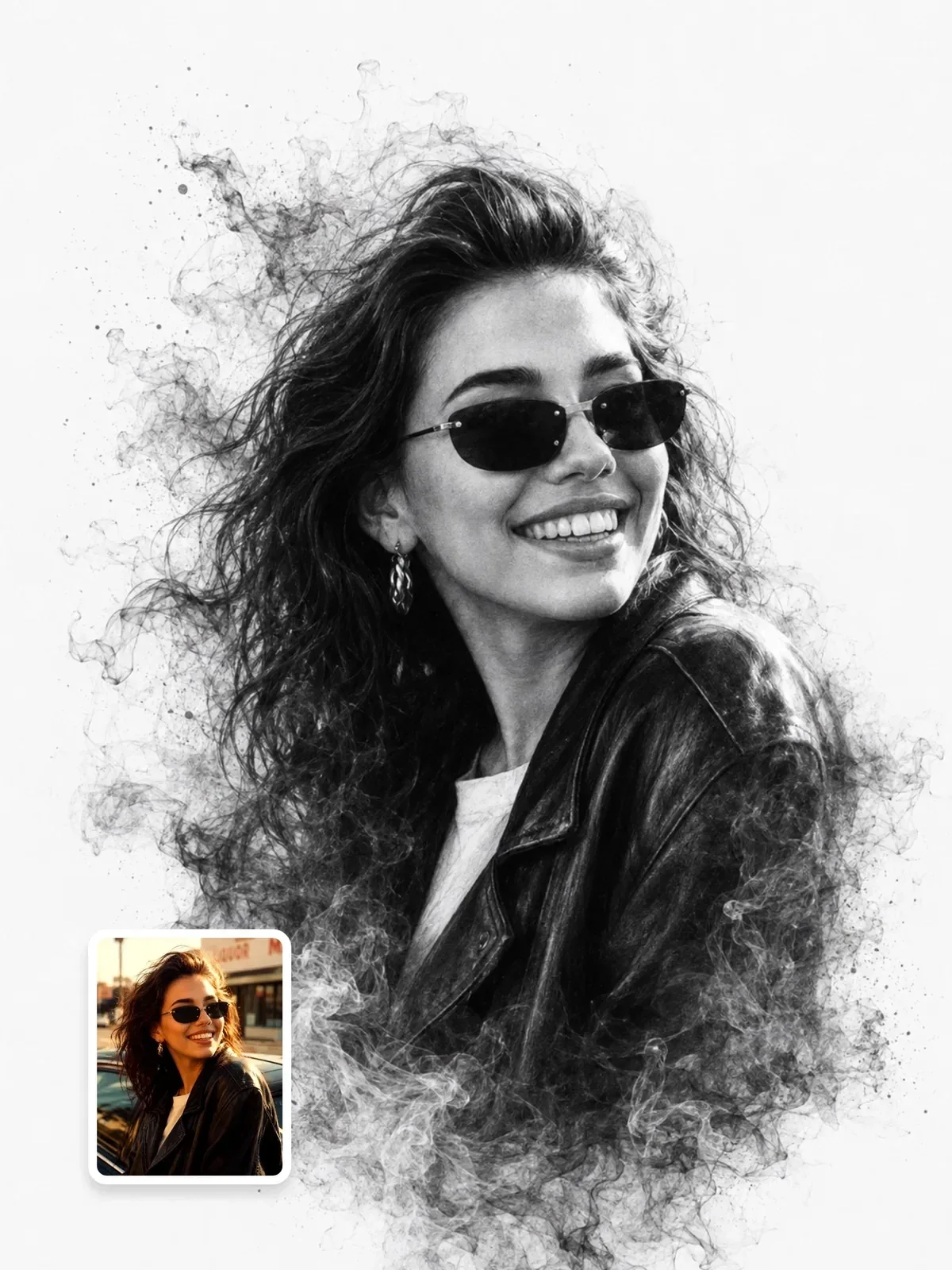
Many prompts on this site use labeled locks: FORMAT LOCK for the frame and composition, IDENTITY LOCK for the person, sometimes a COMPOSITION LOCK for the layout of a scene. Writing them as separate blocks makes them hard to miss, both for the model and for you when you revise the prompt later.
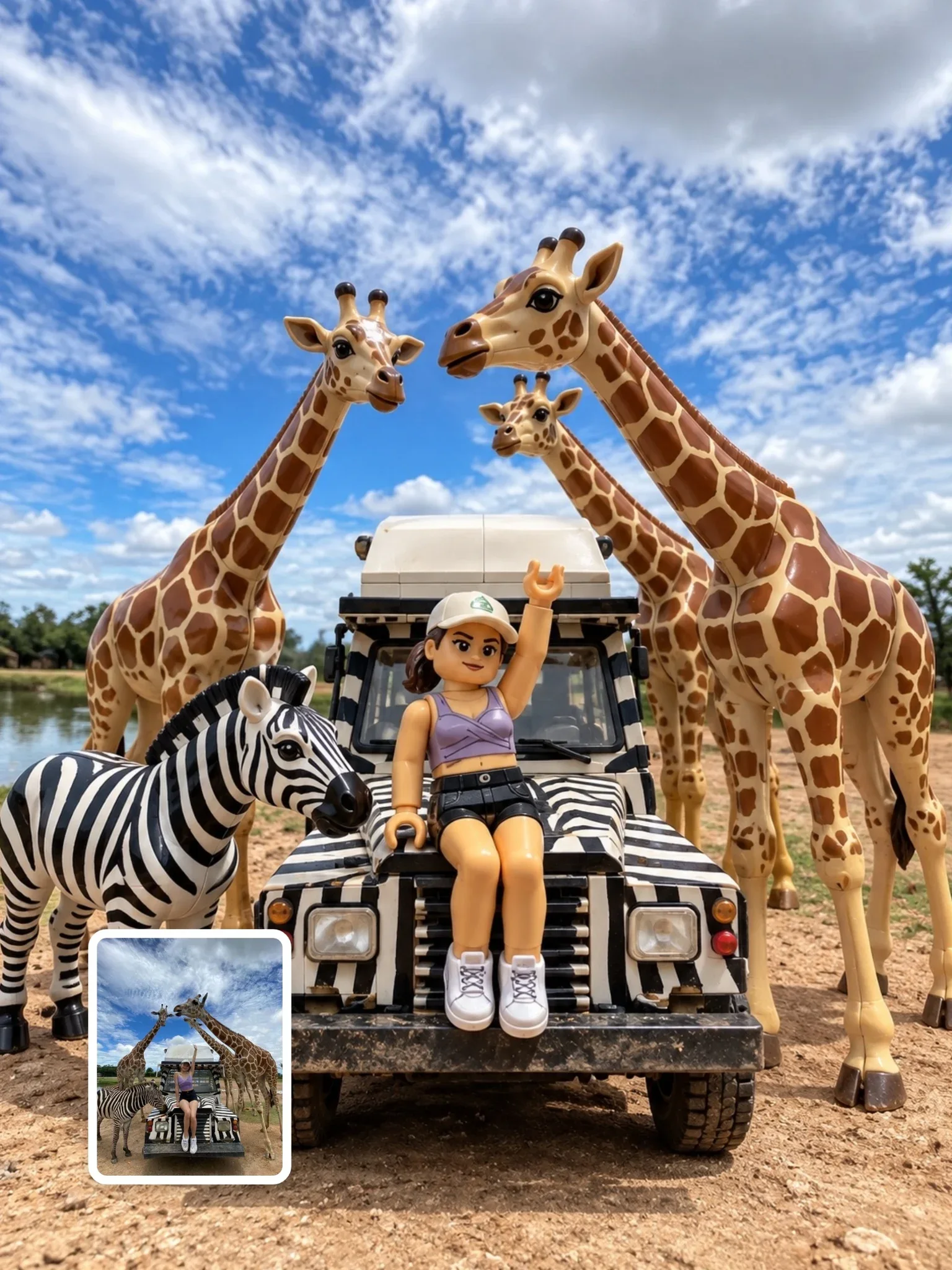

Look at how that prompt handles counting: “exactly one separate minifigure for every visible person”. Instead of banning extra figures, it states the rule that produces the right number. That is a constraint written as a positive instruction.
Counting constraints
Models are reliable with one, two and three of something and become less reliable as numbers grow. If the count matters, state it as a number, list the items when they differ (“a red cup, a blue cup and a white cup”), and keep the objects large enough to be counted. If you need twelve identical things in a grid, describe the grid: “three rows of four”.
Constraints that reserve space
Some of the most useful constraints are about what the frame should leave empty. If a headline, logo or caption will be added later, say where the space goes and what fills it: “the upper third is plain pale sky with nothing in it”. That is far clearer than “leave room for text”, which often produces random text.
Scale constraints work the same way. The minimal black-and-white editorial illustration prompt asks for the character to occupy roughly 30 to 40 percent of the frame on a pure white background. A percentage is a constraint the model can aim at, and the generous empty space becomes part of the design. The guide on composition for AI images has more on negative space.
Too many rules dilute each other
Every constraint competes for attention with every other instruction. A prompt with thirty “do not” lines tends to satisfy some, ignore others and come out stiff, as if the model were tiptoeing. Worse, a long list of bans pushes the actual description of the image further from the beginning, where it has the most weight.
Rank your constraints and keep the three to five that would ruin the image if broken. Put the critical one first. Add a reason when the reason clarifies the intent: “Keep the top third empty, because a headline will be placed there later” tells the model what the space is for, which helps it decide what counts as empty.
Portrait of a chef. No blur, no noise, no bad hands, no extra fingers, no text, no logo, no ugly, no deformed, no cartoon, no dark, no weird colors, no background people.
A realistic portrait of a chef in a white jacket, arms crossed, in an empty restaurant kitchen after closing. Bright, even overhead light, steel counters behind him in soft focus. No text or logos on the jacket.
The focused version replaces nine bans with a scene in which most of them cannot happen, and keeps the one ban that addresses a real habit: printing logos on clothing.
Audit one of your old prompts
- Take a prompt that gave you mixed results and highlight every negative phrase.
- For each one, ask: is this a quality I can describe positively? If yes, rewrite it as a visible description.
- Keep explicit bans only for default additions such as text, logos, watermarks, borders and extra people. Move them into one short line at the end.
- If the prompt edits a photo, collect everything that must not change into a single lock near the top.
- Generate the old and new versions twice each and compare. Note which constraints actually changed the result.
You will usually find that the new prompt is shorter and the images are cleaner. For the plain-language foundations behind all of this, see how to write image prompts.