How to Write AI Image Prompts That Actually Work
Write AI image prompts like a clear brief: decide the picture first, use plain sentences, lead with the subject, swap vague words for visible details.
Visual AI Club7분 분량
이 가이드는 영어로 작성되었습니다.
By the end of this guide you will be able to turn a loose idea into a prompt that lands close on the first try, and you will know how to read a disappointing result so the second try is better. The method is the one a photographer uses when briefing an assistant: decide what matters, then say it plainly and in order.
Decide what the picture is before you type
Most weak prompts are weak because the writer has not decided what the image is yet. “A cozy coffee shop” leaves the model to choose the time of day, the camera angle, who is in the room and whether the result is a photo or a painting. It will choose, and it usually chooses the most average version of the idea.
Before you write a word, answer four questions in your head:
- What is the one thing the viewer should look at first? A person, an object, a building, a moment.
- Where and when is it? A place, a time of day, a season or a kind of weather.
- What kind of image is it? A realistic photo, a watercolor, a 3D render, a flat illustration.
- Where will it live? A phone story, a printed poster, a blog header, a profile picture.
Every question you skip is a decision you hand to the model. Sometimes that is fine, and an open prompt can surprise you. But if you already know what you want, leaving it out only adds randomness.
Close your eyes for five seconds and look for one detail that would be in your version and nobody else’s: the chipped rim of a mug, steam catching the window light, a dog asleep under the table. That detail is often the line that makes a prompt feel like yours.
Write sentences, not a pile of keywords
Early image tools trained people to type comma-separated tags. Current image models, including ChatGPT’s image generation, are built on language understanding, and they read grammar. A sentence carries relationships a tag list cannot: who is holding what, what sits in front of what, which side the light comes from.
coffee shop, cozy, woman, laptop, rain, warm, cinematic, 8k, masterpiece, highly detailed
A woman in a gray sweater works on a laptop at a small window table in a quiet coffee shop on a rainy afternoon. Rain streaks the glass behind her, and warm light from a pendant lamp falls on her hands and the keyboard. Realistic photo, eye level, background softly out of focus.
The second version is longer, but every phrase points at something visible. It also drops the words that do nothing reliable. “8k”, “masterpiece” and “highly detailed” describe your hope for quality, not the picture, so the model has nothing concrete to draw from them.
Lead with the subject, then add details in order of importance
Models consider the whole prompt, but the opening sets the frame for everything after it. If your first sentence is about a sweeping background, you often get a beautiful background with a small, generic figure in it. Lead with the subject and what it is doing.
A dependable order for most images:
- Subject and action: who or what, doing what, with what expression.
- Setting: where, when, what the weather is doing.
- Medium and style: photograph, oil painting, clay figure, flat vector.
- Light: where it comes from, how hard or soft it is, what color it is.
- Camera and framing: angle, distance, lens feel, how much of the subject is in frame.
- Format and constraints: aspect ratio, exact text, anything that must stay unchanged.
The model does not enforce this order. It is a habit that keeps you from forgetting a layer and keeps the most important information where it carries the most weight. The anatomy of a great image prompt takes each of these layers apart in detail.
Swap judgment words for things a camera could see
“Beautiful”, “stunning”, “aesthetic” and “epic” are verdicts. A model cannot photograph a verdict, so it falls back on its idea of a generically impressive image: centered, glossy, oversaturated. Replace each judgment with the physical thing that would make you use that word.
| Vague word | What you probably mean | Write this instead |
|---|---|---|
| Cozy | Warm, low light and soft textures in a small space | “warm lamp light, knitted blanket, low ceiling, close framing” |
| Cinematic | A wide frame, one motivated light source, color contrast | “wide 16:9 frame, single light from the left, cool shadows and warm skin tones” |
| Moody | Mostly dark, deep shadows, a narrow palette | “the room mostly in shadow, one window as the only light, muted blues and grays” |
| Professional | Clean background, flattering light, sharp eyes | “plain light-gray backdrop, soft light from a large window, eyes in sharp focus” |
| Dreamy | Glowing highlights, haze, pale colors | “soft glow around the highlights, light haze, pale pink and cream palette” |
Concrete nouns beat adjectives every time. “An enamel camping mug” tells the model a shape, a material and how light will reflect off it. “A nice cup” tells it nothing it can draw.
Use photography terms only when you know what they do
Words like “85mm”, “f/1.8” or “Rembrandt lighting” work because image models have learned the look that tends to go with them. An 85mm lens on a full-frame camera is the classic head-and-shoulders portrait length: you stand far enough back that the face keeps natural proportions, and the background appears larger and closer behind the subject. An aperture of f/1.8 means a very thin plane of focus, so everything behind the subject dissolves into blur.
That only helps when it is the look you want. Asking for a sweeping mountain landscape “shot at 85mm f/1.4” sends mixed signals, and mixed signals produce compromises. If you cannot picture what a term does, describe the effect instead: “background softly out of focus” is safer than a lens number you are guessing at. The focal length guide and the lighting vocabulary guide cover the terms worth learning first.

Look at how short that prompt is. It names a subject, an action, a place, a time of day, a light quality, one lens and a depth of field. Nothing is decoration. Short prompts work well when every phrase is load-bearing.
Say where the image is going
A phone story and a website banner are different pictures, not the same picture cropped two ways. When you name the format, the model composes for it. A tall 9:16 frame invites a full-length figure with room above the head. A wide 16:9 frame invites a landscape with the subject placed to one side.
State the format in plain words, ideally near the start: “vertical 4:5 portrait for a feed post” or “wide 16:9 banner with empty sky on the right for a headline”. If the image needs words in it, write the exact text in quotes, keep it short and say where it goes. The guides on aspect ratios and clean text in AI images go further.
Short or long?
Length is not the goal. A two-sentence prompt is enough for a single object on a plain background. A transformation of your own photo into a styled scene needs more, because you have to say what to keep as well as what to change. Write until every decision you care about is on the page, then stop.
Read the result like an editor, then change one thing
When an image comes back wrong, resist the urge to rewrite everything. Read it the way an editor reads a draft: what works, what does not, and which sentence of the prompt is responsible.
- Wrong subject or wrong action: your first sentence is ambiguous. Rewrite it more literally, with a clear verb.
- Right subject, wrong mood: the light or color sentence is missing or vague. Name a direction and a color.
- Subject too small or cut off: add framing words such as “waist-up” or “full body, head to shoes, with floor visible below the feet”.
- Illustration when you wanted a photo, or the reverse: state the medium earlier and more plainly.
- Generic, stock-photo feeling: you skipped the specific detail from the first step. Add it.
Then change one of those things and generate again. If you change five things at once, you will not know which one helped. Iterate like a photographer explains how to run that loop without wasting attempts.
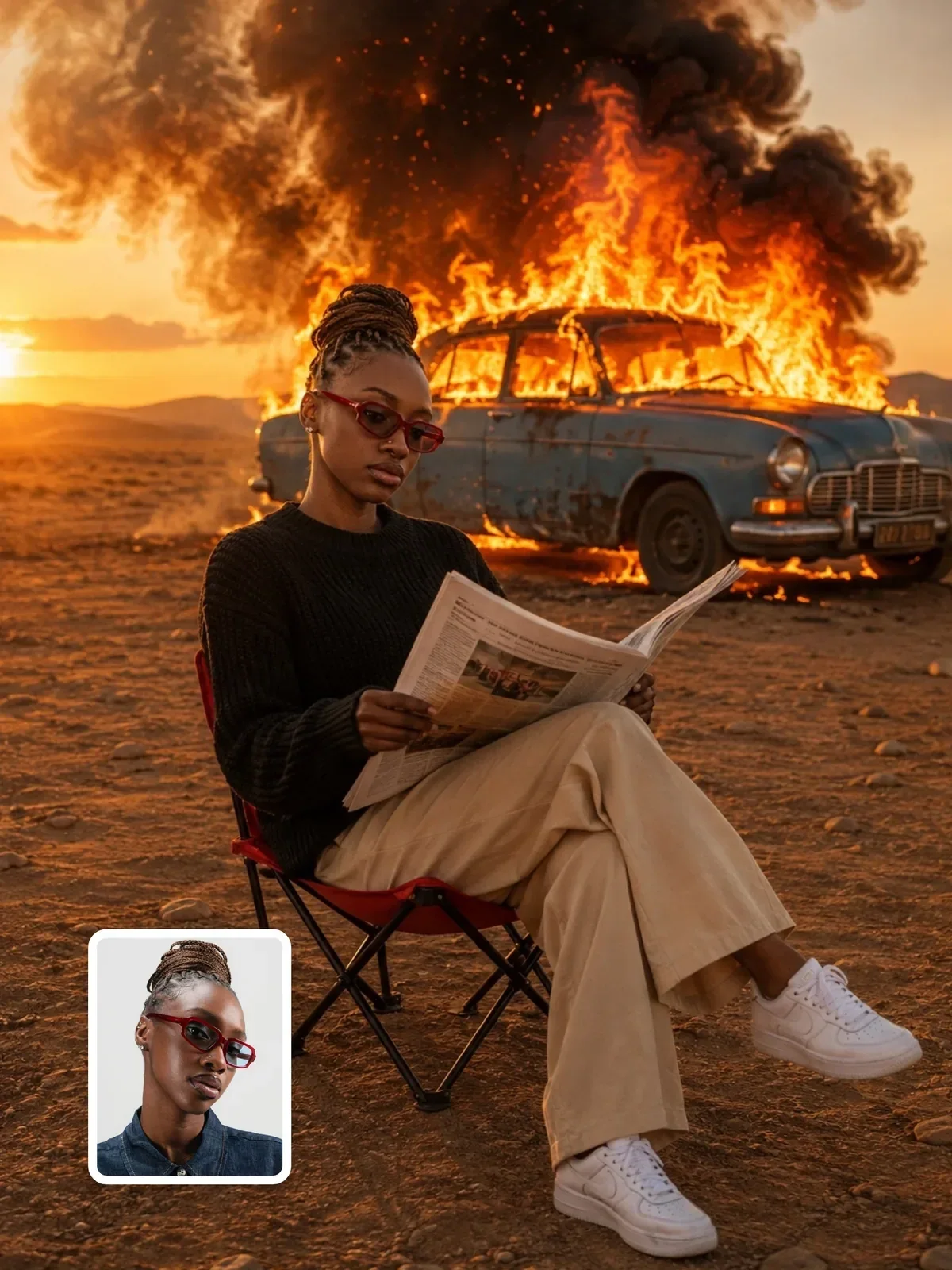

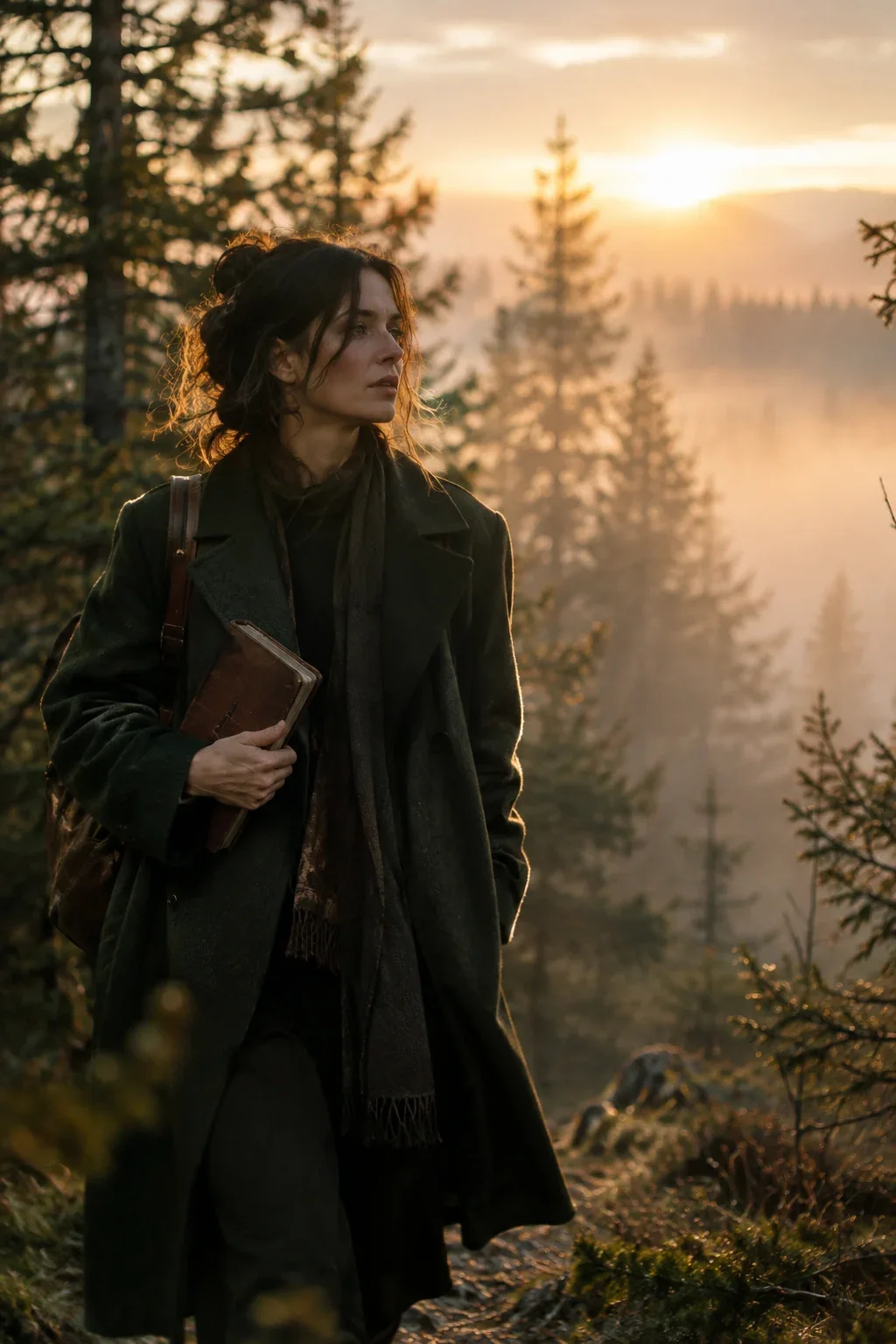
Longer structured prompts like this one follow exactly the same logic. They simply label each part, such as format, identity and scene, so you can revise one block without disturbing the others.
A ten-minute practice round
Run this once and you will feel the difference between hoping and directing.
- Pick an ordinary scene from your own day: your desk, a corner of your street, your kitchen at night.
- Write it as a one-line keyword prompt and generate. Save the image.
- Rewrite it as three sentences: subject and action; place and light; medium, framing and format. Generate again.
- Put the two results side by side and name one thing the second version got right that the first missed.
- Change only the light sentence, for example from morning window light to a single desk lamp at night, and generate a third time.
Keep the three prompts and three images together in one note. That small before-and-after file is the first entry in a personal prompt library, and it will teach you more about how your model reads language than any list of magic words.