Iterate Like a Photographer: Change One Variable at a Time
A disciplined way to refine AI images: build a baseline, change one decision per round, run each version more than once, and log what each change did.
Visual AI Club6분 분량
이 가이드는 영어로 작성되었습니다.
When a photographer dials in a shot, they do not move the light, swap the lens and re-pose the model all at once. They change one thing, look, and decide. Apply the same discipline to AI images and every new generation teaches you something, instead of leaving you with a folder of near-misses and no idea why one of them worked.
Why changing everything at once wastes attempts
Suppose your portrait looks flat, so you rewrite the prompt with a new light, a new lens, a new background and a warmer palette. The result is better. Which of the four changes did it? You cannot know. Next time the image is flat, you will repeat all four and hope.
There is a second source of confusion that photographers do not face: randomness. Run the same prompt twice and an image model gives you two different pictures. So any single result mixes two things, the effect of your change and the luck of that generation. With one change per round and more than one image per version, you can separate them. With five changes and one image, you are reading tea leaves.
Start from a baseline you can return to
A baseline is a complete, plain prompt that produces a decent but improvable image. It should cover subject, scene, style, light and camera in simple terms, without anything clever. Its job is to be a fixed point.
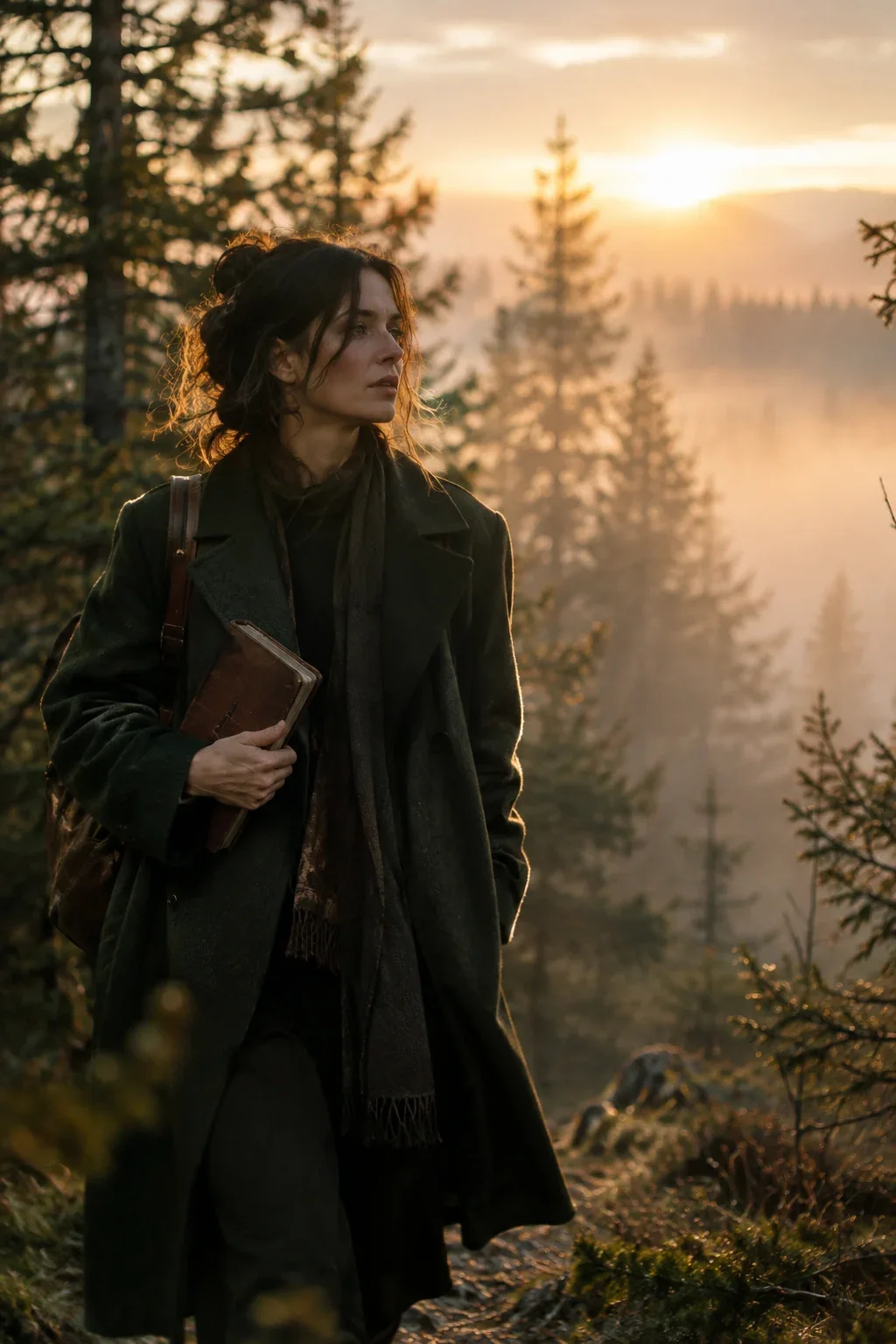

A short prompt like that one makes an ideal baseline: every phrase is a separate decision you could change on its own, from the coat color to the 50mm lens to the time of day.
- Write the baseline and save the exact text somewhere you will not overwrite it.
- Generate it three times. Look at the range: what stays the same across all three, and what varies?
- Pick the most typical of the three as your reference, not the best one. The best one may be a lucky outlier that you will never see again.
Compare versions in a fresh context. In a chat-based tool like ChatGPT, earlier messages influence new images, so either start a new chat for each version you are comparing or be aware that the history is part of the test.
What counts as one variable
A variable is one decision a photographer or art director would make, not one word. Changing “sunrise” to “noon” alters the light direction, its color and its contrast, but it is still one decision: the time of day. Changing “sunrise” to “rainy noon, shot on 24mm” is three decisions in disguise.
Useful single variables to test:
- Light direction: front, side from the left, backlight.
- Light quality: hard sun versus soft overcast versus a large window.
- Light color: warm tungsten around 3,200K versus neutral daylight around 5,500K.
- Time of day: blue hour, golden hour, midday.
- Lens and distance: 35mm environmental versus 85mm portrait.
- Camera height: eye level, low, high.
- One wardrobe or prop change: a coat color, the object in the hands.
- Medium: photograph versus watercolor versus clay.
Some variables are naturally coupled and are fine to move together. Time of day and color temperature are one example; aperture and how blurry the background looks are another. Treat a coupled pair as one decision and note it as such.
Make the edit in place
How you change the words matters as much as which words you change. Replace the phrase in the same position and at roughly the same length. If you move a sentence from the end to the beginning, you have changed its weight, and that is a second variable. If you replace “soft light” with a forty-word description of a three-light studio setup, the sheer amount of new text pulls attention away from everything else.
A potter shapes a bowl on a wheel in a small workshop. Realistic photo, soft light from the front, 50mm lens, waist-up, vertical 4:5.
A potter shapes a bowl on a wheel in a small workshop. Realistic photo, soft light from a window on the left, 50mm lens, waist-up, vertical 4:5.
Only the light phrase differs, and it sits in the same place in the sentence. Whatever changes between the two sets of results, you know where it came from.
Work in the order a shoot is built
Photographers set up the camera position before they place lights, and they place lights before they fuss with props. The order matters because early decisions change how later ones look. Lighting a face beautifully is wasted if you then switch from a close-up to a wide shot.
- Composition and framing: aspect ratio, distance, angle, where the subject sits.
- Light: direction, quality, then color.
- Color and grade: palette, contrast, film or digital look.
- Styling and props: wardrobe, objects, background details.
- Finishing details: expression, small textures, any text.
Lock each stage once it is right. If a later change breaks an earlier stage, for example a new background throws off the light, go back to the last good version rather than patching forward. The anatomy of a great image prompt explains how these layers fit together.
Keep a log, even a tiny one
A log turns guesses into knowledge you can reuse. It does not need to be elaborate; a note on your phone works. Here is what six rounds on a portrait might look like:
| Round | Variable changed | From → To | What happened | Keep? |
|---|---|---|---|---|
| 1 | Baseline | — | Clean, but flat front light and a centered, static pose | — |
| 2 | Light direction | Front → large window on the left | Face gains shape; right side falls into soft shadow | Yes |
| 3 | Time of day | Morning → late afternoon | Warmer, but skin turns too orange | No |
| 4 | Light color | Unspecified → neutral daylight | Skin tones natural again, light still directional | Yes |
| 5 | Lens | 50mm → 85mm | Tighter framing, background softer and closer | Yes |
| 6 | Expression | Neutral → slight smile | Warmer mood; eyes squint in one of three images | Retry |
Look at round 3. Without the log you might have kept the warm light because the image “felt better”, and then fought orange skin for the rest of the session. The log shows the trade-off clearly, and round 4 solves it with a separate decision.
How many images to judge a change
Generate two or three images for each version before deciding. Then judge what repeats, not what appears once. If the side light appears in all three images of round 2, the prompt caused it. If a beautiful rim of light appears in only one, that was luck, and adding words to chase it is often a mistake.
This also protects you from over-correcting. A single bad hand or an odd background object in one image is noise. Rewriting the prompt to fix noise adds clutter and can break things that were working.
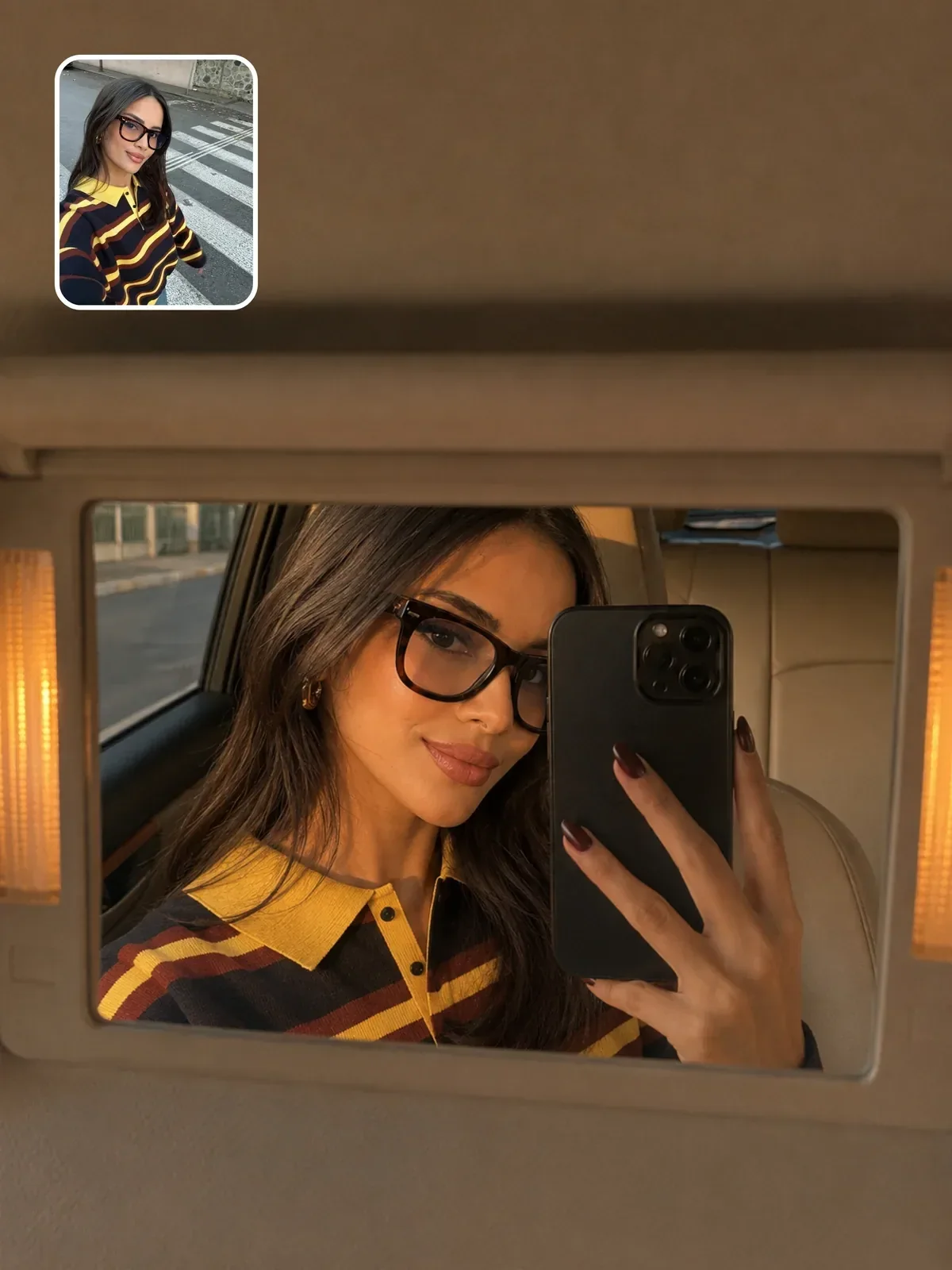

Prompts with built-in variables are made for this kind of testing. In that one, lighting and mood are separate fields, so you can change only the lighting across three runs, compare, and then move on to mood with the lighting fixed. The guide to prompt templates and variables shows how to build that structure into your own prompts.
When to break the rule
One variable at a time is for refining an idea, not for finding one. At the very start, when you do not know what you want, generate a few deliberately different directions: a moody low-key version, a bright airy one, an illustrated one. Pick the direction, then switch to careful single changes.
Break it as well when you hit a dead end. If ten careful rounds have not fixed a problem, the baseline itself may be wrong. Write a new baseline from scratch, keeping only what your log proved, and start again. The common AI image mistakes list can help you spot what is holding the baseline back.
A fifteen-minute iteration drill
- Write a five-sentence baseline for a simple portrait or still life and generate it three times.
- Choose the most typical result as your reference.
- Change only the light direction. Generate three times. Log what repeats.
- Keep or revert, then change only the lens or distance. Generate three times. Log it.
- Keep or revert, then change only one color decision, such as the background or a garment. Generate three times. Log it.
- Compare round 1 with your final version side by side and read your log. Circle the single change that made the biggest difference.
Save the final prompt and the log together in your prompt library. The prompt gets you the image again; the log teaches you how to get the next one faster.