
프롬프트ChatGPT 열기
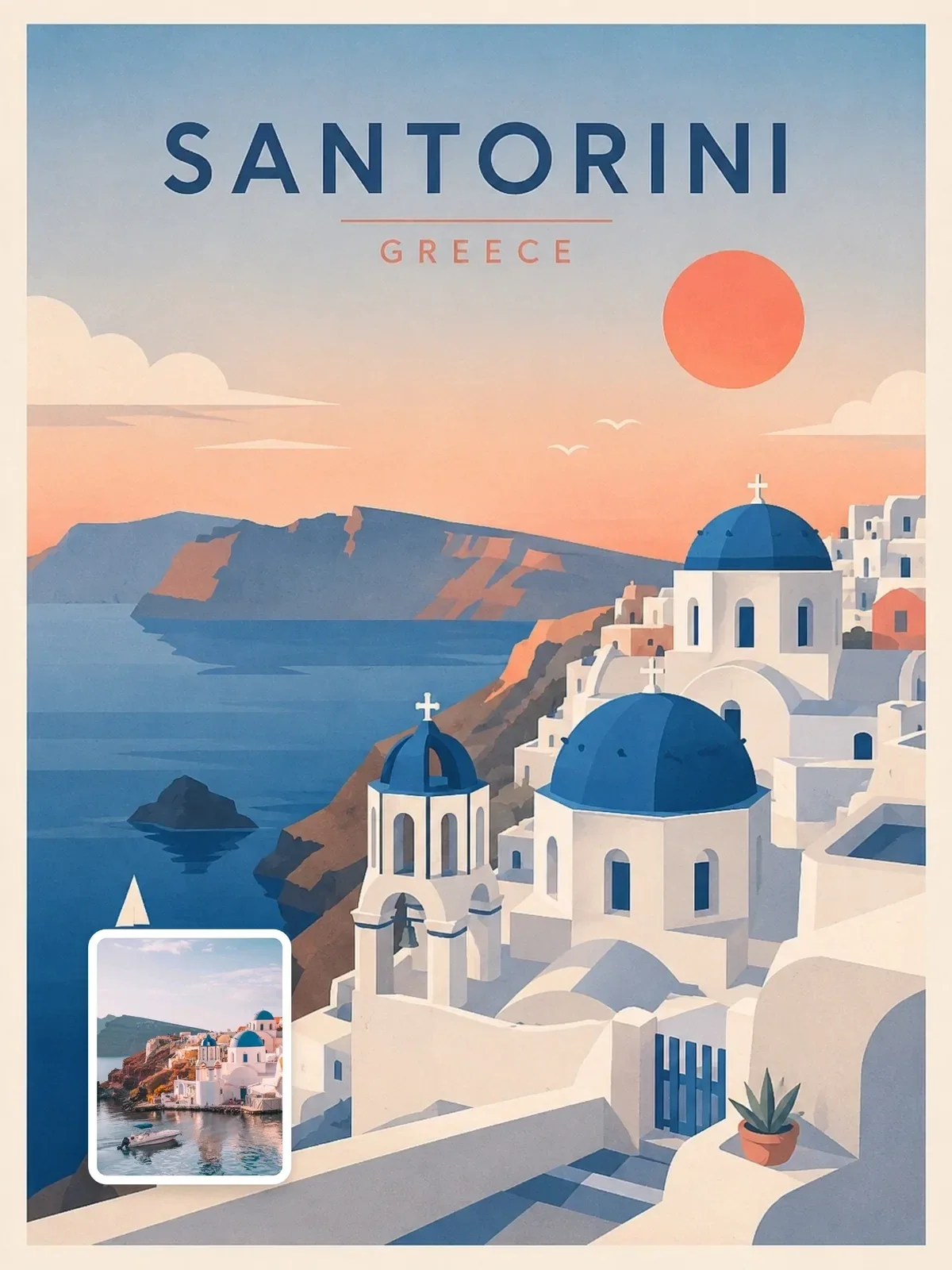
Create a premium editorial travel illustration of {{Destination}}, {{Country Region}} using a minimal layered cutout illustration style. The result should feel like a premium Scandinavian editorial po…
FORMAT LOCK
Vertical 3:4 poster composition. Strong foreground, midground, and background separation. Large open breathing space. Refined negative space. Balanced editorial composition. Minimal object density. Do…
STYLE
+25줄 더 · 복사하면 전체 내용이 복사돼요
이제 내 차례 — 빈칸을 채워 보세요아래에 입력하면 복사할 때 강조된 부분이 내 단어로 바뀌어요.
11
31
프롬프트 가이드
이 ChatGPT 이미지 프롬프트 소개
Minimal layered-cutout travel poster — ChatGPT 이미지 프롬프트 (ChatGPT image generation 사용), @visualaiclub님이 Visual AI Club에 공유했어요. 수정할 수 있는 항목이 7개 있어서 내 정보로 바꿔 다시 쓸 수 있어요.
- {{Destination}}
- {{Country Region}}
- {{Natural Feature Waterfront Landscape}}
- {{Iconic Landmark Architectural Anchor}}
- {{Distant Natural Feature Mountain Skyline}}
- {{Primary Color}}
- {{Secondary Color}}
더 좋은 결과를 위한 팁
- 주제와 구도는 그대로 두고 조명, 렌즈, 분위기, 색감 중 한 가지씩만 바꿔 보세요.
- 몇 가지 변형을 만들어 나란히 비교한 다음 문구를 다듬어 보세요.
- 결과가 자꾸 벗어나면 가장 중요한 단어를 프롬프트 맨 앞으로 옮겨 보세요.
이 프롬프트 사용법
1. 프롬프트 복사하기: {{Destination}}, {{Country Region}}, {{Natural Feature Waterfront Landscape}}, {{Iconic Landmark Architectural Anchor}}, {{Distant Natural Feature Mountain Skyline}}, {{Primary Color}}, {{Secondary Color}}을(를) 채운 뒤 복사를 누르세요. 내가 입력한 값이 들어간 전체 프롬프트가 클립보드에 복사돼요.
2. ChatGPT 열기: ChatGPT에 프롬프트를 붙여넣으세요.
3. 생성하고 다듬기: 비슷한 결과를 원하면 같은 설정(aspect ratio 3:4)을 쓰고, 한 번에 하나씩 조정해 보세요.
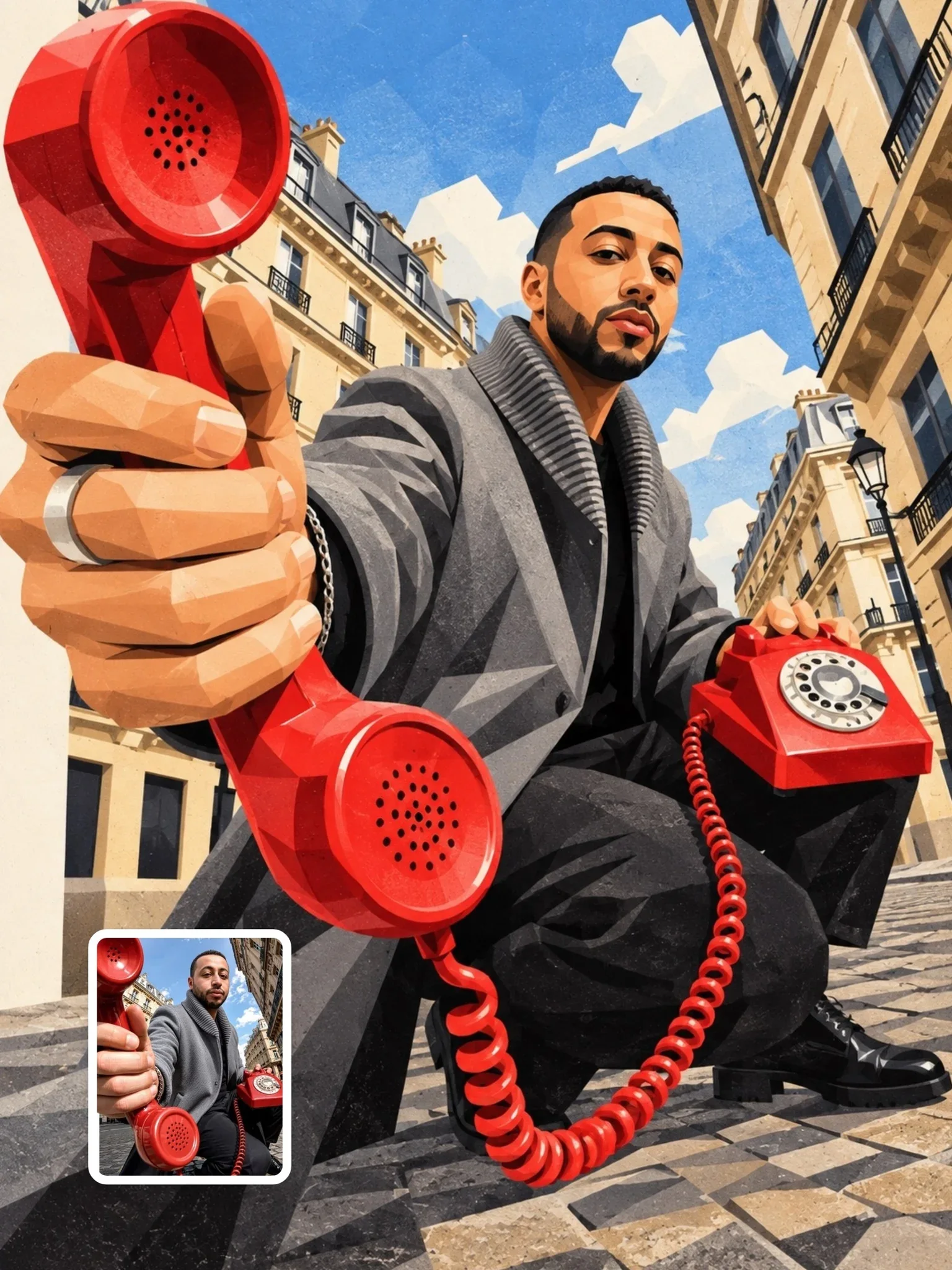
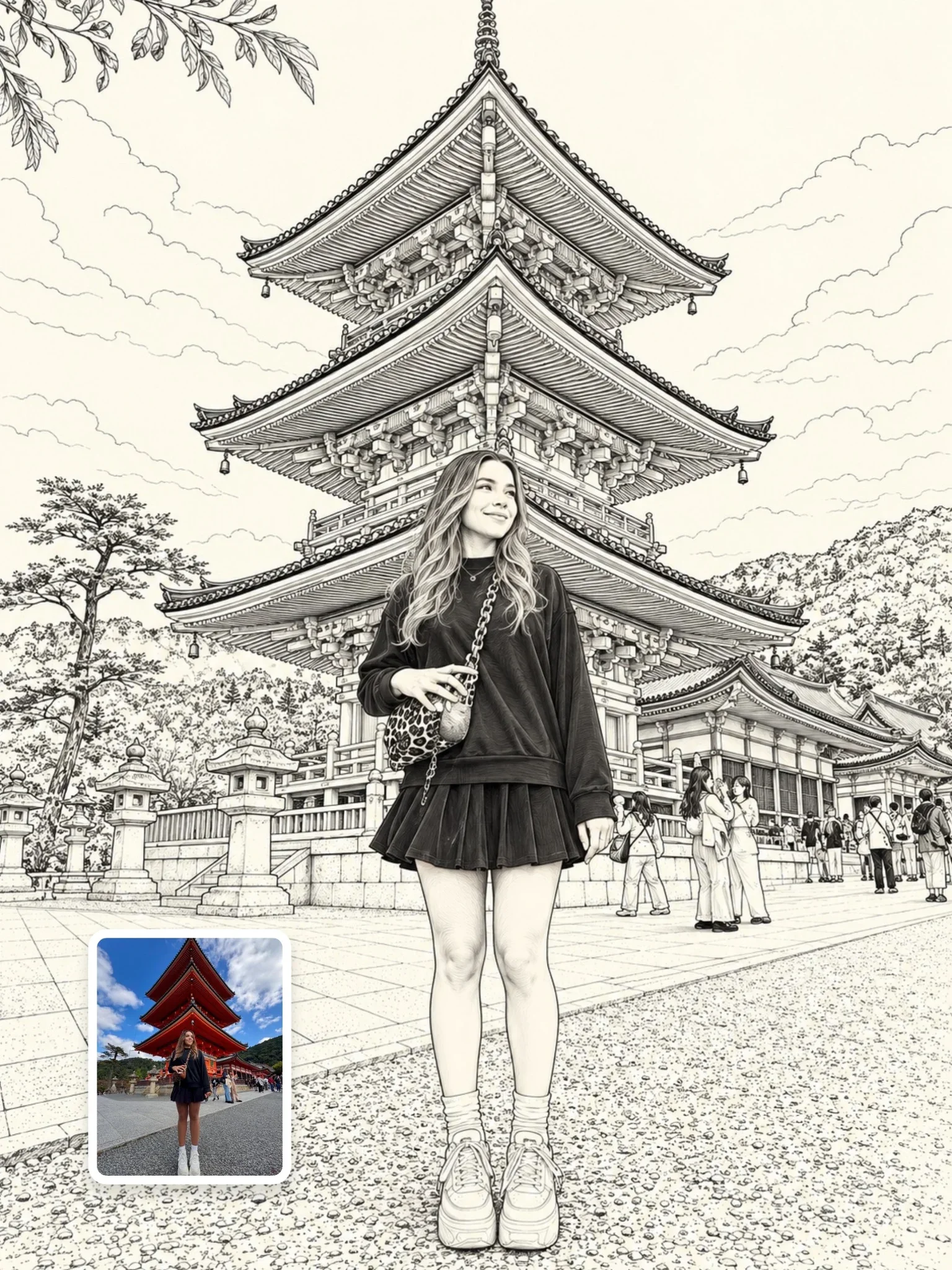
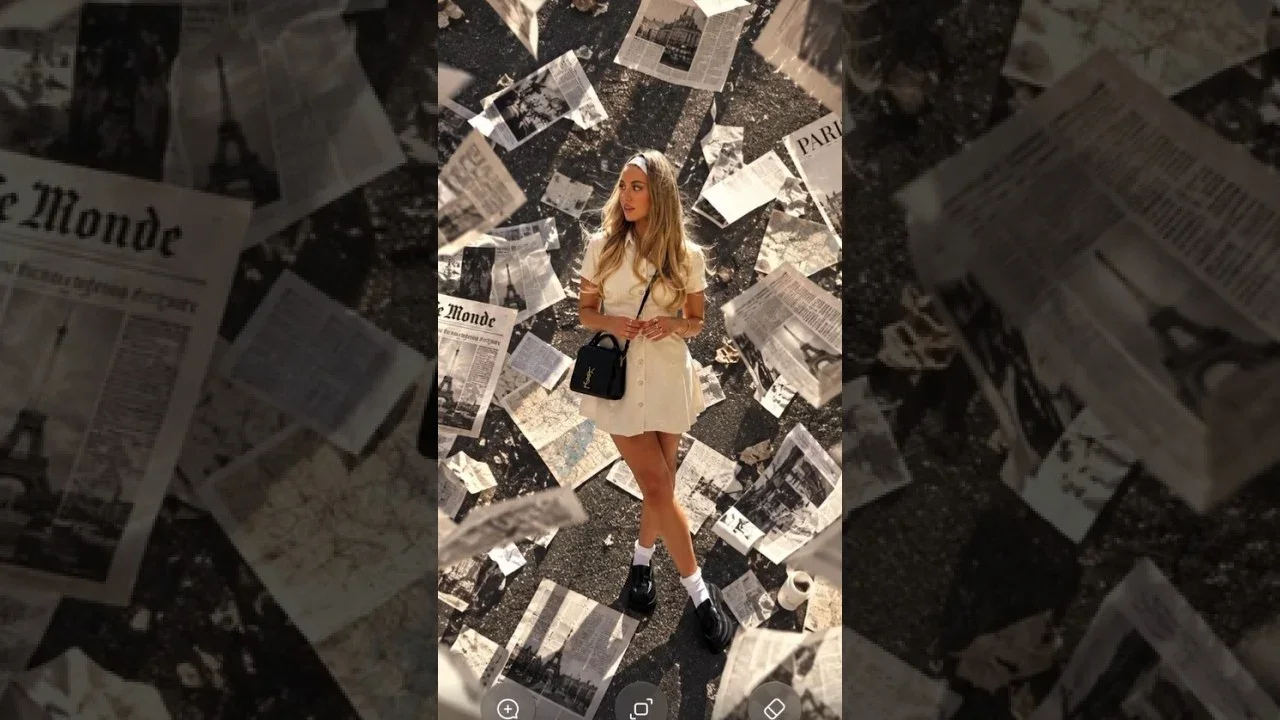
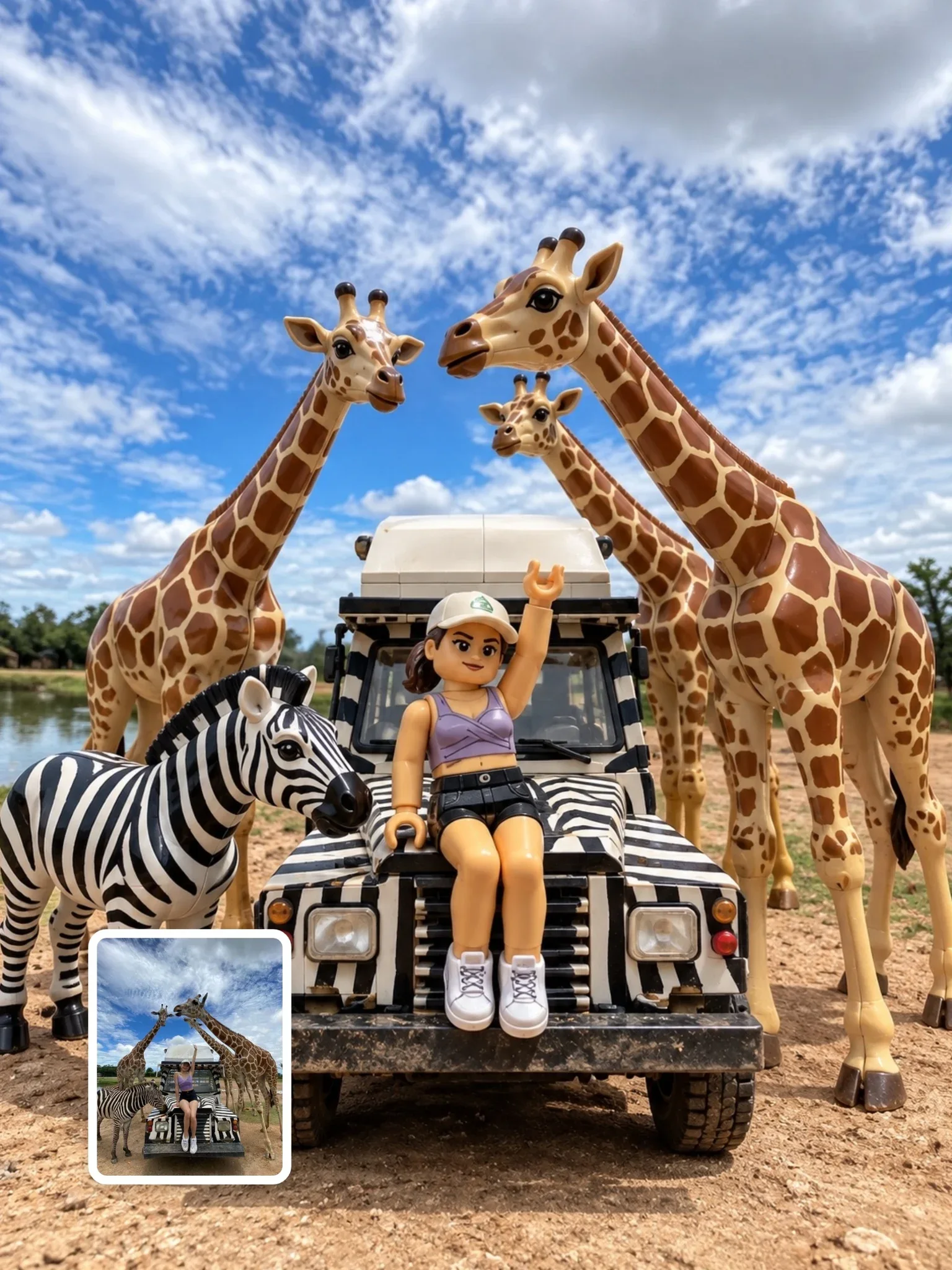
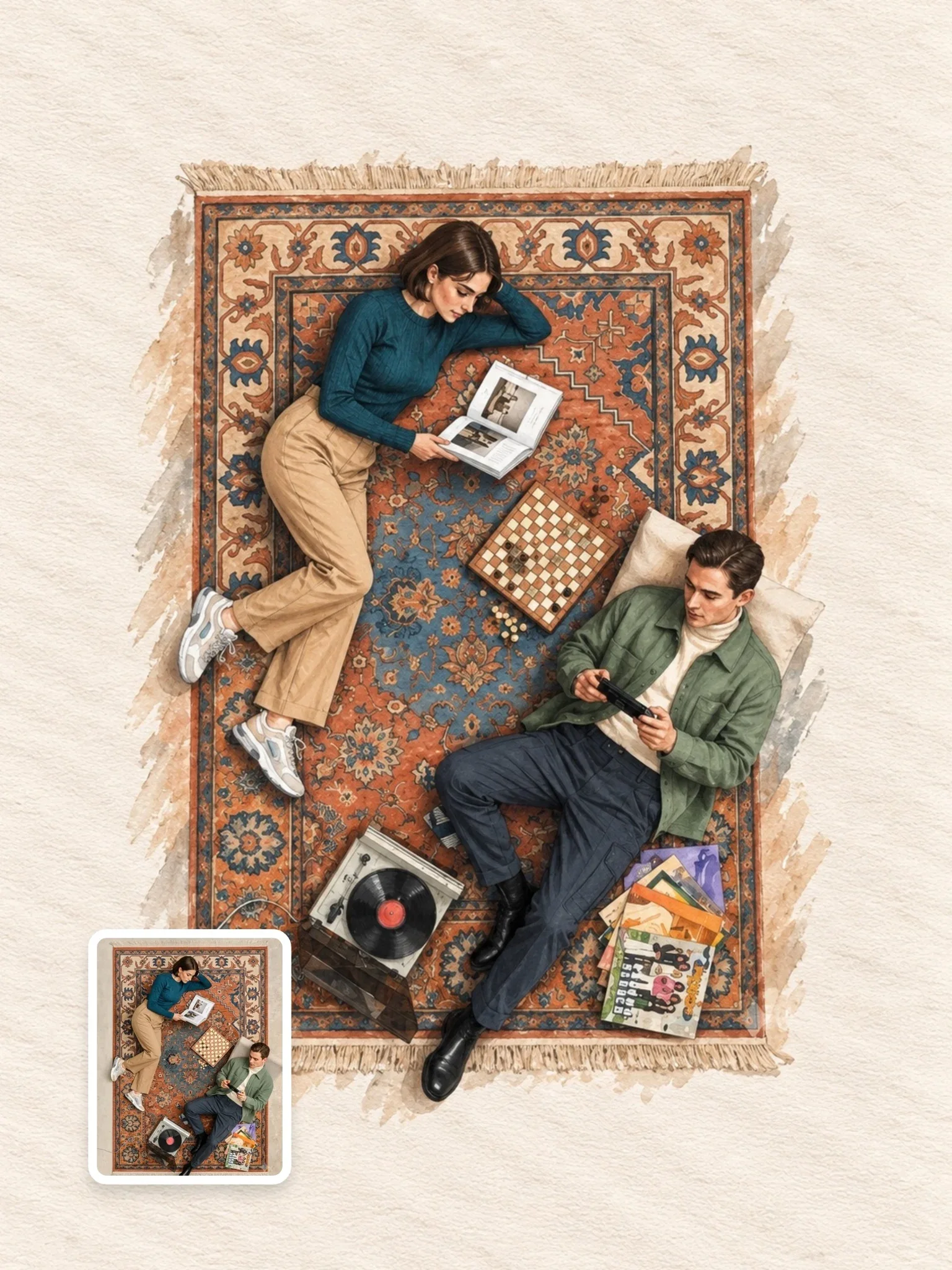
Learn AI Academy
Visual AI Club과 함께 AI 배우기
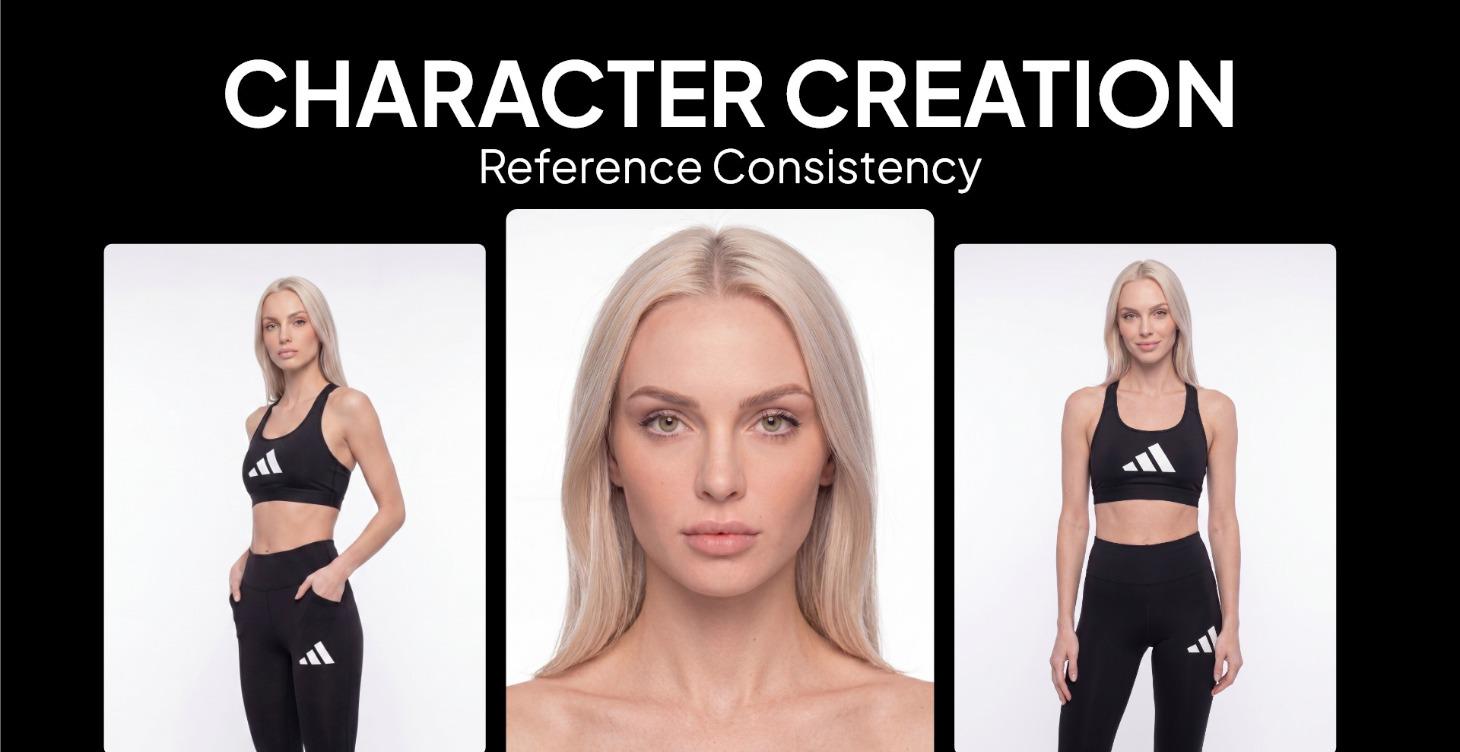
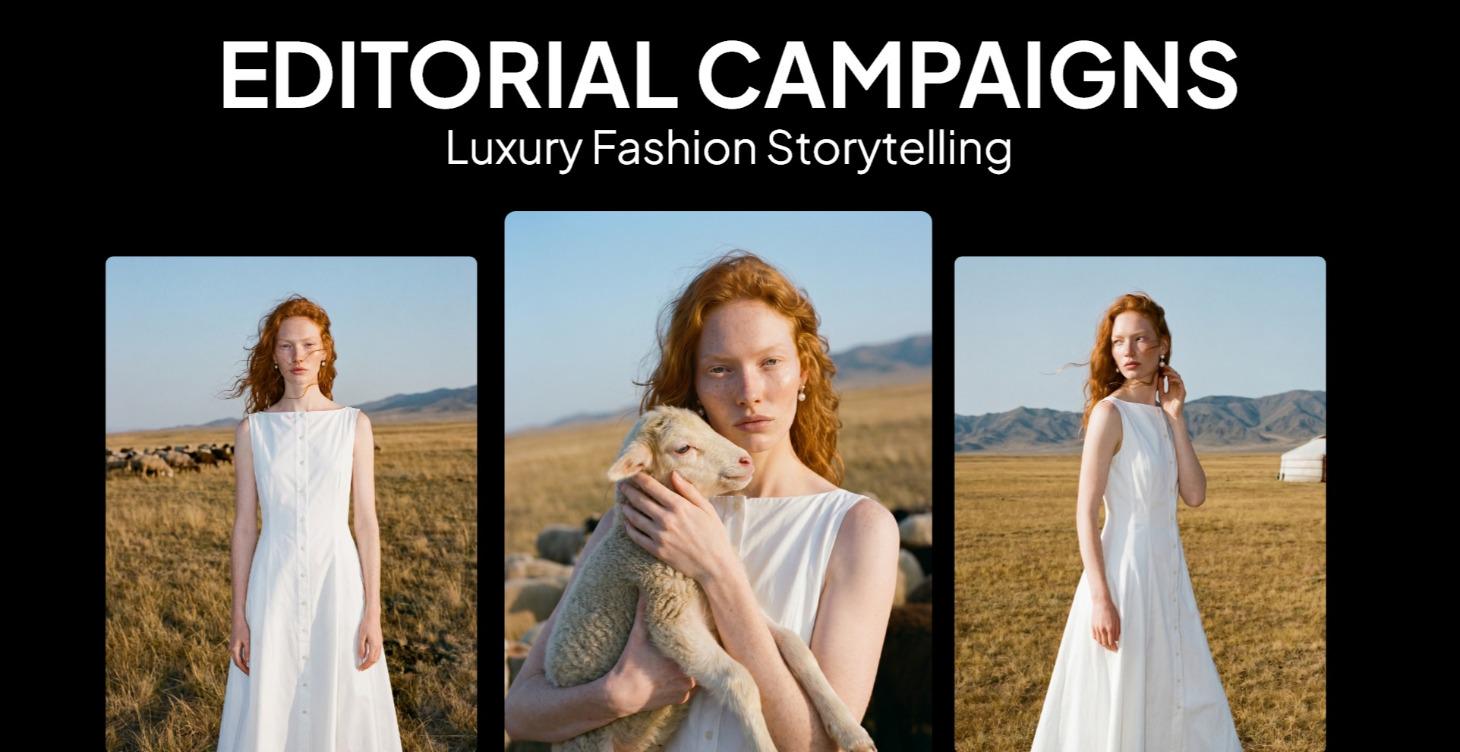
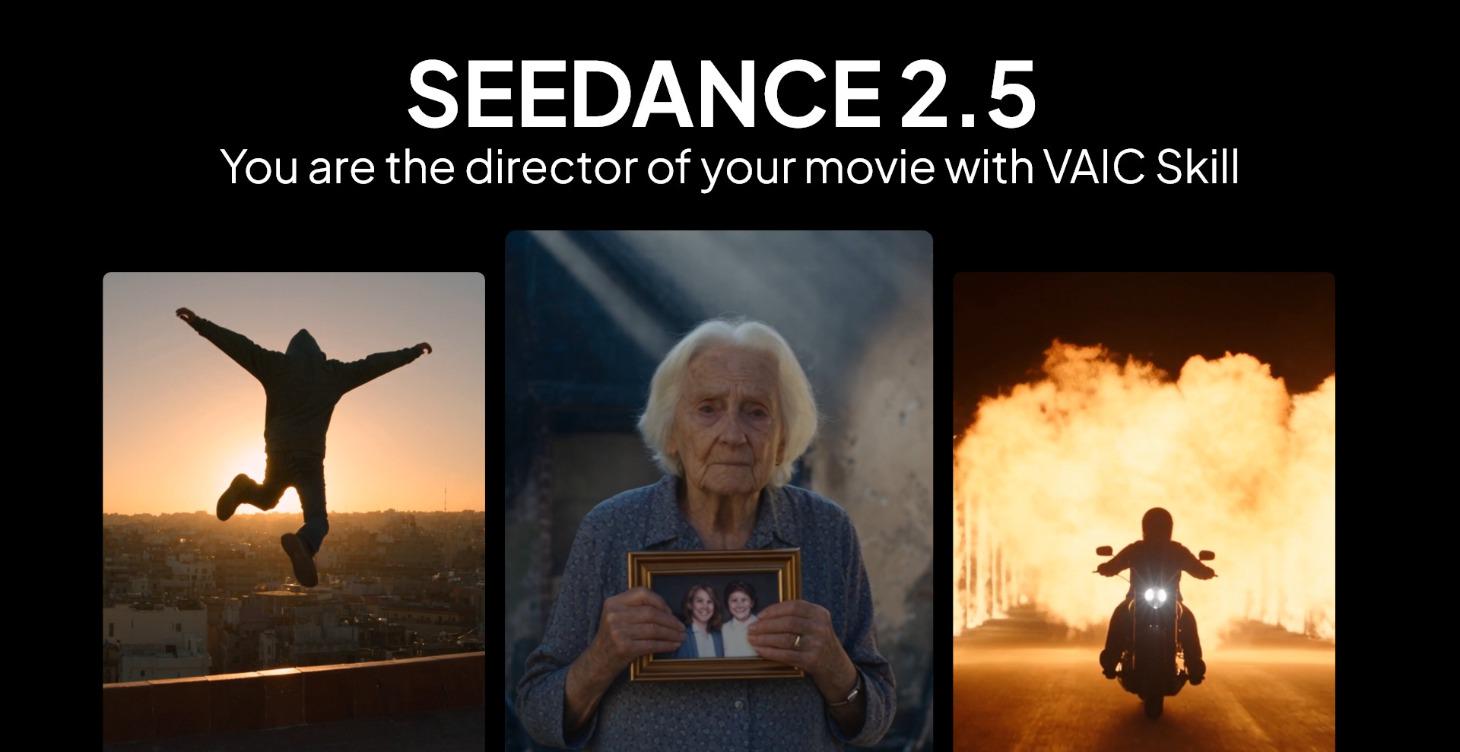
통하는 프롬프트를 복사하고, 왜 통하는지 배워 보세요. Learn AI Academy에서는 AI 이미지와 AI 영상 제작을 단계별로 가르쳐요: 프롬프트 작성, 빛과 카메라, 일관된 캐릭터, 제품 사진, 그리고 Seedance로 단편 영화 연출까지.
Learn AI Academy 열기