Video
Text-to-video, image-to-video, motion.
About Video prompts
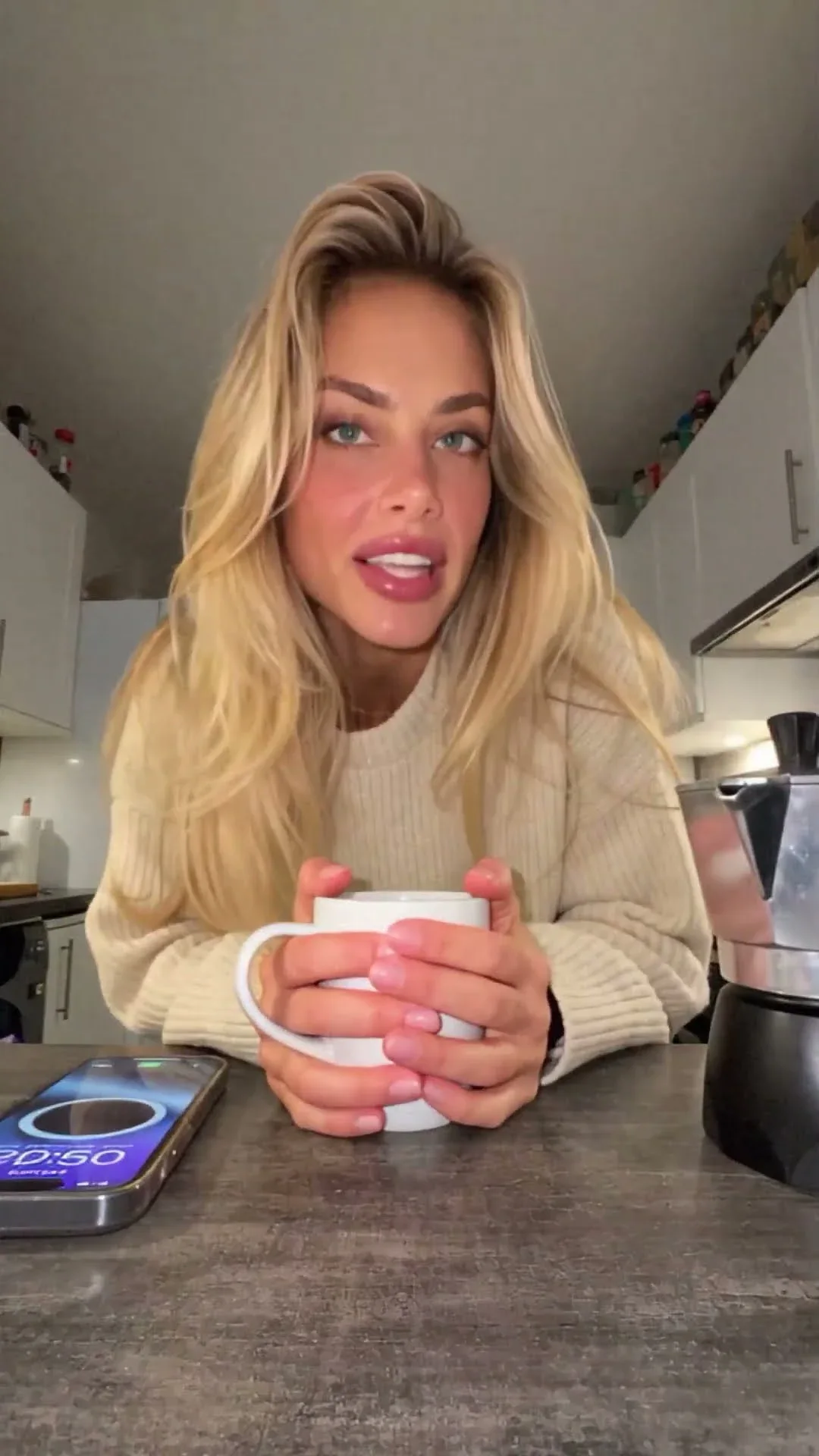
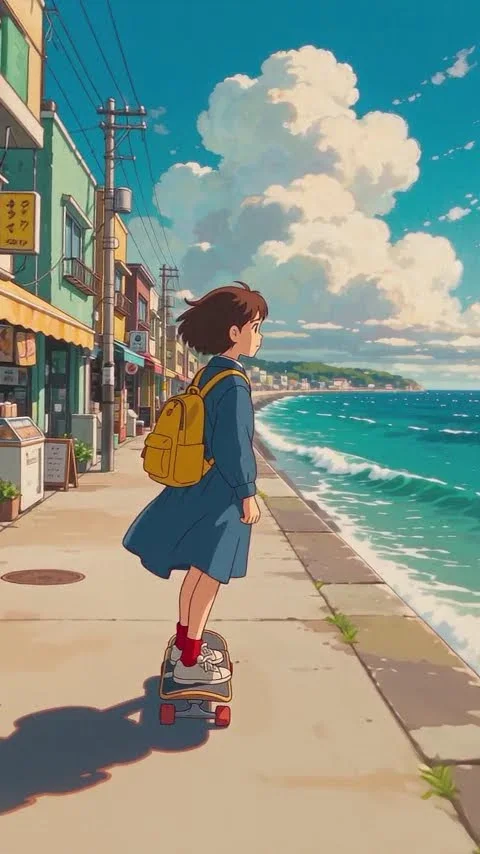
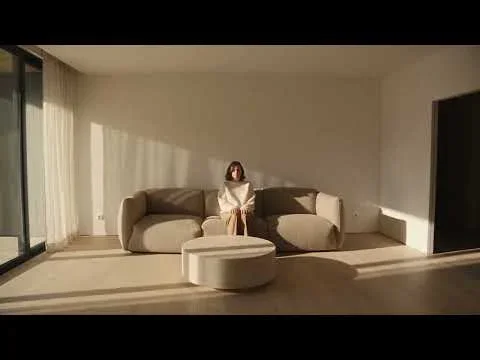
Video prompts describe a moving scene for AI video models: who or what is in frame, what happens, how the camera moves, and the lighting, style and pacing. This category gathers text-to-video and image-to-video prompts for tools such as Sora, Veo, Kling, Runway, Seedance and Higgsfield.
Read moreShow less
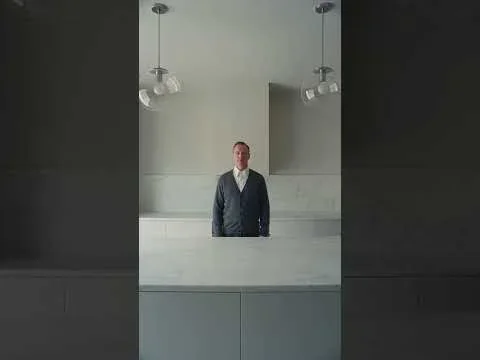
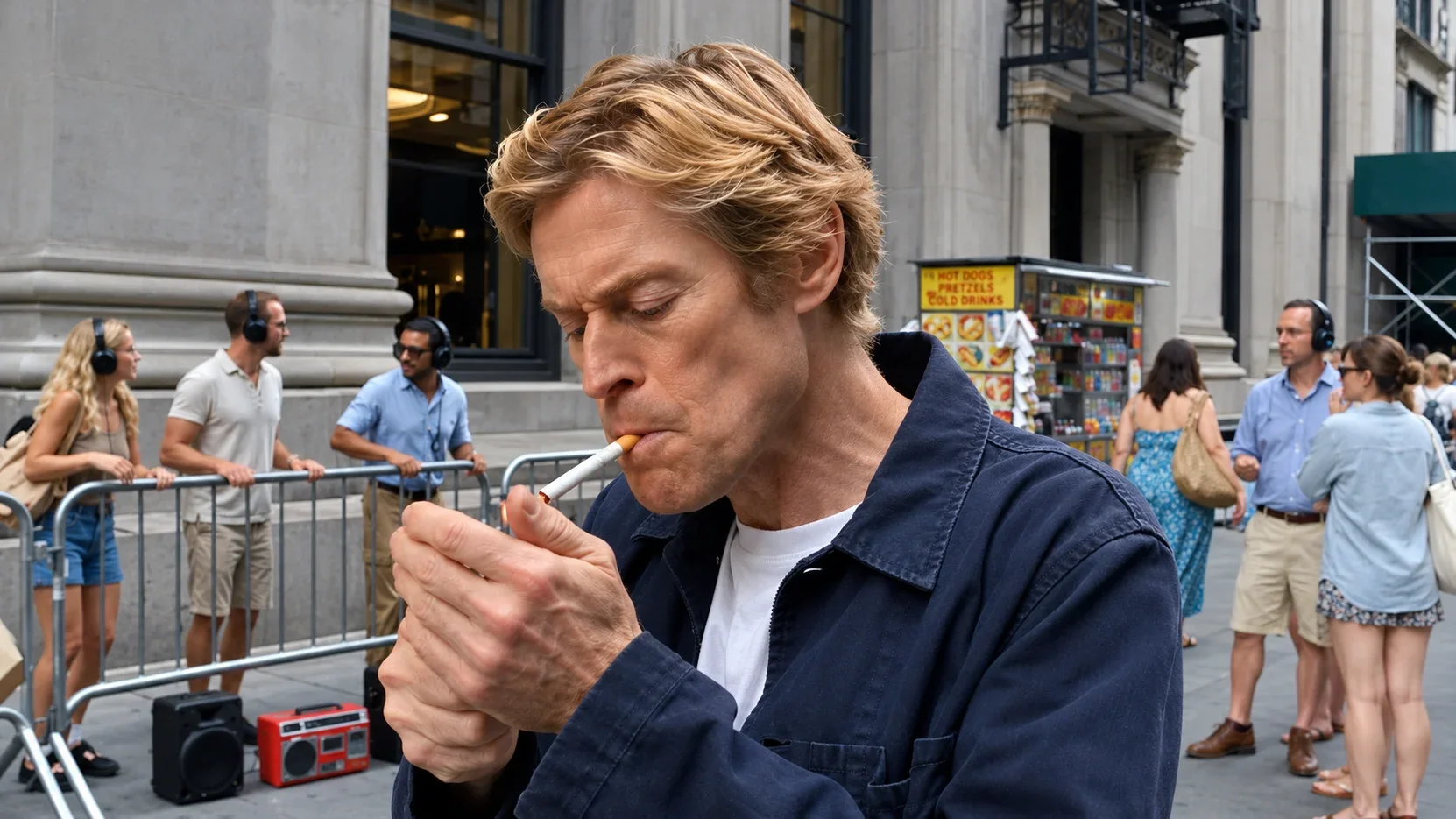
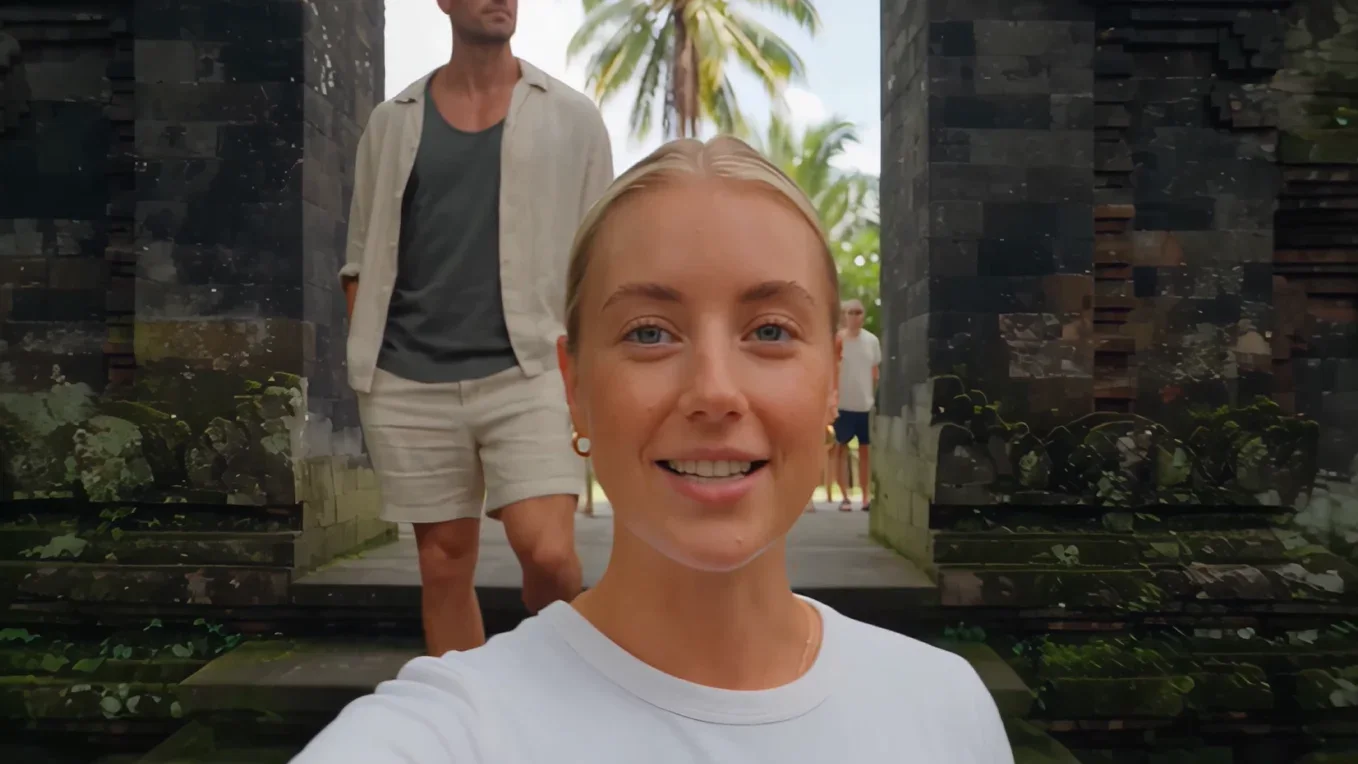
Open a prompt, fill in the {{variables}}, copy it and paste it into your video tool. If you are starting from an image, keep the parts of the prompt about motion and camera, since the image already defines the look.
Aim for one clear action and one camera move per clip, because crowded prompts tend to produce drifting or chaotic motion. Film language such as "wide shot", "slow push-in" or "handheld" makes your intent precise.
Prompts

Video prompts: FAQ
What's the difference between text-to-video and image-to-video prompts?
Text-to-video prompts describe the whole scene from scratch. Image-to-video prompts start from a still image, so they mainly describe motion, camera movement and timing.
How long should a video prompt be?
A few focused sentences is usually enough: subject, action, setting, camera and style. Long prompts with many actions are harder for models to follow in a short clip.
Do video prompts work across different models?
Scene and camera descriptions transfer well, but each model has its own strengths, clip lengths and features, such as generated audio in recent Veo versions or camera presets in Higgsfield.
Learn AI Academy
Learn AI with Visual AI Club
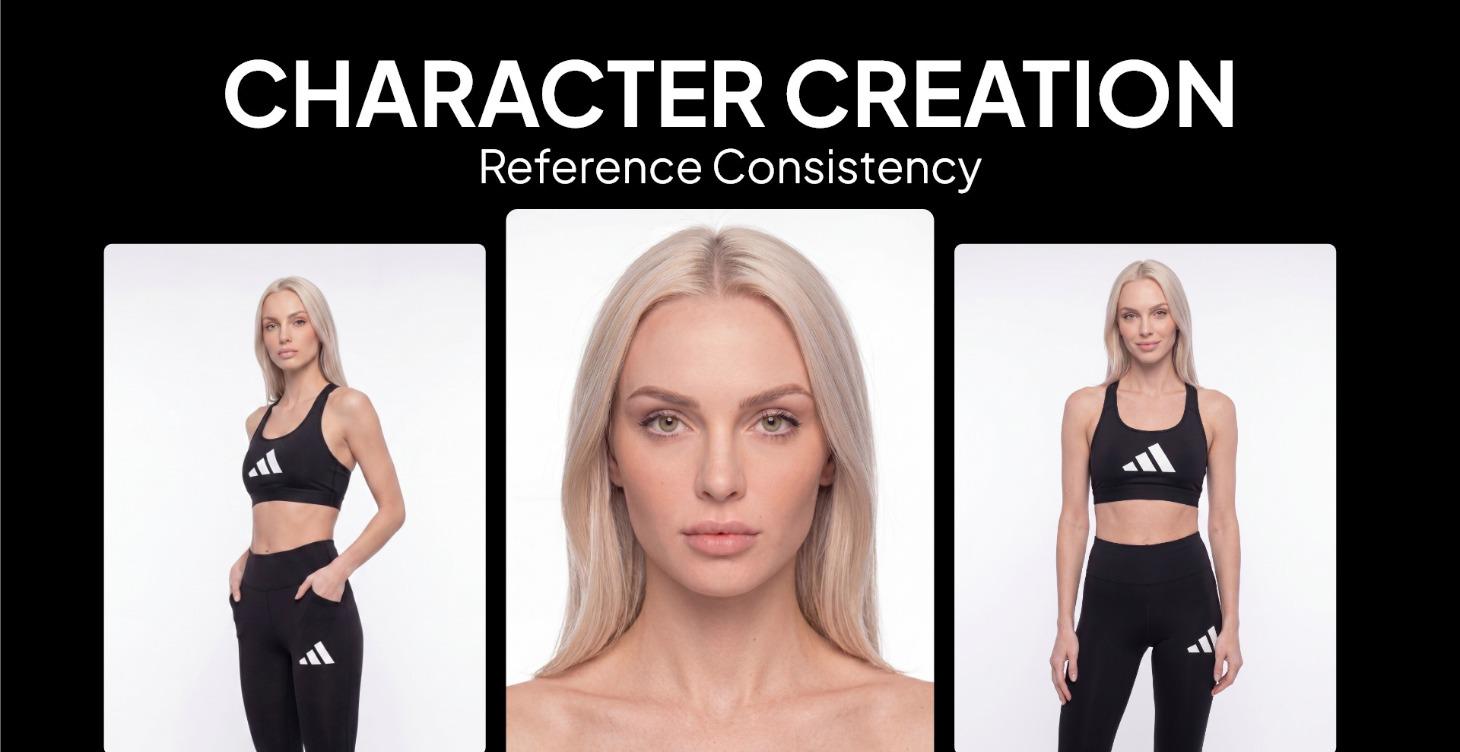
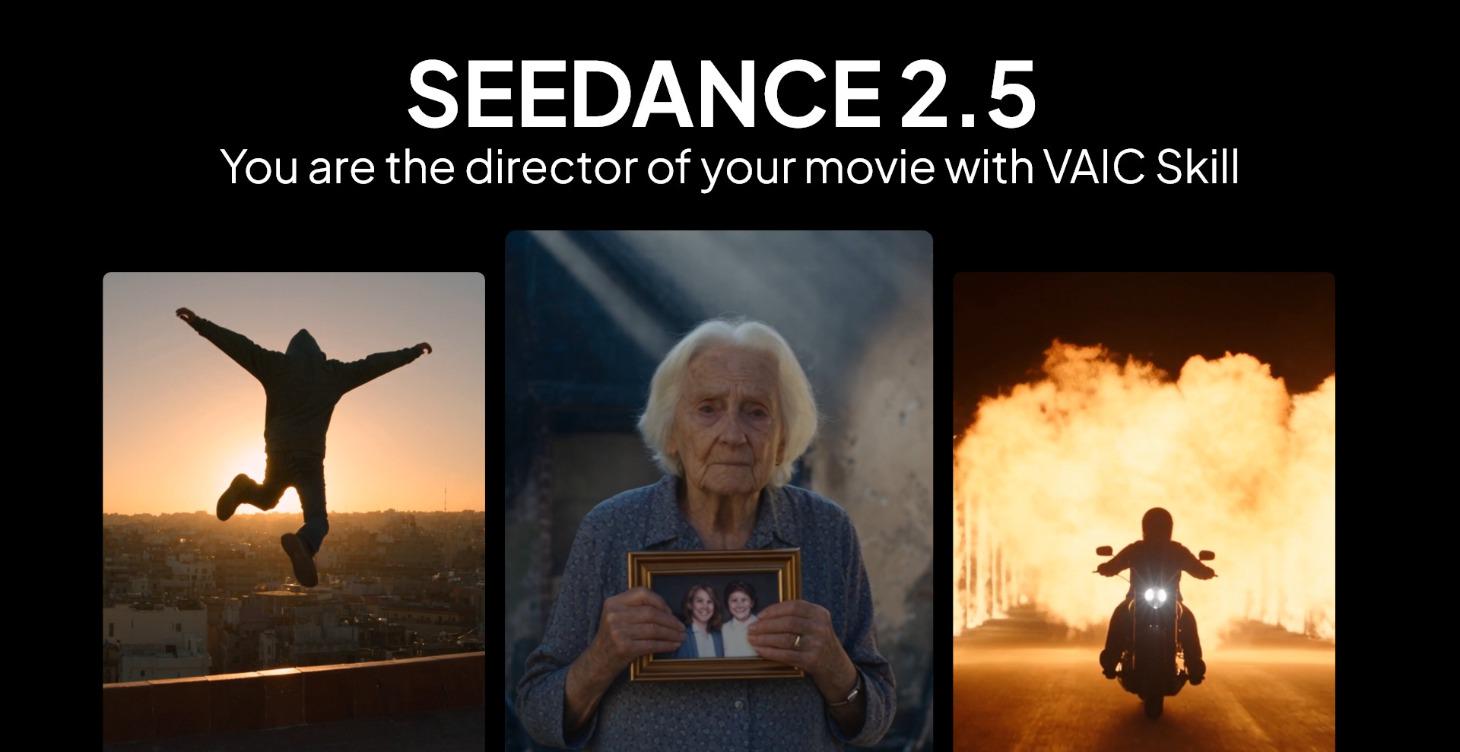
Copy prompts that work, then learn why they work. The Learn AI Academy teaches AI image and AI video creation step by step: writing prompts, light and camera, consistent characters, product shots and directing a short film with Seedance.
Open the Learn AI Academy