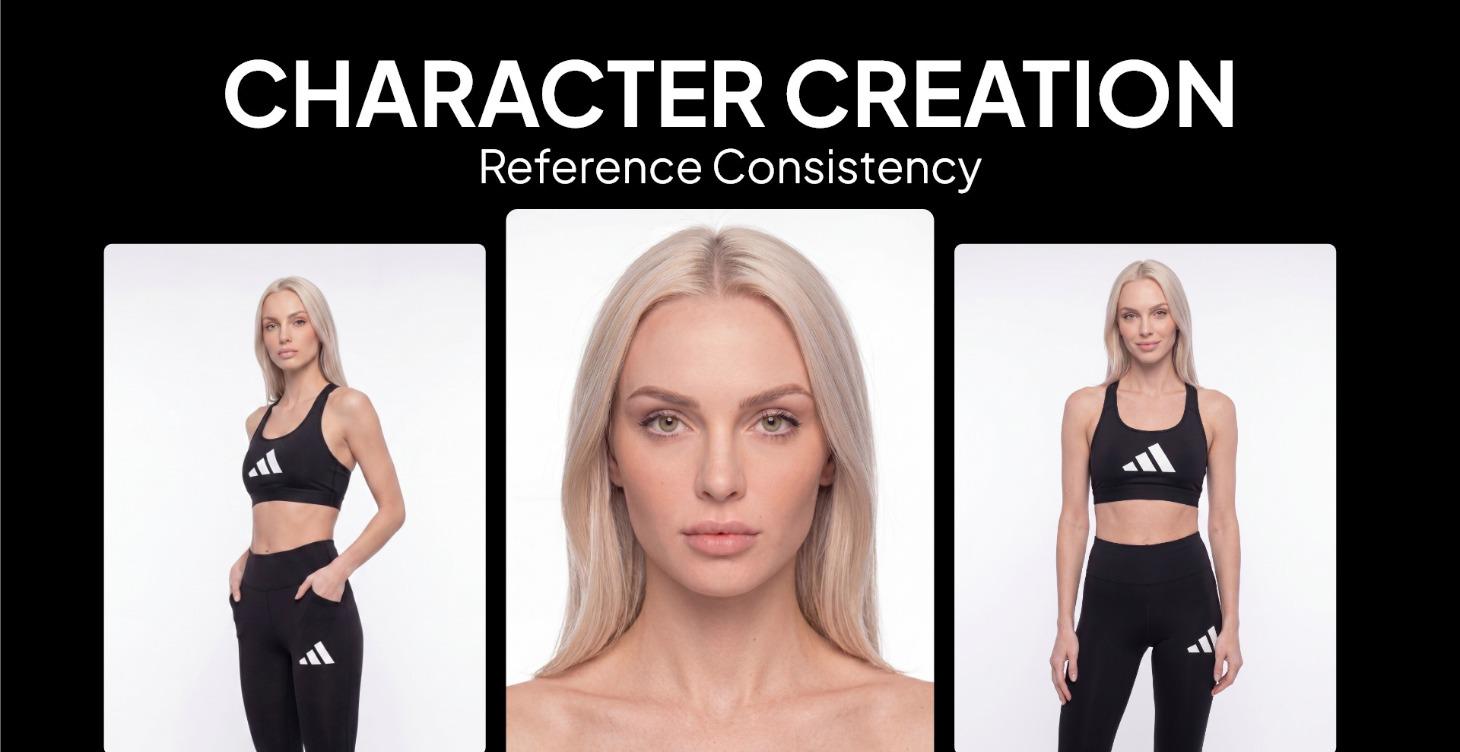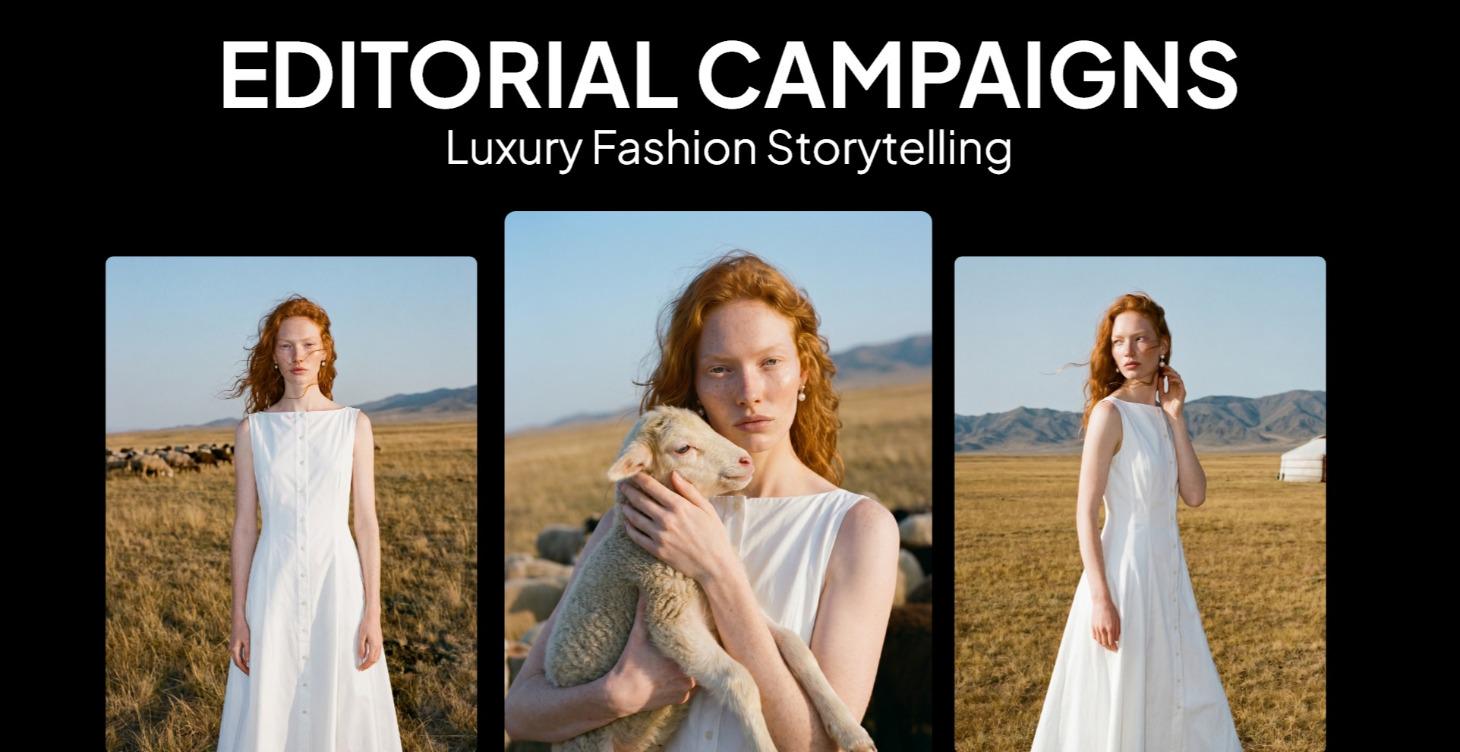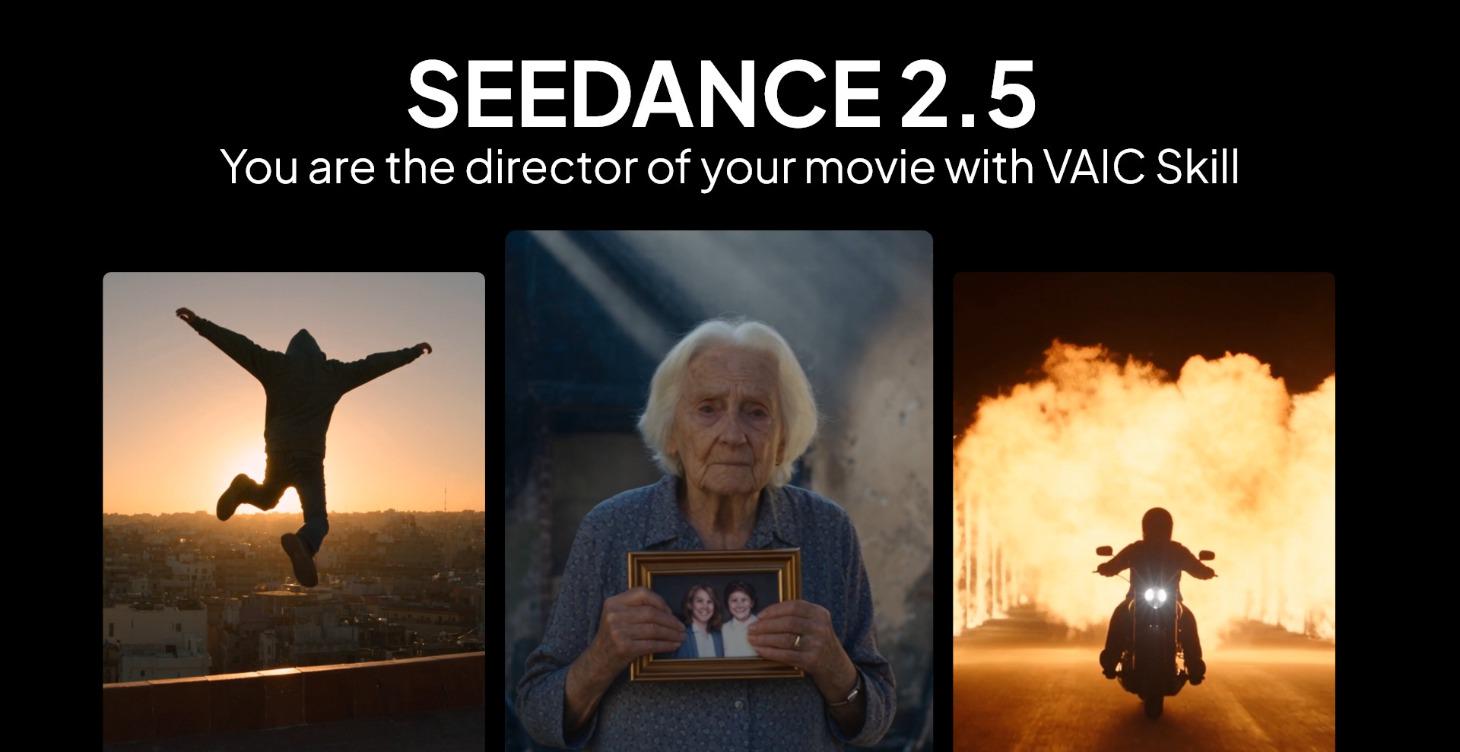



Prompt pages with fill-ins
See the result, the tool and the first lines of the prompt. Variables turn into fields, so the copy already has your subject, style or brand in it.
About Visual AI Club
A community library of tested prompts and Claude skills for image, video, text, code and audio tools. Find one, fill it in, copy it and make something good.
How it works
Find a prompt, make it yours, copy it and create. Click a step to see it in action.
Search what you want to make and filter by tool, type or what’s trending.
See the result, the tool and the first lines. Variables like {{subject}} become fields.
One click copies the full prompt with your values filled in. 1 copy a day free, 10 with Pro, 30 with Skool.
Paste it into ChatGPT, Nano Banana, Midjourney, Sora, Claude or whichever tool it was written for.
Keep what worked in your collections and follow the creators behind it.
What’s inside
More than a list of prompts: the pieces that make a prompt easy to find, adapt and trust.
See the result, the tool and the first lines of the prompt. Variables turn into fields, so the copy already has your subject, style or brand in it.
Ready-made skills and skill packs for Claude. Download the ZIP, follow the short install guide on the page, then just ask Claude.
Prompts can show a YouTube video of what they produce. It only loads when you press play.
Hand-picked sets of prompts and skills, plus your own collections of everything you save.
Every prompt is credited. Open a profile, see all of someone’s work and follow them.
1 copy a day free, +1 when you confirm your e-mail, +3 for every prompt of yours we approve. Pro: 10 a day. Skool: 30.
Submissions are reviewed by our team before they go live, and every image is checked automatically. Anyone can report a prompt or profile.
Fast, clean prompt pages with previews and structured data, easy to find in search. Approved prompt images can also appear as pins on our Pinterest.
For creators
Four short steps. Your prompt gets its own page, credited to you, with the result next to it.
What did you make?
Pick the result, then the tool you used.
Platforms
Prompts are organized by the tool they were written for, so what you copy fits where you paste it.
Visual AI Club membership lives in our Skool community. Join once and everything on the site opens up, plus guides, updates and new workflows every week.
Trust & privacy
What we protect, what we check and what we never do.
Pages show a preview; the complete prompt goes straight to your clipboard.
New prompts are reviewed before they go live; images are checked automatically.
Every prompt and profile can be reported; moderators review each report.
No ad networks or fingerprinting. Videos load only when you press play.
FAQ
Visual AI Club is a community platform for AI prompts and Claude skills. You can discover prompts for image, video, text, code and audio tools, copy them with one click, save them into collections and share your own.
Yes. Browsing, saving, following creators and submitting prompts are free. Copies and downloads use daily credits: 1 a day, +1 when you confirm your e-mail. Pro ($3) gives 10 a day, Skool ($9) gives 30.
Copying a full prompt or downloading a skill ZIP uses one credit. Everyone gets 1 a day; confirming your e-mail adds one credit once, and every prompt of yours that gets approved adds 3 bonus credits. Pro members copy 10 a day, Skool members 30.
A Claude skill is a folder with a SKILL.md file (and sometimes extra files) that teaches Claude how to handle a specific task. Download the ZIP from a skill page. In the Claude app, open Customize, then Skills, press +, choose Create skill and Upload a skill. In Claude Code, unzip it into ~/.claude/skills. Then describe the task in plain words and Claude uses the skill.
Sign in and press Submit. Pick what you made and the tool you used, add a title and the exact prompt, upload a preview of the result and send it. Our team reviews submissions, usually within 24 hours. Skool members’ prompts publish instantly once they pass the automatic checks.
Creators keep ownership of the prompts they post. Before using a prompt or its results in commercial work, check our community guidelines and terms, as well as the terms of the AI tool you use.
Join the Visual AI Club community on Skool, then post your Visual AI Club username there. We unlock your account and you get 30 copies a day, every download and instant publishing.
No. We don’t use advertising networks or fingerprinting and we never sell data. An anonymous first-party cookie only de-duplicates copy and view counts. The privacy policy has the full details.
Browse what the community has tested, or join free to save prompts, follow creators and share your own.
Learn AI Academy
Copy prompts that work, then learn why they work. The Learn AI Academy teaches AI image and AI video creation step by step: writing prompts, light and camera, consistent characters, product shots and directing a short film with Seedance.
Open the Learn AI Academy