
Black Friday SaleEnds in0 00:00:00
PromptOpen ChatGPT
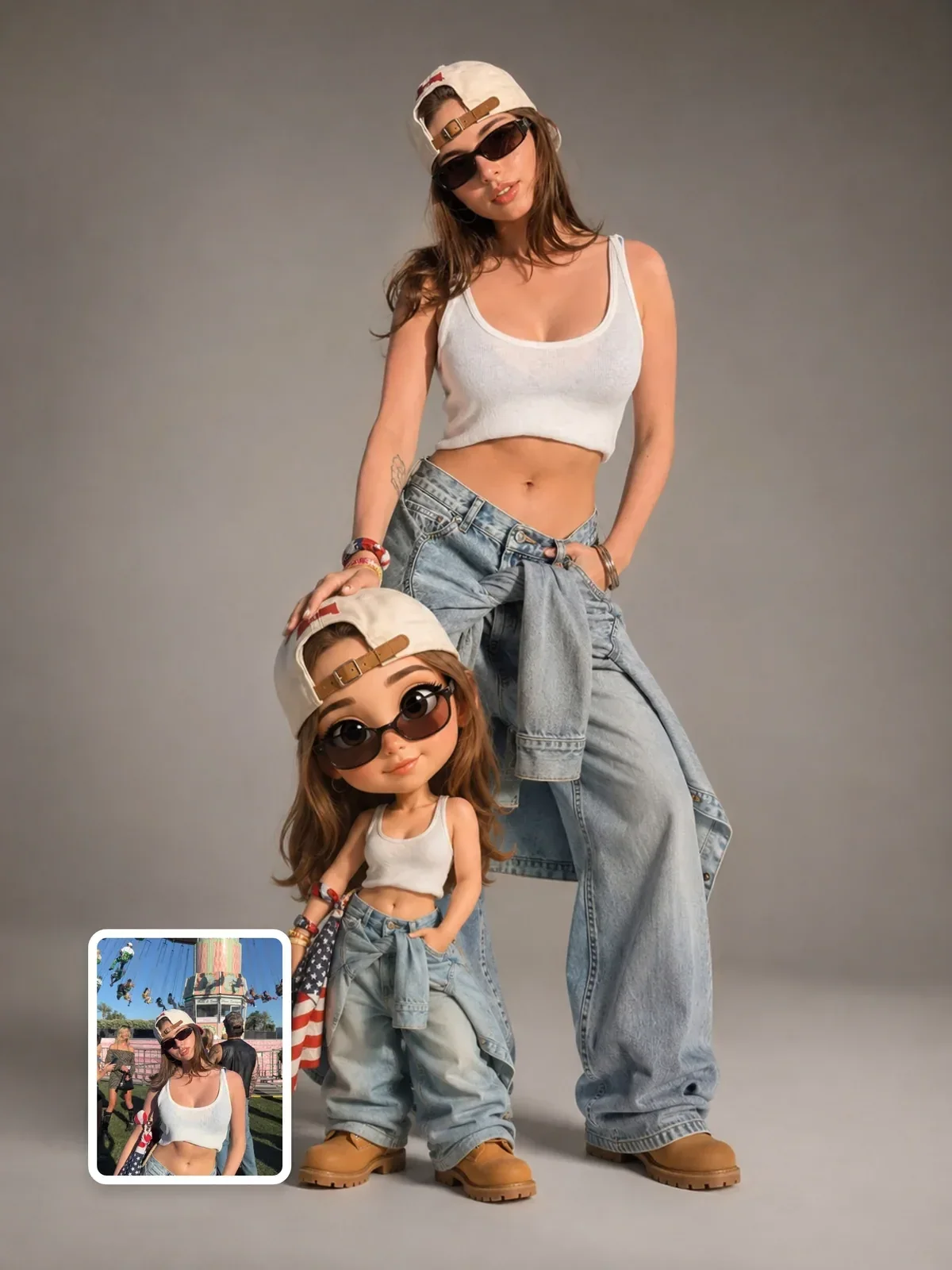
Real you + Pixar mini you studio portrait
A Visual AI Club ChatGPT image prompt, ready to use.
Use the Copy button below for the full text, then run it in ChatGPT.
Learn the craft behind it in the guide and in Learn AI Academy.
+21 more lines · Copy gets the full text
1.3k
1.9k
Prompt guide
Real you + Pixar mini you studio portrait
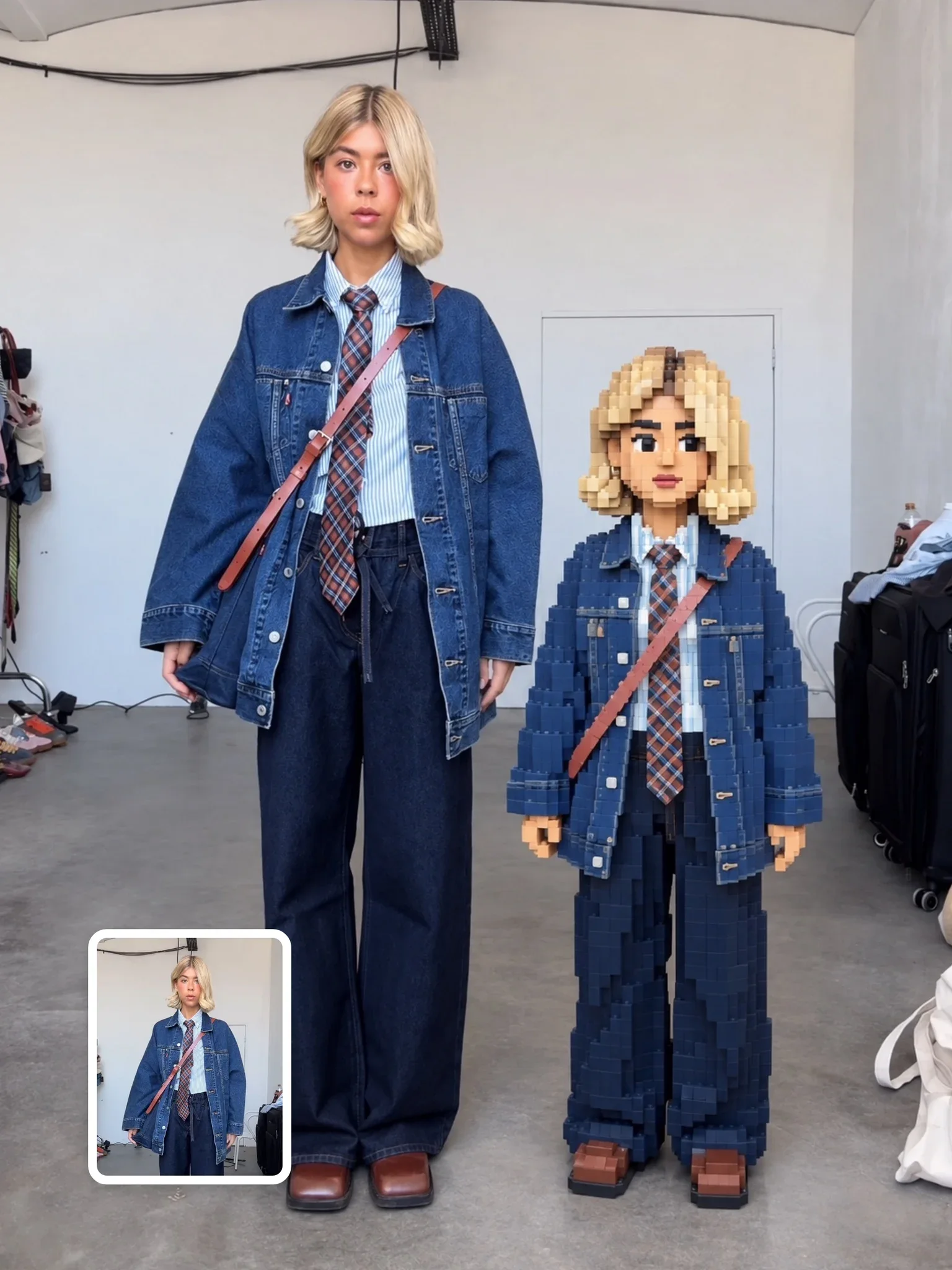
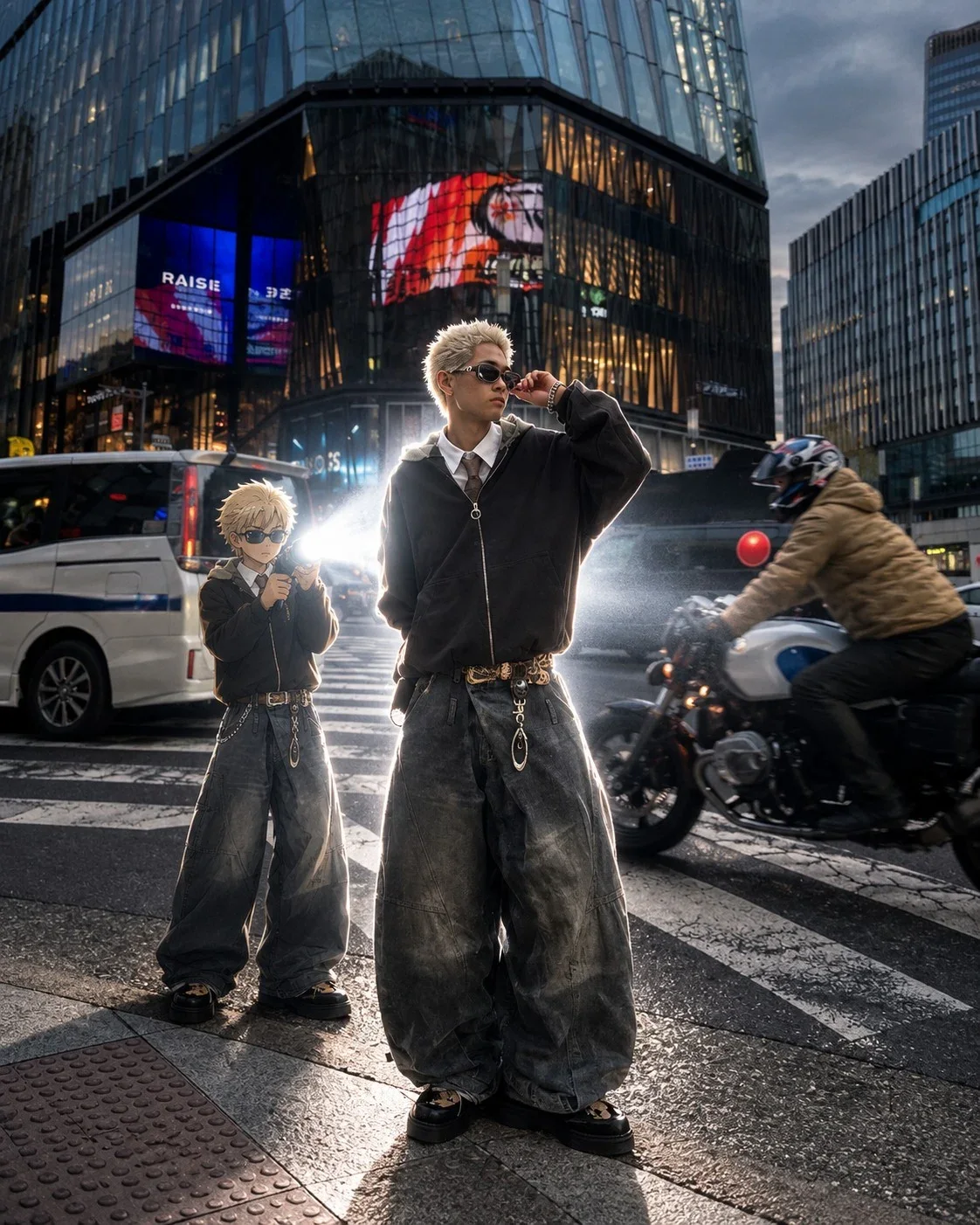
A playful double portrait on a light-grey seamless backdrop: the real, photographic you stands behind a small 3D animated version of yourself, with one hand resting on its big head. The mini character is made in an animated-film style inspired by Pixar, and both share the same outfit, hair, glasses and tattoos.
By the Visual AI Club team · How these guides are written
You need
- Tool
- ChatGPT
- Input
- A full-body photo of you in your everyday outfit
- Works best with
- Glasses, a tattoo or a cap that can tie the two figures together
- You get
- Photoreal you behind a small 3D animated you on light-grey seamless
Steps
Pick a shot that shows your signature details
Both figures wear the same clothes, so an outfit photo with glasses, tattoos or a cap gives the model the links between real and mini.
Check the hand resting on the big head
Count the fingers on top of the mini's head and make sure the touch has not squashed or bent its shape.
Compare the realistic face to your original
Rendering two styles at once can pull the real face toward the cartoon, so regenerate from the photo if it drifted.
If this happens
Do this
If this happens
The mini looks like a generic cartoon kid
Ask for its hairstyle, clothing colors and accessories to match the real person exactly.
The hand has extra fingers or floats
Ask for one natural hand resting flat on top of the mini character's head.
The real you looks slightly cartoonish
Generate again from the original photo and ask to keep the realistic face exactly as in the reference.
If you want
A livelier mini pose
the mini character waves while the real person looks down at itIf you want
A profile header look
replace the light-grey backdrop with a soft solid brand colorIf you want
A childhood-self twist
make the mini version a slightly younger, friendly childhood selfDetailed guide
Two renderings that have to match
The hardest part of this image is consistency. The model must draw the same person twice in two very different styles and keep them clearly related. That is why the identity lock lists glasses, tattoos and outfit; those are the details that link the two figures when the faces differ in style.
If the mini version looks like a generic cartoon kid, ask for its hairstyle, clothing colors and accessories to match the real person exactly.
The hand on the head
The pose, with the real person's hand on the mini character's oversized head, is what makes the image warm and funny. It also gives the scale: the mini is a small figure standing just in front.
Hands are a common weak point. Check that the hand rests on top of the head with a natural number of fingers, and that the mini character's head is not distorted by the touch.
A photo that feeds both versions
- A full-body photo in your everyday outfit, since both figures wear the same clothes.
- Good, even light on the face so the realistic version keeps its skin texture.
- Visible signature details, such as glasses, a tattoo or a favorite cap, which become the visual link.
- A smiling or relaxed expression, as both characters are asked to smile at the camera.
Twists on the duo idea
Try the mini character in a different pose, such as waving or hugging your leg, while the real you looks down at it. You can also swap the light grey backdrop for a soft brand color for a profile header.
Some people ask for the mini version in a slightly younger style, like a childhood self. Keep it simple and friendly so both figures still read as one person.
Questions people ask
Is this an official Pixar image?
No. "Pixar-inspired" here describes a general animated-film look. The image has no connection to the studio and should be treated as personal art.
Why does the realistic version look slightly different from my photo?
Rendering two styles at once can pull the real face toward the cartoon one. Generate again from the original photo and ask to keep the realistic face exactly as in the reference.
 Next prompt · ChatGPTGTA VI Artwork PromptOpen
Learn AI Academy
Learn AI with Visual AI Club
Copy prompts that work, then learn why they work. The Learn AI Academy teaches AI image and AI video creation step by step: writing prompts, light and camera, consistent characters, product shots and directing a short film with Seedance.
Open the Learn AI Academy