

Black Friday SaleEnds in0 00:00:00
PromptOpen ChatGPT
Doodle Sticker Illustration for ChatGPT
Created by Visual AI Club and tested before it was published.
Press Copy below to get the complete prompt in one click.
Then follow the steps in the guide on this page for a close match.
+20 more lines · Copy gets the full text
474
889
Prompt guide
Doodle Sticker Illustration
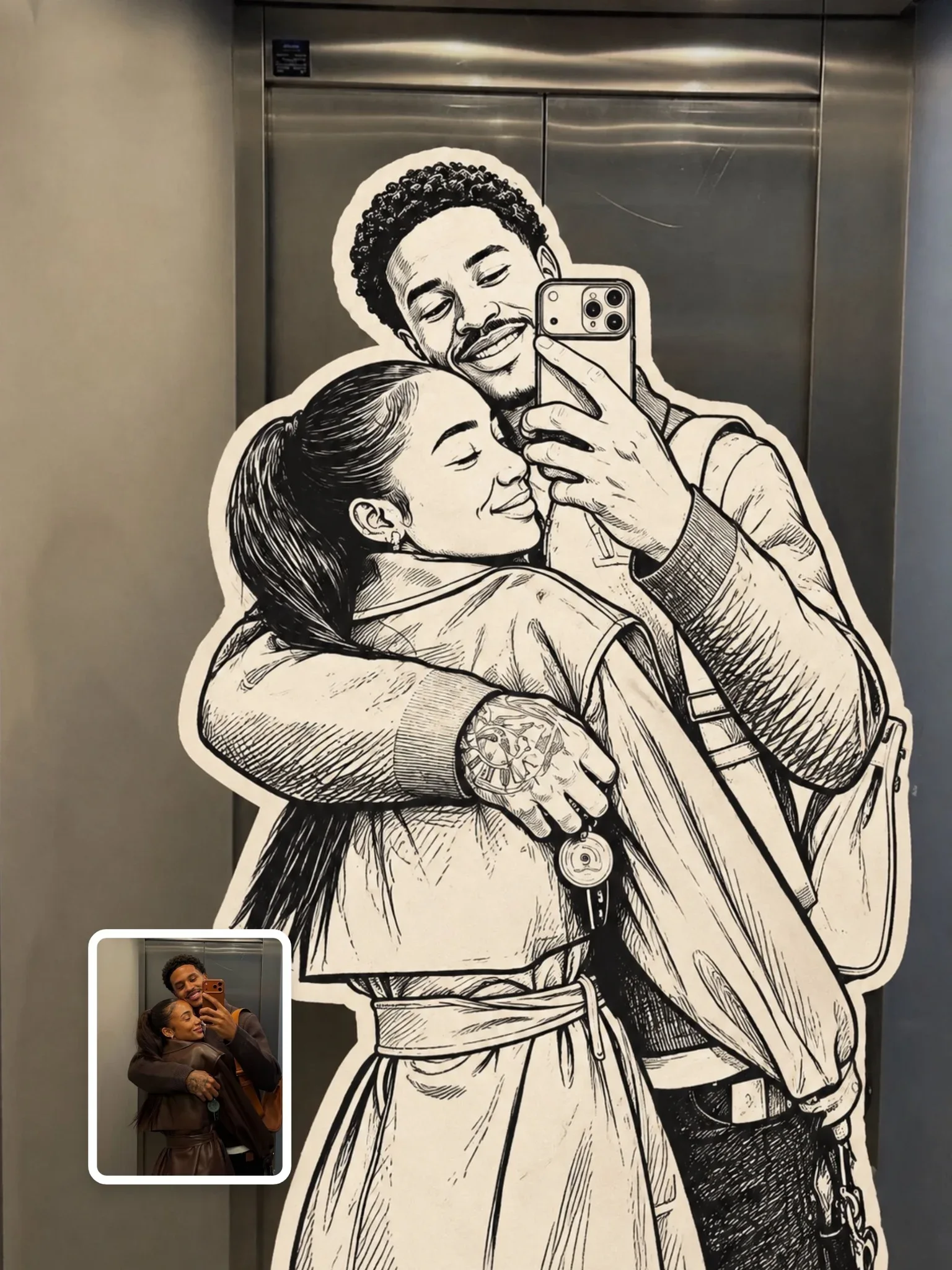
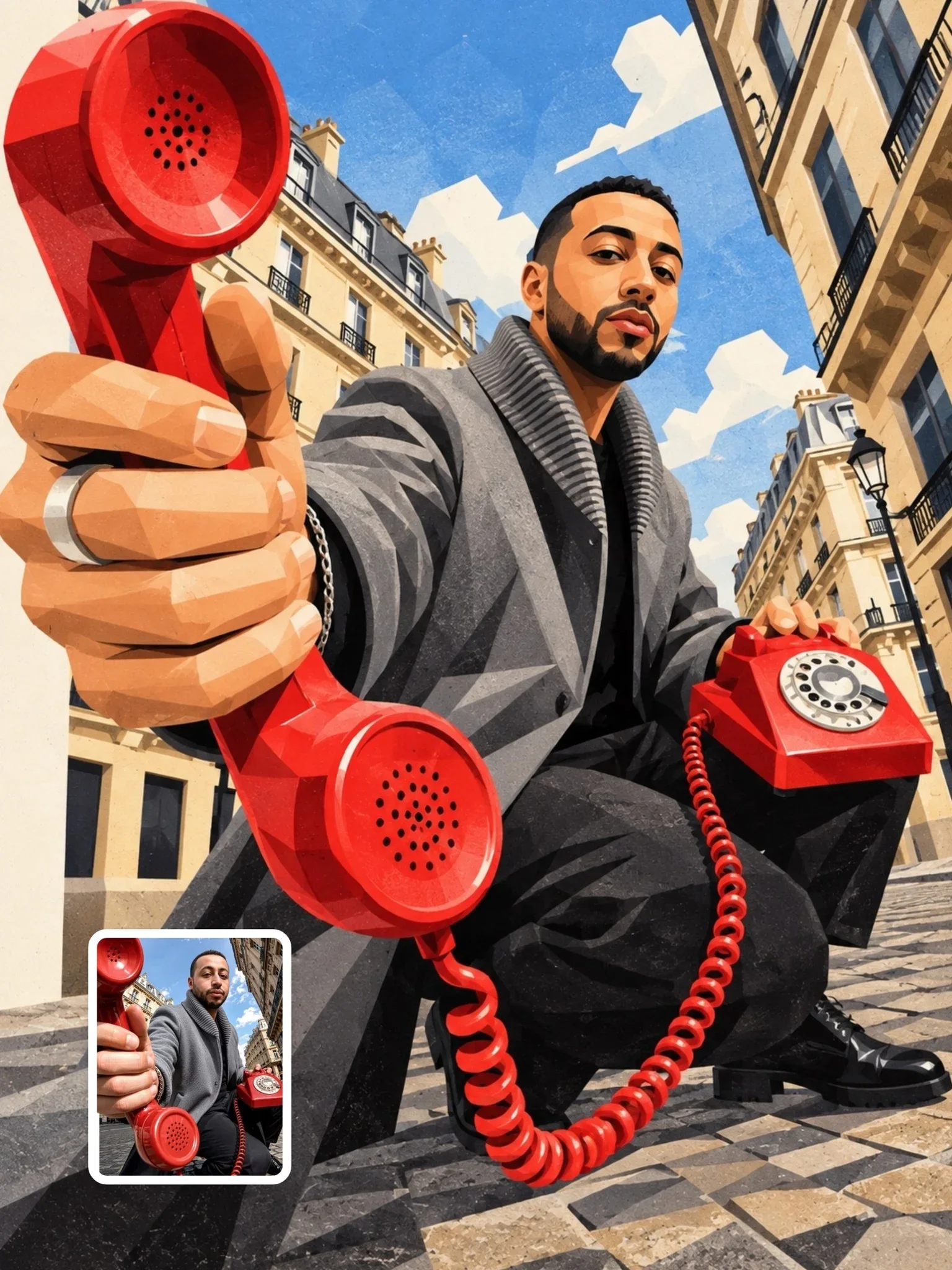
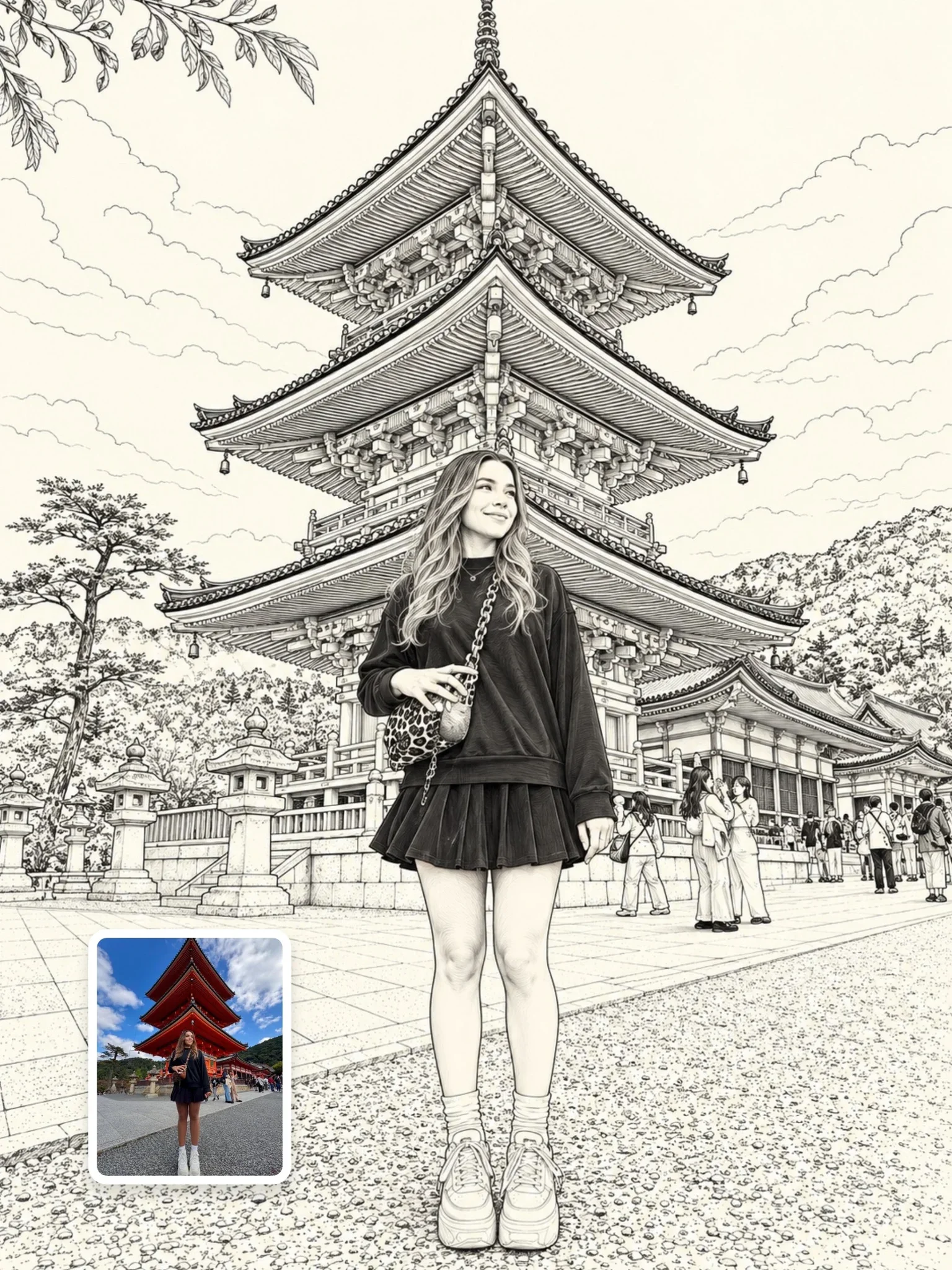
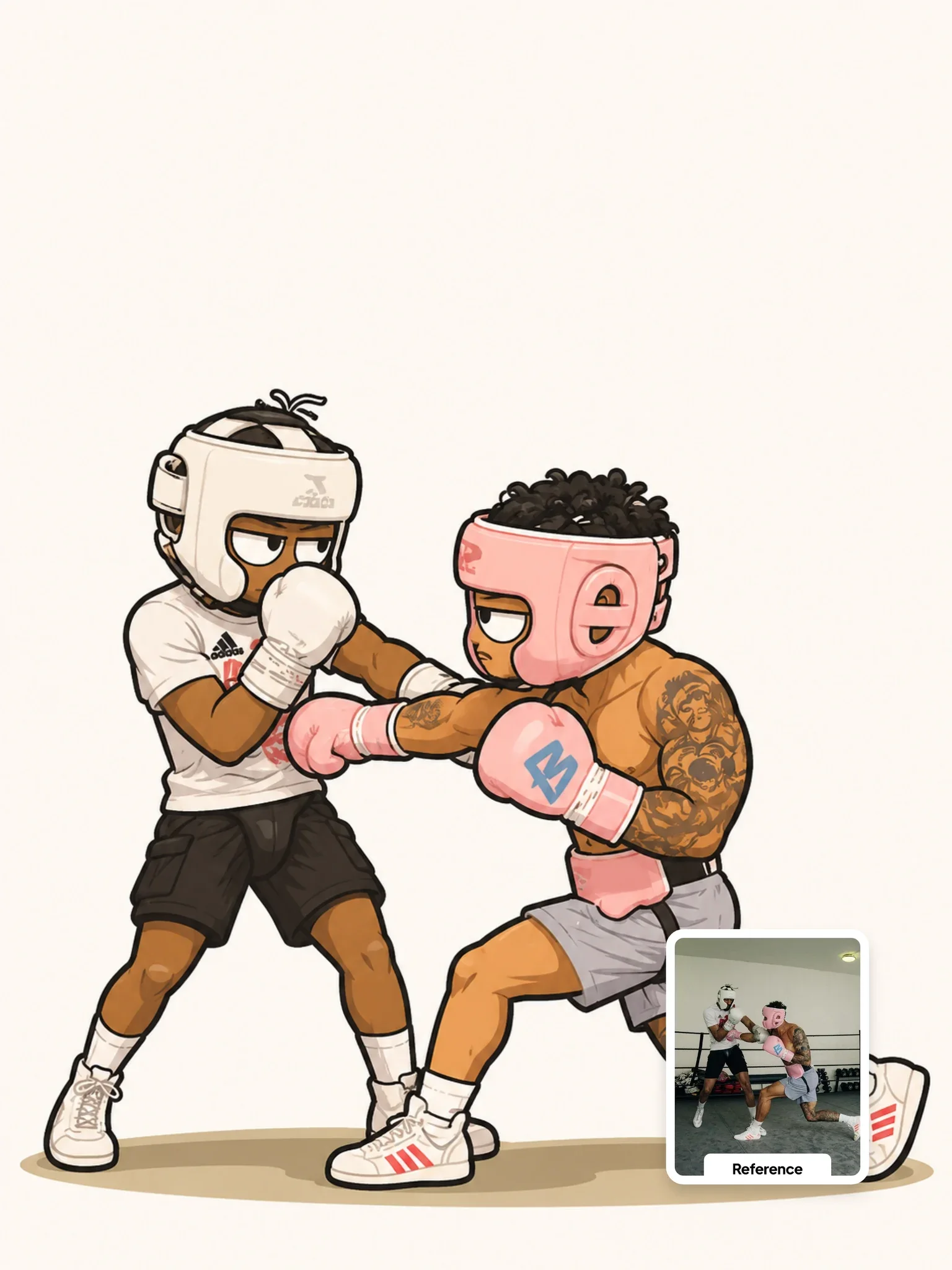
One person in your photo becomes a black-ink doodle with off-white fills and a thick cream sticker border, while the rest of the photograph stays completely real. The effect looks as if a hand-drawn sticker had been pressed onto the exact spot where the person was standing.
By the Visual AI Club team · How these guides are written
You need
- Tool
- ChatGPT
- Input
- Your photo with one clear main subject in a real place
- Works best with
- Colorful, detailed settings like a cafe, bookshop or market street
- You get
- That person as a black-ink, cream-bordered sticker in the real photo
Steps
Avoid the plain white wall
Cream fills and a cream border vanish against white, so stand the subject in front of something busy and colorful.
Name who gets drawn
With several people in frame, add a line at the top such as the woman in the center so the model knows whom to convert.
Inspect the cut edge
The border should look slightly wobbly and hand-cut; a perfectly even stroke is the digital look the negatives warn against.
If this happens
Do this
If this happens
The outline looks like a neat digital stroke
Ask for a thicker, irregular cream border with a slightly wobbly, hand-cut edge.
The background turned painterly
Repeat the environment lock: furniture, architecture, light and reflections stay photographic.
The doodle seems to float above the scene
Keep the real cast shadow under the sticker; it is on the environment lock and anchors the figure.
Too much hatching muddies the figure
Ask for minimal cross-hatching, only in the deepest folds, with simple off-white fills.
If you want
One splash of color
keep the figure monochrome except for a red scarfIf you want
A rougher sketchbook line
more uneven black ink strokes with visible line weight changesDetailed guide
Half drawing, half photograph
Most style-transfer prompts change the whole image. This one splits it: the subject becomes an illustration and the surroundings are locked. The ENVIRONMENT LOCK lists furniture, architecture, light, shadows, reflections, angle and depth, and the negatives rule out a cartoon background or a painterly environment.
The contrast is the point. A flat monochrome figure sitting inside a fully detailed real scene reads as playful collage, which works well for posters, zine pages and editorial covers.
What the sticker border is doing
The thick, irregular cream-white border follows the figure's outline and separates drawing from photo. Without it, the doodle can look painted onto the scene; with it, it reads as a physical sticker sitting on top.
Irregular is the important word. A perfectly even outline looks like a digital stroke effect, which glossy digital outlines in the negatives warns against. If yours looks too clean, ask for a slightly wobbly, hand-cut edge.
Ink settings in brief
- Bold black outlines with small, natural variation in line weight.
- Simple off-white fills and no color, which keeps the figure readable against busy backgrounds.
- Minimal cross-hatching, reserved for the deepest folds and shadows.
- Slightly imperfect strokes so it feels drawn by hand rather than traced.
Backgrounds that make the doodle pop
Colorful, detailed surroundings make the monochrome figure stand out: a cafe, a bookshop, a market street. A subject in front of a plain white wall loses the effect, because the cream border and white fills blend into the background.
Pick a photo with one clear main subject. If several people are present, the model has to guess who to convert, so add a line at the top naming the person, such as the woman in the center.
Questions people ask
Will the person's real shadow stay?
Shadows are on the environment lock, so the cast shadow often stays photographic beneath the sticker. That actually helps the drawing feel placed in the scene rather than floating over it.
Can the doodle have a bit of color?
Colorization is in the negatives. Remove that item and name one accent color, for example a red scarf, to keep the look graphic without losing the monochrome style.
 Next prompt · ChatGPTGTA VI Artwork PromptOpen

Learn AI Academy
Learn AI with Visual AI Club
Copy prompts that work, then learn why they work. The Learn AI Academy teaches AI image and AI video creation step by step: writing prompts, light and camera, consistent characters, product shots and directing a short film with Seedance.
Open the Learn AI Academy