Seedance Prompt Guide: Writing Shots That Move
Write Seedance prompts in clear labeled sections: reference roles, subject locks, timed beats, one camera idea per shot, audio and exclusions, plus a fix list.
Visual AI Club7 Min. Lesezeit
Dieser Ratgeber ist auf Englisch geschrieben.
Seedance rewards prompts that read like a production document: who is in the shot, what each reference file is for, what happens second by second, where the camera is and what you hear. Loose, poetic prompts give you pretty but aimless clips. This guide walks through a sectioned prompt structure used across the Seedance prompts in the Visual AI Club library and shows how to write each section so the shot actually moves the way you planned.
If you are new to video prompts in general, read AI video prompting basics first. This guide assumes you already think in subject, action, camera and time, and focuses on how to lay that out for Seedance.
Write in labeled sections, not one long paragraph
A single block of prose mixes up facts that must never change with events that should change. Splitting the prompt into labeled sections keeps them apart, makes the prompt easy to edit, and helps you notice contradictions. Most of the longer Seedance prompts in the library use bracketed headings for this, in roughly this order.
| Section | What goes in it | Typical length |
|---|---|---|
| Asset roles | What each uploaded image or video is for, and what to ignore in it | One line per file |
| Subject settings | Every person, animal or key object, with fixed features and a short name | Two to four lines per subject |
| Environment | Place, time of day, weather, light and background activity | Three to five sentences |
| Overall style | Camera type, realism level, take structure, aspect ratio | One or two sentences |
| Strictly exclude | Things that must not appear: text, logos, extra people, slow motion | One line |
| Shot list or timeline | Timed beats with action and camera for each | One line per beat |
| Camera | Global camera rules: lens feel, stability, what the camera never does | Two or three sentences |
| Audio | Ambience, effects, music or no music, and any dialogue | A few lines |
| Maintain consistency | A final reminder of what must stay identical across the clip | One or two sentences |
You do not need every section for every clip. A five-second product shot may need only subject, environment, timeline and camera. But when something goes wrong, having the sections makes it obvious which one to fix.
Assign a job to every reference
Depending on the version and the platform you use it through, Seedance can work from text alone, from one or more reference images, and in some setups from reference video. The model does not automatically know why you uploaded each file. A photo of a person contains a face, but also clothing, a background and lighting, and if you do not say which of those matter, the model may copy all of them.
Image 1: the main character. Use only her face, hairstyle and body proportions; ignore her clothing, the background and the lighting. Image 2: the bicycle. Match its frame color, basket and shape exactly; ignore the street it stands in.
Reference video works the same way. Several library prompts, such as How about dinner...? and Sit down with me..., use a simple gray-and-orange 3D blockout as the motion reference. The asset roles section tells Seedance to take only the camera path and the timing of the figures from it, and explains what each block stands for: this box is the kitchen island, this figure is the man. The blockout supplies the motion; the text supplies the look.
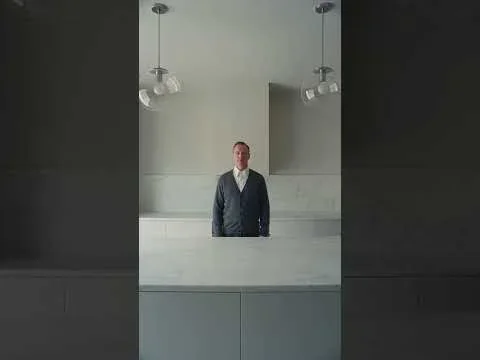
If you want to build blockouts like this yourself, the guide on blocking a scene in Blender before AI video shows the workflow.
Lock subjects with names and measurable details
In the subject section, describe each subject once, in full, and give them a short handle: the woman, the man, the cat. Then use exactly that handle everywhere else in the prompt. Switching between the woman, the girl, she and the traveler gives the model room to think there are several people.
- Use measurable features: approximate age, height, hair color and length, specific clothing items with colors.
- Give relative scale when two subjects interact: she is about a head shorter than him.
- State counts and absences: exactly one dog; no other animals; no other people near the table.
- Describe distinctive marks on animals and objects, like a white patch on one paw or a dent in a car door. These anchor identity across frames.
Make the timeline do the directing
The timeline is where a Seedance prompt turns into a shot that moves. Break the clip into beats with time ranges, and give each beat one main action and, if needed, one camera change. Treat the timestamps as guidance rather than frame-exact cues; the model follows the order and rough pacing far more reliably than precise seconds.
A woman in a cafe drinks coffee, looks out the window, smiles at someone, the camera moves around, cozy cinematic vibe.
0-3s: Medium shot. The woman wraps both hands around a white mug and takes a slow sip, steam drifting up past her face. 3-6s: She lowers the mug and turns her head toward the rain-streaked window; the camera pushes in slowly. 6-9s: Outside, a blurred figure under an umbrella waves; she smiles and raises one hand. The camera holds still on her face until the end.
Look at what changed. Each beat has one verb that carries the beat, the camera move is attached to a specific moment, and the clip ends on a held image instead of trailing off. Motion has a cause, too: she turns because something happens outside. Motivated motion looks less random than motion that simply occurs.
One continuous take or several shots
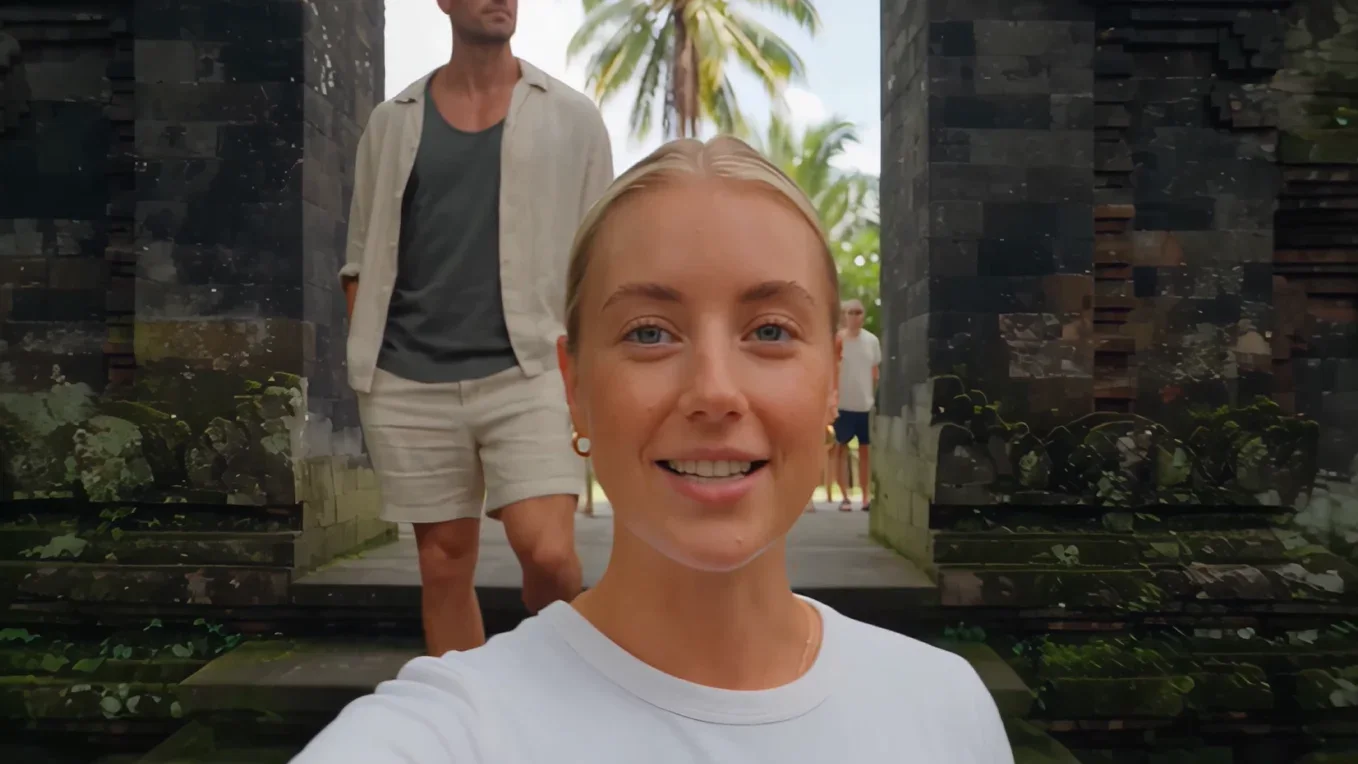
Decide early and say it in the style section. A single continuous take, like the handheld vlog in Travel Video, needs a camera that physically could follow the action without cutting. A multi-shot sequence needs each shot named and framed separately: Shot 1, wide; Shot 2, close-up on hands. Mixing the two, a continuous take that suddenly jumps to a close-up, confuses the model and produces visible jumps. To plan multi-shot clips, use a shot list for a short AI video.

Give the camera one idea per shot
Camera instructions fail most often when they stack. A slow push-in while orbiting and tilting up asks for three moves at once, and the result usually looks like a drone that lost its signal. Pick one camera idea per beat, and use the global camera section for rules that apply everywhere.
- Say what the camera is: a handheld phone at arm's length, a tripod at table height, a gimbal following behind. The type of camera implies the kind of motion.
- Say what it never does: no zooms, no whip pans, no sudden cuts. Exclusions are often more reliable than descriptions.
- Attach moves to beats: the camera starts drifting left only when she stands up.
- Match the lens feel to the story: a wide lens for a vlog where the world matters, a longer lens for an intimate close-up. The guide on camera movements for AI video explains the main moves.
Audio, exclusions and the consistency reminder
In setups that generate sound, the audio section shapes the mood as much as the image does. Separate ambience (rain on a tin roof, low traffic), action sounds (a cup set down on a saucer) and music, and say plainly if you want no background music. If characters speak, keep lines short and give each one a time and a speaker; long speeches tend to drift out of sync.
The exclude section is your safety net. Common entries are no on-screen text, no logos, no subtitles, no slow motion, no extra people and no change of clothing. Finish with a short consistency reminder repeating the most important locks: same face, same outfit, same light direction throughout. Repetition at the end of a long prompt helps the model hold on to what matters.
When a shot goes wrong: symptoms and fixes
Most failed Seedance clips fail in a handful of familiar ways. Diagnose the symptom, change one section, and generate again.
| Symptom | Likely cause | Fix |
|---|---|---|
| Face or outfit changes mid-clip | Vague subject description or a reference used for too many things | Add measurable details and narrow the reference's role |
| Two actions blur into one | Too many actions in a single beat | Split into separate beats or cut an action |
| Nothing really moves | No verbs with speed or direction | Write one clear action per beat with a cause |
| Camera wanders or jumps | Stacked camera moves or no camera rules | One move per beat and a list of what the camera never does |
| Unwanted text or logos appear | Signs, screens or packaging in the scene | Add them to the exclude section and simplify the environment |
| Clip ends mid-gesture | Last beat has an action but no resolution | End on a held pose or a settled camera |
Keep every version of a prompt with its clip. When a fix works, you will want to know exactly which line made the difference.
Write your first sectioned Seedance prompt
Pick a simple scene with one subject and one location, around 8 to 10 seconds long, and fill in this skeleton in your own words.
- Subject settings: one subject, a short handle, four measurable features.
- Environment: place, time of day, light direction and one background detail that moves gently.
- Overall style: camera type, realism level, one take or several shots, aspect ratio.
- Strictly exclude: three things you do not want to see.
- Timeline: three beats, one action each, the last one ending on a hold.
- Camera: one sentence on lens feel and one on what the camera never does.
- Audio: ambience, one action sound, and music or no music.
- Maintain consistency: one sentence repeating the subject's key features.