Writing a Shot List for a 10–15 Second AI Video
Plan a 10 to 15 second AI video like a commercial director: count beats, assign time ranges, write lines a model follows in order and lock continuity.
Visual AI Club7 Min. Lesezeit
Dieser Ratgeber ist auf Englisch geschrieben.
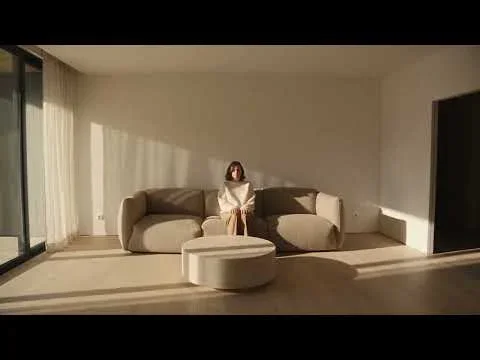
Ten to fifteen seconds is long enough for a small story and short enough that every second has to earn its place. Here you will learn to plan that time the way a commercial director does: count the beats, give each one a time range, and write lines a video model can perform in order.
Do the arithmetic before you write a word
A beat is one thing changing on screen: someone enters, turns, picks something up, reacts. A viewer needs roughly two to four seconds to register a beat. Shorter and it reads as a glitch; longer and it feels static unless the camera is doing something.
That gives you a simple budget. Divide the clip length by three and you have a comfortable number of beats. Most failed AI clips are not badly worded; they simply try to fit eight events into twelve seconds, and the model compresses, skips or merges them.
| Clip length | Comfortable beats | Typical shape |
|---|---|---|
| 6–8 seconds | 2–3 | Setup, action, button |
| 10–12 seconds | 3–4 | Setup, action, reaction, button |
| 15 seconds | 4–5 | Setup, two developments, reaction, button |
The button is a term from advertising and comedy for the small final beat that closes a scene: a look to camera, a door clicking shut, a smile. It is what makes a short clip feel finished instead of cut off.
One continuous take or a few cuts
Decide this early, because it changes how you write. In a single take the camera may move but never cuts. Identity holds better because the model never has to re-establish the scene, and every action has to happen in a physically connected way.
With cuts you can change angle, jump in time and show a detail in close-up, but each cut is a fresh chance for the face, outfit or set to drift. For 10–15 seconds, use either one take or at most two or three hard cuts, and say which explicitly: "one continuous take, no cuts" or "hard cut at 6 seconds to a close-up of her hands."
The structure models follow best
Video models read the whole prompt, but they weigh what they meet first. Establishing who and where before describing what happens keeps the action attached to the right person in the right place. A reliable order looks like this:
- Subject: who appears, with fixed details such as age, hair, clothing and how many people in total.
- Environment: the place, its size, the time of day and where the light comes from.
- Style: realism or animation, film texture, aspect ratio, total duration.
- Exclusions: what must never appear, such as subtitles, extra people or logos.
- Timeline: time ranges, one beat each.
- Camera: the move in each time range.
- Audio: ambience, effects, any dialogue.
- Consistency: a short repeat of everything that must not change.
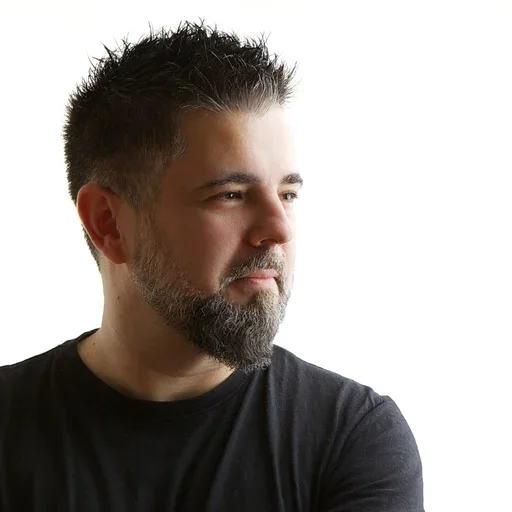
In Sit down with me, each time range holds one action (enter, cross, turn, sit, settle) and the final second spends all its energy on a single camera event. That is the discipline to copy: one idea per line, and a final beat with room to land.
Writing each line of the timeline
Every line should answer three questions: what is the framing, what is the one action, and where does that action end. Use observable behavior rather than feelings. "She exhales and her shoulders drop" is something a model can draw; "she feels relieved" is not.
0–5s: The baker is happy and gets ready for the day while the camera moves around the shop.
0–3s: Wide shot from across the street, the baker turns her key in the glass door and flips the sign to open. 3–6s: Medium shot inside, she slides a tray of loaves onto the wooden counter, steam rising.
Timing words that help
- "at the 4 second mark" for an event that must happen at a precise moment
- "completes the turn by 3s" to stop an action from spreading across the whole clip
- "holds for one second" to create a pause the model would otherwise skip
- "in a single motion" to stop an action from being repeated
- "then" and "after" to make order explicit when two things happen in one range
Reserve the last one to one and a half seconds for a written hold. Models tend to rush endings; a hold gives the final action time to finish and gives you a clean edit point.
A worked example: twelve seconds at a bakery
Here is a full shot list for a fictional neighborhood bakery opening at dawn. It has four beats, three hard cuts and a single camera move, which keeps the model's attention on the actions.
| Time | Framing | Action | Camera | Sound |
|---|---|---|---|---|
| 0–3s | Wide, from across the street, blue dawn light | She turns the key in the door and flips the sign | Static, slight handheld float | Keys, a distant delivery van |
| 3–6s | Medium, inside the shop | She slides a tray of loaves onto the counter, steam rises | Slow push-in | Tray scraping wood, oven hum |
| 6–9s | Close-up on hands | She breaks one loaf open, the crust cracks | Locked off | Crust crackle |
| 9–12s | Medium | The door bell rings, she looks up and smiles, then holds | Static | Door bell, quiet room tone |
Notice what is missing: no character backstory, no adjectives about how delicious the bread is, no second camera move. The look of the shop belongs in the environment block above the timeline, written once. The sound column is optional, but naming one sound per beat often makes the action itself land more precisely; the sound and dialogue guide explains why.
The same story also works as a single take. Drop the cuts, start the camera outside, and let it follow her through the door in one slow push that ends on the counter. You lose the close-up of the crust, but the baker's face and apron are far more likely to stay identical, because the model never has to rebuild the scene from a new angle. Write both versions once; the comparison shows you quickly which kind of shot list your model handles better.
Three ways a timeline goes wrong
When a generated clip ignores your shot list, the cause is usually one of three habits. Each has a simple fix you can test on your next generation.
Overlapping ranges
Writing "0–4s" and then "3–6s" seems harmless, but it tells the model two things happen during the same second, and it will often blend them into one muddled motion. Make ranges meet exactly at their edges, and if two actions truly overlap, describe them in one line with "while".
Camera and subject both busy
A character walking, turning and sitting while the camera arcs and tilts is a lot to ask in a few seconds. When the subject has a big action, keep the camera calm or static. When the camera makes its big move, let the subject do something small, like holding still or slowly turning the head.
Actions with no physical path
In a single take, every position must connect to the next. If she is at the door at 3 seconds and seated at the far end of the room at 4 seconds, the model either teleports her or ignores the timing. Walk the scene in your head, or on your own floor, and count roughly how long each move would take a real person. Average walking pace is a little over one meter per second, which is a useful sanity check for any line that sends someone across a room.
The continuity block
End the prompt by repeating everything that must stay identical: wardrobe, hairstyle, the number of people and props, light direction, color temperature. It feels redundant, but repetition at the end of the prompt is one of the most dependable ways to fight drift across a timeline.
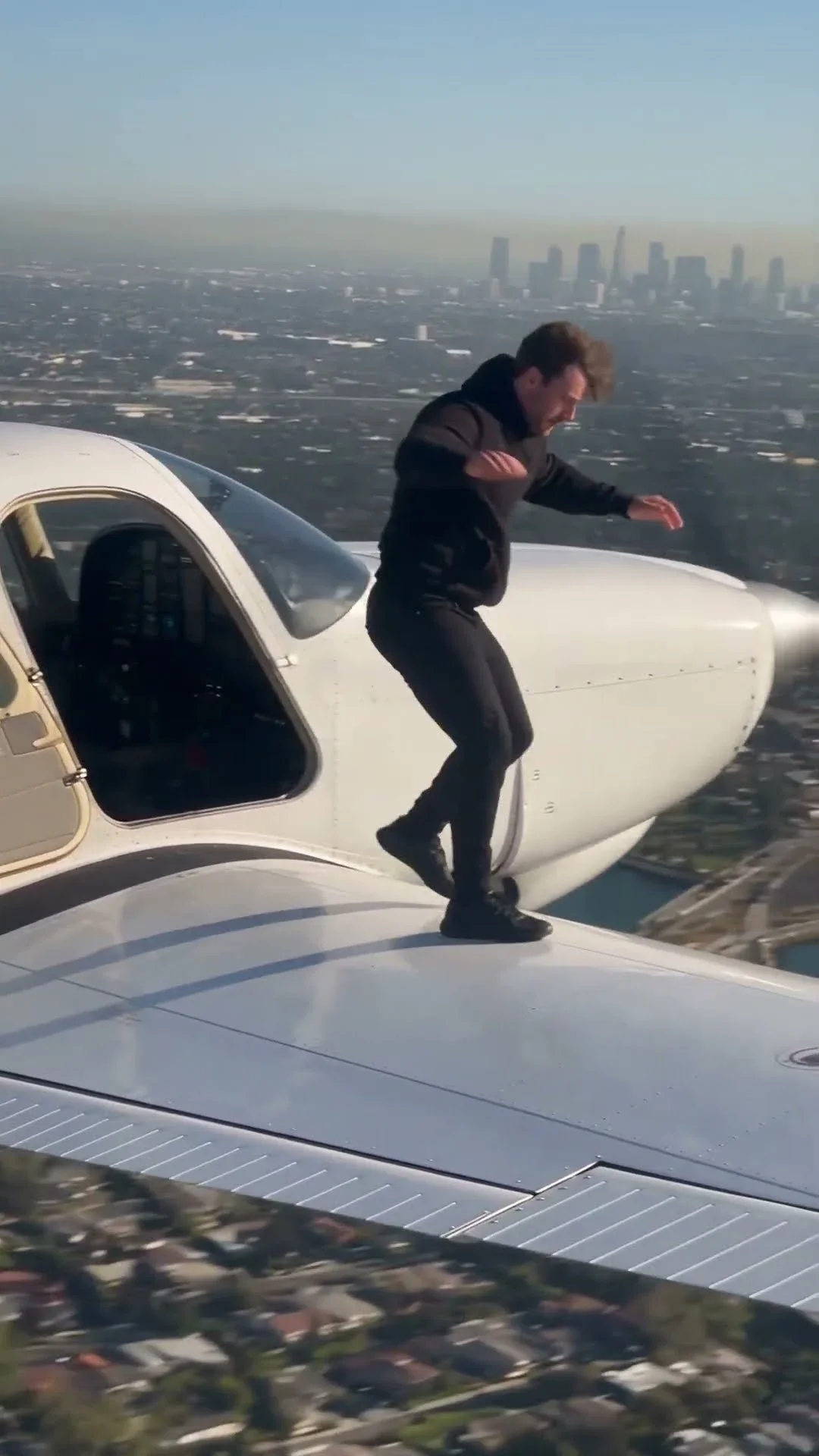
Use counts wherever duplication would ruin the shot. Jumping in Aircraft asks for exactly one cat and exactly one backflip, because left alone a model may add a second animal or repeat a flashy move.

Check it before you generate
- Number of beats is no more than the clip length divided by three
- Every timeline line has one main action and a clear end
- Each time range has at most one camera move
- The final second or so is a written hold or button
- Duration and aspect ratio are stated once, in the style block
- Exclusions list subtitles, text and any extra people you do not want
- The continuity block repeats identity details and counts
For practice, take an idea you would normally film in thirty seconds and cut it to twelve. Remove whole beats instead of squeezing them, then compare the result with a version that keeps them all. If you need more on the basics of describing subject and action, start with AI video prompting basics, and for choosing moves per line see camera movements for AI video.