Control the Scene with Claude, Blender and Seedance
Block the shot in grey boxes, move a real camera, then let Seedance finish it.
- Lessons
- 3
- Access
- Skool members · Level 2
Take this course on SkoolRated 5.0 on Skool
What you'll learn
- Previsualise a shot in Blender without knowing Blender
- Connect Claude to Blender through MCP in about ten minutes
- Control camera moves and blocking before spending a single credit
- Hand a precise, approved scene to Seedance 2.5
Tools you'll use
- Claude
- Blender
- Blender MCP
- Seedance 2.5
- Blockout Kit skill
Inside level 13
3 lessons- 1Blockout Kit: previz for AI video
- 2Setting up Claude + Blender MCP
- 3Download the skill
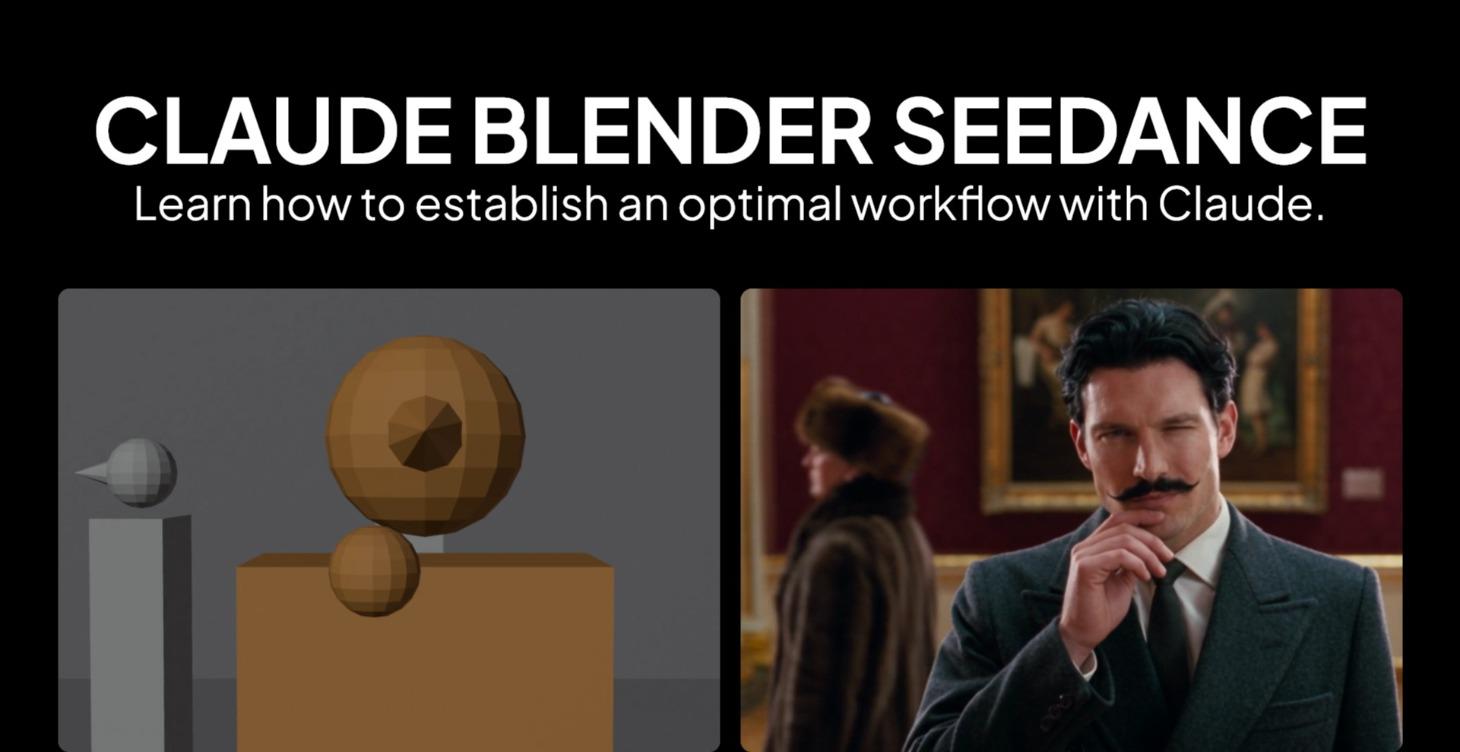
Camera and motion are the hardest things to control in AI video. The Blockout Kit fixes that: describe a shot in one sentence, Claude builds it in Blender with simple grey shapes, adds the motion, moves the camera like a real dolly and writes the Seedance prompt that turns it into a finished clip. No 3D experience needed; Claude does the Blender work.
Who it's for: Anyone tired of AI video cameras that drift where they were not sent.
Control the Scene with Claude, Blender and Seedance is waiting on Skool
For Skool members who have taken part in the community (level 2: a few comments or likes). The advanced skills, updated continuously.
Take this course on SkoolOther levels
You're on level 13 of 14. Follow the path to the next ones.
- Level13You are hereControl the Scene with Claude, Blender and SeedanceLevel 13 · Series 4