Better AI Portraits From Your Own Selfie
Take a selfie AI can turn into a portrait that still looks like you: lens distance, window light, expression and filters, then prompting and checking.
Visual AI Club7 min read

When an AI portrait does not look like you, people usually blame the prompt. More often the problem started earlier, with the selfie itself. Ten minutes spent taking a better source photo will improve every portrait you make from it, and this guide shows you exactly how to take it.
The photo is half the prompt
When you upload a photo, the model reads your face from that one image. If the photo distorts your nose, hides your jaw in shadow or smooths your skin with a filter, the model has no way of knowing what you really look like. It will faithfully keep the distortion, or fill the gaps with a guess.
So the goal is not a flattering selfie. It is an accurate one: true proportions, even light, a clear view of the features that make you recognizable. Flattery can come later, in the portrait.
Step back from the lens
This is the biggest single improvement, and it is about physics, not the phone. Front cameras have wide-angle lenses, and a selfie is taken at arm's length, around 40 to 50 centimeters. At that distance your nose is noticeably closer to the lens than your ears, so it appears larger, and your ears and the sides of your face shrink away. Everyone looks a little rounder and more nose-forward in a close selfie than in real life.
Portrait photographers avoid this by standing farther back with a longer lens, often around 85mm on a full-frame camera from one and a half to two meters away. At that distance the differences in depth across the face are small compared to the camera distance, so proportions look natural. The focal length guide compares the effect across lenses.
How to do it with a phone
- Use the rear camera, which is usually better than the front one.
- If your phone has a 2x or 3x option, select it. It gives a narrower view so you can stand farther back.
- Prop the phone on a shelf or stack of books at eye level, about one and a half to two meters away.
- Use the self-timer, or ask a friend to take it.
- Frame from the top of the head to the upper chest, leaving a little space around you.
Camera height matters too. Keep the lens at eye level. Shooting from below enlarges the chin and nostrils; shooting from above shrinks the jaw. Both change how the model reads your face shape.
Light: face a window
The best free light for an accurate face is a large window with no direct sun coming through. Stand about a meter from it and face it, or turn slightly so it is just off to one side. A big soft source wraps around the face, shows skin tone truthfully and leaves only gentle shadows.
- Avoid overhead ceiling lights: they fill the eye sockets with shadow and add dark patches under the nose and chin.
- Avoid mixed light: a warm lamp on one side and cool daylight on the other makes skin two colors, and the model may keep that.
- Avoid hard sun: it makes you squint and draws sharp shadow lines that can be mistaken for features.
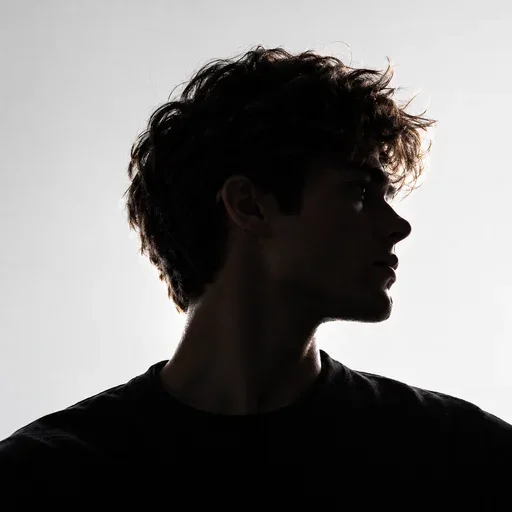
- Avoid backlight: a bright window behind you turns your face into a dark silhouette.
You can ask the model for dramatic light later, in the portrait. It is much easier for it to add a shadow to a clearly lit face than to recover a face hidden in one. For the language of portrait light, see studio lighting setups.
Expression, hair and what you wear
A neutral expression with lips closed, or a relaxed natural smile, gives the clearest read of your features. A huge grin changes the shape of the eyes and cheeks, and a model may keep a hint of it in every portrait. Take both versions so you can choose for each style.
- Keep hair off the eyes and away from the jawline, unless your usual style covers part of your face. In that case, photograph it as you wear it, because that is how people recognize you.
- Take off sunglasses and hats. Keep regular glasses on if you always wear them.
- Wear a plain top in a solid color. Logos and busy patterns can leak into the result.
- Choose a plain background, such as a wall or a door. Busy backgrounds compete with your face for attention.
If you wear glasses, check the lenses for reflections of the window. A bright rectangle over your eyes hides their shape. Tilting the frames down slightly, or turning a little so the window is to one side, usually removes it. Your eyes are one of the most important features for likeness, so this small check is worth the extra shot.
Turn off the filters
Many phone cameras smooth skin, enlarge eyes or slim faces automatically, sometimes under a beauty or portrait setting. Turn these off before you shoot. A filtered selfie teaches the model a face that is not quite yours, and then the AI's own smoothing adds a second layer on top.
Upload the original file if you can. Photos sent through messaging apps or taken as screenshots are often compressed, which removes the fine detail around the eyes and mouth that helps likeness. A sharp, well-exposed photo at full size gives the model the most to work with.
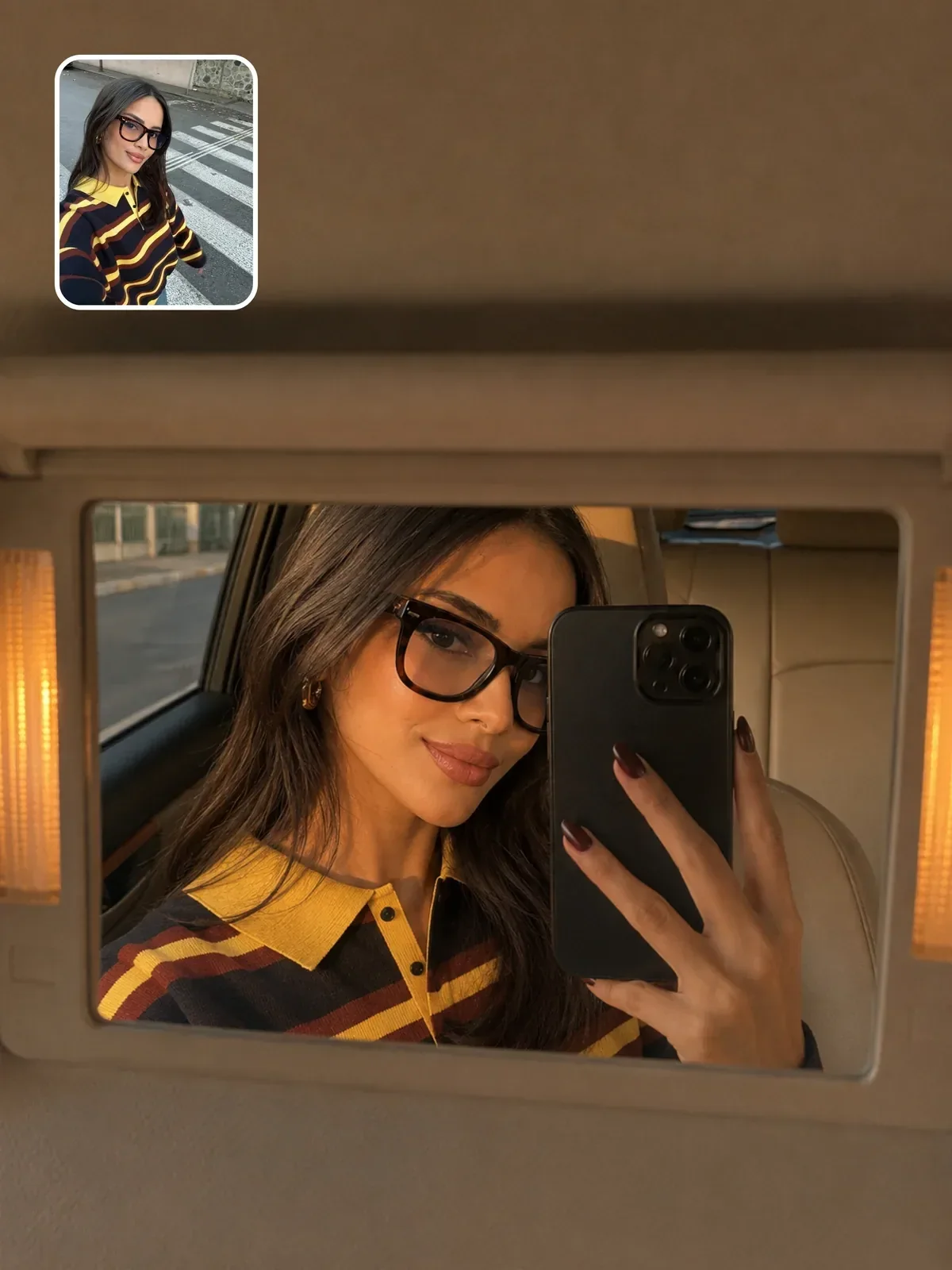
Front-camera selfie at arm's length, under a ceiling light, beauty mode on, sunglasses pushed up on the head, a busy kitchen behind.
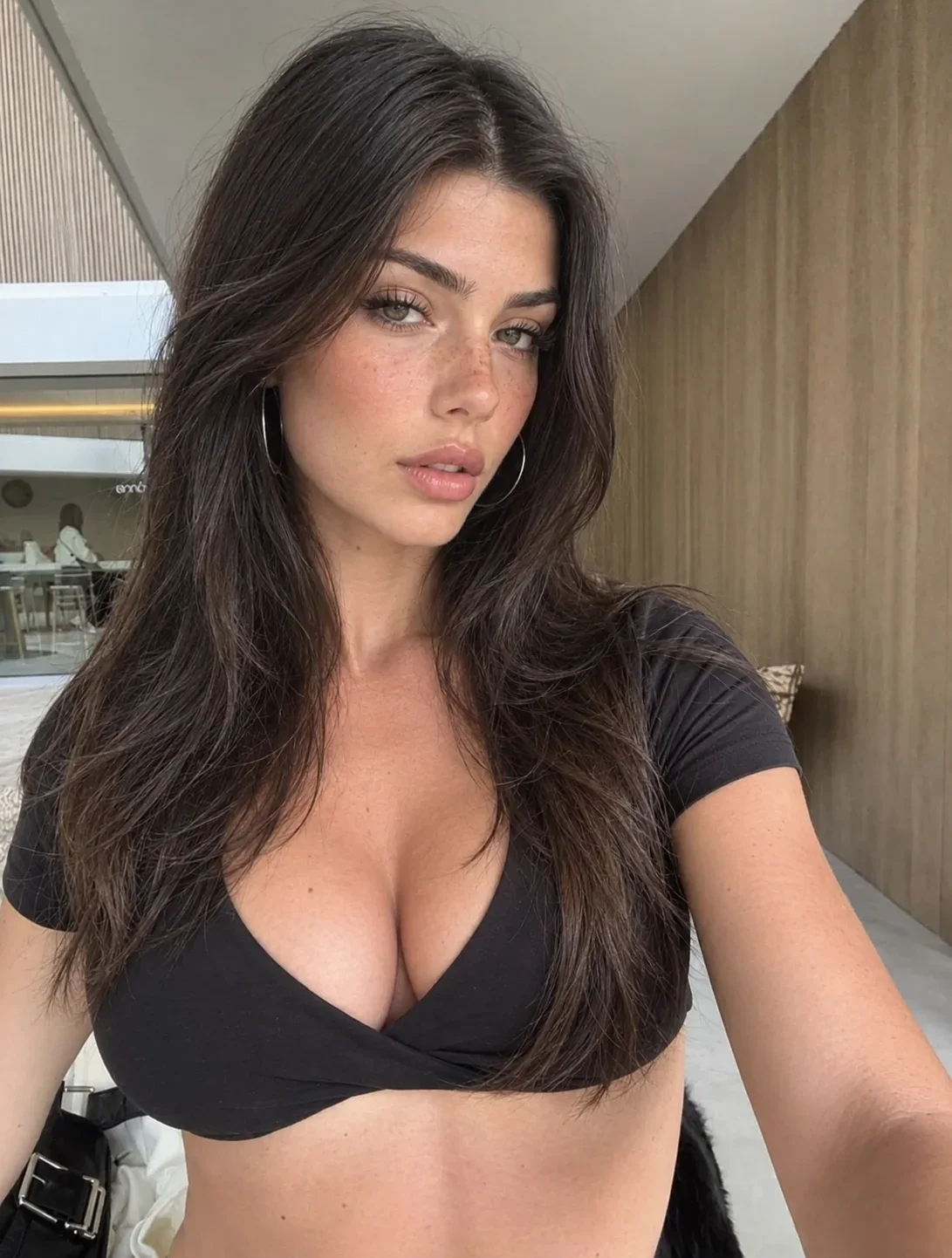
Rear camera at 2x, phone on a shelf at eye level two meters away, facing a bright window with no direct sun, filters off, neutral expression, plain light wall behind, framed from the top of the head to the chest.
Writing the portrait prompt
With a good source photo, your prompt can focus on the new portrait. Two parts matter most. First, a short preservation line naming what must not change: face shape, eye shape, nose, hairline, skin tone, and any marks or glasses. Second, a portrait description that is consistent with your photo.
Consistency matters because a big jump, such as a frontal photo turned into a full profile, forces the model to invent the parts it never saw. Start with portraits that keep roughly the same head angle as your photo, and move to bigger changes once you know how the model handles your face. The guide on keeping a person recognizable explains the preservation side in depth.
Match the light as well as the angle. If your source photo is lit from the left, a portrait lit from the left will keep the shadow shapes of your face, while a portrait lit from the right forces the model to imagine the other side. That does not mean you can never change it, only that the closest match is the safest first step.
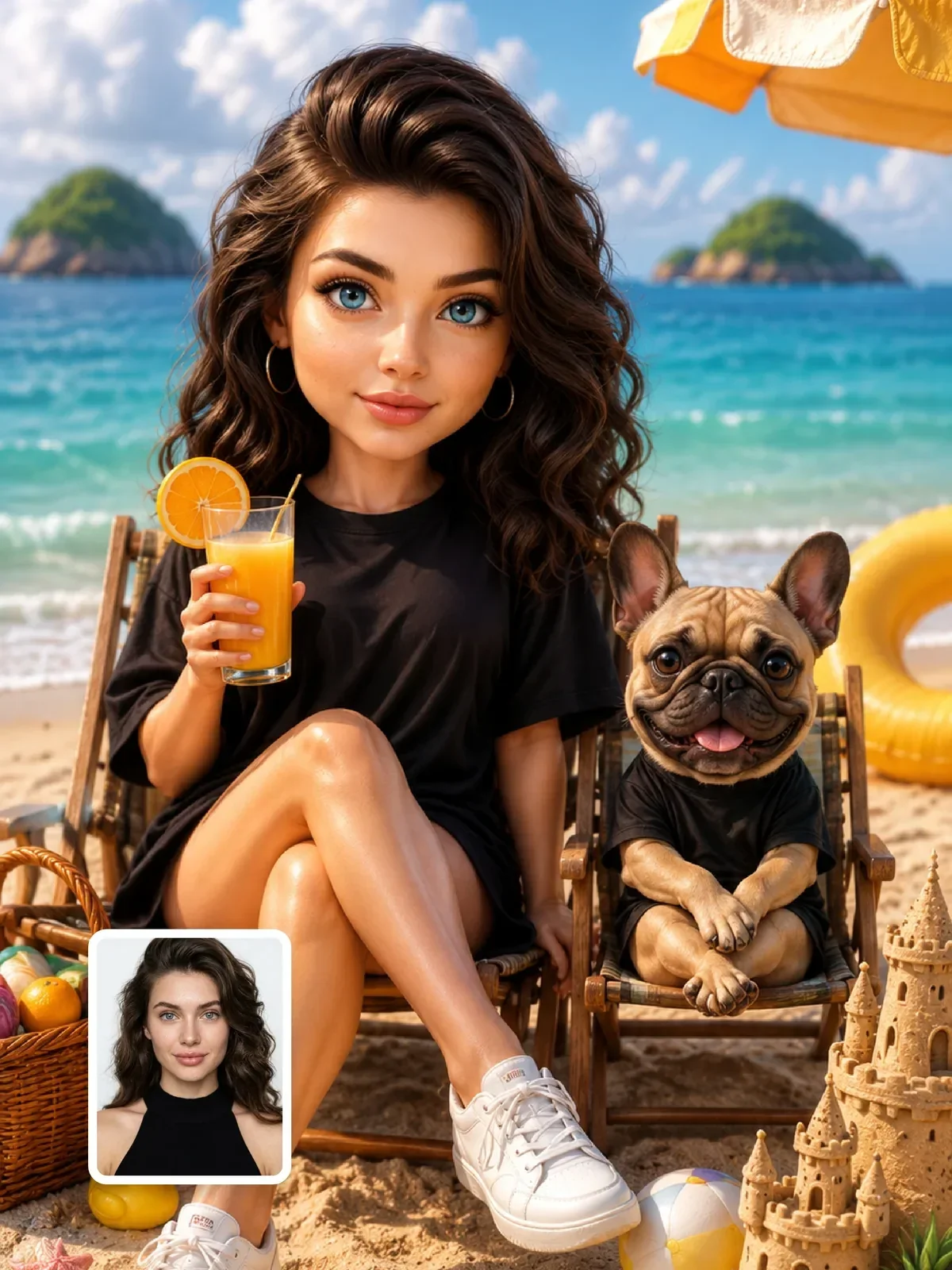
Studio portraits are the best first test, because the setting is simple and all the attention is on the face.

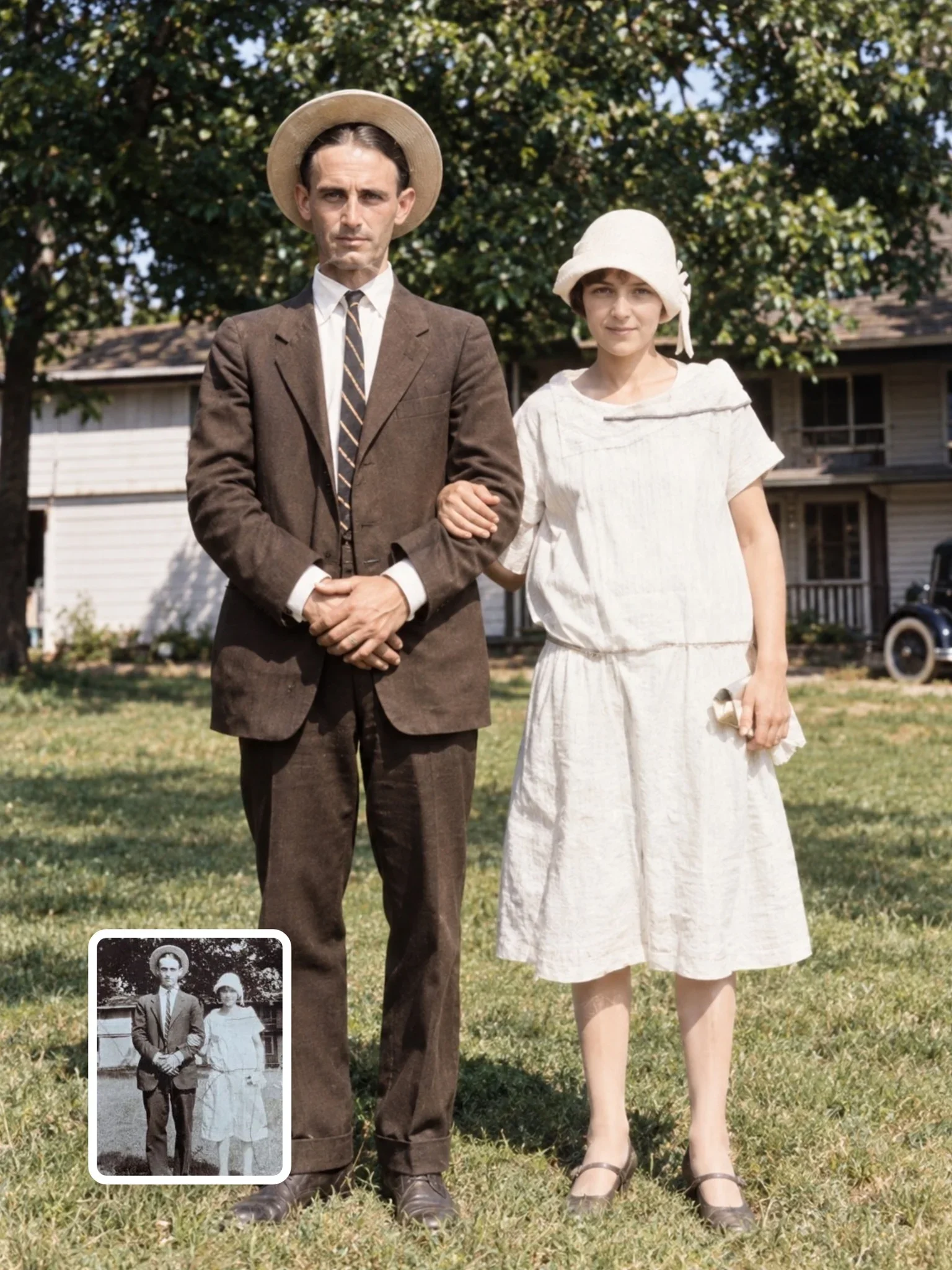
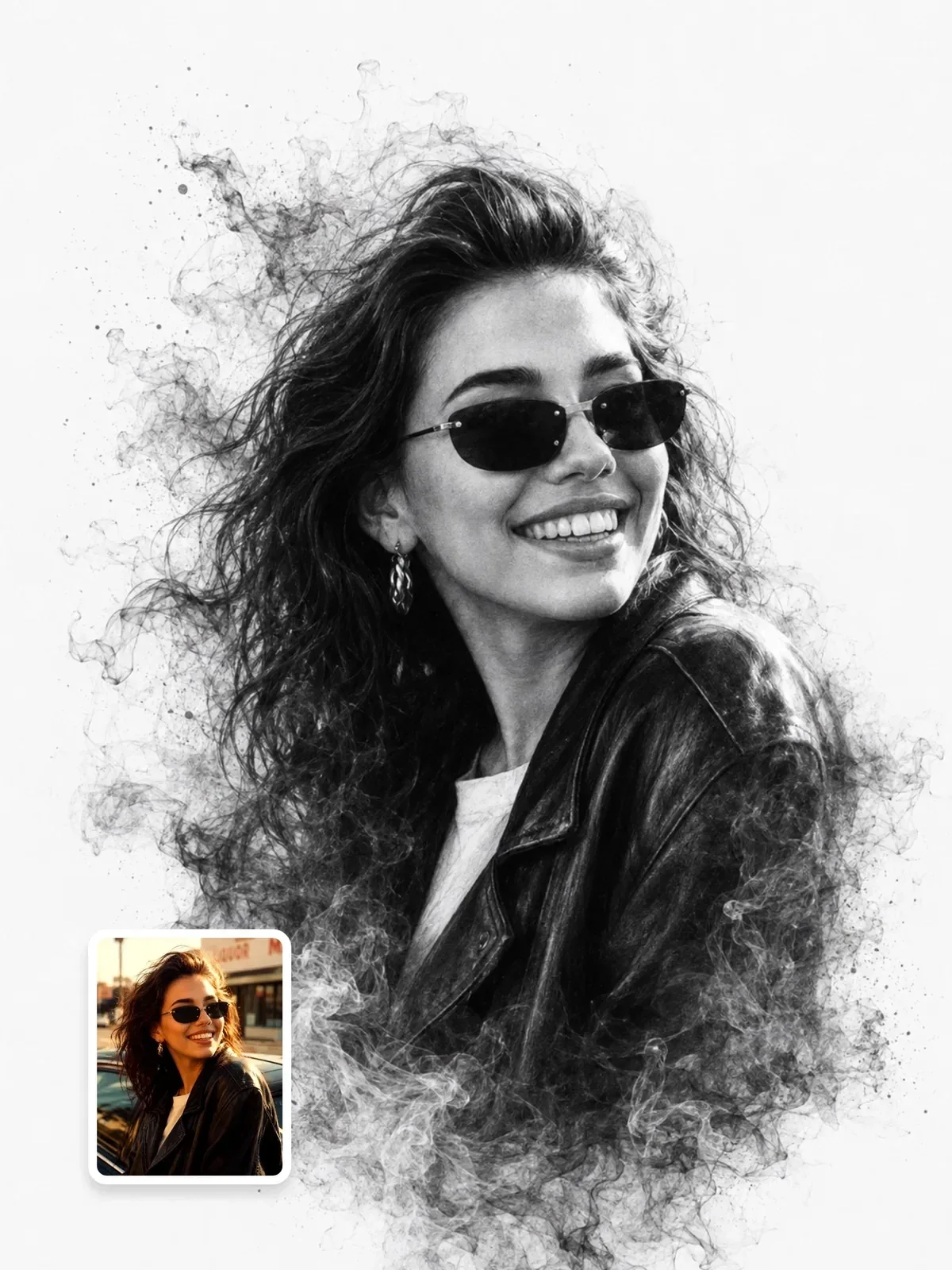
Once those look right, try a lifestyle setting or a black-and-white treatment. Monochrome is a good honesty test: without color to distract, you can see clearly whether the shapes of your face survived.
Judging the result
We are bad at judging our own likeness, because we know our face mostly from mirrors, which are flipped. A portrait can look subtly wrong to you simply because it is not mirrored. Before you decide it does not look like you, flip it horizontally and look again.
- Compare side by side with your source photo, at the same size.
- Check the features that drift most: eye spacing, nose tip, jaw width, hairline.
- Watch for age changes; models often make people look younger and smoother.
- Ask someone who knows you well. Their first reaction is the best test.
If something is off, change one thing in the prompt and try again, rather than rewriting everything. Often a single clear instruction, such as keep the natural skin texture and the slightly asymmetric smile, fixes it.
A note on privacy: use your own photos, or photos of people who have agreed to this. Be thoughtful about uploading pictures of children, and check the privacy settings of the service you use.
Your five-minute selfie setup
- Find a window without direct sun and a plain wall nearby.
- Turn off beauty and portrait filters.
- Put the phone at eye level, one and a half to two meters away, rear camera at 2x or 3x if available.
- Take three photos with the timer: neutral, soft smile, and slightly turned to a three-quarter view.
- Keep the originals in one folder and reuse them for every portrait style you try.
These three photos become your personal reference set. They are also the right starting point if you later want a recurring character based on yourself, as described in how to create a consistent AI character.