How to Keep a Person Recognizable When You Transform a Photo
Why AI transformations lose a likeness and how to stop it: identity anchors, better reference photos, named-feature locks, framing and likeness checks.
Visual AI Club7 min read
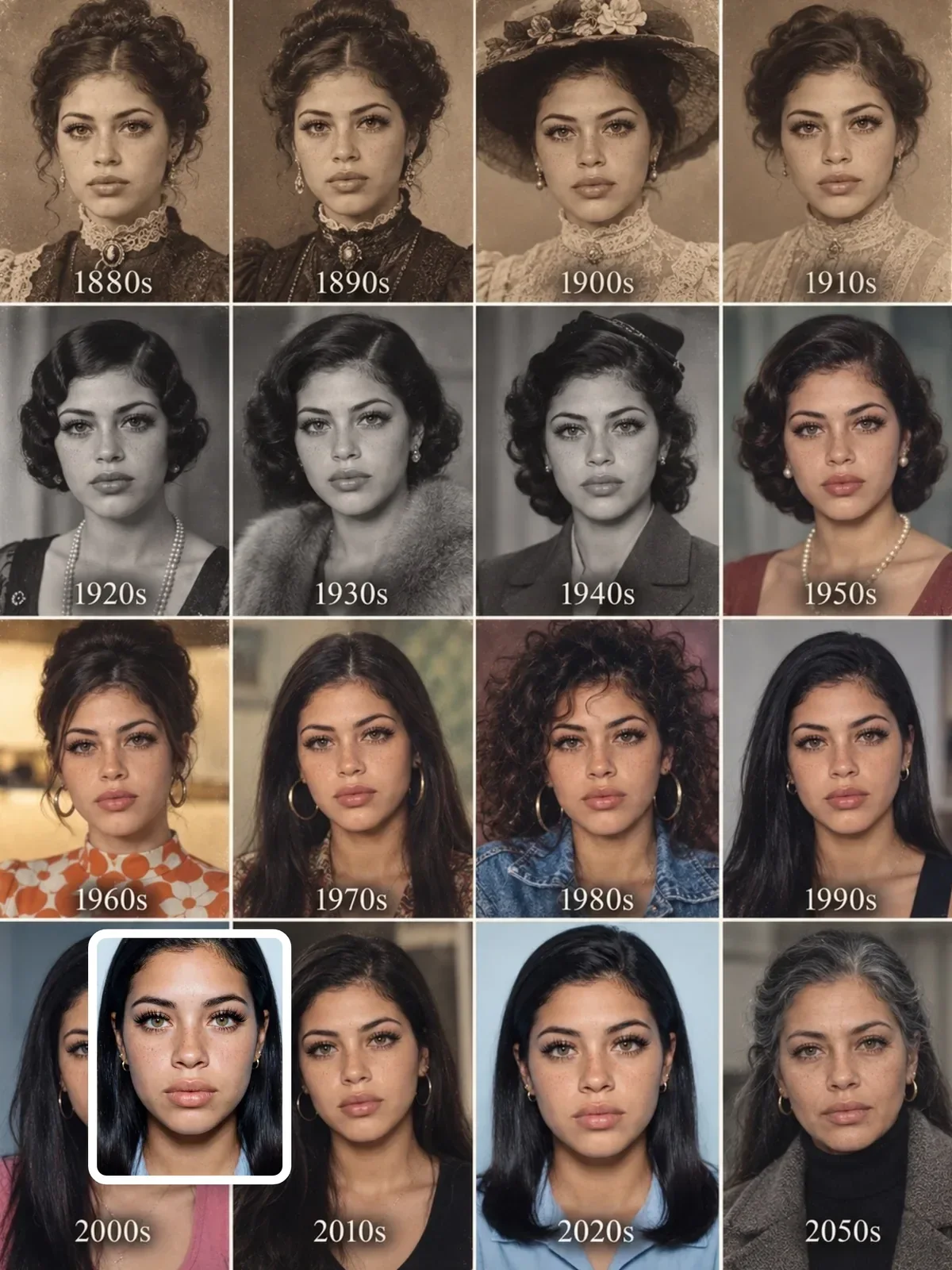
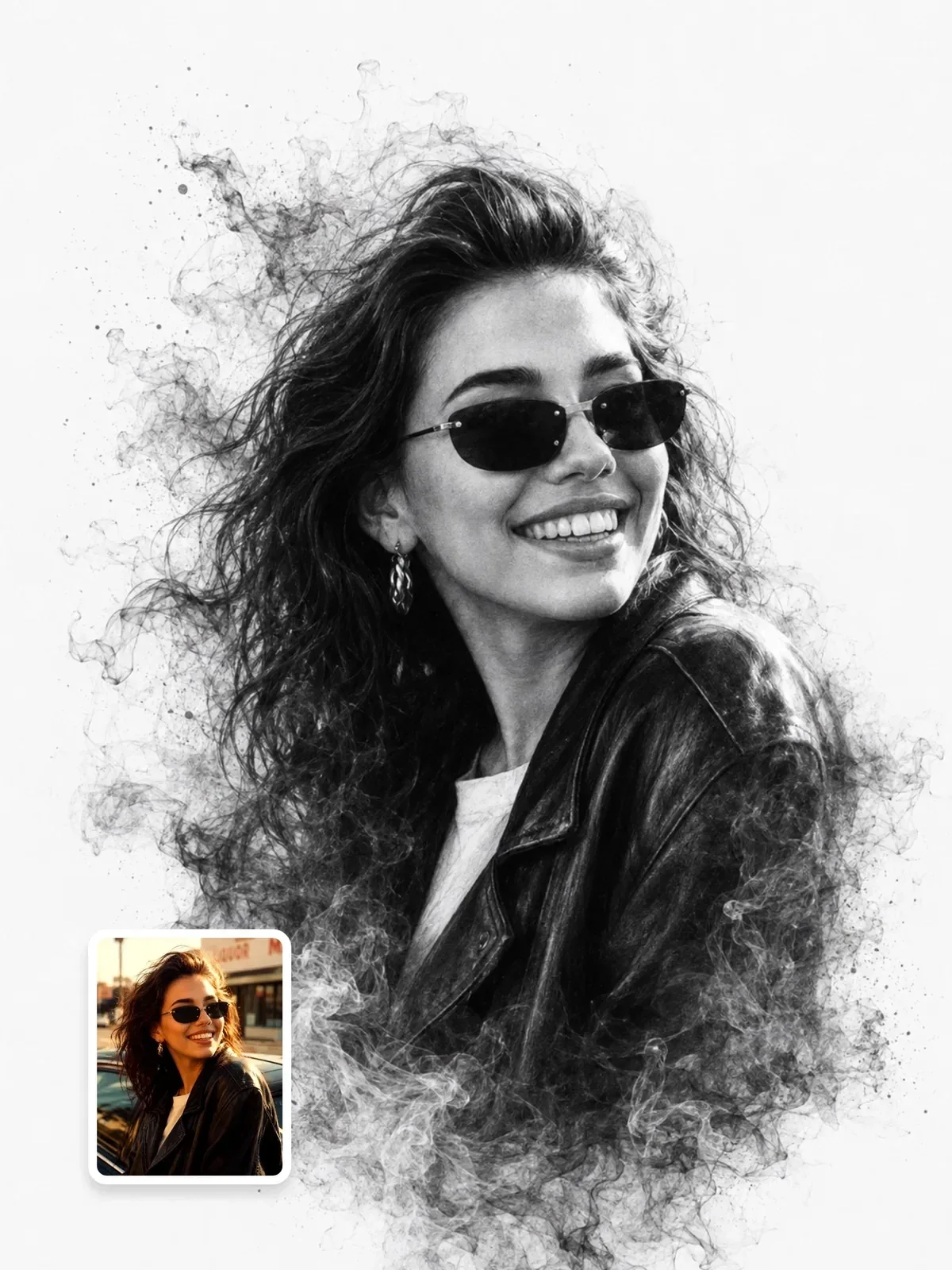
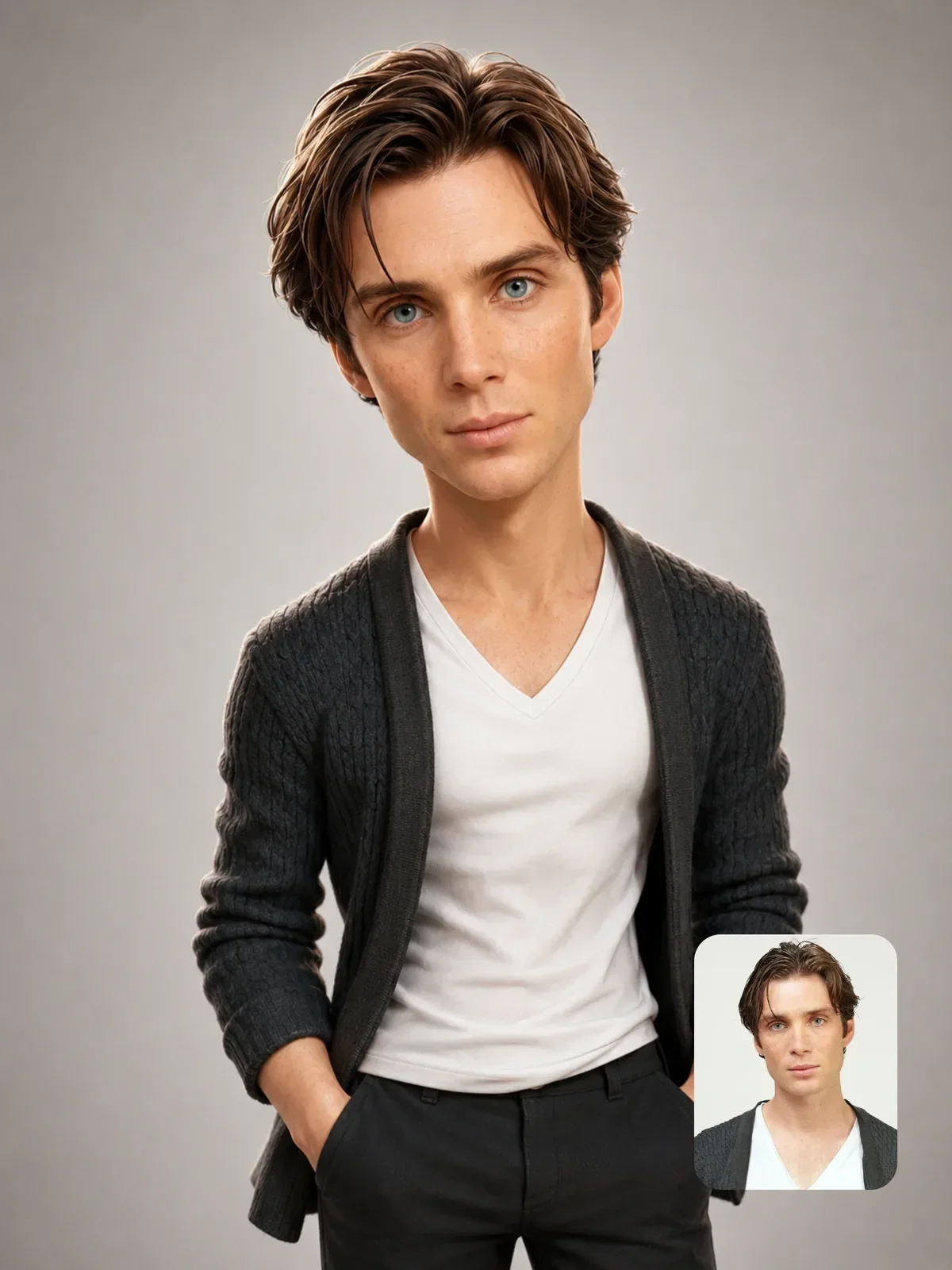
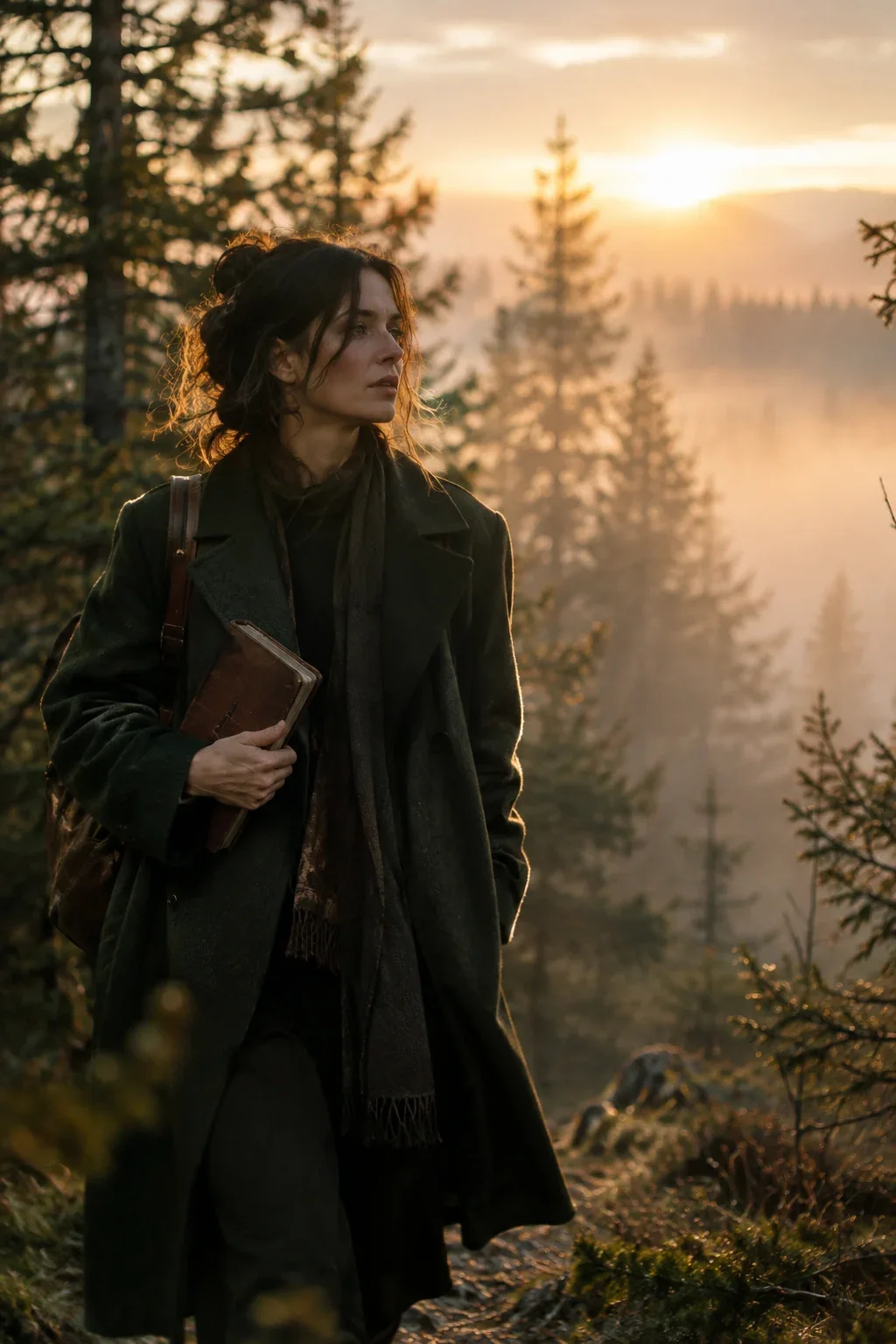
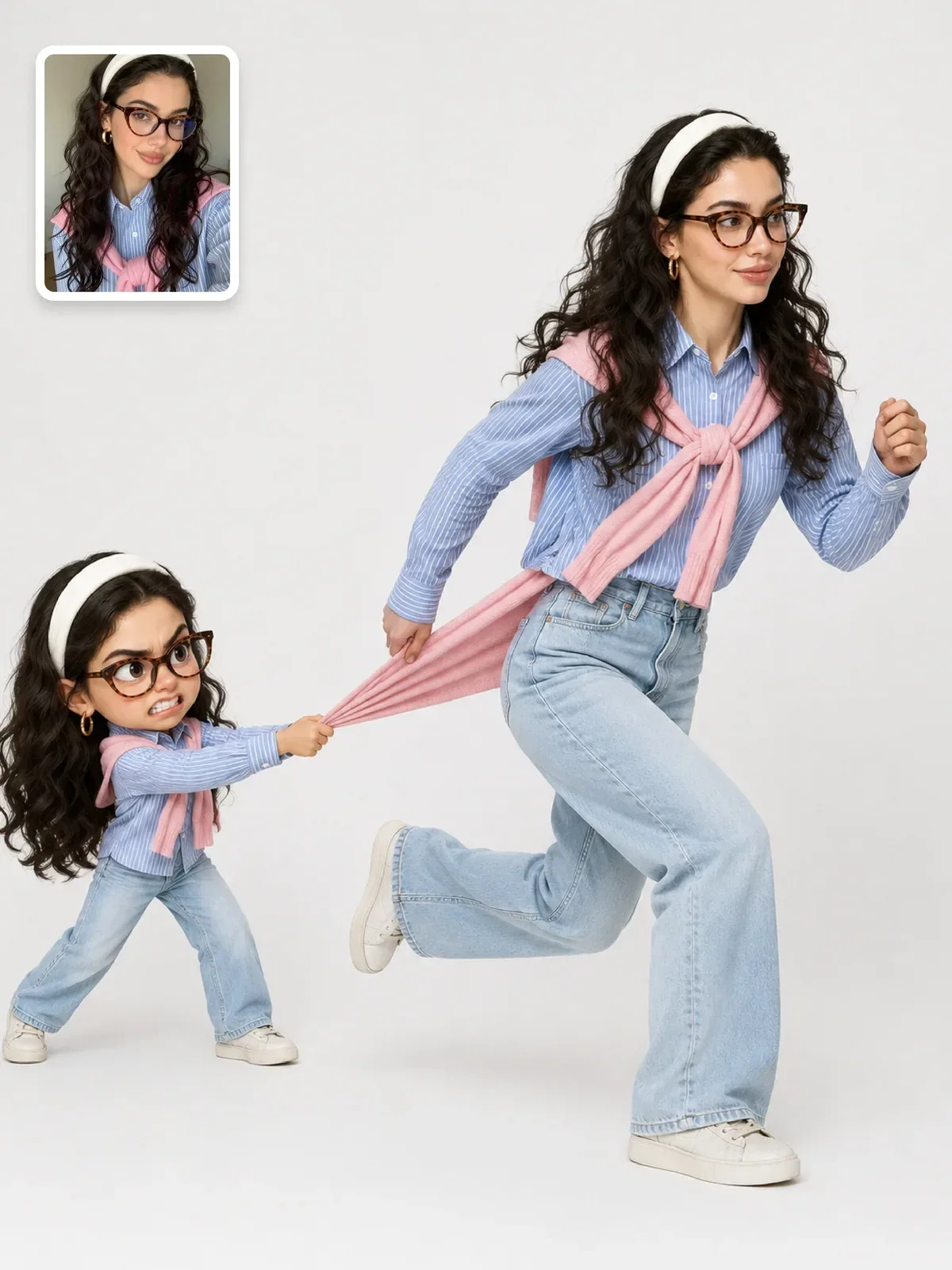
People recognize a face from a handful of relationships, not from perfect detail: how far apart the eyes sit, the length of the nose, the line of the jaw and hairline, and the small asymmetries everyone has. When an AI transformation stops looking like you, one of those relationships has drifted. Here you will learn where the drift comes from and how to stop it, from a realistic studio portrait all the way to a toy figure.
What actually makes a face recognizable
A caricature artist can exaggerate a nose to twice its size and you still know who it is. A slightly “improved” AI portrait with perfect skin can look like a stranger. The difference is that the caricaturist keeps the relationships and pushes them, while the model quietly replaces them with average ones.
These are the anchors worth protecting, roughly in order of how much they carry identity:
- Overall face shape and proportions: long or round, the width of the cheekbones against the jaw, the distance from the eyes to the mouth.
- Eyes and brows: spacing, shape, how heavy the lids are, the arch and thickness of the eyebrows.
- Nose: length, width at the tip, the profile of the bridge.
- Mouth: width, lip shape, the way the smile lifts one side more than the other.
- Hairline and hair: where the hair starts, the parting, the texture and volume.
- Asymmetries and marks: a higher eyebrow, freckles, a mole, a scar, a slightly crooked tooth.
- Skin tone: under neutral light, not under a dramatic color grade.
Notice that texture detail is not on the list. You recognize a friend across a dim room. Proportions matter far more than pores.
Four ways a likeness drifts
Beautification
Image models have learned a strong idea of an attractive, polished face, and they lean toward it: more symmetry, a narrower nose, larger eyes, smoother skin, whiter teeth. Each change is small; together they replace a person with a type. Words like “flawless”, “perfect” and “model-like” invite this drift.
Fix: say the opposite out loud. “Do not beautify. Keep natural skin texture, the original nose width and any natural asymmetry.” It reads oddly to a human, but it tells the model which way not to lean.
Age and body drift
Style words carry hidden age and body information. “Fashion editorial” tends to pull toward younger, slimmer faces; “wise elder” adds wrinkles. If age and build matter, state them plainly and avoid words that imply a different one.
Fix: add “keep the same apparent age and body proportions as in the reference” and check every style word for what it implies about the person wearing it.
Style overpowering identity
Every strong style has its own default face. A 3D cartoon style has large eyes and a tiny nose; a toy figure has a standard head shape. The stronger the style, the more the model reaches for that template and the less of your face survives.
Fix: decide in advance which traits must survive the style, name them, and accept that the rest will be stylized. The table further down shows how to choose.
Light and color changing the shape
Hard side light carves cheekbones that may not exist; flat front light widens a face. A heavy teal-and-orange grade shifts skin tone. These are not identity changes in the pixels of the face, but the viewer reads them as one.
Fix: keep dramatic color in the background and the light, and protect the face with “preserve natural skin tone under the colored light”. Softer key light keeps the face shape closer to the reference. The guide to color grading in prompts shows how to push a palette without pushing the skin.
Give the model enough information to start with
The model can only preserve what it can see. A reference that hides half the face forces it to invent the rest, and invented features are average features.
- Use a sharp, well-exposed photo where the face is large in the frame.
- Prefer a front or slight three-quarter view. A strong profile hides the eye spacing and one side of the face.
- Avoid arm’s-length wide-angle selfies. Up close, a wide lens enlarges the nose and narrows the face; a photo from a couple of meters away with a longer lens setting is truer.
- Choose a relaxed, natural expression. A big laugh changes eye shape and cheek volume, and the model may keep that shape in every result.
- Skip filters and retouching. A smoothed face is a different face.
Only transform photos of yourself or of people who have agreed. Likeness is personal, and the more convincing your results get, the more that matters. The guide to using AI images responsibly covers consent and disclosure. If you are starting from a selfie, better AI portraits from your own selfie has more on choosing and shooting a good one.
Write an identity lock that names features
A generic line such as “keep the face the same” helps a little. A lock that names the anchors helps a lot, because it tells the model which details it is not allowed to average away. Put it near the top of the prompt, before the style description, and do not contradict it later with beauty words.
Turn me into a superhero on a city rooftop. Make me look amazing.
Use the uploaded photo as the only identity reference. Keep my face shape, eye spacing, eyebrows, nose, lips, hairline, skin tone and the small scar on my chin exactly as they are. Do not beautify, slim, smooth or change my age. Then: show me as a superhero in a dark blue suit on a city rooftop at dusk.
The personal detail at the end of the lock, here the scar, is worth adding every time. Telling the model about one specific mark makes it look harder at the reference overall.
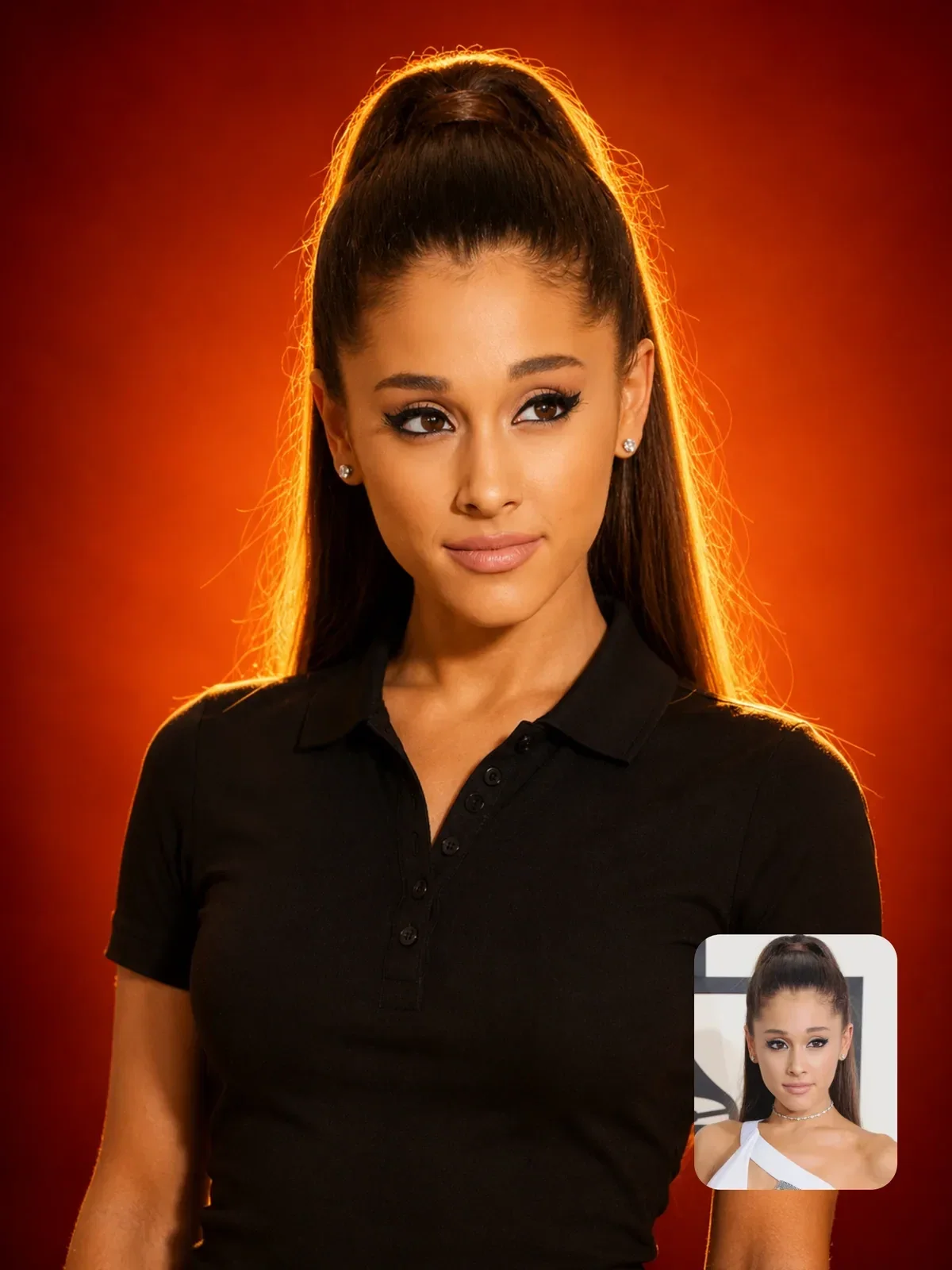

That prompt places its identity lock directly after the format and lists the features before saying anything about the dramatic backdrop. Use it as a pattern: format, identity, then everything else.
Keep the face large enough to survive
In a full-length shot of a person standing in a wide street, the face may cover a tiny fraction of the image. At that size, the model has very few pixels to place features into, and it fills them with something generic. This is why group shots and wide scenes lose likeness first.
When likeness matters most, frame chest-up or waist-up. If you need a full-length image, consider a vertical frame where the person fills most of the height, and keep the background simple. For two or more people, see group and couple photos, where each face needs its own description.
If a full-body result loses the face, generate a close portrait first, confirm the likeness, then ask in the same chat for a wider version that keeps that exact face.
Deciding how far a style can go
Stylized versions can be just as recognizable as photos, but the burden shifts. As the face gets simpler, two or three signature traits have to do the work the whole face did before.
| Style strength | Examples | What carries the likeness | What to name in the prompt |
|---|---|---|---|
| Light | Studio portrait, editorial photo, film look | The whole face | All anchors, natural skin texture |
| Medium | Painting, sketch, flat illustration | Proportions and hairline | Face shape, brows, nose, hair |
| Strong | 3D cartoon, chibi, caricature | Two or three signature traits | Hairstyle, glasses, brows, smile shape |
| Very strong | Toy figure, bobblehead, brick minifigure | Hair, accessories, clothing colors | Hair shape and color, glasses, outfit details |
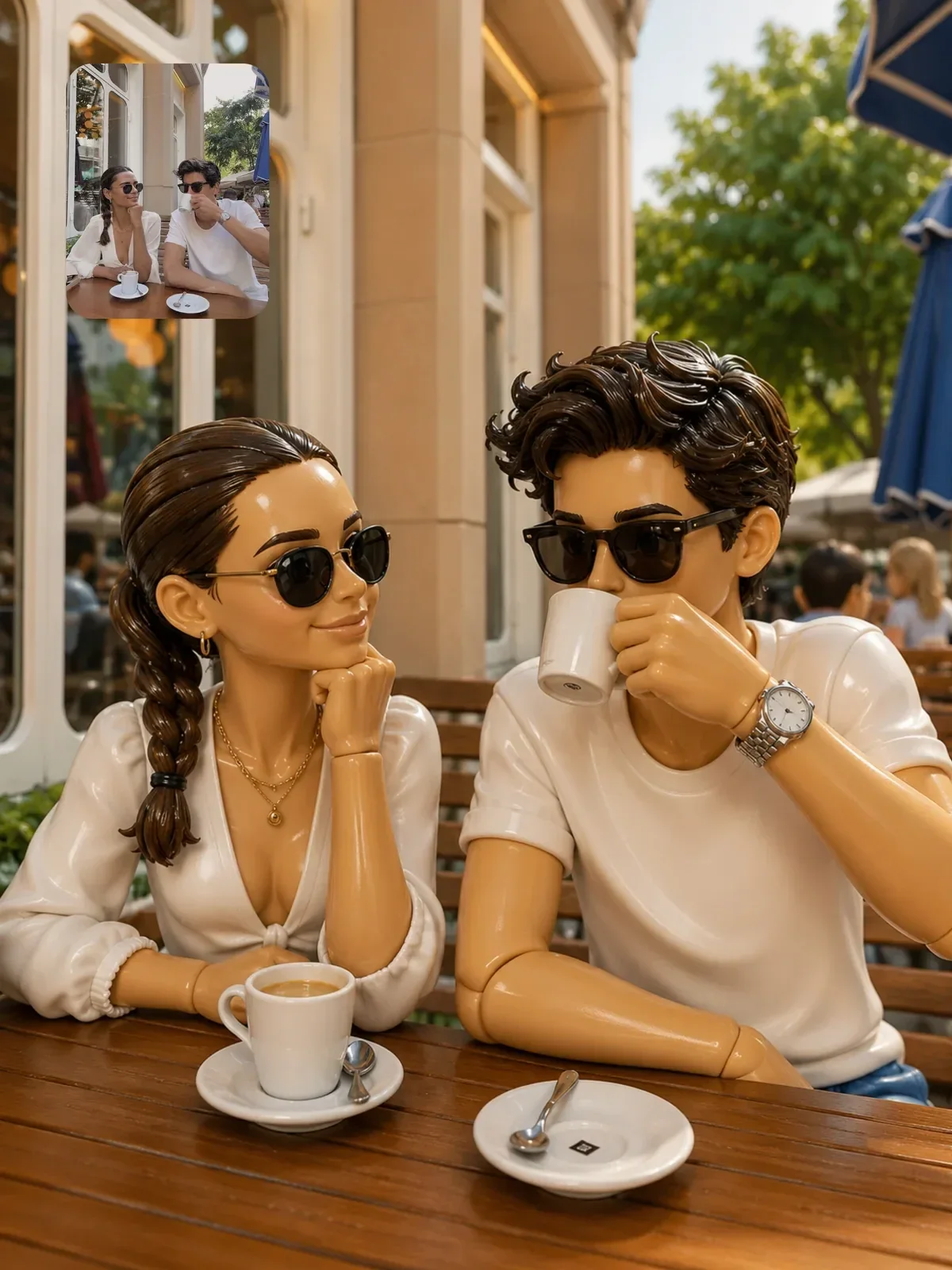
For toy styles, it helps to think like a toy designer: what would a real collectible keep so a fan could tell who it is? Usually the haircut, the glasses, a beard, a signature jacket. Name those explicitly, and accept that the nose will become a toy nose.
A likeness checklist before you share
Your own judgment is biased; you know what you meant. Use these checks to see what is actually there.
- Side by side at the same size. Put the result next to the reference with both faces at similar scale.
- Flip both horizontally. Mirrored images break your familiarity and drift becomes obvious.
- Thumbnail test. Shrink both to the size of a profile picture. Recognition at small sizes is about proportions, which is exactly what you want to check.
- Check one anchor at a time: eye spacing, nose length, jaw, hairline, the asymmetry you named.
- Ask someone who knows the person which image is closest, without telling them which is which.
- Fix one thing per follow-up: “The nose has become narrower than the reference. Restore the original width and keep everything else.”
If you plan to use the same face across many images, this checklist becomes the start of a consistency routine. How to create a consistent AI character picks up from here.