

Black Friday SaleEnds in0 00:00:00
PromptOpen ChatGPT
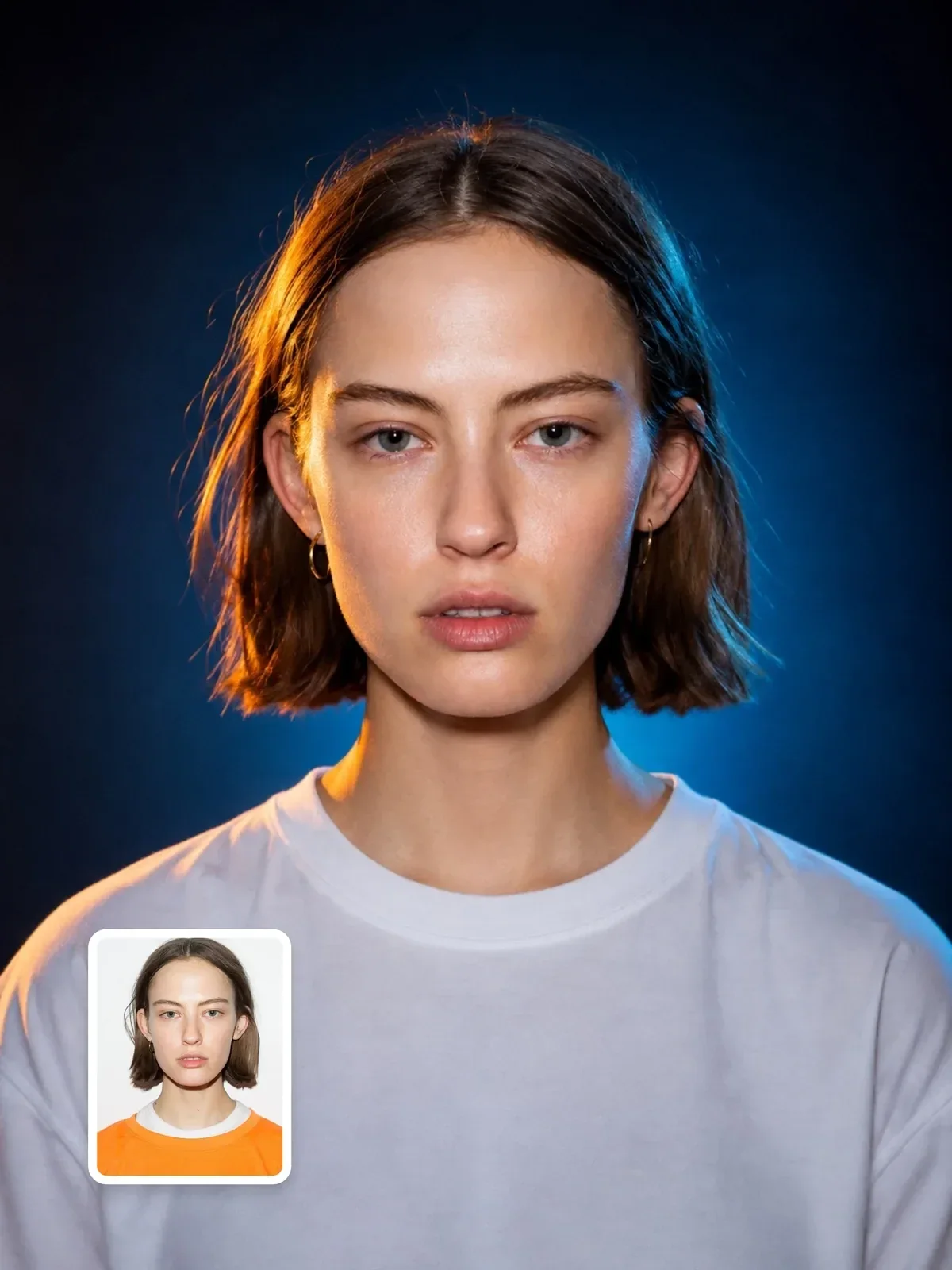
Hyperrealistic cinematic studio portrait for ChatGPT
Created by Visual AI Club and tested before it was published.
Press Copy below to get the complete prompt in one click.
Then follow the steps in the guide on this page for a close match.
+23 more lines · Copy gets the full text
27
90
Prompt guide
Hyperrealistic cinematic studio portrait
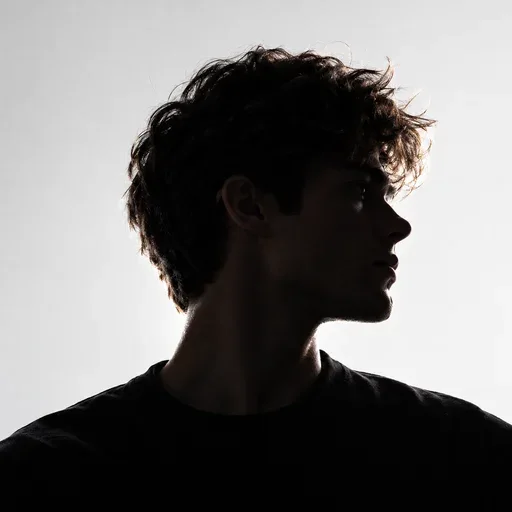
A photoreal, chest-up studio portrait lit with the classic teal-and-orange split: a warm amber rim from the left and cool blue light everywhere else. The subject faces the camera dead center in a plain white top, against a navy-to-teal gradient.
By the Visual AI Club team · How these guides are written
You need
- Tool
- ChatGPT
- Input
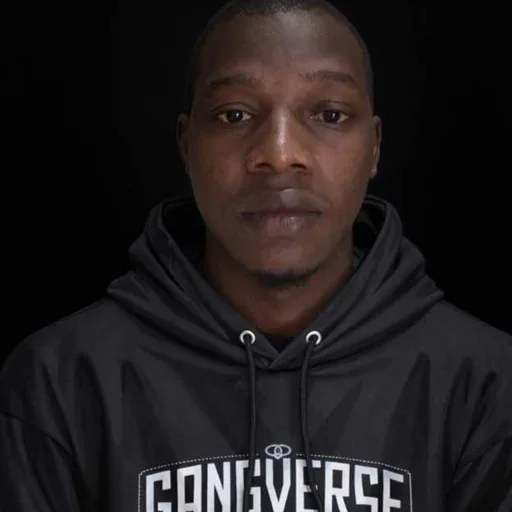
- A front-facing photo of one person with both eyes clearly visible
- Works best with
- Even, well-lit source light; strong profile shots tend to change the face
- You get
- A chest-up studio portrait with a warm amber rim and cool teal fill
Steps
Start from a straight-on face
A source where you look at the lens with chin level lines up with the strict symmetrical pose the format block asks for.
Check the rim on skin and shirt
The amber edge should graze the face, neck and shoulder from camera left, and the white top should catch both the warm and blue light.
Compare eyes and skin to your photo
Colored light can nudge eye color and smooth out pores, so look closely at both before keeping the result.
If this happens
Do this
If this happens
Skin looks airbrushed
Ask for visible pores and natural skin texture while keeping the teal-and-orange lighting exactly as it is.
Eye color shifted under the blue light
Ask the model to keep your exact eye color from the reference photo, and use a well-lit front-facing source.
The face differs from a profile source
Re-run with a picture where you face the camera; side angles give the model too little to keep your identity.
The colored light barely shows on clothes
Dark fabric hides the split; keep the white T-shirt or another light top so the rim and fill read clearly.
If you want
A nightclub-poster mood
magenta rim light from the left and a deep violet fill instead of tealIf you want
Light on your other side
move the warm rim light to camera rightIf you want
A calmer work headshot
lower contrast with only a soft hint of warm and cool colorDetailed guide
Reading the two-color lighting setup
The look comes from one warm rim light grazing the side of the face, neck and shoulder from camera left, while a cool blue fill wraps the rest. Warm skin against a cool background is a familiar film grading choice because it separates the face from the backdrop so cleanly.
The white T-shirt or hoodie is not a random wardrobe pick. White fabric catches both colors, so the orange edge and blue fill show up on the clothing and make the lighting look physically real.
A strict, symmetrical pose
The format block asks for the head straight on, chin level and both shoulders visible. That symmetry gives the portrait its calm, almost passport-like seriousness, softened by the cinematic light.
Your source photo does not need to match that pose exactly, but a front-facing image with both eyes visible makes the model's job far easier. Strong profile shots often come back with a slightly different face.
Keeping it real, not retouched
The identity lock explicitly says not to beautify, redesign or age the person, and the camera block asks for pores, individual hair strands and small imperfections. If your result looks airbrushed, ask for visible skin texture and natural pores while keeping the lighting unchanged.
The f/2.8 and 85mm references nudge the model toward a natural portrait perspective with a soft background. The face should stay sharp from eyes to ears.
Variations on the color split
- Swap the warm rim for a magenta one and the blue fill for deep violet to get a nightclub-poster mood.
- Move the rim light to camera right if your best side is the other one.
- Change the shirt to black for a moodier image, knowing the colored light will show less on dark fabric.
- Lower the contrast for a softer corporate headshot that keeps a hint of color.
Questions people ask
Is this good for a professional profile photo?
It suits creative fields well, such as design, music or film. For a more conservative workplace, ask for a softer color contrast so the lighting does not dominate.
Why do my eyes look slightly different?
Strong colored light can shift eye color and shape a little. Use a well-lit, front-facing source photo and ask the model to keep your exact eye color from the reference.
Can I keep my own clothes?
Yes. Replace the white T-shirt line with what you are wearing, but lighter colors will still show the warm and cool light best.
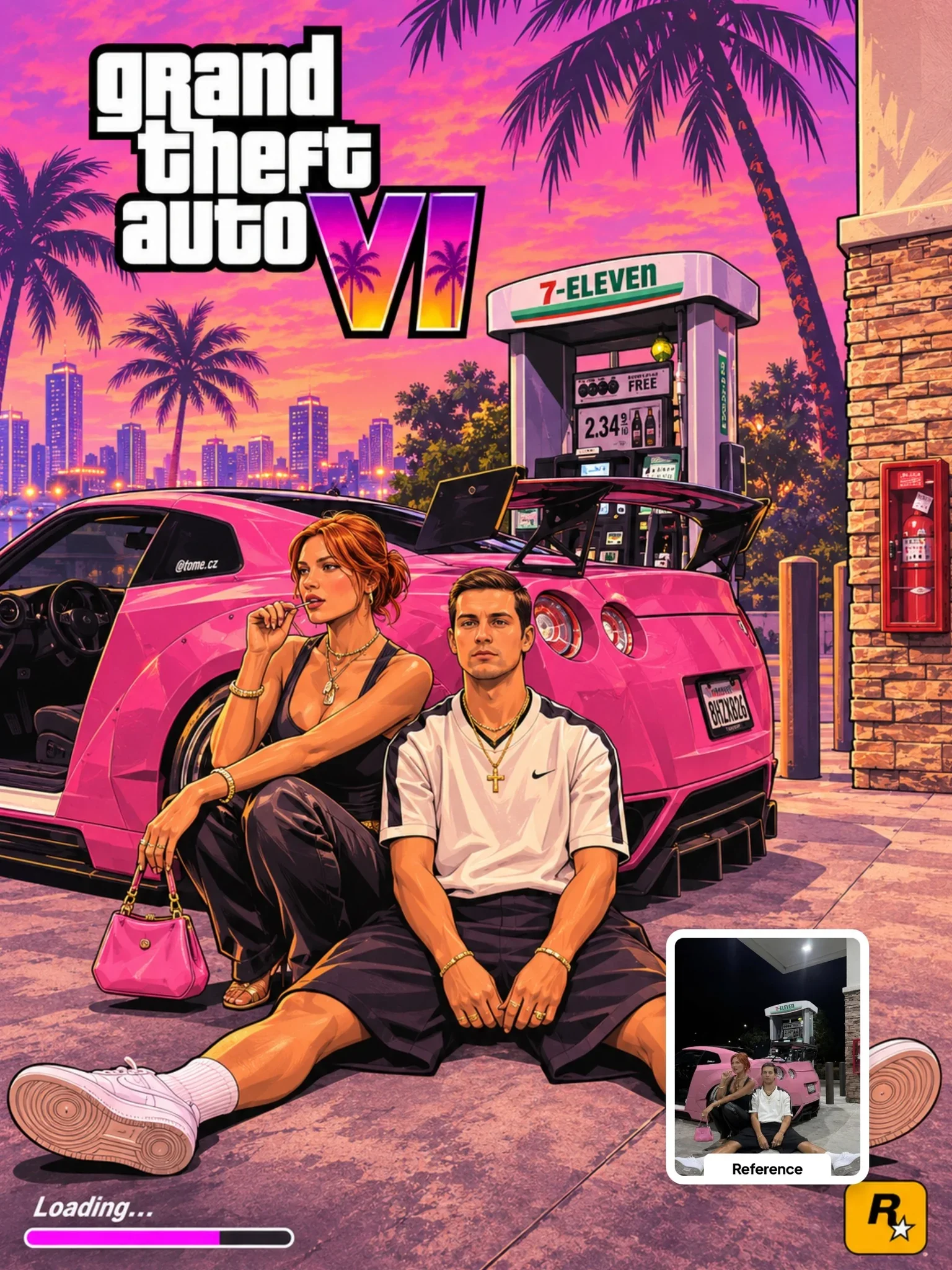 Next prompt · ChatGPTGTA VI Artwork PromptOpen

Learn AI Academy
Learn AI with Visual AI Club
Copy prompts that work, then learn why they work. The Learn AI Academy teaches AI image and AI video creation step by step: writing prompts, light and camera, consistent characters, product shots and directing a short film with Seedance.
Open the Learn AI Academy