12 Common AI Image Mistakes and How to Fix Them
Twelve mistakes behind most disappointing AI images, from quality-word stacking and bad reference photos to mismatched light and garbled text, with fixes.
Visual AI Club7 min read
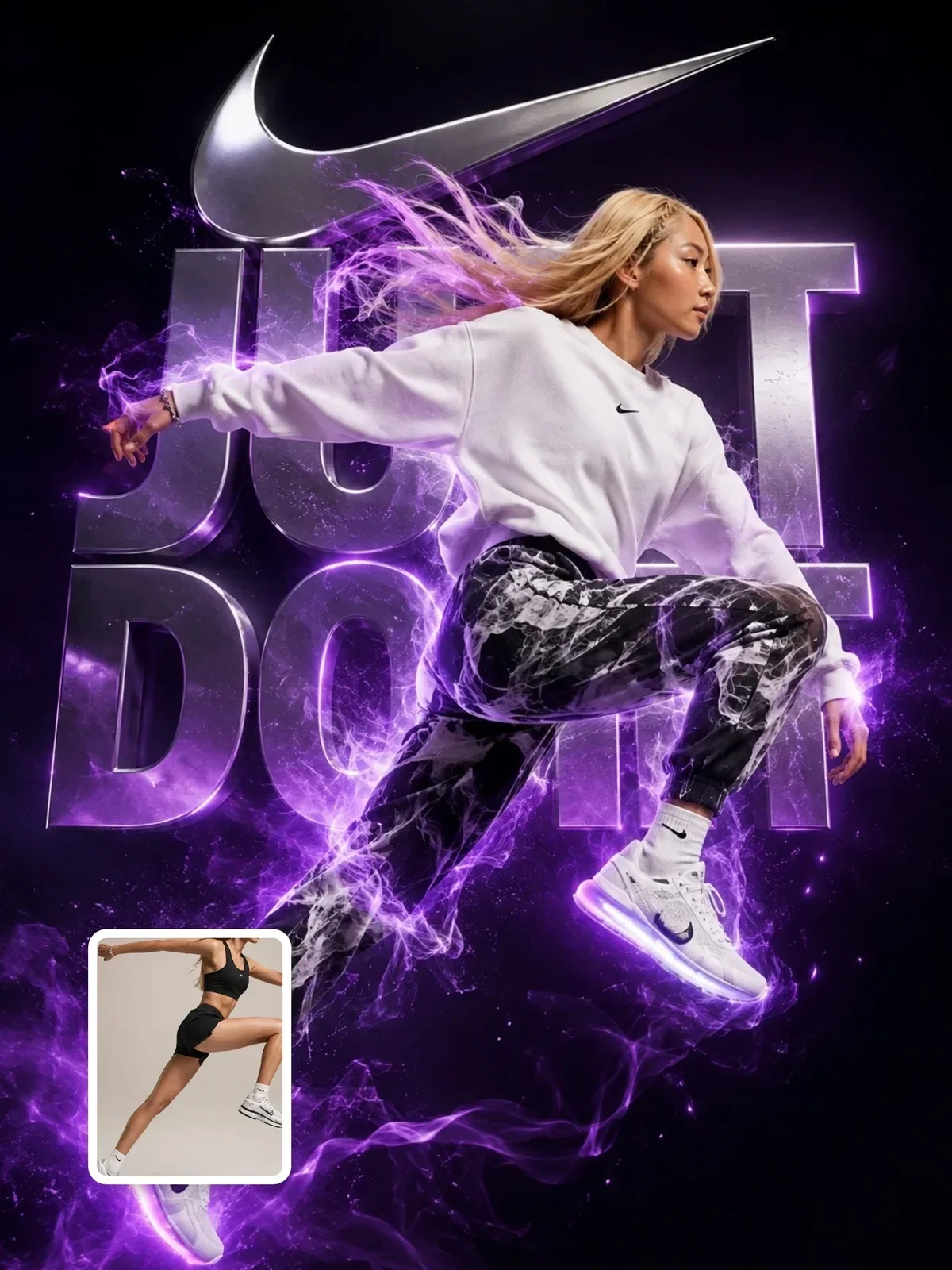
Most disappointing AI images fail for one of a small number of predictable reasons, and most of those reasons sit in the prompt or the reference photo rather than in the model. Below are twelve that come up again and again, grouped by where they happen, with how to spot each one in a result and what to change.
Use it as a diagnostic list: when an image is wrong, scan the symptoms first, then apply only the fix that matches.
Mistakes in the words
1. Stacking quality words instead of describing the picture
Symptom: a glossy, oversaturated, oddly generic image that could be anyone’s.
“Ultra detailed, 8k, masterpiece, award-winning, stunning” describes how much you want the image to be good, not what it shows. Those words tend to push the model toward its most polished, most average look.
Fix: delete them and spend the same number of words on things a camera could see: a material, a light direction, a specific prop. “Rain-beaded wool coat” does more for realism than “hyper detailed” ever will.
Stunning ultra detailed 8k masterpiece portrait of an old sailor, award-winning, hyperrealistic.
Close portrait of an old sailor with a gray stubble beard and a navy knit cap, sea spray on his cheeks, overcast light from the left, the harbor out of focus behind him.
2. Mixing styles that cannot coexist
Symptom: a muddy hybrid, half painting and half photo, with nothing fully committed.
“Watercolor, photorealistic, 3D render, anime” asks for four different media. The model averages them.
Fix: choose one medium and describe it well. If you truly want a mix, name the mix as a single idea: “a real photograph with hand-drawn white ink doodles on top”. The anatomy of a great image prompt covers other layer conflicts.
3. Burying the subject at the end
Symptom: a lovely environment with a small, vague subject, or the wrong thing in focus.
Prompts that open with three sentences about the location and mention the person last tell the model the location is the point.
Fix: open with the subject and what it is doing. Setting, style, light and camera follow.
An old stone bridge over a misty river in autumn, golden trees, soft morning light, and a girl with a red umbrella.
A girl with a red umbrella stands in the middle of an old stone bridge, looking down at the river. Misty autumn morning, golden trees on both banks, soft light.
4. Leaving the format to chance
Symptom: a square image when you needed a phone wallpaper, or a figure cut off at the knees.
Fix: state the ratio and framing early: “vertical 9:16, full body, head to shoes”. Then do not mention any other ratio later in the prompt. Framing words must agree with the shape: a tall 9:16 frame with a “waist-up” crop leaves a large empty area above the head, which the model will fill with something you did not ask for. If you are unsure which frame fits where, see which aspect ratio suits each platform.
Mistakes in the reference photo
5. Uploading a small, filtered or compressed photo
Symptom: the result is smooth, blurry or does not quite look like the person.
Screenshots of Stories, photos forwarded through messaging apps several times and images with beauty filters all throw away detail or replace it with fake detail. The model faithfully copies what it receives.
Fix: use the original file from the camera roll, sharp, evenly lit and unfiltered. If the only copy you have is poor, expect a looser likeness and choose a more stylized result.
6. Choosing a photo where the face is tiny or distorted
Symptom: a generic face in an otherwise good transformation.
A group shot from across the room gives the model only a handful of pixels per face. An arm’s-length wide-angle selfie stretches the nose and narrows the face. In both cases, the model has to guess.
Fix: pick a photo where the face is large and taken from a normal distance. If the best moment is a group photo, crop it around the person before uploading, so the face fills more of the frame you hand over. The guide on keeping a person recognizable has a full checklist.
7. Using someone’s photo without asking
Symptom: none in the image itself, which is exactly the problem.
Transforming a friend, a colleague or a stranger from a social profile without permission is a misuse of their likeness, even when the result is flattering. It can also break the rules of the tool you are using.
Fix: use your own photos, or ask first and show the person the result before you share it. Say an image is AI-edited when that matters to the viewer. The guide to using AI images responsibly goes into consent and disclosure.
Mistakes in the look
8. Plastic skin and over-perfect faces
Symptom: wax-like skin, perfectly symmetrical features, eyes that look painted.
Words like “flawless”, “perfect skin” and “beautiful” pull the model toward an idealized average. Strong, even front light makes it worse, because it removes the small shadows that reveal real texture.
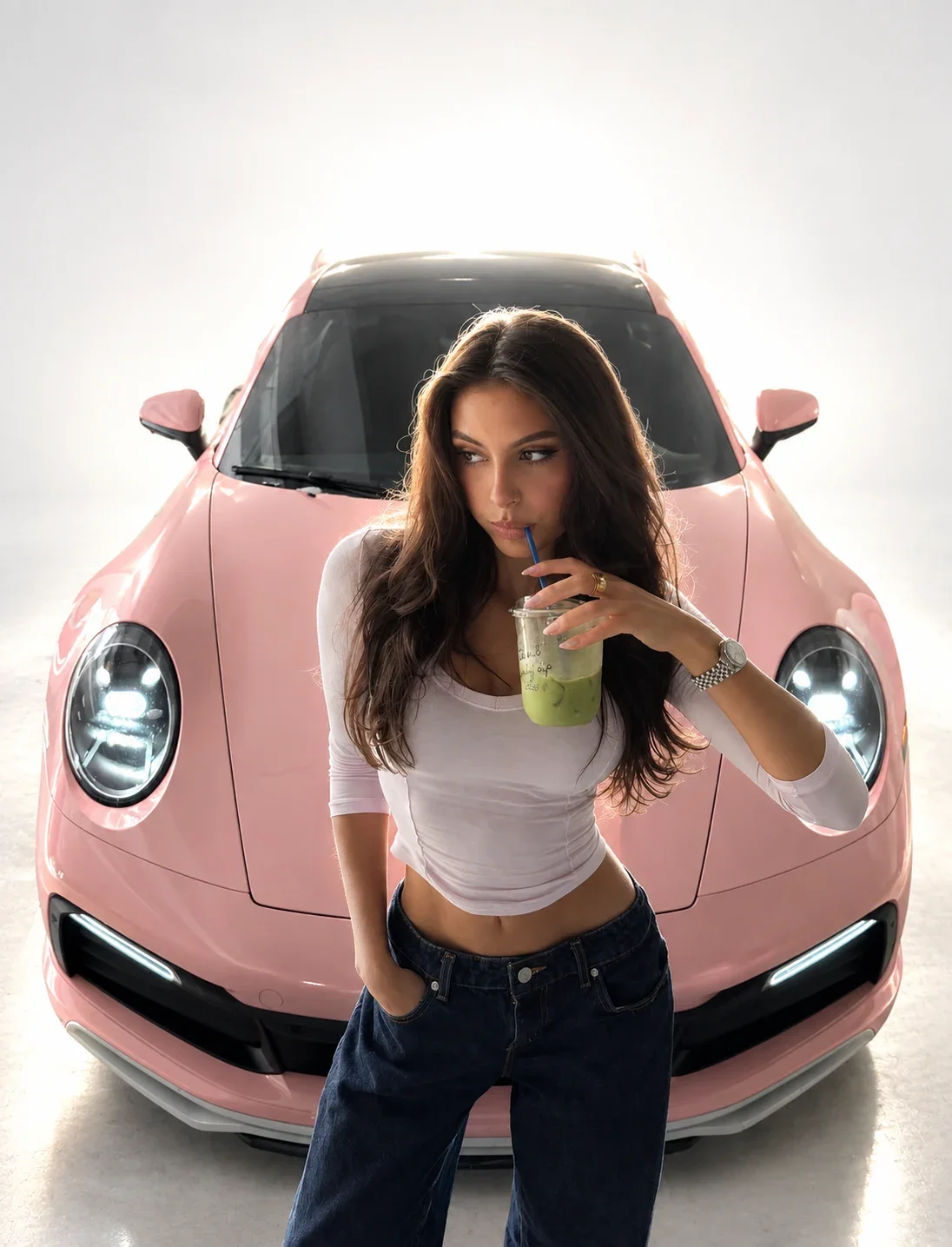
Fix: ask for what real photographs have: “natural skin texture with visible pores, slight unevenness, fine flyaway hairs”. Use directional light, which shows texture. Describing a real camera setup helps too, as in this prompt:
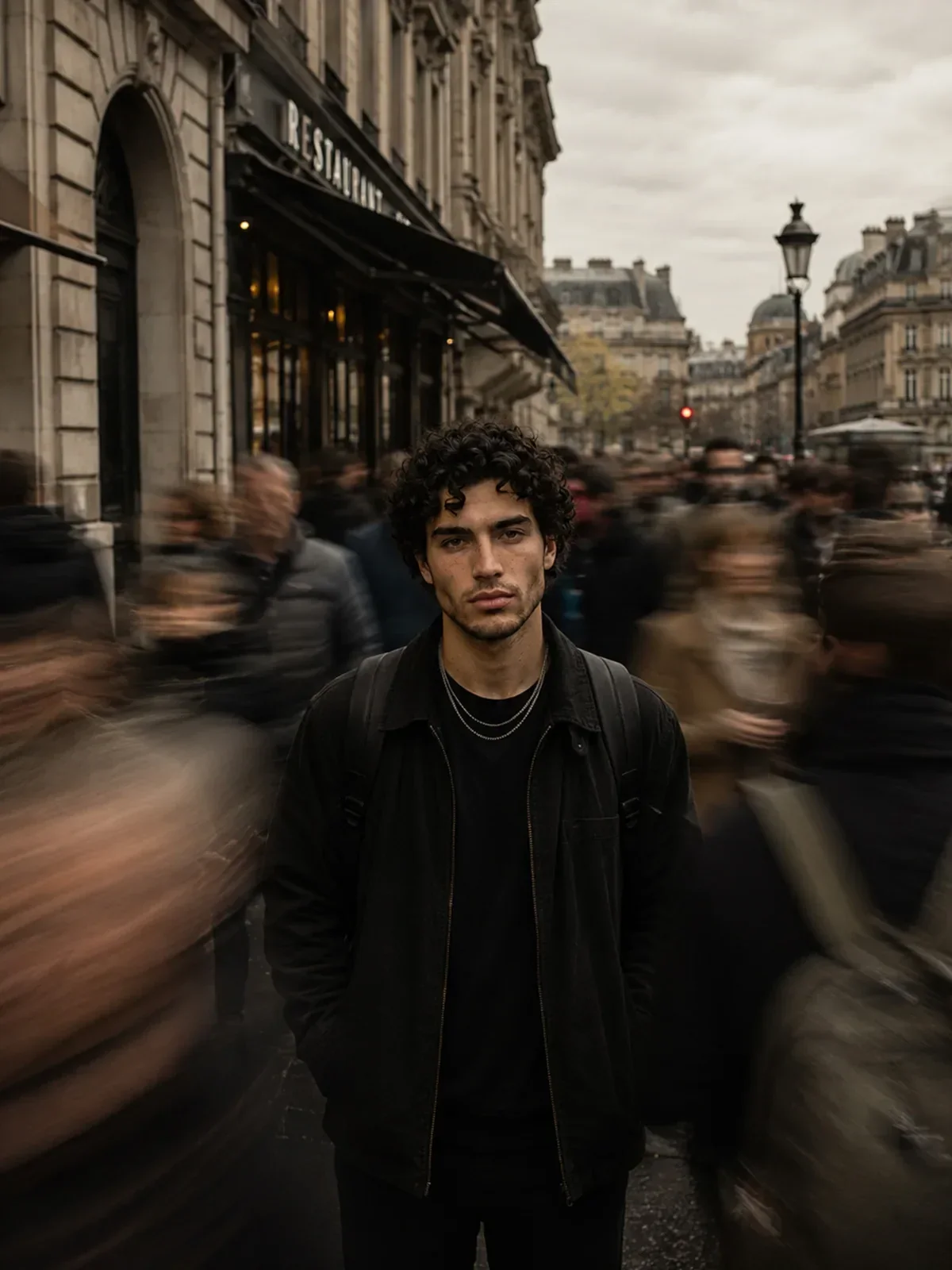

It names a camera, a 50mm lens and an aperture, asks for slight handheld instability and realistic optical softness, and explicitly rules out a synthetic look. That is a vocabulary of imperfection, and imperfection is what reads as real. The guide on making AI images look like real phone photos takes this further.
9. Light on the subject that disagrees with the scene
Symptom: the person looks pasted in; something feels off but you cannot say what.
Usually the sun in the background is on one side and the brighter side of the face is on the other, or a warm indoor-lit person stands in a cool blue evening scene.
Fix: name one light source and its direction, and say it lights both the person and the place: “low sun from the left, lighting her face and casting long shadows to the right across the street”. Ask for a contact shadow where feet meet the ground.
When you edit your own photo into a new place, read the light in the original first: which side of the face is brighter, and is the light warm or cool? Then choose a new scene whose light comes from the same side with a similar warmth. The guide to editing your photos with ChatGPT walks through this matching step by step.
10. Long or unplaced text
Symptom: misspelled words, invented letters, text in random places.
Fix: keep lettering to a few words, put the exact text in quotes, say where it goes and what it looks like. Proofread every letter. For long copy, generate the image with empty space and add the text in a design app.
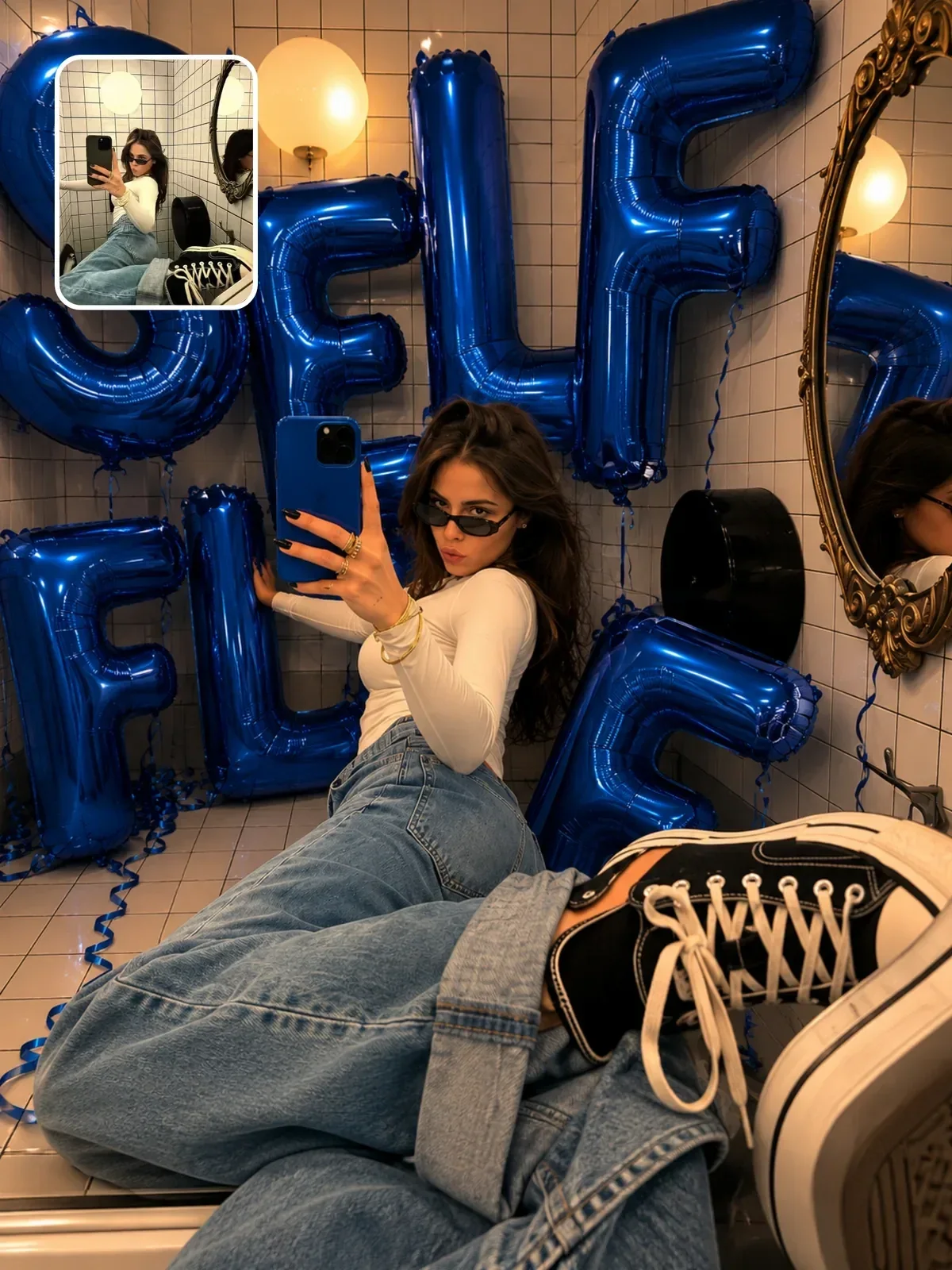
Two short words formed from balloons, specified in a settings line at the top, is about as safe as image text gets. More in clean text in AI images.
11. Busy hands and too many small objects
Symptom: odd finger counts, objects melting into hands, the wrong number of cups on the table.
Hands are complex, and they get harder when they hold, grip or overlap other objects. Counts become unreliable as numbers grow.
Fix: give hands one simple, clear action: “both hands wrapped around a mug”, “hands in coat pockets”. State counts as numbers and list items when they differ. If a hand is still wrong, fix just the hand in a follow-up edit instead of regenerating everything.
A mistake in the process
12. Rewriting everything after every result
Symptom: twenty attempts, no steady improvement, and no idea which version was closest or why.
This one quietly multiplies all the others, and it is the easiest to fall into, because each new idea feels like progress. If you change the subject, light, lens and style together, a better result teaches you nothing, and one unlucky generation can make you abandon a prompt that was nearly right.
Fix: keep a baseline, change one decision per round, and generate two or three images per version before you judge. Iterate like a photographer lays out the full method.
A pre-flight check before you press generate
- Does the prompt open with the subject and what it is doing?
- Is there one medium, stated plainly?
- Is there at least one sentence about light, with a direction?
- Are the ratio and framing stated once, near the top?
- Have you swapped every quality word for something visible?
- Is the reference photo sharp, unfiltered and yours, or used with permission?
- Is any text short, quoted and placed?
- Do the hands have one simple job?
- Do you know which single thing you will change if the result is off?
Nine questions take less than a minute. Answer them honestly and most of the twelve mistakes above never make it into your prompt in the first place.