3D Chibi and Cartoon Characters: Proportions, Materials and Light
Design cute 3D chibi and cartoon characters with AI: head-to-body ratios, eye placement, skin and fabric materials, and studio light that keeps them appealing.
Visual AI Club7 min read
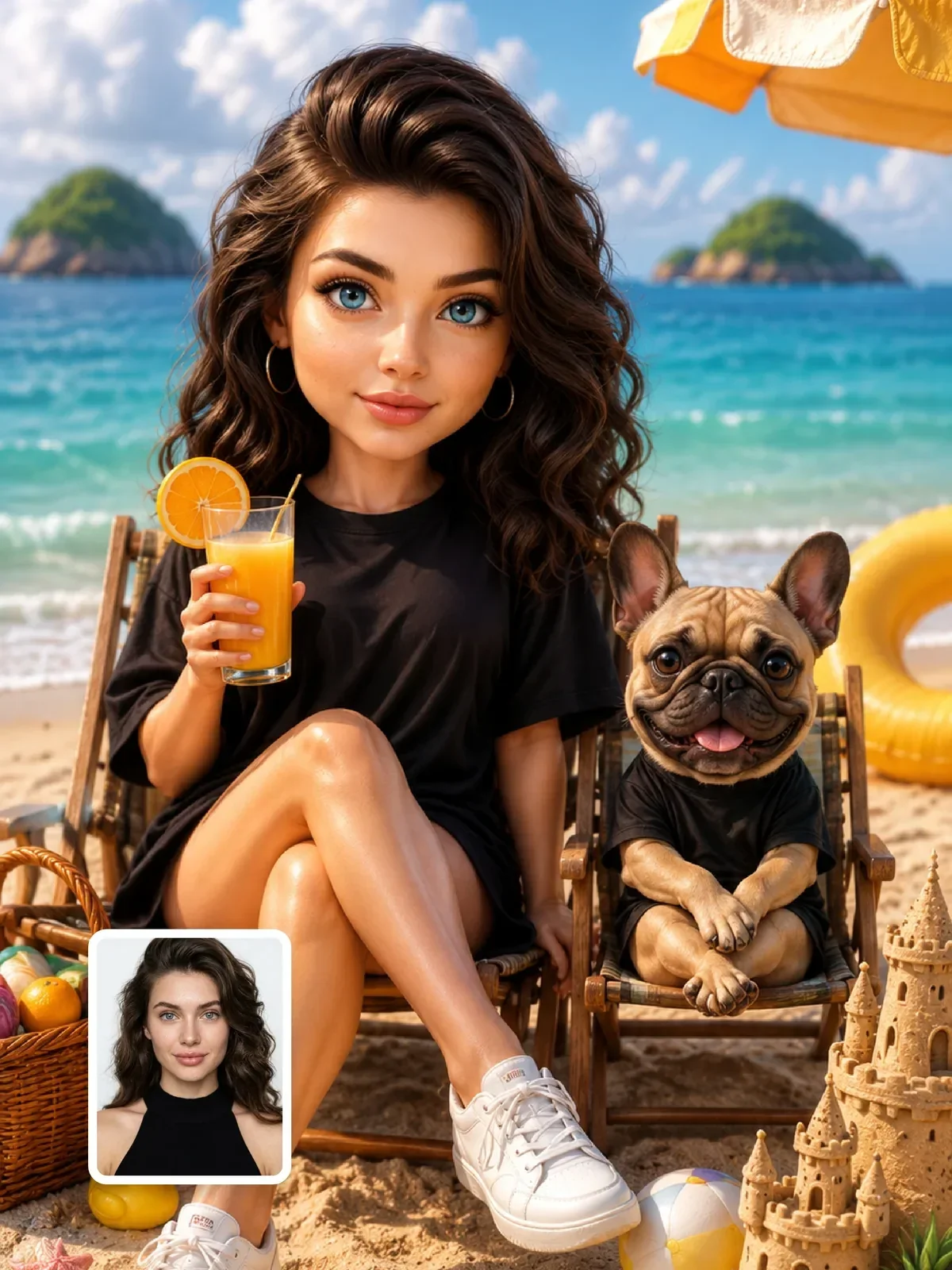
A cute 3D character is a set of measurements before it is a style. Get the head size, eye height and limb thickness right and almost any subject turns appealing; get them wrong and the same prompt makes something odd. By the end of this guide you will be able to specify those proportions, pick materials that read well in 3D, and light the character so it looks like a frame from an animated film rather than a plastic toy under a desk lamp.
Start with heads: the proportion scale
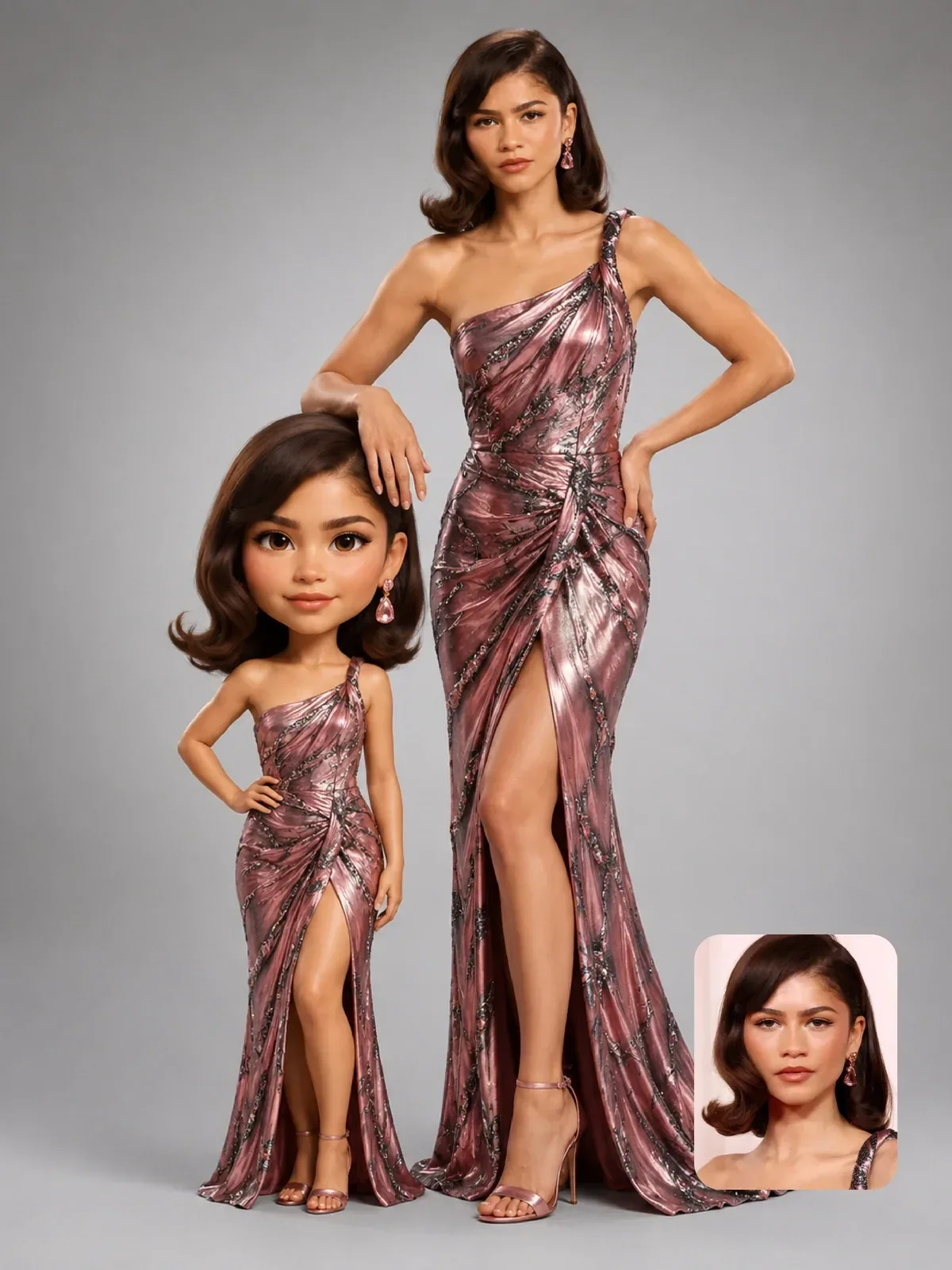
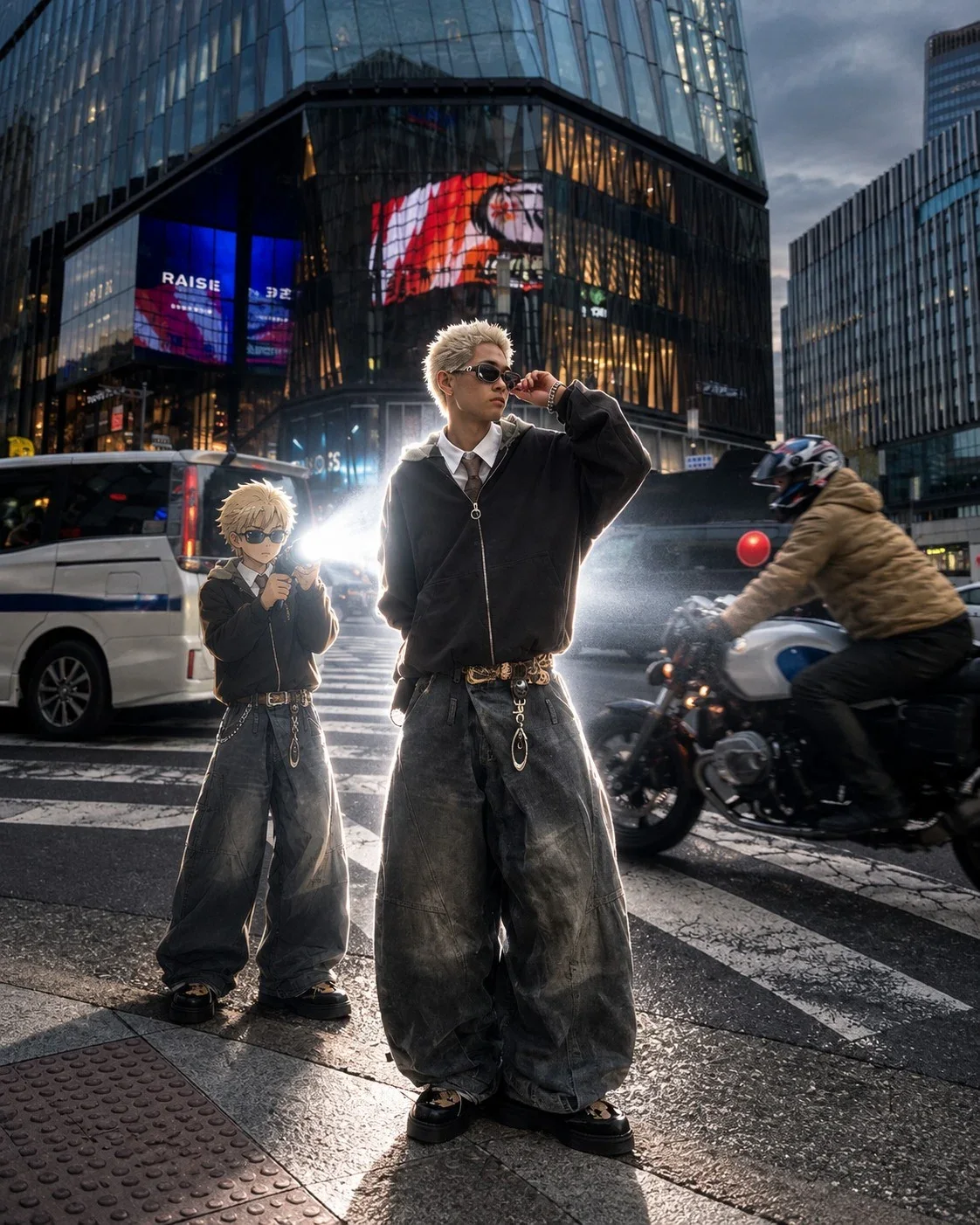
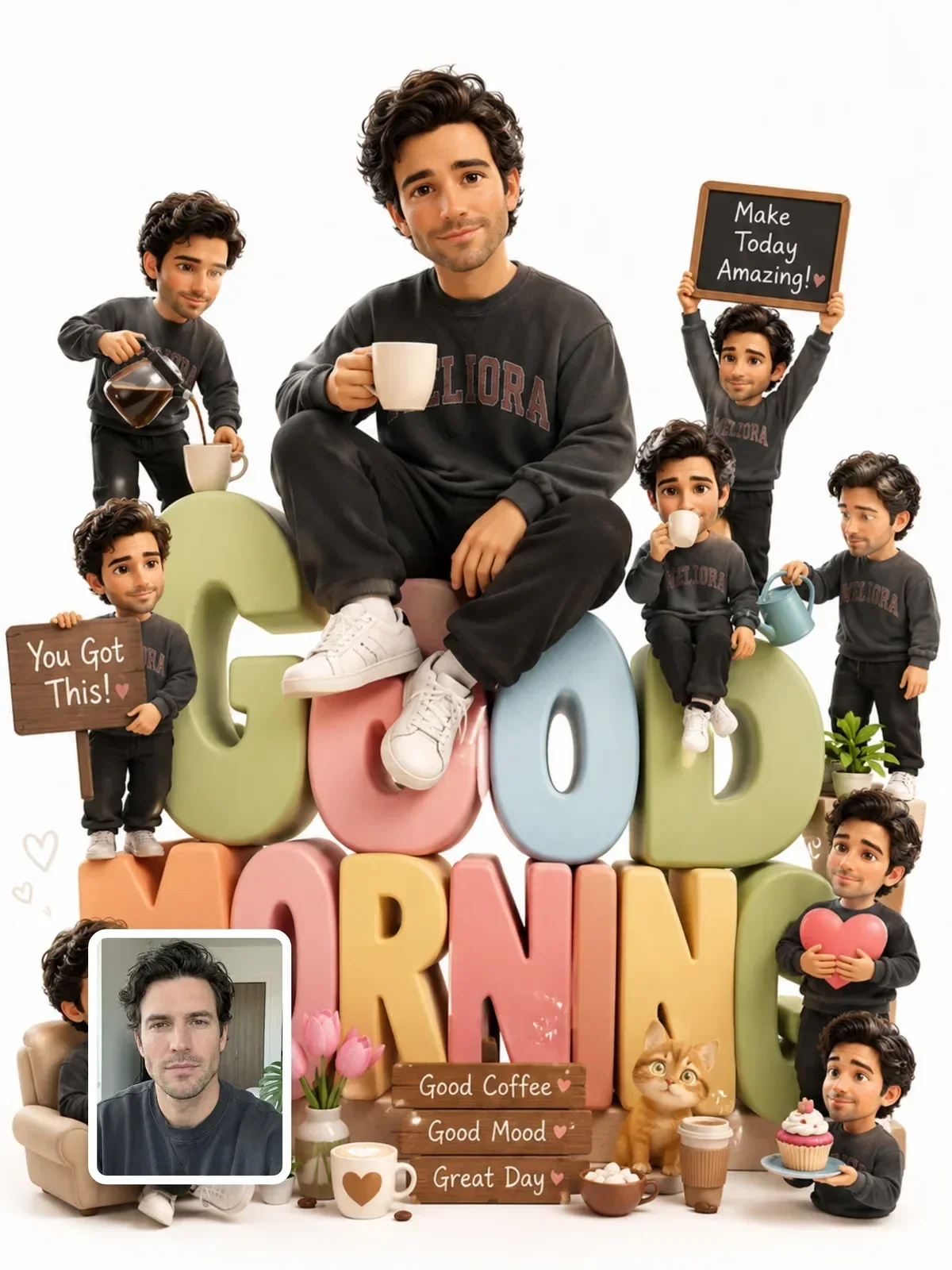
Character designers measure height in heads. A realistic adult is roughly seven and a half heads tall. A typical animated-film hero is closer to five or six. Chibi, the super-deformed style that came out of Japanese comics, compresses the body to two or three heads, so the head is a third to a half of the total height.
| Style | Height in heads | What it feels like |
|---|---|---|
| Realistic adult | about 7.5 | Neutral, grounded, serious |
| Stylized animated hero | 5 to 6 | Expressive but still human |
| Cartoon kid or mascot | 3.5 to 4.5 | Friendly, playful, readable at small sizes |
| Chibi | 2 to 3 | Very cute, toy-like, made for stickers and figurines |
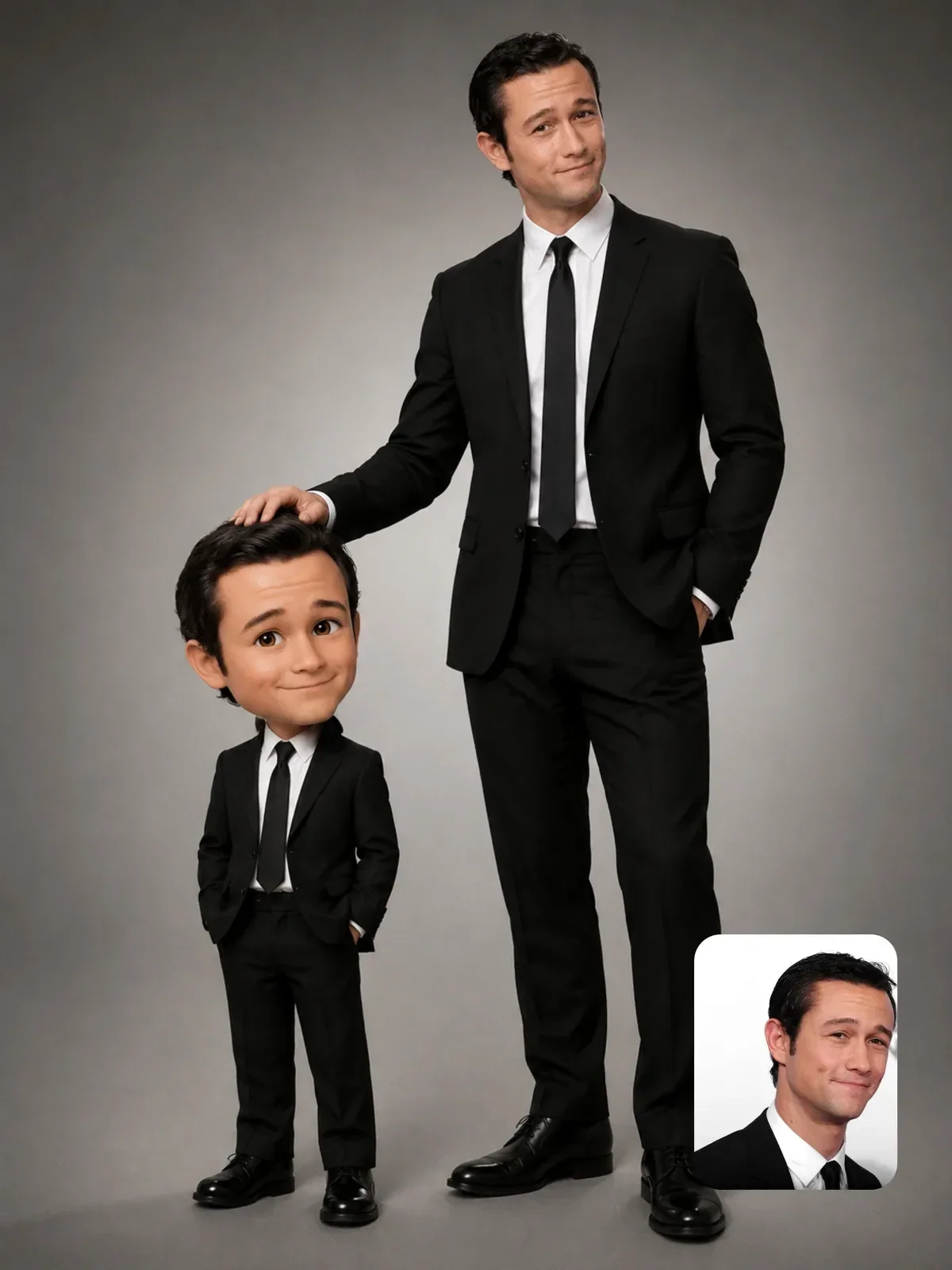
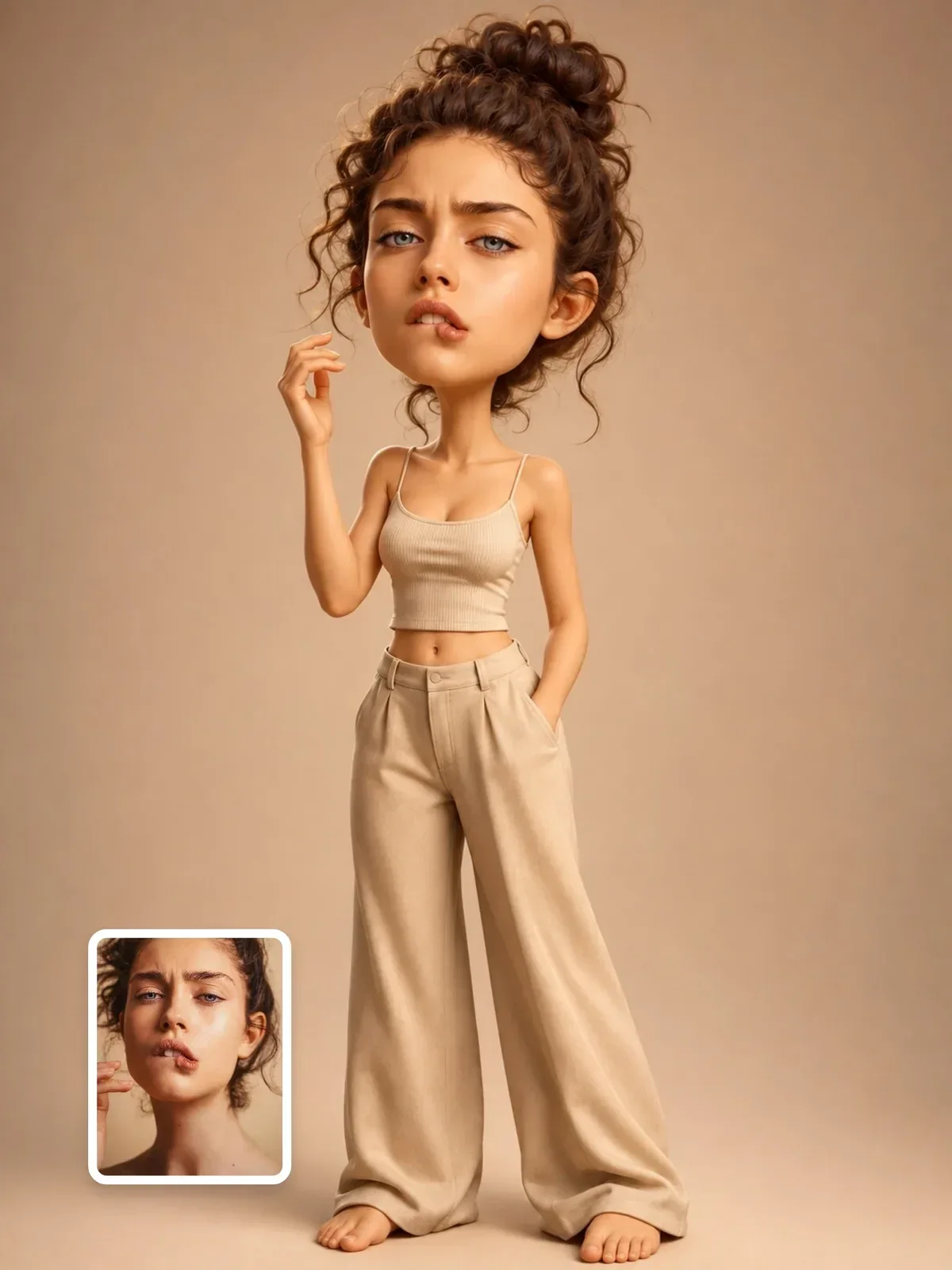
| Big-head caricature | about 2, with a near-realistic face | Funny, personal, keeps likeness |
Writing the number into the prompt is more reliable than writing cute. Models know the phrase two heads tall and will rebuild the whole body around it: short legs, a small torso, and hands that are little more than mittens.
A cute 3D cartoon version of a girl with a backpack.
A 3D chibi character, two and a half heads tall, oversized round head, short stubby legs, small mitten-like hands holding the straps of a yellow backpack, standing on a plain light gray studio floor.
The face: where cuteness actually lives
Our brains read baby-like features as friendly: a large forehead, eyes set low on the face, a small nose and mouth, round cheeks. Designers lean on this on purpose. The single most effective change is moving the eyes down. On a realistic adult the eyes sit at about the vertical middle of the head. On a chibi they sit below the middle, leaving a big forehead above them.
- Eyes: large, set wide and low, with one or two bright catchlights. Catchlights are the reflections of the light source and are what make eyes look alive.
- Nose: a small button or a soft bump; often barely there.
- Mouth: small, placed close to the nose, simple shapes for expressions.
- Cheeks: round, sometimes with a soft blush.
- Ears and hair: chunky, simplified clumps rather than individual strands.
If your chibi looks unsettling, check the eye position first. Eyes set too high on a big head look like a stretched adult face, which reads as strange rather than cute.
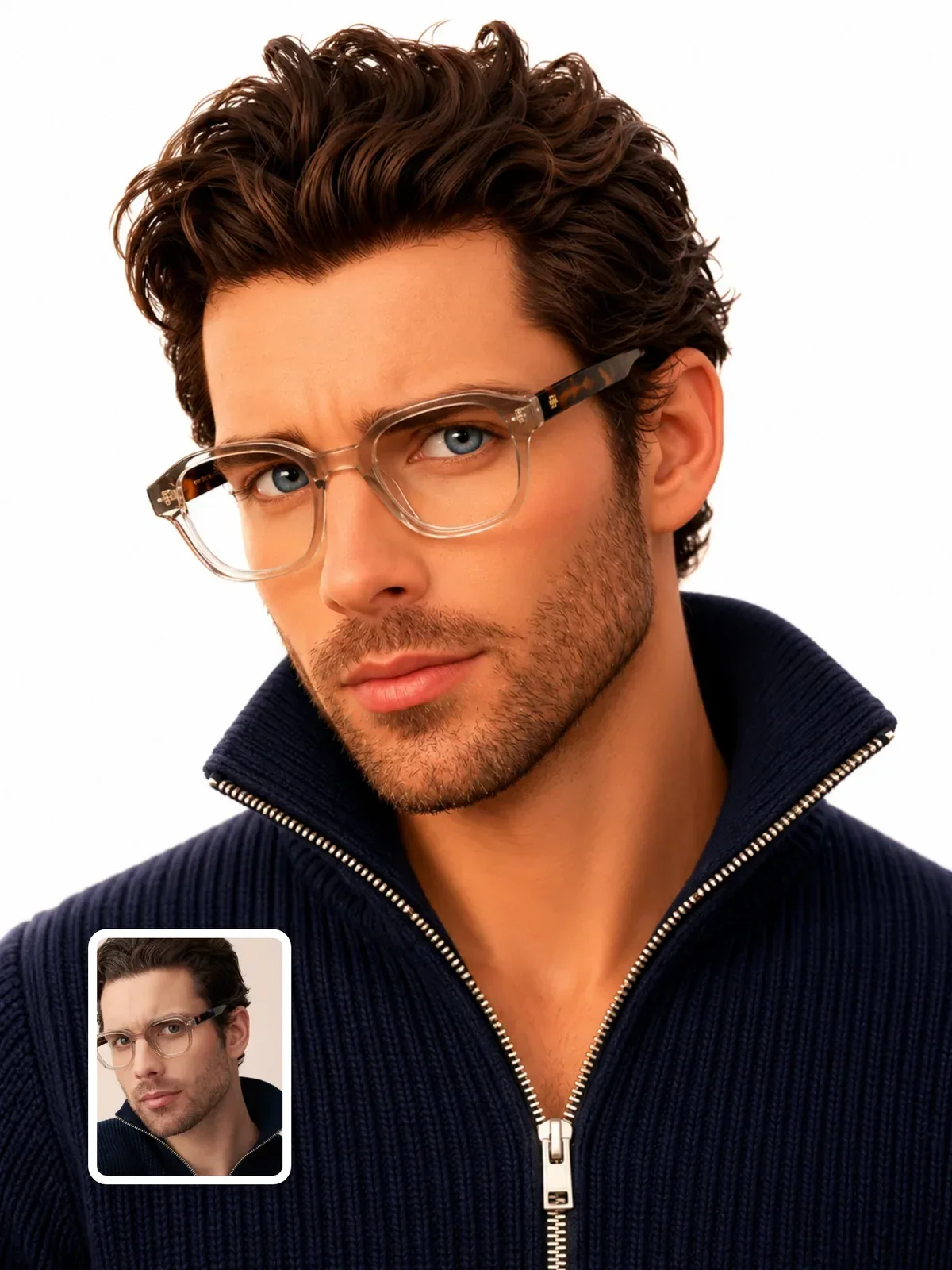
Keeping a real person recognizable at chibi scale
When you turn your own photo into a chibi, most of the face gets simplified away, so likeness has to come from other places. Animators call these the silhouette features: things you could recognize from a shadow alone.
- Hairstyle shape and hairline, including a part or bangs.
- Glasses, beard shape, freckles, a distinctive eyebrow.
- Signature clothing colors and one or two accessories.
- Skin tone and hair color, described plainly.
- A typical expression, like a wide smile or a raised eyebrow.
Name these in the prompt and ask the model to keep them while it changes proportions. For the general method of preserving identity across a transformation, see how to keep a person recognizable. Use your own photo, or a photo of someone who has said yes.

Materials: the difference between a film still and a toy
In 3D, the material decides how light behaves on a surface, and that is what tells the viewer whether they are looking at a living character or an object. You have two broad options, and both are valid.
The animated-film look
Skin in animated films uses subsurface scattering: light enters the surface, bounces around inside and exits nearby, which makes ears and fingertips glow slightly red when lit from behind. Ask for soft subsurface skin, slightly glossy eyes with a wet highlight, hair made of soft sculpted clumps with a sheen, and fabric with visible weave or fuzz. Felt, knit and fleece are especially good because they catch soft light beautifully.
The collectible figure look
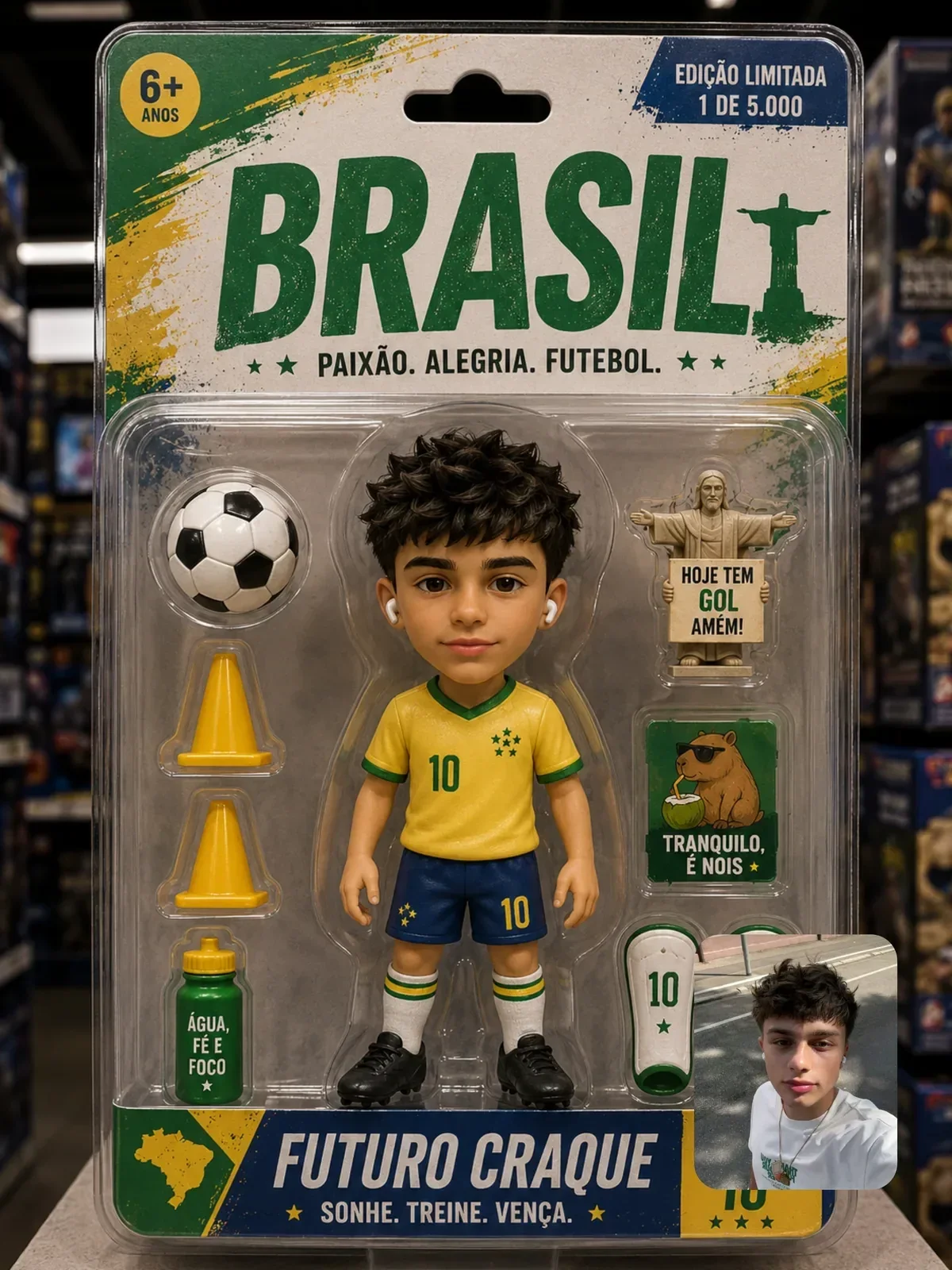
Vinyl and resin figures are opaque and smooth. Ask for matte or satin vinyl, painted details with crisp edges, a tiny visible seam where parts join, and a glossy finish only on eyes and shoes. Put the figure on a round display base, light it with one big softbox and you have a product photo. Keep the paint slightly imperfect, a little soft at the edges of the eyebrows or buttons, because perfectly crisp paint reads as a render rather than a real object. If that is your goal, the guide on toy and collectible figures goes further into packaging and display.
| Surface | Animated film | Collectible figure |
|---|---|---|
| Skin | Soft subsurface glow, subtle pores smoothed out | Opaque painted vinyl, satin finish |
| Eyes | Wet, deep, with catchlights and a visible iris | Painted or glossy domed |
| Hair | Sculpted clumps with soft sheen | One solid sculpted piece |
| Clothes | Real fabric texture: knit, denim, felt | Sculpted folds, painted color |
Lighting a 3D character like an animation studio
Animated films light characters with a lot of care, because a soft, flattering light is half of what makes them appealing. The basic setup is the same three-point lighting used in portrait photography.
- Key light: a large soft source at about 45 degrees to one side and slightly above. Large sources make soft shadows; that is simple physics, because light arrives from many angles and fills in the shadow edge.
- Fill light: a weaker light on the other side so the shadow side keeps color instead of going black.
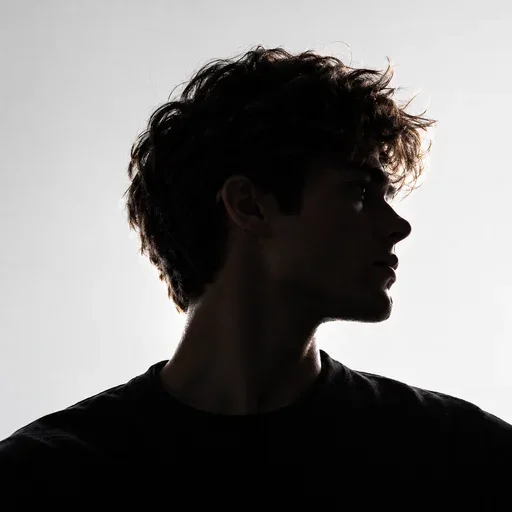
- Rim light: a light from behind that draws a thin bright line along the hair and shoulders, separating the character from the background.
- Bounce: a warm floor bounce under the chin, which is common in film lighting and makes skin feel alive.
Color temperature helps too. A warm key around 3200 to 4000 K with a cooler rim reads as cozy. A neutral daylight key around 5500 K on a white seamless background reads as clean and commercial. For more lighting terms you can paste into prompts, see lighting vocabulary for AI prompts.
Large soft key light from the upper left, gentle fill from the right, thin warm rim light on the hair, soft contact shadow under the feet on a seamless pale blue background.
Camera choices for small characters
Place the camera at the character's eye level, not yours. A camera looking down at a chibi makes it look tiny and lost; a camera at its eye height makes it the hero of its own world. A slightly low angle adds confidence.
Pose works the same way. Chibi bodies are too short for subtle poses, so animators exaggerate: a big lean, both arms up, one foot kicked back, a head tilted almost to the shoulder. Describe the pose as a clear action and keep it readable as a silhouette. A chibi standing straight with arms at its sides looks like an unfinished model; the same character mid-jump looks alive.
Lens choice matters even in 3D renders. A short lens close to the character exaggerates the head even more, which can be fun for a caricature. A longer lens, around 85mm equivalent, flattens the face and keeps proportions calm. If you want the character to feel like a real figurine on a table, add shallow depth of field so the background melts away; that blur is a strong cue for small scale.
Common failures and quick fixes
- Realistic face on a tiny body: say stylized simplified facial features and repeat the head count.
- Too many fingers or detailed hands: ask for small rounded mitten-like hands with simple fingers.
- Plastic, shiny skin: replace glossy with soft matte skin with subtle subsurface scattering.
- Character floating: add a soft contact shadow under the feet.
- Busy background stealing attention: use a seamless studio backdrop in one color, or blur the scene.
A character spec you can fill in
Before your next attempt, write a short spec. It takes two minutes and saves a lot of rerolls. Fill in each line, then turn it into a prompt in this order: proportions, face, identity details, materials, light, camera, background.
- Height in heads, and how big the hands and feet are.
- Eye size and position, nose and mouth style.
- Three silhouette features that must survive.
- Material family: animated film or collectible figure.
- Key, fill and rim, with a color temperature.
- Camera height and lens feel.
- Background color and a contact shadow.
Once one image works, save the spec as a template so you can swap in new outfits and poses; prompt templates and variables shows how to set that up.