

Black Friday SaleEnds in0 00:00:00
PromptOpen ChatGPT
Game Pixel Art Prompt
A ChatGPT image prompt written and tested by Visual AI Club.
Copy the full prompt with the button below and paste it into ChatGPT.
The guide further down explains each part and what to change.
+19 more lines · Copy gets the full text
35
125
Prompt guide
Game Pixel Art Prompt
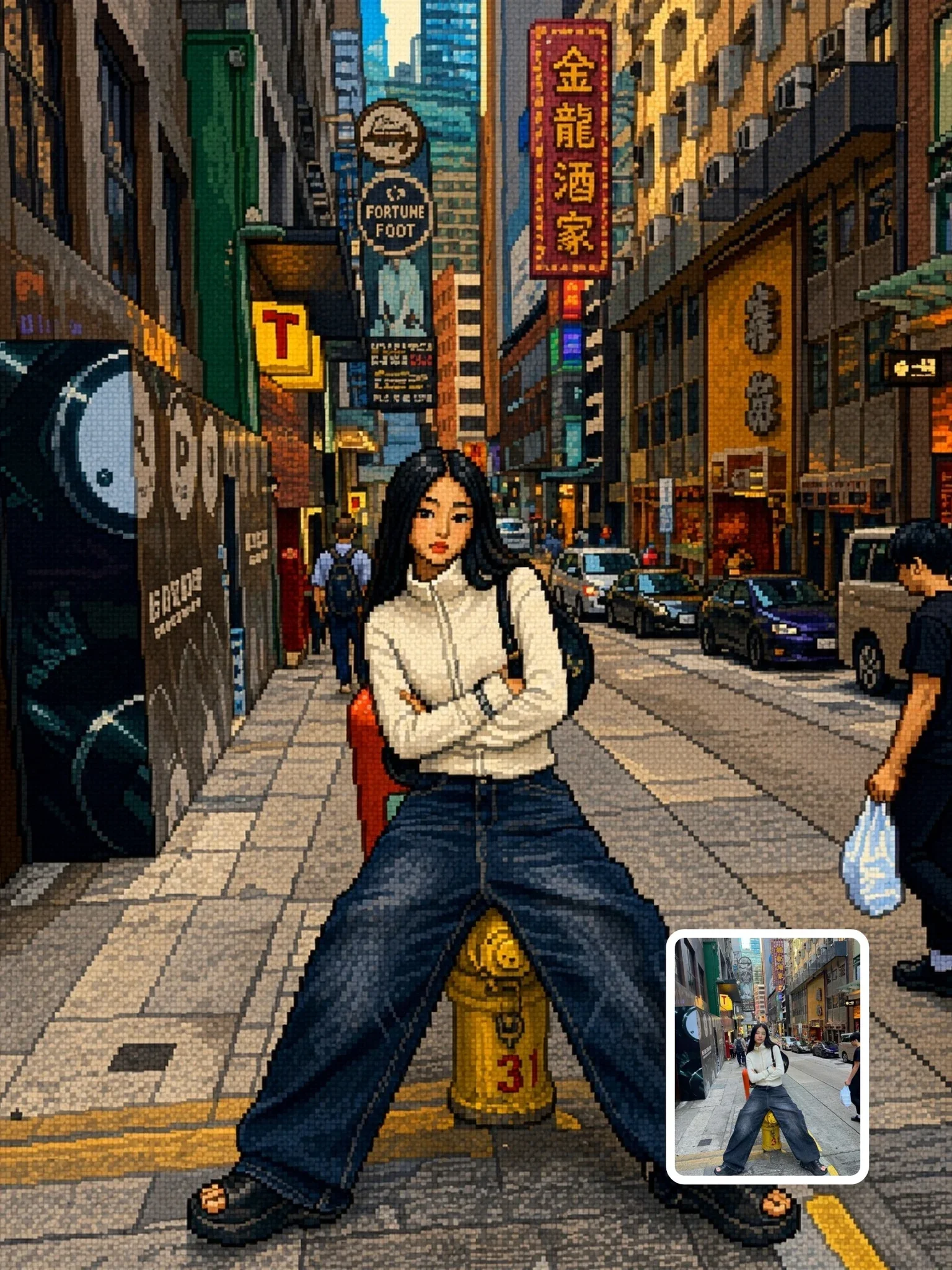
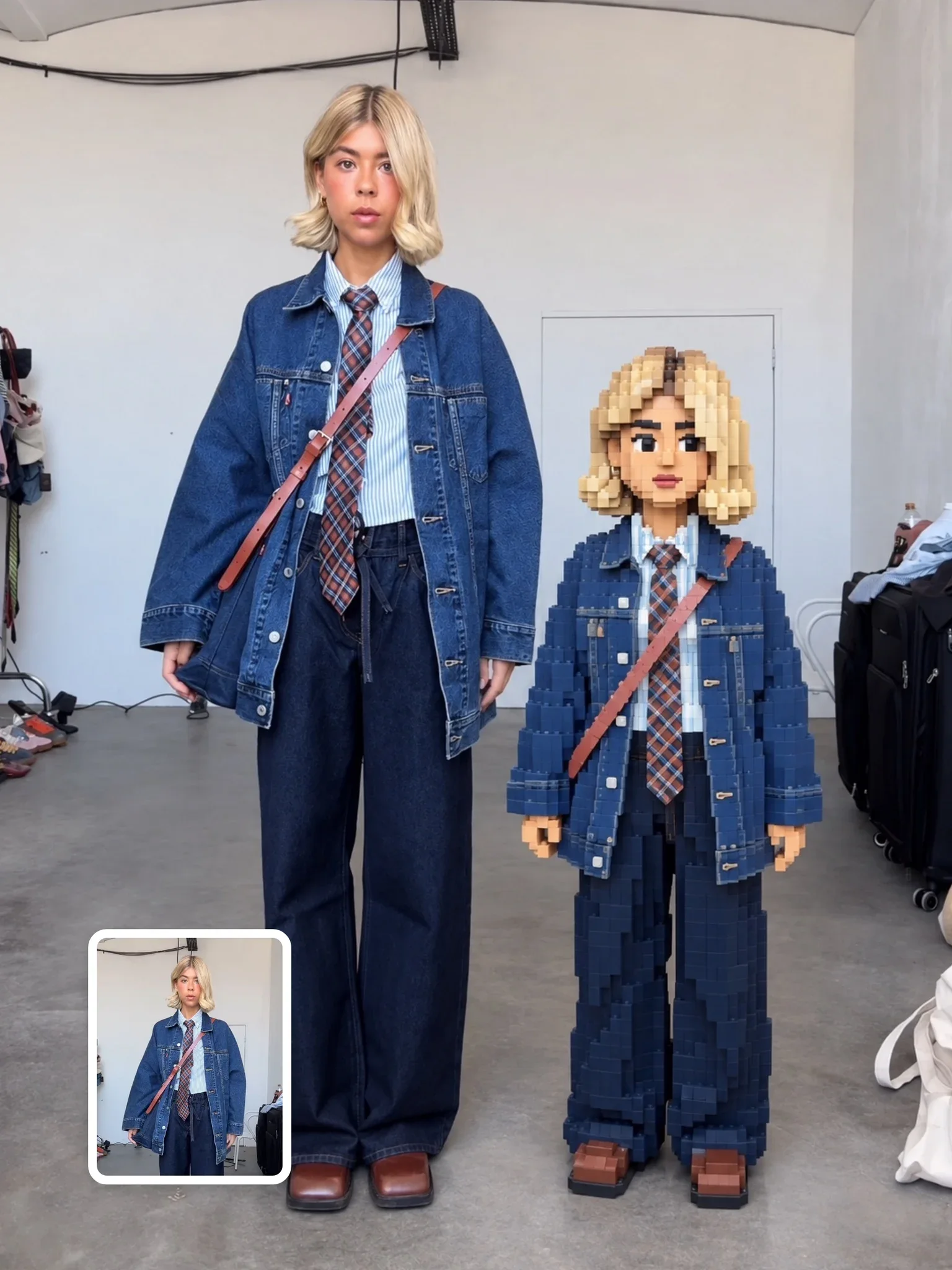
This conversion redraws your image as if it were a screen from a 16-bit console role-playing game, with chunky pixel clusters and a bright limited palette. The composition is meant to stay exactly as photographed: nothing is moved, added or removed, only re-rendered in pixels.
By the Visual AI Club team · How these guides are written
You need
- Tool
- ChatGPT
- Input
- One photo: a person, a place or a group
- Works best with
- Bold shapes and clear colors at medium distance
- You get
- The same scene as a 16-bit RPG screen
Steps
Choose a photo with simple shapes
A person by a house, a car on a road or a pet on a sofa pixelates cleanly; busy close-ups do not.
Upload it with the prompt
The composition lock keeps every object where it is, so only the rendering changes.
Rescue one lost detail at a time
If glasses or a logo vanish, name it in a follow-up and ask for it as a simple pixel shape.
If this happens
Do this
If this happens
It looks blurry rather than blocky
Ask for hard pixel edges and no anti-aliasing.
Faces became a few big blocks
Use a photo taken from further away so the face gets more pixels.
Pixel sizes differ across the image
Repeat the request for one consistent pixel scale over the whole frame.
You wanted a real game screen
Add a health bar or dialogue box yourself; the base prompt forbids new elements.
If you want
An older 8-bit look
bigger pixels, a 4–8 color palette, almost no shadingIf you want
An RPG battle screen
add a simple HP bar and a dialogue box at the bottomIf you want
A night version
recolor the scene for night with a deep blue paletteDetailed guide
What 16-bit means visually
Consoles of the early 1990s could show more colors than earlier 8-bit machines but still worked with small sprites and limited palettes. That era's look is clean pixel clusters, hand-placed highlights and shading built from a few stepped tones rather than smooth gradients.
The prompt asks for a consistent pixel scale, which matters more than it sounds. If some areas use big pixels and others tiny ones, the image stops reading as a game screen and looks like a broken filter.
A strict no-changes rule
The COMPOSITION LOCK tells the model not to move, resize or replace anything. That makes this prompt reliable for recognizable places and people: your living room, your street or your team photo stays laid out the same way.
If you would rather have a more game-like scene, such as a health bar or a dialogue box, you have to add that yourself, because the base prompt forbids new elements.
Images that pixelate nicely
- Scenes with simple, bold shapes: a person in front of a house, a car on a road, a pet on a sofa.
- Clear color differences between subject and background.
- Medium distance rather than extreme close-ups, which turn into big blocky faces.
- Outdoor shots with sky and trees, which recall classic RPG overworld maps.
When details turn to mush
Text on signs, small jewelry and fine patterns often vanish or turn into noise at this resolution. That is true to the style. If a key detail disappears, such as glasses, name it in a follow-up and ask for it to be kept as a simple pixel shape.
If the image looks blurry rather than blocky, ask for hard pixel edges with no anti-aliasing.
Questions people ask
Can I use this as a game asset?
It is a single illustration, not a sprite sheet, so you would need to redraw or cut it up for real game use. It works well as concept art or a title-screen mockup.
Why does it say anime in the tags?
Many 16-bit role-playing games used anime-influenced character art, so people in your photo may pick up that flavor.
Can I make it look more like an 8-bit game instead?
Ask for larger pixels, a palette of around four to eight colors and almost no shading. The result becomes blockier and closer to earlier home consoles.
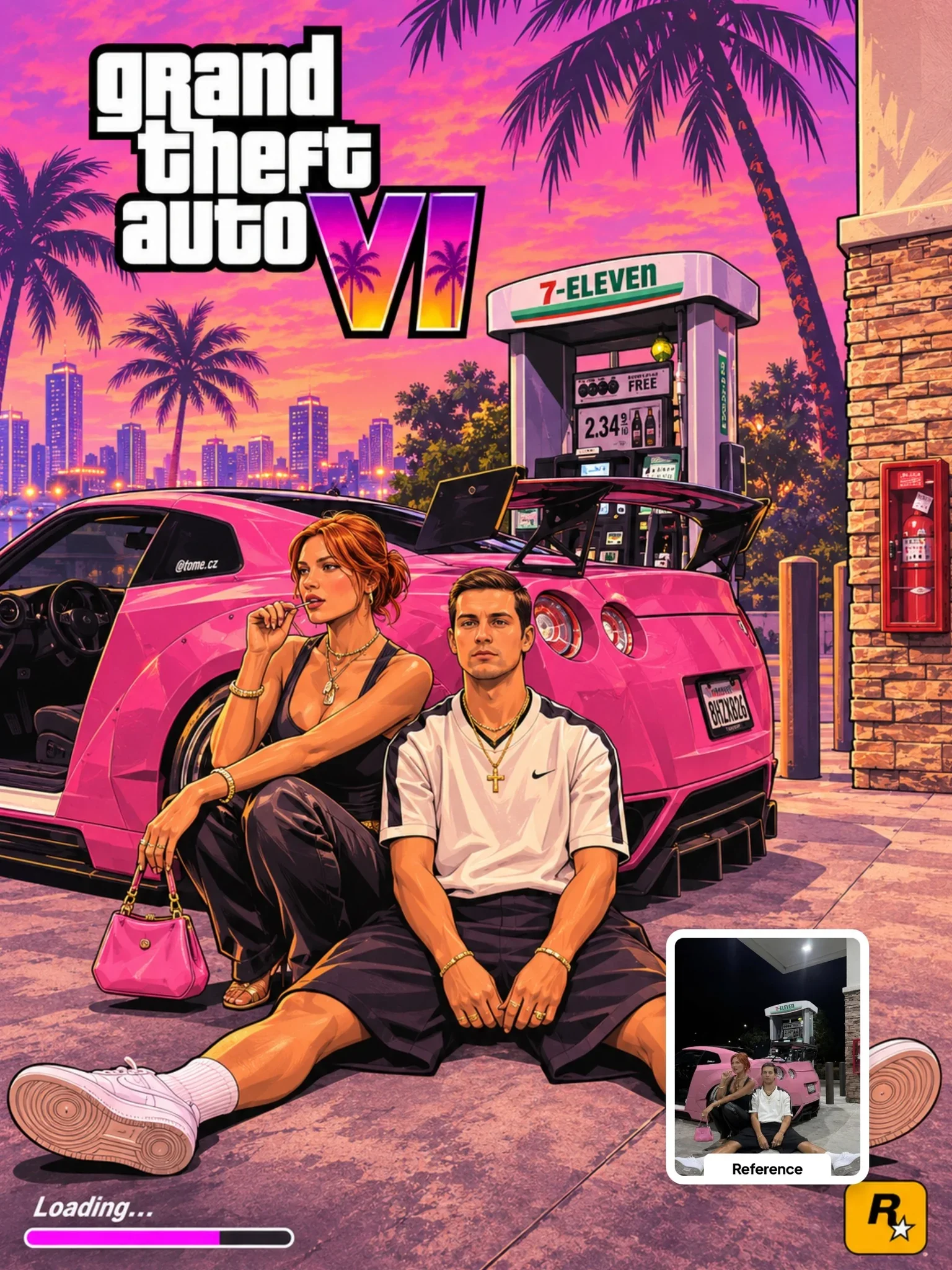 Next prompt · ChatGPTGTA VI Artwork PromptOpen
Learn AI Academy
Learn AI with Visual AI Club
Copy prompts that work, then learn why they work. The Learn AI Academy teaches AI image and AI video creation step by step: writing prompts, light and camera, consistent characters, product shots and directing a short film with Seedance.
Open the Learn AI Academy