
Black Friday SaleEnds in0 00:00:00
ChatGPT Prompt Pack
A Visual AI Club ChatGPT image prompt, ready to use.
Use the Copy button below for the full text, then run it in ChatGPT.
Learn the craft behind it in the guide and in Learn AI Academy.Learn AI Academy
Copy prompts that work, then learn why they work. The Learn AI Academy teaches AI image and AI video creation step by step: writing prompts, light and camera, consistent characters, product shots and directing a short film with Seedance.
Open the Learn AI AcademyPrompt guide
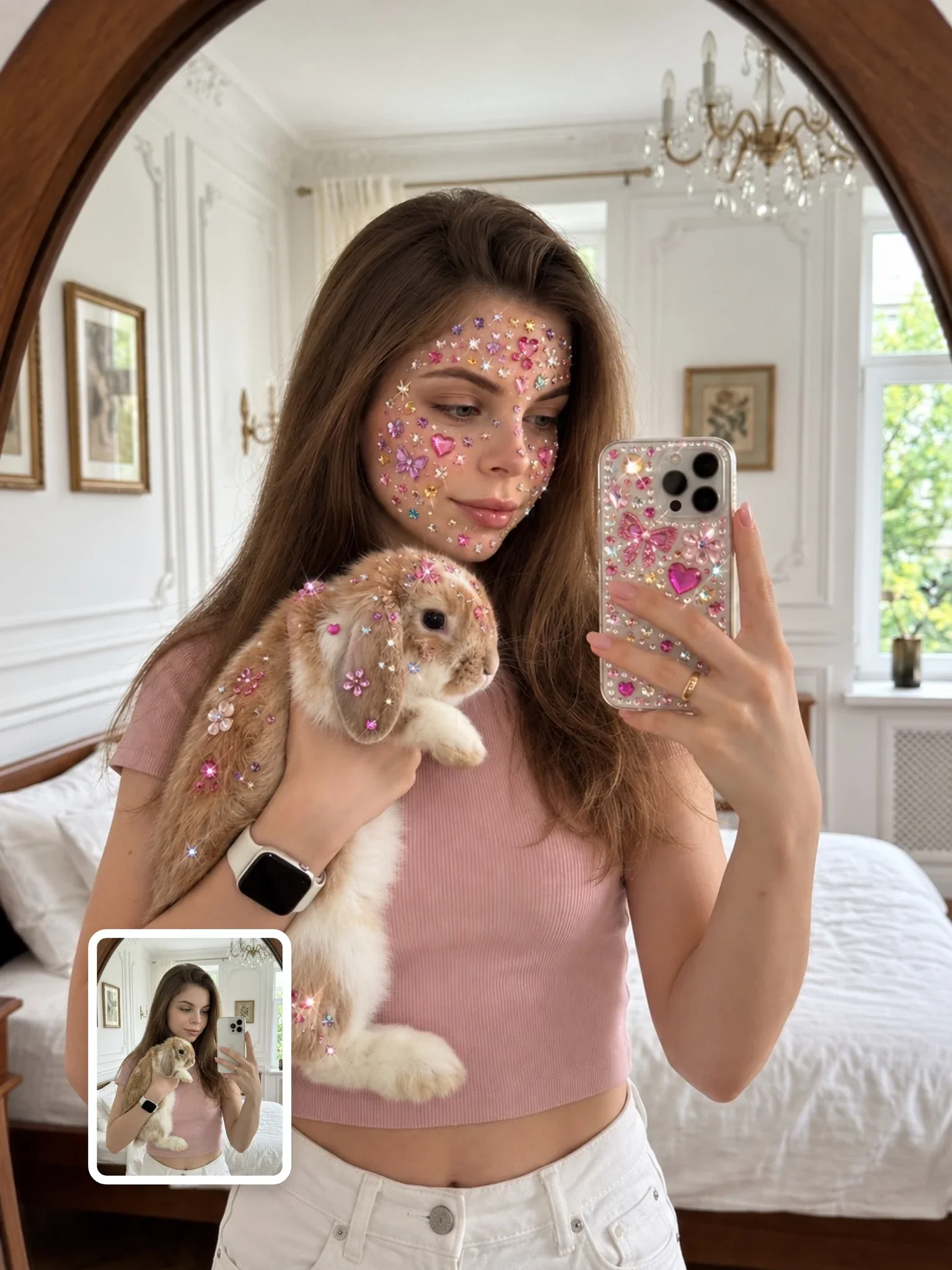
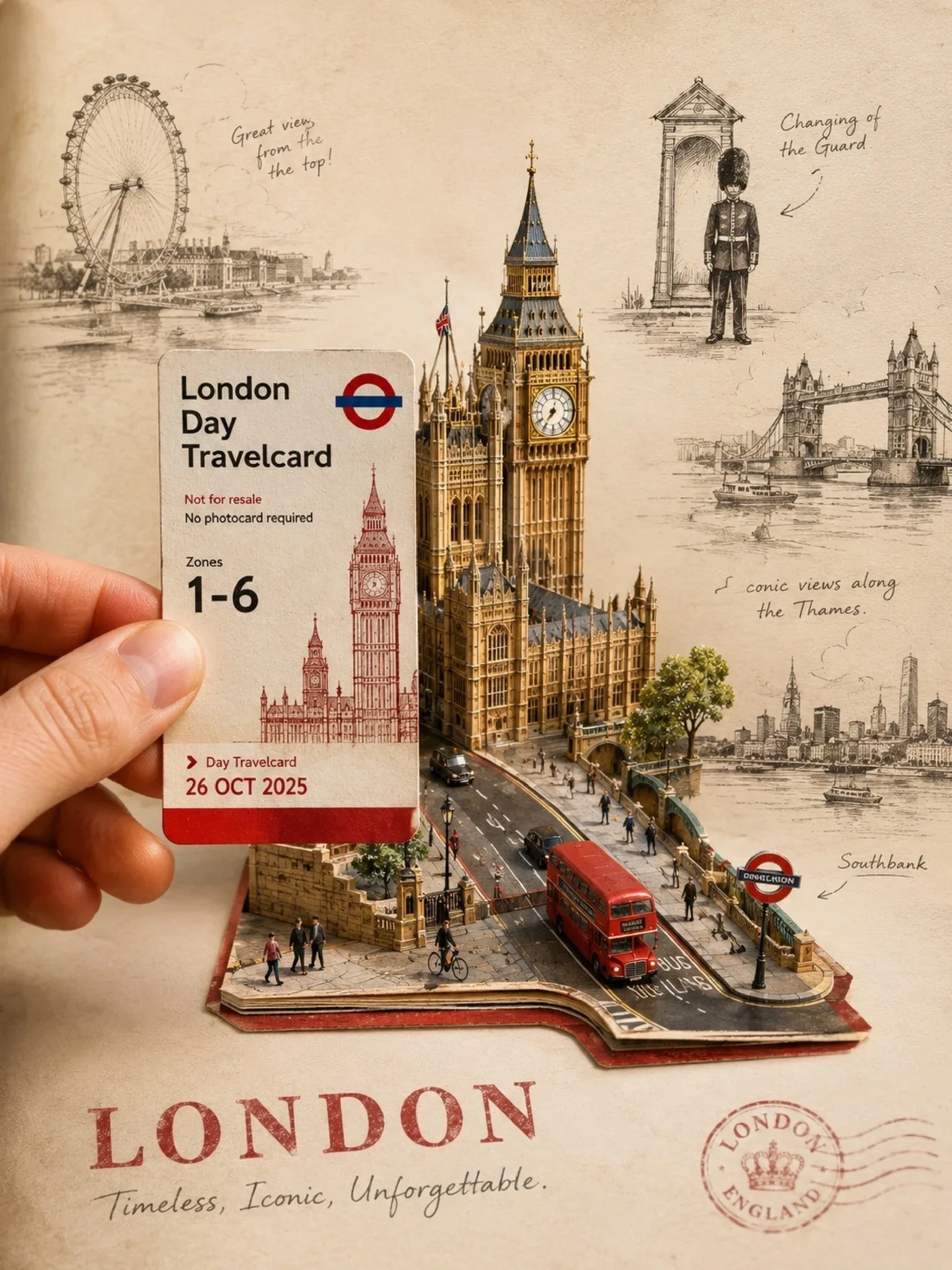
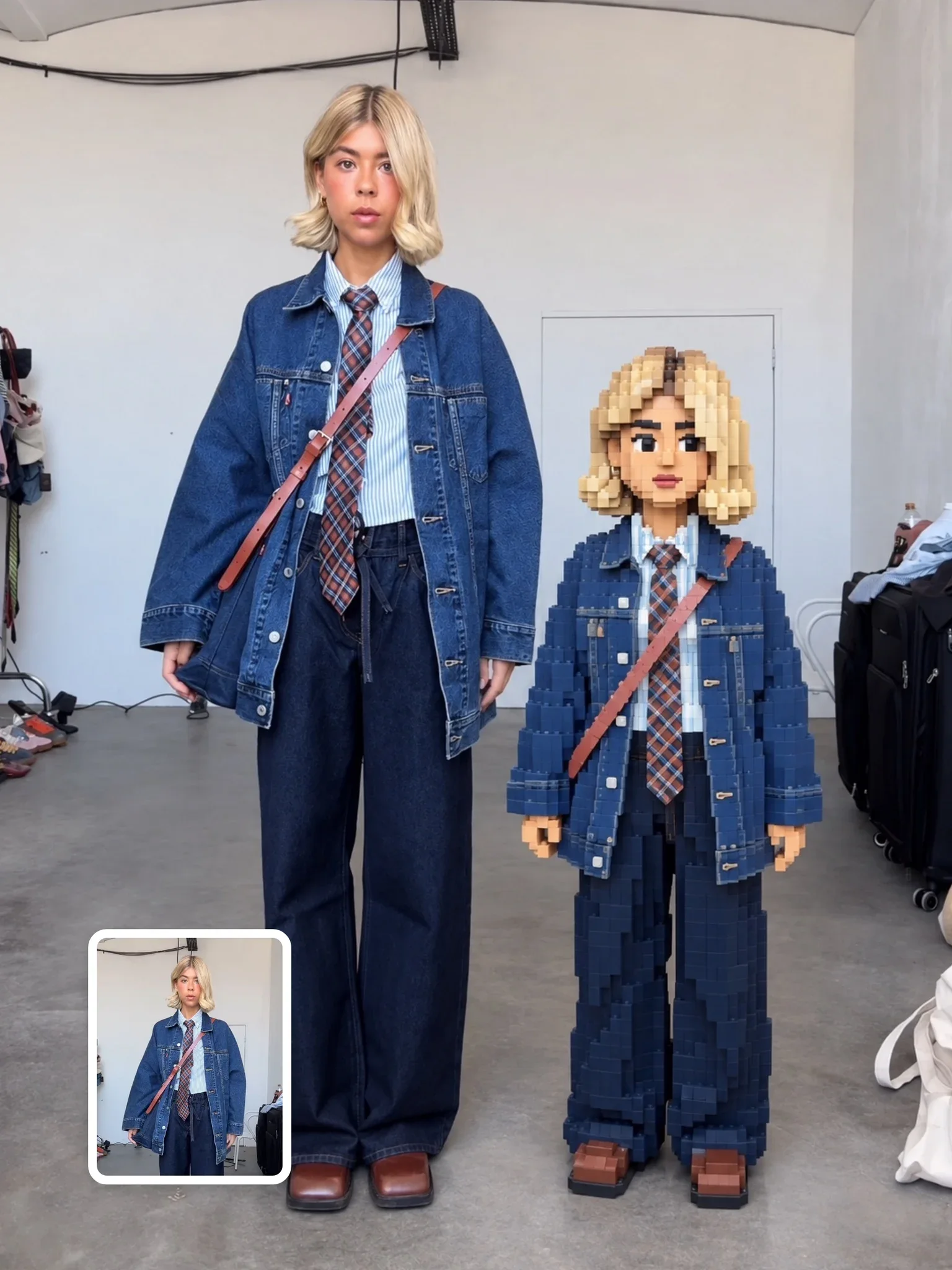
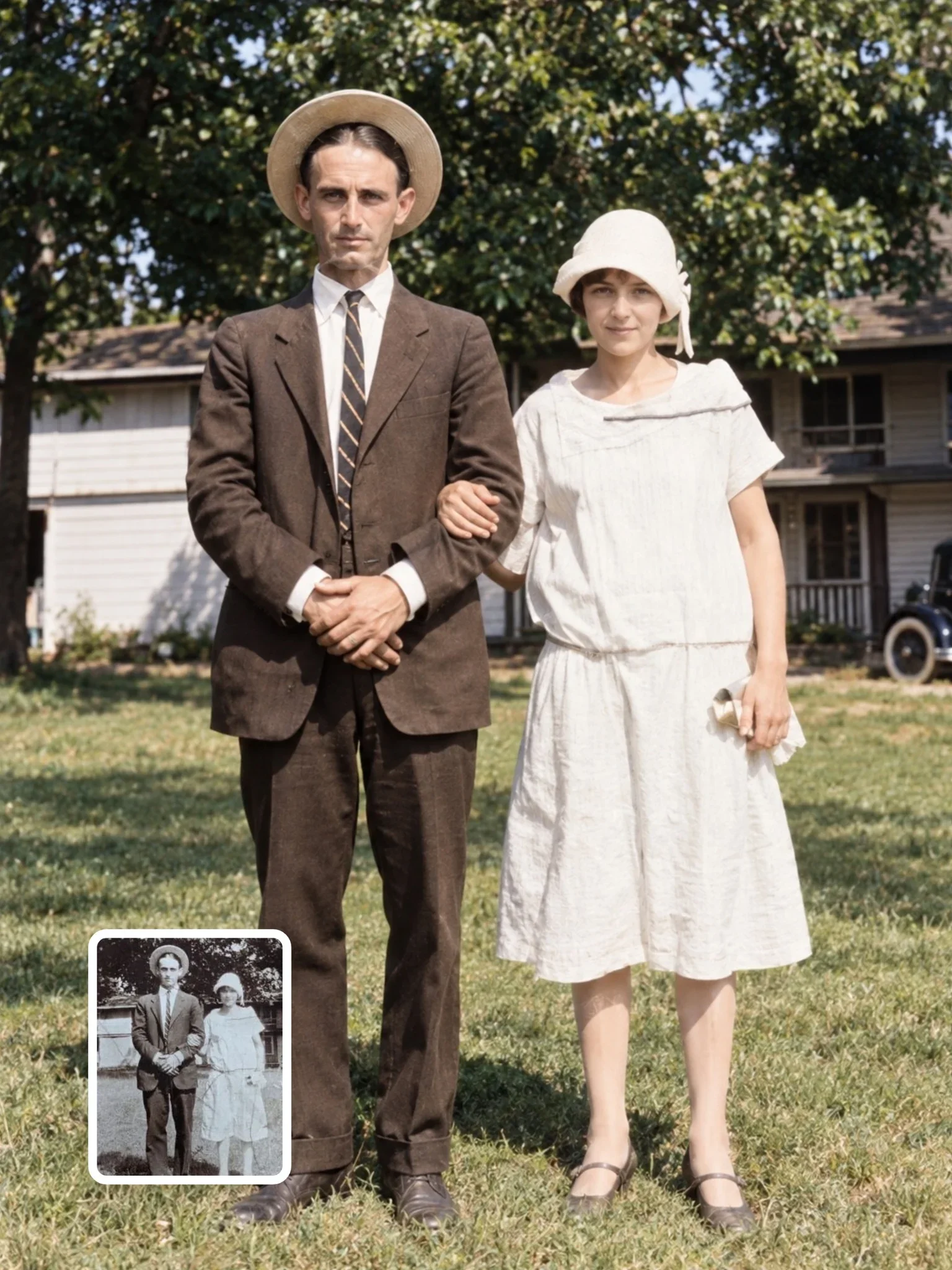
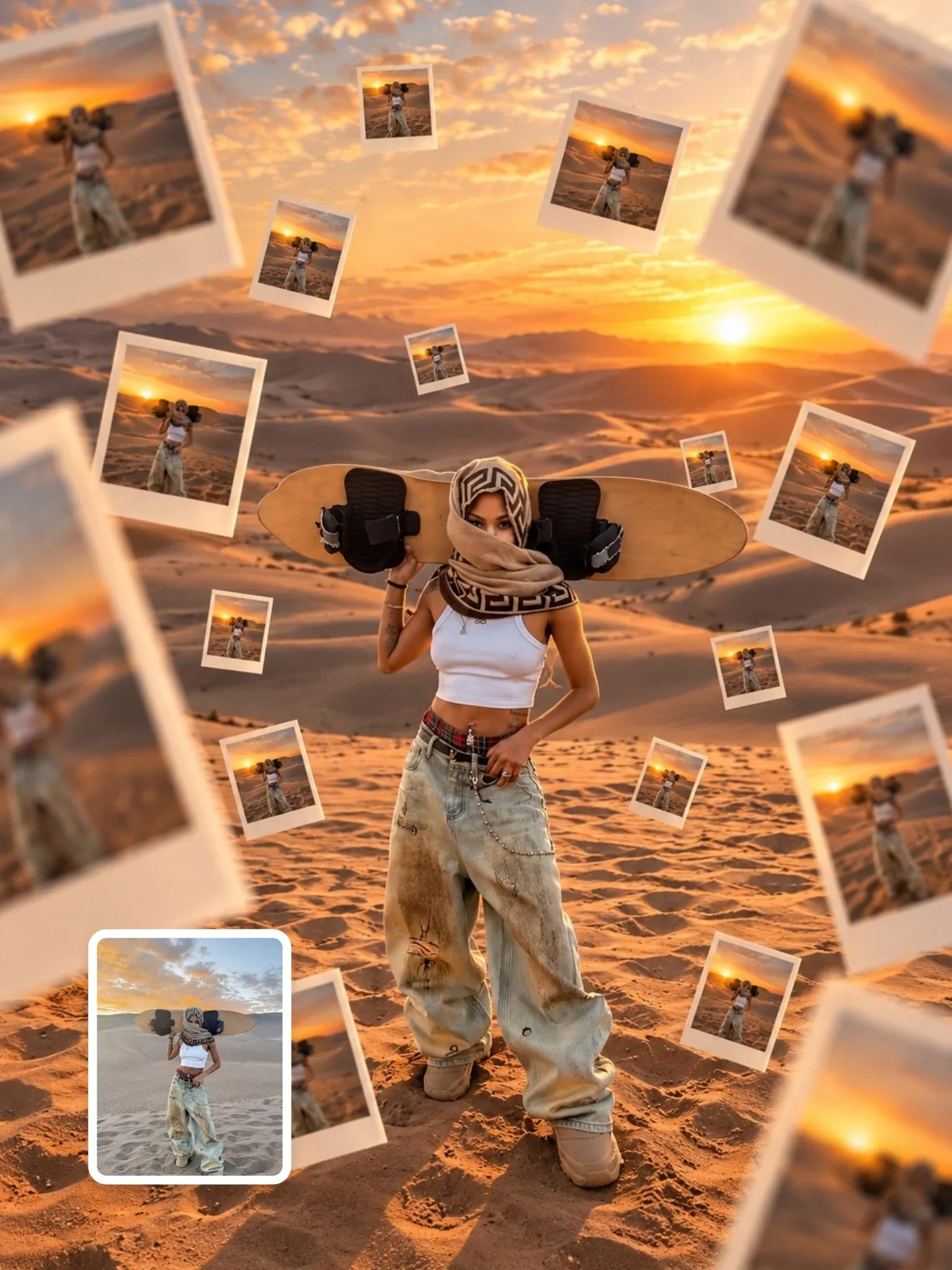
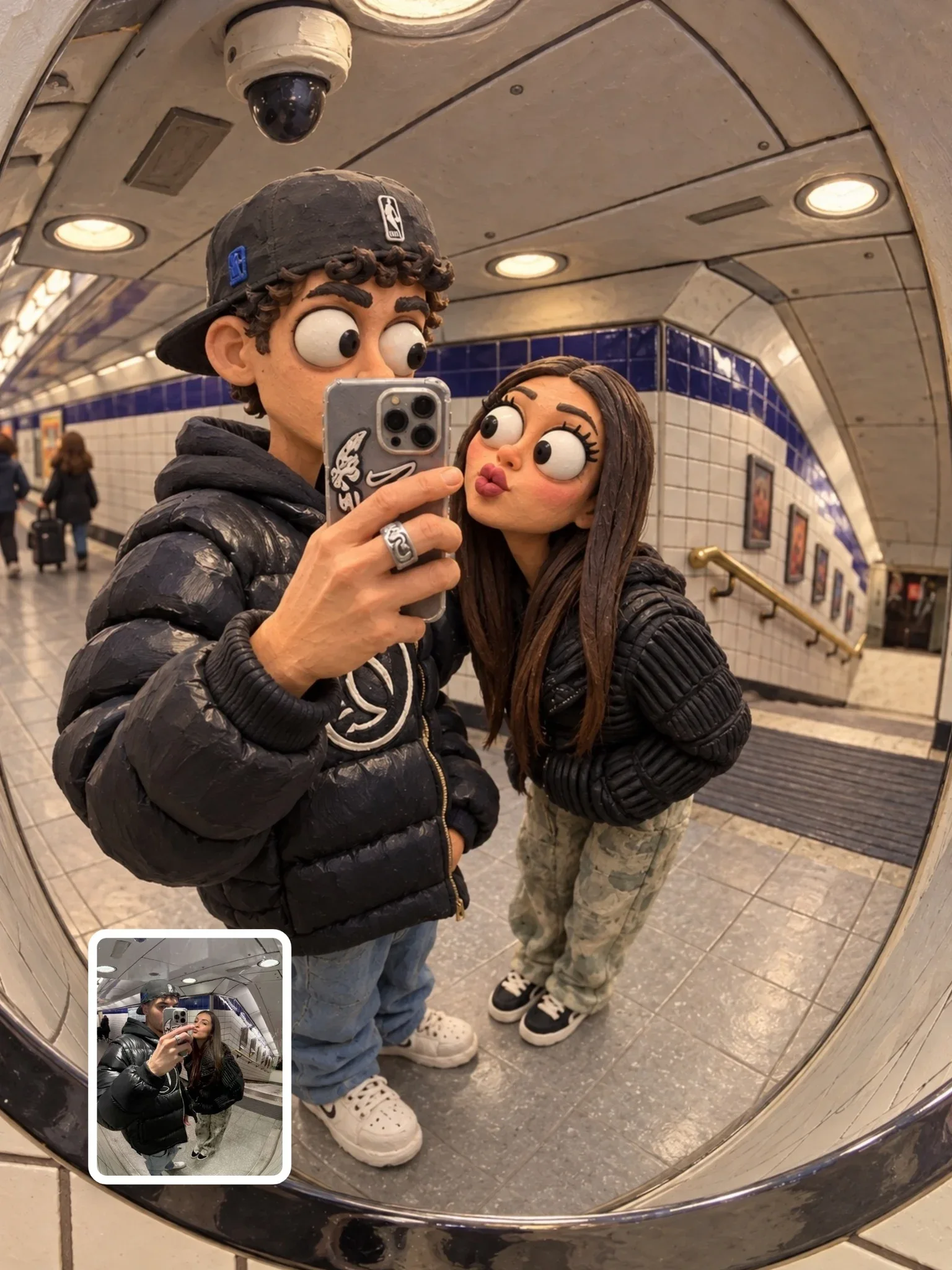
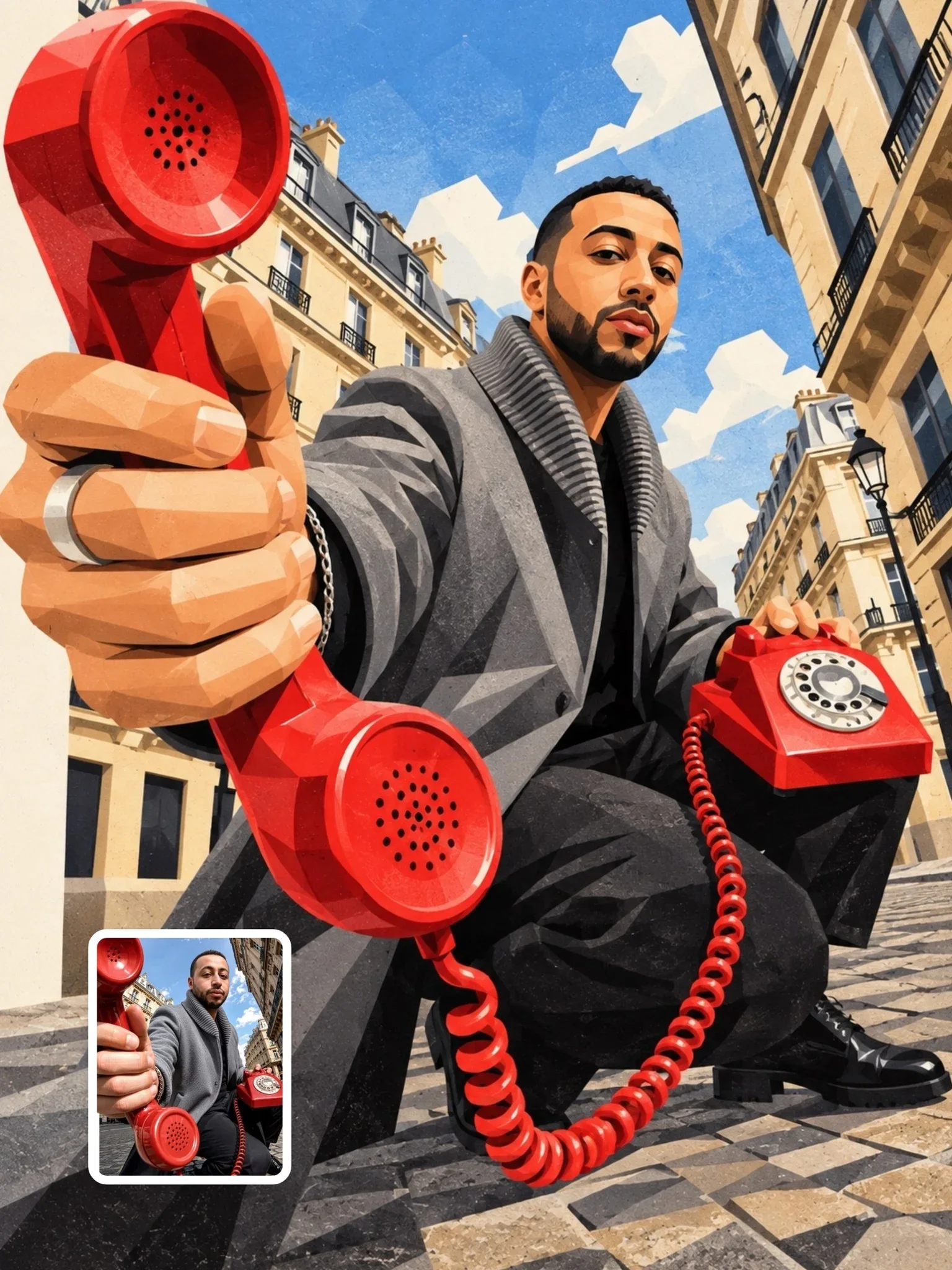
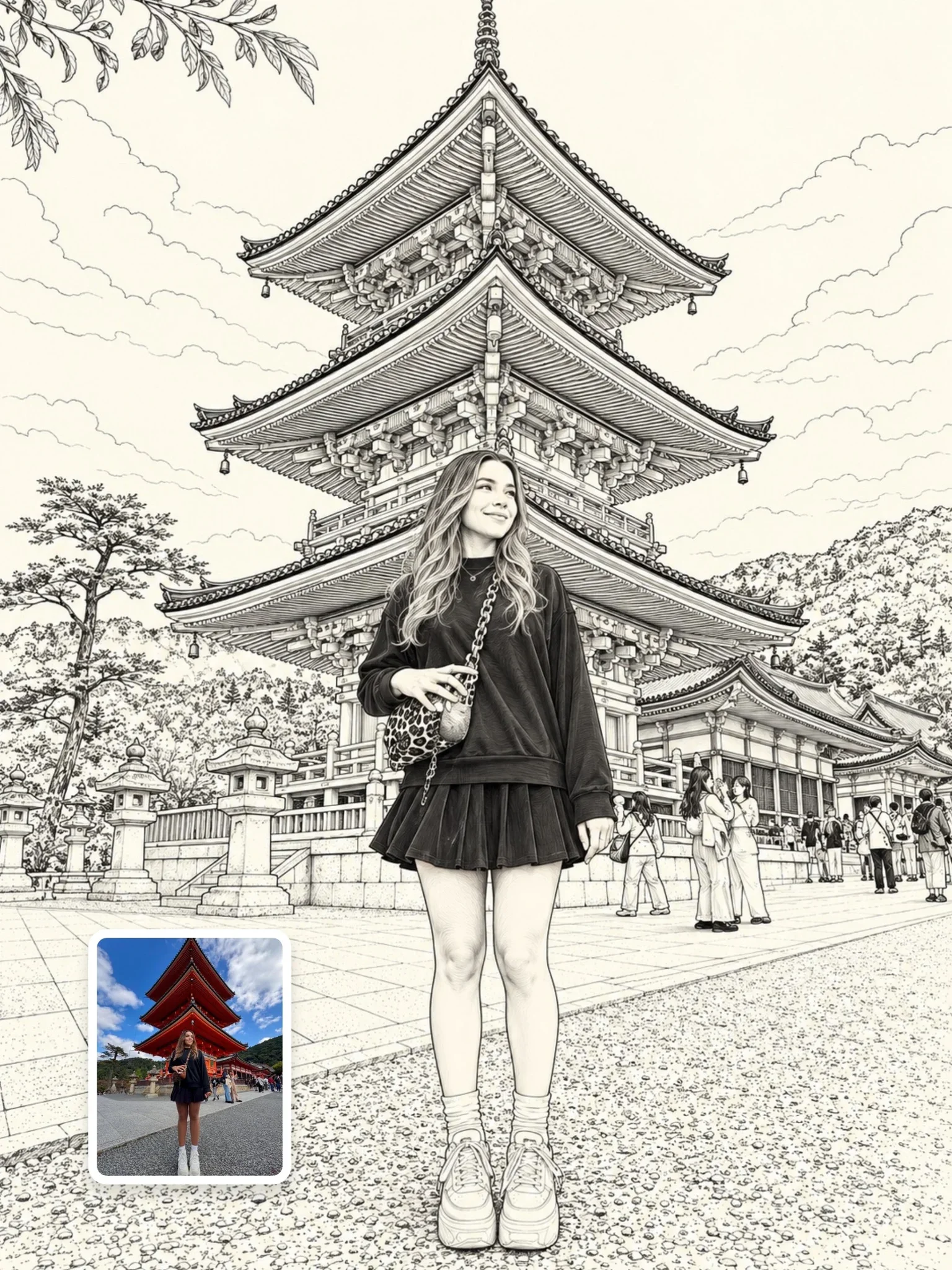
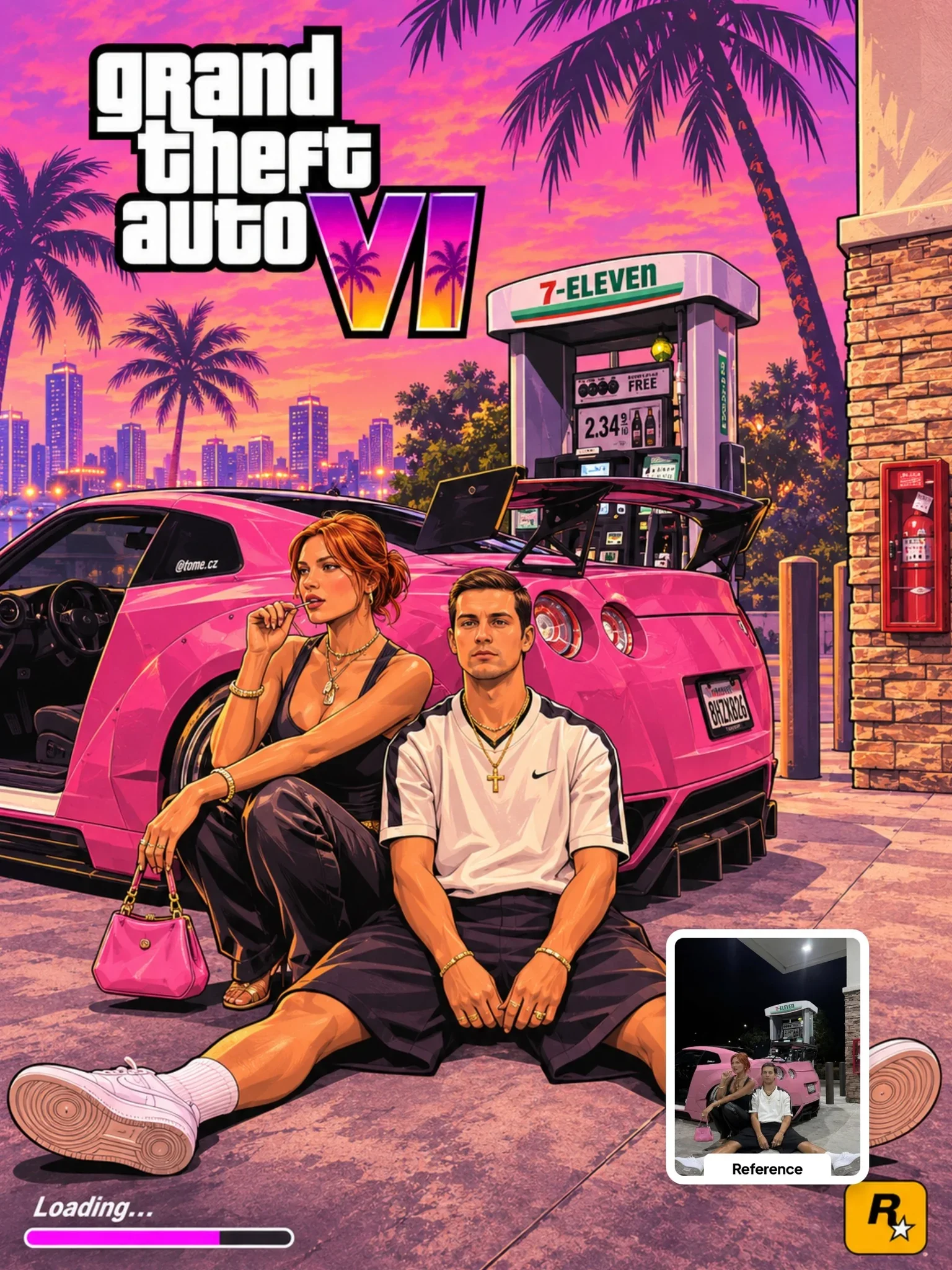
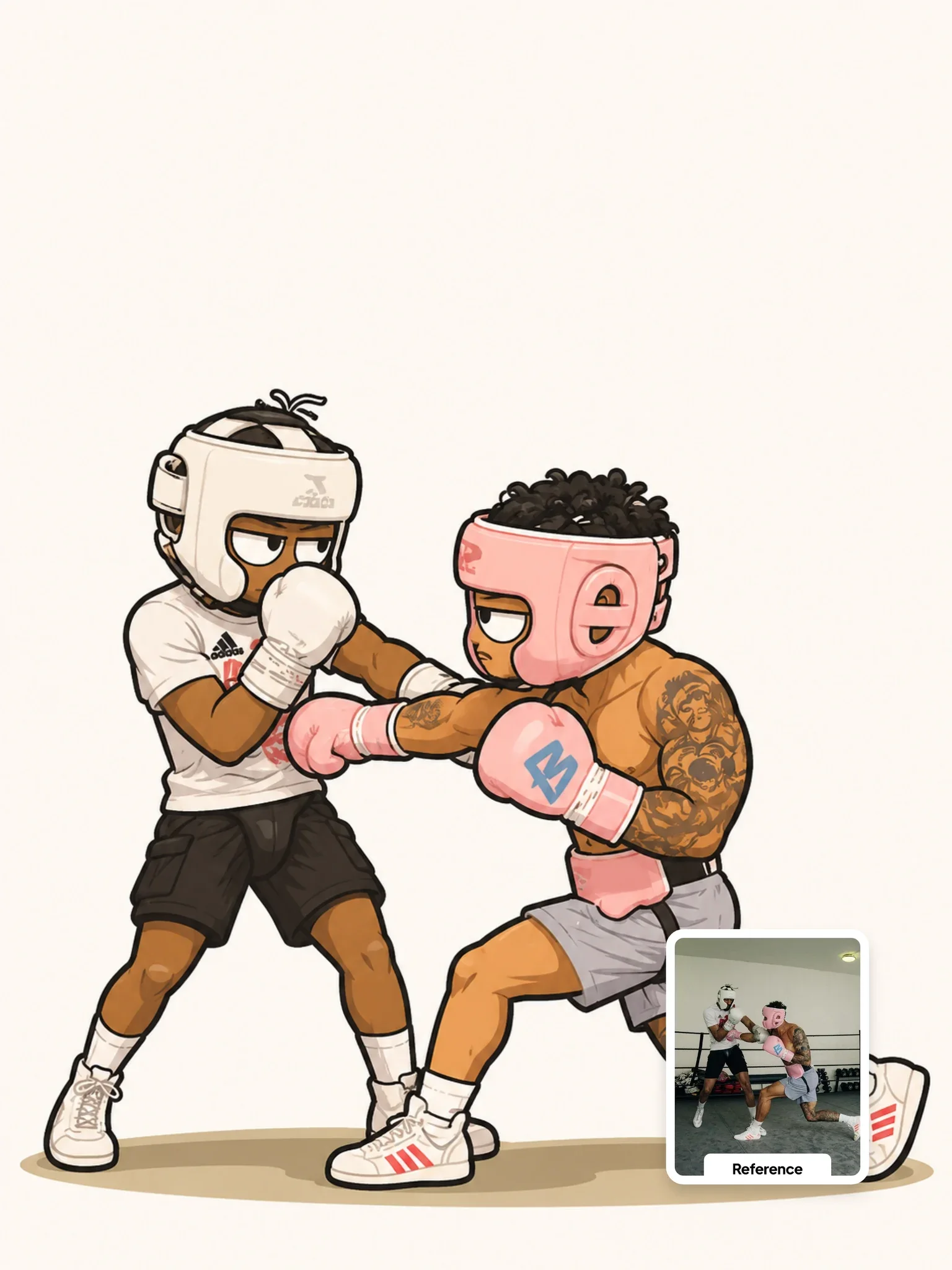
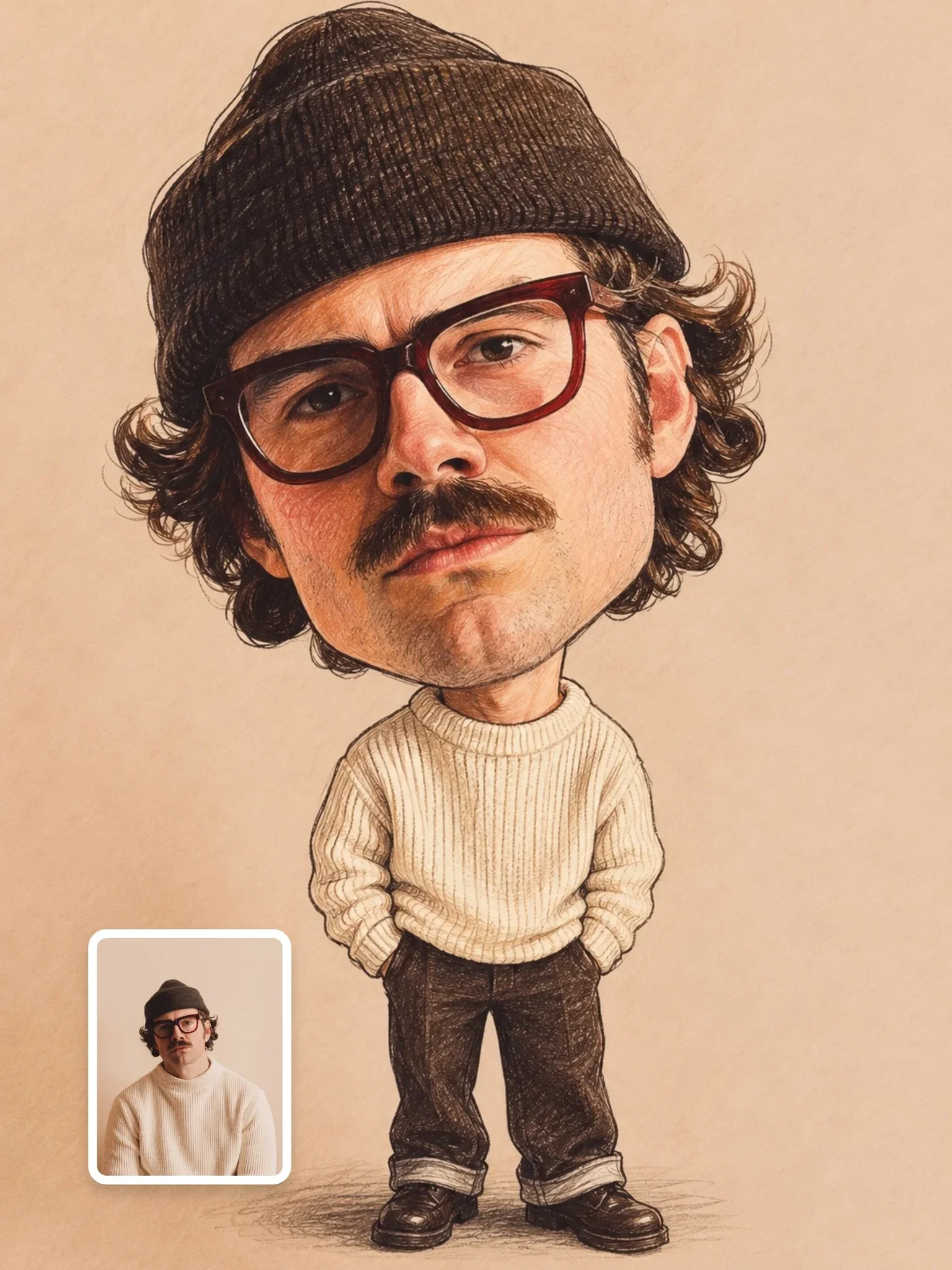
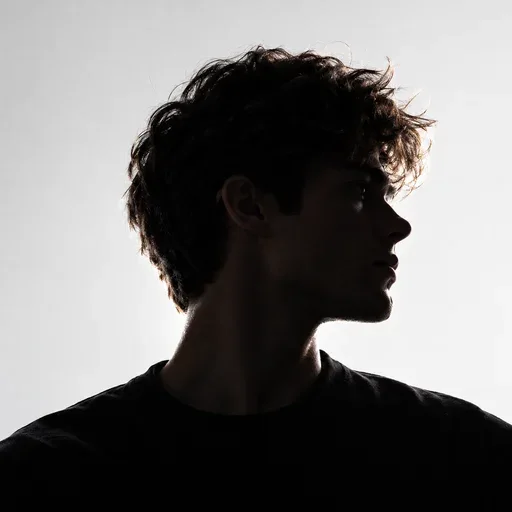
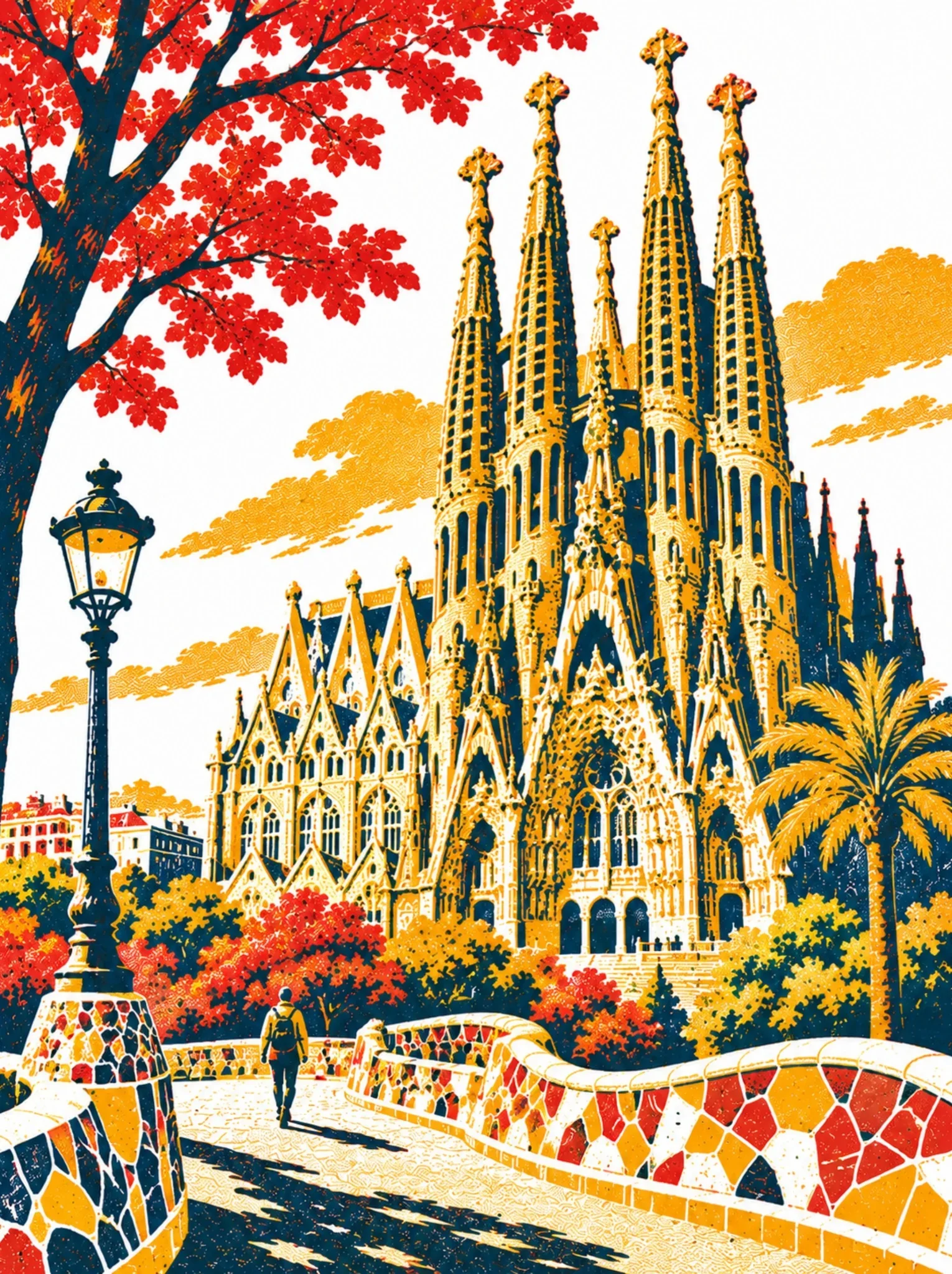
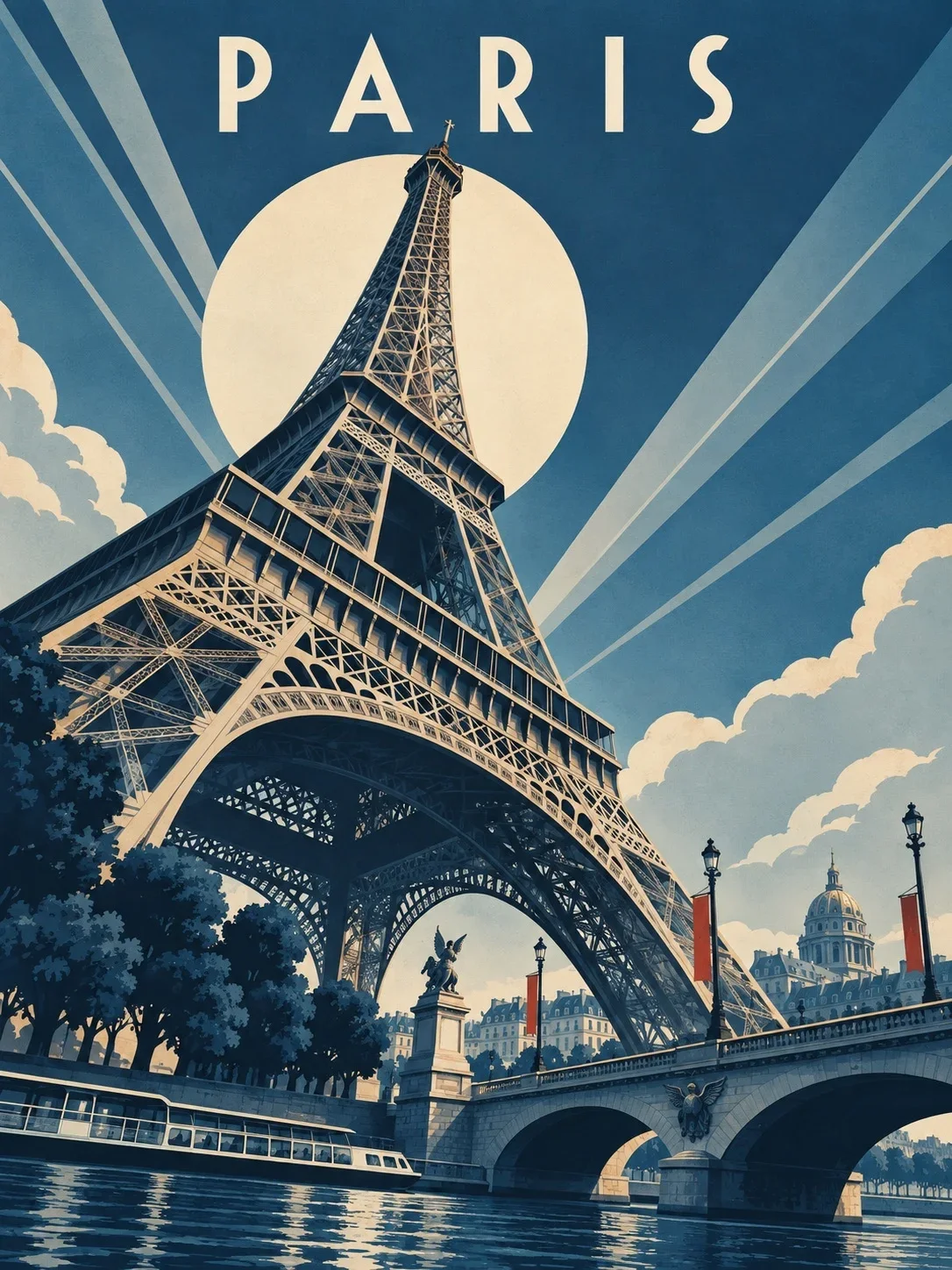
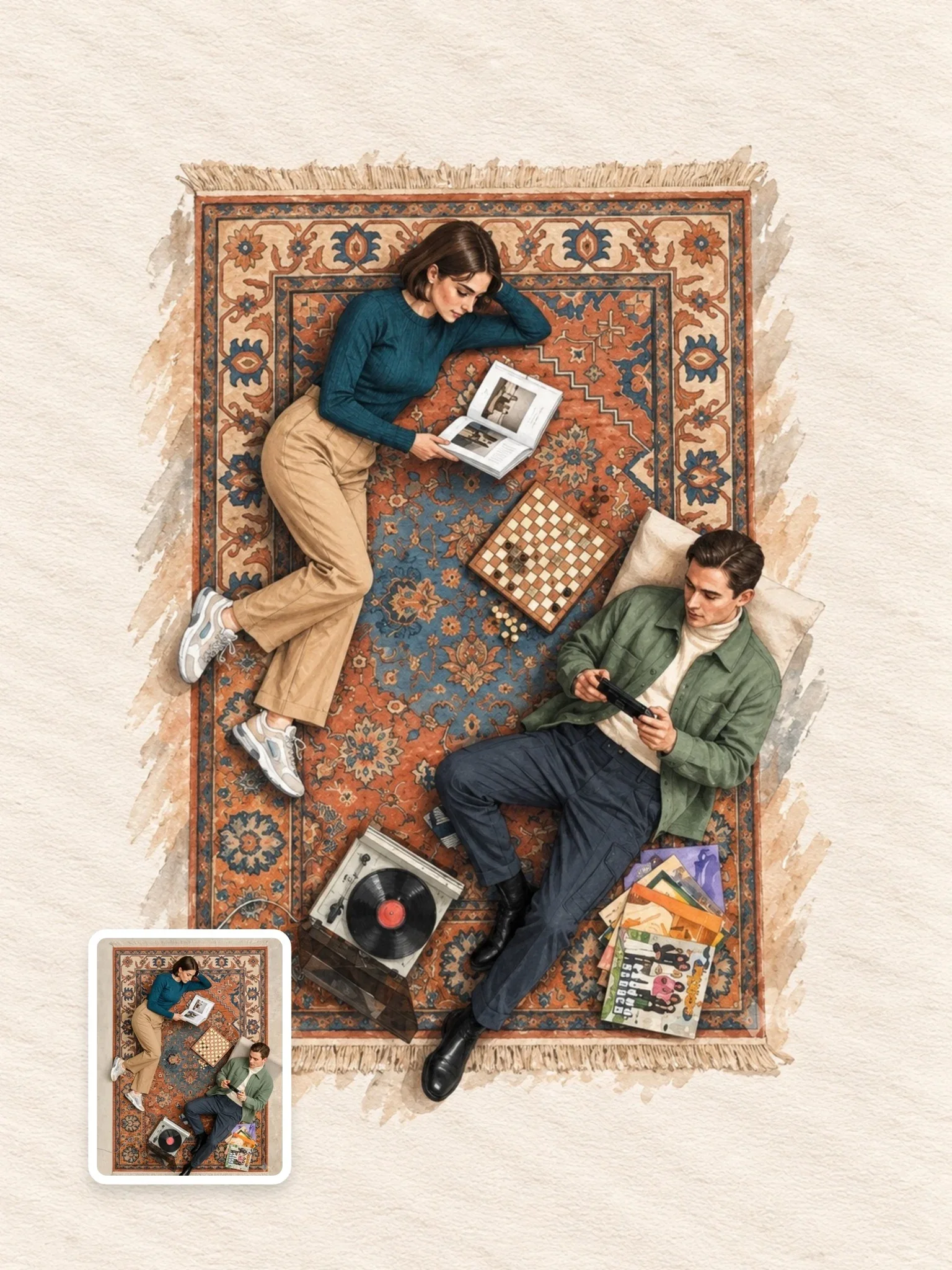
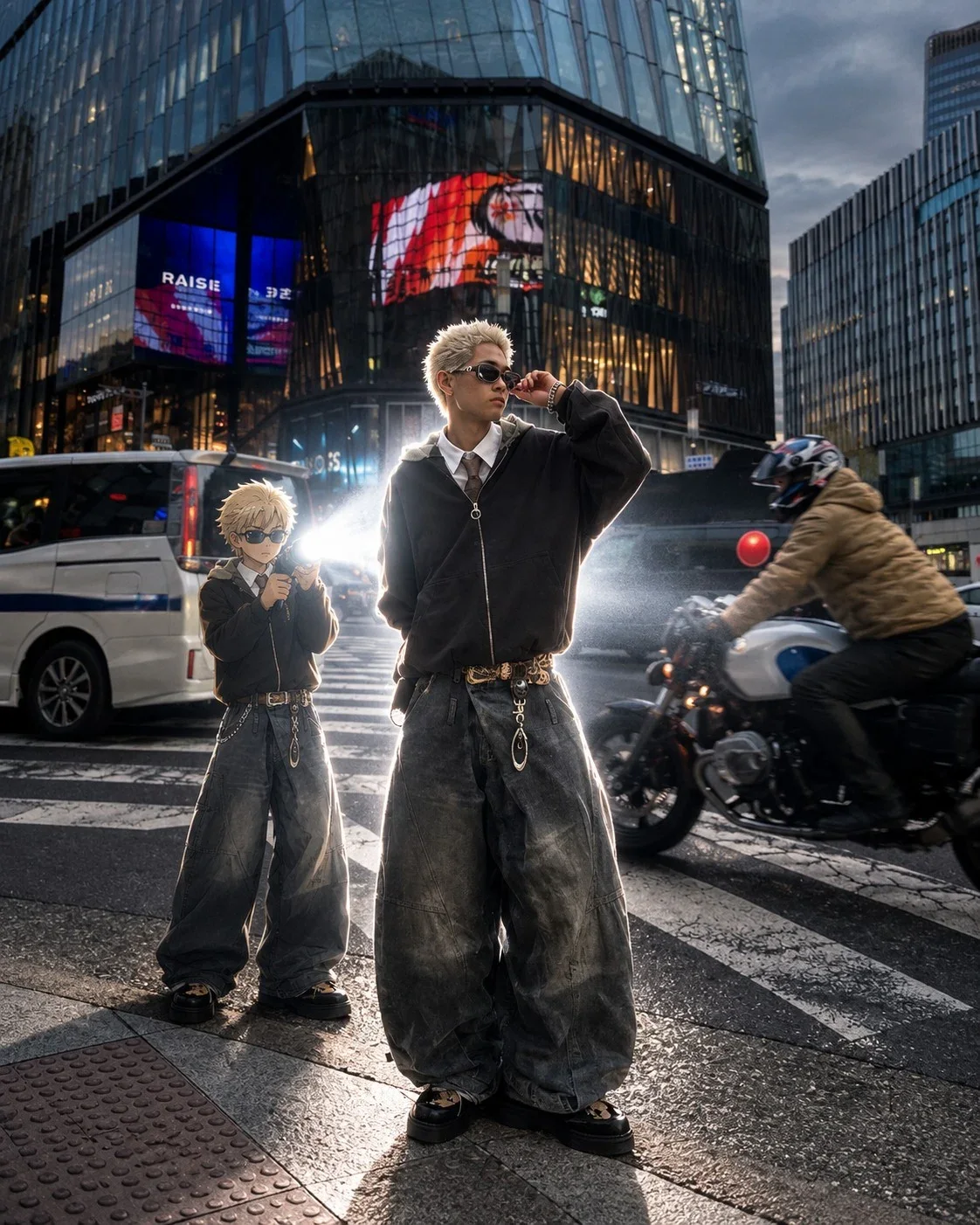
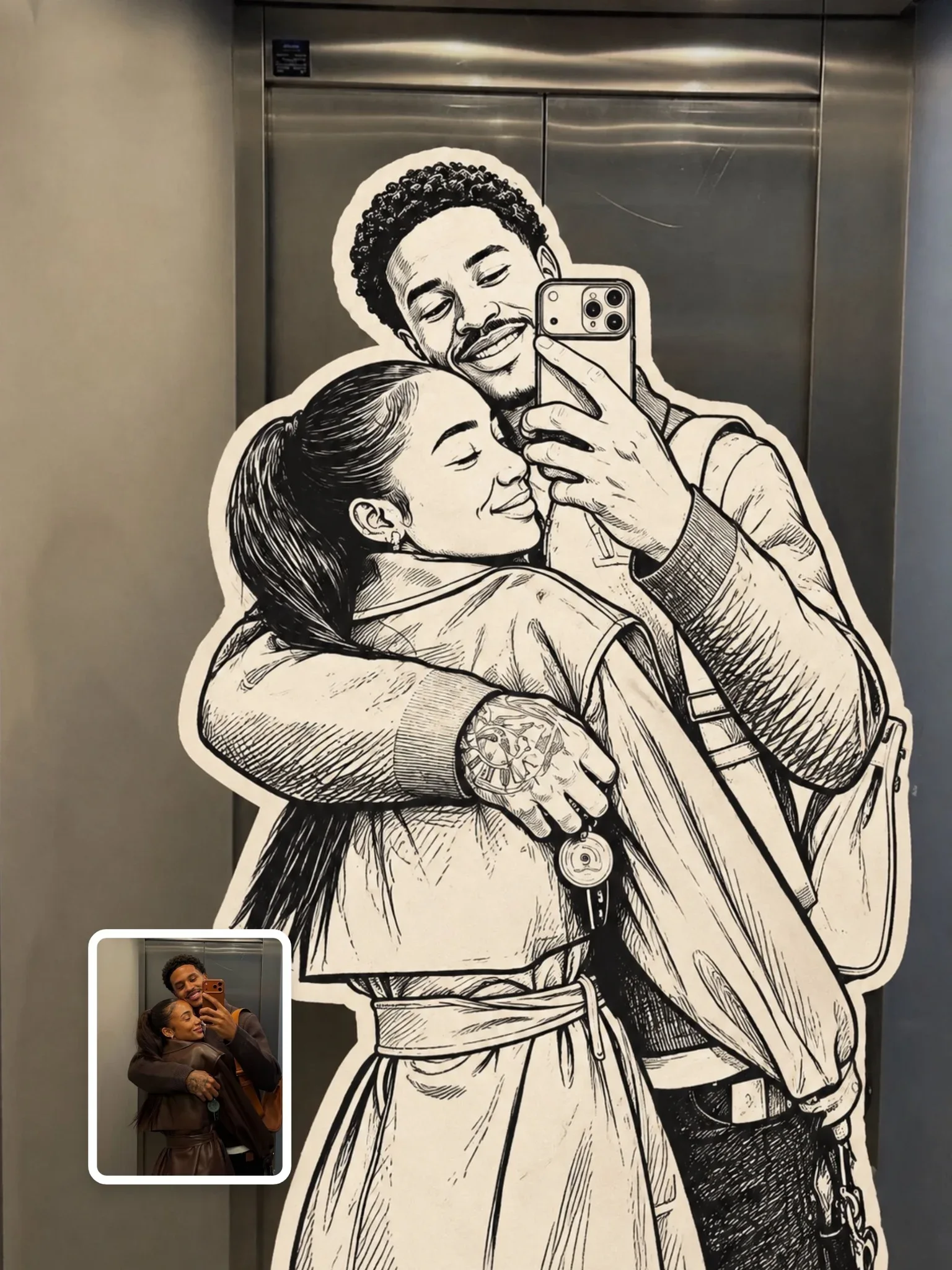
Rather than one long prompt, this entry is a compact list of six effect names: dither, pop art, neon gel, a paparazzi editorial, what reads as an overhead paper-storm editorial, and double exposure. Each label points to a distinct visual treatment you can apply to a portrait, which makes the pack a quick menu of looks for social posts.
By the Visual AI Club team · How these guides are written
Wrap each label in a short brief
The slash names are ordinary words to ChatGPT, so add the photo, likeness, ratio and main colors to each one.
Match the photo to the effect
Night or indoor shots suit the paparazzi flash, while a face against a plain background suits double exposure.
Lock one crop for all six
Use the same aspect ratio and ask for your likeness every time so the carousel swipes as a set.
Do this
A bare label gave a random result
Add a sentence with photo, ratio and colors, like neon gel with magenta left and teal right.
Dither or pop art lost your face
Use a clearer, high-contrast portrait with a strong silhouette.
Dither plus pop art looks muddy
Let one effect lead; each already strips away detail.
The paper storm changed your pose
It redraws the scene from above; neon gel or paparazzi keep more of the photo.
If you want
double exposure with the silhouette filled by a neon-lit cityIf you want
magenta gel light from the left, teal from the right, vertical 4:5The slash in front of each name is just how the pack is written; ChatGPT has no built-in commands by these names and reads them as ordinary words. A label on its own leaves a lot open to interpretation.
For steadier results, wrap the label in a sentence or two: which photo to use, if your face should stay recognizable, the aspect ratio and the main colors. For example, pair the neon gel label with magenta from the left, teal from the right and a vertical 4:5 frame.
Dither and pop art work best on a clear, high-contrast portrait, since both strip away detail and need a strong silhouette to survive. Double exposure wants a clean profile or a face against a plain background so the second image has a shape to fill.
The paparazzi look suits a photo taken at night or indoors; a sunny beach shot fights the flash-on-dark mood. The overhead paper storm reinterprets your pose from above, so expect it to change the image more than the others.
Since all six effects can start from the same photo, they make a natural carousel: one portrait, six treatments. Keep the crop and aspect ratio identical across all six so swiping feels like a set, and ask for your likeness to be kept every time, because a short label doesn't say so on its own.
Yes, but let one lead. Double exposure filled with a neon-lit city works well. Combining dither with pop art usually muddies both, because each one already reduces detail.
Neon gel and paparazzi editorial are mostly lighting changes, so they keep more of your original photo. Dither, pop art and the paper storm transform the image the most.