PromptOpen ChatGPT
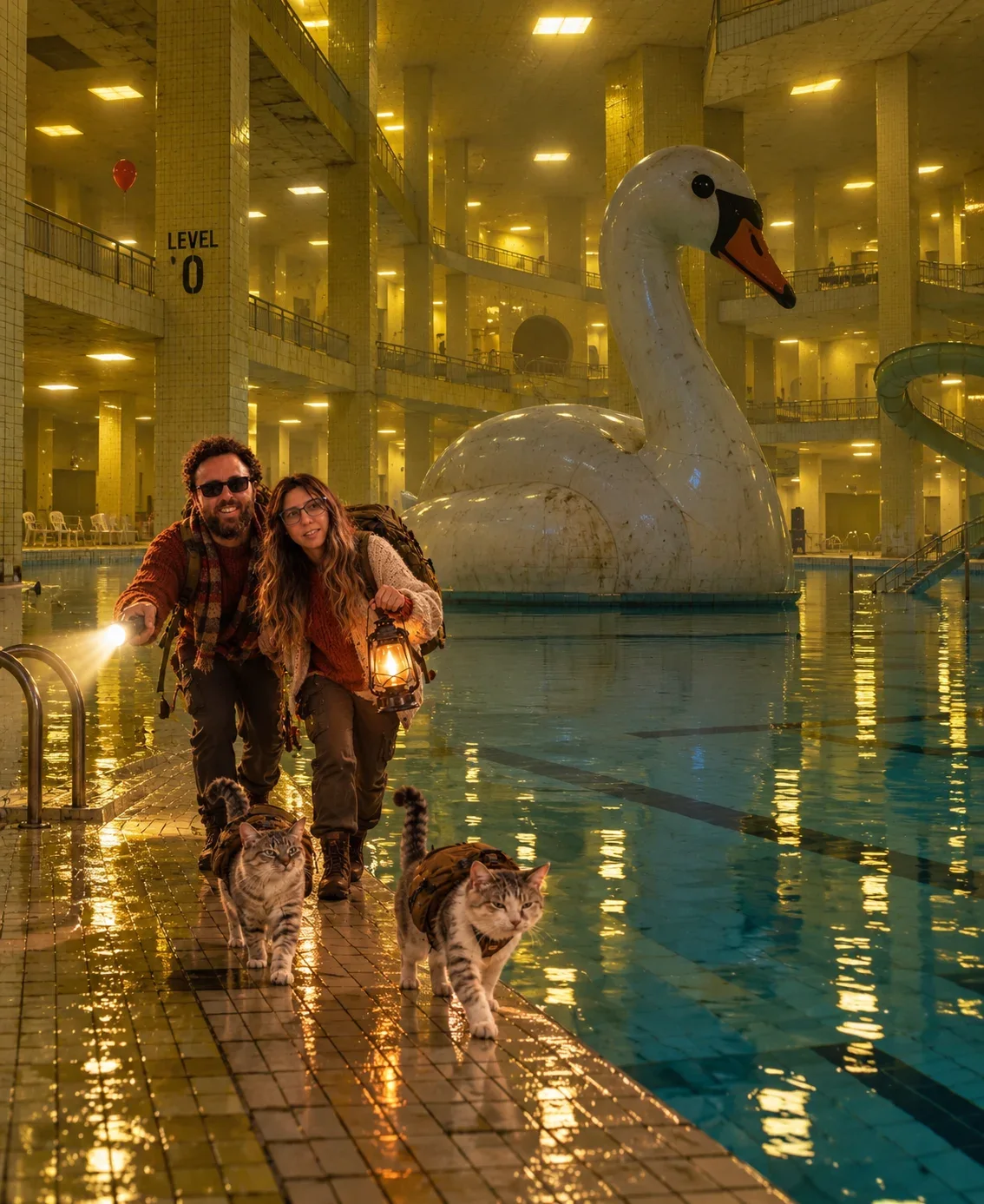
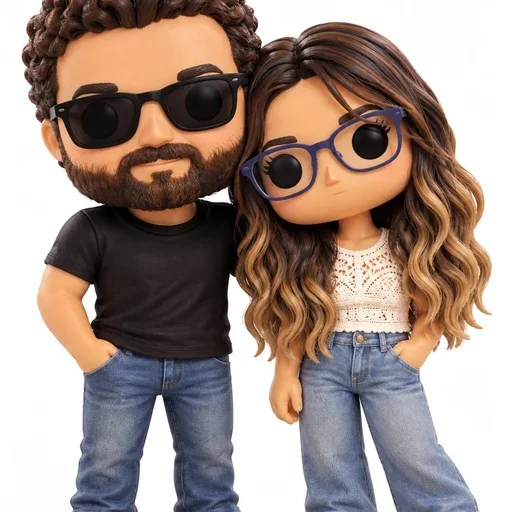
Transform the uploaded reference photo into a cinematic, hyper-realistic surreal Backrooms exploration scene.
IMPORTANT — CHARACTER IDENTITY LOCK:
Keep the TWO PEOPLE and TWO CATS from the reference image EXACTLY recognizable and visually consistent with the original photo.
Preserve with maximum fidelity:
+108 more lines · Copy gets the full text
2
19
Prompt guide
About this ChatGPT image prompt
Exploring Backroom is a ChatGPT image prompt, shared by @pelopastor on Visual AI Club.
Tips for better results
- Keep the core subject and composition, then change one detail at a time: light, lens, mood or color.
- Generate a few variations and compare them side by side before refining the wording.
- If the result drifts, move the most important words to the start of the prompt.
How to use this prompt
1. Copy the prompt: Press Copy. The full prompt goes straight to your clipboard.
2. Open ChatGPT: Paste into a new ChatGPT conversation.
3. Generate and refine: Run it, then adjust one detail at a time until it fits your idea.
Related prompts

Learn AI Academy
Learn AI with Visual AI Club
Copy prompts that work, then learn why they work. The Learn AI Academy teaches AI image and AI video creation step by step: writing prompts, light and camera, consistent characters, product shots and directing a short film with Seedance.
Open the Learn AI Academy