

Black Friday SaleEnds in0 00:00:00
PromptOpen ChatGPT
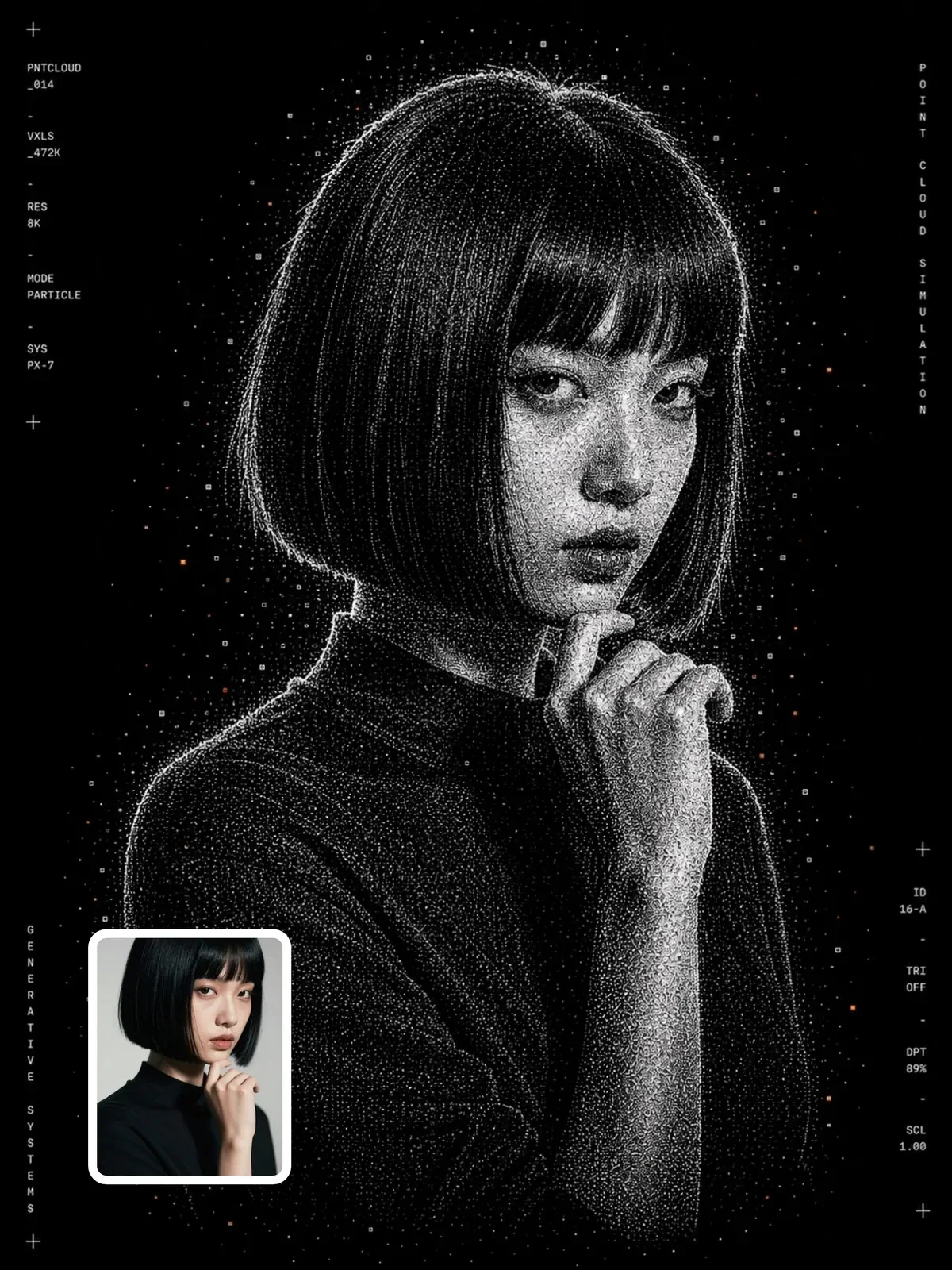
Monochrome particle-render artwork
A Visual AI Club ChatGPT image prompt, ready to use.
Use the Copy button below for the full text, then run it in ChatGPT.
Learn the craft behind it in the guide and in Learn AI Academy.
+23 more lines · Copy gets the full text
19
78
Prompt guide
Monochrome particle-render artwork
Your subject is reconstructed from thousands of tiny white points on pure black, with a few rare orange-red sparks and thin technical labels running up the sides. It reads like a frame from a generative-art installation or a science-fiction interface, poster-ready and strictly limited in color.
By the Visual AI Club team · How these guides are written
You need
- Tool
- ChatGPT
- Input
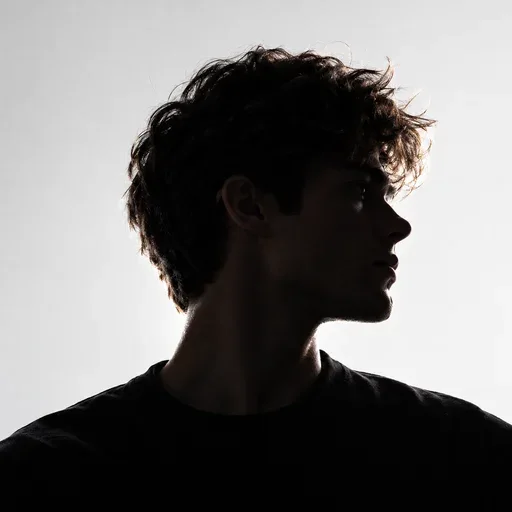
- A strong silhouette: a profile, a dancer, a car or a sculpture
- Works best with
- High contrast between subject and background, and a simple pose
- You get
- Your subject as glowing white points on black with rare orange sparks
Steps
Start from a bright, clear outline
Dark hair against a dark wall gets few particles, so brighten the original or choose a shot where the edges stand out.
Skip crossed arms and busy hands
Tangled limbs melt into one cloud of points, while a runner or a mid-leap pose keeps its shape in the glow.
Treat the side labels as texture
The monospaced edge text comes out as coordinate-like codes; put a real date or project name in later with a design tool.
If this happens
Do this
If this happens
Orange is spreading over the subject
Ask for only a few dozen accent points near one edge.
Parts of the subject vanished
Thin or low-contrast areas get few points; use a brighter original where that part has a clear outline.
It is too soft for a big print
Upscale it first if you plan to print larger than a standard poster.
If you want
More dissolve at the edges
let the outer contours break into more floating debrisIf you want
A brighter core
stronger bloom where the particles are densestDetailed guide
Glow instead of measurement
Point-cloud styles come in two flavors: scientific scans that follow depth data, and artistic particle renders that chase mood. This prompt is firmly the second. It asks for soft bloom around dense areas, floating debris, dissolving edges and halftone-like density gradients, all of which favor drama over accuracy.
Depth comes from how tightly particles cluster and how big they are, not from a color ramp. Dense white means close and bright; sparse specks mean edge or distance.
The orange-red sparks
Everything is black and white except for very sparse orange-red accent particles. That tiny spot of warm color gives the eye a place to land and stops the poster from feeling cold. The prompt stresses extremely minimal, so if orange starts spreading across the subject, ask for only a few dozen accent points near one edge.
Side labels as decoration
Thin monospaced text along the left and right edges adds a brutalist, technical feel. The prompt asks for abstract labels and numbers, not headlines, so the characters will look like coordinates or file codes. Do not expect them to say anything meaningful.
If you want real information there, such as a date or a project name, add it afterward in a design tool where the spelling is under your control.
Inputs that hold their shape
- Strong silhouettes: a profile view, a dancer mid-leap, a runner, a car, a sculpture.
- High contrast between subject and background in the original photo.
- Simple poses; crossed limbs or busy hands can melt into one particle cloud.
- Architecture and product shots work as well as portraits.
Questions people ask
How is this different from a LiDAR-style prompt?
A LiDAR prompt follows scanner logic with depth-coded color and occlusion shadows. This one is free-form art: white glow, drifting debris and a single accent color, with no rule tying color to distance.
Can I print it large?
The black background and fine points look great on posters, but generated images have limited resolution. Upscale it first if you plan to print bigger than a standard poster.
Why do some parts of my subject vanish?
Thin or low-contrast areas, such as dark hair against a dark background in the original, get few particles. Brighten the photo or pick one with a clearer outline.
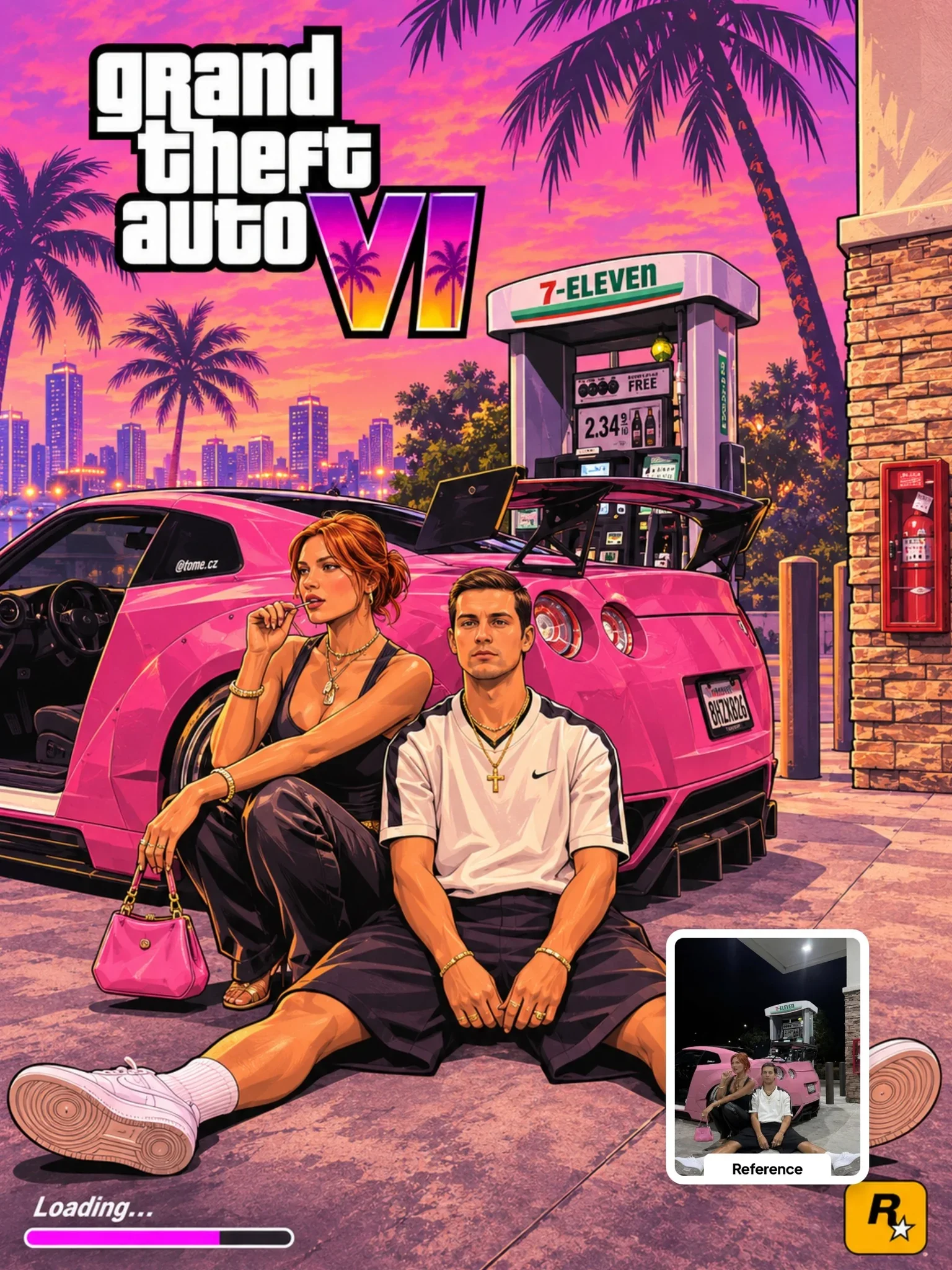 Next prompt · ChatGPTGTA VI Artwork PromptOpen
Learn AI Academy
Learn AI with Visual AI Club
Copy prompts that work, then learn why they work. The Learn AI Academy teaches AI image and AI video creation step by step: writing prompts, light and camera, consistent characters, product shots and directing a short film with Seedance.
Open the Learn AI Academy