

Black Friday SaleEnds in0 00:00:00
PromptOpen ChatGPT
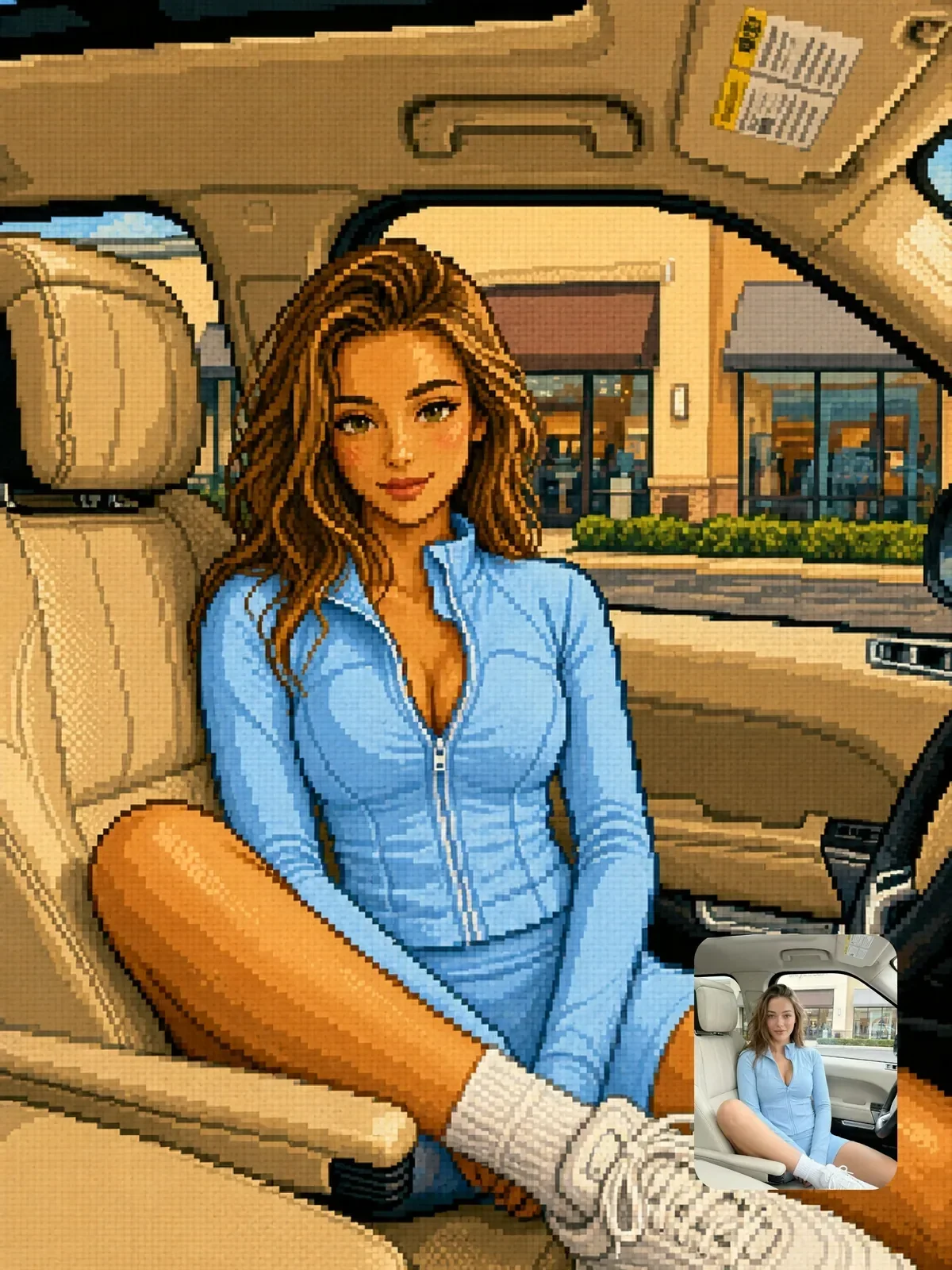
Photo to retro pixel art
A ChatGPT image prompt written and tested by Visual AI Club.
Copy the full prompt with the button below and paste it into ChatGPT.
The guide further down explains each part and what to change.
+57 more lines · Copy gets the full text
6
47
Prompt guide
Photo to retro pixel art
This prompt redraws a photo as 16-bit console-era pixel art: a strict low-resolution grid, large even pixels, a limited palette and only one or two shading tones per surface. The composition stays the same, so it looks like a screenshot from a classic side-scrolling game set in your real scene.
By the Visual AI Club team · How these guides are written
You need
- Tool
- ChatGPT
- Input
- A medium or full-body photo with big areas of color
- Works best with
- A strong silhouette against sky or road and a simple background
- You get
- A side-scroller style frame on a strict, even pixel grid
Steps
Step back from leaves, crowds and faces
Busy textures turn into noisy patterns and a tight close-up shrinks to a few dozen pixels, so frame the subject wider.
Zoom in before you judge it
Mixed block sizes and smooth gradients are signs of fake pixel art hiding behind a chunky look.
Snap the grid in an editor
Scale down with nearest-neighbor until each block is one pixel, then back up the same way to clear stray in-between colors.
If this happens
Do this
If this happens
Some areas have tiny pixels
Ask again for one uniform pixel size across the whole image.
Subtle tones merged together
The palette is limited, so use a photo with bold areas like a red jacket, blue sea or green field.
Your face is barely recognizable
At 16-bit resolution hair, clothing colors and pose carry identity, so a full-body shot helps more.
It is the wrong shape for an avatar
The prompt keeps your aspect ratio; crop to a square after generating.
If you want
An early handheld look
8-bit style with a four-color paletteIf you want
A score on screen
a small score counter along the top edgeDetailed guide
The grid is harder than it sounds
Image models do not actually work on a pixel grid, so they often produce fake pixel art: blocks of different sizes, soft edges and smooth gradients pretending to be chunky. The prompt counters that from several angles, asking to downsample before rendering, keep pixel size consistent, use hard edges, and avoid blur, anti-aliasing and smooth transitions.
Even so, check the result zoomed in. If some areas have tiny pixels and others large ones, ask again for one uniform pixel size across the whole image.
A cleanup trick for a truly crisp sprite
If the output is close but slightly soft, you can fix it in any image editor. Scale the image down until each fake pixel becomes about one real pixel, using nearest-neighbor resampling, then scale it back up the same way. The grid snaps into place and stray in-between colors disappear.
This also gives you a tiny version you can use as an actual game sprite or icon.
What survives the downsampling
- Strong silhouettes: a person against the sky, a car on a road, a cat on a windowsill.
- Big color areas, like a red jacket, a blue sea or a green field. The palette is limited, so subtle tones merge.
- Medium or full-body framing. Tight face close-ups lose too much when reduced to a few dozen pixels across.
- Simple backgrounds. Busy textures like leaves or crowds become noisy patterns.
Variations from the same base
- Change 16-bit to 8-bit and ask for a four-color palette for an earlier handheld look, with much less detail.
- Add a simple health bar or score counter at the top for a playful game-screen feel. It breaks the original framing slightly, so keep it small.
- Ask for a night version with a dark blue palette; pixel art reads very well in low-light scenes.
Where pixel versions earn their keep
- A title card or thumbnail for a gaming stream or video.
- A retro-style invitation for a birthday or game night, using a group photo of friends who are in on it.
- A small framed print of a favorite place, which looks like a level from an old cartridge.
Questions people ask
Will my face still be recognizable?
Partly. At 16-bit resolution faces become a few pixels for eyes and mouth, so recognition comes from hairstyle, clothing colors and pose. Use your own photo or one of someone who agreed.
Can I use it as a profile picture?
Yes, it works well as an avatar, especially for gaming or Discord profiles. Crop to a square after generating, since the prompt keeps your original aspect ratio.
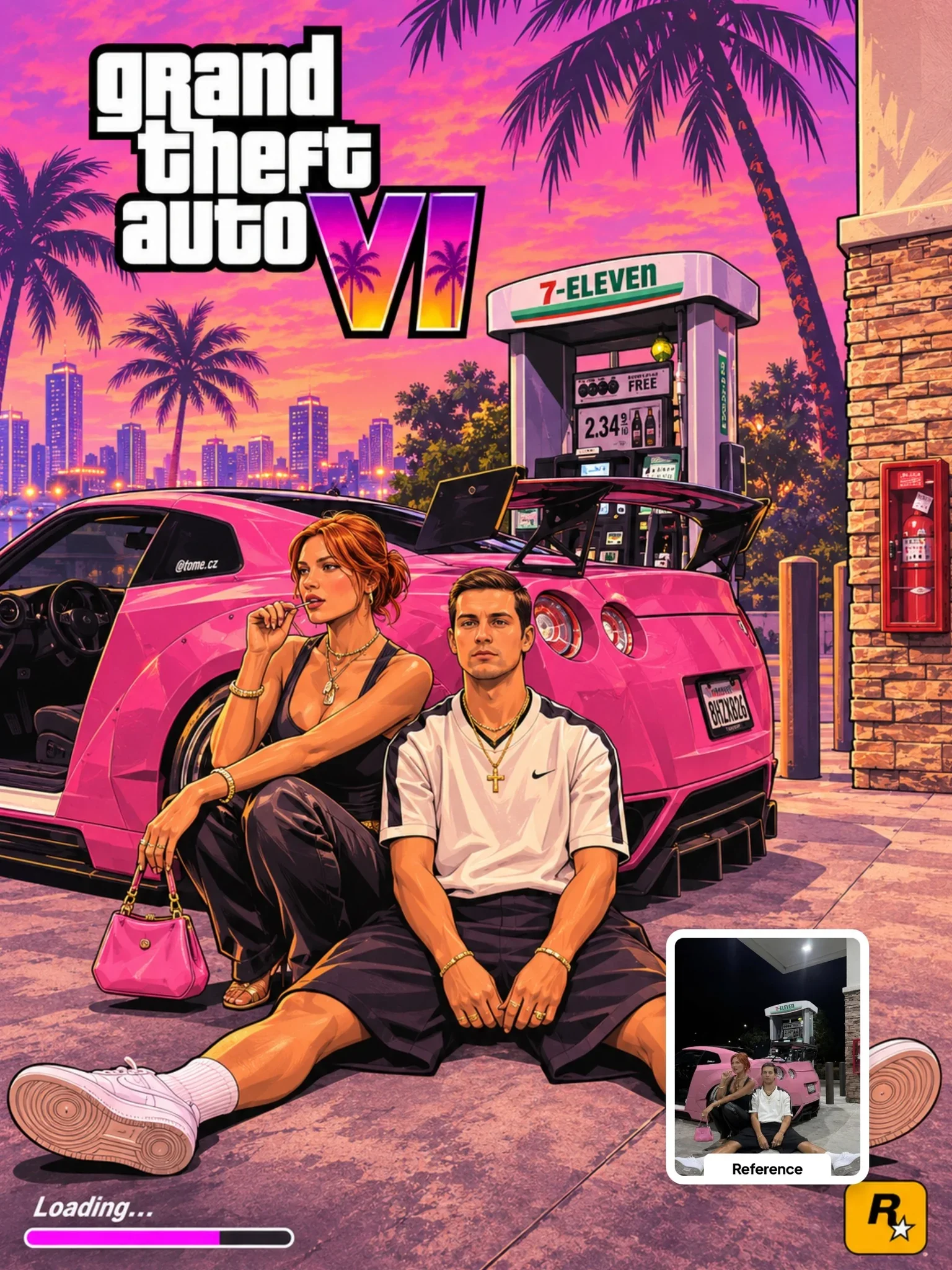 Next prompt · ChatGPTGTA VI Artwork PromptOpen
Learn AI Academy
Learn AI with Visual AI Club
Copy prompts that work, then learn why they work. The Learn AI Academy teaches AI image and AI video creation step by step: writing prompts, light and camera, consistent characters, product shots and directing a short film with Seedance.
Open the Learn AI Academy