

Black Friday SaleEnds in0 00:00:00
PromptOpen ChatGPT
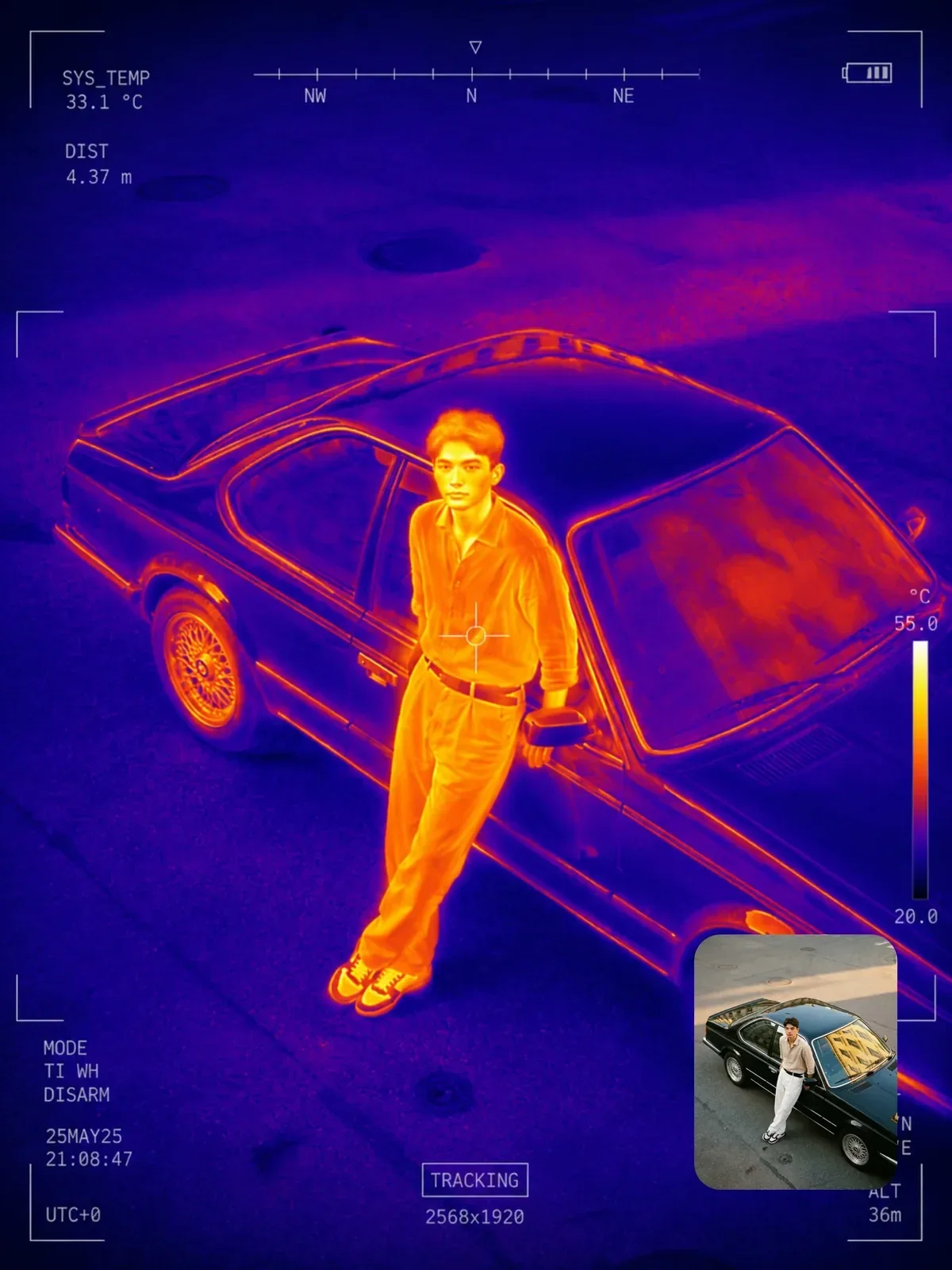
Thermal scan with tactical HUD
A ChatGPT image prompt written and tested by Visual AI Club.
Copy the full prompt with the button below and paste it into ChatGPT.
The guide further down explains each part and what to change.
+60 more lines · Copy gets the full text
2
50
Prompt guide
Thermal scan with tactical HUD
This prompt turns an uploaded photo into a false-color heat image in navy, cyan, yellow and red, then lays a restrained tactical interface over it: corner brackets, a reticle, detection boxes and temperature-style readouts. It is set to a 3:4 frame and leans hard on the interface and sensor texture, so the result reads like a frame grabbed from a drone feed.
By the Visual AI Club team · How these guides are written
You need
- Tool
- ChatGPT
- Input
- A portrait-oriented photo of one or two people or a vehicle
- Works best with
- A plain background or a dusk scene with warm windows
- You get
- A 3:4 thermal frame with reticle, brackets and drone-style readouts
Steps
Pick a subject that holds heat
A person by a plain wall, a pet, an engine or lit windows at dusk give clean signatures; a sunny busy street turns muddy.
Decide on the 3:4 line
Keep it for phone-shaped posts, or delete it if your framing matters, since a wide photo will be recomposed.
Count the overlays
Aim for four corner markers, one reticle by the main heat source, one or two boxes and small telemetry in the margins.
If this happens
Do this
If this happens
The HUD buries the subject
Ask for fewer overlays and a clear center, echoing the prompt's line not to overcrowd.
It looks like a color grade
Add visible sensor noise and slight interlacing.
Readout numbers look like nonsense
Ask for symbols only, no digits, in the HUD text.
The silhouette got lost
Remind it to keep recognizable outlines and stronger subject separation.
If you want
A night drone look
dusk scene, warm windows and streetlights against a cold navy skyIf you want
Keep the original framing
keep the source aspect ratio instead of 3:4Detailed guide
The HUD is a seasoning, not the meal
Seven interface elements are listed, yet the prompt immediately adds Do not overcrowd the image. That line is doing important work. Without it, models tend to fill the frame with random numbers and nested boxes until the subject disappears.
A good result usually shows four corner markers, one reticle near the main heat source, one or two detection boxes and a few lines of small telemetry in the margins. If you get more than that, ask for fewer overlays and keep the center clear.
What reads as hot, and why it matters
The color mapping is fixed: cold areas go navy to teal, warm areas go yellow to orange, hotspots glow orange-red. The model guesses temperatures from the content of the photo, so faces, hands, coffee cups, engines and lamps become the bright points while sky, walls and water fall into blue.
This is why the source image matters. A person in front of a plain wall produces a clean, readable silhouette. A busy street at noon may come back as a muddy mix, because almost everything could plausibly be warm.
Good source photos
- One or two people against a simple background, framed from the waist up or full body.
- Vehicles, pets or machinery, which give convincing heat signatures.
- Night or dusk scenes, where warm windows and streetlights pop against a cold sky.
- Portrait-oriented images, since the prompt asks for 3:4 and a wide photo will be recomposed.
When the false color or readouts drift
- Rainbow banding: the prompt already forbids it, but if green and purple creep in, repeat the exact palette in one short line.
- Too clean: add
visible sensor noise and slight interlacingso it does not look like a color grade. - Garbled readouts: small HUD text is decorative and rarely accurate. If a number bothers you, ask for symbols only, no digits.
- Lost silhouette: remind it to keep recognizable outlines and stronger subject separation.
Questions people ask
Is this a real thermal reading of my photo?
No. It is a stylized image based on what typically gives off heat. It cannot measure temperature and should not be used to check anything real.
Why 3:4 instead of my photo's shape?
The last line asks for 3:4, which suits phone screens and portrait posts. If you want to keep your original framing, delete that line, or try the sister thermal prompt that preserves the source aspect ratio.
Whose photos should I use?
Your own, or ones where the people pictured are fine with it. The surveillance look is a visual style, so keep it playful rather than aimed at strangers.
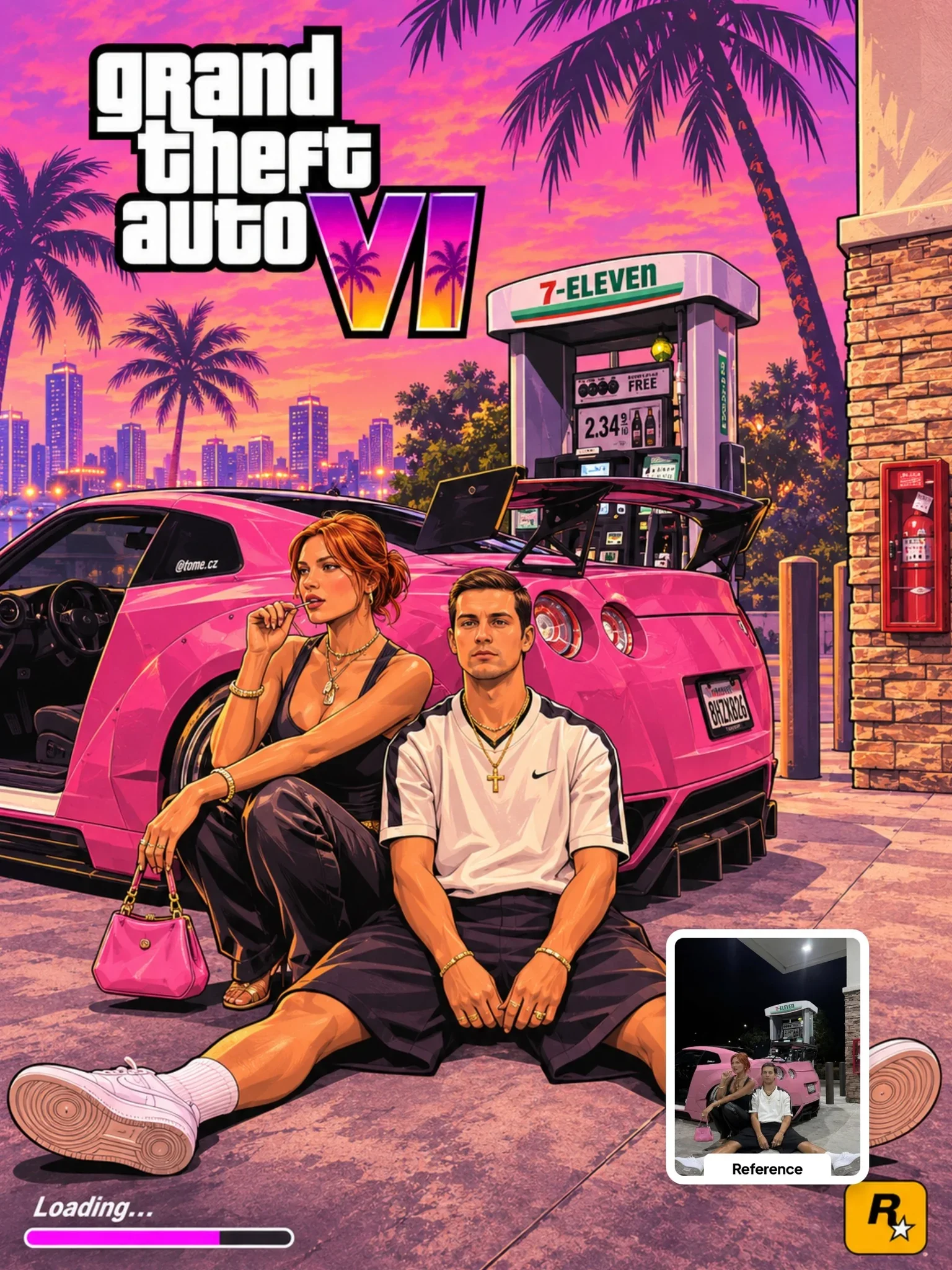 Next prompt · ChatGPTGTA VI Artwork PromptOpen
Learn AI Academy
Learn AI with Visual AI Club
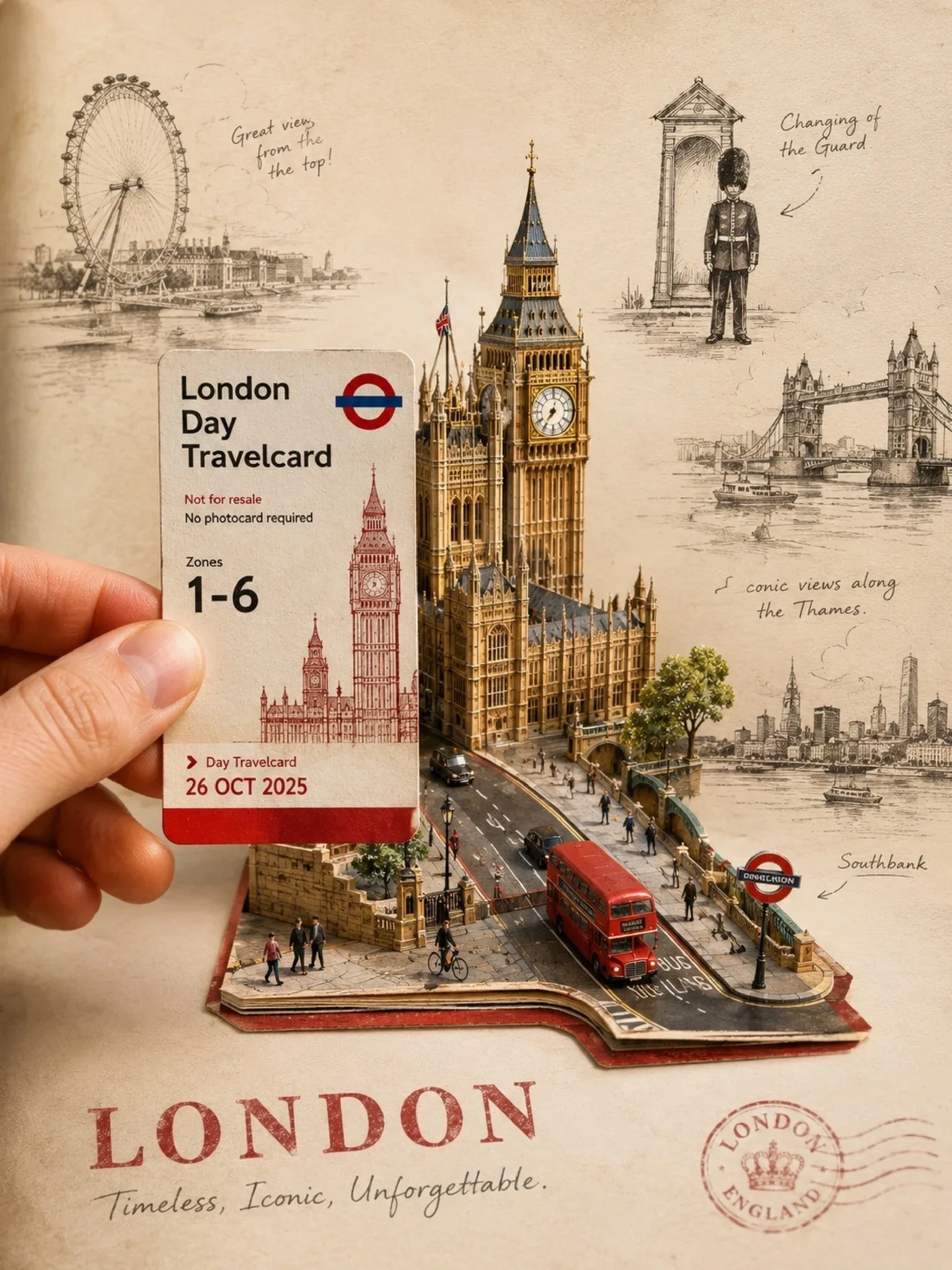
Copy prompts that work, then learn why they work. The Learn AI Academy teaches AI image and AI video creation step by step: writing prompts, light and camera, consistent characters, product shots and directing a short film with Seedance.
Open the Learn AI Academy